

 FSX Civil Aircraft
Journey Air And Hotel Airbus A330-200
This repaint package adds a custom Journey Air And Hotel livery to the twin-e…
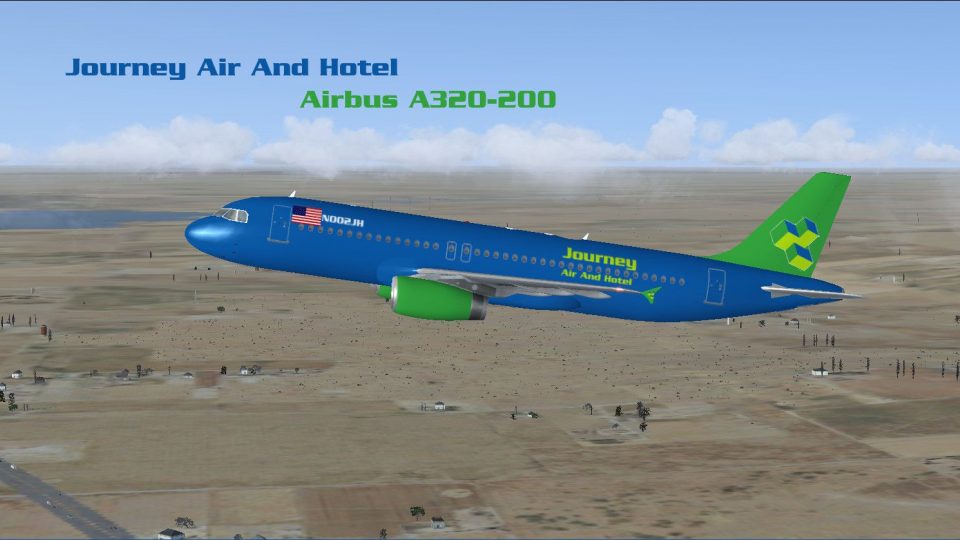
Journey Air and Hotel Airbus A320-200 brings Project Airbus modeling and a crisp custom livery to Microsoft Flight Simulator X, pairing dynamic shine, refined lighting, wing views, and detailed animations with XML systems. Expect realistic ground spoilers, pressurization behavior, door and hatch control, and authentic gear sequencing for a polished A320 experience.
 Rate
Rate
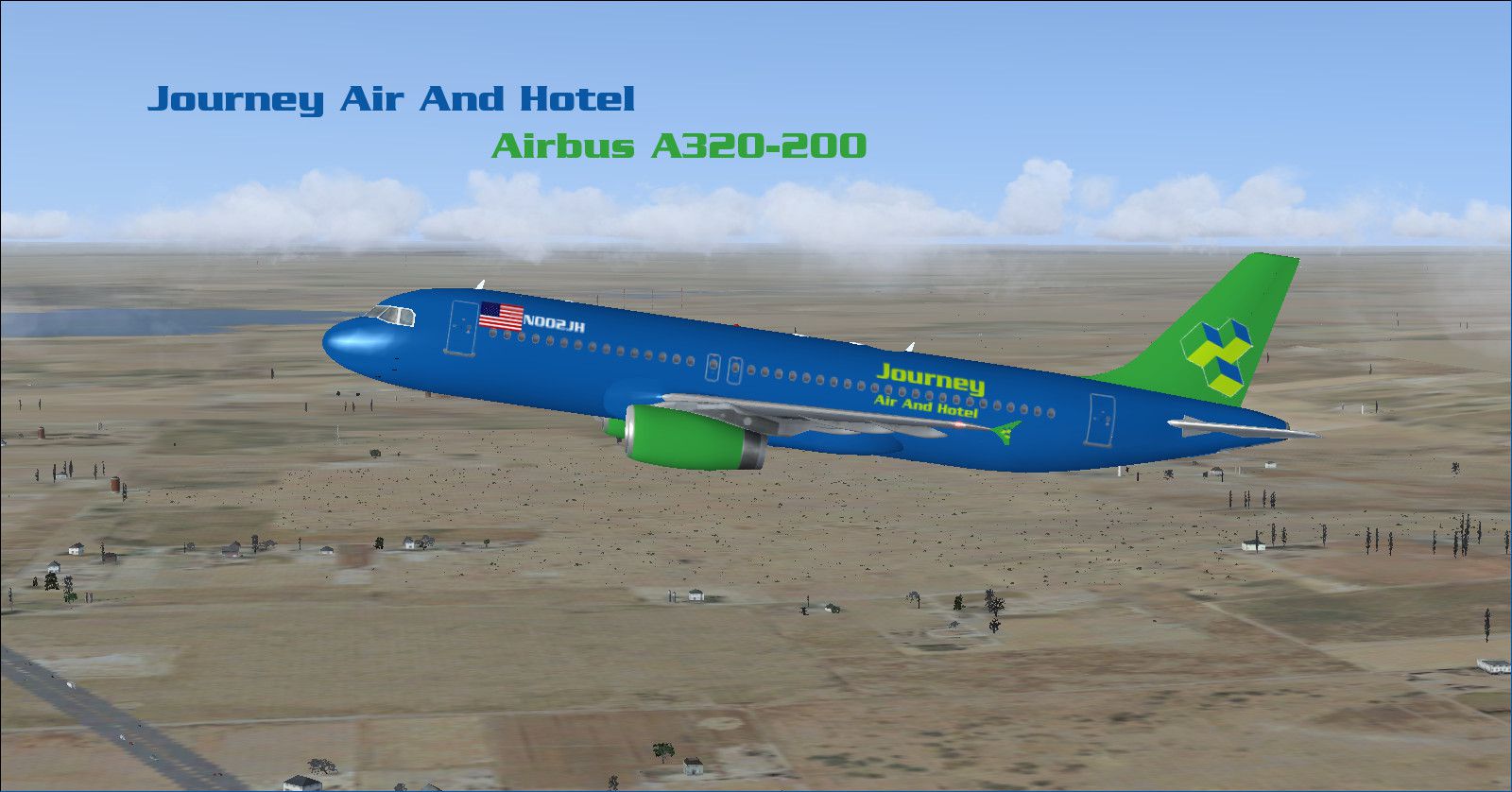
This freeware package provides an enhanced Airbus A320-200 in a distinct Journey Air and Hotel livery. The model, crafted by the Project Airbus team and packaged by Brenden Geiselhardt, is fully included here for immediate use within Microsoft Flight Simulator X. It integrates various technical refinements that replicate the real-world Airbus A320’s behavior, offering simmers a comprehensive flying experience.
Airbus A320-200 featuring the Journey Air and Hotel branding during cruise.
The Airbus A320, originally introduced in the late 1980s, set a new standard by incorporating advanced fly-by-wire controls. This virtual rendition closely follows that innovative lineage, replicating numerous external and operational elements. The livery itself includes precise markings that capture the look of Journey Air and Hotel’s branding, and the combination of dynamic shading with detailed animations contributes to an immersive presentation. In addition, the package uses XML-based functionalities to manage everything from control-surface movements to interactive doors.
Beyond these simulator-centric elements, the real Airbus A320 series is celebrated for its advanced avionics and efficient single-aisle performance. Many global carriers employ A320s for short- to medium-haul routes, and these jets continue to be a workhorse in contemporary commercial operations. This simulation captures those essential details, ensuring smooth transitions between phases of flight and responsive handling through the fly-by-wire logic simulated here.
After extracting the downloaded archive, locate the folder named “Project Airbus A320-232 Amsterdam Airlines PH-AAY”. Inside it, you will find an “effects.zip” folder. Proceed with these steps:
Everything needed is included with this freeware release. This package aims to accurately replicate the Airbus A320’s signature flight dynamics while introducing a unique airline livery by Brenden Geiselhardt and the dedicated Project Airbus developers.
Free for all simmers · 43.32 MB · Scanned clean Oct 2026
Download speed: Free tier is capped at 0.5 Mbps (this file takes approximately 12 mins at the cap). PRO members download at full line speed.
FSX\SimObjects\Airplanes\. The folder must contain an aircraft.cfg file. Effects go into FSX\Effects\; gauges go into FSX\Gauges\.readme.txt or README file. It tells you exactly where files go, what dependencies are needed, and any quirks specific to this add-on.The archive journey_a320.zip has 92 files and directories contained within it.
This list displays the first 500 files in the package. If the package has more, you will need to download it to view them.
| Filename/Directory | File Date | File Size |
|---|---|---|
| Aircraft.cfg | 11.17.12 | 11.33 kB |
| effects.zip | 11.11.12 | 6.25 kB |
| model.200_IAE | 11.11.12 | 0 B |
| A320_200_IAE_NoVC.mdl | 11.11.12 | 3.19 MB |
| Model.cfg | 11.11.12 | 36 B |
| pa320-v2527.air | 11.11.12 | 8.80 kB |
| panel | 11.11.12 | 0 B |
| Airbus_A321.cab | 09.04.06 | 2.72 MB |
| airbus_a321_panel_background.bmp | 05.12.06 | 769.05 kB |
| airbus_a321_panel_background_night.bmp | 05.12.06 | 769.05 kB |
| FDSFX.bmp | 08.18.12 | 640.10 kB |
| panel.cfg | 08.18.12 | 6.89 kB |
| Readme.pdf | 11.11.12 | 57.34 kB |
| Readme.txt | 11.21.12 | 7.17 kB |
| Sound | 11.11.12 | 0 B |
| A_CMB_0.wav | 08.17.12 | 90.64 kB |
| A_CMB_1.wav | 08.17.12 | 144.15 kB |
| A_CMB_2.wav | 08.17.12 | 98.16 kB |
| A_CMB_3.wav | 08.17.12 | 81.86 kB |
| A_REVRS.wav | 08.17.12 | 1.27 MB |
| A_WHN_0.wav | 08.17.12 | 1.51 MB |
| A_WHN_1.wav | 08.17.12 | 1.16 MB |
| A_WHN_2.wav | 08.17.12 | 244.81 kB |
| A_WHN_3.wav | 08.17.12 | 1.18 MB |
| A_WHN_4.wav | 08.17.12 | 1.45 MB |
| A320_APU.wav | 08.17.12 | 689.18 kB |
| A320_APU_INT.WAV | 08.17.12 | 316.38 kB |
| A320_COCKPIT.wav | 08.17.12 | 1.04 MB |
| A320_FLAPS.WAV | 08.17.12 | 258.54 kB |
| A320_GEAR_DN.WAV | 08.17.12 | 591.38 kB |
| A320_GEAR_UP.WAV | 08.17.12 | 554.53 kB |
| A320_ROLL.wav | 08.17.12 | 370.12 kB |
| A320_ROLL2.wav | 08.17.12 | 370.12 kB |
| A320_TOUCH_C.wav | 08.17.12 | 111.74 kB |
| A320_TOUCH_L.wav | 08.17.12 | 111.74 kB |
| A320_TOUCH_R.wav | 08.17.12 | 111.74 kB |
| A320_WIND.wav | 08.17.12 | 1.19 MB |
| B_CMB_0.wav | 08.17.12 | 90.64 kB |
| B_CMB_1.wav | 08.17.12 | 144.27 kB |
| B_CMB_2.wav | 08.17.12 | 98.75 kB |
| B_CMB_3.wav | 08.17.12 | 81.72 kB |
| B_REVRS.wav | 08.17.12 | 1.27 MB |
| B_WHN_0.wav | 08.17.12 | 1.51 MB |
| B_WHN_1.wav | 08.17.12 | 1.16 MB |
| B_WHN_2.wav | 08.17.12 | 244.81 kB |
| B_WHN_3.wav | 08.17.12 | 1.18 MB |
| B_WHN_4.wav | 08.17.12 | 1.45 MB |
| SOUND.CFG | 08.17.12 | 11.45 kB |
| T_COMB_SHUT.wav | 08.17.12 | 397.09 kB |
| T_COMB_START.wav | 08.17.12 | 194.23 kB |
| T_START.wav | 08.17.12 | 1.26 MB |
| X_A_COMB_1.wav | 08.17.12 | 1.69 MB |
| X_A_COMB_2.wav | 08.17.12 | 97.27 kB |
| X_A_COMB_3.wav | 08.17.12 | 168.11 kB |
| X_A_COMB_4.wav | 08.17.12 | 74.67 kB |
| X_A_REVRS.wav | 08.17.12 | 876.21 kB |
| X_B_COMB_1.wav | 08.17.12 | 1.69 MB |
| X_B_COMB_2.WAV | 08.17.12 | 143.93 kB |
| X_B_COMB_3.WAV | 08.17.12 | 225.74 kB |
| X_B_COMB_4.WAV | 08.17.12 | 171.74 kB |
| X_B_REVRS.wav | 08.17.12 | 876.21 kB |
| X_T_COMB_SHUT.wav | 08.17.12 | 863.55 kB |
| X_T_COMB_START.wav | 08.17.12 | 194.23 kB |
| X_T_START.wav | 08.17.12 | 357.09 kB |
| X_T_WHN_0.wav | 08.17.12 | 1.43 MB |
| X_T_WHN_1.wav | 08.17.12 | 1.13 MB |
| X_T_WHN_2.wav | 08.17.12 | 1.26 MB |
| X_T_WHN_3.wav | 08.17.12 | 1.51 MB |
| X_T_WHN_4.wav | 08.17.12 | 2.11 MB |
| texture.jrny | 11.13.12 | 0 B |
| A320_1_IAE_l.bmp | 11.11.12 | 1.00 MB |
| A320_1_IAE_t.bmp | 11.11.12 | 5.33 MB |
| A320_2_IAE_l.bmp | 11.11.12 | 256.07 kB |
| A320_2_IAE_t.bmp | 11.11.12 | 5.33 MB |
| A320_fuse_1_l.bmp | 11.11.12 | 1.00 MB |
| A320_fuse_1_t.bmp | 11.11.12 | 5.33 MB |
| A320_fuse_2_l.bmp | 11.11.12 | 1.00 MB |
| A320_fuse_2_t.bmp | 11.11.12 | 5.33 MB |
| A320_fuse_3_l.bmp | 11.11.12 | 1.00 MB |
| A320_fuse_3_t.bmp | 11.11.12 | 5.33 MB |
| A320_misc_1.bmp | 11.11.12 | 1.00 MB |
| A320_misc_2.bmp | 11.11.12 | 4.00 MB |
| A320_wing_1_l.bmp | 11.11.12 | 256.07 kB |
| A320_wing_1_t.bmp | 11.11.12 | 5.33 MB |
| A320_wing_2_l.bmp | 11.11.12 | 256.07 kB |
| A320_wing_2_t.bmp | 11.11.12 | 5.33 MB |
| thumbnail.jpg | 11.11.12 | 261.75 kB |
| Thumbs.db | 11.11.12 | 182.50 kB |
| Journey A320.jpg | 11.11.12 | 261.75 kB |
| Journey Readme.docx | 11.21.12 | 14.79 kB |
| flyawaysimulation.txt | 10.29.13 | 959 B |
| Go to Fly Away Simulation.url | 01.22.16 | 52 B |
Only PRO members can place votes.
More FSX & P3D add-ons hand-picked based on this download.
FSX Civil Aircraft
This repaint package adds a custom Journey Air And Hotel livery to the twin-e…
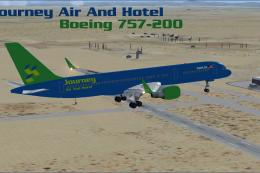 FSX Civil Aircraft
This complete freeware Boeing 757-200 add-on brings a Journey Air And Hotel l…
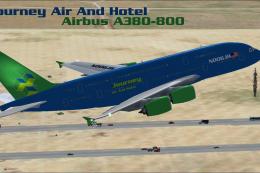 FSX Civil Aircraft
The model is by Project Airbus. Full model included. By Brenden Geiselhardt. …
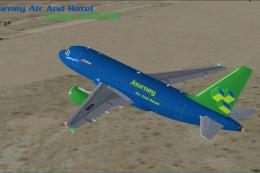 FSX Civil Aircraft
This freeware package presents an Airbus A318-100 designed for Microsoft Flig…
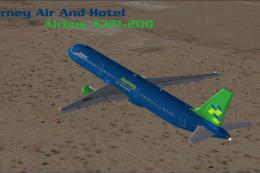 FSX Civil Aircraft
The model is by Project Airbus. Full model included. By Brenden Geiselhardt. …
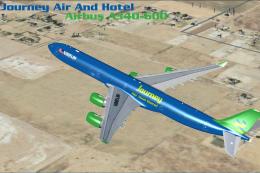 FSX Civil Aircraft
Enhance your Microsoft Flight Simulator X experience with this carefully craf…
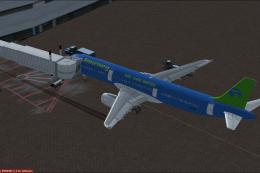 FSX Civil Aircraft
Textures only. Requires the default A321. By Brenden Geiselhardt. Screenshot …
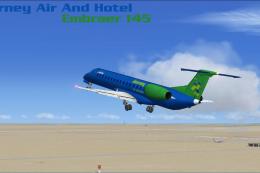 FSX Civil Aircraft
Model by Project Open Sky. Full package included. By Brenden Geiselhardt. Scr…
Be the first to leave a comment on this download.
Be the first to share your thoughts on this download.