

 FSX Civil Aircraft
Transavia Boeing 737-800 PH-GGW
Experience a detailed rendition of the Transavia Boeing 737-800 under registr…
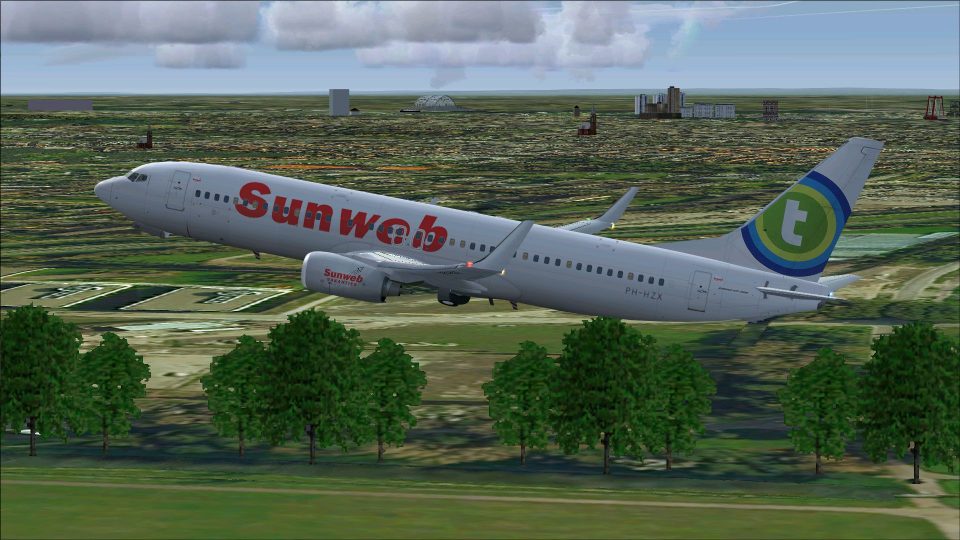
Transavia’s Sunweb Boeing 737-800 PH-HZX brings a crisp special livery to FSX with reflective textures, high-resolution mapping, and lively details from wing flex to gear bogie tilt and reverse thrust. It includes realistic control-surface animations, doors, lighting, and tuned flight dynamics for convincing taxi, takeoff, and landing.
 Rate
Rate
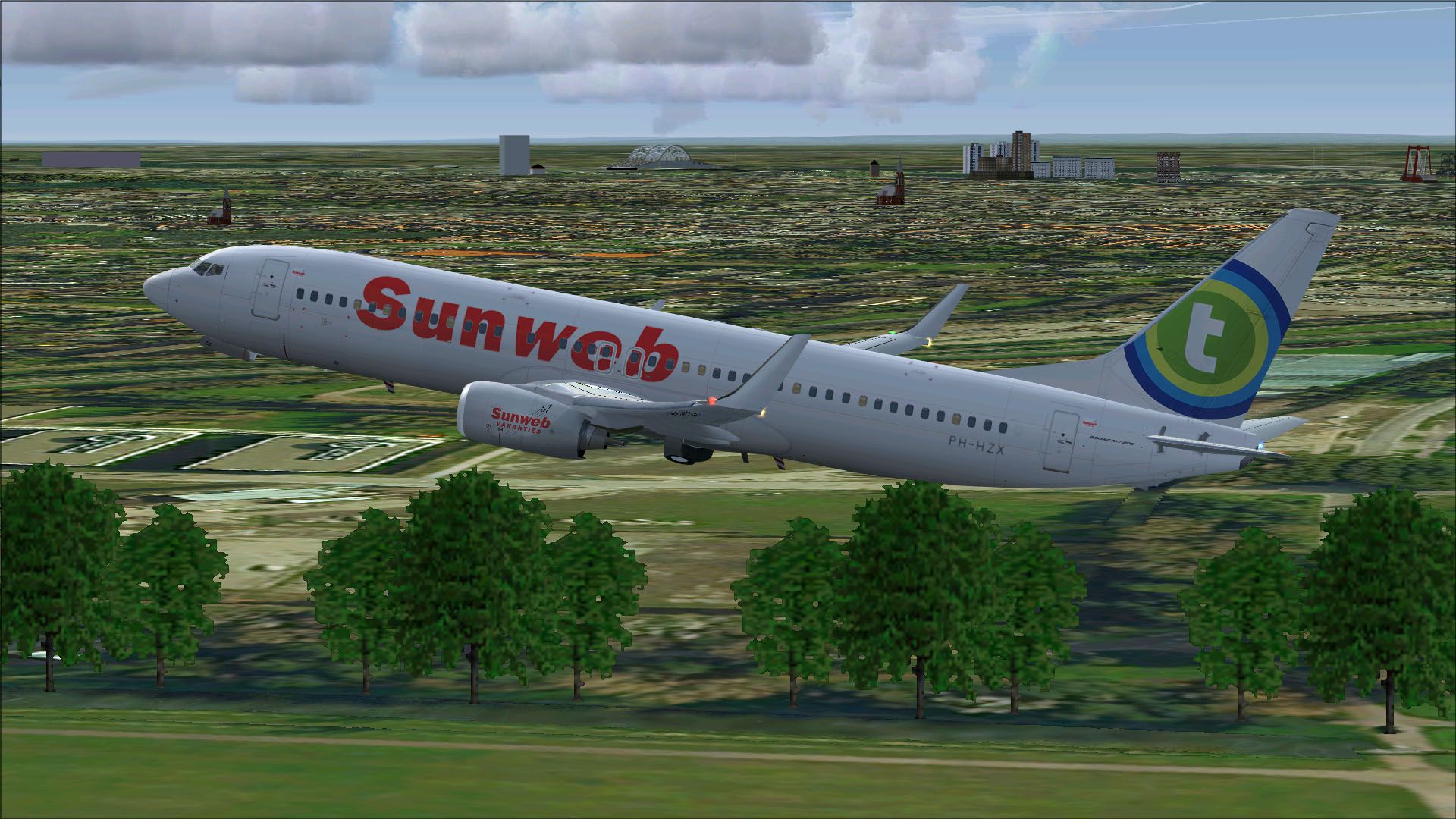
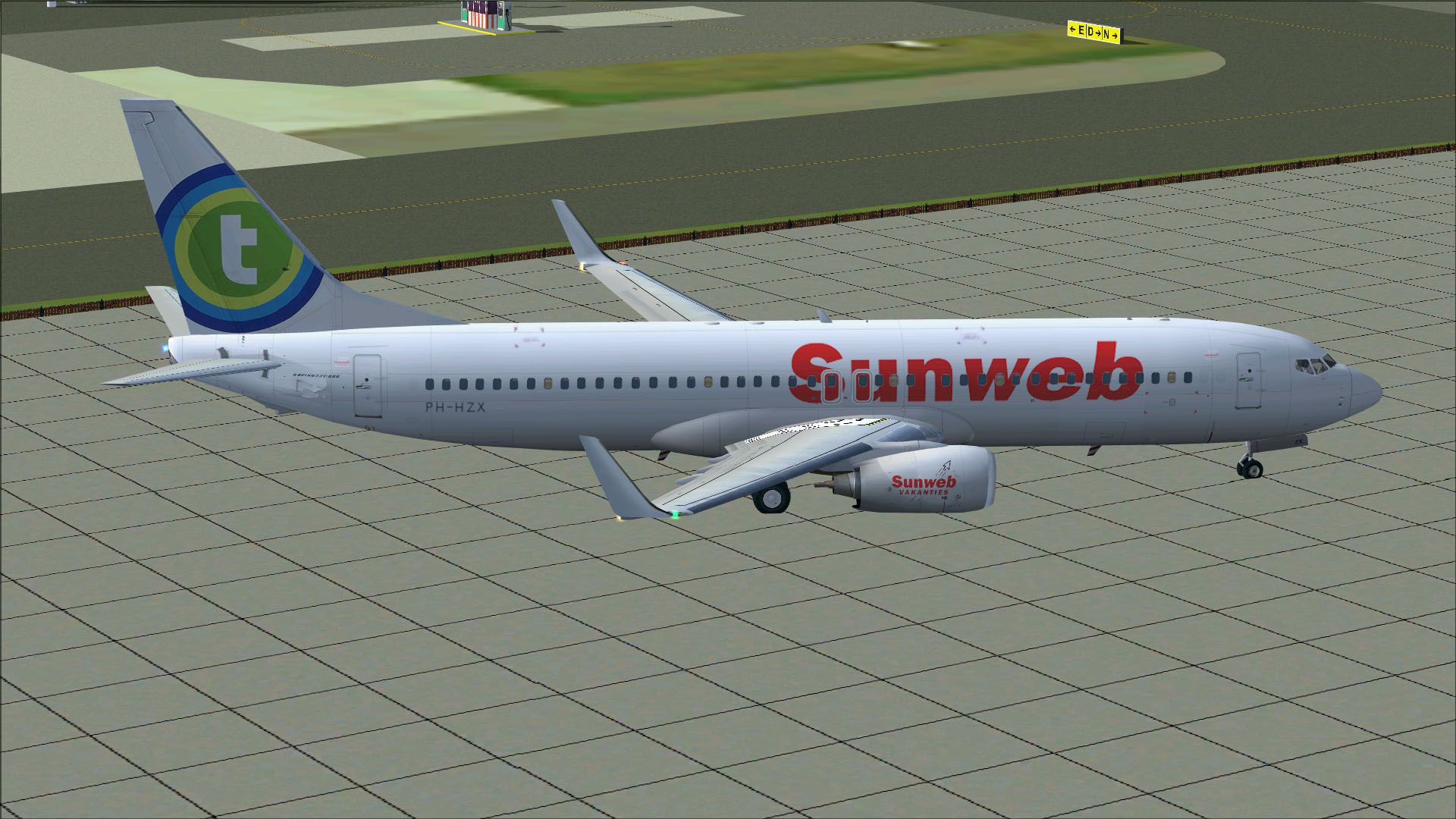
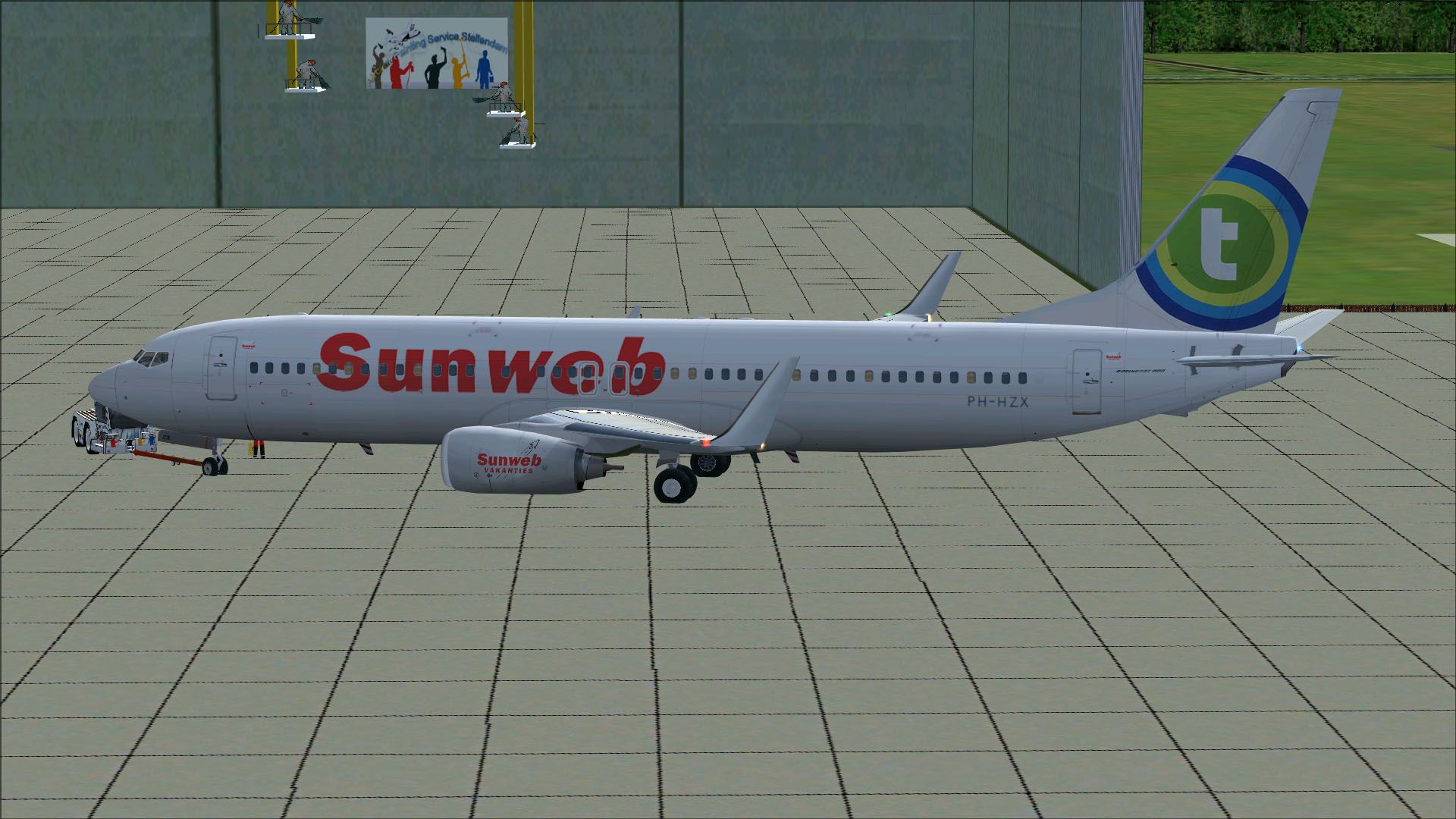
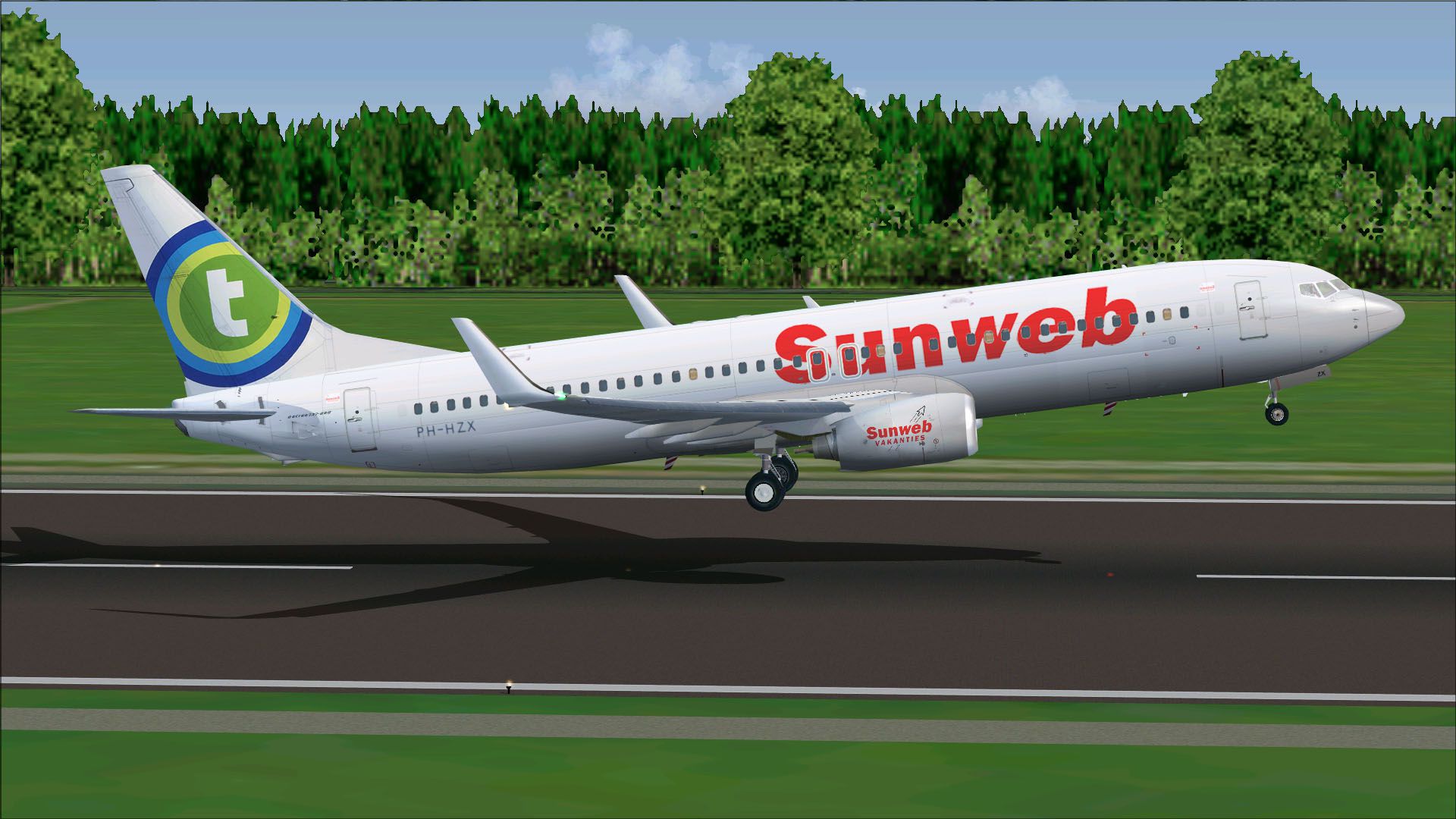
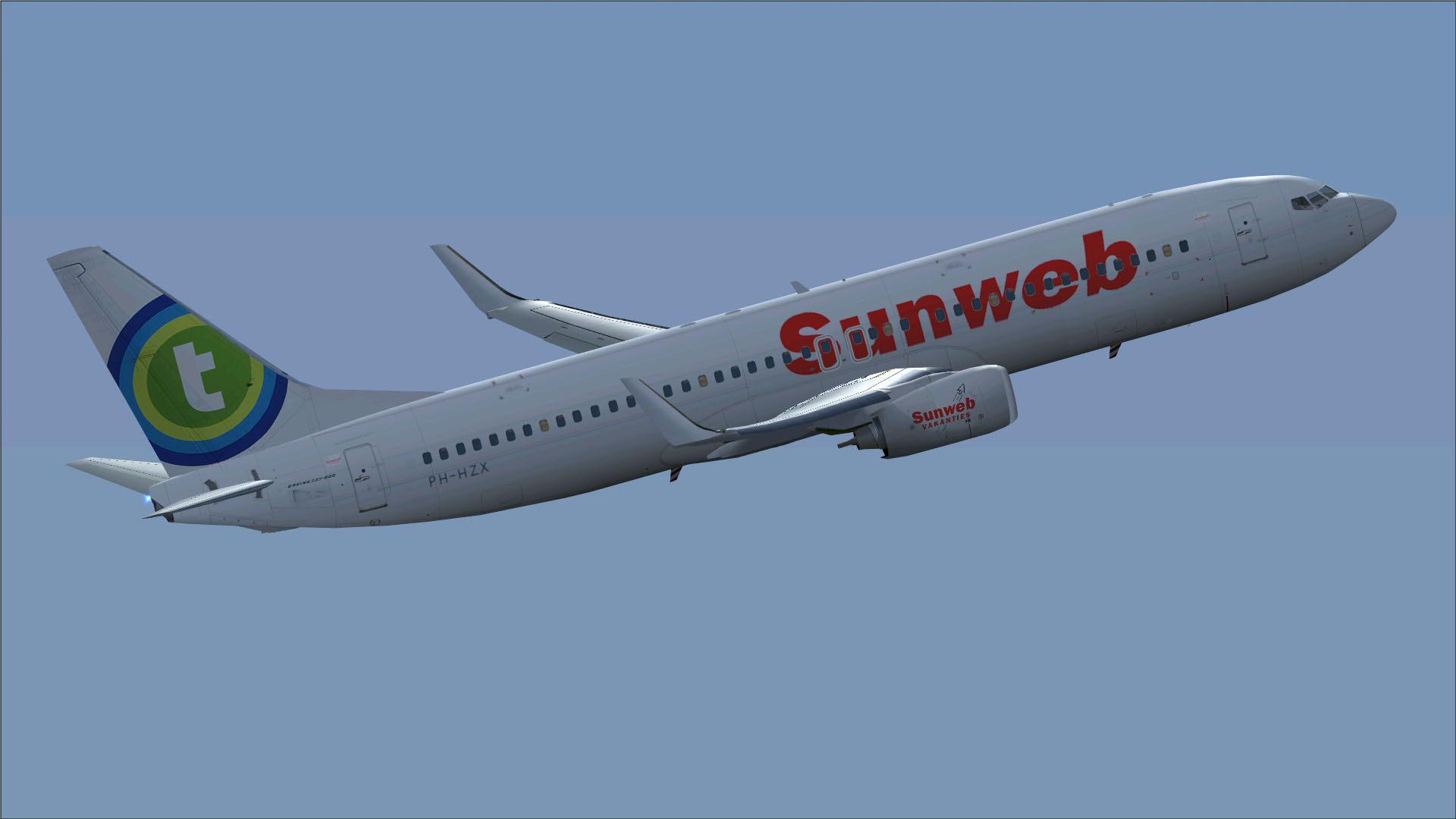

This package presents an in-depth rendition of Transavia’s Sunweb-themed Boeing 737-800, tail number PH-HZX, featuring repaints by Mathieu Vos (APSS) and the Project Open Sky base model. It merges precise detail, true-to-life animations, and striking reflective textures, all in one freeware download for flight simulation enthusiasts.
The design showcases Transavia Airlines’ special Sunweb livery prominently displayed along the fuselage. Transavia, known for serving various European holiday destinations, operates a fleet of Boeing 737 aircraft primarily on short to medium routes. The PH-HZX aircraft, in particular, highlights promotional branding and vibrant colors, which stand out on approach or during taxi operations.

depiction of the Transavia 737-800 in Sunweb colors ready for boarding.
Repaint by Mathieu Vos (APSS), model by Project Open Sky. This freeware edition includes the full base model integral to the Boeing 737-800, making it readily available for immediate flight operations within the simulator.
Free for all simmers · 6.82 MB · Scanned clean Oct 2026
Download speed: Free tier is capped at 0.5 Mbps (this file takes approximately 2 mins at the cap). PRO members download at full line speed.
FSX\SimObjects\Airplanes\. The folder must contain an aircraft.cfg file. Effects go into FSX\Effects\; gauges go into FSX\Gauges\.readme.txt or README file. It tells you exactly where files go, what dependencies are needed, and any quirks specific to this add-on.The archive b738xtrasun.zip has 51 files and directories contained within it.
This list displays the first 500 files in the package. If the package has more, you will need to download it to view them.
| Filename/Directory | File Date | File Size |
|---|---|---|
| Aircraft.cfg | 07.15.12 | 22.34 kB |
| boeing737-800_check.htm | 12.31.05 | 77.28 kB |
| boeing737-800_ref.htm | 12.31.05 | 27.17 kB |
| Install.txt | 07.15.12 | 2.87 kB |
| model.Wnoeyebrow | 07.15.12 | 0 B |
| model.cfg | 04.25.11 | 27 B |
| OSX738WE.MDL | 04.25.11 | 1.35 MB |
| OSBoeing737-800w.air | 12.11.08 | 8.90 kB |
| Panel | 07.15.12 | 0 B |
| panel.cfg | 01.21.12 | 34 B |
| Thumbs.db | 02.13.11 | 32.50 kB |
| Posky 737-800.txt | 01.22.12 | 2.55 kB |
| PoskyB737-800TransaviaSunweb_PH-HZX.jpg | 07.09.12 | 300.23 kB |
| PoskyB737-800TransaviaSunweb_PH-HZX2.jpg | 07.09.12 | 319.94 kB |
| PoskyB737-800TransaviaSunweb_PH-HZX3.jpg | 07.09.12 | 292.90 kB |
| PoskyB737-800TransaviaSunweb_PH-HZX4.jpg | 07.09.12 | 400.25 kB |
| PoskyB737-800TransaviaSunweb_PH-HZX5.jpg | 07.09.12 | 127.91 kB |
| Readme.txt | 07.15.12 | 2.87 kB |
| sound | 07.15.12 | 0 B |
| sound.cfg | 01.22.12 | 34 B |
| Texture.Transavia (Sunweb) | 07.15.12 | 0 B |
| Os737ng_ANTCOL_RED.BMP | 03.26.12 | 1.43 kB |
| Os737ng_Cockpitgray.bmp | 03.26.12 | 5.40 kB |
| Os737ng_darkgray.bmp | 03.26.12 | 5.40 kB |
| Os737ng_engine_l.bmp | 02.13.11 | 1.00 MB |
| Os737ng_engine_t.bmp | 07.09.12 | 4.00 MB |
| Os737ng_gsu.bmp | 04.09.11 | 4.00 MB |
| Os737ng_gsu2.bmp | 04.09.11 | 4.00 MB |
| Os737ng_WINGROOT_GRAY.BMP | 03.26.12 | 5.40 kB |
| Os737ng_WINGTIP_GREEN_GLASS.bmp | 03.26.12 | 1.43 kB |
| Os737ng_WINGTIP_RED_GLASS.bmp | 03.26.12 | 1.43 kB |
| Os737ngstair_l.bmp | 06.26.08 | 341.40 kB |
| Os737ngstair_t.bmp | 02.24.06 | 1.00 MB |
| Os738body_l_l.bmp | 03.19.12 | 1.00 MB |
| Os738body_l_t.bmp | 07.09.12 | 4.00 MB |
| Os738body_r_l.bmp | 07.14.12 | 1.00 MB |
| Os738body_r_t.bmp | 07.14.12 | 4.00 MB |
| Os738Option.bmp | 02.13.11 | 16.07 kB |
| OS738Option2.bmp | 04.09.11 | 256.07 kB |
| Os738parts_t.bmp | 02.13.11 | 1.00 MB |
| Os738w_wing_l_l.bmp | 02.13.11 | 1.00 MB |
| Os738w_wing_l_t.bmp | 07.09.12 | 4.00 MB |
| Os738w_wing_r_l.bmp | 02.13.11 | 1.00 MB |
| Os738w_wing_r_t.bmp | 07.09.12 | 4.00 MB |
| ostug_L.bmp | 02.13.11 | 1.00 MB |
| ostug_T.bmp | 04.09.11 | 1.00 MB |
| Thumbnail.jpg | 07.15.12 | 92.71 kB |
| Thumbs.db | 02.13.11 | 58.50 kB |
| B738XTRASUN.gif | 07.15.12 | 8.44 kB |
| flyawaysimulation.txt | 10.29.13 | 959 B |
| Go to Fly Away Simulation.url | 01.22.16 | 52 B |
Only PRO members can place votes.
More FSX & P3D add-ons hand-picked based on this download.
FSX Civil Aircraft
Experience a detailed rendition of the Transavia Boeing 737-800 under registr…
 FSX Civil Aircraft
Transavia Boeing 737-800, registration PH-HSC. This is the Boeing V737-800 of…
 FSX Civil Aircraft
This release showcases a modified Boeing 737-800 in Transavia colors, origina…
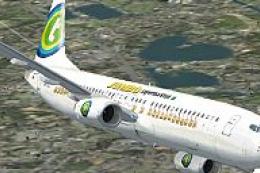 FSX Civil Aircraft
FSX Transavia Boeing 737-800, registration PH-HZE. Textures only for the defa…
 FSX Civil Aircraft
This is the new 2015 livery of Transavia. At the end of 2015 Transavia will s…
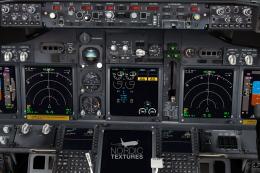 FSX Civil Aircraft
Transavia Boeing 737-800NGX (leased from Kulula), registration PH-HZA. A repa…
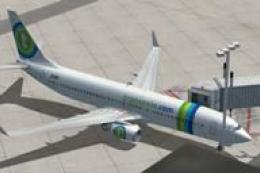 FSX Civil Aircraft
FSX Transavia Boeing 737-800. Textures only for the default B737-800. Painted…
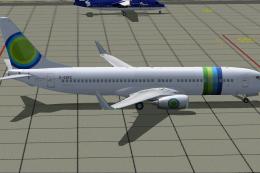 FSX Civil Aircraft
This freeware release features a meticulously detailed Boeing 737-800, origin…
Be the first to leave a comment on this download.
Be the first to share your thoughts on this download.