

 FSX Civil Aircraft
RedSox Dominican Airways Boeing 737-800WL
This is the paint Red Sox livery paint for Dominican Airways. Model by Projec…
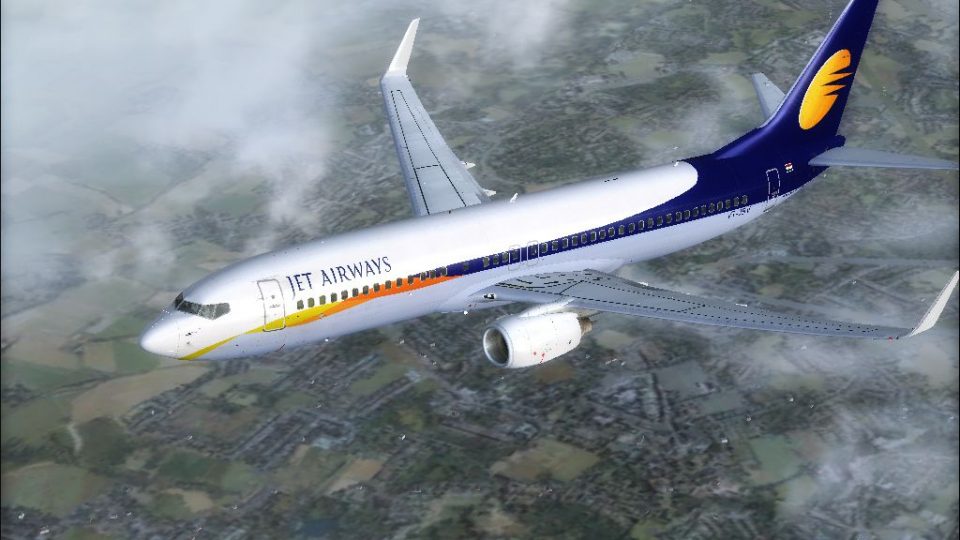
Jet Airways Boeing 737-800WL livery brings VT-JBV, the airline’s 100th aircraft, to the PMDG 737NGX in FSX with a sky interior feel and crisp DXT3 textures in both 4096 and 1024 sizes. It reflects the aircraft’s 2011 entry into service and typical Delhi, Kathmandu, and Doha routes; requires PMDG 737NGX.
 Rate
Rate
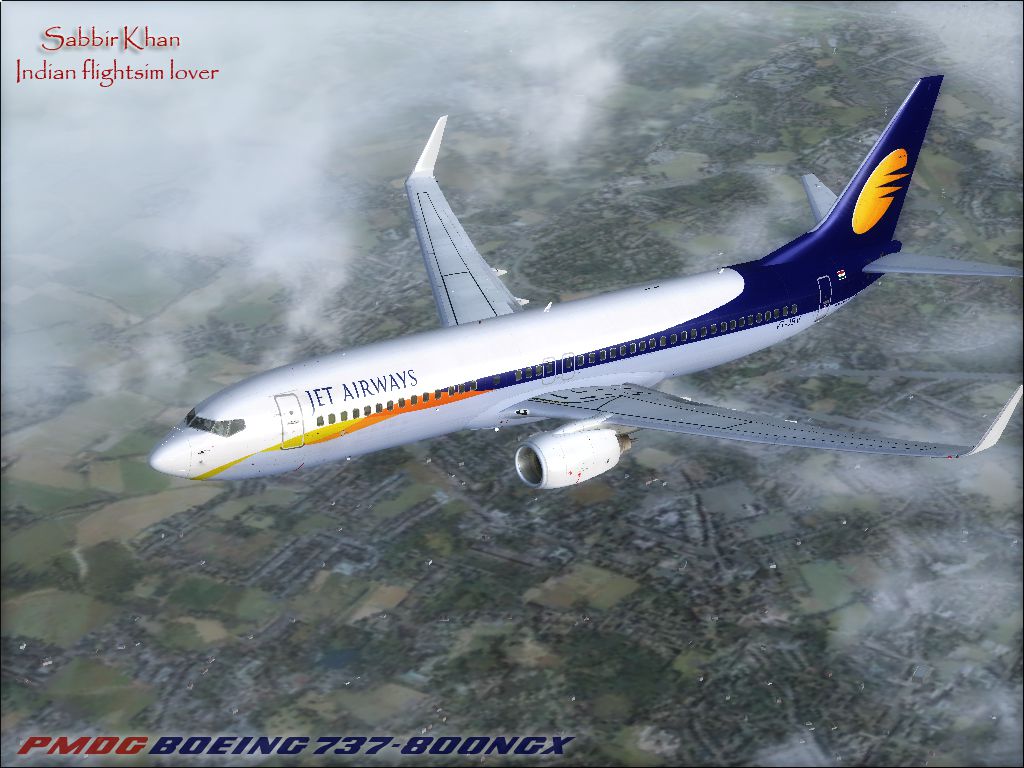
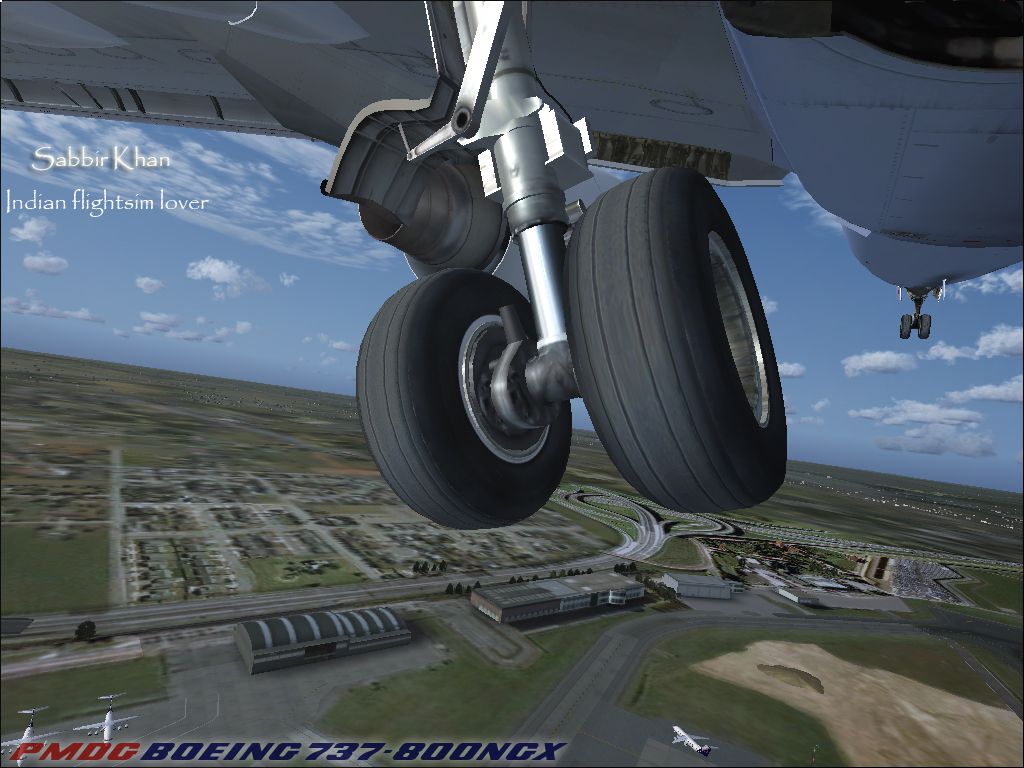
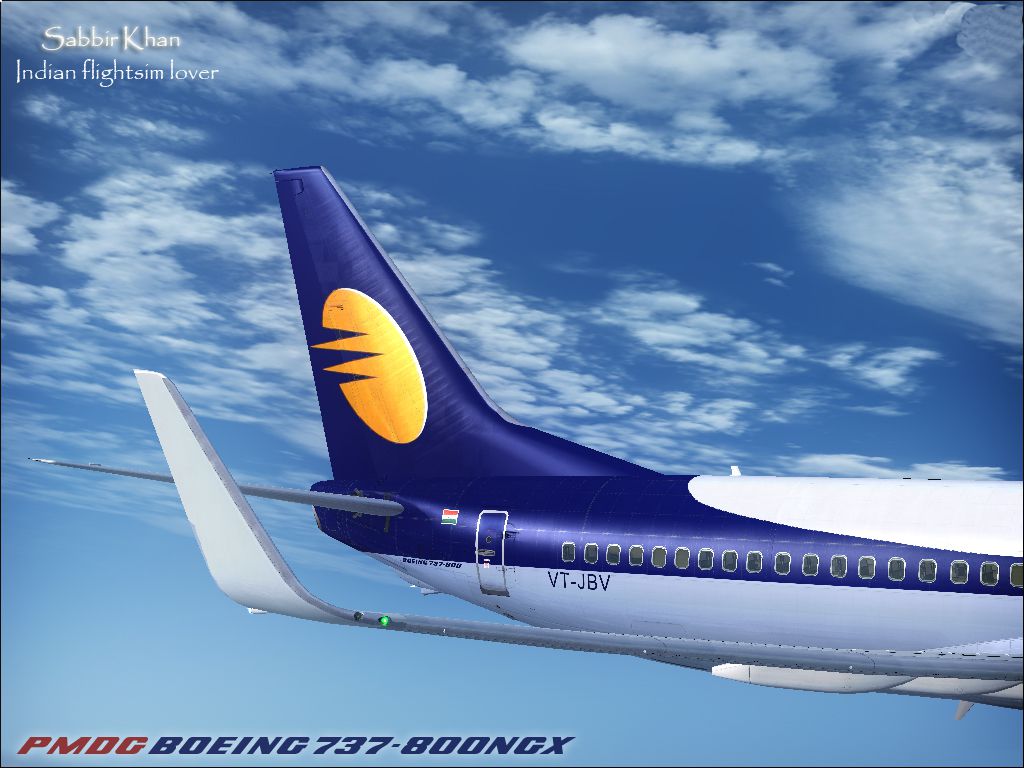
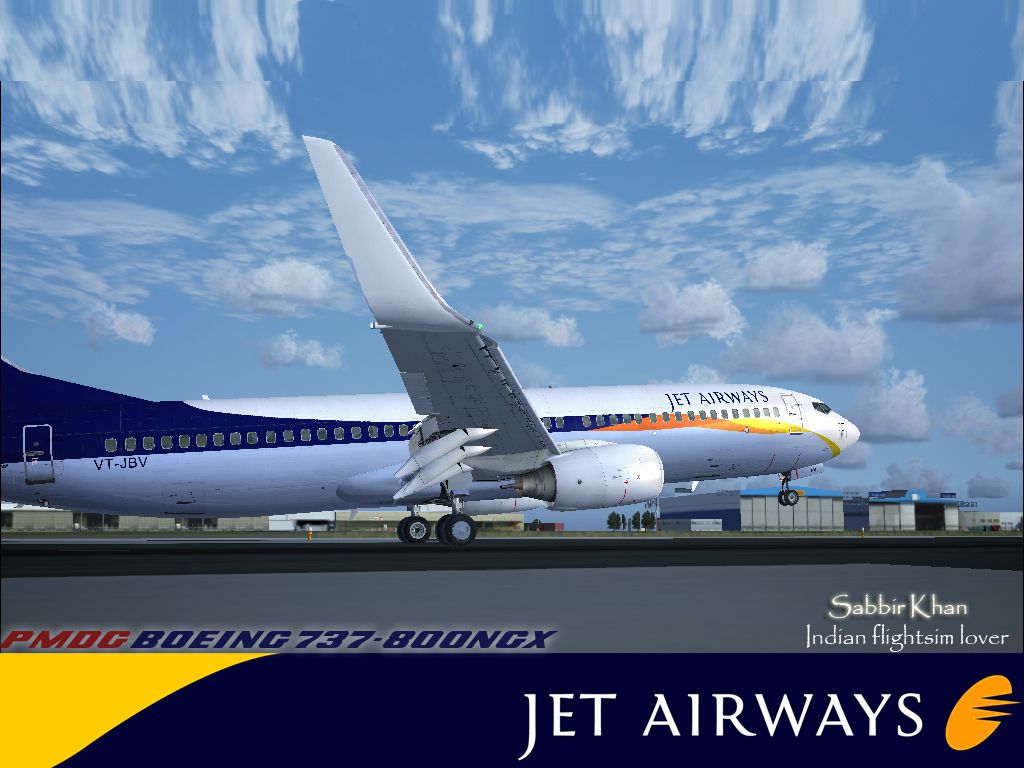
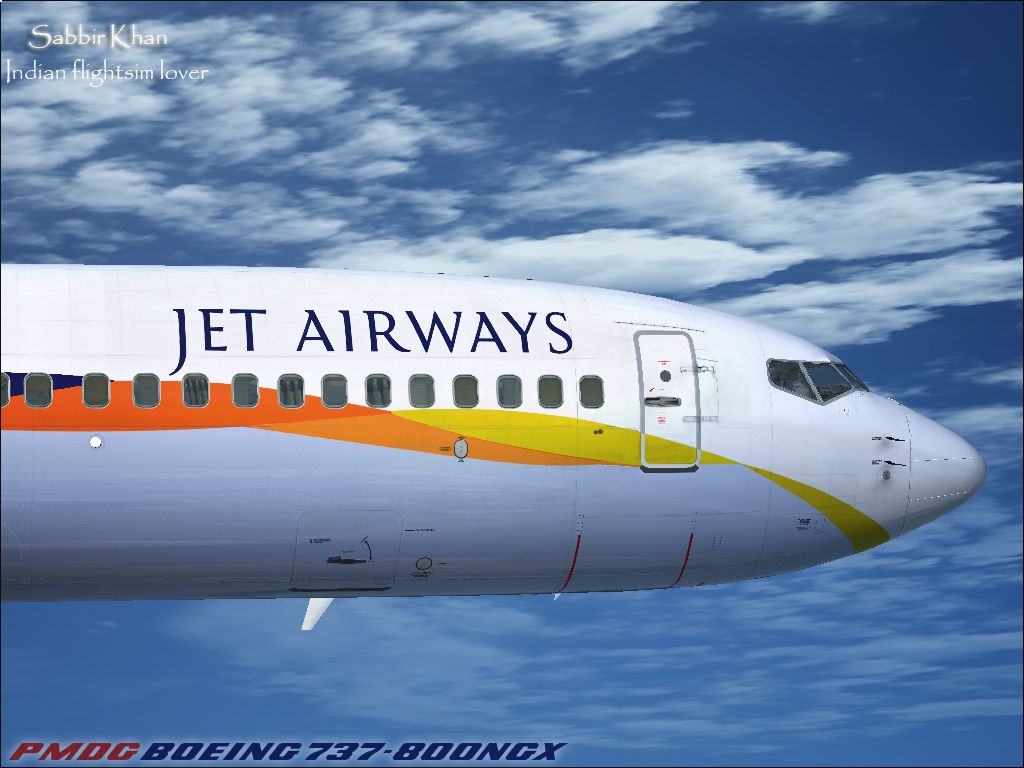
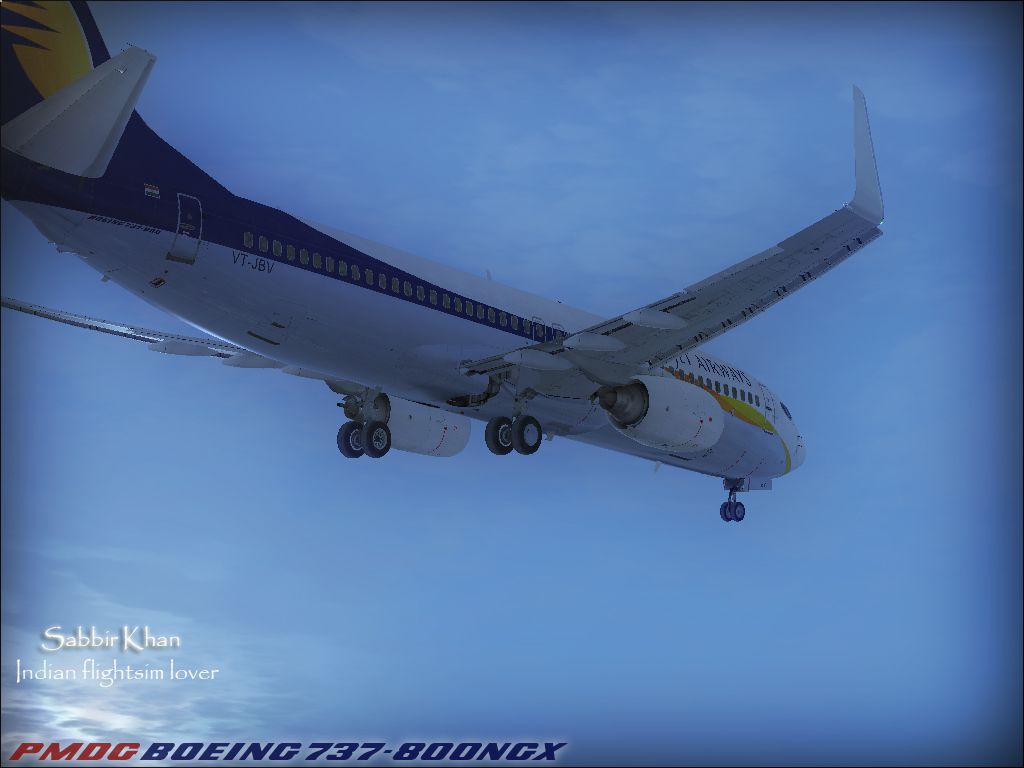
A repaint of the payware PMDG 737NGX in Jet Airways livery, registration VT-JBV. It is the 100th aircraft in Jet Airways fleet. It has sky interior and started commercial operation 5 December 2011. Presently this aircraft operates on DEL-KTM (9w262), KTM-DEL (9w261), DEL-DOH (9w554), DOH-DEL (9w553) route. This file contains high defination (4094x4096) as well as normal (1024x1024) size textures; all textures are in DXT3 format. By Sabbir Khan (Tebari Studio).
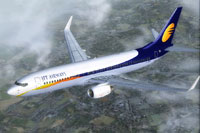
Screenshot of Jet Airways Boeing 737-800WL in flight.
Installation:
Free for all simmers · 18.54 MB · Scanned clean Oct 2026
Download speed: Free tier is capped at 0.5 Mbps (this file takes approximately 5 mins at the cap). PRO members download at full line speed.
texture.{airline}) inside FSX\SimObjects\Airplanes\{base-aircraft}\.aircraft.cfg in Notepad. Add a new [fltsim.X] section per the readme.readme.txt or README file. It tells you exactly where files go, what dependencies are needed, and any quirks specific to this add-on.The archive jetairways_b738w_pmdgngx.zip has 12 files and directories contained within it.
This list displays the first 500 files in the package. If the package has more, you will need to download it to view them.
| Filename/Directory | File Date | File Size |
|---|---|---|
| JETAIRWAYS_b738W_PMDGNGX | 04.01.12 | 0 B |
| JetairwaysNGx(HD).ptp | 04.01.12 | 13.89 MB |
| JetairwaysNGx.ptp | 04.01.12 | 1.94 MB |
| README.txt | 04.01.12 | 664 B |
| SHOT-2.jpg | 04.01.12 | 496.77 kB |
| SHOT-3.jpg | 04.01.12 | 341.02 kB |
| SHOT-4.jpg | 04.01.12 | 569.31 kB |
| SHOT-5.jpg | 04.01.12 | 473.92 kB |
| shot.jpg | 04.01.12 | 480.39 kB |
| SHOT1.jpg | 04.01.12 | 541.31 kB |
| flyawaysimulation.txt | 10.29.13 | 959 B |
| Go to Fly Away Simulation.url | 01.22.16 | 52 B |
Only PRO members can place votes.
More FSX & P3D add-ons hand-picked based on this download.
FSX Civil Aircraft
This is the paint Red Sox livery paint for Dominican Airways. Model by Projec…
 FSX Civil Aircraft
Textures only for the FAIB B737-900 model (FAIB7379V11.ZIP). Repaint by Joel …
 FSX Civil Aircraft
Complete package of the Project Open Sky B737-800 WL. Includes two texture se…
 FSX Civil Aircraft
This is a fictional repaint of an Air France B737-800WL for the payware PMDG …
 FSX Civil Aircraft
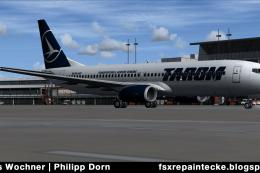
FSX/FS2004 Tarom Boeing 737-800WL. A paint for the Project Open Sky B737-800 …
 FSX Civil Aircraft
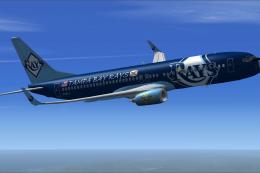
Tampa Bay Rays Boeing 737-800WL. A Project Open Sky B737-800 painted in ficti…
 FSX Civil Aircraft
Repaint for the FSX AI Bureau B737-800W model in Air Berlin Oneworld livery, …
 FSX Civil Aircraft
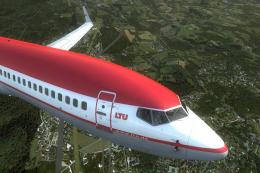
Bring a classic European livery back to life in Microsoft Flight Simulator X …
Be the first to leave a comment on this download.
Be the first to share your thoughts on this download.