

 FSX Civil Aircraft
Aegean Airbus A320-211
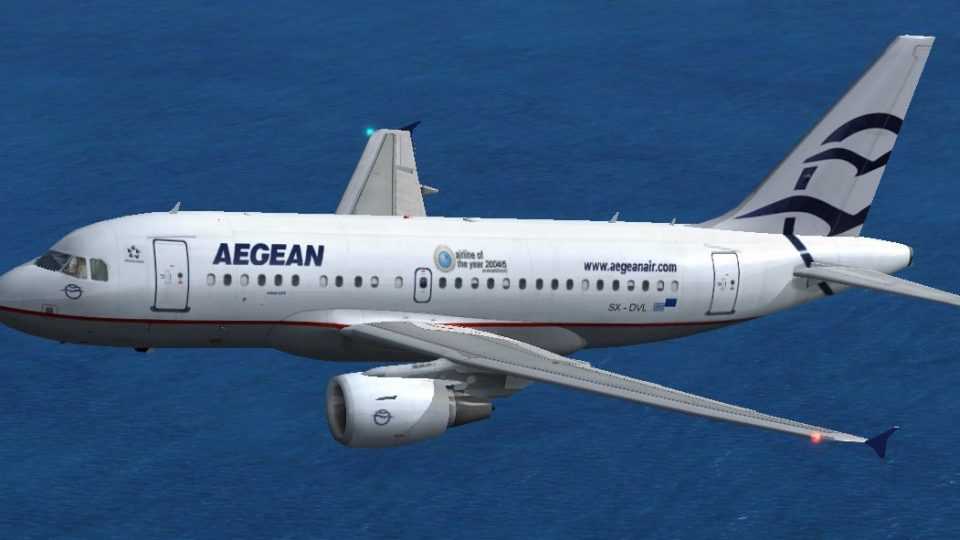
Model by Project Airbus. Repaint by Fanis Giannoulakis. Screenshot of Aegean …
Aegean Airlines Airbus A318 livery brings Greece’s flagship carrier to the Project Airbus model in Microsoft Flight Simulator X, with crisp fuselage striping, accurate tail logo placement, and a clean finish suited to short-haul European schedules. It retains the base aircraft’s animated doors, control surfaces, and wing flex, and requires the Project Airbus A318 package.
 Rate
Rate
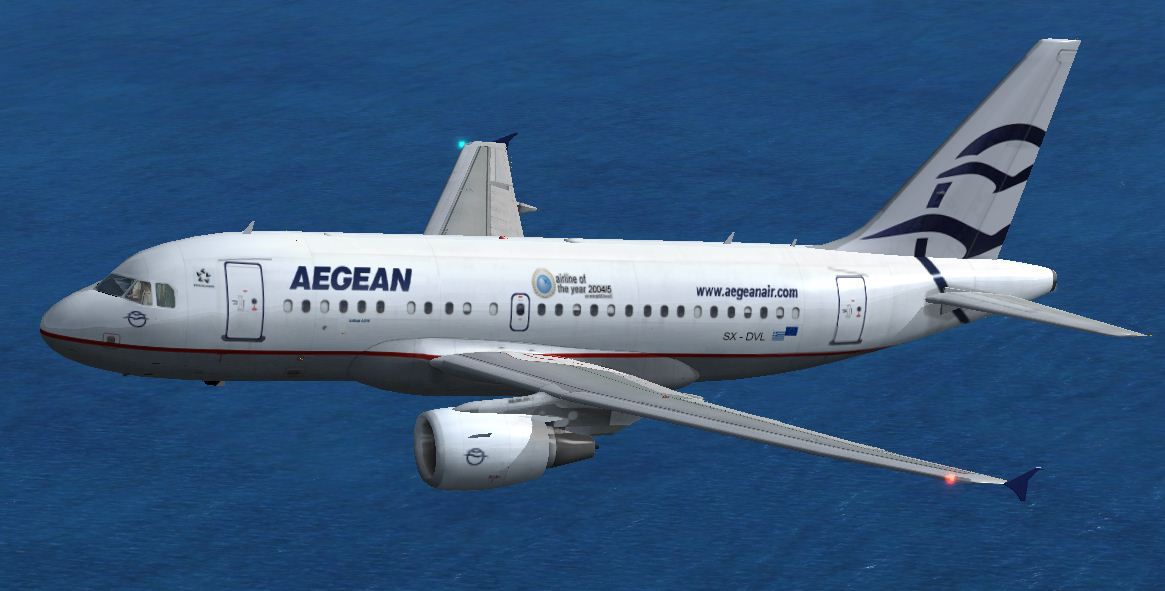
This freeware repaint presents an Aegean Airlines-themed Airbus A318 for Microsoft Flight Simulator X. It is built upon the Project Airbus base model and showcases detailed texturing by creator Fanis Giannoulakis. Enthusiasts of Greek aviation will instantly recognize the distinctive color scheme associated with Aegean Airlines, the largest carrier in Greece.
The Project Airbus A318 model exhibits an authentic external fuselage layout, complete with operational doors, movable control surfaces, and flexing wings. This repaint features Aegean-specific markings, including the airline’s fuselage striping and logo placement on the tail fin. In real-world service, the Airbus A318 offers short-haul operations with high fuel efficiency, making it well-suited for shorter European routes under Aegean’s network.
Screenshot of the Aegean Airbus A318 cruising at altitude.
The repaint operates only when paired with the Project Airbus base package, obtainable as freeware. Ensure you have Project Airbus A318 installed in the “SimObjects/Airplanes” directory of your simulator. The necessary files can be found in the Fly Away Simulation mod library.
Airbus A318 folder within FSX/SimObjects/Airplanes.aircraft.cfg file found in the same directory. Add the entry below, ensuring the “XX” in [fltsim.XX] is replaced with the appropriate sequential number.[fltsim.XX] title=Airbus A318 AEGEAN sim=pa318-cfm56 model= panel= sound= texture=AEG checklists= atc_id=SX-DVL atc_airline=AEGEAN atc_parking_types=GATE, RAMP, CARGO atc_flight_number=BJ318 ui_variation=Airbus AEGEAN ui_manufacturer=Airbus ui_typerole="Commercial Airliner" ui_type=A318 visual_damage=1 atc_heavy=1 description=Project Airbus is proud to present the Airbus A318. Contains accurate model with details such as: opening passenger and cargo doors, animated pack inlets and outflow valves, all operable control surfaces, flexing wings, detailed flap tracks and slat rails, hydraulics modeled on spoilers and landing gear doors. Visual model by Andy Warden and Derek Mayer. Base textures by Demetris Themistocleous, Alessandro Savarese and Sheldon Fernandes. Flight model by Peter Binamira, Derek Mayer, and Steve Mcbee. Paint by Sheldon Fernandes.
Once the entry is included in aircraft.cfg, confirm there are no duplicate fltsim indexes, and that the repaint number follows the existing sequence. In the simulator’s aircraft selection menu, look for “Airbus AEGEAN” under the Airbus manufacturer listing.
Flying this Aegean Airlines Airbus A318 enriches your collection of European carriers within Microsoft Flight Simulator X. The realistic configuration and livery details bring a touch of Greek aviation flair to domestic or cross-border routes. Perform standard commercial flights from Athens to popular destinations in the Aegean network and practice short-field procedures, given that the real A318 is well-equipped for shorter runways.
This updated texture set from Fanis Giannoulakis offers a faithful representation of Aegean’s distinctive branding. By integrating it into your virtual hangar, you can elevate the immersion of your short-haul routes while paying homage to a celebrated airline.
Free for all simmers · 8.21 MB · Scanned clean Oct 2026
Download speed: Free tier is capped at 0.5 Mbps (this file takes approximately 2 mins at the cap). PRO members download at full line speed.
texture.{airline}) inside FSX\SimObjects\Airplanes\{base-aircraft}\.aircraft.cfg in Notepad. Add a new [fltsim.X] section per the readme.readme.txt or README file. It tells you exactly where files go, what dependencies are needed, and any quirks specific to this add-on.The archive pairbus_a318_texture_aeg.zip has 14 files and directories contained within it.
This list displays the first 500 files in the package. If the package has more, you will need to download it to view them.
| Filename/Directory | File Date | File Size |
|---|---|---|
| texture.aeg | 03.03.12 | 0 B |
| A318_1_t.bmp | 03.03.12 | 5.33 MB |
| A318_2_t.bmp | 03.03.12 | 5.33 MB |
| A318_fuse_1_t.bmp | 03.03.12 | 5.33 MB |
| A318_fuse_2_t.bmp | 03.03.12 | 5.33 MB |
| A318_fuse_3_t.bmp | 03.03.12 | 5.33 MB |
| A318_wing_1_t.bmp | 03.03.12 | 5.33 MB |
| A318_wing_2_t.bmp | 03.03.12 | 5.33 MB |
| texture.cfg | 06.18.07 | 137 B |
| thumbnail.JPG | 03.03.12 | 83.40 kB |
| readme.txt | 04.02.12 | 1.29 kB |
| Airbus A318.JPG | 03.03.12 | 83.40 kB |
| flyawaysimulation.txt | 10.29.13 | 959 B |
| Go to Fly Away Simulation.url | 01.22.16 | 52 B |
Only PRO members can place votes.
More FSX & P3D add-ons hand-picked based on this download.
FSX Civil Aircraft
Model by Project Airbus. Repaint by Fanis Giannoulakis. Screenshot of Aegean …
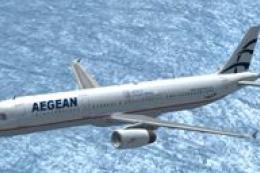 FSX Civil Aircraft
FSX Aegean Airlines Airbus A321. Textures only for the default A321. Aegean w…
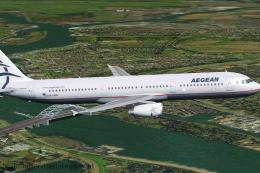 FSX Civil Aircraft
Immerse yourself in an authentic short-to-medium haul flight experience with …
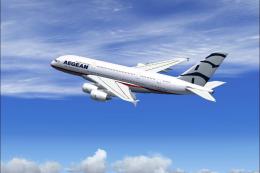 FSX Civil Aircraft
FSX Aegean Airlines Airbus A380-800 Textures only; requires A388ABUS.ZIP. Mod…
 FSX Civil Aircraft
Textures only for the payware Overland A380 model. Repaint by Diinekis Econom…
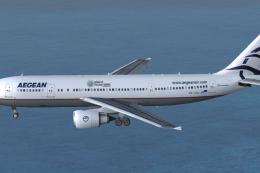 FSX Civil Aircraft
Textures only package for use with the Thomas Ruth A330-600 model (TOMA333B-1…
 FSX Civil Aircraft
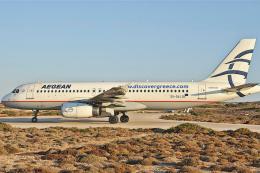
This specialized repaint features an Aegean Airlines Airbus A320 adorned with…
 FSX Civil Aircraft
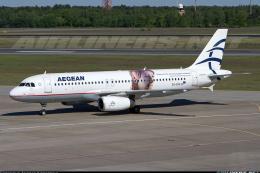
This is one of the two Aegean aircraft having the characteristic logo an the …
Be the first to leave a comment on this download.
Be the first to share your thoughts on this download.