

 FSX Civil Aircraft
Northwest Airlines Douglas DC-9-50
FSX Northwest Airlines Douglas DC-9-50. This is the SGA Douglas DC9-50 in Nor…
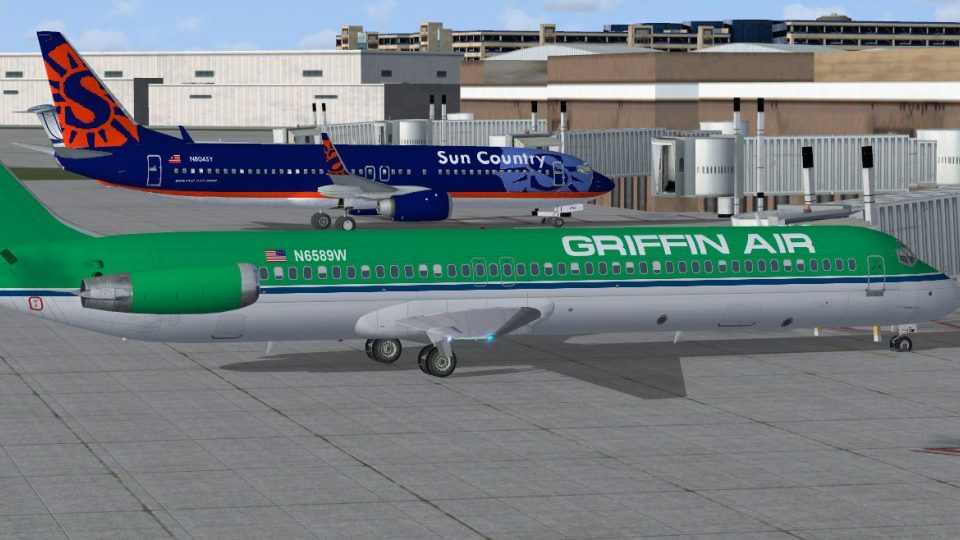
Griffin Air Douglas DC-9-50 N6589W brings classic short-haul airliner character to Microsoft Flight Simulator X with crisp Griffin Air markings, accurate fuselage lettering, tail art, and convincing surface reflections on the HJG airframe. Requires the Historic Jetliners Group DC-9-50 JT8D-17 v1.13 base pack, with optional engine smoke effects for added immersion.
 Rate
Rate
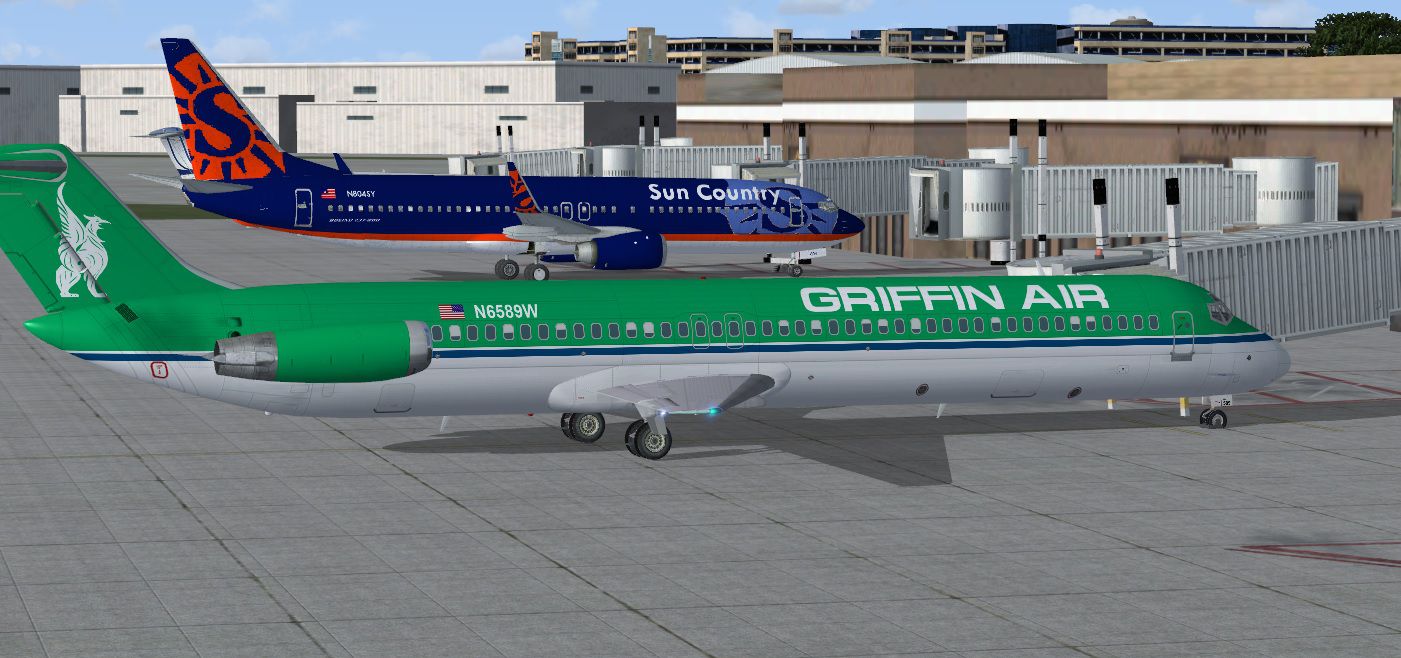
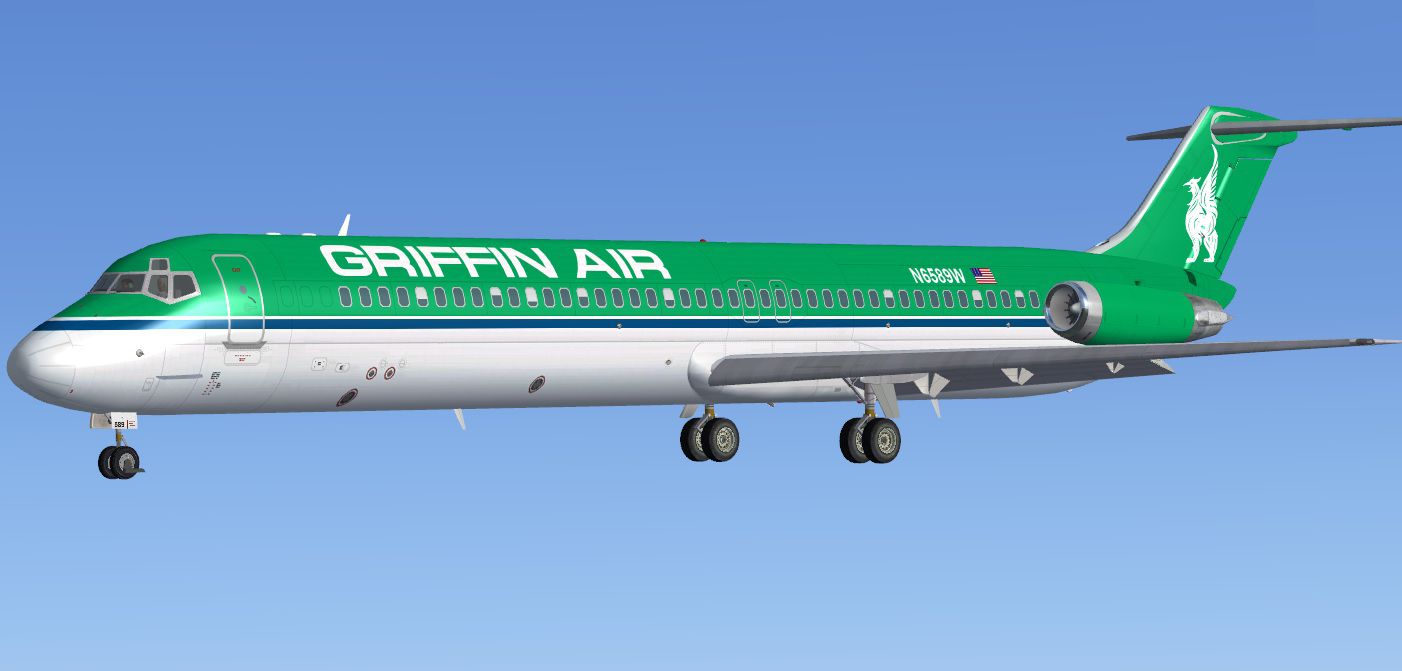
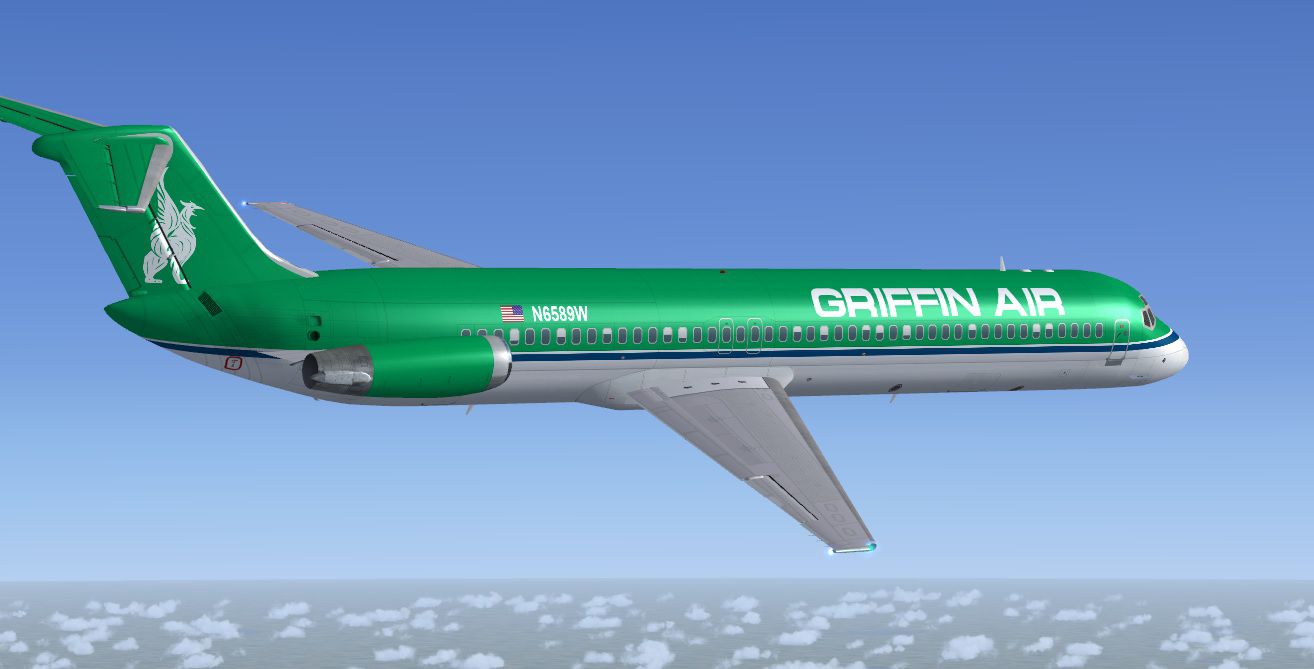
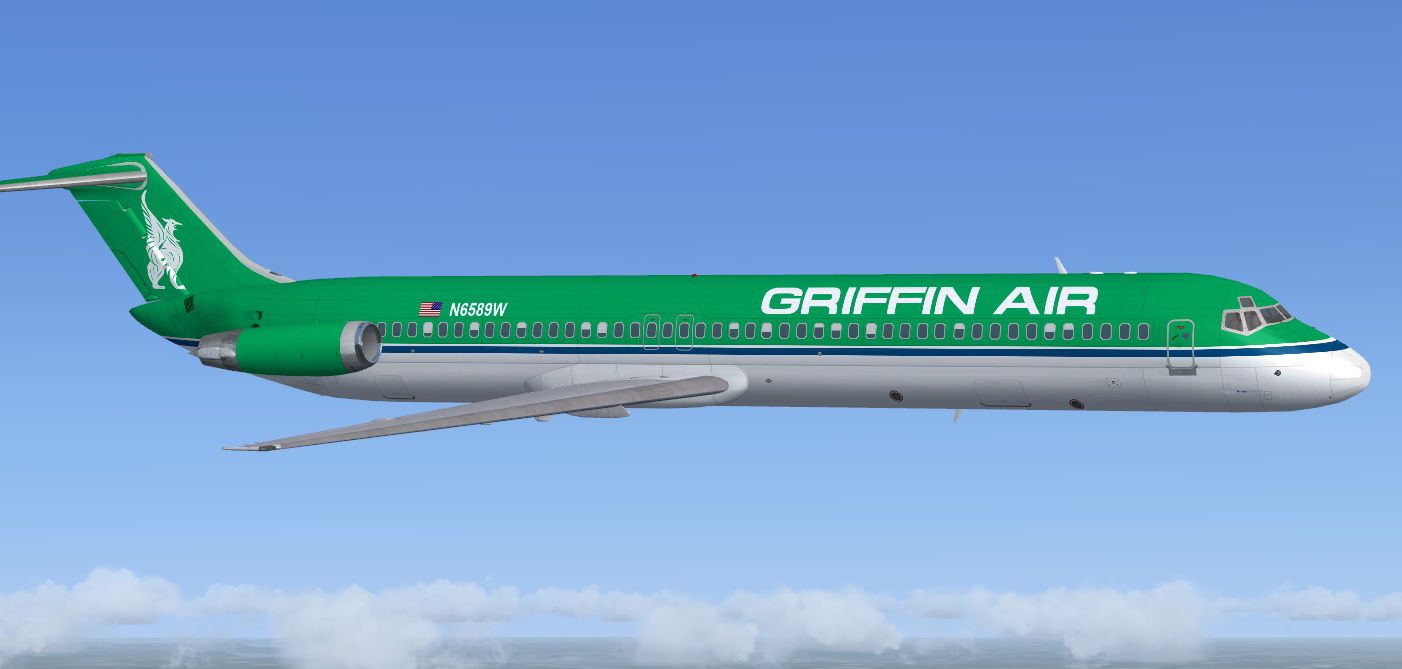
This freeware repaint package showcases a striking DC-9-50 in Griffin Air markings, crafted by Tom Tiedman for use with the Historic Jetliners Group (HJG) base pack (JT8D-17 v1.13). Designed for short- to medium-range operations, the DC-9-50 first appeared in the late 1970s, serving as a reliable workhorse for numerous airlines. Within Microsoft Flight Simulator X, this repaint delivers accurate detailing, plus optional engine smoke parameters for enhanced visual immersion. The necessary freeware model is available from the Fly Away Simulation library for easy integration into your virtual hangar.
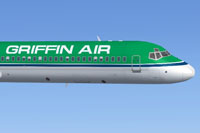
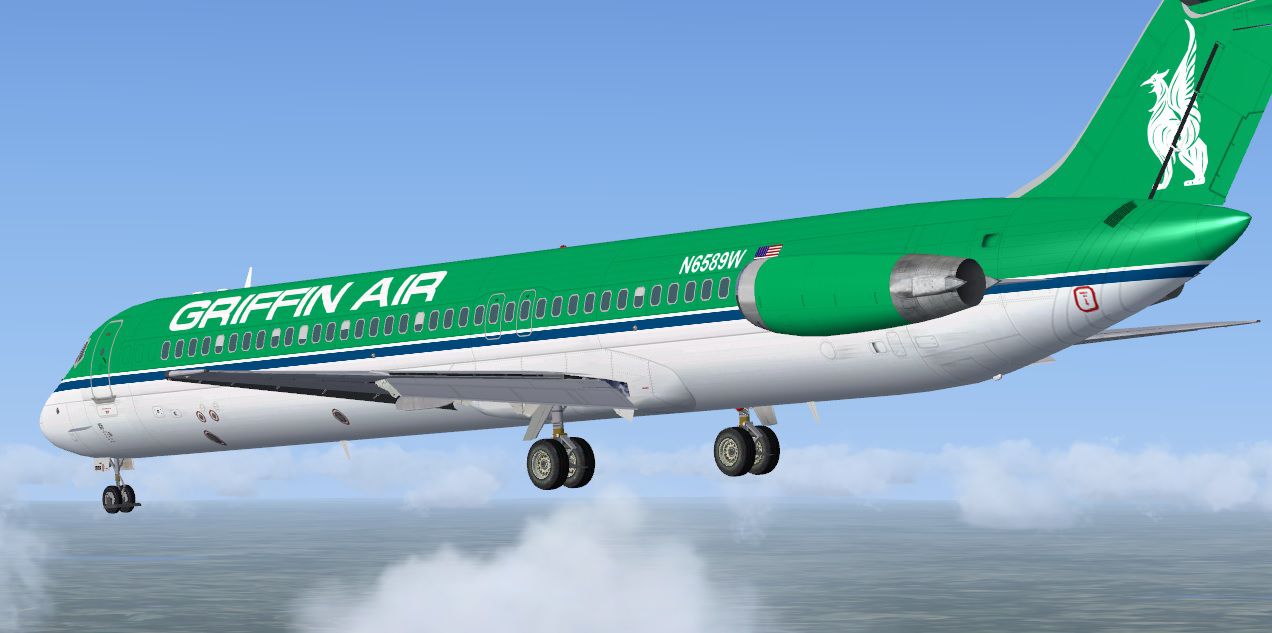
Side profile in flight, displaying the custom Griffin Air insignia on the DC-9-50’s fuselage.
This repaint represents N6589W, featuring surface reflections, fuselage lettering, and tail artwork tailored to fit the proportions of the HJG DC-9-50 airframe. Although it references the real-world branding of Griffin Air, this particular variation is crafted for virtual pilots who appreciate classic airliner aesthetics and the nostalgic JT8D engine acoustics. McDonnell Douglas originally developed the DC-9 line, perfecting its compact form for regional routes while still offering comfortable passenger capacity.
[fltsim.X] section in your airplane’s aircraft.cfg. Replace the “X” with the next incremental number for your repaints, then save the file.[SMOKESYSTEM] code provided below or remove old lines from your aircraft.cfg before copying these new ones in.[fltsim.X] title=DC-9-50 Griffin Air N6589W (HJG JT8D-17 v1.13) sim=DC-9-50 model=02 panel= sound= texture=Griffin Air N6589W kb_checklists= atc_id=N6589W atc_airline= atc_flight_number= atc_heavy=0 atc_parking_codes= atc_parking_types=GATE,CARGO,RAMP ui_manufacturer=McDonnell Douglas ui_type=DC-9-50 (HJG) ui_variation=Griffin Air N6589W ui_typerole=Commercial Airliner ui_createdby=Historic Jetliners Group description=HJG DC-9-50 JT8D-17 v1.13 Griffin Air N6589W repaint by Tom Tiedman. [SMOKESYSTEM] smoke.0=-48.739, -8.351, 2.601, fx_smoke_f6 smoke.1=-48.739, 8.351, 2.601, fx_smoke_f6
The creators—Historic Jetliners Group for the base model and Tom Tiedman for the exterior theme—have delivered a thorough rendition of this aircraft, capturing the unique lines and proportions of the DC-9-50. Those seeking a reliable classic jet to operate in short-haul scenarios can enjoy this livery’s attention to detail, refined paint layers, and optional engine exhaust trail enhancements. Remember, the freeware DC-9-50 model is not included and should be obtained from the Fly Away Simulation repository before applying this Griffith Air repaint.
Free for all simmers · 4.11 MB · Scanned clean Oct 2026
Download speed: Free tier is capped at 0.5 Mbps (this file takes approximately 1 min at the cap). PRO members download at full line speed.
texture.{airline}) inside FSX\SimObjects\Airplanes\{base-aircraft}\.aircraft.cfg in Notepad. Add a new [fltsim.X] section per the readme.readme.txt or README file. It tells you exactly where files go, what dependencies are needed, and any quirks specific to this add-on.The archive fsx_mcdonnell_douglas_dc-9-50_griffin_air_n6589w.zip has 30 files and directories contained within it.
This list displays the first 500 files in the package. If the package has more, you will need to download it to view them.
| Filename/Directory | File Date | File Size |
|---|---|---|
| file_id.txt | 05.08.14 | 307 B |
| HJG End User License Agreement.txt | 04.30.14 | 1.77 kB |
| READ ME and INSTALLATION.txt | 05.08.14 | 2.11 kB |
| Screenshot 1.jpg | 05.08.14 | 111.57 kB |
| Screenshot 2.jpg | 05.08.14 | 141.22 kB |
| Screenshot 3.jpg | 05.08.14 | 107.36 kB |
| Screenshot 4.jpg | 05.08.14 | 113.35 kB |
| Screenshot 5.jpg | 05.08.14 | 282.62 kB |
| texture.Griffin Air N6589W | 05.08.14 | 0 B |
| DC-9_00.bmp | 05.08.14 | 16.00 MB |
| DC-9_00_L.bmp | 05.07.14 | 1.00 MB |
| DC-9_01.bmp | 05.08.14 | 16.00 MB |
| DC-9_01_L.bmp | 05.07.14 | 1.00 MB |
| DC-9_02.bmp | 05.07.14 | 4.00 MB |
| DC-9_02_L.bmp | 05.07.14 | 64.07 kB |
| DC-9_03.bmp | 05.07.14 | 4.00 MB |
| DC-9_03_L.bmp | 05.07.14 | 1.00 MB |
| DC-9_04.bmp | 05.07.14 | 4.00 MB |
| DC-9_04_L.bmp | 05.07.14 | 1.00 MB |
| DC-9_05.bmp | 05.07.14 | 4.00 MB |
| DC-9_05_L.bmp | 05.07.14 | 1.00 MB |
| DC-9_06.bmp | 05.07.14 | 4.00 MB |
| DC-9_06_L.bmp | 05.07.14 | 1.00 MB |
| DC-9_07.bmp | 05.07.14 | 256.07 kB |
| DC-9_07_L.bmp | 05.07.14 | 256.07 kB |
| thumbnail.jpg | 05.08.14 | 34.09 kB |
| Thumbs.db | 05.07.14 | 17.50 kB |
| thumbnail.jpg | 05.08.14 | 34.09 kB |
| flyawaysimulation.txt | 10.29.13 | 959 B |
| Go to Fly Away Simulation.url | 01.22.16 | 52 B |
Only PRO members can place votes.
More FSX & P3D add-ons hand-picked based on this download.
FSX Civil Aircraft
FSX Northwest Airlines Douglas DC-9-50. This is the SGA Douglas DC9-50 in Nor…
 FSX Civil Aircraft
FSX Northwest Airlines Douglas DC-9-50 (old colors). Model by SGA. Repaint an…
 FSX Civil Aircraft
Aeropostal Douglas DC-9-50 (new colors), registration YV135T. Complete pack. …
 FSX Civil Aircraft
Aerostar is a funjet vacation carrier VA. This is an original FS2004 SGA DC-9…
 FSX Civil Aircraft
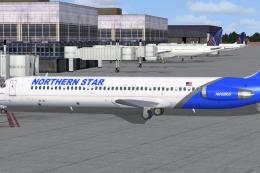
This freeware repaint package introduces a custom Northern Star Airlines live…
 FSX Civil Aircraft
FSX Northwest DC-9-50 Panel Fix, for use with SGADC95X.ZIP. By Jake Snell.
 FSX Civil Aircraft
FSX FedEx Douglas DC-10-10F. Textures only for the payware Commercial Level S…
 FSX Civil Aircraft
Trinity Air Bahamas/Spirit Douglas DC-9-30, registration YV-705C. A Gmax mode…
Be the first to leave a comment on this download.
Be the first to share your thoughts on this download.