

 FSX Civil Aircraft
KLM Cityhopper Boeing 737-900 PH-BXP
KLM Cityhopper Boeing 737-900, registration PH-BXP, nickname "Crested Coot". …
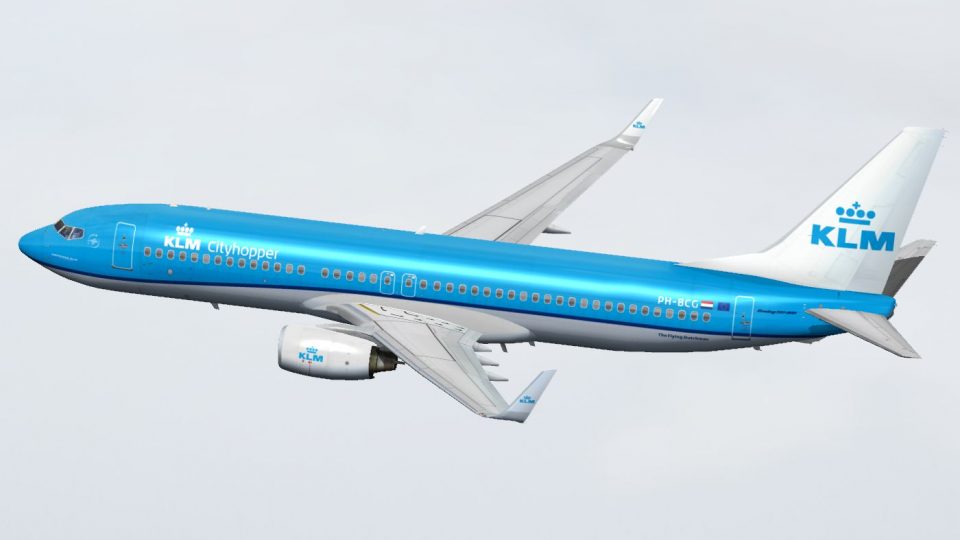
KLM Cityhopper Boeing 737-800 PH-BCG brings a fictional take on the carrier’s refreshed regional branding, with crisp 32-bit textures, realistic shine, opening doors and cargo bays, and smooth animations including wing flex and gear steering. Built for Microsoft Flight Simulator X, it requires the freeware TDS Boeing 737-800 base pack.
 Rate
Rate

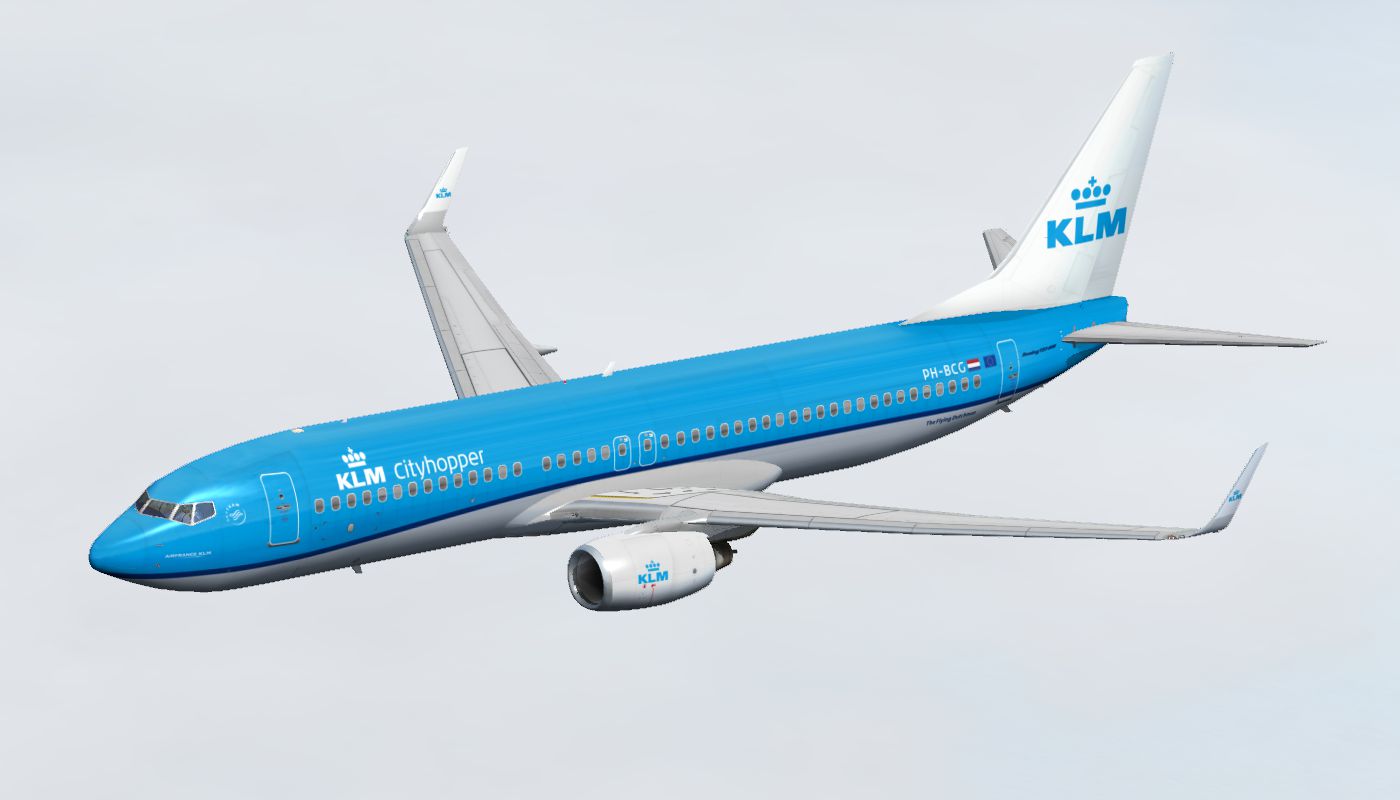
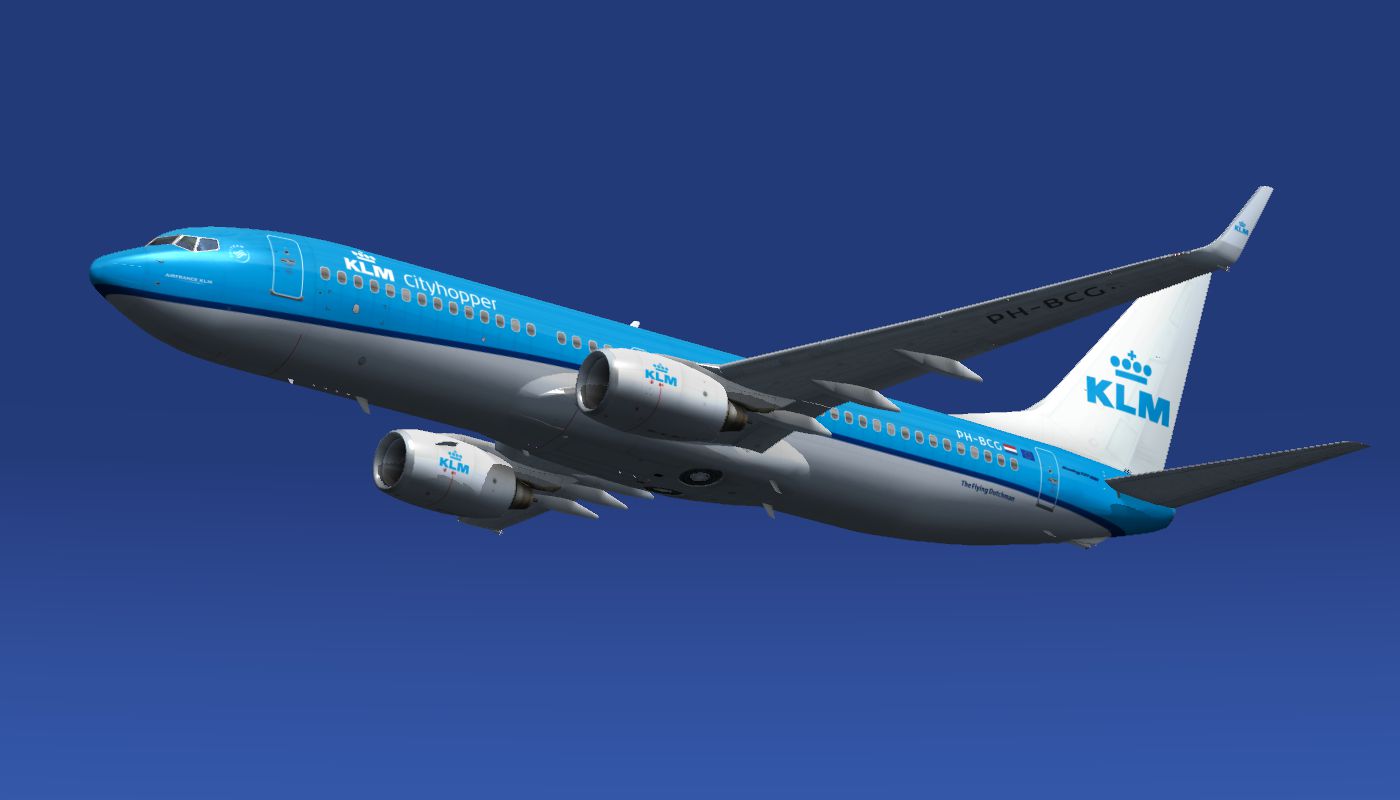
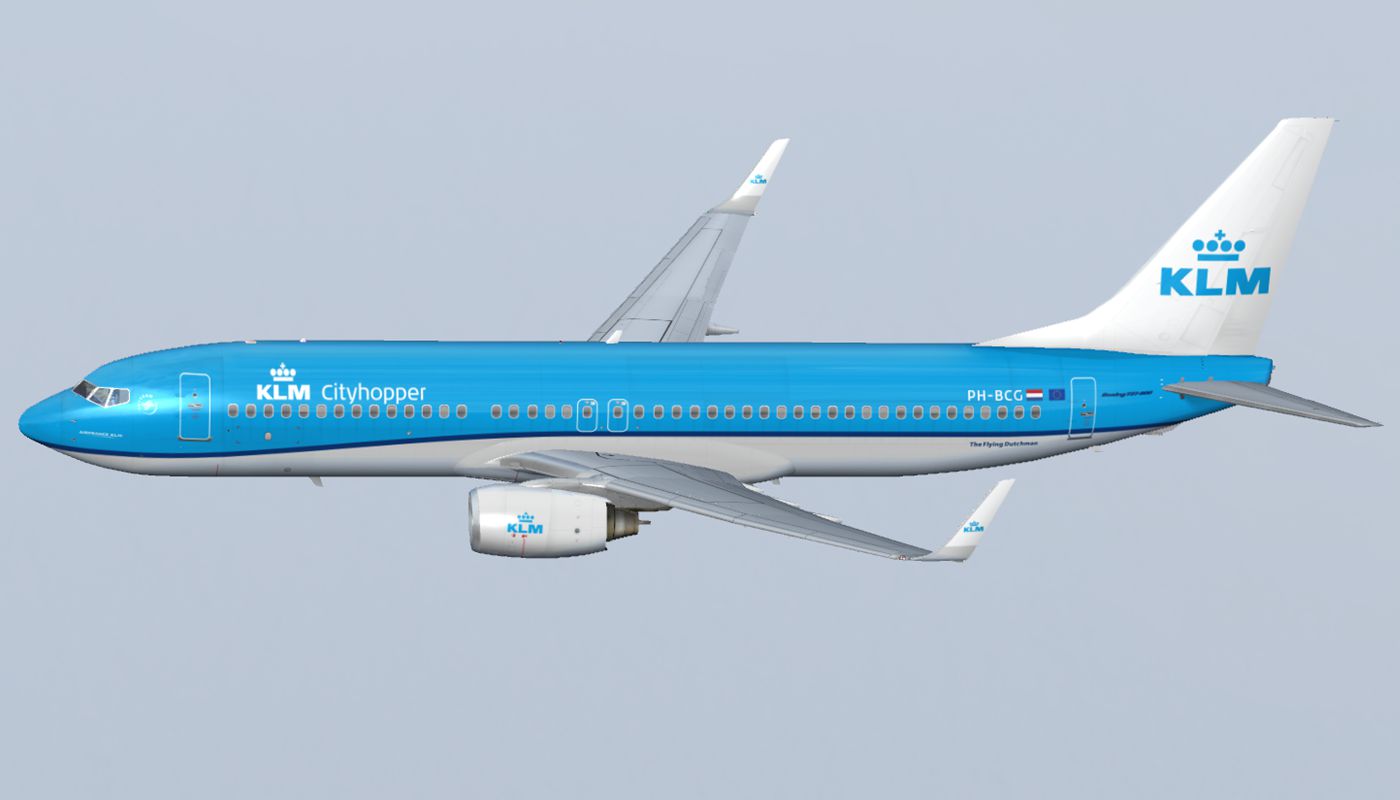
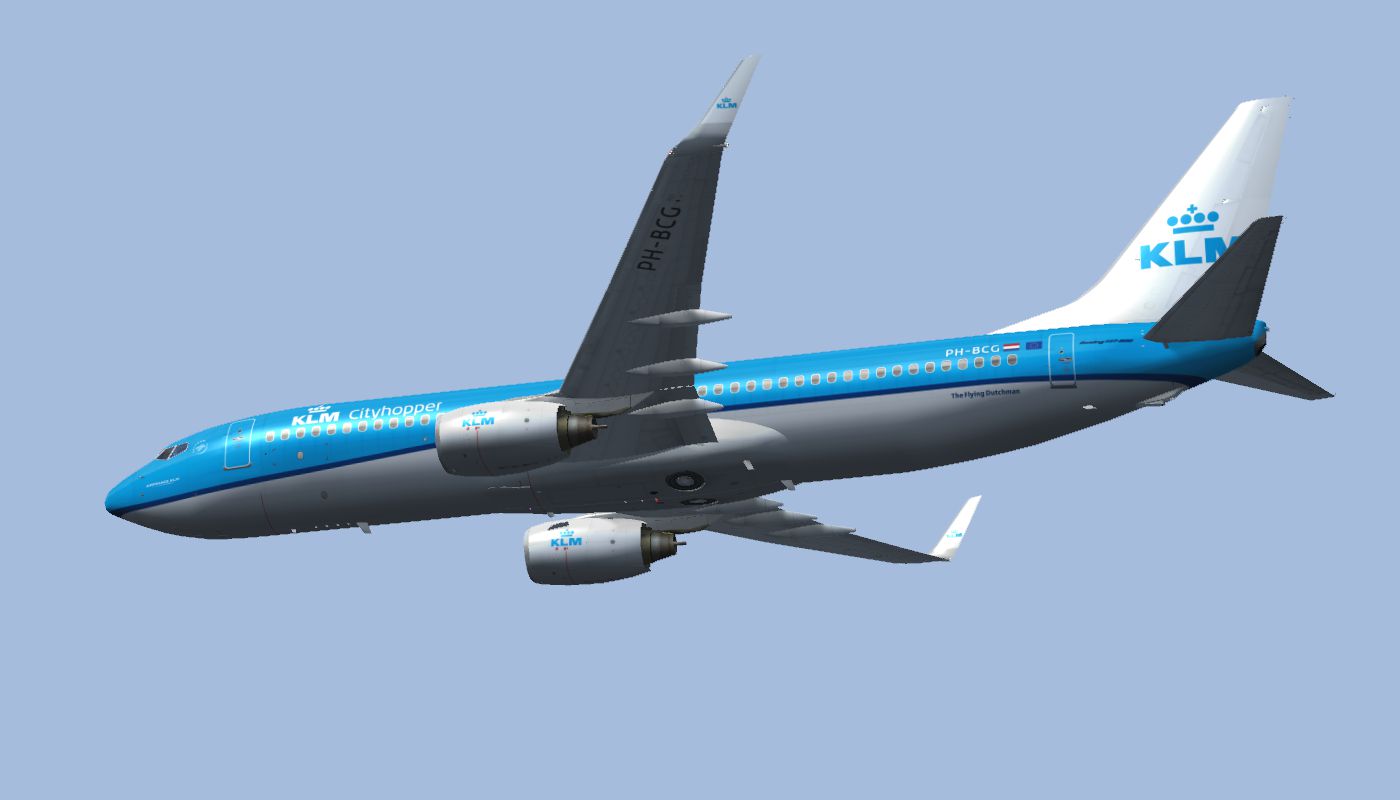
This fictional repaint showcases a Boeing 737-800 painted in the newly introduced KLM Cityhopper style. Although the real KLM Cityhopper fleet operates Embraer 190 and Fokker 70 aircraft—and currently has no 737s—this livery interprets how a 737 might appear under the same design philosophy. The repaint references the single demonstrator currently wearing KLM Cityhopper’s updated scheme (PH-EXD on an Embraer model). Created by Elmar Westra, it requires the freeware Tenkuu Developers Studio (TDS) Boeing 737-800 base pack, which can be obtained from the Fly Away Simulation library. This repaint is offered as freeware.
Preview of the Boeing 737-800 in KLM Cityhopper colors cruising above virtual skies.
Texture.KLM_PH-BCG and place it inside your TDS 737-800 directory (ensure you have the TDS Boeing 737-800 base model installed beforehand).aircraft.cfg in a text editor, then append the following lines (replacing “XX” with the next sequential number in your configuration):[fltsim.XX]
title=FREEWARE_(C)_TDS_16AUG2013_738_CFM56-7B--W2_+A0000_+D00_+B0 KLM Cityhopper New Livery 737-800
sim=TDSBoeing737-800w
model=B--W2
panel=
sound=
texture=KLM_PH-BCG
kb_checklists=Boeing737-800_check
kb_reference=Boeing737-800_ref
atc_id=PH-BCG
atc_airline=KLM
atc_flight_number=738
atc_heavy=0
atc_parking_types=GATE, RAMP
atc_parking_code=KLM
ui_variation=KLM Cityhopper "PH-BCG" (NC)
ui_manufacturer=Boeing
ui_type=737-800
ui_typerole=Commercial Airliner
ui_createdby=TDS
description=The Boeing 737NG is Boeing’s third generation of the 737 family. It first flew in 1996 and entered service in 1998, featuring improved aerodynamics, updated engines, and modern avionics. This series accommodates between 110 and 210 passengers in a short-to-medium range capacity. It is also offered in specialized variants such as cargo, quick convertibles, maritime patrol configurations, military airborne radar, and a business jet edition. Over 4,500 737NG aircraft have been delivered globally.
Note: Modify the [fltsim.XX] value to match your existing entries. Remember that this download provides only the repaint; the base pack from Tenkuu Developers Studio (TDS) is essential. This repaint functionally works in several simulators, including Microsoft Flight Simulator X, and is thoroughly tested for stable performance.
This KLM Cityhopper concept offers a unique way to imagine the 737-800 in the distinctive cityhopper livery, expanding your virtual airline's scope. Acknowledgments to Tenkuu Developers Studio for the original aircraft model and Elmar Westra for crafting this fictitious yet visually appealing paint scheme.
Free for all simmers · 12.57 MB · Scanned clean Oct 2026
Download speed: Free tier is capped at 0.5 Mbps (this file takes approximately 4 mins at the cap). PRO members download at full line speed.
This file is a repaint — the package below is the base model it paints onto. Install it first, or the textures will have nothing to load onto.
texture.{airline}) inside FSX\SimObjects\Airplanes\{base-aircraft}\.aircraft.cfg in Notepad. Add a new [fltsim.X] section per the readme.readme.txt or README file. It tells you exactly where files go, what dependencies are needed, and any quirks specific to this add-on.The archive klm_cityhopper_tds738.zip has 70 files and directories contained within it.
This list displays the first 500 files in the package. If the package has more, you will need to download it to view them.
| Filename/Directory | File Date | File Size |
|---|---|---|
| KLM Cityhopper TDS738 | 06.29.14 | 0 B |
| 01.png | 06.29.14 | 489.33 kB |
| 02.png | 06.29.14 | 529.14 kB |
| 03.png | 06.29.14 | 419.97 kB |
| 04.png | 06.29.14 | 210.07 kB |
| 05.png | 06.29.14 | 250.47 kB |
| Readme.txt | 06.29.14 | 2.20 kB |
| Texture.KLM_PH-BCG | 06.29.14 | 0 B |
| DECAL_TDS737_COCKPIT_BTMDECAL.bmp | 03.16.14 | 64.07 kB |
| DECAL_TDS737_COCKPIT_TOPDECAL.bmp | 03.16.14 | 64.07 kB |
| DECAL_TDS738_BOTTOM.bmp | 03.16.14 | 4.00 MB |
| TDS737ngstair_l.bmp | 03.16.14 | 256.07 kB |
| TDS737ngstair_t.bmp | 03.16.14 | 1.00 MB |
| TDS737Option.bmp | 06.08.14 | 85.40 kB |
| TDS737Option2.bmp | 06.08.14 | 85.40 kB |
| TDS737SHAFT_L.BMP | 03.16.14 | 256.07 kB |
| TDS737SHAFT_T.BMP | 03.16.14 | 16.07 kB |
| TDS737_BBJANT.BMP | 03.16.14 | 256.07 kB |
| TDS737_CFM56-7_Fanblade.bmp | 03.16.14 | 1.00 MB |
| TDS737_ELEVL_L.BMP | 03.16.14 | 4.07 kB |
| TDS737_ELEVL_T.bmp | 03.16.14 | 1.00 MB |
| TDS737_ELEVR_L.BMP | 03.16.14 | 4.07 kB |
| TDS737_ELEVR_T.bmp | 03.16.14 | 1.00 MB |
| TDS737_ENGINE_L.BMP | 03.16.14 | 4.00 MB |
| TDS737_ENGINE_T.bmp | 06.09.14 | 5.33 MB |
| TDS737_GSU2_L.bmp | 03.16.14 | 256.07 kB |
| TDS737_GSU2_T.bmp | 06.08.14 | 5.33 MB |
| TDS737_GSU3_L.bmp | 03.16.14 | 256.07 kB |
| TDS737_GSU3_T.bmp | 06.08.14 | 5.33 MB |
| TDS737_GSU4_L.bmp | 03.16.14 | 256.07 kB |
| TDS737_GSU4_T.bmp | 06.08.14 | 5.33 MB |
| TDS737_GSU_L.bmp | 03.16.14 | 256.07 kB |
| TDS737_GSU_T.bmp | 06.08.14 | 5.33 MB |
| Tds737_inside_L.bmp | 03.16.14 | 4.00 MB |
| Tds737_inside_t.bmp | 03.16.14 | 4.00 MB |
| TDS737_PARTS2_L.bmp | 03.16.14 | 256.07 kB |
| TDS737_PARTS2_T.bmp | 03.16.14 | 4.00 MB |
| TDS737_PARTS3_L.bmp | 03.16.14 | 256.07 kB |
| TDS737_PARTS3_T.bmp | 03.16.14 | 4.00 MB |
| TDS737_PARTS4.bmp | 03.16.14 | 256.07 kB |
| TDS737_PARTS_L.bmp | 03.16.14 | 256.07 kB |
| TDS737_PARTS_T.BMP | 03.16.14 | 4.00 MB |
| Tds737_pylon_L.bmp | 03.16.14 | 256.07 kB |
| Tds737_pylon_t.bmp | 03.16.14 | 4.00 MB |
| Tds737_spring.bmp | 03.16.14 | 16.07 kB |
| TDS737_TIRE.BMP | 03.16.14 | 1.00 MB |
| Tds737_TRANSPARENT.bmp | 03.16.14 | 256.07 kB |
| TDS737_WINGLET3_L.bmp | 03.16.14 | 4.00 MB |
| TDS737_WINGLET3_T.bmp | 03.16.14 | 4.00 MB |
| TDS737_WINGL_L.BMP | 03.16.14 | 4.07 kB |
| TDS737_WINGL_T.bmp | 06.22.14 | 5.33 MB |
| TDS737_WINGR_L.BMP | 03.16.14 | 4.07 kB |
| TDS737_WINGR_T.bmp | 06.22.14 | 5.33 MB |
| Tds737_Wire.bmp | 03.16.14 | 16.07 kB |
| TDS738_FUSEL_FRONT_L.BMP | 03.16.14 | 4.07 kB |
| TDS738_FUSEL_FRONT_T.bmp | 06.16.14 | 5.33 MB |
| TDS738_FUSEL_LIGHTSPLASH.bmp | 06.16.14 | 5.33 MB |
| TDS738_FUSEL_REAR_L.BMP | 03.16.14 | 4.00 MB |
| TDS738_FUSEL_REAR_T.bmp | 06.16.14 | 5.33 MB |
| TDS738_FUSER_FRONT_L.BMP | 03.16.14 | 4.07 kB |
| TDS738_FUSER_FRONT_T.bmp | 06.16.14 | 5.33 MB |
| TDS738_FUSER_LIGHTSPLASH.bmp | 06.16.14 | 5.33 MB |
| TDS738_FUSER_REAR_L.BMP | 03.16.14 | 4.00 MB |
| TDS738_FUSER_REAR_T.bmp | 06.16.14 | 5.33 MB |
| TDS738_SELFILLUMINATION.bmp | 03.16.14 | 4.00 MB |
| TDS_WT250E2_L.BMP | 03.16.14 | 256.07 kB |
| TDS_WT250E2_T.BMP | 05.30.14 | 1.33 MB |
| thumbnail.jpg | 06.16.14 | 34.97 kB |
| flyawaysimulation.txt | 10.29.13 | 959 B |
| Go to Fly Away Simulation.url | 01.22.16 | 52 B |
Only PRO members can place votes.
More FSX & P3D add-ons hand-picked based on this download.
FSX Civil Aircraft
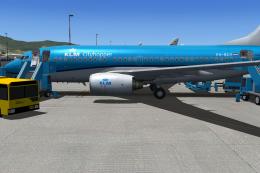
KLM Cityhopper Boeing 737-900, registration PH-BXP, nickname "Crested Coot". …
 FSX Civil Aircraft
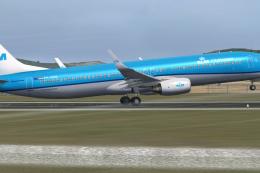
This fictional KLM Cityhopper livery for the Boeing 737-700 brings a fresh re…
 FSX Civil Aircraft
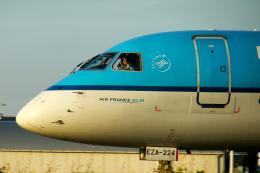
This freeware repaint presents a fictional adaptation of the KLM Cityhopper d…
 FSX Civil Aircraft
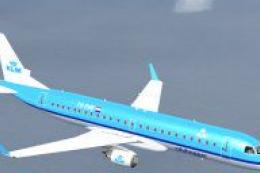
This is the Embraer 190 pack of KLM Cityhopper containing two photoreal 32 bi…
 FSX Civil Aircraft
FSX KLM CityHopper Embraer 190-LR. A 98-114 seat regional airliner. Full pack…
 FSX Civil Aircraft
Experience a fictional KLM Cityhopper repaint for the Bombardier CRJ-700 in M…
 FSX Civil Aircraft
This highly detailed repaint showcases KLM Royal Dutch Airlines’ recently int…
 FSX Civil Aircraft
This freeware package provides a carefully rendered texture set portraying a …
Be the first to leave a comment on this download.
Be the first to share your thoughts on this download.