

 FSX Civil Aircraft
Transaero Airlines Boeing 777-200LR
This customized repaint offers a faithful Transaero Airlines visual theme for…
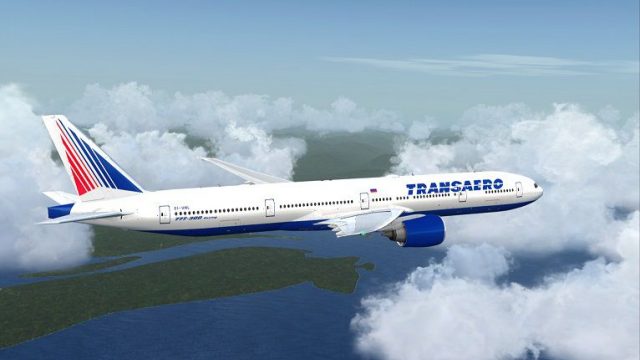
Transaero Boeing 777-300ER EI-UNL brings the airline’s distinctive long-haul look to the PMDG 777-300ER Expansion with finely aligned fuselage titles, tail artwork, engine markings, and correct door and window mapping for an authentic profile. Designed for Microsoft Flight Simulator X, it requires the PMDG base aircraft and provides textures only.
 Rate
Rate
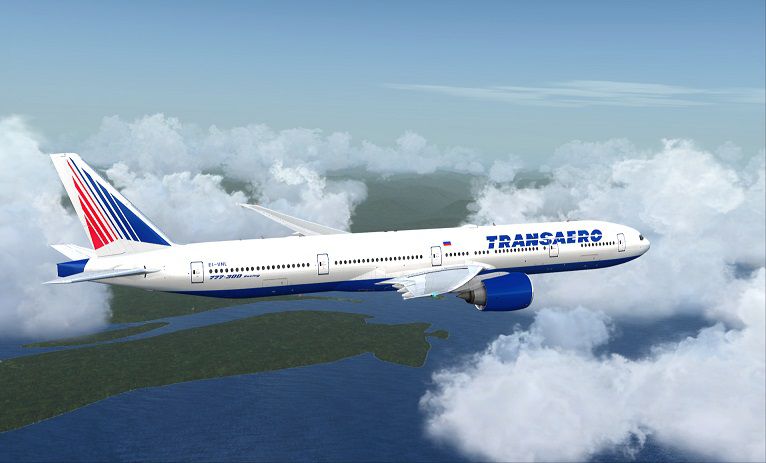
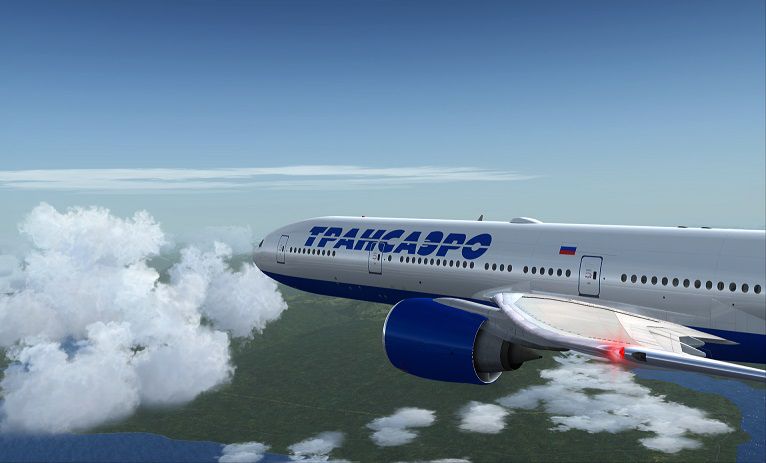
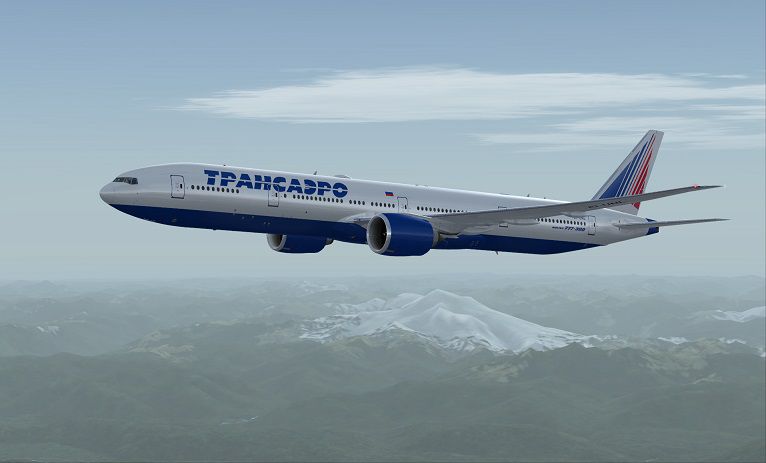
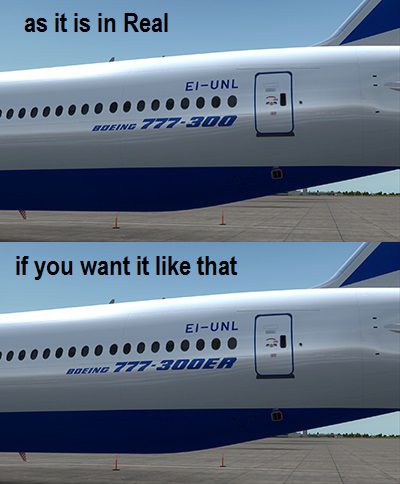
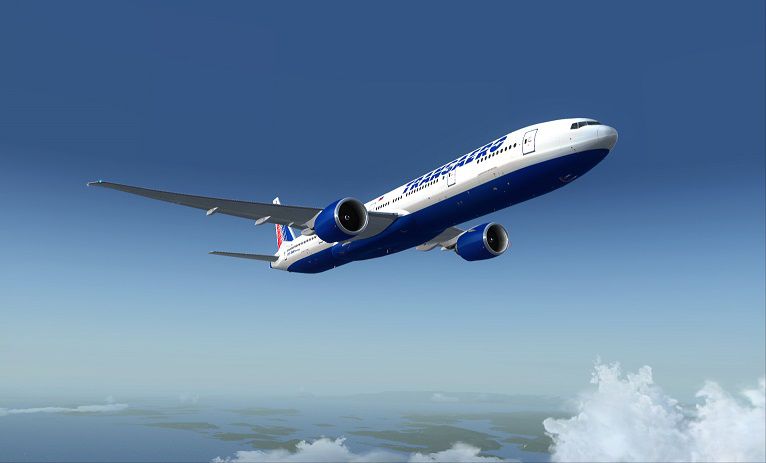
This comprehensive repaint set offers the Transaero Boeing 777-300ER (registration EI-UNL) adaptation for the payware PMDG 777-300ER Expansion. Painted by Corina Meyer, this package exclusively provides texture files and requires the separate purchase of the PMDG base model from a recognized payware source such as SimShack. Compatible with Microsoft Flight Simulator X, this add-on helps showcase Transaero’s distinct color scheme while delivering detailed artistry for enthusiasts wishing to refine their long-haul fleet.
Transaero, once Russia’s second-largest airline, operated a wide range of aircraft, including the Boeing 777-300ER. Known for its extended range (denoted by the "ER" suffix) and improved performance, the 777-300ER became a reliable choice for intercontinental Transaero routes. In this repaint, you will find attention to detail in the fuselage lettering, tail design, engine markings, and specific registration tag (EI-UNL), ensuring maximum authenticity when viewed from any angle in the simulator environment.

Example preview of the Transaero 777-300ER in mid-flight.
Follow these instructions to import the repaint properly:
The original repaint creation is credited to Corina Meyer, who has taken great care to ensure accuracy. This listing contains only the textures—users must own and install the payware PMDG 777-300ER Expansion beforehand. While this repaint has been tested for visual consistency and functionality, any unforeseen system issues remain outside the creator’s responsibility. However, feedback on discrepancies or concerns is welcome.
Free for all simmers · 16.3 MB · Scanned clean Sep 2026
Download speed: Free tier is capped at 0.5 Mbps (this file takes approximately 5 mins at the cap). PRO members download at full line speed.
texture.{airline}) inside FSX\SimObjects\Airplanes\{base-aircraft}\.aircraft.cfg in Notepad. Add a new [fltsim.X] section per the readme.readme.txt or README file. It tells you exactly where files go, what dependencies are needed, and any quirks specific to this add-on.The archive pmdg777-300er_transaero_ei-unl.zip has 12 files and directories contained within it.
This list displays the first 500 files in the package. If the package has more, you will need to download it to view them.
| Filename/Directory | File Date | File Size |
|---|---|---|
| PMDG777-300ER Transaero EI-UNL (4).jpg | 07.27.14 | 45.91 kB |
| PMDG777-300ER Transaero EI-UNL.gif | 07.27.14 | 5.18 kB |
| PMDG777-300ER Transaero EI-UNL.ptp | 07.27.14 | 14.45 MB |
| ReadMe_Install.txt | 07.27.14 | 1.49 kB |
| Wanna change the to 300ER | 07.27.14 | 0 B |
| Boeing TItle @ the rear.jpg | 07.27.14 | 74.21 kB |
| pmdg_777_fuse_3.dds | 07.27.14 | 16.00 MB |
| PMDG777-300ER Transaero EI-UNL (1).jpg | 07.27.14 | 58.26 kB |
| PMDG777-300ER Transaero EI-UNL (2).jpg | 07.27.14 | 80.90 kB |
| PMDG777-300ER Transaero EI-UNL (3).jpg | 07.27.14 | 75.48 kB |
| flyawaysimulation.txt | 10.29.13 | 959 B |
| Go to Fly Away Simulation.url | 01.22.16 | 52 B |
Only PRO members can place votes.
More FSX & P3D add-ons hand-picked based on this download.
FSX Civil Aircraft
This customized repaint offers a faithful Transaero Airlines visual theme for…
 FSX Civil Aircraft
This package offers a detailed simulation of an Emirates Boeing 777-300ER (re…
 FSX Civil Aircraft
A fully complete and highly detailed freeware "mega pack" release featuring t…
 FSX Civil Aircraft
Etihad Airways Boeing 777-300ER Registration "A6-ETA" Painted on SkySpirit201…
 FSX Civil Aircraft
THY Barcelona Boeing 777-300ER. A Boeing 777-300ER from Turkish Airlines, in …
 FSX Civil Aircraft
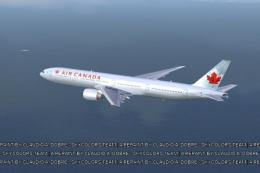
FSX Air Canada Boeing 777-300ER GE, registration C-FIUL. A photoreal repaint …
 FSX Civil Aircraft
The payware PMDG B777-300ER as Emirates with Real Madrid sticker. This file c…
 FSX Civil Aircraft
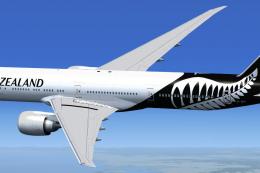
This package delivers a meticulously crafted rendition of Air New Zealand’s B…
Be the first to leave a comment on this download.
Be the first to share your thoughts on this download.