

 FSX Civil Aircraft
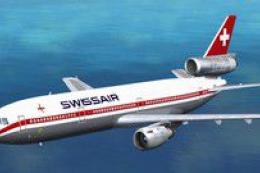
Swissair Douglas DC-10-30/ER Pack
FSX Swissair Douglas DC-10-30/ER Triple Pack. Includes HB-IHB (1973), HB-IHF …
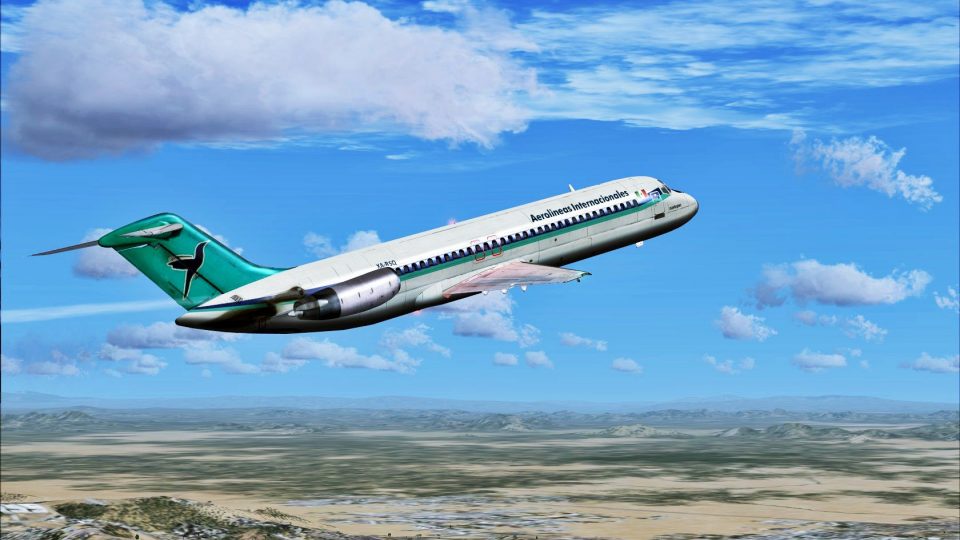
Aerolineas Internacionales Douglas DC-9-30 livery recreates XA-RSQ with period-correct airline markings and crisp exterior detailing for authentic classic jet operations. Designed for Microsoft Flight Simulator X, it requires the Flight1/Coolsky DC9-30 and includes matching texture sets that integrate cleanly into the aircraft’s configuration.
 Rate
Rate
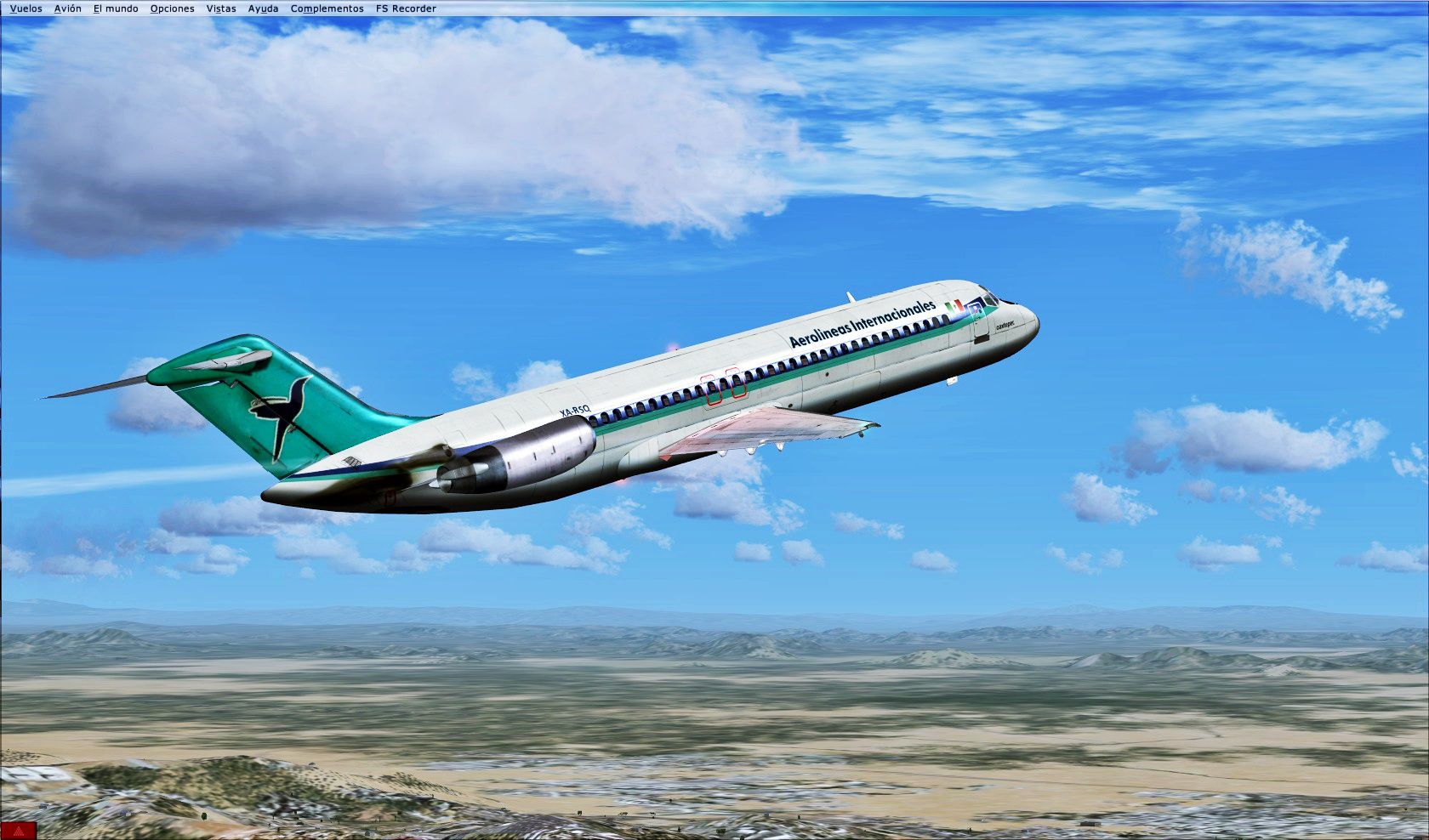

Aerolineas Internacionales Douglas DC-9-30 (real plane was an DC-9-14), registration XA-RSQ. A repaint for the Flight1/Coolsky DC9-30. By Oscar Eduardo Lastra.
Screenshot of Aerolineas Internacionales Douglas DC-9-30 in flight.
Installation:
Free for all simmers · 6.77 MB · Scanned clean Oct 2026
Download speed: Free tier is capped at 0.5 Mbps (this file takes approximately 2 mins at the cap). PRO members download at full line speed.
texture.{airline}) inside FSX\SimObjects\Airplanes\{base-aircraft}\.aircraft.cfg in Notepad. Add a new [fltsim.X] section per the readme.readme.txt or README file. It tells you exactly where files go, what dependencies are needed, and any quirks specific to this add-on.The archive f1_aerolineas_internacionales_dc-9.zip has 22 files and directories contained within it.
This list displays the first 500 files in the package. If the package has more, you will need to download it to view them.
| Filename/Directory | File Date | File Size |
|---|---|---|
| F1 Aerolineas internacionales DC-9 | 12.26.14 | 0 B |
| Aircraft.txt | 12.26.14 | 620 B |
| Readme (Installation).txt | 12.26.14 | 710 B |
| screenshots | 12.26.14 | 0 B |
| 2014-12-26_21-21-37-93.jpg | 12.26.14 | 377.54 kB |
| Texture.RSQ | 12.26.14 | 0 B |
| DC9-30_Engines.dds | 12.26.14 | 1.00 MB |
| DC9-30_Fuselage_1.dds | 12.26.14 | 1.00 MB |
| DC9-30_Fuselage_1_Spec.dds | 08.31.12 | 1.00 MB |
| DC9-30_Fuselage_2.dds | 12.26.14 | 1.00 MB |
| DC9-30_Fuselage_2_Spec.dds | 08.31.12 | 1.00 MB |
| DC9-30_Fuselage_3.dds | 12.26.14 | 1.00 MB |
| DC9-30_Fuselage_3_Spec.dds | 08.31.12 | 1.00 MB |
| DC9-30_Tail.dds | 12.26.14 | 1.33 MB |
| RSQ | 12.26.14 | 0 B |
| DC9-30_Fuselage_1.bmp | 12.26.14 | 3.00 MB |
| DC9-30_Fuselage_2.bmp | 12.26.14 | 3.00 MB |
| DC9-30_Fuselage_3.bmp | 12.26.14 | 3.00 MB |
| texture.cfg | 08.14.06 | 137 B |
| thumbnail.jpg | 12.26.14 | 18.20 kB |
| flyawaysimulation.txt | 10.29.13 | 959 B |
| Go to Fly Away Simulation.url | 01.22.16 | 52 B |
Only PRO members can place votes.
More FSX & P3D add-ons hand-picked based on this download.
FSX Civil Aircraft
FSX Swissair Douglas DC-10-30/ER Triple Pack. Includes HB-IHB (1973), HB-IHF …
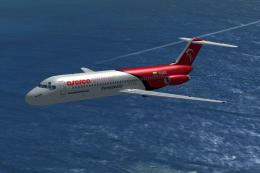 FSX Civil Aircraft
Aserca Airlines Douglas DC-9-30. Model and sound by SGA. Panel by Marco Spada…
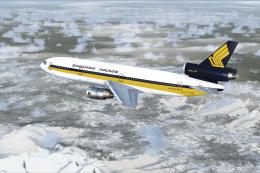 FSX Civil Aircraft
FSX Singapore Airlines Douglas DC-10-30, registration 9V-SDB. Model by SGA. R…
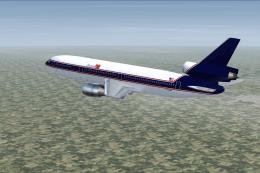 FSX Civil Aircraft
FSX Express One Douglas DC-10-30, registration F-OKBB. Model by SGA. Repaint …
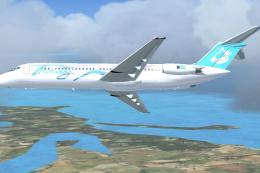 FSX Civil Aircraft
Trinity Air Bahamas/Spirit Douglas DC-9-30, registration YV-705C. A Gmax mode…
 FSX Civil Aircraft
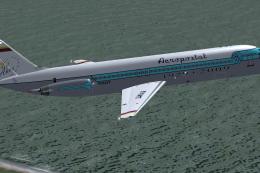
Aeropostal Douglas DC-9-30 (retro), registration YV141T. Model and sound by S…
 FSX Civil Aircraft
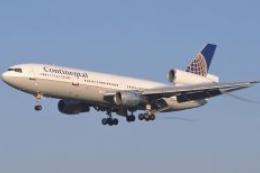
Thomas Ruth and Erick Cantu's DC10 repaint of Continental Airlines 1990's Glo…
 FSX Civil Aircraft
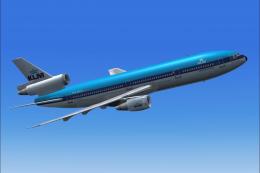
This repaint captures KLM’s iconic Douglas DC-10-30 in its earlier livery, de…
Be the first to leave a comment on this download.
Be the first to share your thoughts on this download.