

 FSX General Aviation Aircraft
Piper PA-32RT-300 Lance II
Repaint textures for a brown, gold, and orange striped on white Lance II. For…
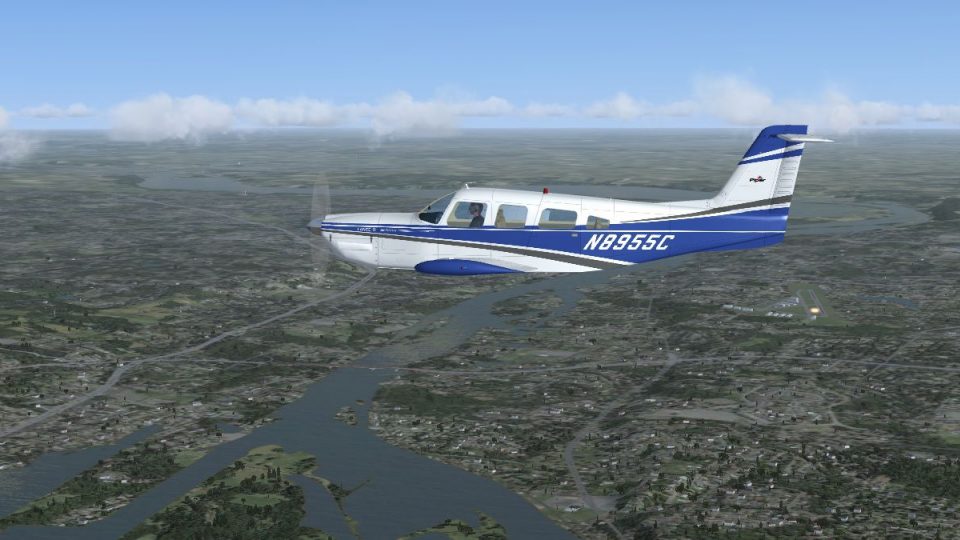
Piper PA-32RT-300 Lance II N8955C brings a crisp blue-and-gray over white repaint to the turbocharged T-tail single, with carefully aligned striping, subtle shading, and refined window and fuselage detail that suits both short hops and cross-country flying in Microsoft Flight Simulator X. Requires Paul Craig’s freeware PA-32RT-300 base model.
 Rate
Rate
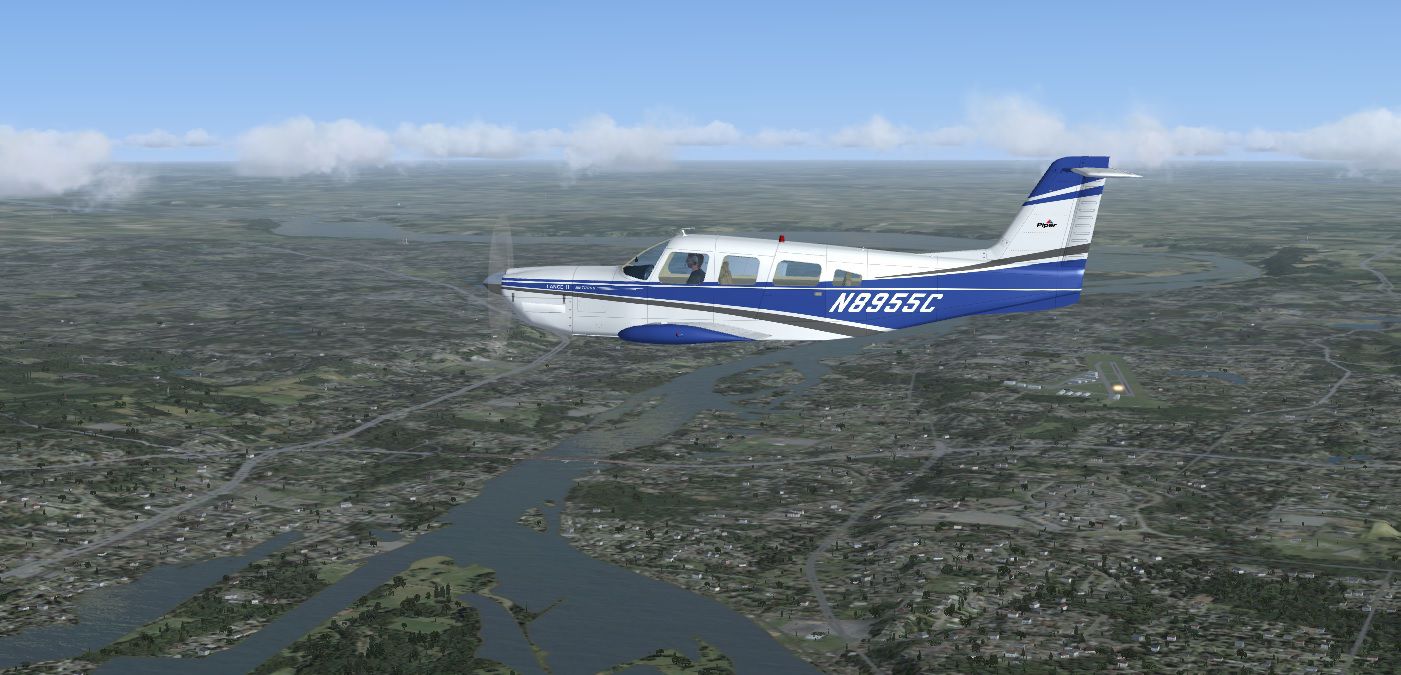
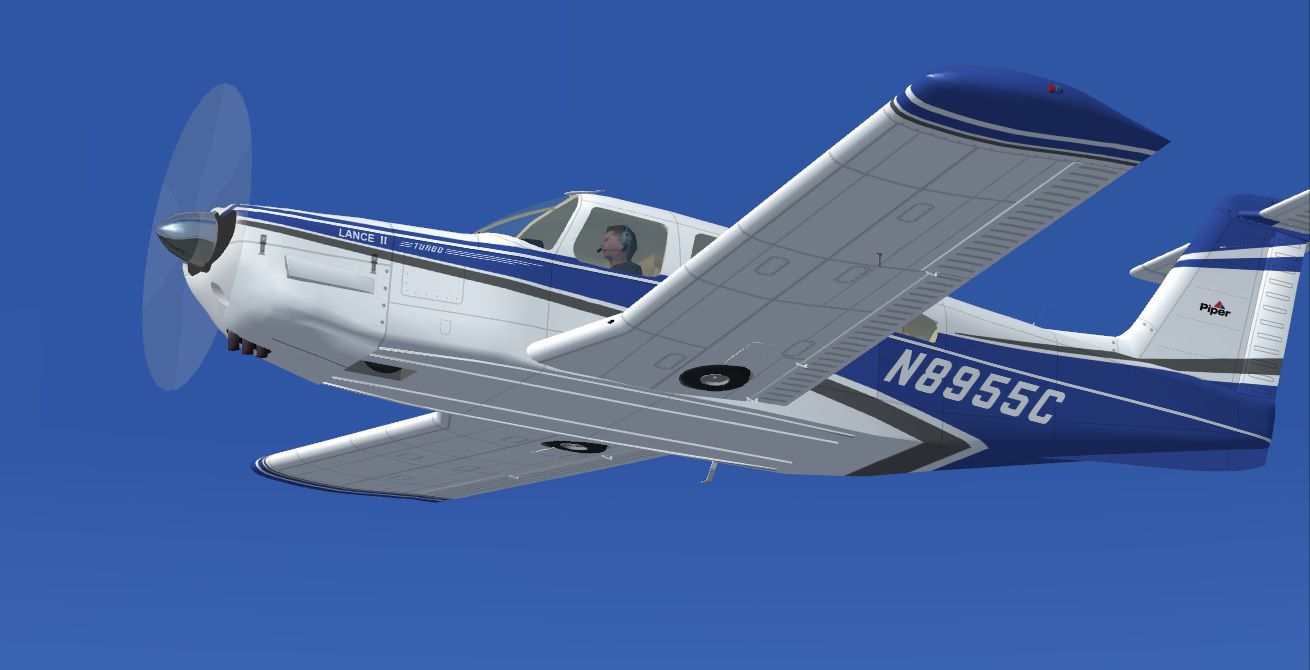
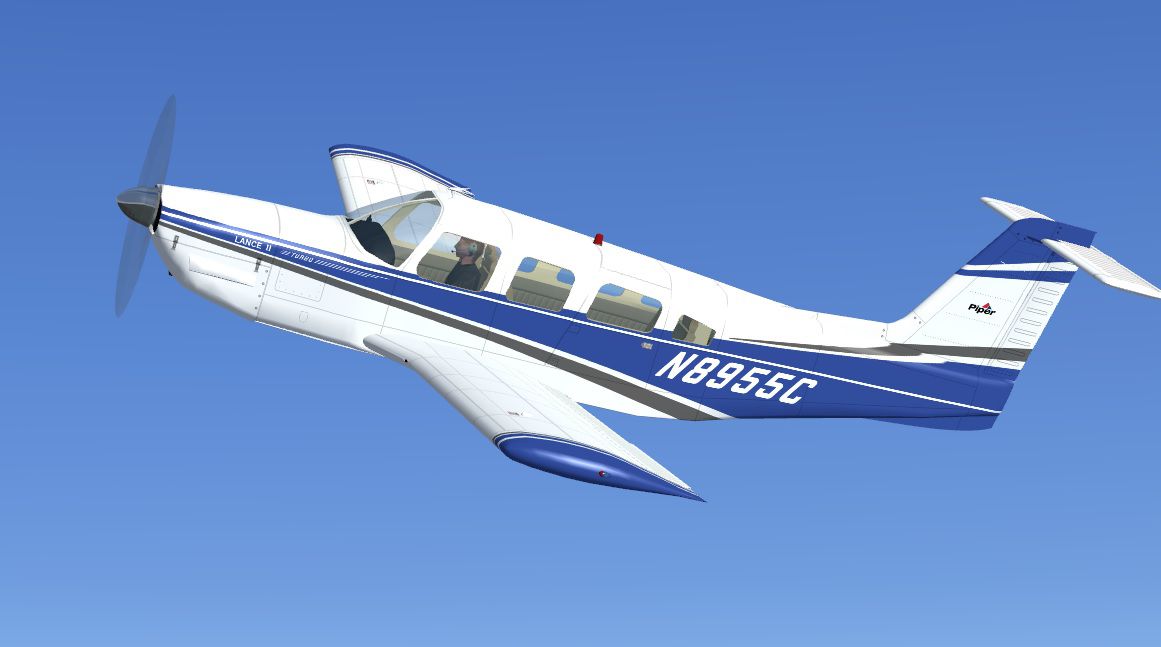
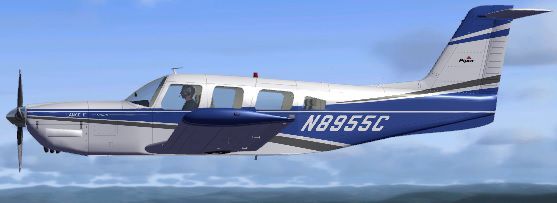
This repaint package offers a precise blue-and-gray-on-white livery for the Piper PA-32RT-300 Lance II, featuring registration N8955C. Created by Tom Tiedman for the freeware model by Paul Craig, it highlights the unique T-tail structure that defines this turbocharged aircraft and brings a fresh aesthetic to your flights in Microsoft Flight Simulator X.
The Piper PA-32RT-300 Lance II is a further development of the Cherokee Six series, now incorporating retractable landing gear and a more powerful engine assembly. Its T-tail design modifies conventional flight handling, particularly during low-speed operations. With seating options ranging from six to seven occupants, this variation appeals to enthusiasts who enjoy accurately simulating group flights or family travel scenarios.
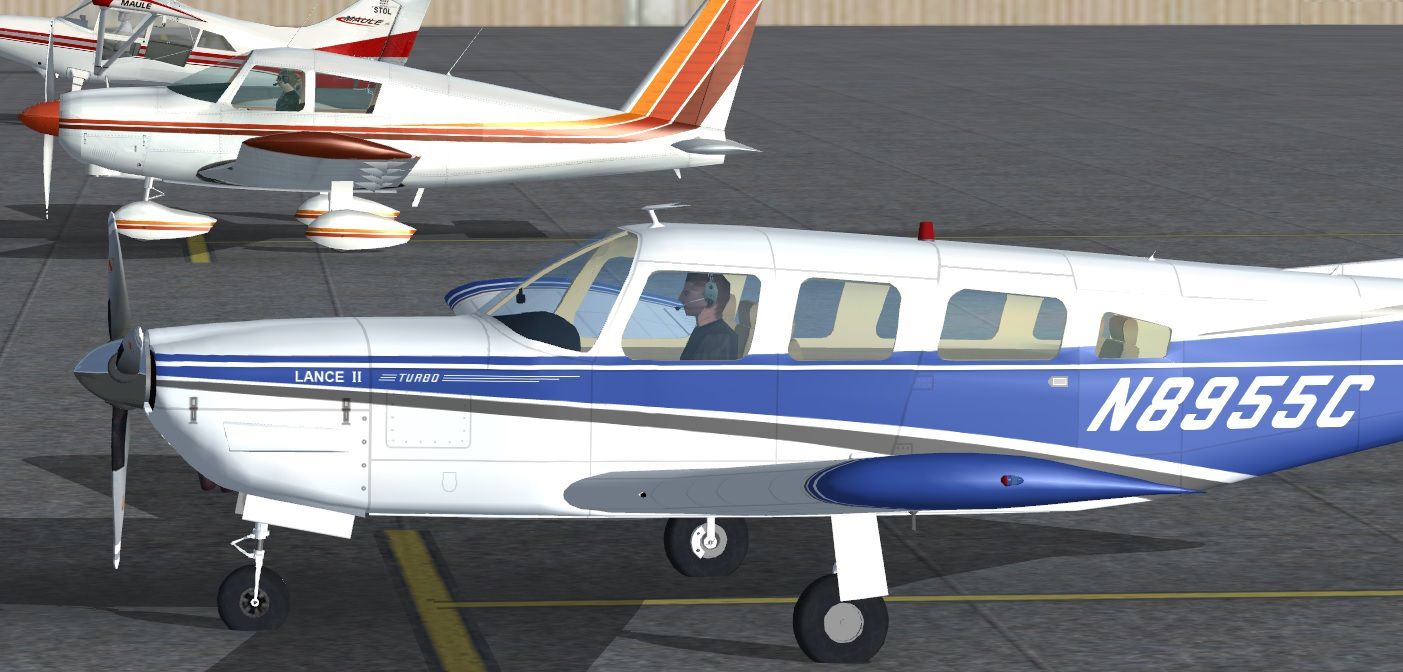
This repaint uses a crisp blue and gray theme over a white fuselage. The focus on subtle shading gives the aircraft a genuine visual identity. Pilots will notice detailed textures around the cockpit windows and recesses that emphasize the Lance II's purposeful lines. Additionally, the alignment of fuselage stripes is carefully matched, reflecting authentically on the real-world registration N8955C.
Screenshot showing the Piper PA-32RT-300 Lance II (N8955C) in cruise flight.
aircraft.cfg) in a plain text editor. Insert the following [fltsim.X] entry, ensuring you replace the X with the next free sequence. Then save the file properly.
[fltsim.X]
title=Piper PA-32RT-300 Lance II Blue Gray N8955C
sim=PA-32RT-300
model=
panel=
sound=
texture=Blue Gray N8955C
kb_checklists=
kb_reference=
atc_id=N8955C
ui_manufacturer=Piper
ui_type=PA-32RT-300 Turbo (Craig)
ui_variation=Lance II Blue Gray N8955C
description=Blue Gray N8955C repaint by Tom Tiedman. The Piper PA-32RT-300 Lance II is a 6/7 seater aircraft derived from the Cherokee Six utility aircraft but with a more powerful engine & retractable landing gear, this version also has a T tail. Model & textures by Paul Craig.
prop_anim_ratio=.995
This texture set is designed exclusively for Paul Craig’s freeware Piper PA-32RT-300 model. Retrieve the base installation files (PCPA32RT-300.ZIP and PCPA32RT-300_UPDATE.ZIP) from the Fly Away Simulation library if needed. Remember that this repaint does not include the core 3D model or flight dynamics.
All artwork originates from Tom Tiedman, while the fundamental model was supplied by Paul Craig. The outcome is a well-balanced, T-tail Piper offering a superior blend of realism and aesthetic enhancement suited for any pilot aiming to expand their general aviation fleet.
Free for all simmers · 1.96 MB · Scanned clean Oct 2026
Download speed: Free tier is capped at 0.5 Mbps. PRO members download at full line speed.
texture.{airline}) inside FSX\SimObjects\Airplanes\{base-aircraft}\.aircraft.cfg in Notepad. Add a new [fltsim.X] section per the readme.readme.txt or README file. It tells you exactly where files go, what dependencies are needed, and any quirks specific to this add-on.The archive fsx_piper_lance_2_turbo_n8955c.zip has 25 files and directories contained within it.
This list displays the first 500 files in the package. If the package has more, you will need to download it to view them.
| Filename/Directory | File Date | File Size |
|---|---|---|
| file_id.txt | 02.08.14 | 326 B |
| READ ME and INSTALLATION.txt | 02.08.14 | 1.47 kB |
| Screenshot 1.jpg | 02.08.14 | 115.60 kB |
| Screenshot 2.jpg | 02.08.14 | 272.30 kB |
| Screenshot 3.jpg | 02.08.14 | 245.53 kB |
| Screenshot 4.jpg | 02.08.14 | 91.48 kB |
| Texture.Blue Gray N8955C | 02.08.14 | 0 B |
| acpropmesh.bmp | 05.05.12 | 256.07 kB |
| chrome gear.bmp | 02.02.14 | 64.07 kB |
| Chrome.bmp | 02.02.14 | 16.07 kB |
| exhaust.bmp | 02.02.14 | 4.07 kB |
| Fuse L.bmp | 02.02.14 | 4.07 kB |
| Fuse T.bmp | 02.08.14 | 16.00 MB |
| glass.bmp | 02.02.14 | 64.07 kB |
| Interior.bmp | 02.04.14 | 4.00 MB |
| propbladeike.bmp | 02.02.14 | 64.07 kB |
| Spinner T.bmp | 02.05.14 | 64.07 kB |
| thumbnail.jpg | 02.08.14 | 30.64 kB |
| Wing L L.bmp | 02.02.14 | 4.07 kB |
| Wing L.bmp | 02.08.14 | 16.00 MB |
| Wing R L.bmp | 02.02.14 | 4.07 kB |
| Wing R.bmp | 02.08.14 | 16.00 MB |
| thumbnail.jpg | 02.08.14 | 30.64 kB |
| flyawaysimulation.txt | 10.29.13 | 959 B |
| Go to Fly Away Simulation.url | 01.22.16 | 52 B |
Only PRO members can place votes.
More FSX & P3D add-ons hand-picked based on this download.
FSX General Aviation Aircraft
Repaint textures for a brown, gold, and orange striped on white Lance II. For…
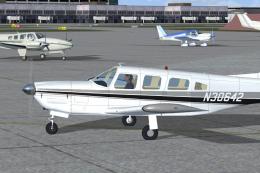 FSX General Aviation Aircraft
This repaint pack features a gray-on-white Piper PA-32RT-300 Lance II marked …
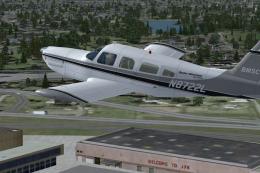 FSX General Aviation Aircraft
Repaint textures for a gray and white Lance II N8722L, operated by Boston Man…
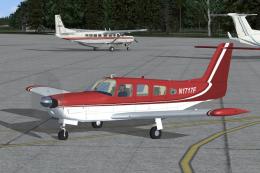 FSX General Aviation Aircraft
This freeware repaint provides a distinctive two-tone copper and white livery…
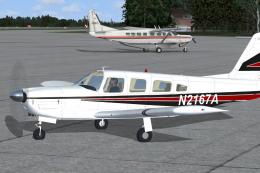 FSX General Aviation Aircraft
Repaint textures for a red and black striped on white Lance II, registration …
 FSX General Aviation Aircraft
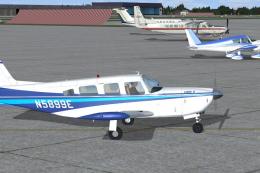
This is a repaint package featuring a crisp two-tone blue-on-white scheme ado…
 FSX General Aviation Aircraft
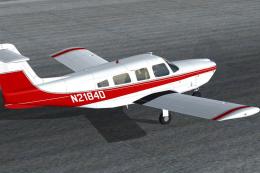
Bring a touch of authentic red-and-white detail to your virtual flights with …
 FSX General Aviation Aircraft
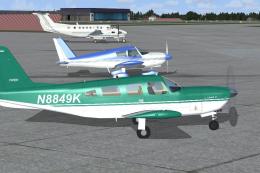
This green-and-white repaint package offers a detailed exterior finish for th…
Be the first to leave a comment on this download.
Be the first to share your thoughts on this download.