

 FSX General Aviation Aircraft
Laverda (Aviamilano) Falco F8L 2
Two repaints (G-BVDP and G-CCOR); textures only. Two liveries for the origina…
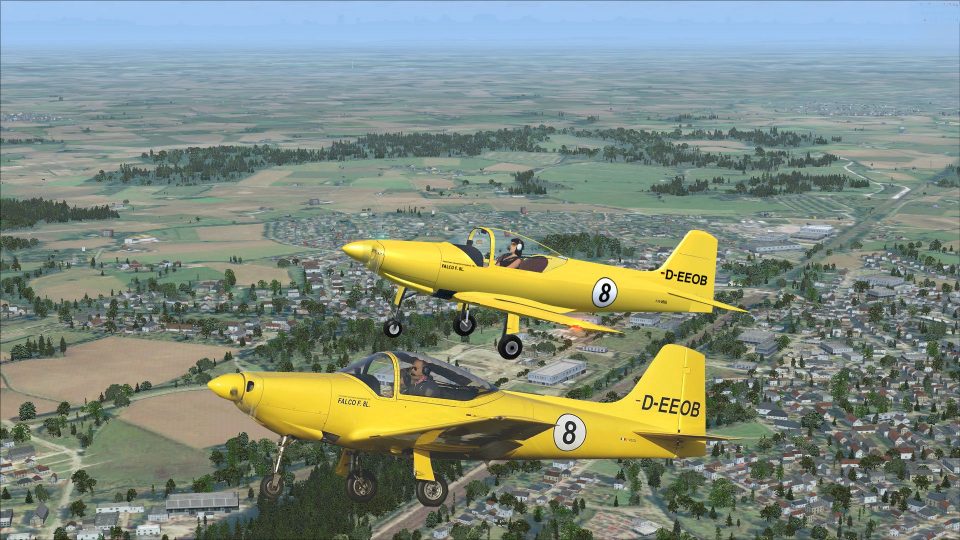
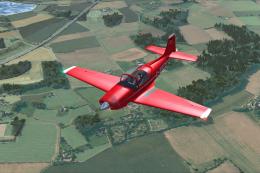
Aviamilano F.8L Falco II livery D-EEOB depicts c/n 114, a 1958-built airframe, bringing an authentic German registration finish to the sleek Falco lines with crisp exterior detailing. Designed for FSX, it requires the Massimo Taccoli Falco F8L base package and integrates cleanly into the aircraft selection menu.
 Rate
Rate

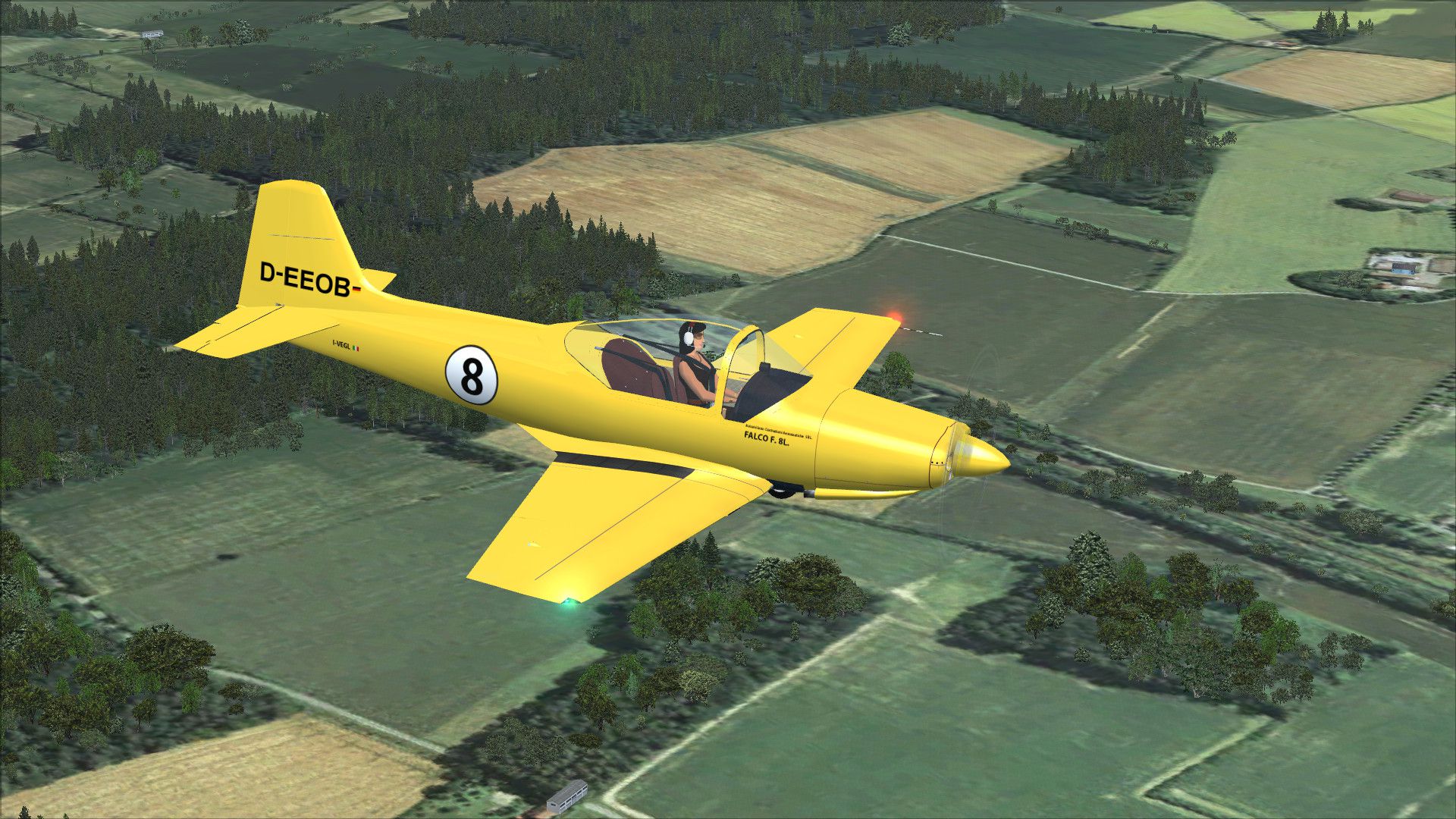
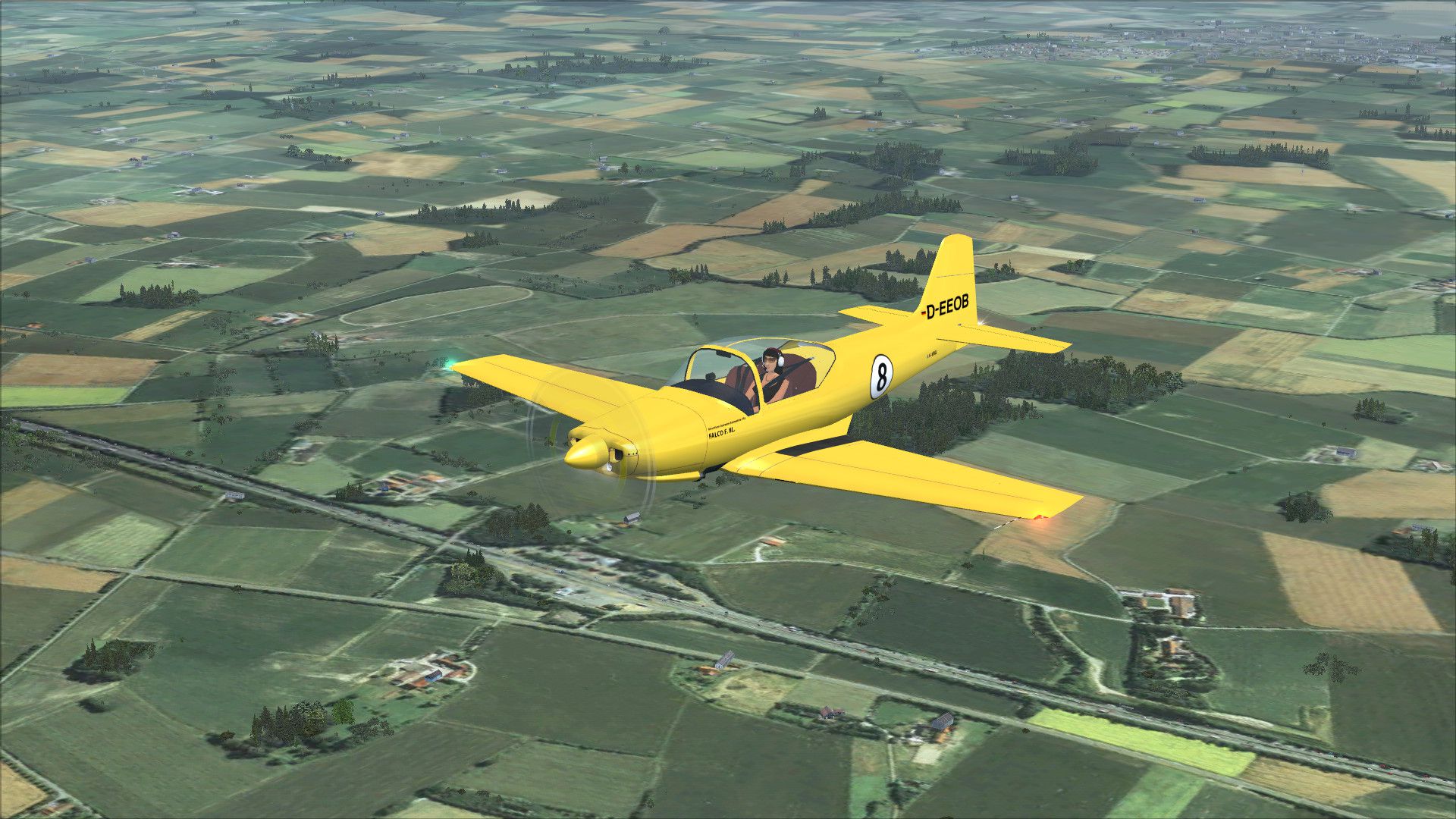
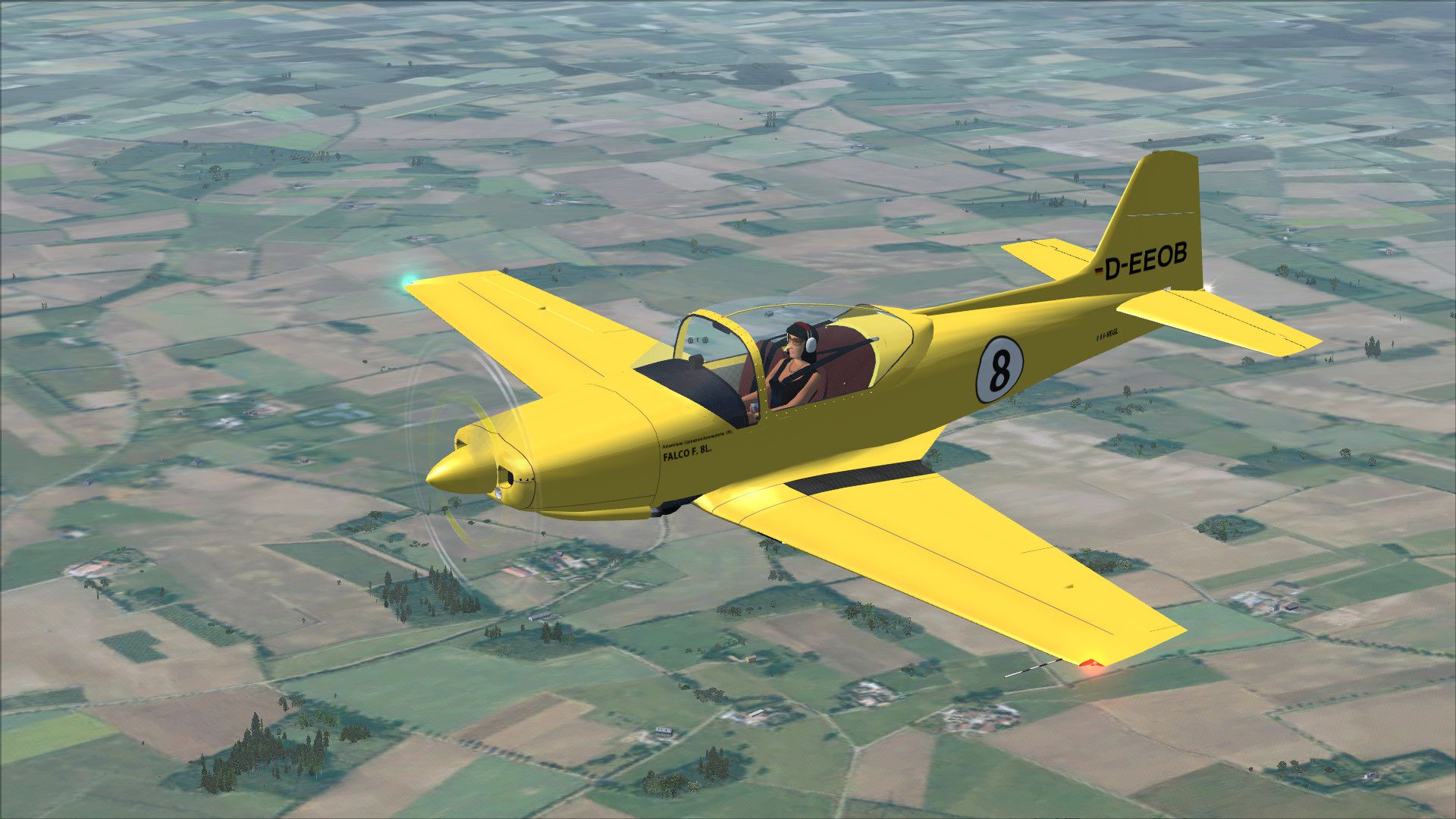
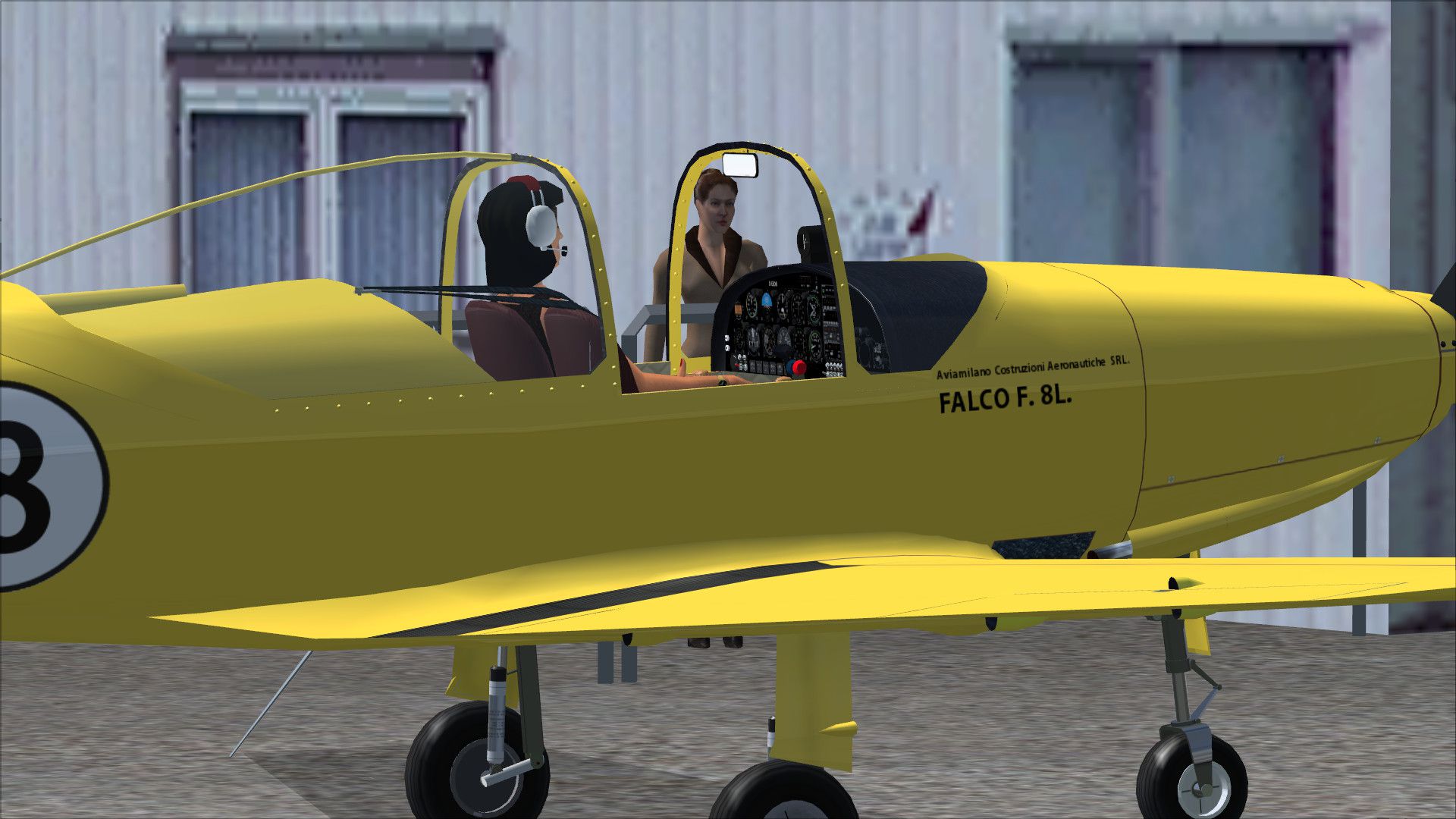

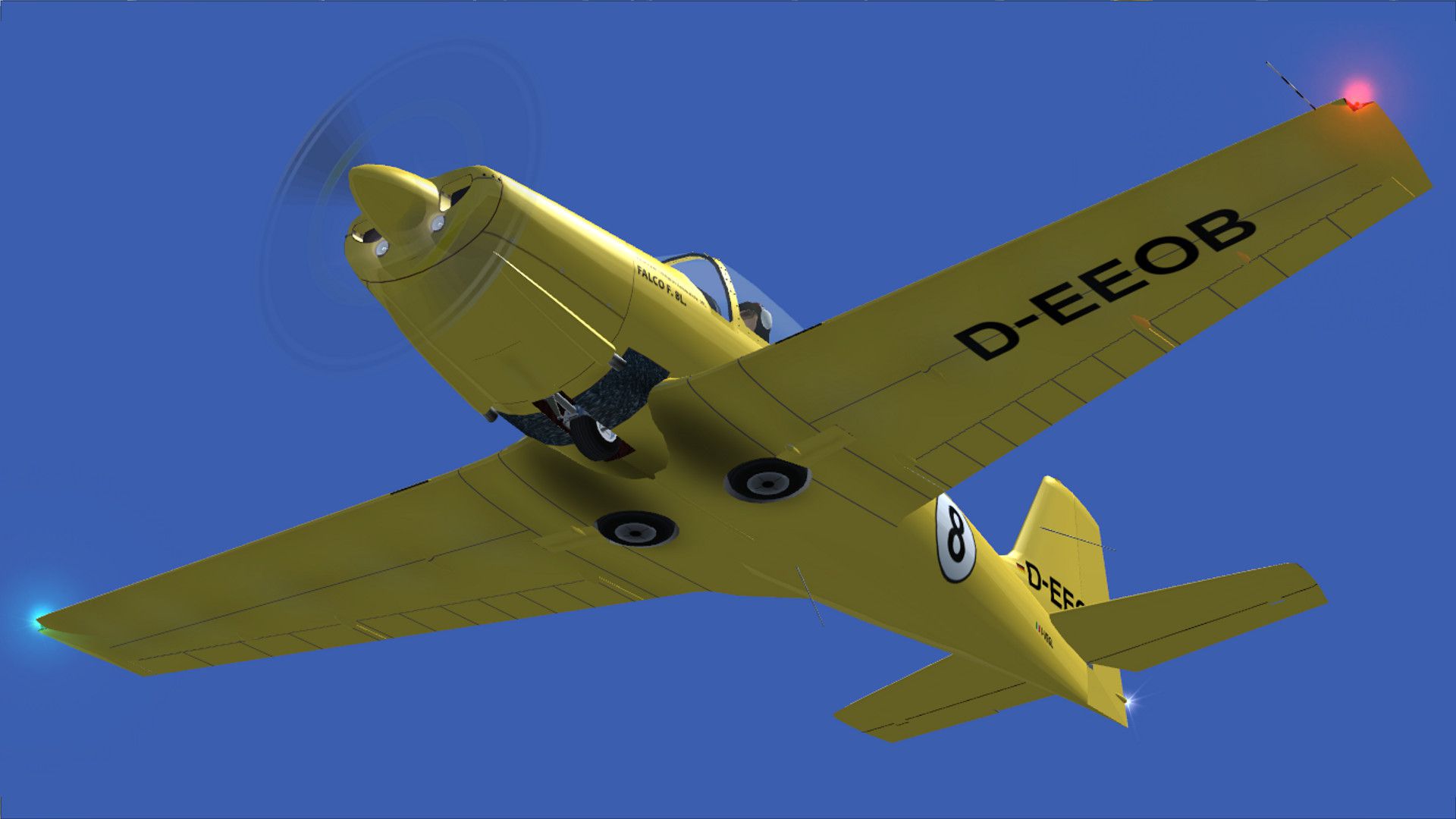
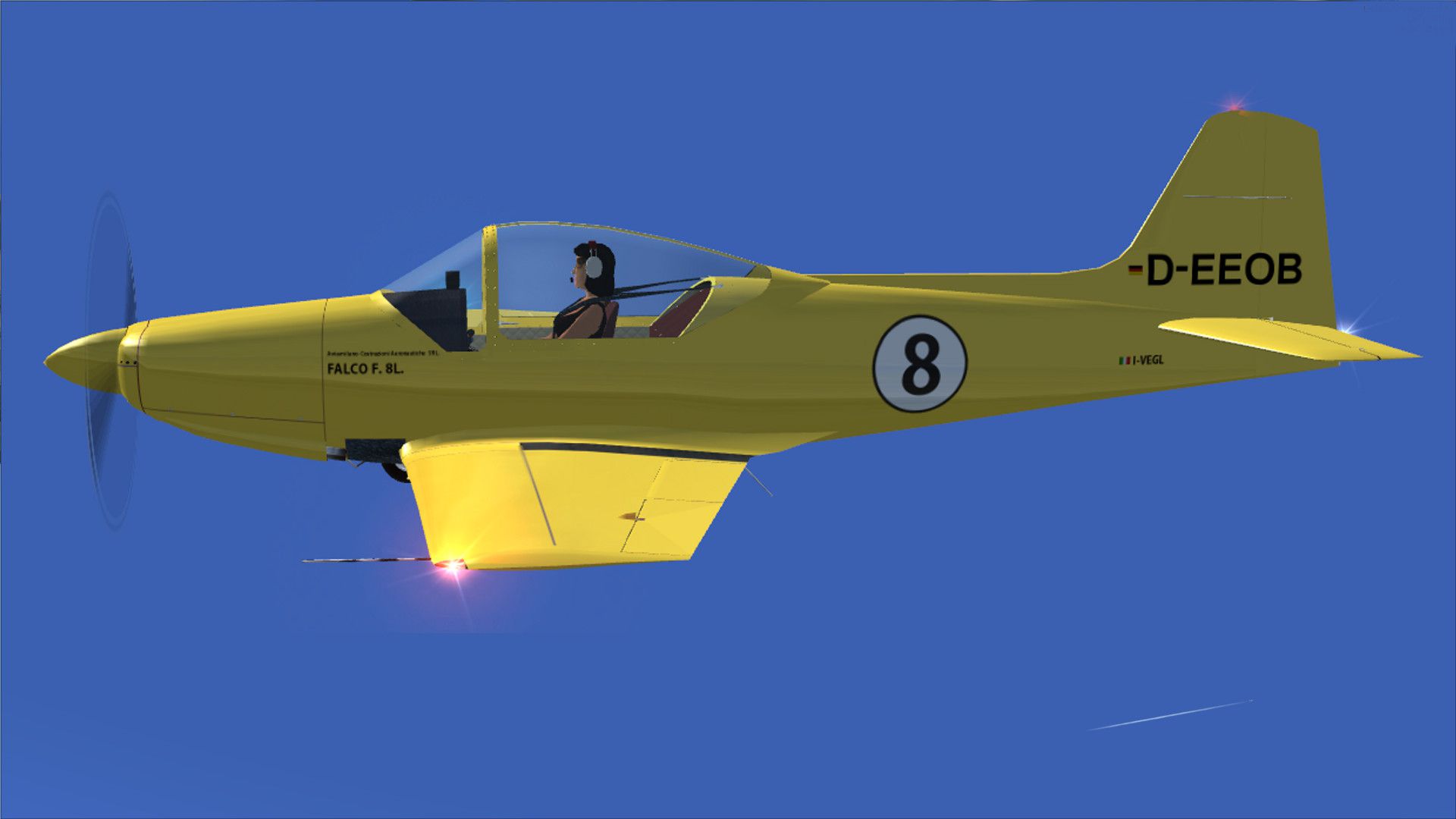
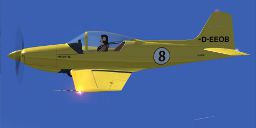
Built in 1958 by Aviamilano S.r.l. Factory, c/n 114. A repaint for the Massimo Taccoli Falco F8L (FALCO_V1_2_X.ZIP). By Milan Stefanovic.
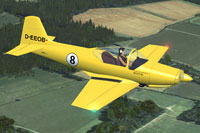
Screenshot of Aviamilano F.8L Falco II in flight.
Installation:
[fltsim.XX]

title = Falco F8L Paint D-EEOB

sim = Falco

model =

panel =

sound =

texture= D-EEOB

visual_damage= 0

kb_checklists=

kb_reference =

atc_heavy = 0

atc_airline =

atc_flight_number=

atc_id_enable = 1

atc_id = D-EEOB

ui_manufacturer= Sequoia Aircraft Company

ui_type = Falco F.8L

ui_variation = D-EEOB

ui_typerole = Single Engine Prop

ui_createdby = C.Lampard & M.Taccoli

Description= Aviamilano Model: F-8L Falco II / Year built: 1958 / (C/N): 114 Repaint By Milan Stefanovic
Free for all simmers · 6.57 MB · Scanned clean Oct 2026
Download speed: Free tier is capped at 0.5 Mbps (this file takes approximately 2 mins at the cap). PRO members download at full line speed.
This file is a repaint — the package below is the base model it paints onto. Install it first, or the textures will have nothing to load onto.
texture.{airline}) inside FSX\SimObjects\Airplanes\{base-aircraft}\.aircraft.cfg in Notepad. Add a new [fltsim.X] section per the readme.readme.txt or README file. It tells you exactly where files go, what dependencies are needed, and any quirks specific to this add-on.The archive d-eeob.zip has 28 files and directories contained within it.
This list displays the first 500 files in the package. If the package has more, you will need to download it to view them.
| Filename/Directory | File Date | File Size |
|---|---|---|
| D-EEOB 1.jpg | 05.20.14 | 460.33 kB |
| D-EEOB 2.jpg | 05.20.14 | 770.39 kB |
| D-EEOB 3.jpg | 05.20.14 | 628.86 kB |
| D-EEOB 4.jpg | 05.20.14 | 175.18 kB |
| D-EEOB 5.jpg | 05.20.14 | 163.62 kB |
| D-EEOB 6.jpg | 05.20.14 | 562.33 kB |
| D-EEOB 7.jpg | 05.20.14 | 133.45 kB |
| D-EEOB 8.jpg | 05.20.14 | 341.52 kB |
| Readme.txt | 05.20.14 | 2.21 kB |
| texture.D-EEOB | 05.20.14 | 0 B |
| $F8L_vc_L | 01.18.14 | 1.00 MB |
| CREW.bmp | 05.13.14 | 1.00 MB |
| F8LBANDP.bmp | 05.20.14 | 5.33 MB |
| F8LBANDP_L.bmp | 01.18.14 | 1.07 kB |
| F8LFINAL.bmp | 05.20.14 | 5.33 MB |
| F8LFINAL_L.bmp | 01.18.14 | 1.07 kB |
| F8LMAIN.bmp | 05.20.14 | 5.33 MB |
| F8LMAIN_L.bmp | 01.18.14 | 1.07 kB |
| F8LWINGS.bmp | 05.20.14 | 5.33 MB |
| F8LWINGS_L.bmp | 02.07.14 | 1.07 kB |
| PROP.bmp | 02.07.14 | 64.07 kB |
| PROP2.bmp | 02.07.14 | 64.07 kB |
| thumbnail.jpg | 05.20.14 | 20.69 kB |
| vc_panel.bmp | 03.11.14 | 5.33 MB |
| VC_PANEL_L.bmp | 01.18.14 | 1.07 kB |
| thumbnail.jpg | 05.20.14 | 20.69 kB |
| flyawaysimulation.txt | 10.29.13 | 959 B |
| Go to Fly Away Simulation.url | 01.22.16 | 52 B |
Only PRO members can place votes.
More FSX & P3D add-ons hand-picked based on this download.
FSX General Aviation Aircraft
Two repaints (G-BVDP and G-CCOR); textures only. Two liveries for the origina…
 FSX General Aviation Aircraft
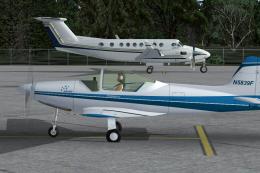
This repaint package features a refined two-tone blue on white theme for the …
 FSX General Aviation Aircraft
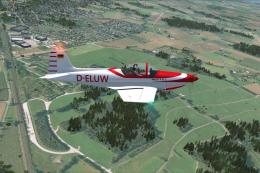
Aeromere F. 8L Falco III D-ELUW, c/n 226, built 1962 by Aeromere Factory. A R…
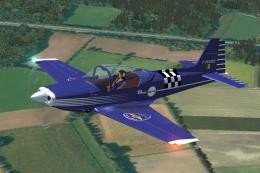 FSX General Aviation Aircraft
Built by Aeromere Factory. Italy's most famous aircraft designer, Stelio Frat…
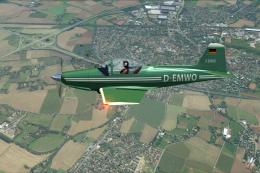 FSX General Aviation Aircraft
Built by Aeromere Factory. The aircraft was designed by the renowned Italian …
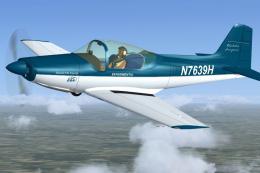 FSX General Aviation Aircraft
This repaint showcases a striking blue and white Sequoia Aircraft experimenta…
 FSX General Aviation Aircraft
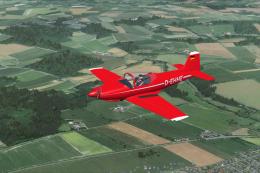
Aeromere F.8L Falco III America D-EHHE c/n 227. Formerly HB-UOI 21. 09. 1977-…
 FSX General Aviation Aircraft
Aeromere F.8L Falco Laverda Series IV D-ERTH, c/n 417. Formerly D-EFEV, built…
Be the first to leave a comment on this download.
Be the first to share your thoughts on this download.