

 FSX General Aviation Aircraft
Miles Messenger G-AJOE
A repaint for Dave Molyneaux's Miles Messenger MK2A (MILES_MESSENGER_MK2A.ZIP…
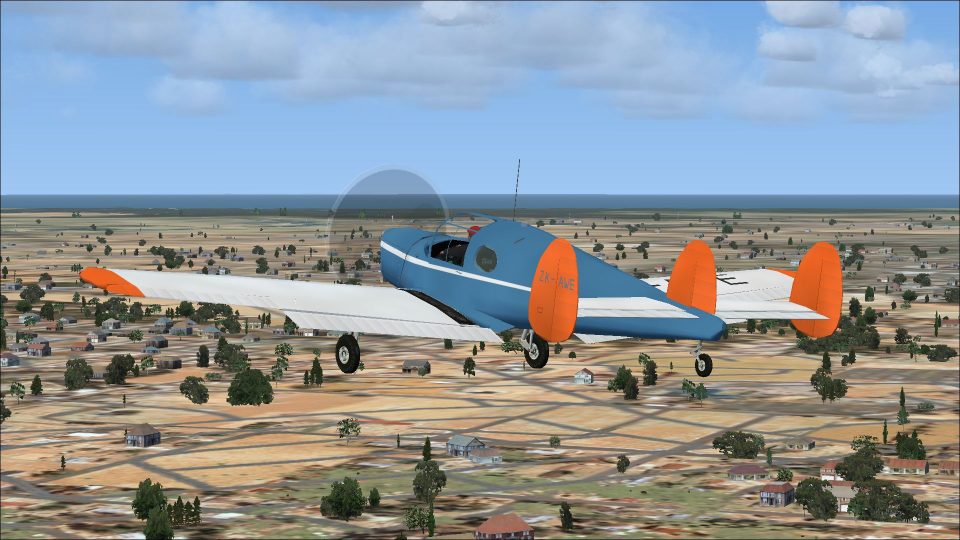
Miles Messenger ZK-AWE brings a faithful New Zealand repaint to Dave Molyneaux’s Miles Messenger MK2A, capturing c/n 6717’s postwar look from its 1950 registration through its final years. Designed for FSX, it includes accurate markings and identifiers for an authentic period-correct virtual cockpit and exterior presentation.
 Rate
Rate
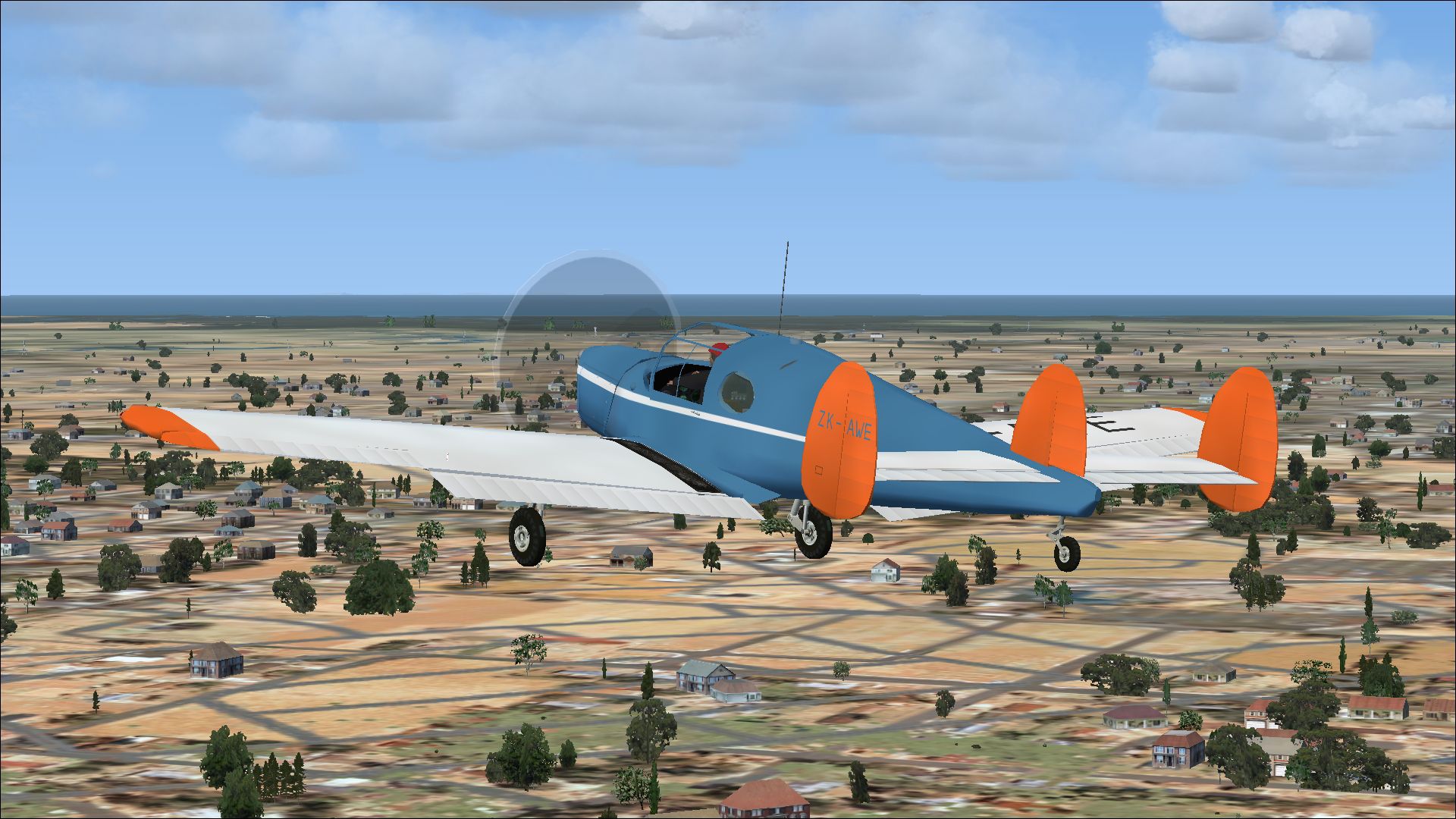
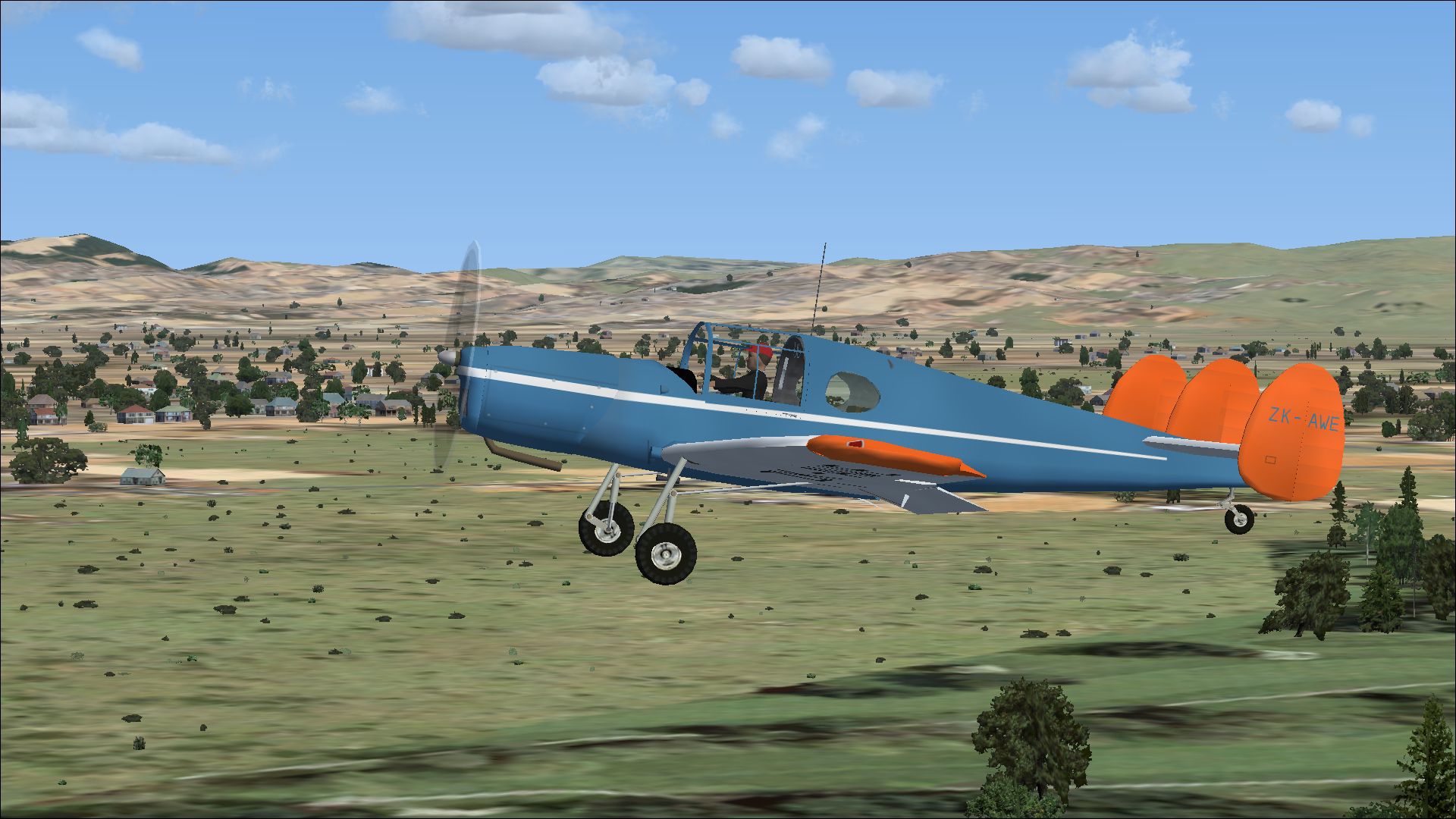
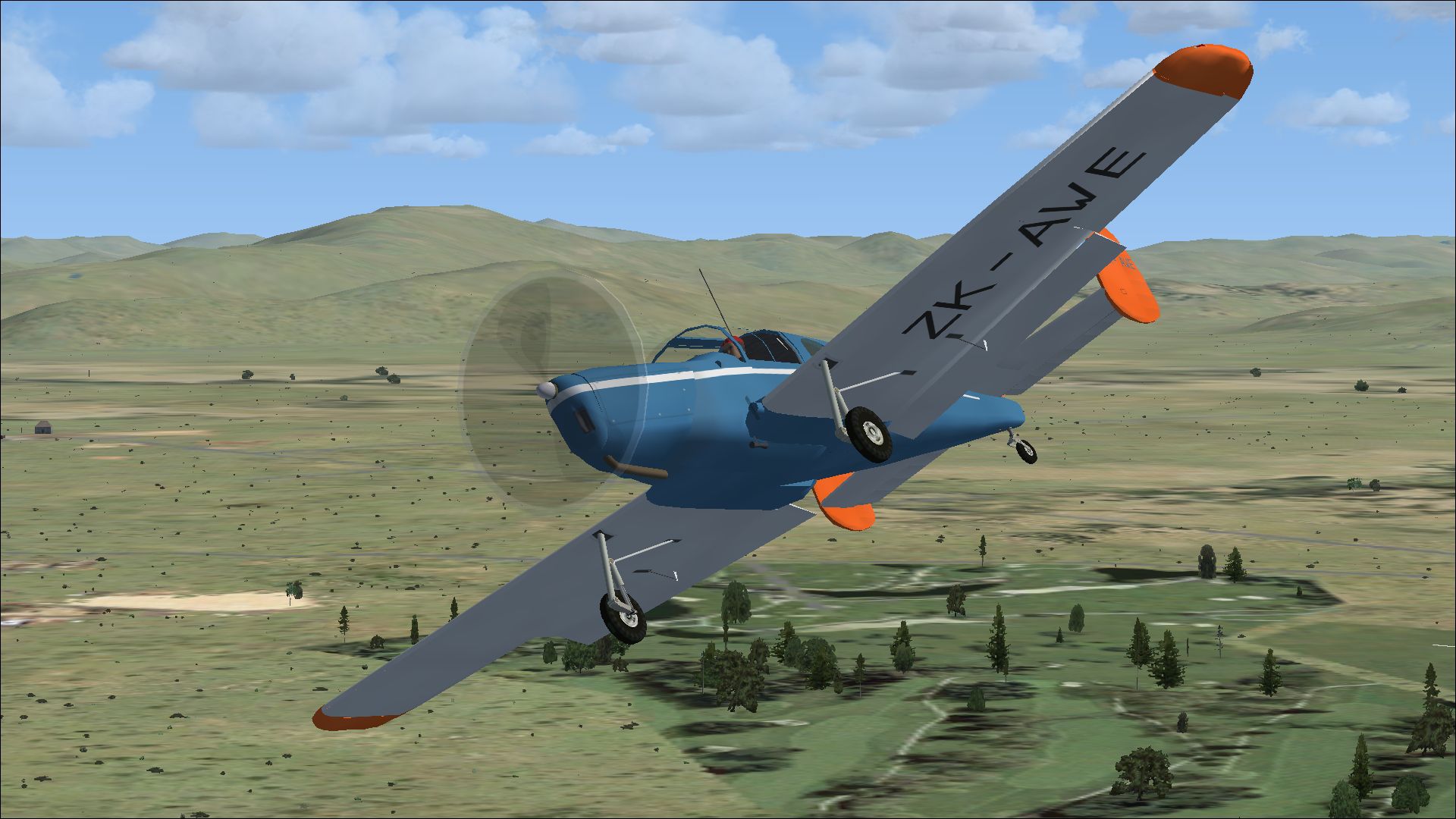
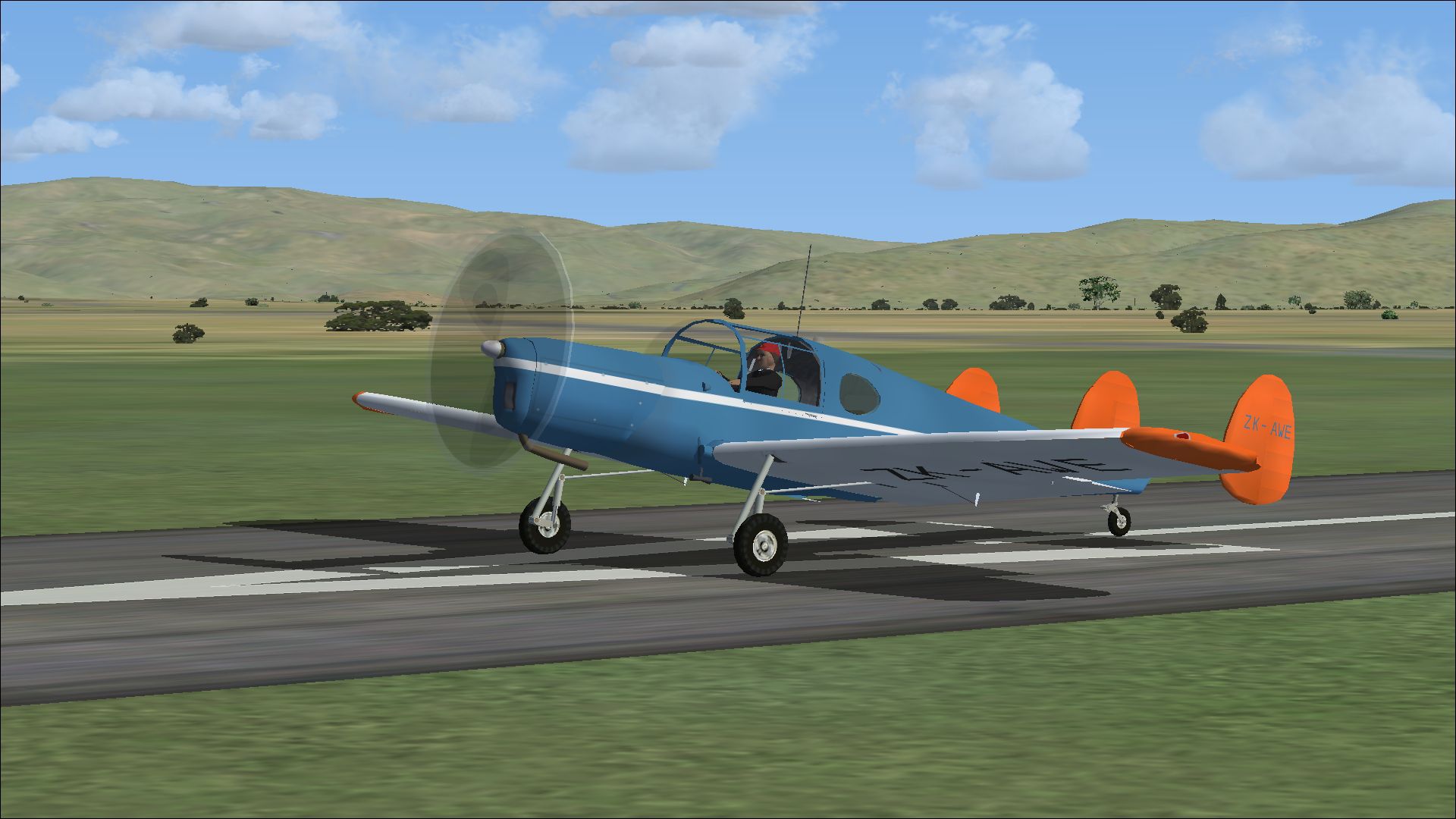
A repaint for Dave Molyneaux's Miles Messenger MK2A (MILES_MESSENGER_MK2A.ZIP) for flightsimmers who wish to use it in FSX. ZK-AWE c/n 6717 ex-G-AKKL was built in Northern Ireland in March 1949.The aircraft was sold to New Zealand in August 1950 when it was registered to A Baker. Damaged in a landing accident in January 1958 and written off. Repaint by Peter Watkins.
Screenshot of Miles Messenger ZK-AWE on runway.
Installation:
[fltsim.xx]

title=Messenger MK2A ZK-AWE

sim=msngr

model=

panel=

sound=

texture=ZK-AWE

kb_checklists=messenger_check

kb_reference=messnger_ref

atc_id_enable=1

atc_id=ZK-AWE

atc_airline=Private

ui_manufacturer=Miles

ui_type=Messenger_2A

ui_variation=ZK-AWE

description=ZK-AWE c/n 6717 ex-G-AKKL was built in Northern Ireland in March 1949.The aircraft was sold to New Zealand in August 1950 when it was registered to A Baker. Damaged in a landing accident in January 1958 and written off.

visual_damage=0

prop_anim_ratio=-1.25

atc_id_color=0x00000000

atc_heavy=0

atc_id_font=Verdana,-11,1,600,0
Free for all simmers · 7.16 MB · Scanned clean Sep 2026
Download speed: Free tier is capped at 0.5 Mbps (this file takes approximately 2 mins at the cap). PRO members download at full line speed.
texture.{airline}) inside FSX\SimObjects\Airplanes\{base-aircraft}\.aircraft.cfg in Notepad. Add a new [fltsim.X] section per the readme.readme.txt or README file. It tells you exactly where files go, what dependencies are needed, and any quirks specific to this add-on.The archive fsx_miles_messenger_zk-awe.zip has 36 files and directories contained within it.
This list displays the first 500 files in the package. If the package has more, you will need to download it to view them.
| Filename/Directory | File Date | File Size |
|---|---|---|
| 1367801.jpg | 12.11.14 | 857.81 kB |
| 1410155.jpg | 12.11.14 | 1.02 MB |
| 1428547.jpg | 12.11.14 | 1.18 MB |
| 1437798.jpg | 12.11.14 | 990.37 kB |
| Installation readme.txt | 12.10.14 | 2.12 kB |
| texture.ZK-AWE | 12.11.14 | 0 B |
| canopyVC.bmp | 12.08.14 | 256.07 kB |
| FSXglass.bmp | 12.07.14 | 21.43 kB |
| Fuelknob.bmp | 12.07.14 | 21.43 kB |
| Fuse-Int-VC.bmp | 12.08.14 | 256.07 kB |
| GLASS.bmp | 12.07.14 | 21.43 kB |
| GLASS_VC.bmp | 12.07.14 | 21.43 kB |
| INSTPANEL.bmp | 12.07.14 | 64.07 kB |
| INSTPANEL_L.bmp | 12.07.14 | 64.07 kB |
| main_in.bmp | 12.07.14 | 1.00 MB |
| main_l.bmp | 12.10.14 | 4.00 MB |
| MAIN-NEW.bmp | 12.10.14 | 16.00 MB |
| panel-vc.bmp | 12.07.14 | 256.07 kB |
| pilot.bmp | 12.07.14 | 256.07 kB |
| pilotglasses-alpha.bmp | 12.07.14 | 257.05 kB |
| prop_blurred.bmp | 12.07.14 | 64.07 kB |
| prop_blurred_VC.bmp | 12.07.14 | 64.07 kB |
| prop_slow.bmp | 12.07.14 | 64.07 kB |
| prop_still.bmp | 12.07.14 | 64.07 kB |
| seats.bmp | 12.07.14 | 341.43 kB |
| spinner_t.bmp | 12.02.14 | 16.07 kB |
| thumbnail.jpg | 12.11.14 | 1.02 MB |
| tyre_blurred.bmp | 12.07.14 | 64.07 kB |
| TYRE_STILL.bmp | 12.07.14 | 64.07 kB |
| VC_2_L.bmp | 12.07.14 | 256.07 kB |
| VC_3_L.bmp | 12.07.14 | 341.43 kB |
| VC_4_L.bmp | 12.07.14 | 256.07 kB |
| VC_5_L.bmp | 12.07.14 | 341.43 kB |
| VC-parts.bmp | 12.08.14 | 256.07 kB |
| flyawaysimulation.txt | 10.29.13 | 959 B |
| Go to Fly Away Simulation.url | 01.22.16 | 52 B |
Only PRO members can place votes.
More FSX & P3D add-ons hand-picked based on this download.
FSX General Aviation Aircraft
A repaint for Dave Molyneaux's Miles Messenger MK2A (MILES_MESSENGER_MK2A.ZIP…
 FSX General Aviation Aircraft
A repaint for Dave Molyneaux's Miles Messenger MK2A (MILES_MESSENGER_MK2A.ZIP…
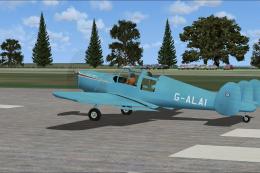 FSX General Aviation Aircraft
A repaint for Dave Molyneaux's Miles Messenger (MILES_MESSENGER_1.ZIP) for fl…
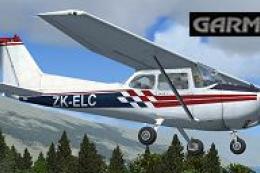 FSX General Aviation Aircraft
Enhance your general aviation adventures with this unique paint scheme for th…
 FSX General Aviation Aircraft
Cessna C188 AGTruck ZK-DPA of Cookson Airspread Ltd. Repaint only for the pay…
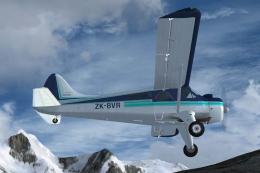 FSX General Aviation Aircraft
Repaint for the Aerosoft DH-2 Beaver as restored by Wrightair. Repaint by Ada…
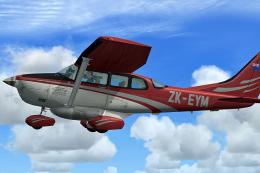 FSX General Aviation Aircraft
This repaint, created by B. Lechner, brings a realistic texture set to the ca…
 FSX General Aviation Aircraft
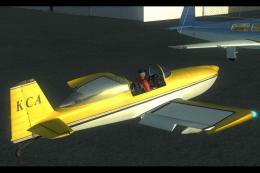
Real textures (registration ZK-KCA) for payware model of Vans RV8 from Vertig…
Be the first to leave a comment on this download.
Be the first to share your thoughts on this download.