

 FSX General Aviation Aircraft
Miles Messenger G-AJOE
A repaint for Dave Molyneaux's Miles Messenger MK2A (MILES_MESSENGER_MK2A.ZIP…
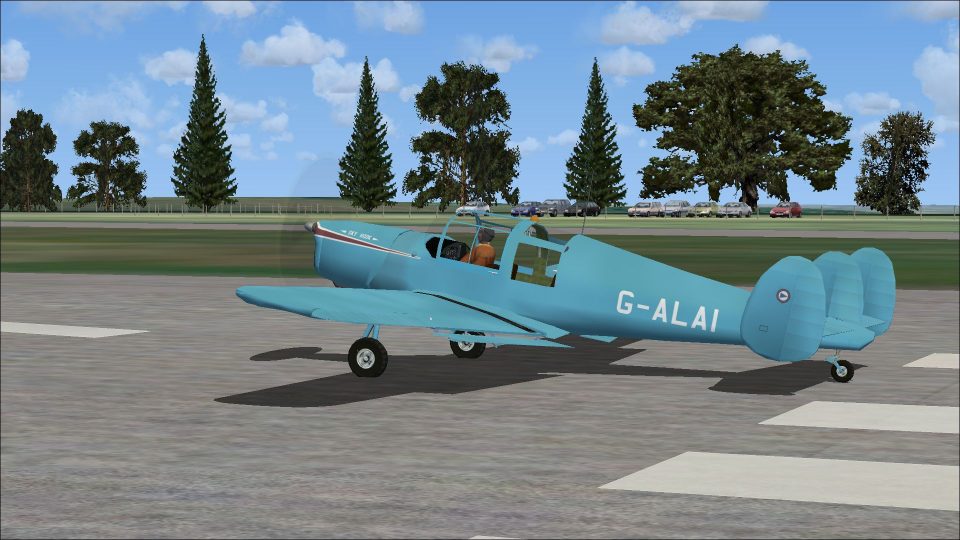
Miles Messenger G-ALAI brings a historically grounded civil scheme to Dave Molyneaux’s classic light aircraft, reflecting ex-RAF RH423 (c/n 6348) after its 1948 sale and later flying club years. Designed for FSX, it refreshes exterior textures and markings for authentic period-style flights; requires MILES_MESSENGER_1.ZIP.
 Rate
Rate
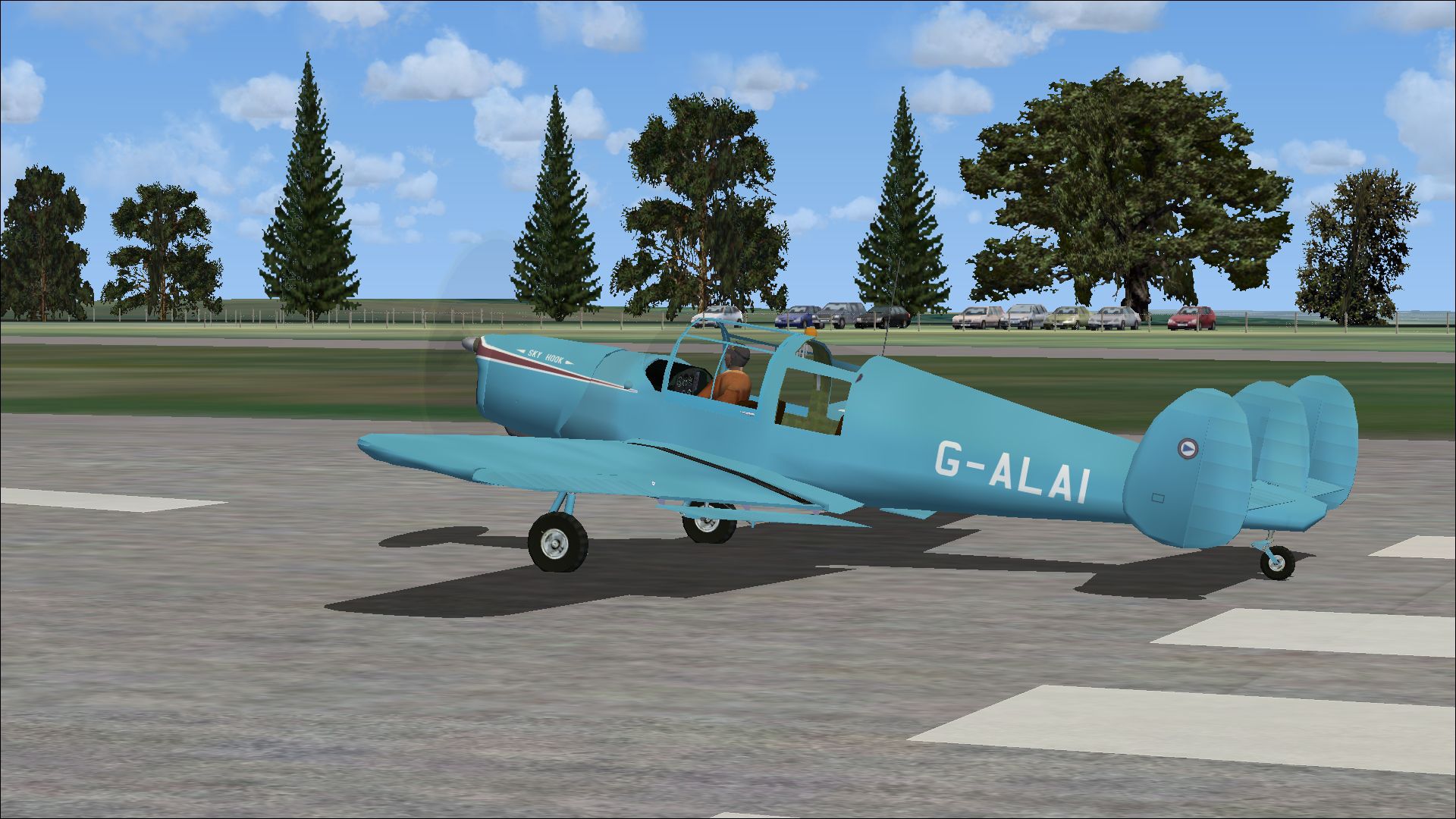
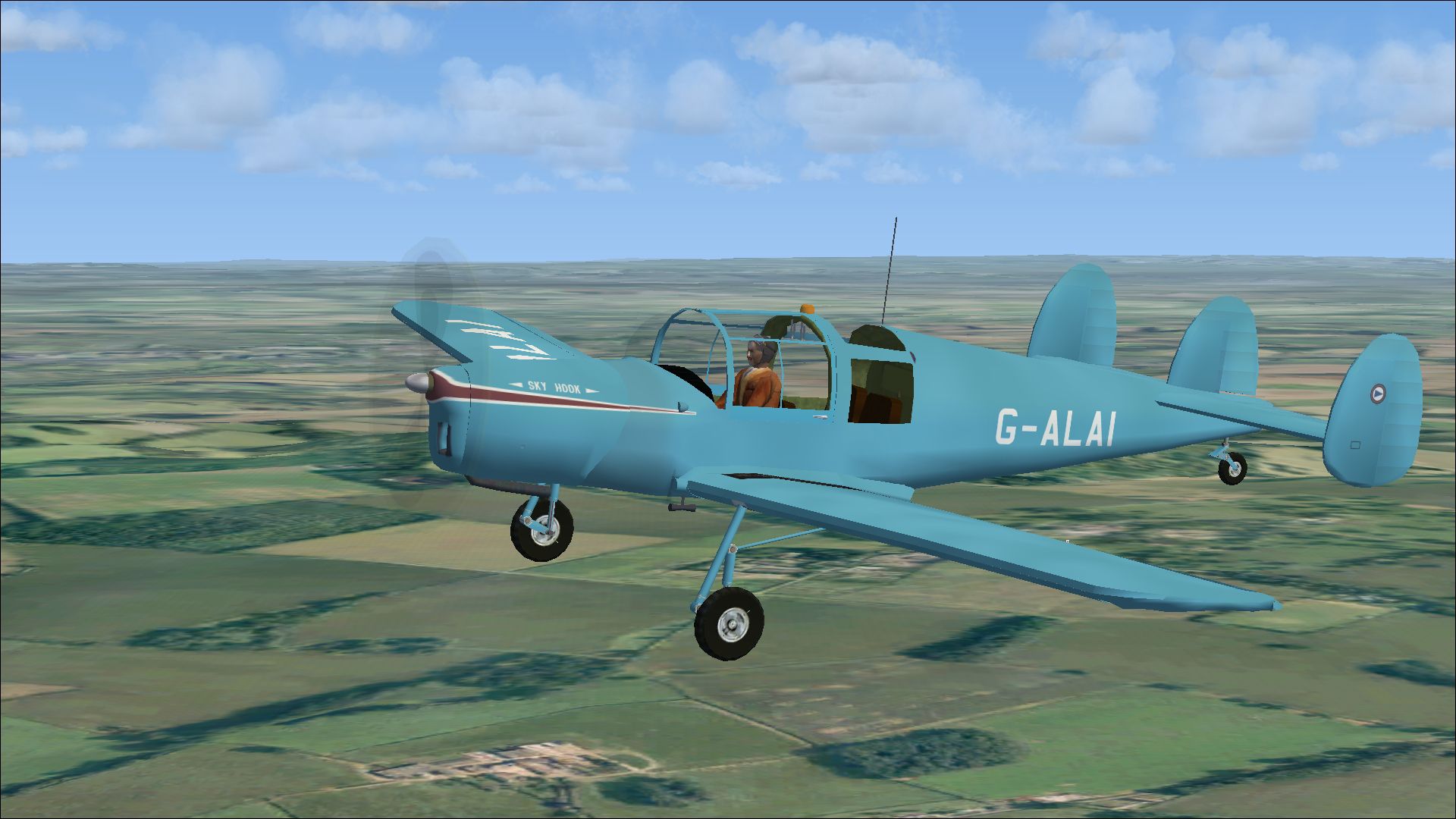

A repaint for Dave Molyneaux's Miles Messenger (MILES_MESSENGER_1.ZIP) for flightsimmers who wish to use it in FSX. G-ALAI c/n 6348 was ex-RAF RH423. Sold on the civil market in 1948 and registered to L W Hamp. Passed through several Flying Club owners including the Cleveland Flying Group in 1965. Withdrawn from use in 1970. Repaint by Peter Watkins.
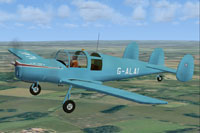
Screenshot of Miles Messenger G-ALAI in flight.
Installation:
[fltsim.xx]

title=Messenger-4A G-ALAI

sim=msngr

model=

panel=

sound=

texture=G-ALAI

kb_checklists=messenger_check

kb_reference=messnger_ref

atc_id_enable=1

atc_id=G-ALAI

atc_airline=Military

ui_manufacturer=Miles

ui_type=Messenger_MK1

ui_variation=G-ALAI

description=G-ALAI c/n 6348 was ex-RAF RH423. Sold on the civil market in 1948 and registered to L W Hamp. Passed through several Flying Club owners including the Cleveland Flying Group in 1965. Withdrawn from use in 1970.

visual_damage=0

prop_anim_ratio=-1.25

atc_id_font=Verdana,-11,1,600,0
Free for all simmers · 7.34 MB · Scanned clean Oct 2026
Download speed: Free tier is capped at 0.5 Mbps (this file takes approximately 2 mins at the cap). PRO members download at full line speed.
texture.{airline}) inside FSX\SimObjects\Airplanes\{base-aircraft}\.aircraft.cfg in Notepad. Add a new [fltsim.X] section per the readme.readme.txt or README file. It tells you exactly where files go, what dependencies are needed, and any quirks specific to this add-on.The archive fsx_miles_messenger_g-alai.zip has 35 files and directories contained within it.
This list displays the first 500 files in the package. If the package has more, you will need to download it to view them.
| Filename/Directory | File Date | File Size |
|---|---|---|
| 20425117.jpg | 12.02.14 | 1.16 MB |
| 20549013.jpg | 12.02.14 | 933.66 kB |
| 20553256.jpg | 12.02.14 | 863.40 kB |
| 20602974.jpg | 12.02.14 | 850.37 kB |
| Installation readme.txt | 12.02.14 | 2.05 kB |
| texture.G-ALAI | 12.02.14 | 0 B |
| canopy1.bmp | 07.23.08 | 128.07 kB |
| canopy2.bmp | 07.23.08 | 128.07 kB |
| canopyVC.bmp | 11.26.14 | 128.07 kB |
| Fuelknob.bmp | 11.26.14 | 21.43 kB |
| Fuse-Int-VC.bmp | 11.26.14 | 256.07 kB |
| GLASS.bmp | 11.26.14 | 21.43 kB |
| GLASS_VC.bmp | 11.26.14 | 21.43 kB |
| INSTPANEL-MIL.bmp | 11.26.14 | 64.07 kB |
| INSTPANEL-MIL_L.bmp | 11.26.14 | 64.07 kB |
| main_l.bmp | 12.02.14 | 4.00 MB |
| MAIN-NEW.bmp | 12.02.14 | 16.00 MB |
| monty-beret.bmp | 11.26.14 | 256.07 kB |
| panel-vc-mil-2.bmp | 11.26.14 | 1.33 MB |
| pilot_t.bmp | 11.26.14 | 341.43 kB |
| prop_blurred.bmp | 11.26.14 | 64.07 kB |
| prop_blurred_VC.bmp | 11.26.14 | 64.07 kB |
| prop_slow.bmp | 11.26.14 | 64.07 kB |
| prop_still.bmp | 11.26.14 | 64.07 kB |
| Radio.bmp | 11.26.14 | 256.07 kB |
| seats.bmp | 11.26.14 | 341.43 kB |
| spinner_t.bmp | 12.02.14 | 16.07 kB |
| thumbnail.jpg | 12.02.14 | 933.66 kB |
| tyre_blurred.bmp | 11.26.14 | 64.07 kB |
| TYRE_STILL.bmp | 11.26.14 | 64.07 kB |
| VC_3_L.bmp | 11.26.14 | 256.07 kB |
| VC-parts.bmp | 11.26.14 | 256.07 kB |
| wndows-rear-vc-RECT.bmp | 11.26.14 | 256.07 kB |
| flyawaysimulation.txt | 10.29.13 | 959 B |
| Go to Fly Away Simulation.url | 01.22.16 | 52 B |
Only PRO members can place votes.
More FSX & P3D add-ons hand-picked based on this download.
FSX General Aviation Aircraft
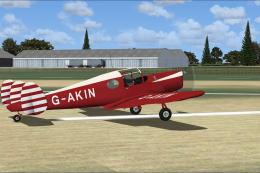
A repaint for Dave Molyneaux's Miles Messenger MK2A (MILES_MESSENGER_MK2A.ZIP…
 FSX General Aviation Aircraft
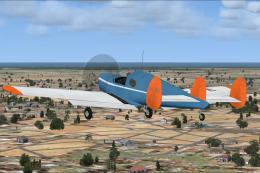
A repaint for Dave Molyneaux's Miles Messenger MK2A (MILES_MESSENGER_MK2A.ZIP…
 FSX General Aviation Aircraft
A repaint for Dave Molyneaux's Miles Messenger MK2A (MILES_MESSENGER_MK2A.ZIP…
 Other
Other
Windows Live messenger is the Micosoft alternative for Yahoo messenger, Googl…
 FS2004 Utilities/Misc
Use w/ default AI aircraft. High- altitude contrails are now enabled by MS fo…
 FS2004 Vintage Aircraft
An advanced training aircraft for the RAF. Aircraft of ATA Training Unit. Bas…
 FS2004 Vintage Aircraft
An advanced training aircraft for the RAF. Of No.5 Service Flying Training Sc…
 FS2004 Propeller Aircraft
The 1945 Miles Aerovan was a small twin-prop short-haul transport with tubby …
Be the first to leave a comment on this download.
Be the first to share your thoughts on this download.