

 FSX Military Aircraft
Luftwaffe Nord-2501 D Noratlas
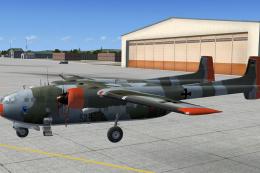
A repaint for Nordaviation Nord-2501 Noratlas from Jean-Francois Martin and G…
Nord 2501 Noratlas brings the classic French military transport to FSX with a fully rebuilt model, two aircraft variants, and three authentic repaints spanning CIET, Salon-de-Provence, and the Noratlas de Provence association. A detailed virtual cockpit features fully 3D instruments, plus audio warnings and built-in checklists to support realistic procedures.
 Rate
Rate
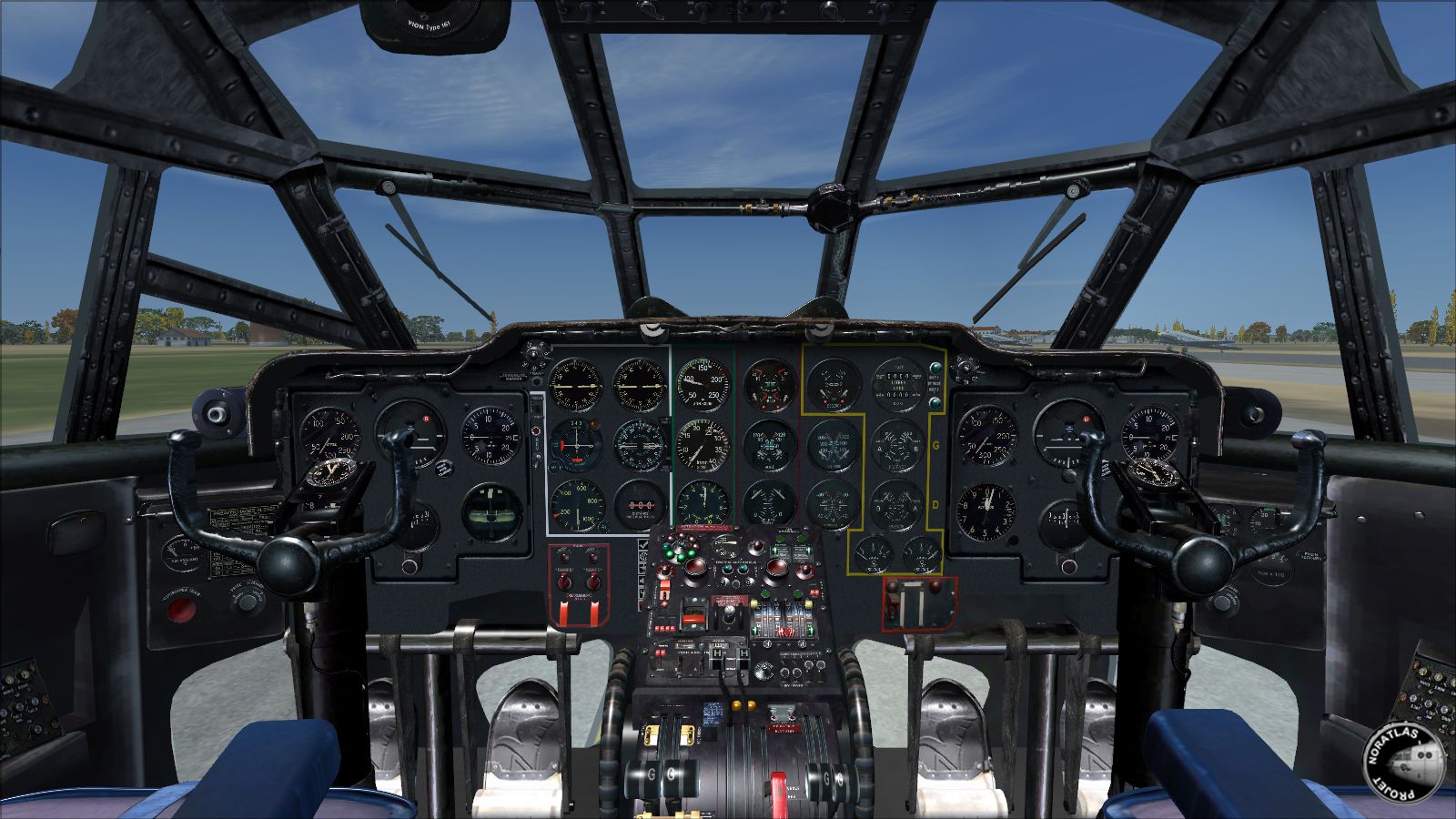
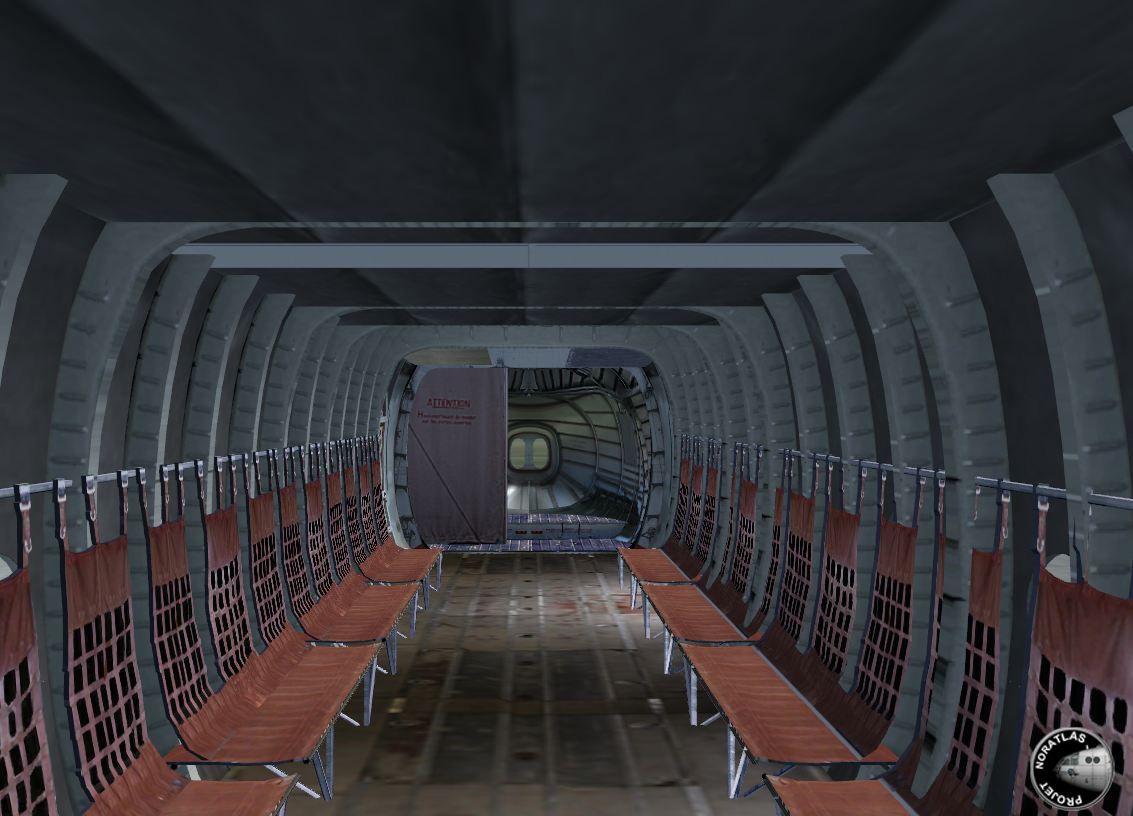
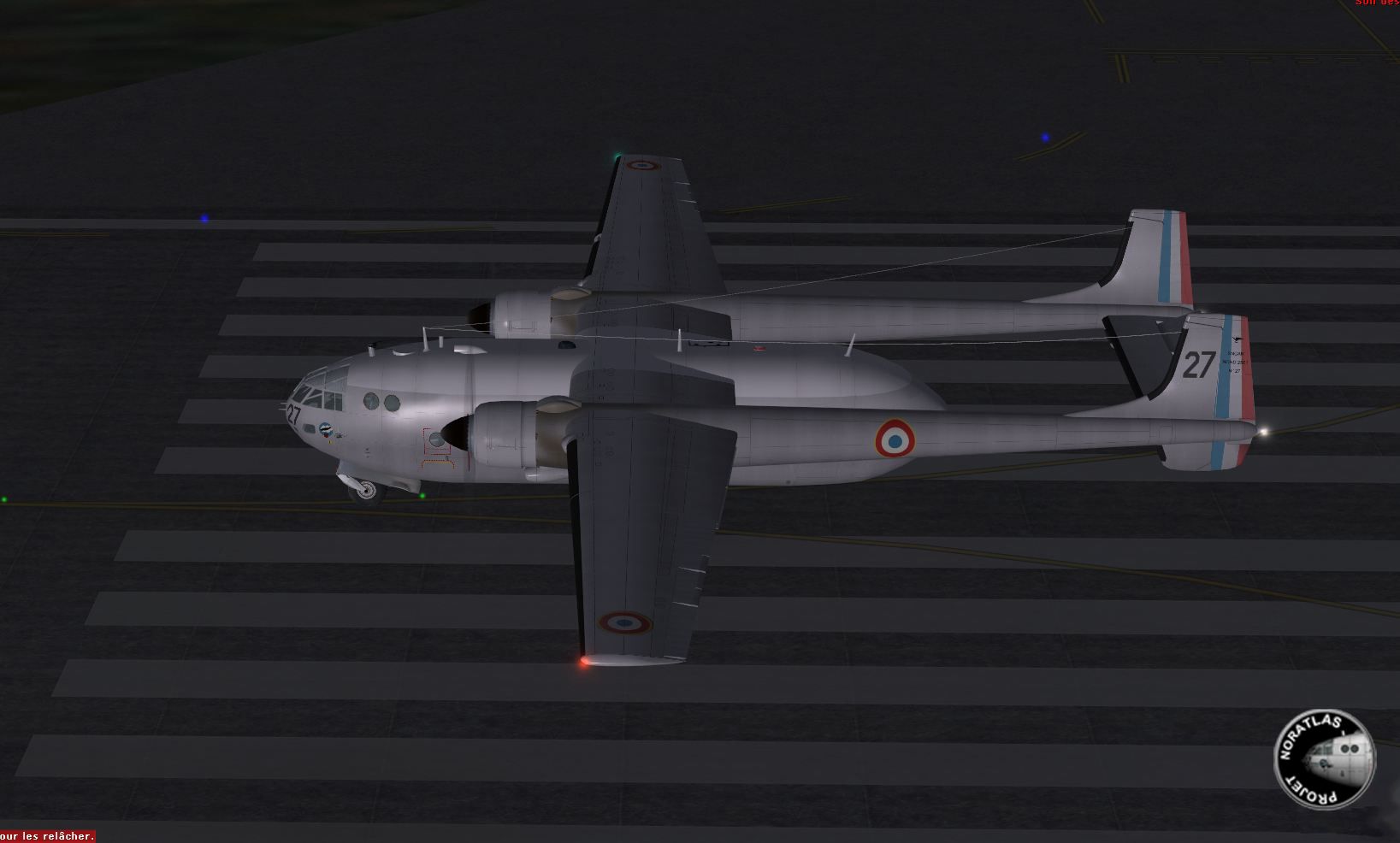

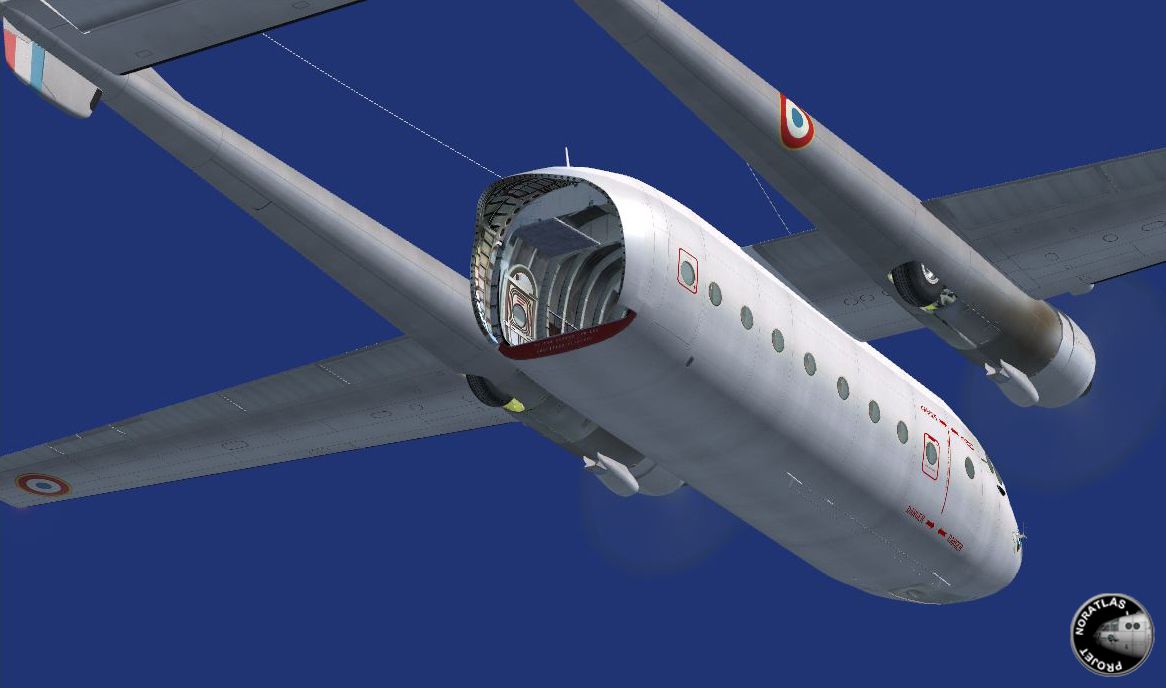
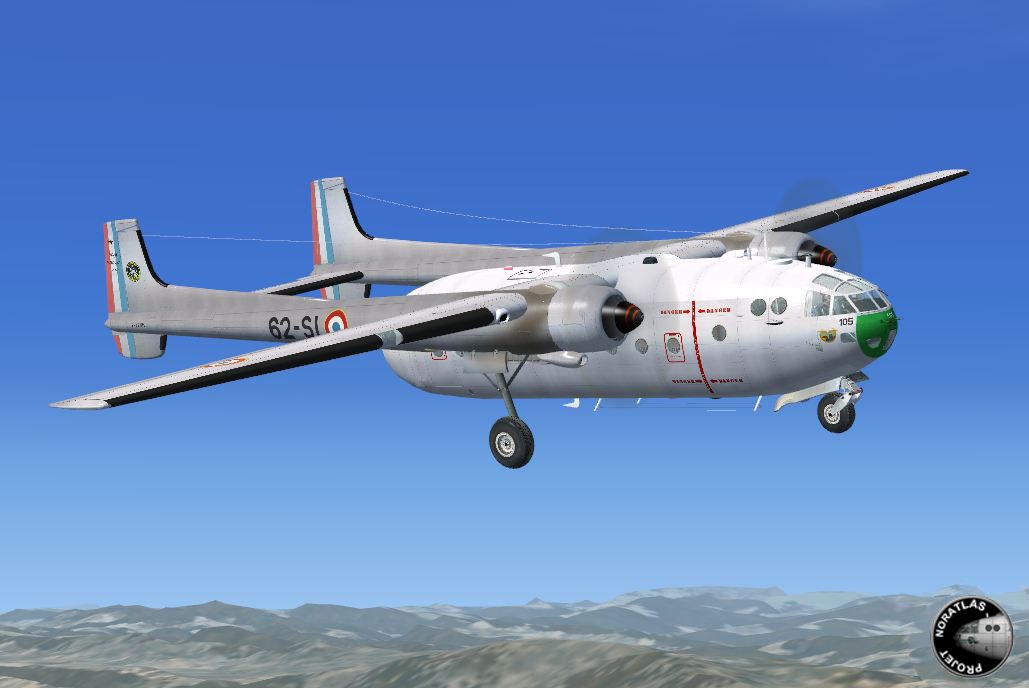
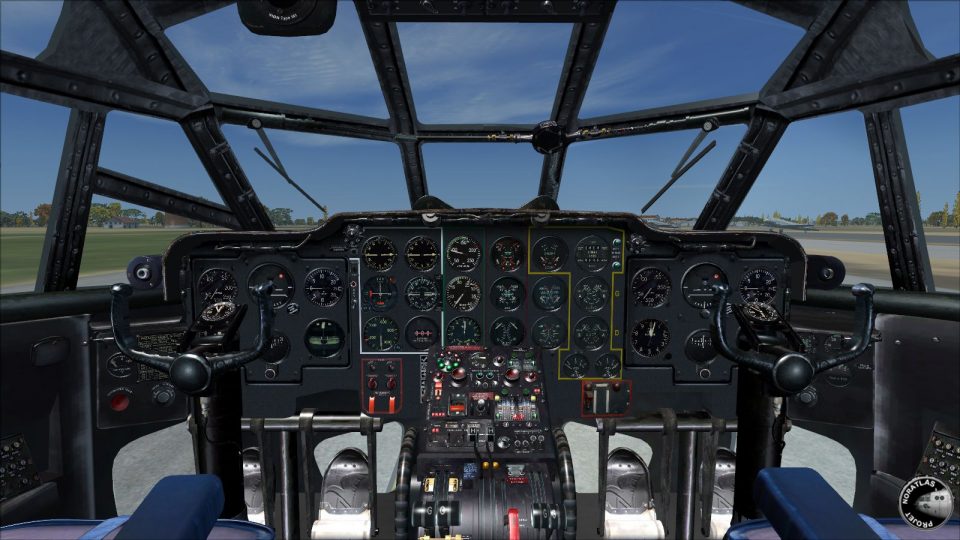
Nord 2501 Noratlas, a French military transport aircraft. This version of the Noratlas was completely recreated for FSX. Two versions and three repaints are available: NB27 of the CIET, NB18 of the Ecole de l'air de Salon de Provence and NB105 currently operated by the association "Le Noratlas de Provence". All instruments in 3D. Audio warnings and checklists. Projet Noratlas by Jean-Francois Martin and Gilbert Millas. (See also PROJET_NORATLAS_UPGRADE_1.ZIP and PROJET_NORATLAS_UPGRADE_2.ZIP).
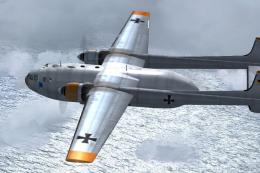
Screenshot of Nord 2501 Noratlas in the air.
Free for all simmers · 86.1 MB · Scanned clean Oct 2026
Download speed: Free tier is capped at 0.5 Mbps (this file takes approximately 24 mins at the cap). PRO members download at full line speed.
This add-on may require the following files to function properly. If this is a repaint, the dependency below is likely the base aircraft package.
SimObjects\Airplanes\, Addon Scenery\, Effects\, or Gauges\.readme.txt or README file. It tells you exactly where files go, what dependencies are needed, and any quirks specific to this add-on.The archive projet_noratlas_base_pack.zip has 13 files and directories contained within it.
This list displays the first 500 files in the package. If the package has more, you will need to download it to view them.
| Filename/Directory | File Date | File Size |
|---|---|---|
| Coquilles.JPG | 11.08.12 | 277.29 kB |
| FILE_ID.diz | 01.30.13 | 431 B |
| Lisez moi.txt | 01.30.13 | 168 B |
| MecNav.jpg | 11.08.12 | 973.39 kB |
| N°105.JPG | 11.08.12 | 178.95 kB |
| N°18.JPG | 01.29.13 | 105.05 kB |
| N°27.JPG | 11.08.12 | 243.18 kB |
| Projet Noratlas.exe | 01.30.13 | 84.59 MB |
| Projet_Noratlas_Base_Pack.gif | 01.29.13 | 8.82 kB |
| Read me.txt | 01.30.13 | 141 B |
| Soute.JPG | 11.08.12 | 309.16 kB |
| flyawaysimulation.txt | 10.29.13 | 959 B |
| Go to Fly Away Simulation.url | 01.22.16 | 52 B |
Only PRO members can place votes.
More FSX & P3D add-ons hand-picked based on this download.
FSX Military Aircraft
A repaint for Nordaviation Nord-2501 Noratlas from Jean-Francois Martin and G…
 FSX Military Aircraft
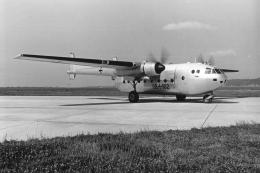
Features for the Nordaviation Nord-2501 Noratlas from Jean-Francois Martin an…
 FSX Military Aircraft
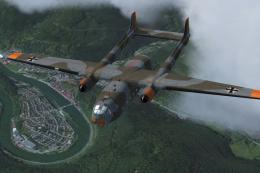
Textures for GB+102 (first German production with no. 007) in silver livery. …
 FSX Military Aircraft
A repaint for Nordaviation Nord-2501 Noratlas from Jean-Francois Martin and G…
 FSX Military Aircraft
The German Luftwaffe used 186 Nord 2501 D built under license. This package a…
 FSX Military Aircraft
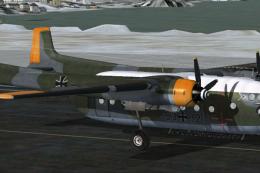
GAF Nord-2501 D Noratlas, textures for 52+32. A repaint for HFB/Weserflug Nor…
 FSX Military Aircraft
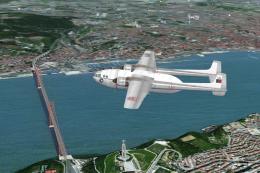
A repaint for Nordaviation Nord-2501 Noratlas from Jean-Francois Martin and G…
 FSX Military Aircraft
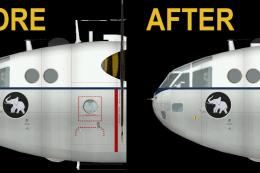
Portuguese Air Force (FAP) Nord-2501 D Noratlas (NORD_FAP_6416_UPDATED.ZIP) f…
Read what other simmers think, or add your own.


Hello Jean-Francois Martin and Gilbert Millas,
Hello Fly Away Team
I am currently working on a Noratlas in 3D Blender in order to make it fly in X-Plane.
While looking for information I discovered your brilliant freeware “Projet Noratlas” for FSX. All your details and textures are still state of the art, so it would be smart to convert it to X-Plane 11 or even X-Plane 12.
That will be a whole lot of work, but it is worth a trial. If someday the result is good enough, I would like to publish the X-Plane Nora as freeware as well, mentioning your “Projet Noratlas” FSX work, of course.
For that case, I would like to ask for permission to use your textures and geometries published on Fly Away.
Kind regards,
Socke


HI! I have been trying really hard to install the noratlas base pack along w/ the updates and a different livery, But even thought I believe I am doing everything correctly--It says it has been successfully installed--it doesn't show up anywhere. I have tried 3 separate times using the same target directory, but nada. What could I be doing wrong? I mean it's a .exe for God's sake. Please help! I would really like to have this plane. I am running FSX.