

 FSX Military Aircraft
AI Egypt Air Force F-4E Phantom
This package is of the Egypt Air Force F-4E's based out of Cairo West. There …
RNZAF A-4K Skyhawk livery set recreates No. 75 Squadron markings based on the 1970 A-4F and TA-4F deliveries, bringing a crisp military look to the Virtavia A-4E/F Skyhawk in FSX. Includes multiple texture folders and matching thumbnail for easy selection, and requires the Virtavia Skyhawk base model.
 Rate
Rate
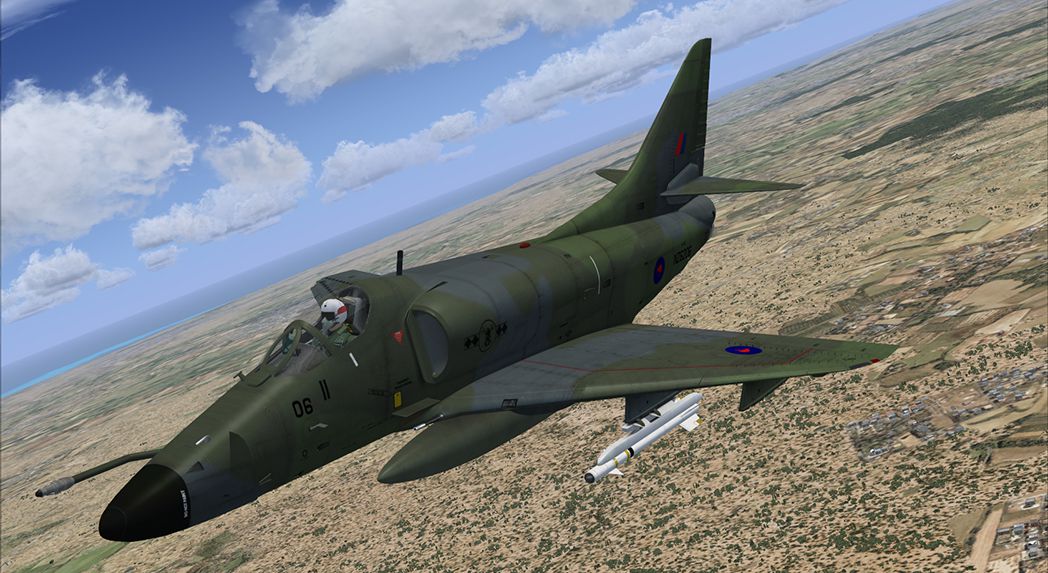
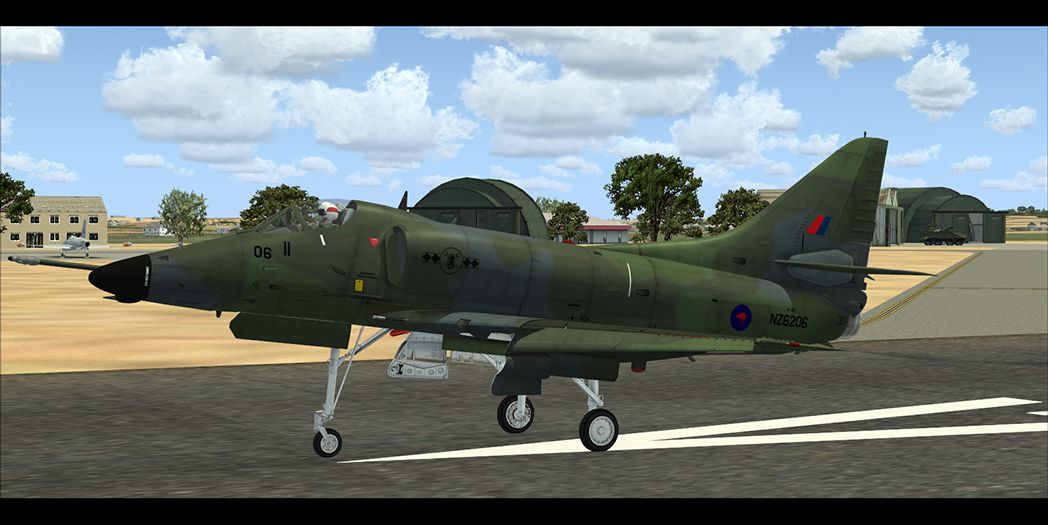
The Royal New Zealand Air Force obtained ten A-4F and four TA-4F Skyhawks from the United States in 1970. They were delivered to Auckland, NZ by the U.S.S. Okinawa for their No. 75 Squadron. The aircraft were re-designated as A-4K and TA-4K. Model by Virtavia. By Luigi Martinelli.
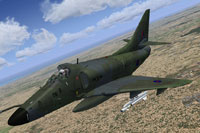
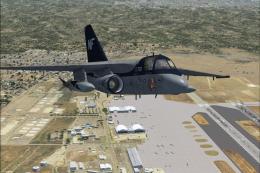
Screenshot of RNZAF A-4E/F in flight.
Installation:
[fltsim.XX]

title=A-4E/F Skyhawk RNZAF

sim=Virtavia_A-4E-F_Skyhawk

model=E_clean_1

panel=

sound=

texture=kiwi_2

kb_checklists=

kb_reference=

atc_heavy= 0

atc_parking_types= mil_combat

atc_airline = Navy

atc_flight_number=AG303

atc_id=149993

atc_id_color= 0000000000

ui_manufacturer= Douglas

ui_type= A-4 Skyhawk

ui_variation=A-4K RNZAF - Clean

ui_typerole=Military Jet

ui_createdby=Virtavia

ui_thumbnailfile=texture.thumbs/Thumb_Skyhawk_Kiwi.jpg

visual_damage=1

Description=
This texture set was created using the virtavia paint kit.
Free for all simmers · 9.25 MB · Scanned clean Oct 2026
Download speed: Free tier is capped at 0.5 Mbps (this file takes approximately 3 mins at the cap). PRO members download at full line speed.
texture.{airline}) inside FSX\SimObjects\Airplanes\{base-aircraft}\.aircraft.cfg in Notepad. Add a new [fltsim.X] section per the readme.readme.txt or README file. It tells you exactly where files go, what dependencies are needed, and any quirks specific to this add-on.The archive virtavia_a4kiwi.zip has 32 files and directories contained within it.
This list displays the first 500 files in the package. If the package has more, you will need to download it to view them.
| Filename/Directory | File Date | File Size |
|---|---|---|
| Viartavia_A4Kiwi | 09.14.13 | 0 B |
| 1.jpg | 09.14.13 | 378.04 kB |
| 2.jpg | 09.14.13 | 594.46 kB |
| Aircraft.cfg | 09.14.13 | 570 B |
| Readme.txt | 09.14.13 | 1.32 kB |
| texture.kiwi_2 | 09.14.13 | 0 B |
| generic_spec.dds | 07.27.13 | 21.48 kB |
| generic_spec_RAN.bmp | 07.17.13 | 170.75 kB |
| generic_spec_RAN.dds | 07.17.13 | 170.80 kB |
| Ladder.dds | 06.28.12 | 1.00 MB |
| Maingear3.dds | 06.16.12 | 1.00 MB |
| MiscAO_1 - Copia.dds | 08.02.13 | 1.33 MB |
| MiscAO_1.dds | 08.02.13 | 1.33 MB |
| MiscAO_2.dds | 08.02.13 | 341.48 kB |
| MiscAO_L.dds | 08.02.13 | 1.33 MB |
| MiscAO_R.dds | 08.02.13 | 1.33 MB |
| Nosegear1.dds | 06.16.12 | 256.12 kB |
| Pilot.dds | 09.14.13 | 1.33 MB |
| Skyhawk_1.dds | 08.02.13 | 5.33 MB |
| Skyhawk_1_bump.dds | 07.27.13 | 5.33 MB |
| Skyhawk_2.dds | 08.02.13 | 5.33 MB |
| Skyhawk_2_bump.dds | 07.27.13 | 5.33 MB |
| Spdbrks.dds | 08.02.13 | 1.33 MB |
| Tank_ctr.dds | 08.01.13 | 85.52 kB |
| Tank_wing_L.dds | 08.01.13 | 682.83 kB |
| Tank_wing_R.dds | 08.01.13 | 682.83 kB |
| texture.cfg | 10.21.12 | 72 B |
| texture.thumbs | 09.14.13 | 0 B |
| texture.cfg | 10.21.12 | 72 B |
| Thumb_Skyhawk_kiwi.jpg | 08.02.13 | 36.93 kB |
| flyawaysimulation.txt | 10.29.13 | 959 B |
| Go to Fly Away Simulation.url | 01.22.16 | 52 B |
Only PRO members can place votes.
More FSX & P3D add-ons hand-picked based on this download.
FSX Military Aircraft
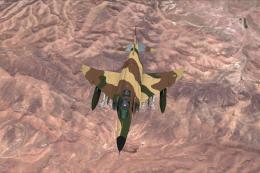
This package is of the Egypt Air Force F-4E's based out of Cairo West. There …
 FSX Military Aircraft
Paint kit by Milviz, requires the payware Milviz F 4E Phantom II. Repaint by …
 FSX Military Aircraft
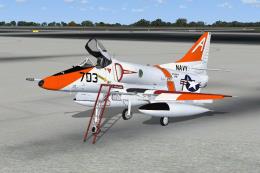
VT-7, NAS Meridian, 1989. This repaint for the Virtavia "A-4 Skyhawk for FSX"…
 FSX Military Aircraft
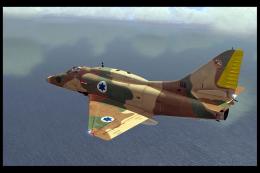
Israel was the largest customer for export Skyhawks. A contract for 48 was si…
 FSX Military Aircraft
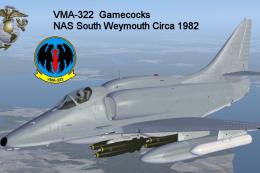
Textures only for the payware Virtavia A-4E/F Skyhawk. This represents a late…
 FSX Military Aircraft
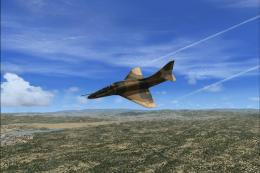
Texture for FSX A-4E Skyhawk. VFC-126 based in NAS Miramar. Textures used for…
 FSX Military Aircraft
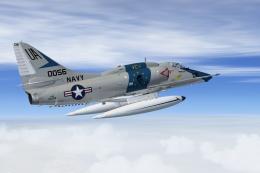
Douglas A-4E Of VC-1 at NAS Barbers Point. This repaint for the Virtavia "A-4…
 FSX Military Aircraft
This repaint brings to Microsoft Flight Simulator X a distinctive VS-21 “Redt…
Read what other simmers think, or add your own.
