

 FSX Military Aircraft
Meteor F8 RNLAF 4R:3
This add-on offers an accurate external repaint of the Gloster Meteor F8, ori…
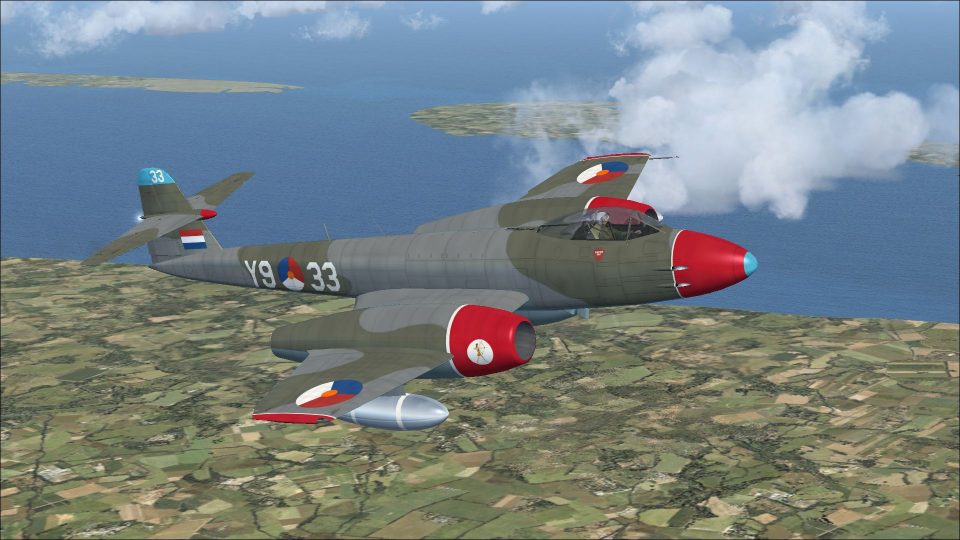
Gloster Meteor F8 RNLAF WF698 brings No. 323 Squadron’s Y9:33 to life with crisp Royal Netherlands Air Force markings and period-correct aerobatic display details for Microsoft Flight Simulator X Acceleration. The repaint focuses on authentic exterior textures and squadron insignia, and requires Rob Richardson’s freeware Meteor F8 base model.
 Rate
Rate
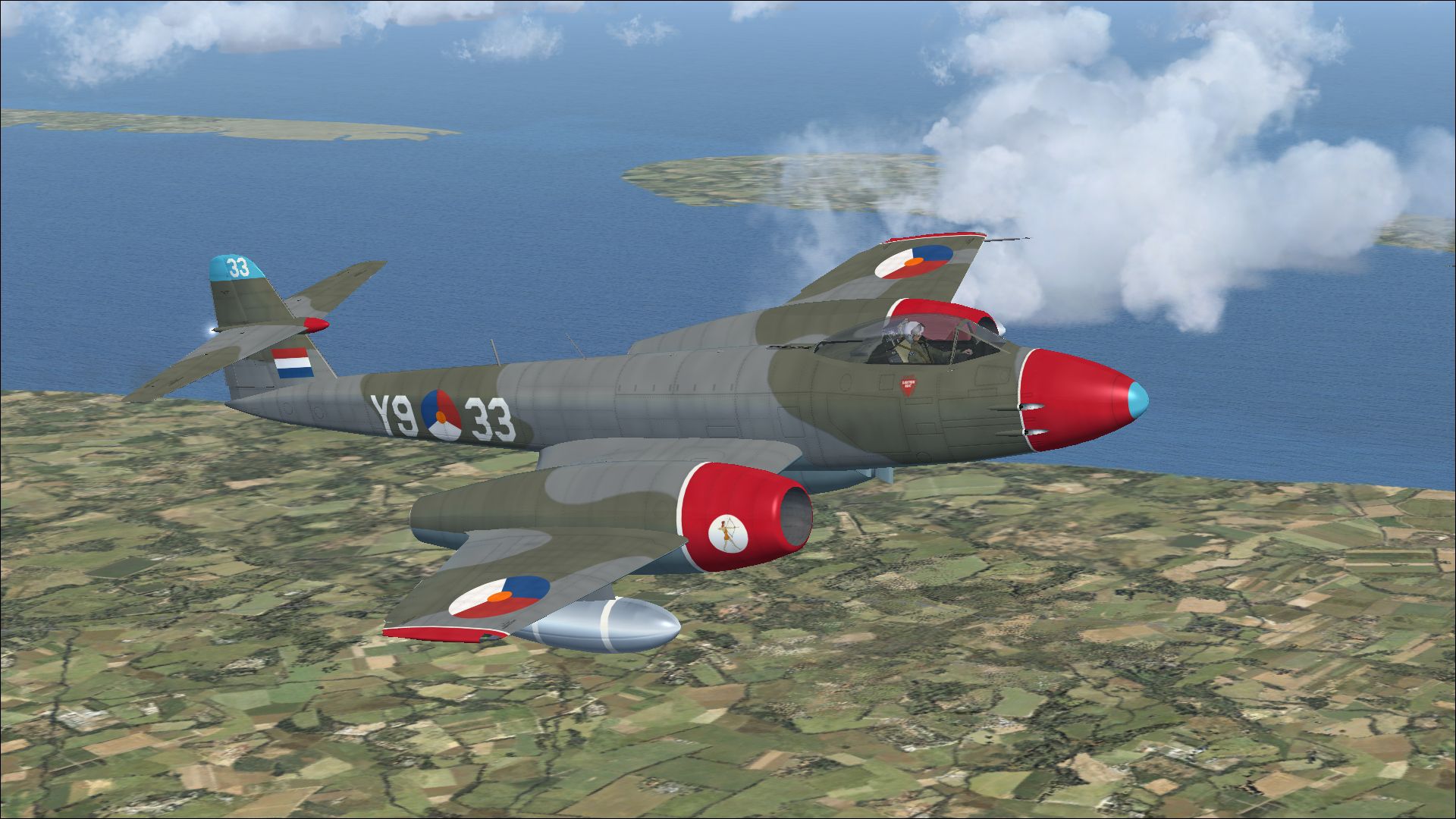
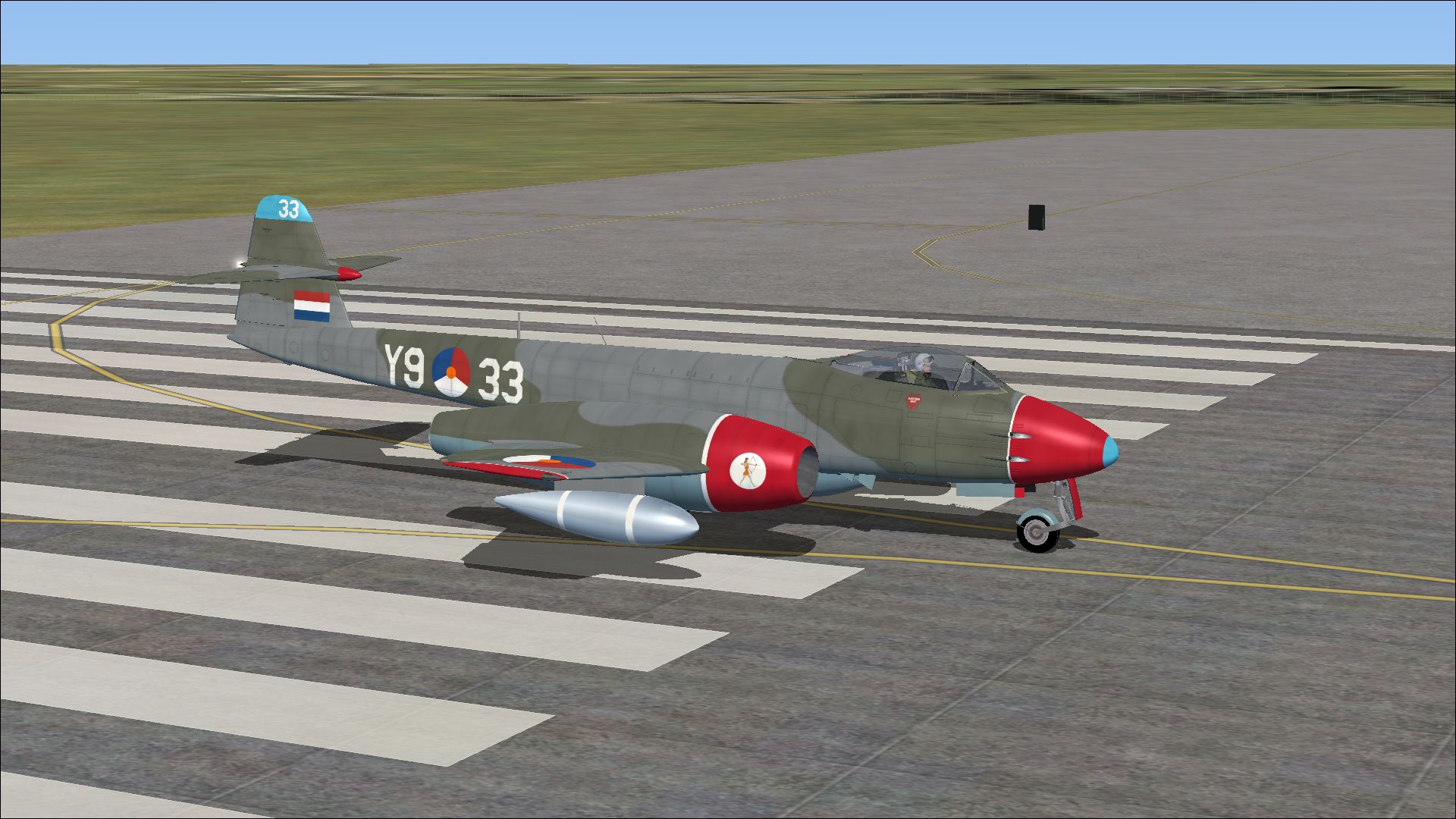
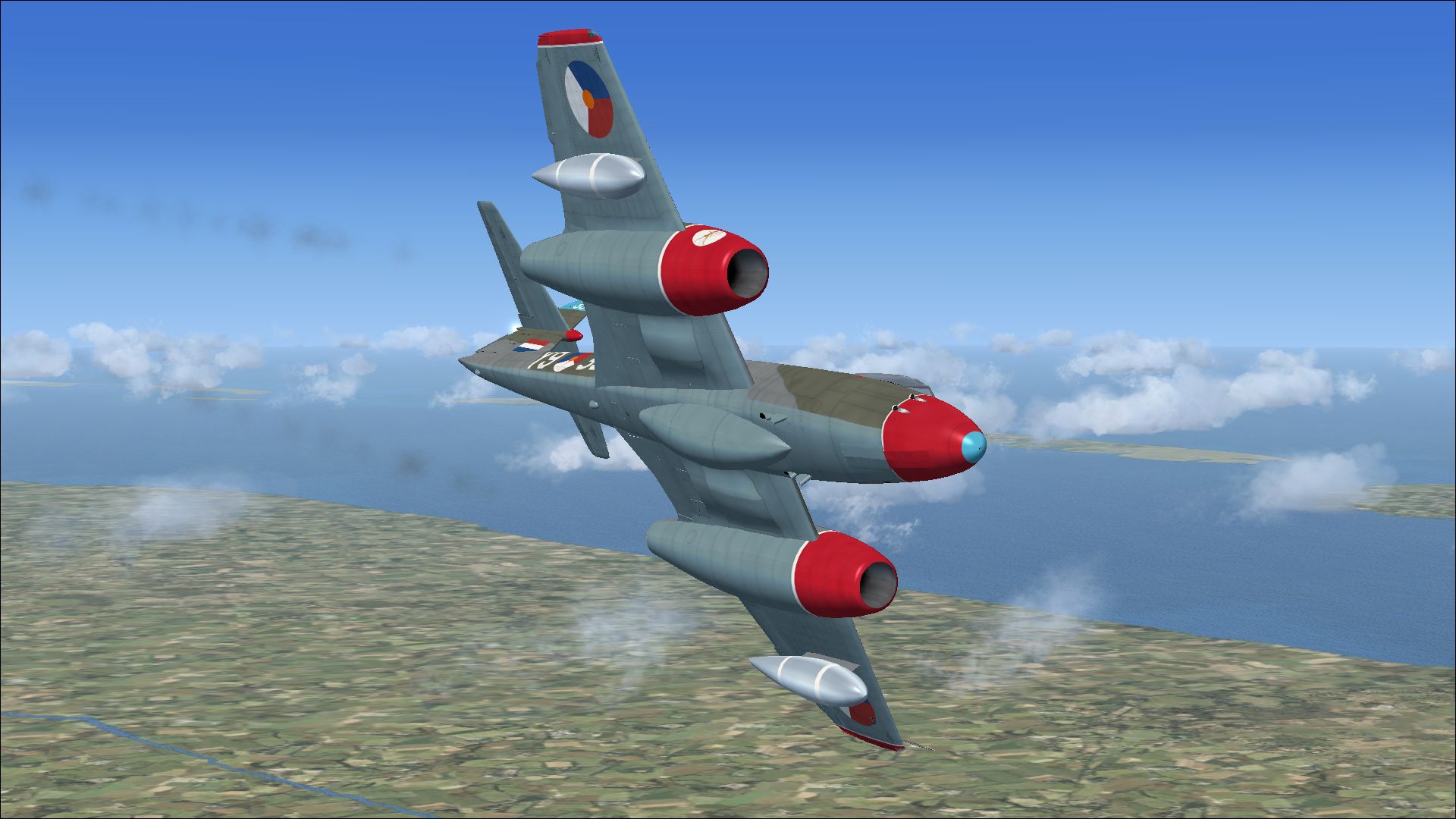
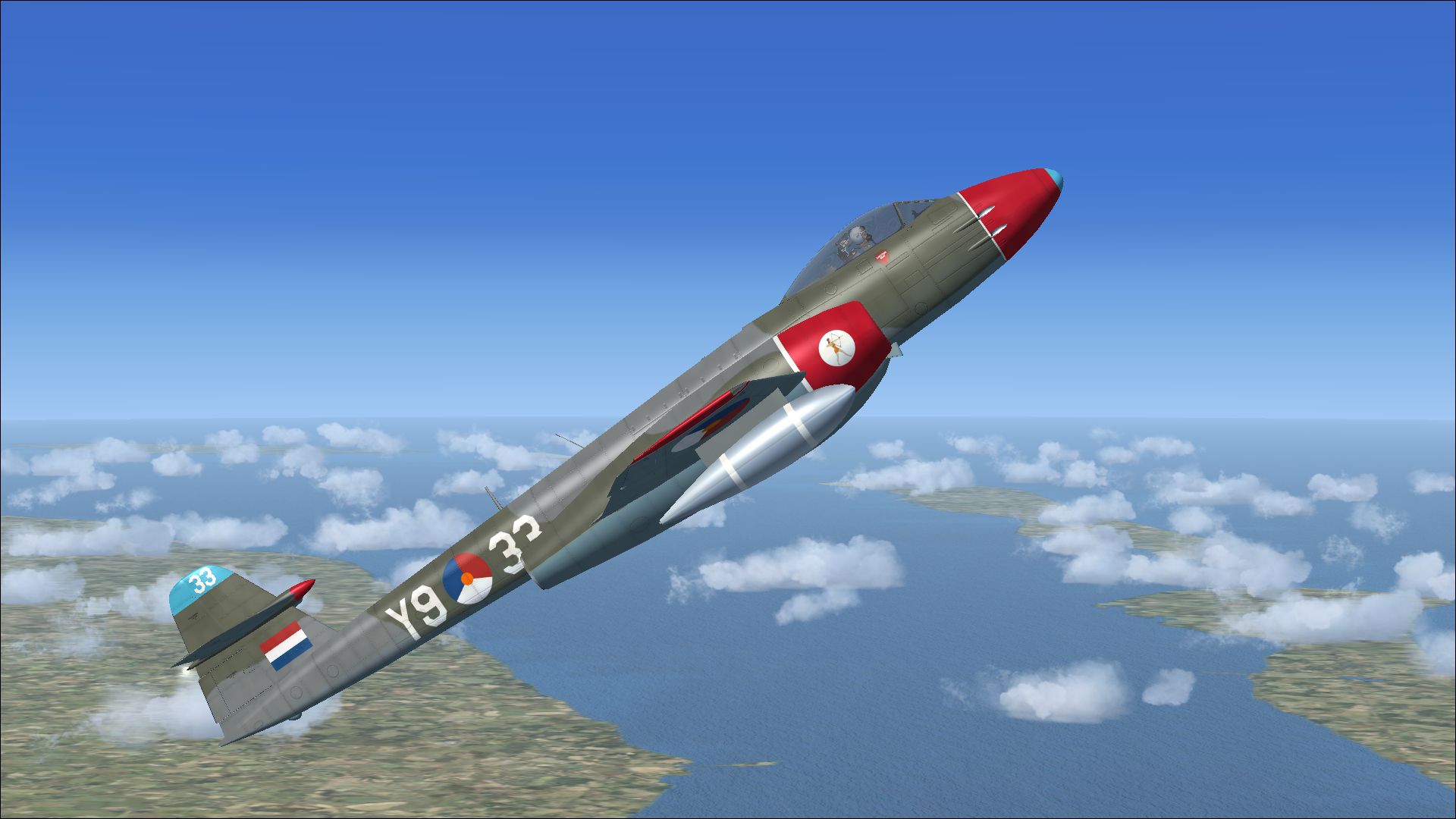
This freeware texture set faithfully represents the Gloster Meteor F8 once operated by the Royal Netherlands Air Force as Y9:33 (formerly RAF serial WF698). Designed for Microsoft Flight Simulator X Acceleration, this repaint depicts an aircraft assigned to the No. 323 Squadron, which briefly participated in an aerobatic display team stationed at Leeuwarden Air Base. Created by Peter Watkins, it requires Rob Richardson’s freeware Meteor base model (available in the Fly Away Simulation library) that is not included here.
This repaint modifies the Meteor F8 exterior to showcase the iconic Dutch markings and authentic squadron insignia. The real-world Gloster Meteor played a crucial role as one of the earliest operational jet fighters in British service. The F8 variant introduced improvements in flight stability and upgraded armament systems, further enhancing performance during the early Cold War period. Now, virtual pilots can experience a piece of that history with an accurate rendering of the Royal Netherlands Air Force’s short-lived aerobatic aircraft.
Screenshot of Meteor F8 RNLAF in flight.
xx to the next available number):[fltsim.xx] title=Gloster Meteor F Mk 8 RNLAF sim=Gloster Meteor F Mk 8 model= panel= sound= texture=RNLAF kb_checklists=Meteor_F_Mk8_check kb_reference=Meteor_F_Mk8_ref ui_manufacturer=Gloster ui_type=Meteor F Mk 8 ui_variation=RNLAF atc_id=I-91 atc_airline= atc_flight_number= description=Y9:33 was ex-RAF WF698 and served with no 323 Squadron, Royal Netherlands Air Force. The aircraft was part of a short-lived aerobatic team and was based at Leeuwarden Air Base.
The Meteor F8 represents a notable evolution of the original Gloster Meteor airframe, bringing enhanced aerodynamics and revised tailplane design for greater maneuverability. Deployed extensively by multiple countries, including the Royal Netherlands Air Force, it symbolized post-war innovation and ushered in new standards for jet-powered flight. Rob Richardson’s original freeware release reproduces the essential systems of this historical warbird with realism, while Peter Watkins’s repaint enriches it with an authentic livery that commemorates its service in Dutch colors.
This repaint adds visual variety to any FSX virtual hangar, especially for enthusiasts interested in classic 1950s fighter jets. Please note that this download includes only the external textures; you will need to acquire Rob Richardson’s Gloster Meteor F8 base package separately from the Fly Away Simulation repository to enjoy the entire flying experience.
Free for all simmers · 9.71 MB · Scanned clean Oct 2026
Download speed: Free tier is capped at 0.5 Mbps (this file takes approximately 3 mins at the cap). PRO members download at full line speed.
texture.{airline}) inside FSX\SimObjects\Airplanes\{base-aircraft}\.aircraft.cfg in Notepad. Add a new [fltsim.X] section per the readme.readme.txt or README file. It tells you exactly where files go, what dependencies are needed, and any quirks specific to this add-on.The archive meteor_f8_rnlaf_1.zip has 13 files and directories contained within it.
This list displays the first 500 files in the package. If the package has more, you will need to download it to view them.
| Filename/Directory | File Date | File Size |
|---|---|---|
| 13199806.jpg | 11.27.13 | 1.14 MB |
| 13299163.jpg | 11.27.13 | 1.24 MB |
| 13378692.jpg | 11.27.13 | 903.09 kB |
| 13506847.jpg | 11.27.13 | 795.40 kB |
| Installation readme.txt | 11.27.13 | 2.13 kB |
| Texture.RNLAF | 11.27.13 | 0 B |
| meteor 1 bump.dds | 11.12.13 | 16.00 MB |
| meteor 1.dds | 11.27.13 | 16.00 MB |
| meteor 2.dds | 11.27.13 | 16.00 MB |
| texture.cfg | 04.16.11 | 37 B |
| thumbnail.jpg | 11.27.13 | 1.24 MB |
| flyawaysimulation.txt | 10.29.13 | 959 B |
| Go to Fly Away Simulation.url | 01.22.16 | 52 B |
Only PRO members can place votes.
More FSX & P3D add-ons hand-picked based on this download.
FSX Military Aircraft
This add-on offers an accurate external repaint of the Gloster Meteor F8, ori…
 FSX Military Aircraft
This freeware repaint showcases the iconic Gloster Meteor F8 in Royal Netherl…
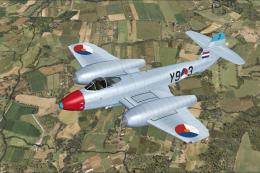 FSX Military Aircraft
A repaint for Rob Richardson's Gloster Meteor F4 for Microsoft Flight Simulat…
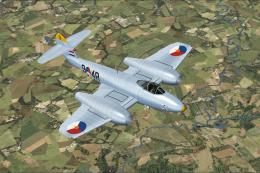 FSX Military Aircraft
A repaint for Rob Richardson's Gloster Meteor F4 for Microsoft Flight Simulat…
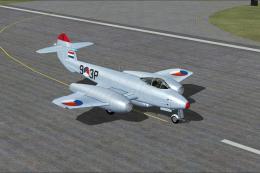 FSX Military Aircraft
A repaint for Rob Richardson's Gloster Meteor F4 for Microsoft Flight Simulat…
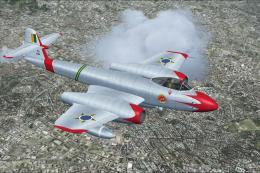 FSX Military Aircraft
This repaint faithfully depicts Gloster Meteor F8 number 4412, which served a…
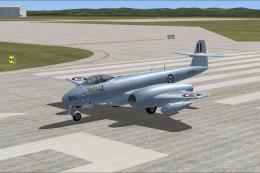 FSX Military Aircraft
A repaint for Rob Richardson's Gloster Meteor F8 for Microsoft Flight Simulat…
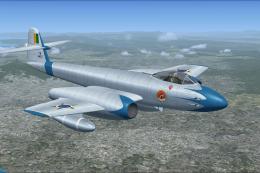 FSX Military Aircraft
Experience a specially crafted repaint for Rob Richardson’s Gloster Meteor F8…
Be the first to leave a comment on this download.
Be the first to share your thoughts on this download.