

 FSX Military Aircraft
Meteor F8 Brazilian 4412
This repaint faithfully depicts Gloster Meteor F8 number 4412, which served a…
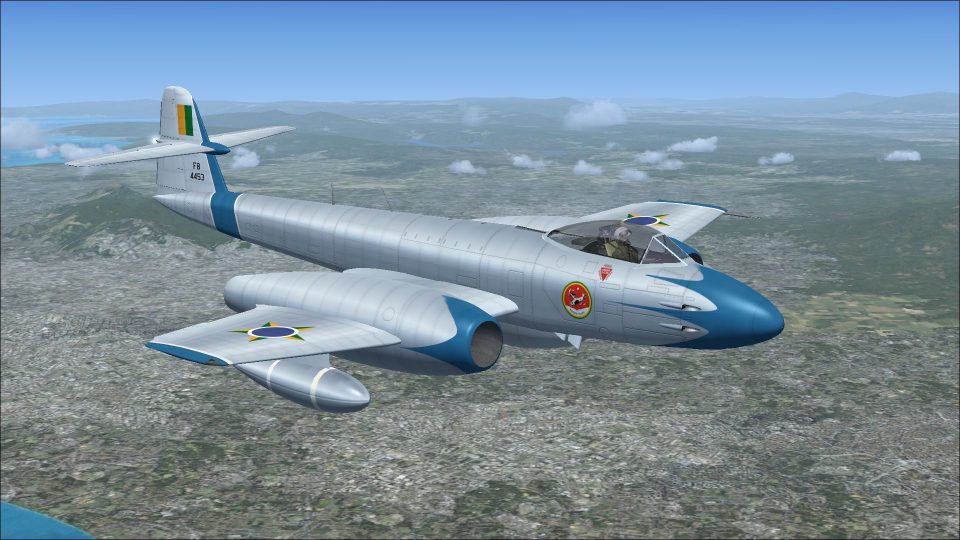
Gloster Meteor F8 Brazilian Air Force repaint depicting tail number 4453 brings period-correct roundels, squadron markings, stenciling, and subtle weathering to Rob Richardson’s classic jet in Microsoft Flight Simulator X Acceleration. It represents one of sixty Meteors operated by Brazil and requires the freeware base model to fly.
 Rate
Rate
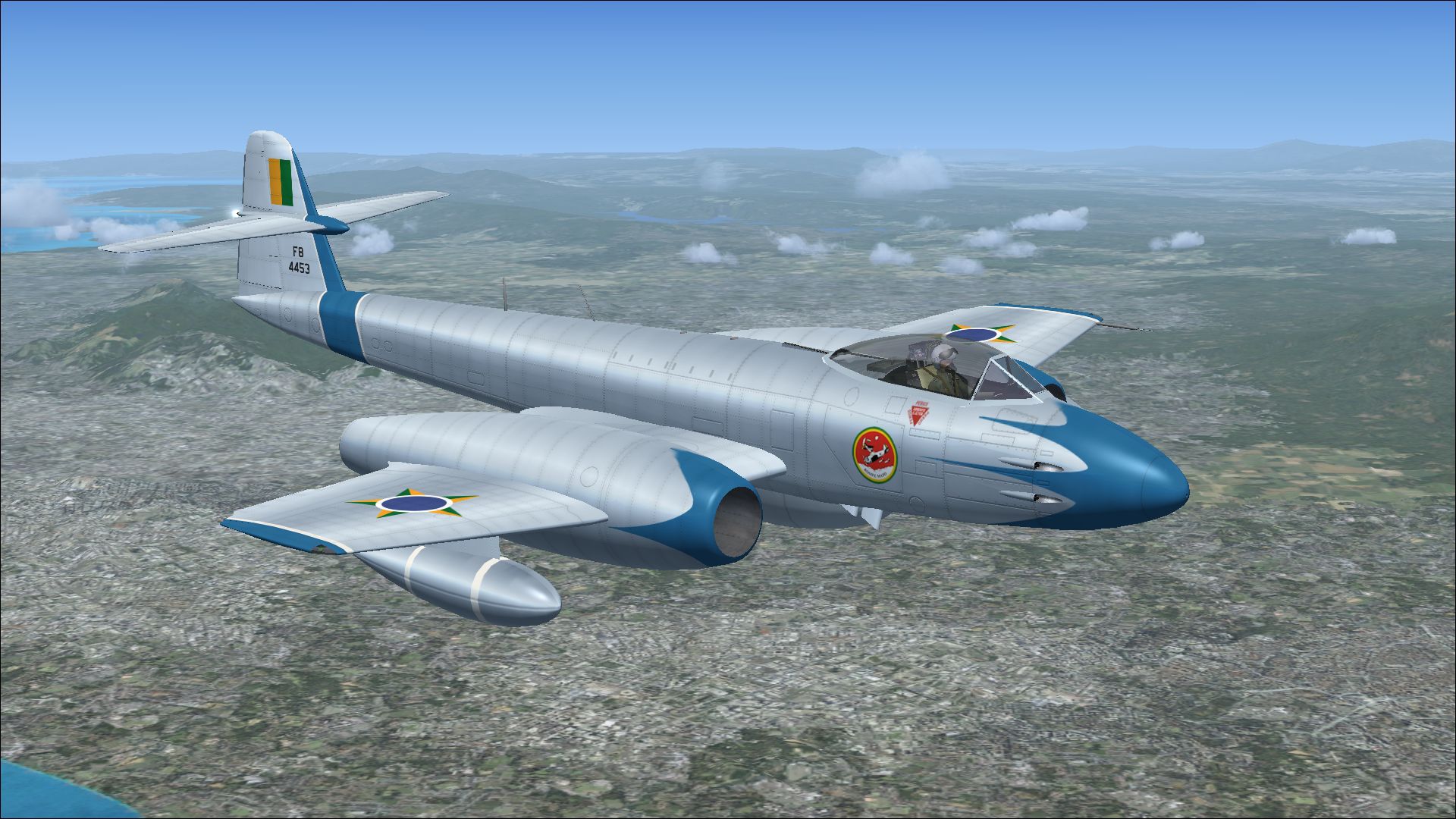
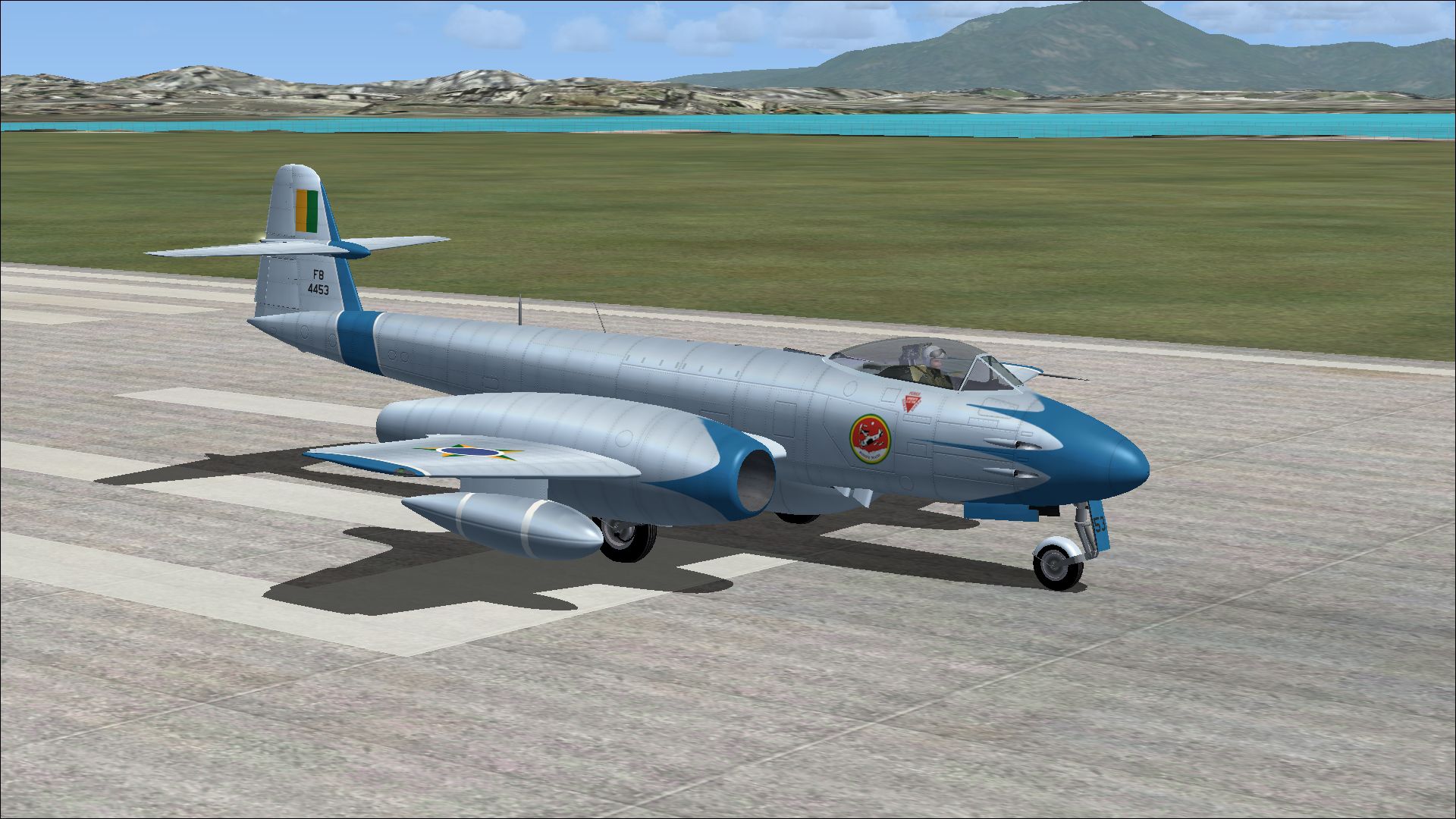

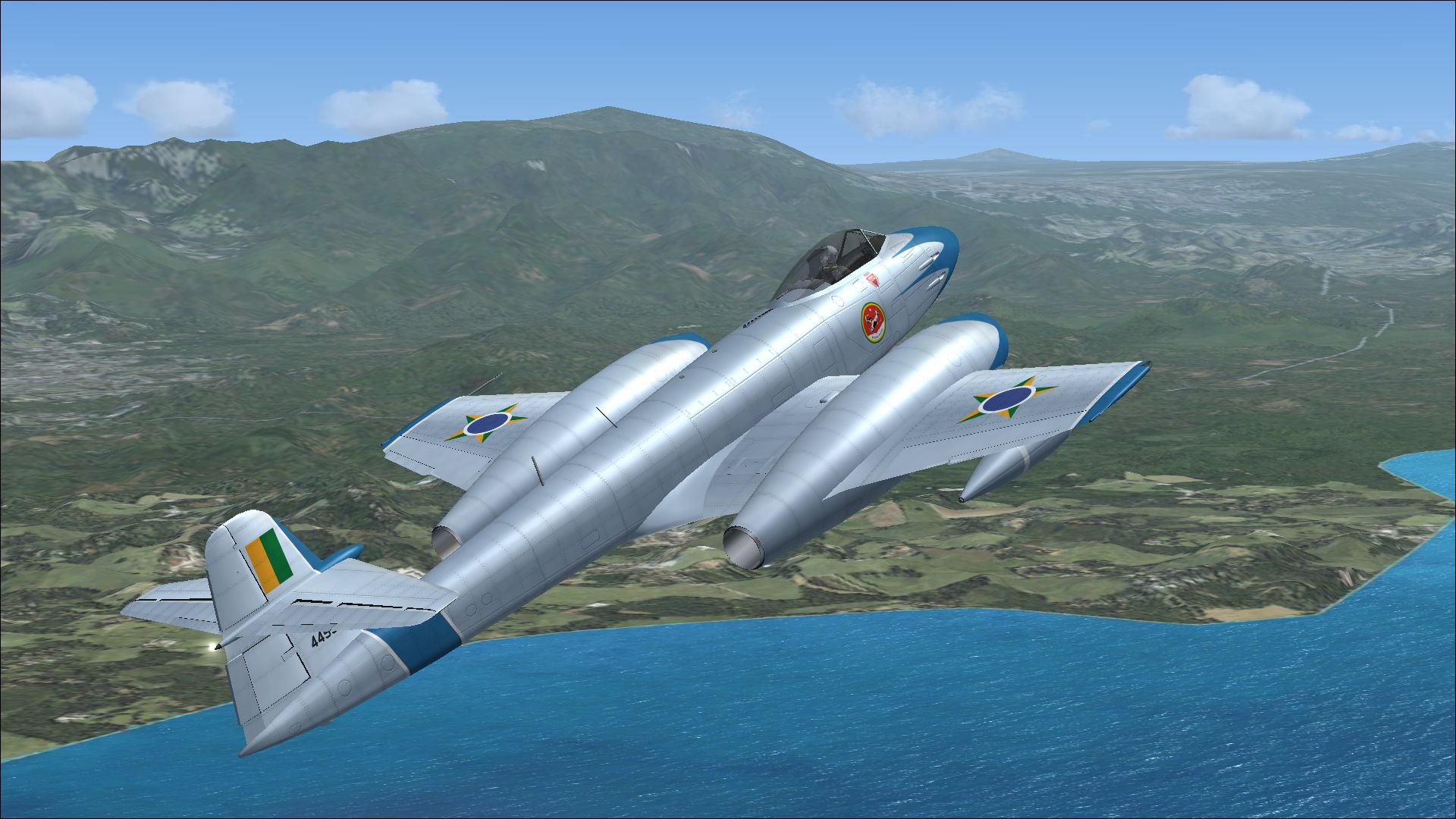
Experience a specially crafted repaint for Rob Richardson’s Gloster Meteor F8 in Microsoft Flight Simulator X Acceleration. This rendition represents tail number 4453, an aircraft flown by the Brazilian Air Force. Created by Peter Watkins, it depicts a real-world scheme from a contingent of sixty Meteor F8 jets operated by Brazil. This package only includes the repaint and requires the freeware base model, available through the Fly Away Simulation library.
The Gloster Meteor F8 emerged as an evolution of Britain’s first operational jet fighter. It incorporates twin jet engines (meaning two powerplants, in nacelles beneath the wings) and introduced improved tail surfaces and enhanced fuel capacity over earlier Meteor variants. Many global air arms, including the Brazilian Air Force, employed this fighter for its reliability and advanced turbine technology. While famed for its introduction in European skies, the Meteor quickly garnered international appeal, paving the way for the modernization of many post-war air fleets.
Screenshot of Meteor F8 in flight.
The featured Brazilian Air Force repaint showcases the unique markings associated with tail number 4453. These numbers held particular significance, often reflecting squadron assignment and national registration. The fuselage bears distinct insignia and color accents, consistent with historical photographs of the actual aircraft. Accurate stenciling and subtle weathering effects have been included to add a realistic look, reflecting the operational conditions in which these jets served.
texture=Brazilian 3 folder inside the “Gloster Meteor Mk 8” directory, which is located in your SimObjects “Airplanes” folder in Microsoft Flight Simulator X Acceleration.[fltsim.xx]
title=Gloster Meteor F Mk 8 Brazilian 3
sim=Gloster Meteor F Mk 8
model=
panel=
sound=
texture=Brazilian 3
kb_checklists=Meteor_F_Mk8_check
kb_reference=Meteor_F_Mk8_ref
ui_manufacturer=Gloster
ui_type=Meteor F Mk 8
ui_variation=Brazilian 3
atc_id=4453
atc_airline=Air Force
atc_flight_number=010
description=One of sixty Meteor F8 aircraft operated by the Brazilian Air Force.
This repaint does not include the underlying aircraft model. Rob Richardson created the freeware Gloster Meteor F8 base package, and you will need to obtain that separately from the Fly Away Simulation mod library to fully operate this repaint.
Enjoy flying this Brazilian Meteor F8, and appreciate the attention to detail provided by Peter Watkins in this authentic scheme that pays homage to an important era of jet-powered aviation.
Free for all simmers · 11.5 MB · Scanned clean Oct 2026
Download speed: Free tier is capped at 0.5 Mbps (this file takes approximately 3 mins at the cap). PRO members download at full line speed.
texture.{airline}) inside FSX\SimObjects\Airplanes\{base-aircraft}\.aircraft.cfg in Notepad. Add a new [fltsim.X] section per the readme.readme.txt or README file. It tells you exactly where files go, what dependencies are needed, and any quirks specific to this add-on.The archive meteor_f8_brazilian_3.zip has 13 files and directories contained within it.
This list displays the first 500 files in the package. If the package has more, you will need to download it to view them.
| Filename/Directory | File Date | File Size |
|---|---|---|
| 13850720.jpg | 11.20.13 | 1.25 MB |
| 13942121.jpg | 11.20.13 | 1.16 MB |
| 13994600.jpg | 11.20.13 | 1.16 MB |
| 14007626.jpg | 11.20.13 | 1.24 MB |
| Installation readme.txt | 11.20.13 | 1.96 kB |
| Texture.Brazilian 3 | 11.20.13 | 0 B |
| meteor 1 bump.dds | 11.12.13 | 16.00 MB |
| meteor 1.dds | 11.20.13 | 16.00 MB |
| meteor 2.dds | 11.20.13 | 16.00 MB |
| texture.cfg | 04.11.11 | 37 B |
| thumbnail.jpg | 11.20.13 | 1.25 MB |
| flyawaysimulation.txt | 10.29.13 | 959 B |
| Go to Fly Away Simulation.url | 01.22.16 | 52 B |
Only PRO members can place votes.
More FSX & P3D add-ons hand-picked based on this download.
FSX Military Aircraft
This repaint faithfully depicts Gloster Meteor F8 number 4412, which served a…
 FSX Military Aircraft
This repaint package brings a carefully crafted Brazilian Air Force livery to…
 FSX Military Aircraft
Enhance your virtual flight collection with this meticulously produced repain…
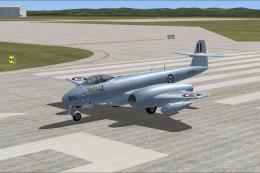 FSX Military Aircraft
A repaint for Rob Richardson's Gloster Meteor F8 for Microsoft Flight Simulat…
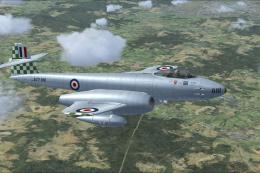 FSX Military Aircraft
A repaint for Rob Richardson's Gloster Meteor F8 for Microsoft Flight Simulat…
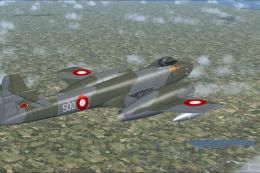 FSX Military Aircraft
This high-fidelity repaint by Peter Watkins reproduces “44-500” as flown by n…
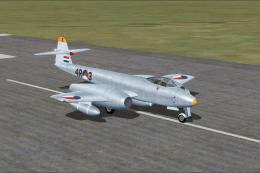 FSX Military Aircraft
This add-on offers an accurate external repaint of the Gloster Meteor F8, ori…
 FSX Military Aircraft
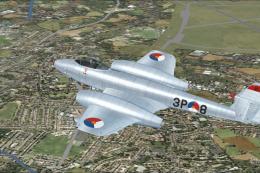
This freeware repaint showcases the iconic Gloster Meteor F8 in Royal Netherl…
Be the first to leave a comment on this download.
Be the first to share your thoughts on this download.