

 FSX Military Aircraft
Gloster Meteor F4 Argentina I-071
This free release delivers a historically accurate Argentinian repaint of the…
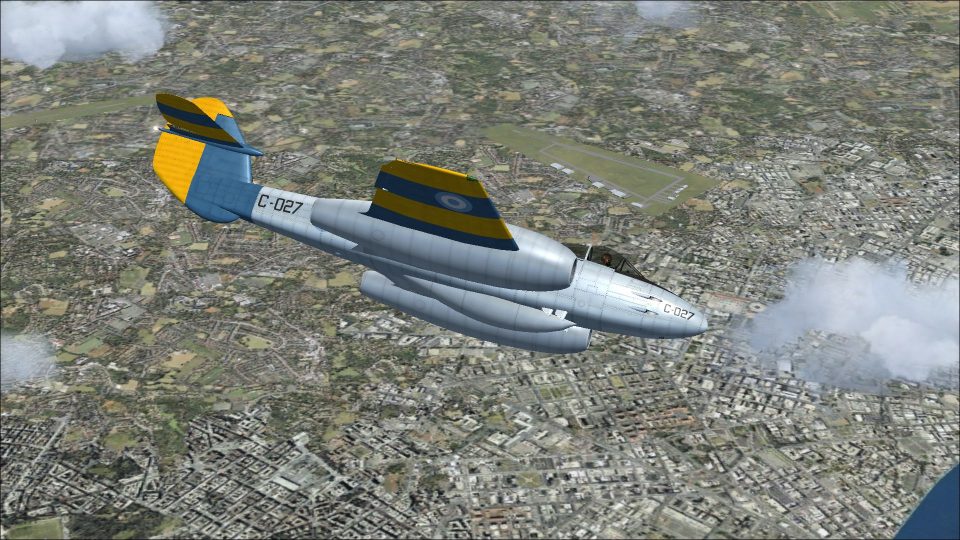
Argentine Air Force livery for the Gloster Meteor F Mk 4 recreates aircraft C-027 as flown by Grupo 2 de Caza Bombardeo at Rio Gallegos in November 1960, with period-correct roundels, stripes, and serial details. Built for Microsoft Flight Simulator X Acceleration, it requires the freeware base model and includes textures only.
 Rate
Rate
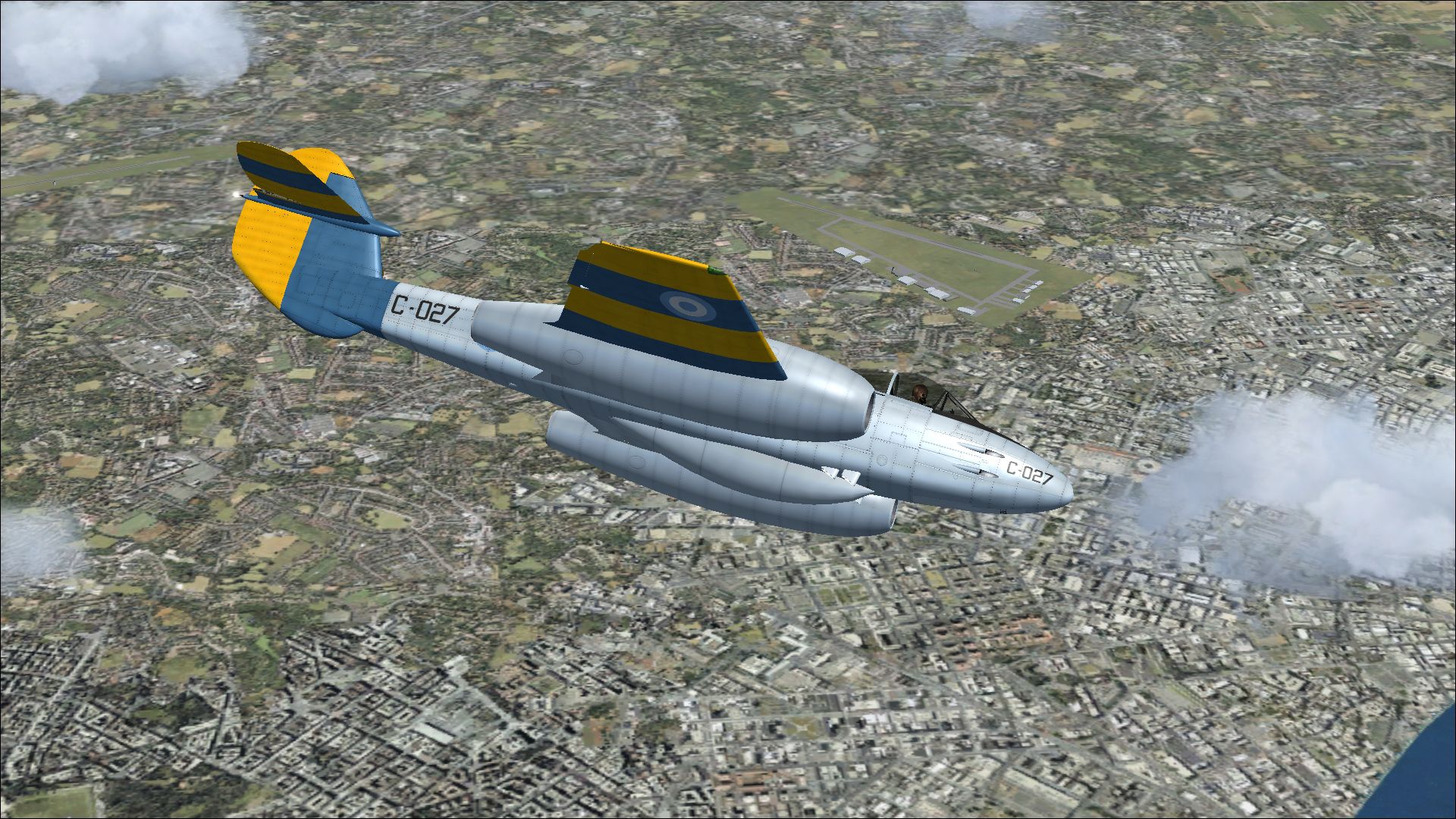
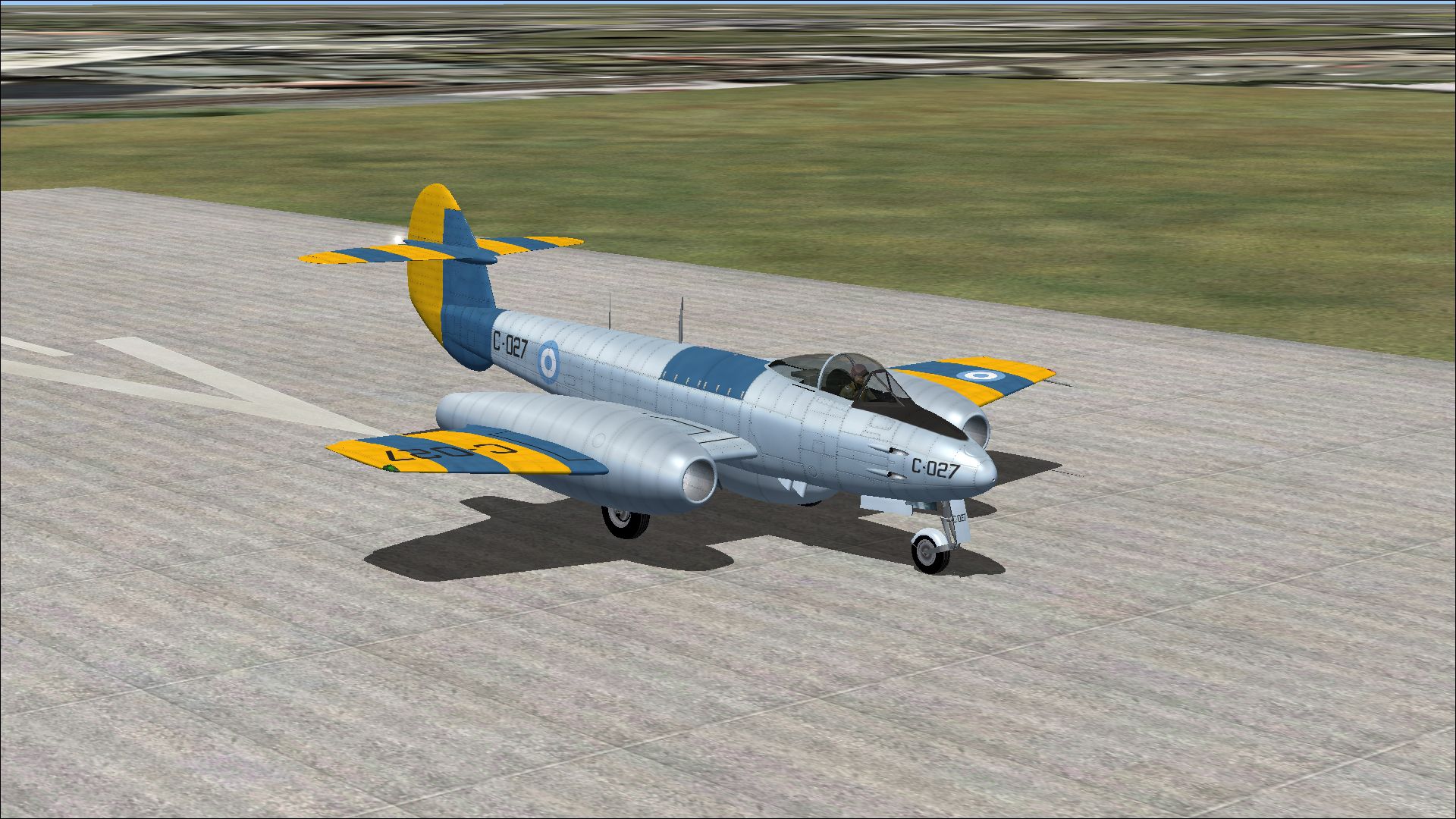
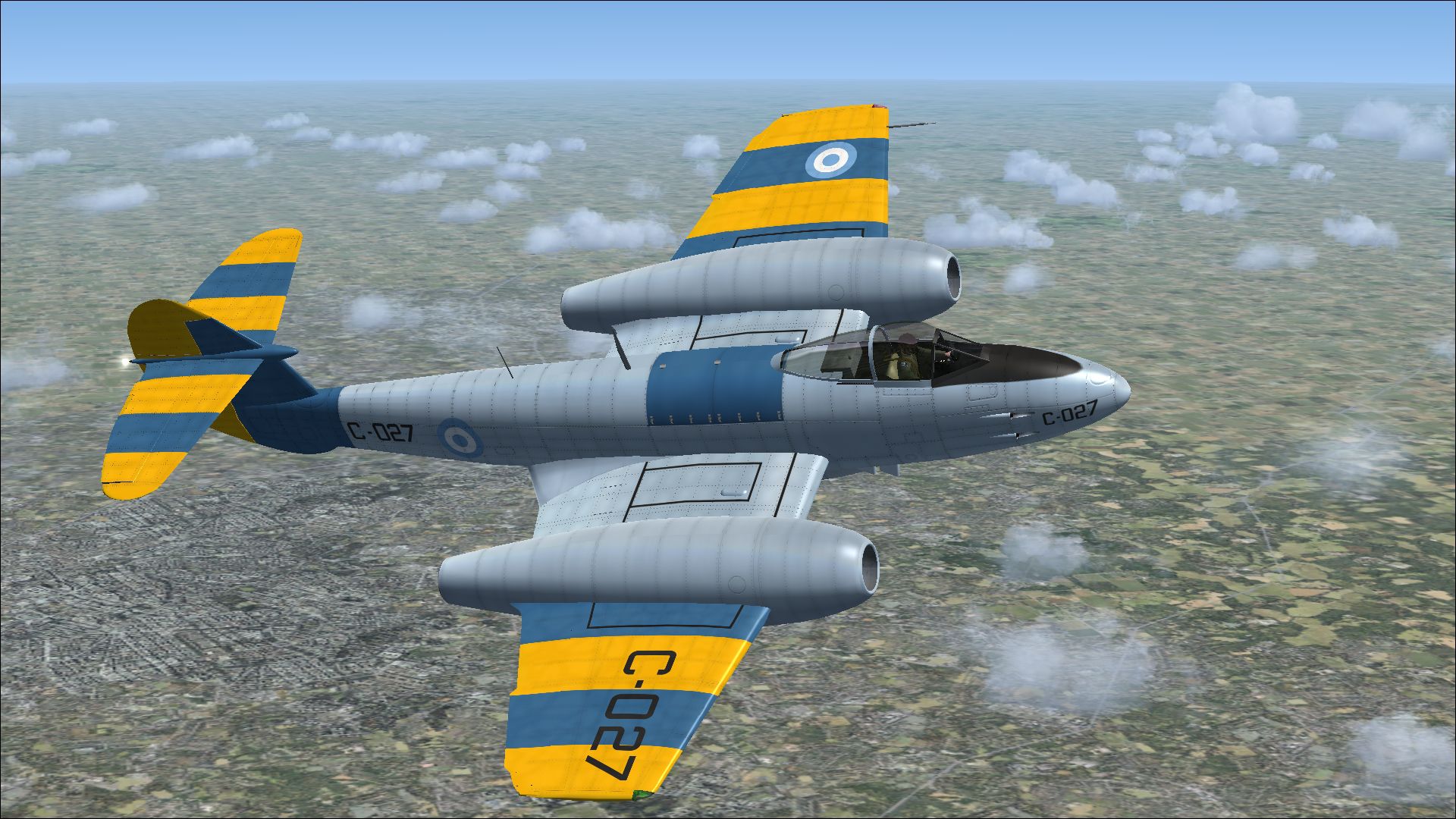
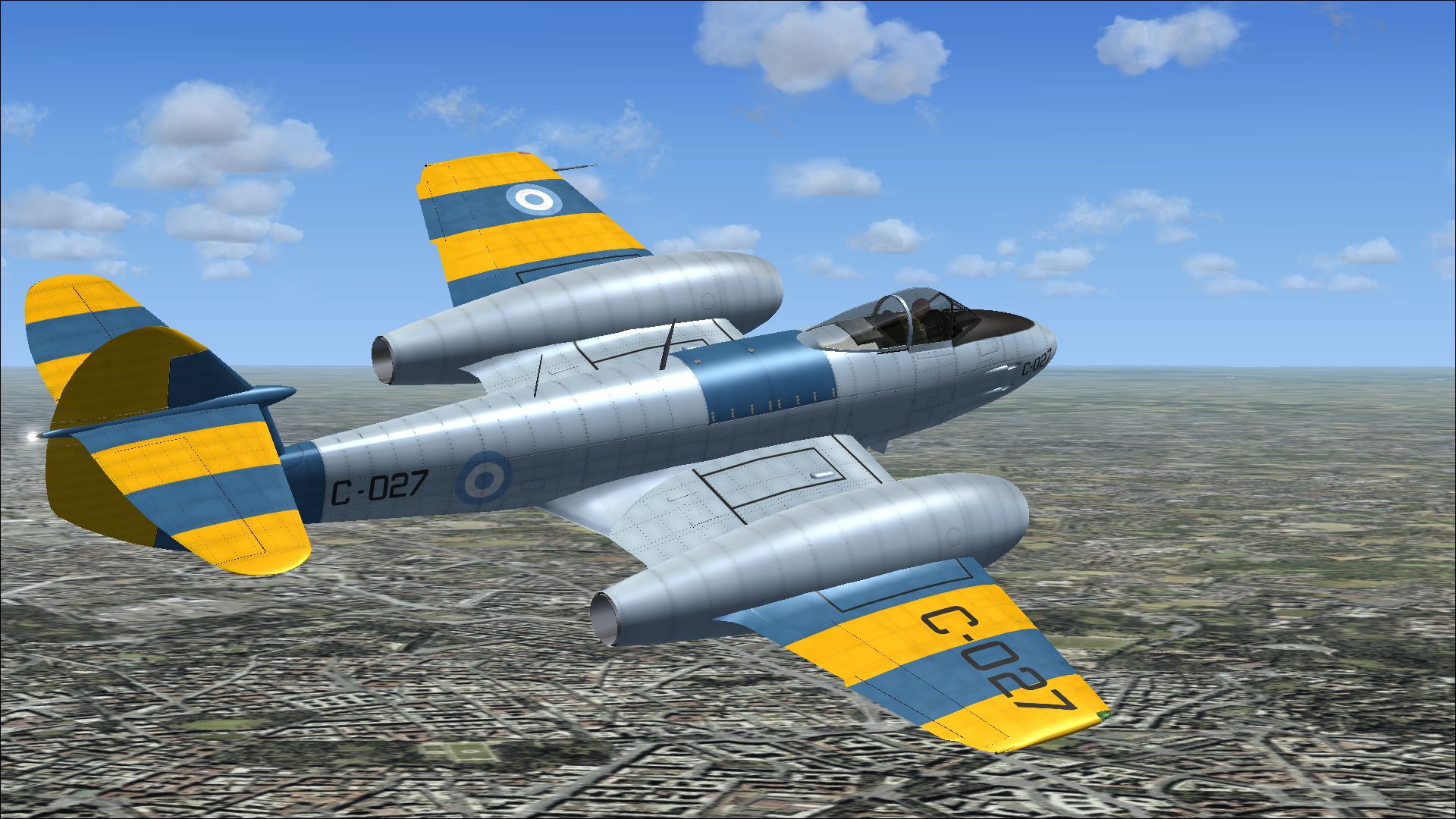
This repaint showcases the Gloster Meteor F4 as it appeared under Argentinian markings for Microsoft Flight Simulator X Acceleration. Developed by Robert Richardson, this classic jet fighter model receives an authentic Argentine Air Force livery crafted by Peter Watkins. The aircraft with tail number C-027 served Grupo 2 de Caza Bombardeo at Rio Gallegos, Santa Cruz, in November 1960, reflecting a pivotal era in Argentinian aviation history. This add-on requires the freeware base model, which is available in the Fly Away Simulation library. The files provided here only include the repainted textures.
The Gloster Meteor F4 was the United Kingdom’s first operational jet fighter, originally introduced in the mid-1940s. Various air forces around the world, including Argentina’s, found this twin-engined aircraft’s performance appealing due to its reliable axial-flow turbojet design. By the late 1950s, the Argentinian Air Force employed the Meteor for both interception and ground-attack duties, showcasing its adaptability. In particular, the aircraft identified as C-027 was attached to the Grupo 2 de Caza Bombardeo and was stationed in the southern region of Argentina.
Screenshot of Gloster Meteor F4 Argentina C-027 in flight.
xx with the next consecutive number in your list of [fltsim] variations:[fltsim.xx]
title=Gloster Meteor F Mk 4 Argentina 3
sim=Gloster Meteor F Mk 4
model=
panel=
sound=
texture=Argentina 3
kb_checklists=Meteor_F_Mk4_check
kb_reference=Meteor_F_Mk4_ref
ui_manufacturer=Gloster
ui_type=Meteor F Mk 4
ui_variation=Argentina 3
ui_createdby="Robert Richardson"
atc_id=C-027
atc_airline=Air Force
atc_flight_number=001
description=C-027 was used by Grupo 2 de Caza Bombardeo, based at Rio Gallegos, Santa Cruz in November 1960.
This repaint is produced by Peter Watkins for the freeware Gloster Meteor F4 designed by Robert Richardson. Please note that the base model is not included with this repaint and must be downloaded separately from Fly Away Simulation’s mod library.
Free for all simmers · 15.23 MB · Scanned clean Oct 2026
Download speed: Free tier is capped at 0.5 Mbps (this file takes approximately 4 mins at the cap). PRO members download at full line speed.
texture.{airline}) inside FSX\SimObjects\Airplanes\{base-aircraft}\.aircraft.cfg in Notepad. Add a new [fltsim.X] section per the readme.readme.txt or README file. It tells you exactly where files go, what dependencies are needed, and any quirks specific to this add-on.The archive gloster_meteor_f4_argentina_3.zip has 15 files and directories contained within it.
This list displays the first 500 files in the package. If the package has more, you will need to download it to view them.
| Filename/Directory | File Date | File Size |
|---|---|---|
| 6742300.jpg | 03.13.14 | 1.44 MB |
| 6850565.jpg | 03.13.14 | 1.18 MB |
| 6930406.jpg | 03.13.14 | 1.31 MB |
| 6967862.jpg | 03.13.14 | 1.63 MB |
| Installation readme.txt | 03.13.14 | 1.89 kB |
| Texture.Argentina 3 | 03.13.14 | 0 B |
| meteor 1 bumpmap.dds | 03.05.14 | 16.00 MB |
| meteor 1.dds | 03.13.14 | 16.00 MB |
| meteor 2.dds | 03.13.14 | 16.00 MB |
| meteor 4.dds | 03.13.14 | 16.00 MB |
| texture.cfg | 08.17.12 | 137 B |
| thumbnail.jpg | 03.13.14 | 1.31 MB |
| Thumbs.db | 01.11.14 | 9.50 kB |
| flyawaysimulation.txt | 10.29.13 | 959 B |
| Go to Fly Away Simulation.url | 01.22.16 | 52 B |
Only PRO members can place votes.
More FSX & P3D add-ons hand-picked based on this download.
FSX Military Aircraft
This free release delivers a historically accurate Argentinian repaint of the…
 FSX Military Aircraft
This repaint offers a distinctive Argentine color scheme for Rob Richardson’s…
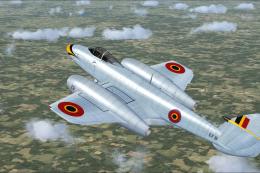 FSX Military Aircraft
A repaint for Rob Richardson's Gloster Meteor F4 for Microsoft Flight Simulat…
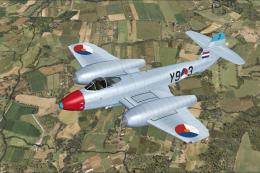 FSX Military Aircraft
A repaint for Rob Richardson's Gloster Meteor F4 for Microsoft Flight Simulat…
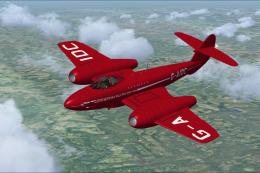 FSX Military Aircraft
Significantly changed panel and rivet lines for the texture file 'meteor 1' a…
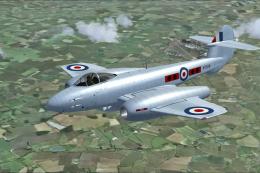 FSX Military Aircraft
This custom texture provides a distinctive finish for the Gloster Meteor F4, …
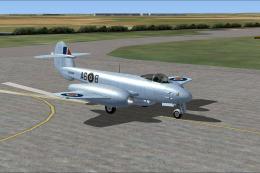 FSX Military Aircraft
A repaint for Rob Richardson's Gloster Meteor F4 for Microsoft Flight Simulat…
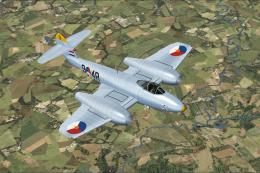 FSX Military Aircraft
A repaint for Rob Richardson's Gloster Meteor F4 for Microsoft Flight Simulat…
Be the first to leave a comment on this download.
Be the first to share your thoughts on this download.