
 FSX Military Aircraft
Gloster Meteor F4 Argentina C-027
This repaint showcases the Gloster Meteor F4 as it appeared under Argentinian…
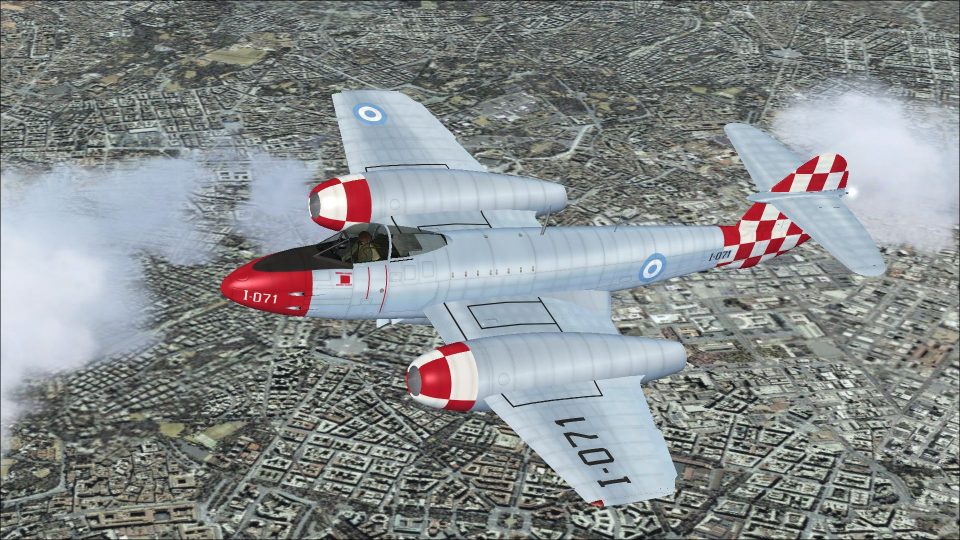
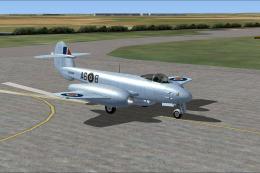
Gloster Meteor F4 Argentina I-071 brings late-1950s Argentine Air Force markings to the classic twin-jet fighter, reflecting Grupo 3 de Caza operations at BAM Plumerillo in Mendoza. Built for Microsoft Flight Simulator X Acceleration, it requires Rob Richardson’s freeware Meteor F Mk 4 base model and delivers crisp codes, insignia, and era-correct color placement.
 Rate
Rate
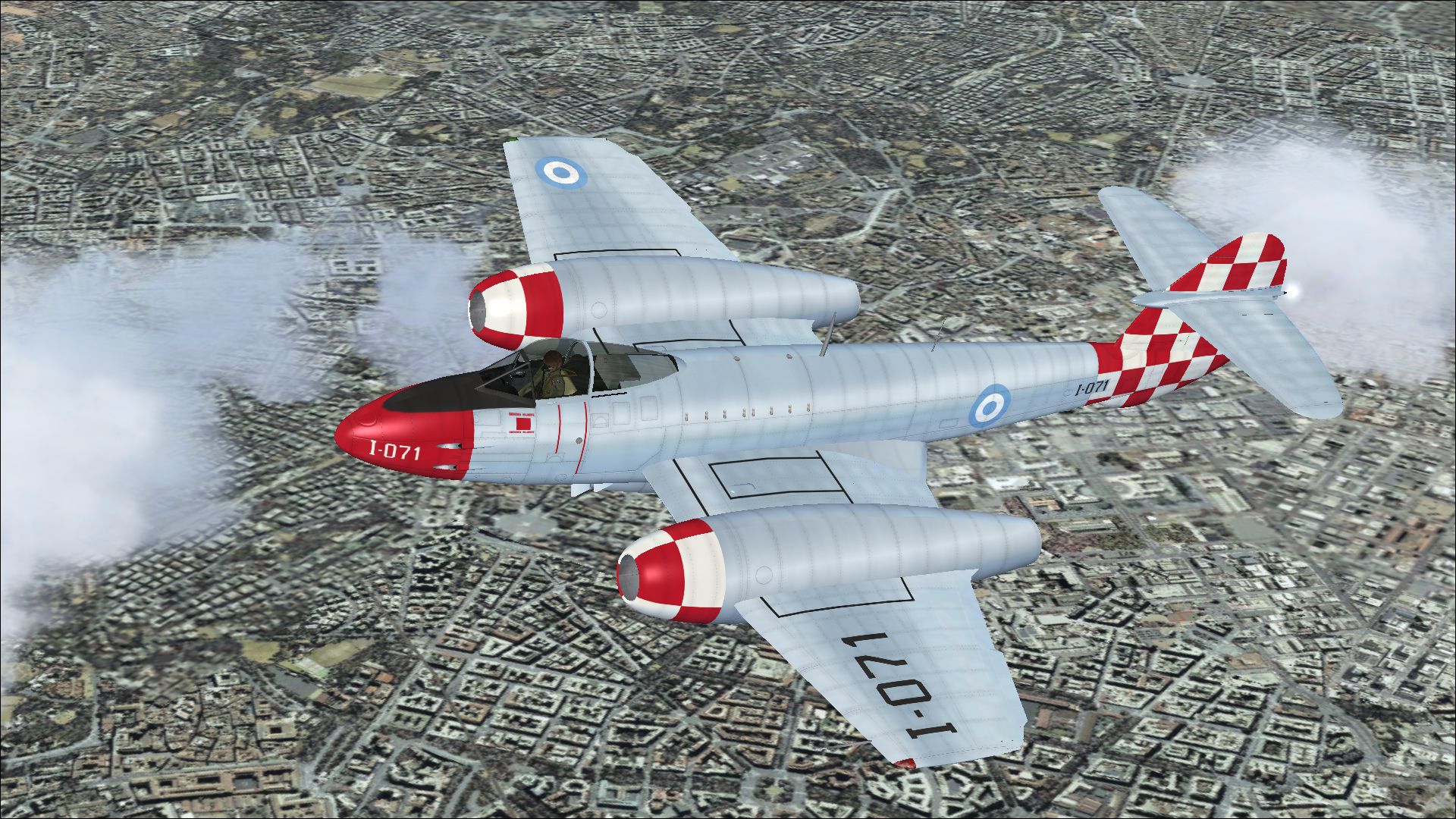
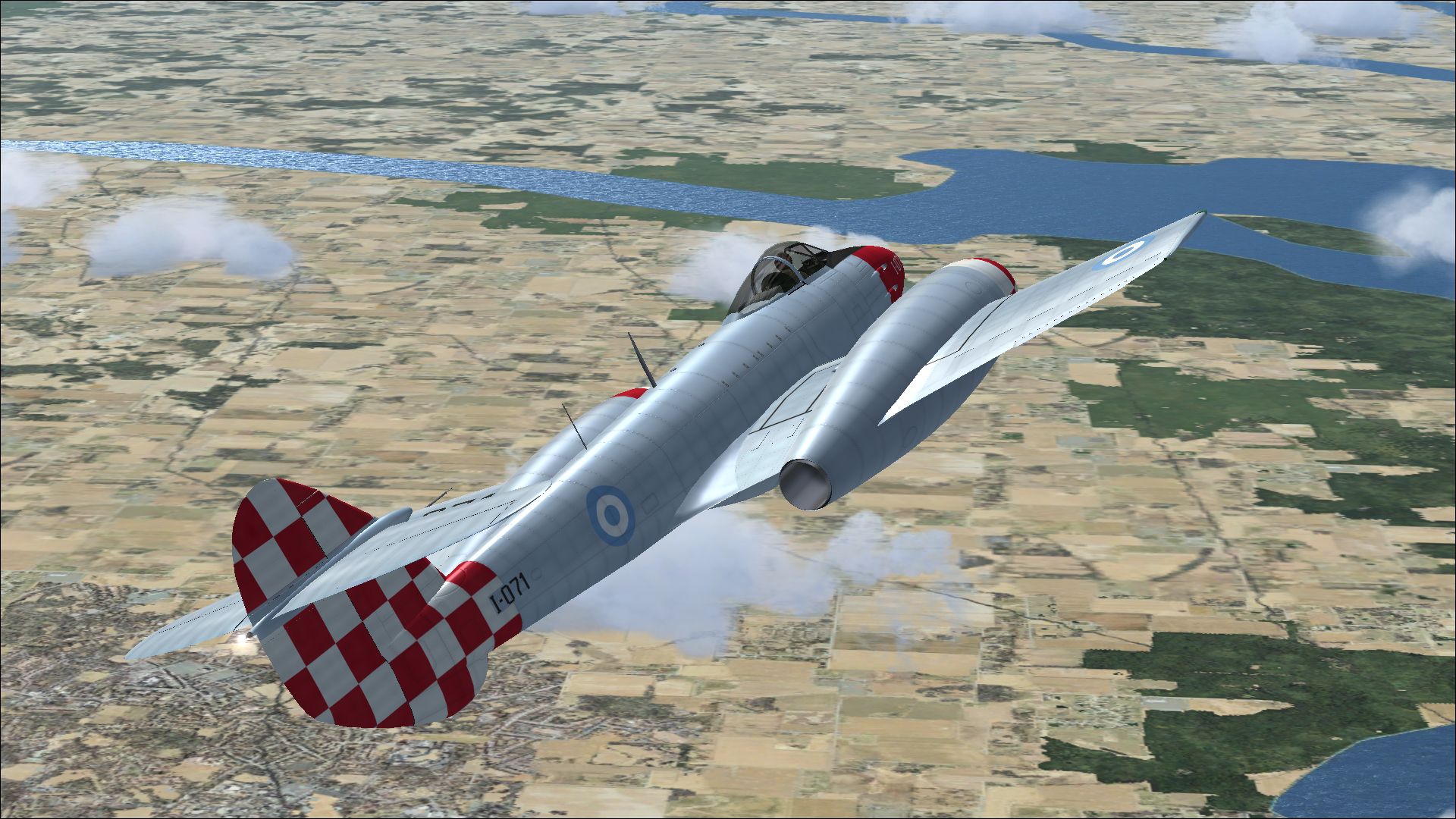
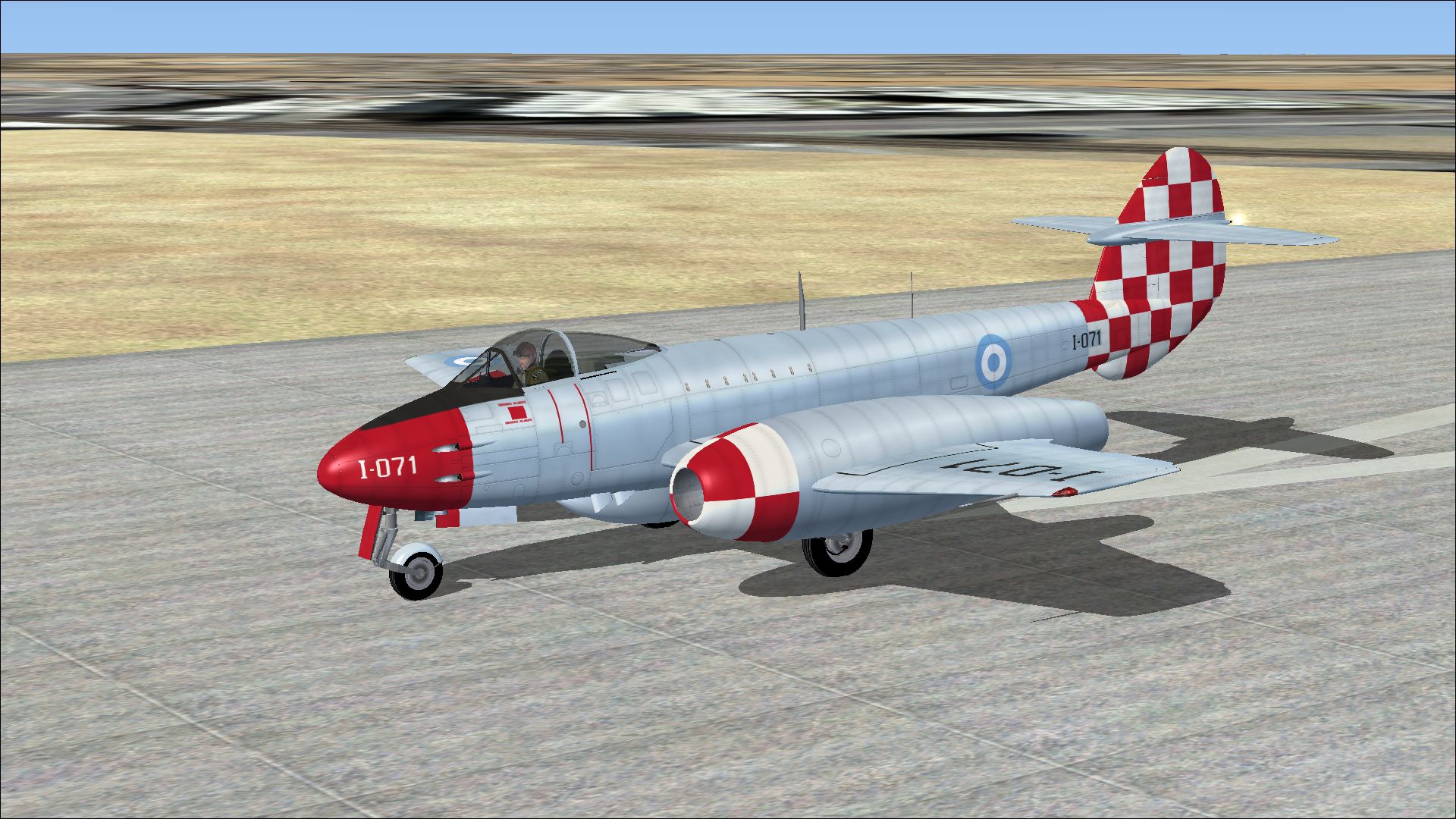
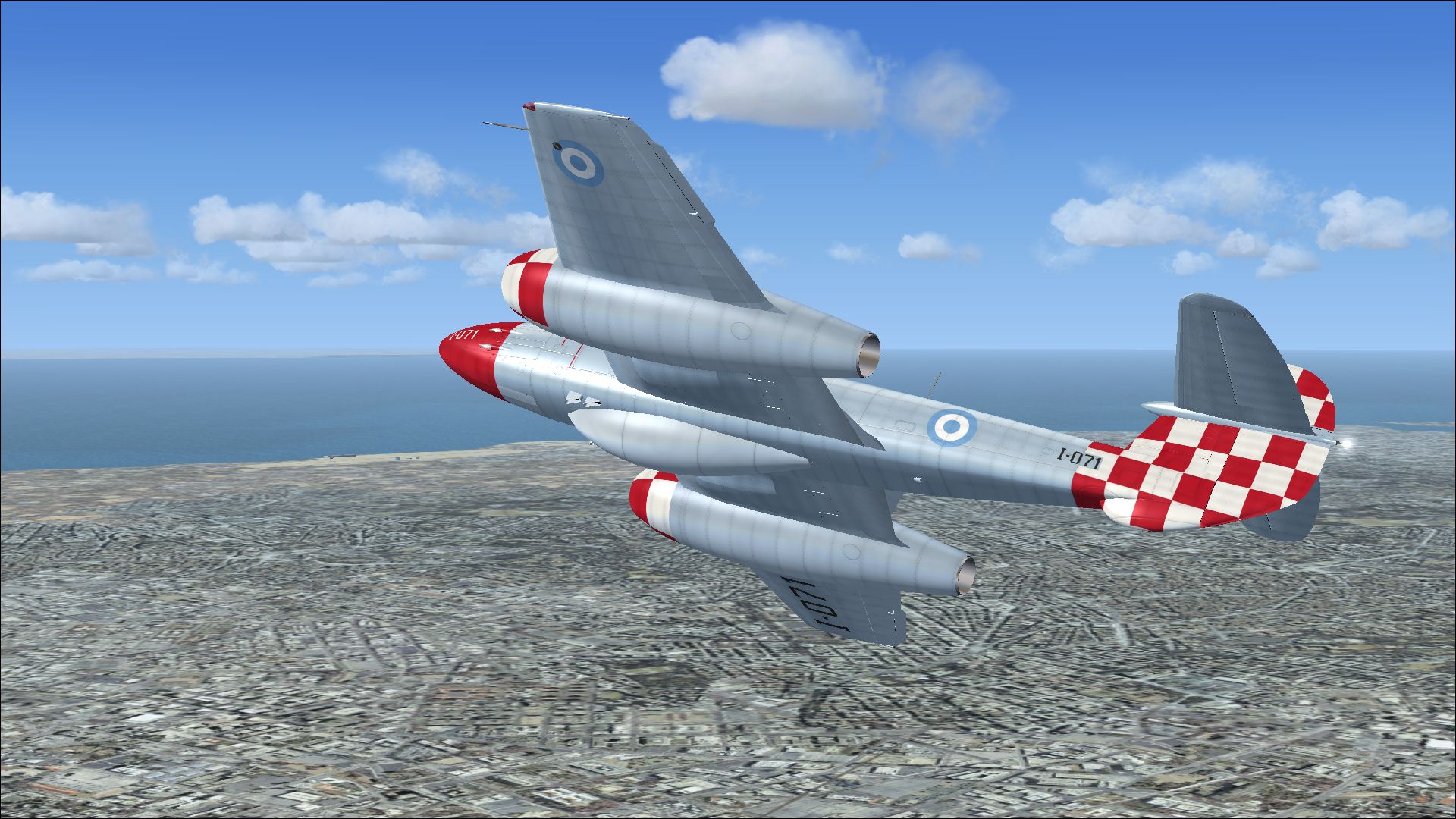
This free release delivers a historically accurate Argentinian repaint of the Gloster Meteor F4, specifically tailored for Microsoft Flight Simulator X (Acceleration). Creators include Rob Richardson, who developed the original freeware base model, and Peter Watkins, who adapted the livery. The featured aircraft, tail number I-071, belonged to one of Argentina’s notable units during the late 1950s, offering enthusiasts a distinctive jet fighter experience within their virtual hangars.
The Gloster Meteor was the first jet-powered fighter deployed by the Allies towards the end of the Second World War. Argentina obtained 100 Meteor F4 examples, designating one of them as I-071. This particular aircraft served under Grupo 3 de Caza, headquartered at BAM Plumerillo (Mendoza province) in November 1958. Argentine aviation historians often highlight these Meteor squadrons as pioneering organizations in South America’s transition to jet-powered fleets.
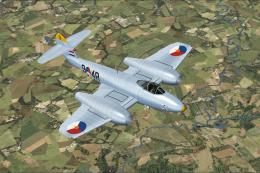
Snapshot of the Gloster Meteor F4 Argentina I-071 in flight.
This repaint captures the authentic Argentinian markings and numerical codes that appeared on I-071 while stationed at Mendoza. The model retains the Meteor F4’s prominent twin-engine design and wing configuration that had advanced Rolls-Royce Derwent turbojets, enabling a higher thrust output compared to earlier production variants. The colors and insignias reflect the specific Argentinian Air Force scheme from the late 1950s, providing immersive realism for anyone seeking historical repaints.
Before proceeding, ensure you have Rob Richardson’s freeware Gloster Meteor F Mk 4 base package already placed in your SimObjects > Airplanes directory. This repaint by Peter Watkins does not include the core model. If necessary, you may locate the original package in the Fly Away Simulation mod library.
Open your aircraft configuration file (aircraft.cfg) and insert the following lines of code, substituting xx with the next logical number in your flight simulator’s sequence:
[fltsim.xx]
title=Gloster Meteor F Mk 4 Argentina 1
sim=Gloster Meteor F Mk 4
model=
panel=
sound=
texture=Argentina 1
kb_checklists=Meteor_F_Mk4_check
kb_reference=Meteor_F_Mk4_ref
ui_manufacturer=Gloster
ui_type=Meteor F Mk 4
ui_variation=Argentina 1
ui_createdby="Robert Richardson"
atc_id=I-071
atc_airline=Air Force
atc_flight_number=001
description=I-071 was one of 100 Meteor F4's supplied to Argentina, operating with Grupo 3 de Caza at BAM Plumerillo, Mendoza in November 1958.
After saving your aircraft.cfg, restart Microsoft Flight Simulator X. You will then see the Gloster Meteor F4 in Argentinian markings listed among your available aircraft. This authentic repaint offers a crisp visual representation of I-071’s era-specific scheme, paying homage to Argentina’s early adoption of jet operations while showcasing Rob Richardson’s and Peter Watkins’ collaborative effort.
Free for all simmers · 16.3 MB · Scanned clean Oct 2026
Download speed: Free tier is capped at 0.5 Mbps (this file takes approximately 5 mins at the cap). PRO members download at full line speed.
texture.{airline}) inside FSX\SimObjects\Airplanes\{base-aircraft}\.aircraft.cfg in Notepad. Add a new [fltsim.X] section per the readme.readme.txt or README file. It tells you exactly where files go, what dependencies are needed, and any quirks specific to this add-on.The archive gloster_meteor_f4_argentina_1.zip has 15 files and directories contained within it.
This list displays the first 500 files in the package. If the package has more, you will need to download it to view them.
| Filename/Directory | File Date | File Size |
|---|---|---|
| 3885704.jpg | 03.11.14 | 1.35 MB |
| 3953829.jpg | 03.11.14 | 1.17 MB |
| 4006589.jpg | 03.11.14 | 1.67 MB |
| 4019084.jpg | 03.11.14 | 1.39 MB |
| Installation readme.txt | 03.10.14 | 1.98 kB |
| Texture.Argentina 1 | 03.11.14 | 0 B |
| meteor 1 bumpmap.dds | 03.05.14 | 16.00 MB |
| meteor 1.dds | 03.11.14 | 16.00 MB |
| meteor 2.dds | 03.11.14 | 16.00 MB |
| meteor 4.dds | 03.10.14 | 16.00 MB |
| texture.cfg | 08.17.12 | 137 B |
| thumbnail.jpg | 03.11.14 | 1.67 MB |
| Thumbs.db | 01.11.14 | 9.50 kB |
| flyawaysimulation.txt | 10.29.13 | 959 B |
| Go to Fly Away Simulation.url | 01.22.16 | 52 B |
Only PRO members can place votes.
More FSX & P3D add-ons hand-picked based on this download.
FSX Military Aircraft
This repaint showcases the Gloster Meteor F4 as it appeared under Argentinian…
 FSX Military Aircraft
This repaint offers a distinctive Argentine color scheme for Rob Richardson’s…
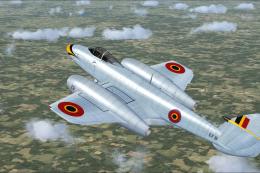 FSX Military Aircraft
A repaint for Rob Richardson's Gloster Meteor F4 for Microsoft Flight Simulat…
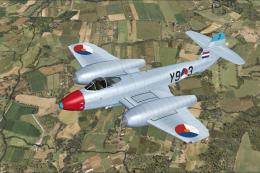 FSX Military Aircraft
A repaint for Rob Richardson's Gloster Meteor F4 for Microsoft Flight Simulat…
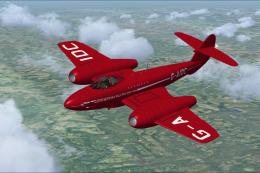 FSX Military Aircraft
Significantly changed panel and rivet lines for the texture file 'meteor 1' a…
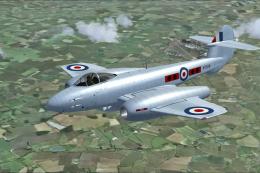 FSX Military Aircraft
This custom texture provides a distinctive finish for the Gloster Meteor F4, …
 FSX Military Aircraft
A repaint for Rob Richardson's Gloster Meteor F4 for Microsoft Flight Simulat…
 FSX Military Aircraft
A repaint for Rob Richardson's Gloster Meteor F4 for Microsoft Flight Simulat…
Be the first to leave a comment on this download.
Be the first to share your thoughts on this download.