

 FSX Military Aircraft
McDonnell Douglas A-4C Skyhawk
FSX McDonnell Douglas A-4C Skyhawk. An upgrade of Kazunori Ito's A4C Skyhawk …
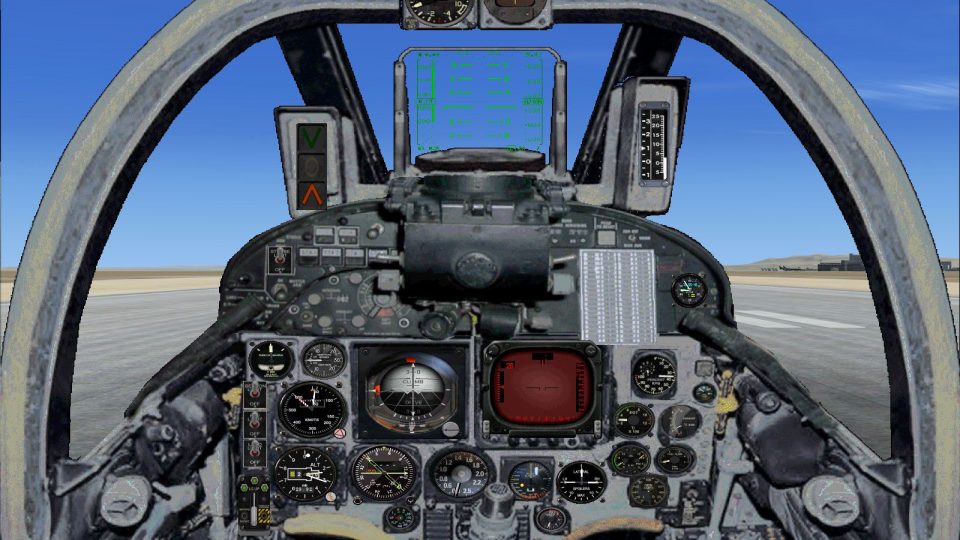
Douglas Skyhawk receives a polished refresh for Microsoft Flight Simulator X, bringing three models and four paint schemes alongside a fully remodeled virtual cockpit and upgraded 2D panel. Added smoke and burner-flame effects enhance jet character, while revised flight tuning delivers more authentic thrust and handling that better suits the aircraft’s real-world performance.
 Rate
Rate
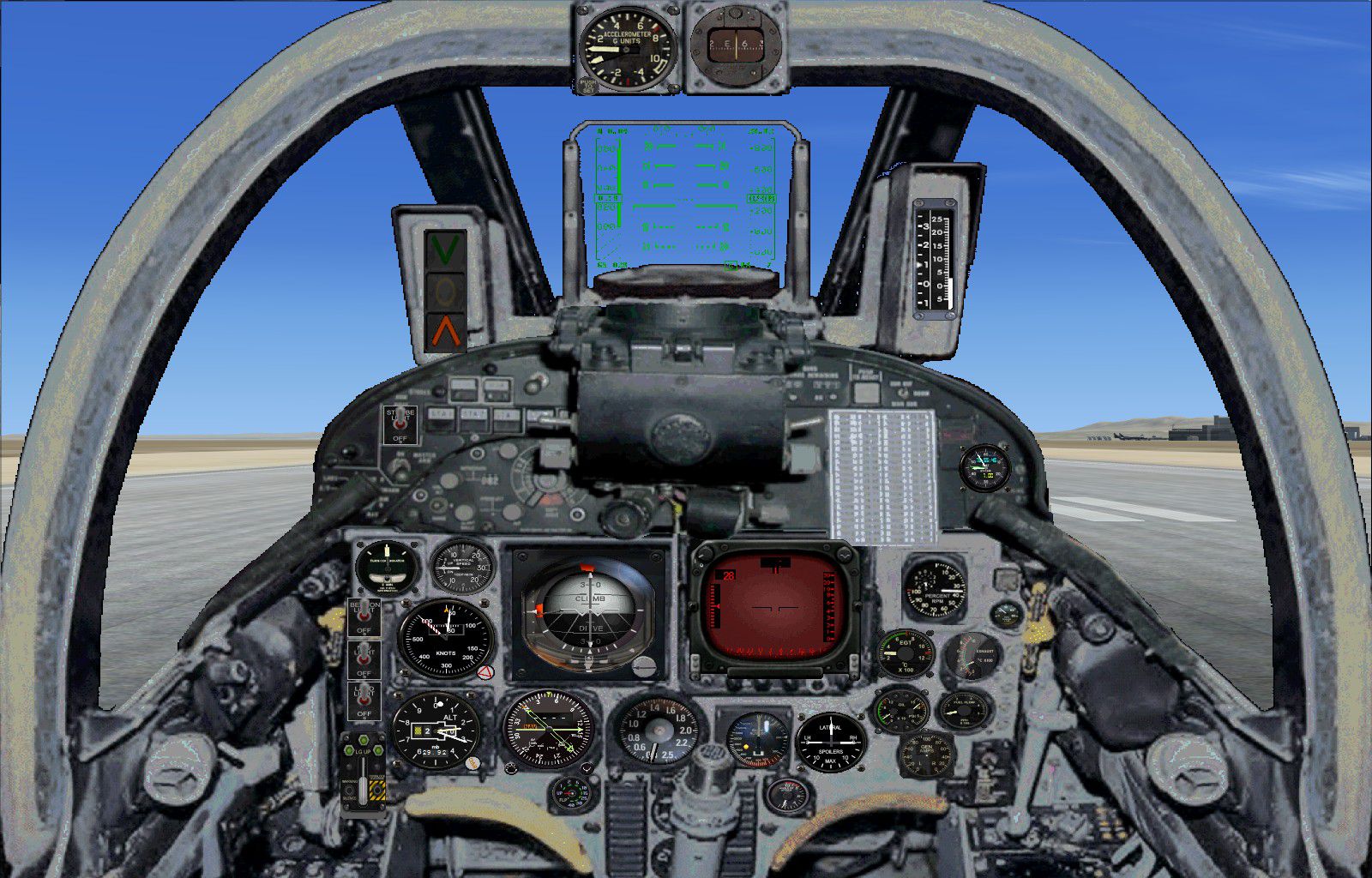
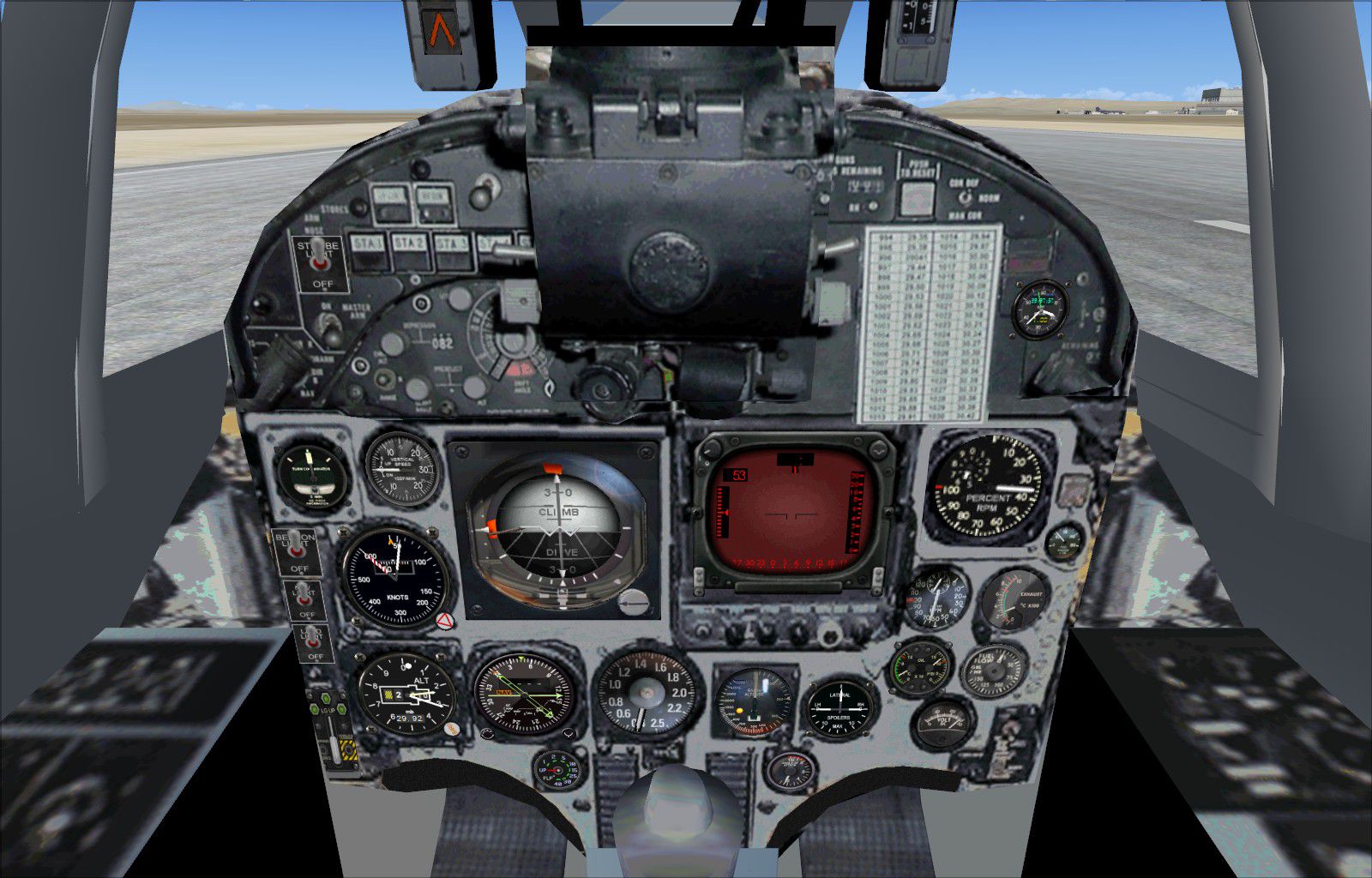
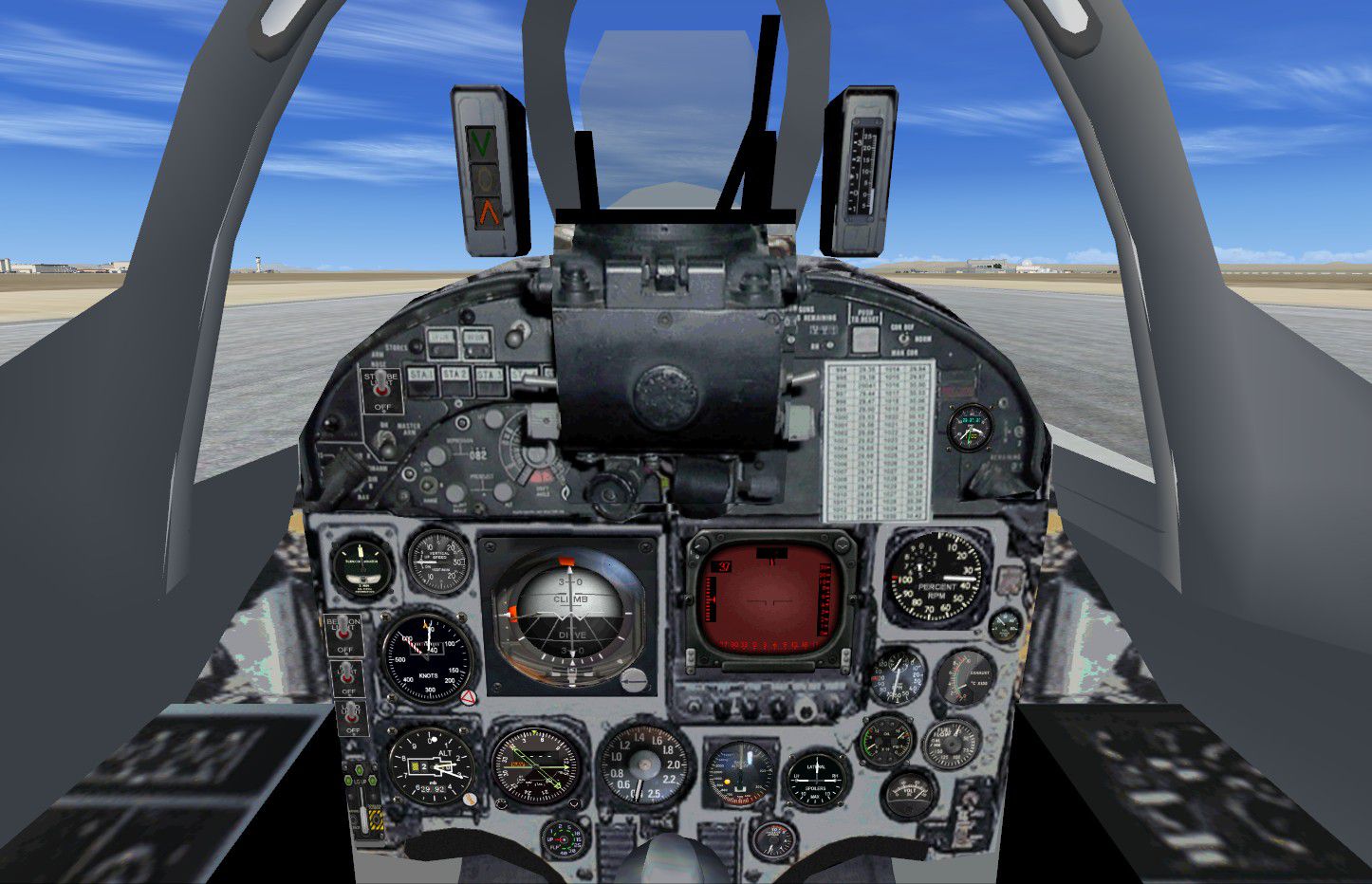
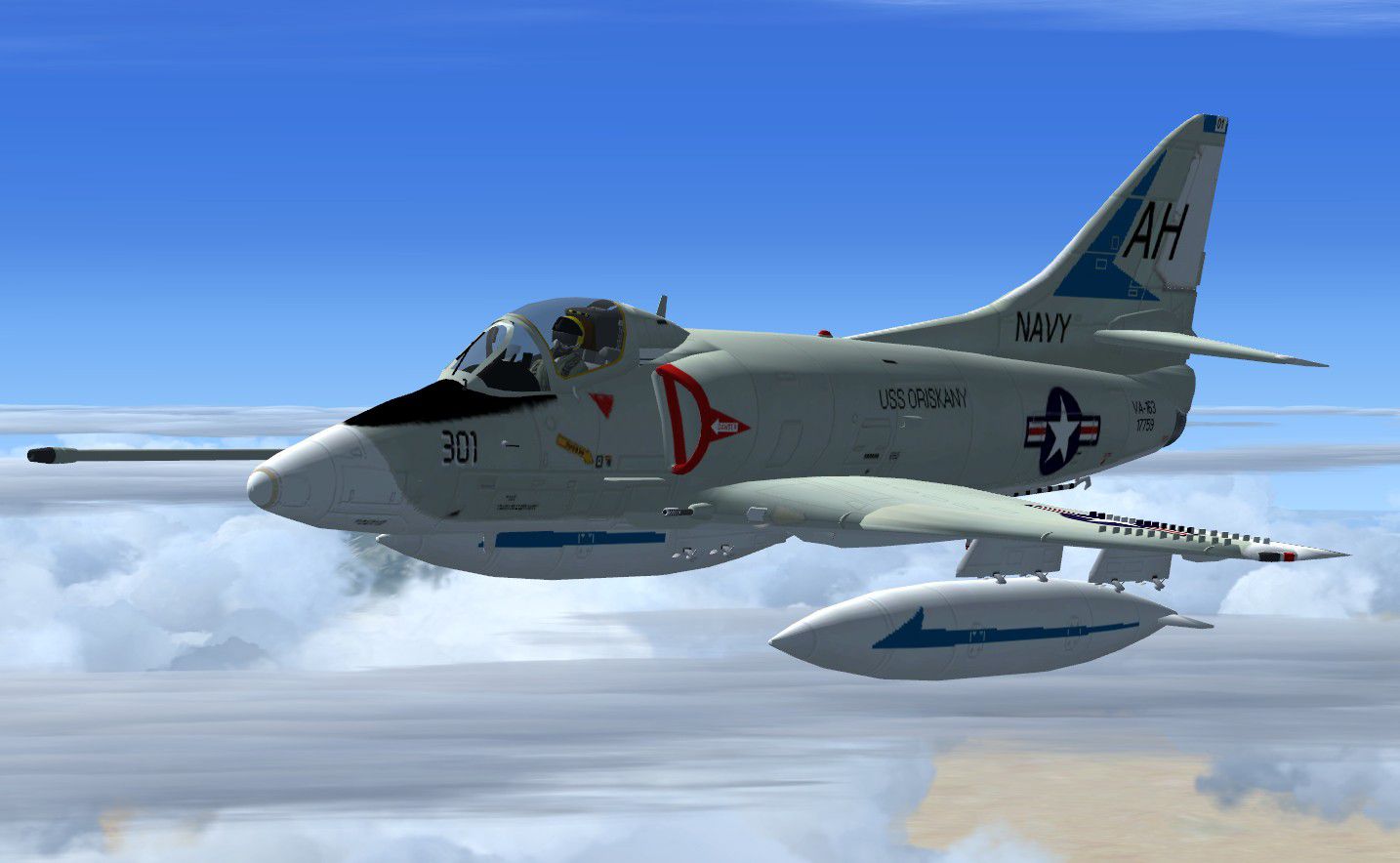
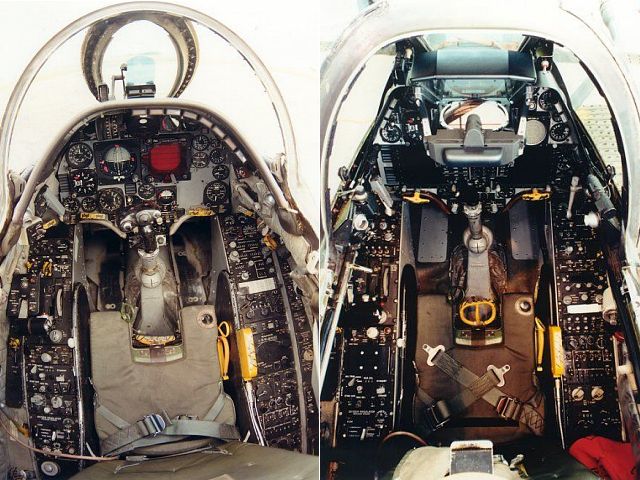

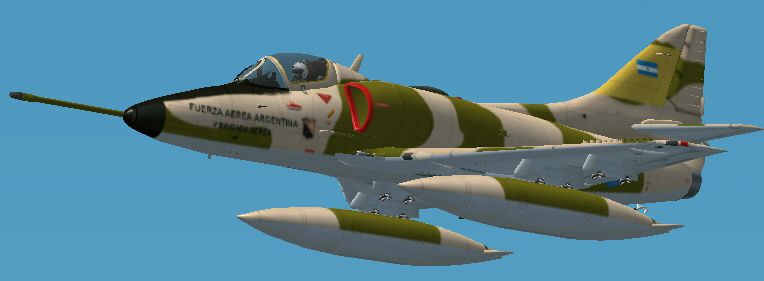
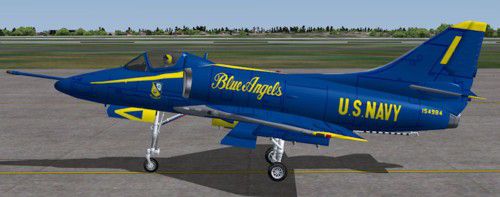
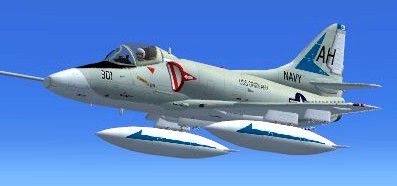

This is an FSX update for the FS2004 Douglas Skyhawk by Kazunori Ito. The package features three models and four paints. The focus of this update is on a completely remodeled and enhanced VC and 2D panel. New smoke effect and burner flame have been added and the flight tuning has been altered, as the thrust of the original model was too powerful for the aircraft. Original model by Kazunori Ito and earlier FSX update by Bruce Fitzgerald. New VC and 2D panel as well as new burner flame and smoke effect by Michael Pook.
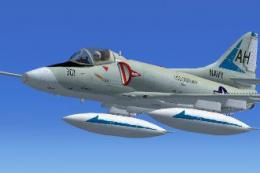
Screenshot of Douglas Skyhawk in flight.
Installation:
Free for all simmers · 22.94 MB · Scanned clean Oct 2026
Download speed: Free tier is capped at 0.5 Mbps (this file takes approximately 6 mins at the cap). PRO members download at full line speed.
SimObjects\Airplanes\, Addon Scenery\, Effects\, or Gauges\.readme.txt or README file. It tells you exactly where files go, what dependencies are needed, and any quirks specific to this add-on.The archive fsx_douglas_skyhawk_updated.zip has 115 files and directories contained within it.
This list displays the first 500 files in the package. If the package has more, you will need to download it to view them.
| Filename/Directory | File Date | File Size |
|---|---|---|
| FSX_Douglas_Skyhawk_Updated | 04.03.15 | 0 B |
| Douglas Skyhawk | 04.03.15 | 0 B |
| A-4C SkyHawk.air | 07.26.08 | 13.44 kB |
| Aircraft.cfg | 04.03.15 | 14.28 kB |
| model.FAA_T | 04.03.15 | 0 B |
| A-4C Skyhawk_FAA_T.mdl | 06.08.07 | 1.29 MB |
| Model.cfg | 06.06.07 | 37 B |
| model.USN | 04.03.15 | 0 B |
| A-4C Skyhawk_USN.mdl | 06.08.07 | 1.25 MB |
| Model.cfg | 06.06.07 | 35 B |
| model.USN_T | 04.03.15 | 0 B |
| A-4C Skyhawk_USN_T.mdl | 06.08.07 | 1.28 MB |
| Model.cfg | 06.06.07 | 37 B |
| panel | 04.03.15 | 0 B |
| FF_TCAS.bmp | 12.20.05 | 82.07 kB |
| KC-AUTO-P.bmp | 11.07.06 | 30.06 kB |
| Main_Panel.bmp | 04.02.15 | 769.05 kB |
| PANEL.CFG | 04.03.15 | 6.10 kB |
| Thumbs.db | 07.26.08 | 6.00 kB |
| sound | 04.03.15 | 0 B |
| F80_11.WAV | 09.16.99 | 31.31 kB |
| F80_12.WAV | 09.16.99 | 31.19 kB |
| F80_13.WAV | 09.16.99 | 23.81 kB |
| F80_14.WAV | 09.16.99 | 29.81 kB |
| F80_1SHUT.WAV | 09.16.99 | 181.25 kB |
| F80_1STRT.WAV | 09.16.99 | 378.31 kB |
| F80_21.WAV | 09.16.99 | 30.81 kB |
| F80_22.WAV | 09.16.99 | 33.81 kB |
| F80_23.WAV | 09.16.99 | 30.31 kB |
| F80_24.WAV | 09.16.99 | 32.31 kB |
| F80_2SHUT.WAV | 09.16.99 | 139.75 kB |
| F80_2STRT.WAV | 09.16.99 | 61.25 kB |
| F80_2T.WAV | 09.16.99 | 114.81 kB |
| F80_FLAPS.WAV | 04.16.01 | 102.31 kB |
| F80_GEARDN.WAV | 04.16.01 | 250.54 kB |
| F80_GEARUP.WAV | 04.16.01 | 234.46 kB |
| F80_STALL.WAV | 07.15.99 | 160.85 kB |
| Sound.cfg | 05.14.01 | 6.73 kB |
| XF80_11.WAV | 09.16.99 | 34.31 kB |
| XF80_12.WAV | 09.16.99 | 23.81 kB |
| XF80_13.WAV | 09.16.99 | 25.31 kB |
| XF80_14.WAV | 09.16.99 | 30.31 kB |
| XF80_1SHUT.WAV | 09.16.99 | 189.25 kB |
| XF80_1STRT.WAV | 09.16.99 | 416.31 kB |
| XF80_21.WAV | 09.16.99 | 30.81 kB |
| XF80_22.WAV | 09.16.99 | 26.40 kB |
| XF80_23.WAV | 09.16.99 | 42.31 kB |
| XF80_24.WAV | 09.16.99 | 33.81 kB |
| XF80_2SHUT.WAV | 09.16.99 | 177.75 kB |
| XF80_2STRT.WAV | 09.16.99 | 61.75 kB |
| XF80_2T.WAV | 09.16.99 | 108.81 kB |
| texture | 04.03.15 | 0 B |
| Burner.BMP | 06.06.07 | 17.05 kB |
| Cockpit.bmp | 04.01.15 | 4.00 MB |
| Pilot1.BMP | 03.31.15 | 257.05 kB |
| texture.Blue_Angels | 04.03.15 | 0 B |
| Fuselage01.bmp | 09.02.12 | 4.00 MB |
| Fuselage02.bmp | 08.24.12 | 4.00 MB |
| texture.cfg | 01.12.12 | 137 B |
| thumbnail.jpg | 09.13.12 | 28.24 kB |
| Wing1.bmp | 08.24.12 | 4.00 MB |
| Wing2.bmp | 08.24.12 | 4.00 MB |
| texture.FAA | 04.03.15 | 0 B |
| Fuselage01.bmp | 06.08.07 | 1.00 MB |
| Fuselage02.bmp | 06.09.07 | 1.00 MB |
| texture.cfg | 01.12.12 | 137 B |
| thumbnail.JPG | 06.08.07 | 84.68 kB |
| Wing1.bmp | 06.09.07 | 1.00 MB |
| Wing2.bmp | 06.08.07 | 1.00 MB |
| texture.VA144 | 04.03.15 | 0 B |
| Fuselage01.bmp | 07.25.08 | 1.00 MB |
| Fuselage02.bmp | 07.25.08 | 1.00 MB |
| texture.cfg | 01.12.12 | 137 B |
| thumbnail.JPG | 03.31.15 | 15.10 kB |
| Thumbs.db | 07.26.08 | 38.00 kB |
| Wing1.bmp | 07.25.08 | 1.00 MB |
| Wing2.bmp | 07.25.08 | 1.00 MB |
| texture.VA163 | 04.03.15 | 0 B |
| Fuselage01.bmp | 07.26.08 | 1.00 MB |
| Fuselage02.bmp | 07.26.08 | 1.00 MB |
| texture.cfg | 01.12.12 | 137 B |
| thumbnail.JPG | 03.31.15 | 16.07 kB |
| Thumbs.db | 07.26.08 | 37.50 kB |
| Wing1.bmp | 07.26.08 | 1.00 MB |
| Wing2.bmp | 07.26.08 | 1.00 MB |
| effects | 04.03.15 | 0 B |
| fx_F14_BurnerFlame.fx | 10.12.03 | 22.10 kB |
| fx_smoke_B47.fx | 12.19.03 | 5.79 kB |
| gauges | 04.03.15 | 0 B |
| 104asam2.CAB | 06.11.12 | 123.63 kB |
| ALPHA_Arrow.cab | 05.24.07 | 1008.33 kB |
| ALPHA_B-52.cab | 07.28.05 | 839.48 kB |
| B47.CAB | 10.05.13 | 751.41 kB |
| B52.CAB | 03.27.12 | 987.65 kB |
| CONCORDE.GAU | 06.11.12 | 3.60 MB |
| FSX Alpha F111 3.cab | 07.08.09 | 224.34 kB |
| fsx_f101.CAB | 07.26.12 | 841.60 kB |
| Panther.cab | 06.18.13 | 1008.33 kB |
| pc-7.cab | 10.21.07 | 1.00 MB |
| rollusgauges.CAB | 03.15.05 | 1.66 MB |
| SF8_F86.CAB | 07.26.12 | 1.56 MB |
| Virtavia Phantom Set3.cab | 09.06.06 | 536.72 kB |
| Original Readme.txt | 06.08.07 | 4.80 kB |
| Readme Bruce Fitzgerald.txt | 07.26.08 | 1.22 kB |
| Readme.txt | 04.03.15 | 1.61 kB |
| screenshots | 04.03.15 | 0 B |
| 2D.jpg | 04.02.15 | 424.94 kB |
| real panel (1).jpg | 03.30.15 | 316.71 kB |
| real panel (2).JPG | 03.29.15 | 515.13 kB |
| VC default.BMP | 03.30.15 | 6.25 MB |
| VC final (2).jpg | 04.01.15 | 255.27 kB |
| thumbnail.jpg | 04.03.15 | 127.49 kB |
| thumbnail_vc.jpg | 04.01.15 | 327.72 kB |
| flyawaysimulation.txt | 10.29.13 | 959 B |
| Go to Fly Away Simulation.url | 01.22.16 | 52 B |
Only PRO members can place votes.
More FSX & P3D add-ons hand-picked based on this download.
FSX Military Aircraft
FSX McDonnell Douglas A-4C Skyhawk. An upgrade of Kazunori Ito's A4C Skyhawk …
 FSX Military Aircraft
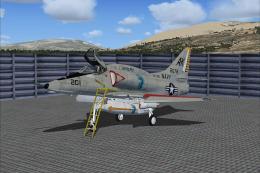
A4 model by Virtavia. Repaint by Zsolt Beleznay. Screenshot of US Navy Dougla…
 FSX Military Aircraft
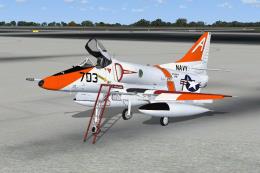
A-4E 152078, USS Intrepid, 1968, VA-106 Gladiators. Model by Virtavia. Repain…
 FSX Military Aircraft
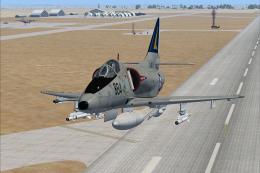
VT-7, NAS Meridian, 1989. This repaint for the Virtavia "A-4 Skyhawk for FSX"…
 FSX Military Aircraft
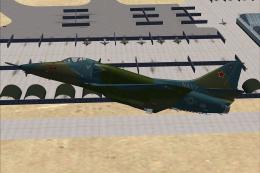
A4 model by Virtavia. Repaint by Zsolt Beleznay. Screenshot of US Navy Dougla…
 FSX Military Aircraft
Model by Virtavia. Repaint by Zsolt Beleznay. Screenshot of Douglas A-4 Skyha…
 FSX Military Aircraft
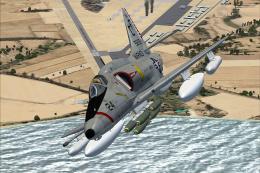
A4 model by Virtavia. USMC repaint by Zsolt Beleznay. Screenshot of US Marine…
 FSX Military Aircraft
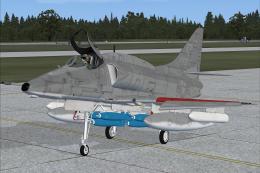
Skyhawk VMA-124, in low visibility scheme. A4 model by Virtavia. USMC repaint…
Read what other simmers think, or add your own.

Not a bad looking plane. Sits so high above the ground the rear landing gear don't touch. Also tends to roll left and right throughout flight even with autopilot on.