

 X-Plane Civil Heavy Aircraft
Qatar Airways Boeing 737-800
This is a repaint of the default Boeing 737-800 in X-Plane 11. The paint incl…
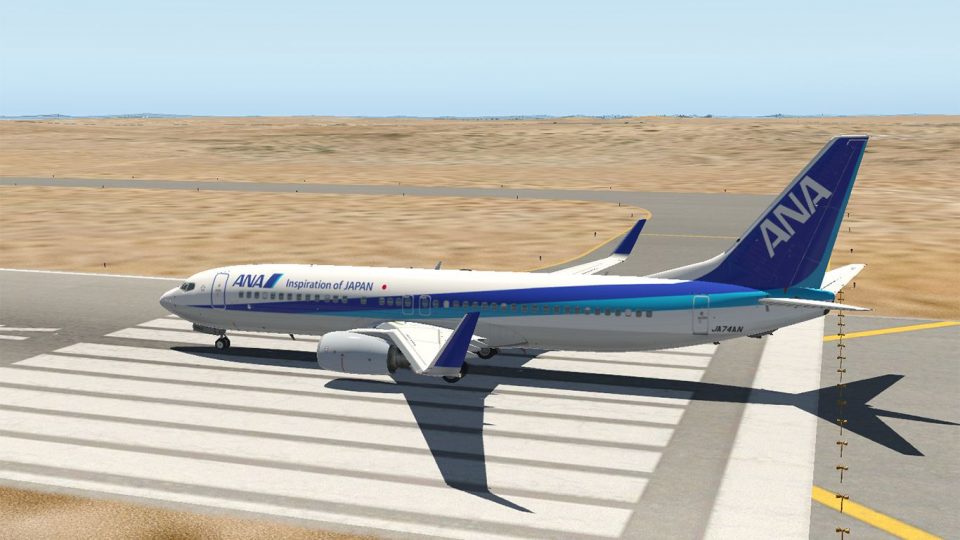
All Nippon Airways colours bring the default Boeing 737-800 to life with registration JA74AN, delivering a clean, authentic airline look for everyday routes and screenshots. Designed for X-Plane 11, this livery fits the Laminar Research model and enhances the virtual cockpit experience with matching exterior markings and finish.
 Rate
Rate
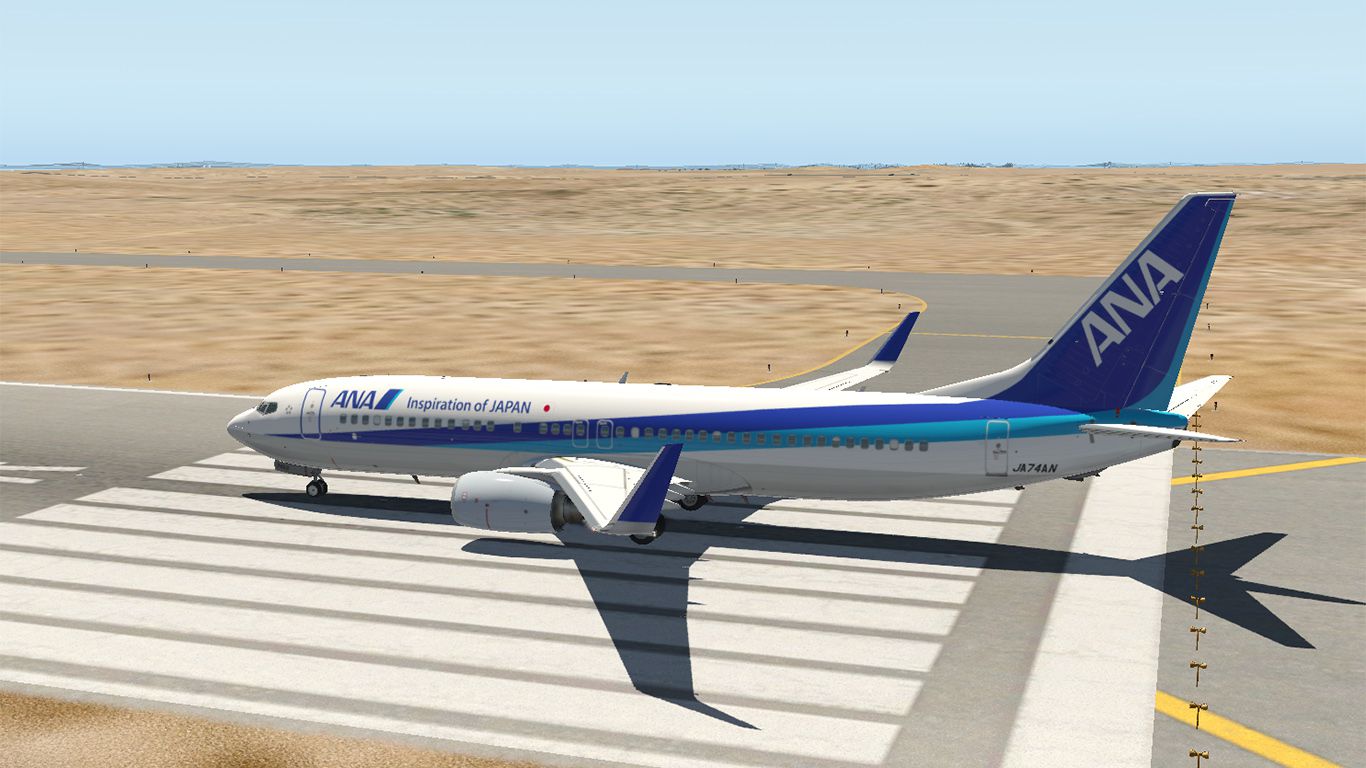
A repaint of the default Boeing 737-800 model in the colours of All Nippon Airways, registration JA74AN, using my paint kit.
 Installation:
1. Unzip the file into a temporary directory.
2. Copy & paste the "ANA" folder TO: \ X-Plane 11\ Aircraft\ Laminar Research\ Boeing B737-800\ liveries\ directory.
Repainted by: Mohammed Al-Khalifa.
Free for all simmers · 39.73 MB · Scanned clean Oct 2026
Download speed: Free tier is capped at 0.5 Mbps (this file takes approximately 11 mins at the cap). PRO members download at full line speed.
{aircraft-folder}/liveries/.readme.txt or README file. It tells you exactly where files go, what dependencies are needed, and any quirks specific to this add-on.The archive ana_738_xp11.zip has 18 files and directories contained within it.
This list displays the first 500 files in the package. If the package has more, you will need to download it to view them.
| Filename/Directory | File Date | File Size |
|---|---|---|
| ana_738_xp11 | 06.30.17 | 0 B |
| ANA | 06.30.17 | 0 B |
| ANA 738.jpg | 06.29.17 | 353.95 kB |
| b738_icon11.png | 06.29.17 | 114.76 kB |
| b738_icon11_thumb.png | 06.29.17 | 8.89 kB |
| objects | 06.30.17 | 0 B |
| 738alpha.dds | 06.11.17 | 1.33 MB |
| 738cfm56.dds | 06.28.17 | 10.67 MB |
| 738cfm56_NML.png | 11.25.16 | 8.51 MB |
| 738fuselage.dds | 06.28.17 | 10.67 MB |
| 738fuselage_NML.png | 11.25.16 | 12.58 MB |
| 738tail.dds | 06.29.17 | 10.67 MB |
| 738tail_NML.png | 11.25.16 | 9.26 MB |
| File_id.diz | 06.30.17 | 246 B |
| readme.txt | 06.30.17 | 670 B |
| Thumbnail.jpg | 06.30.17 | 19.93 kB |
| flyawaysimulation.txt | 10.29.13 | 959 B |
| Go to Fly Away Simulation.url | 01.22.16 | 52 B |
Only PRO members can place votes.
More X-Plane add-ons hand-picked based on this download.
X-Plane Civil Heavy Aircraft
This is a repaint of the default Boeing 737-800 in X-Plane 11. The paint incl…
 X-Plane Civil Heavy Aircraft
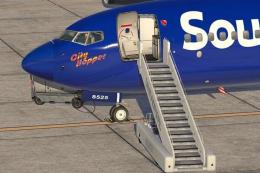
This is a paint of a real 737-800 "Southwest Airlines" The aircraft N8525S th…
 X-Plane Civil Heavy Aircraft
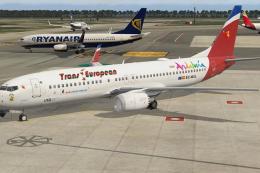
This is the storyline. The Board at the IAG (Iberia + British Airways + Air N…
 X-Plane Civil Heavy Aircraft
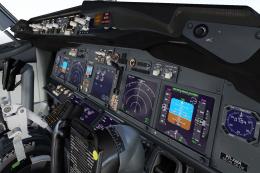
Freeware repaint. This livery/skin repaint is for X-Plane 11. Default B737 Zi…
 X-Plane Civil Heavy Aircraft
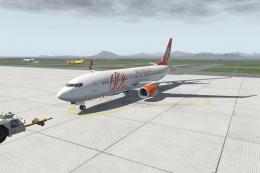
FOR X-PLANE 11 BOEING 737-800 DEFAULT. PAINT GOL PR-GTE INSTALL: COPY "GOL" T…
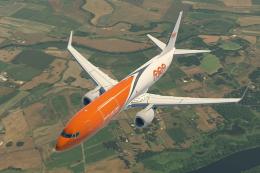 X-Plane Civil Heavy Aircraft
X-Plane 11 TNT Cargo Boeing 737-800F 1.0.1. This is a fictitious paint of a 7…
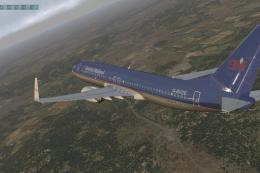 X-Plane Civil Heavy Aircraft
This is a British Midlands (polished) livery for the default X-Plane 11 Boein…
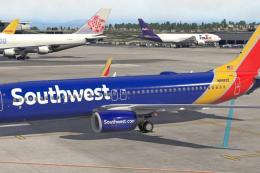 X-Plane Civil Heavy Aircraft
This is a repaint of a real Southwest Airlines 737-800. The aircraft (N8583Z)…
Be the first to leave a comment on this download.
Be the first to share your thoughts on this download.