

 MSFS Utilities & Tools
CTC HEMS Dispatch - HPG Airbus H145 Medical Missions
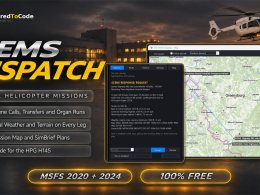
ClearedtoCode’s CTC HEMS Dispatch runs medical helicopter assignments for the…
CTC CrossCheck connects two pilots in one aircraft across two PCs in Microsoft Flight Simulator 2020 and 2024, with a jumpseat for a third participant. The Windows app synchronizes standard aircraft and helicopter controls, adds detailed cockpit profiles for supported aircraft, and supports captain and first officer roles, control handovers and SimBrief flight plan sharing.
 Rate
 By ClearedtoCode

I’d like internet sessions to work without needing a reachable host port; router access is an awkward prerequisite for an evening’s flying. The Fenix A319/A320/A321 profile makes that inconvenience worth considering for me: 910 synchronized controls give the monitoring pilot proper systems work to do. During a shared flight, I left the flying to the other pilot and changed the radio settings, which carried across to their cockpit. That’s the division of labor I want, rather than a second person just watching.
Aircraft choice deserves attention before you arrange a session. Stock MSFS control synchronization isn’t the same as a full cockpit profile, and several profiles are marked beta. I’d choose the aircraft together before planning the flight. For internet hosting, UPnP can handle TCP port 7821 automatically; otherwise, expect manual forwarding or let the other pilot host. That dependency is my main reservation here.
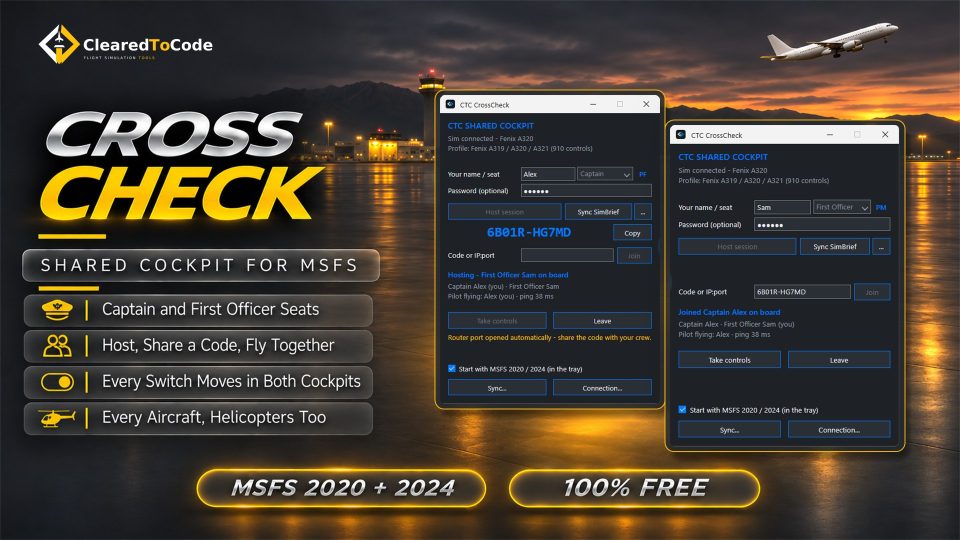
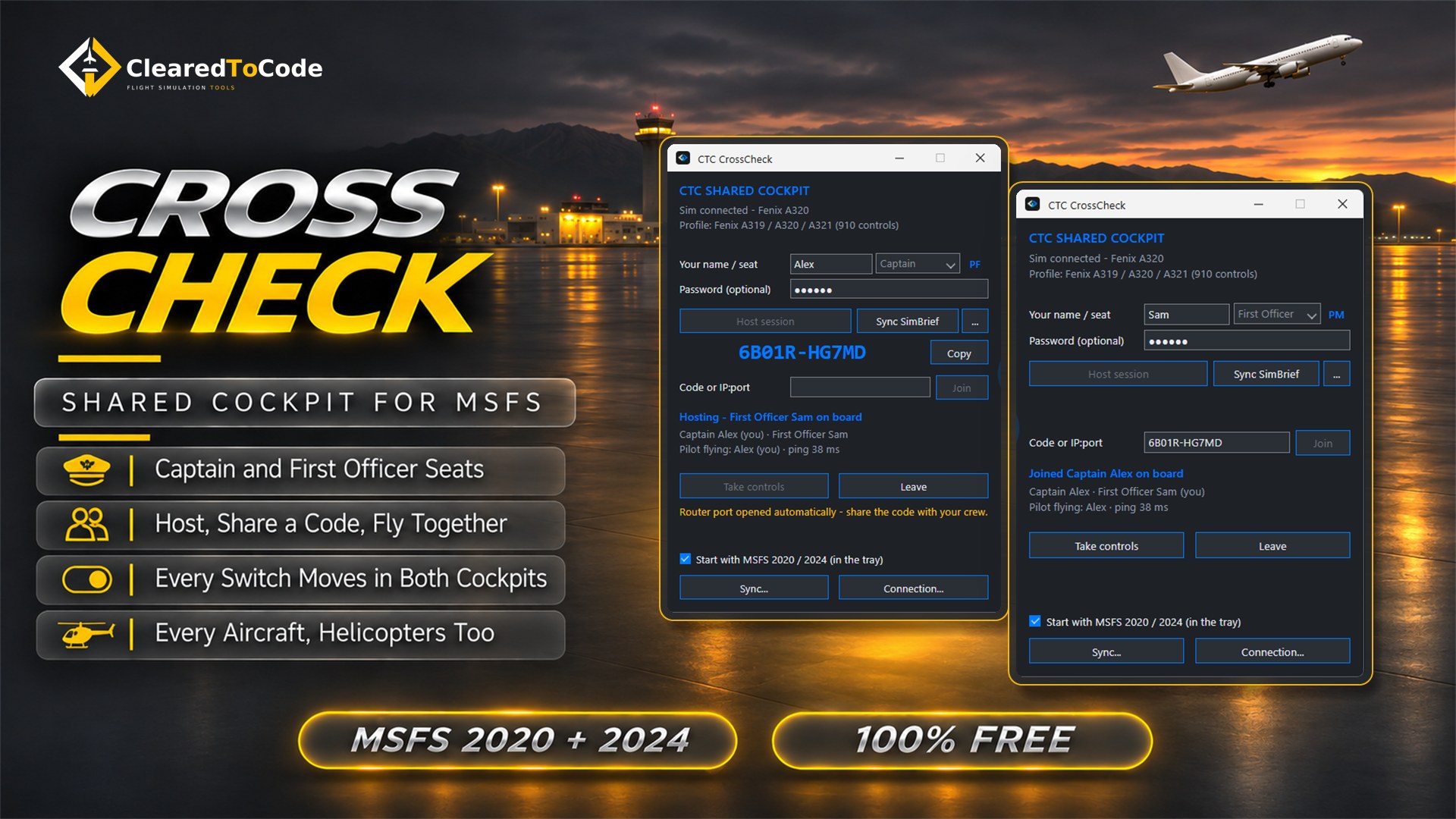
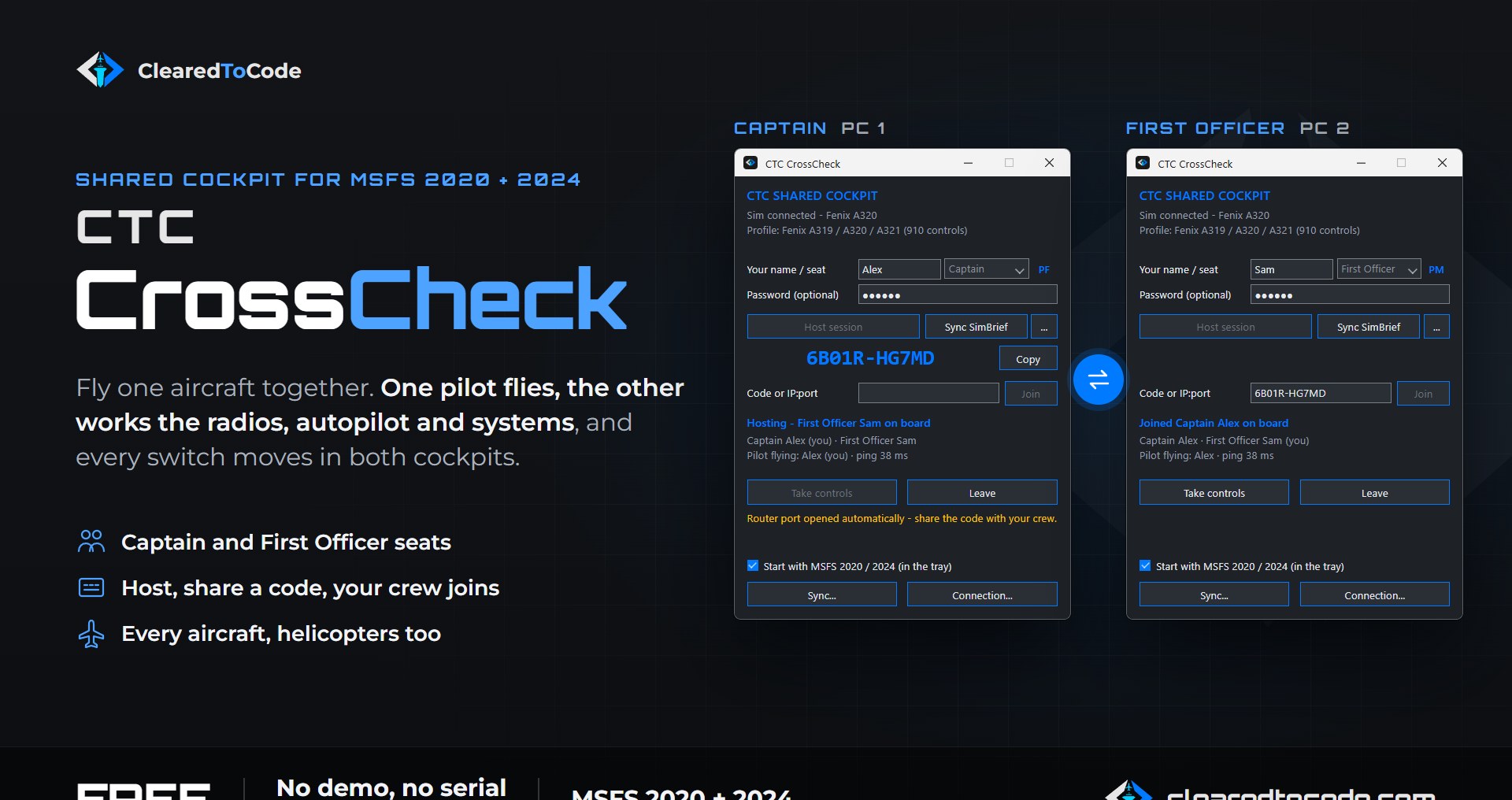
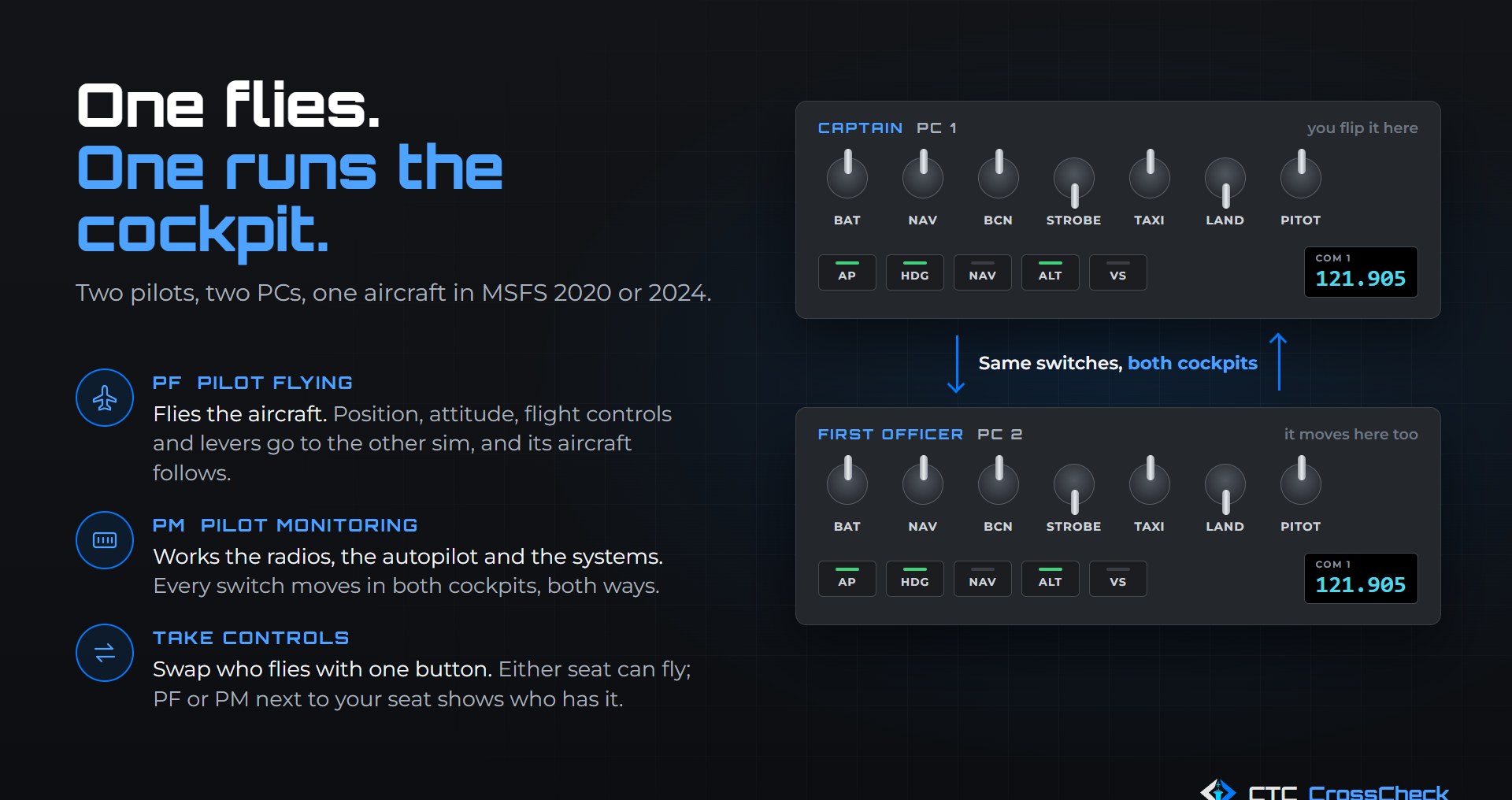
ClearedtoCode’s CTC CrossCheck lets two pilots fly one aircraft together in Microsoft Flight Simulator 2020 and Microsoft Flight Simulator 2024. The free Windows app synchronizes cockpit controls across two PCs, so one pilot can fly while the other handles radios, autopilot settings and aircraft systems. A third person can join in the jumpseat.
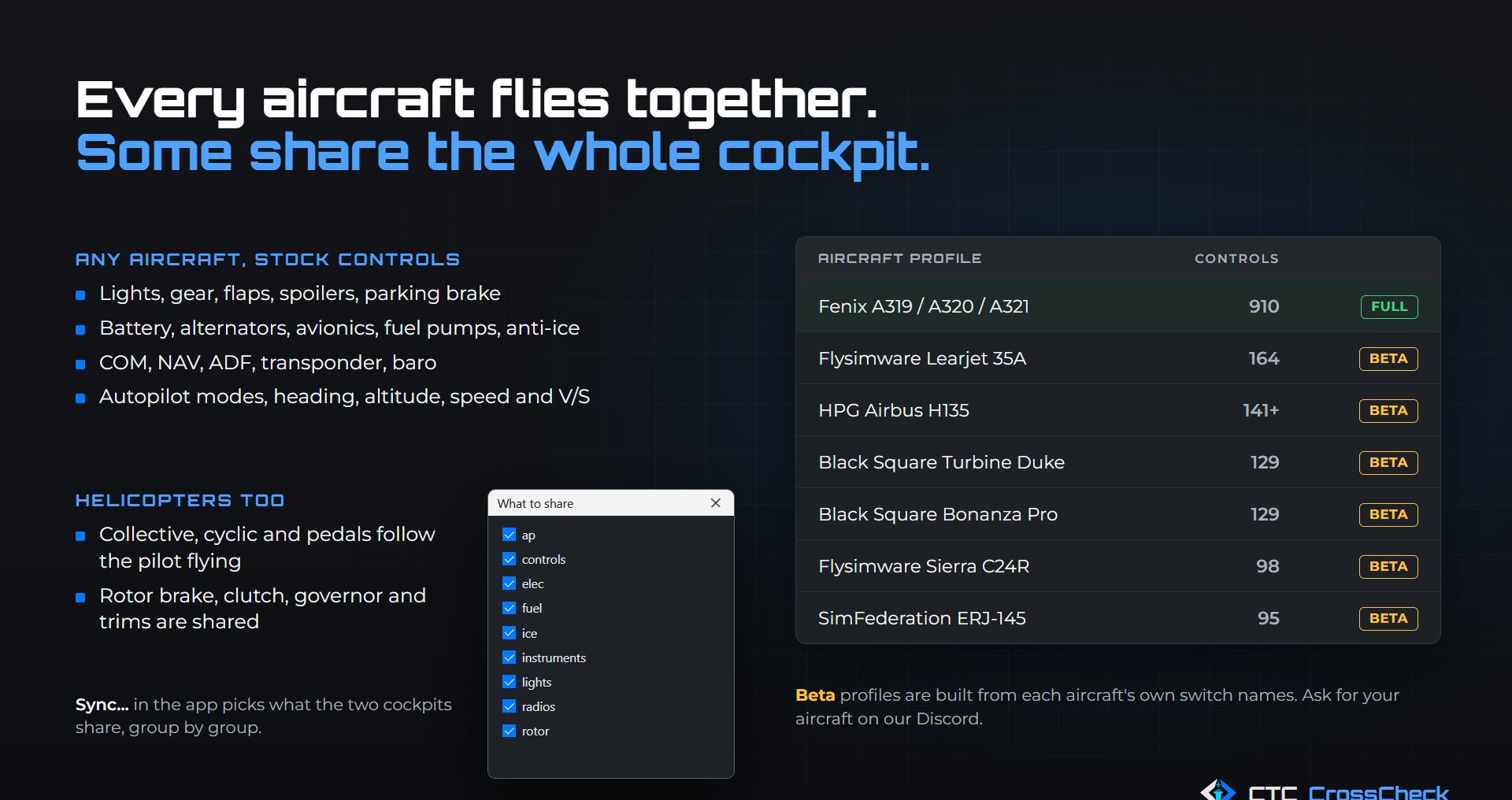
CrossCheck gives every aircraft lights, landing gear, flaps, radios and autopilot synchronization through stock MSFS controls. Helicopter support covers collective, cyclic, pedals, rotor brake, governor and trims.
Aircraft-specific coverage goes further with full cockpit profiles for many third-party aircraft, including the Fenix A319/A320/A321 with 910 controls, and the PMDG 737 and 777. That distinction matters when choosing an aircraft: stock control support is the baseline, while the profiles cover the more detailed cockpits.
Captain and First Officer seats are available, with PF/PM (pilot flying and pilot monitoring) shown. The Take controls button swaps who is flying. SimBrief synchronization also lets you send your latest flight plan to the other pilot and load it in MSFS on both PCs.
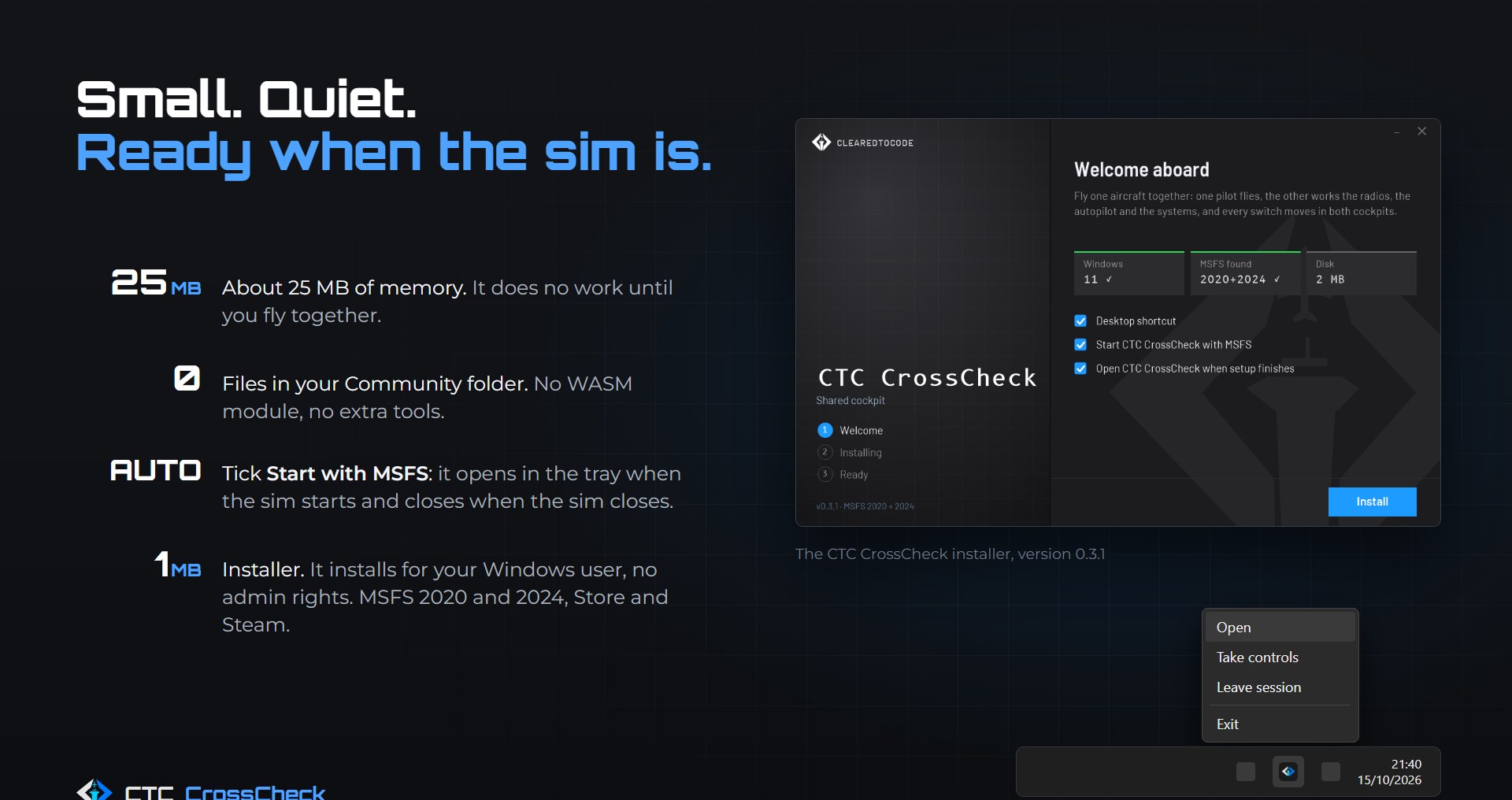
Both pilots need their own copy of MSFS and the same aircraft installed. CrossCheck runs on Windows 10/11 as a small tray app, uses about 25 MB of memory, and can start and close with the simulator. There’s no Community folder package, WASM module or extra tool to install.
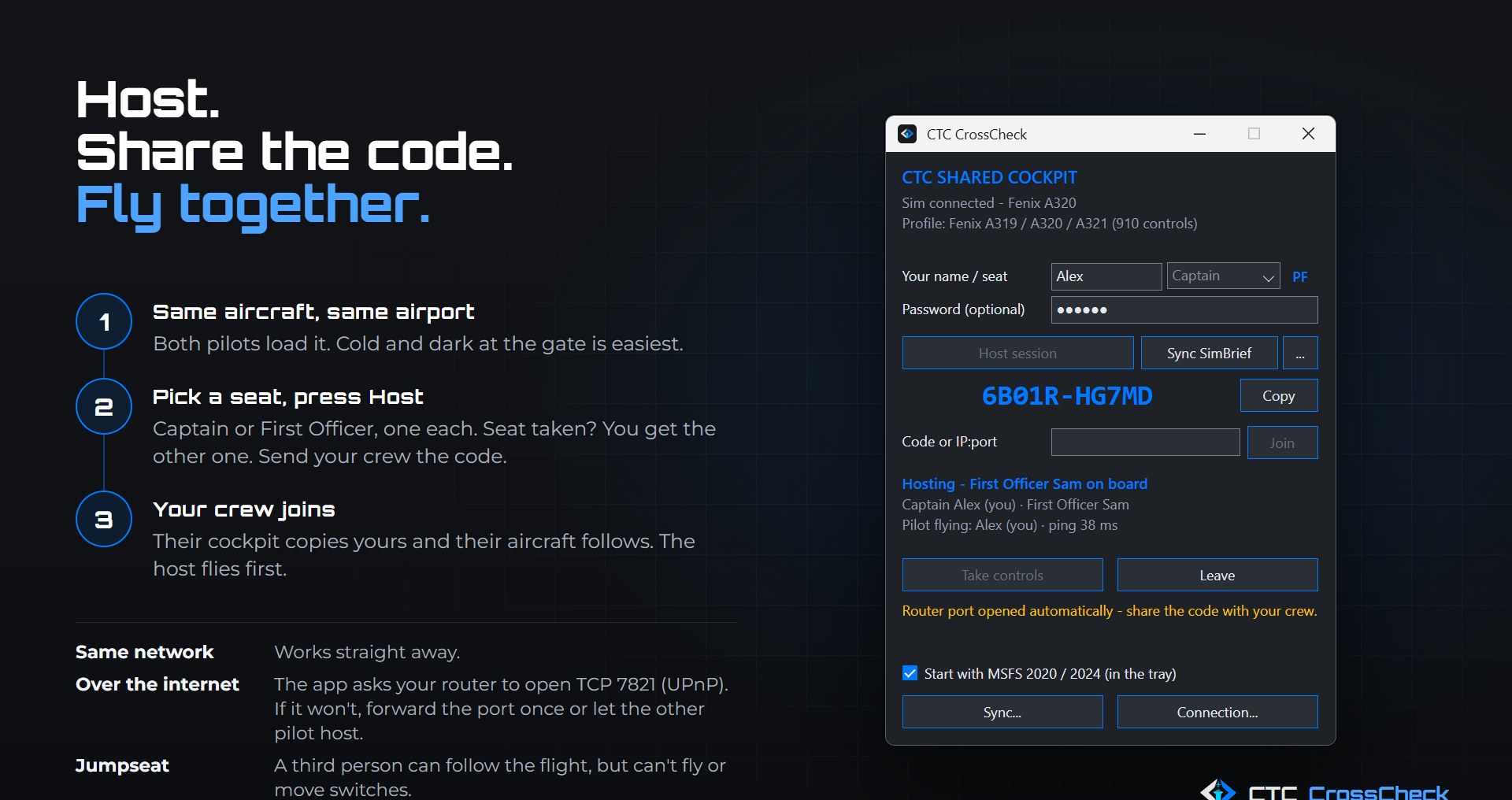
Connections on the same network work straight away. For internet sessions, the host’s TCP port must be reachable (default 7821). CrossCheck can open the router port through UPnP, or you can forward the TCP port manually. If the host’s port can’t be reached, the other pilot can host instead.
Free for all simmers · 287.03 KB · Scanned clean Nov 2026
Download speed: Free tier is capped at 2 Mbps. PRO members download at full line speed.
0.4.8: current release. Seat handover and jumpseat, SimBrief sync to both PCs, Fenix MCDU/DCDU key sharing, helicopter controls, more aircraft profiles.
%LOCALAPPDATA%\Packages\Microsoft.FlightSimulator_8wekyb3d8bbwe\LocalCache\Packages\Community\. Steam version: %APPDATA%\Microsoft Flight Simulator\Packages\Community\. Tip: enable Developer Mode in MSFS to see your exact Community folder path.readme.txt or README file. It tells you exactly where files go, what dependencies are needed, and any quirks specific to this add-on.ClearedToCode is a premium development company for Microsoft Flight Simulator 2020 and 2024. We care about two things: building every product to a high standard, and looking after the people who use them.
Are you ClearedtoCode? Sign in to Fly Away Creators for download stats, comment replies and updates. Make add-ons? Publish them here.
Only PRO members can place votes.
More MSFS add-ons hand-picked based on this download.
MSFS Utilities & Tools
ClearedtoCode’s CTC HEMS Dispatch runs medical helicopter assignments for the…
 MSFS Utilities & Tools
Jetstream gives Microsoft Flight Simulator 2020 and Microsoft Flight Simulato…
 MSFS Utilities & Tools
Max Flight Deck Lite sends Microsoft Flight Simulator 2024 cockpit screens to…
 CFS3 Aircraft
The Download is split into various files: a shared file, a sound file and the…
 FSX Civil Aircraft
This is the Embraer 190 pack of KLM Cityhopper containing two photoreal 32 bi…
 FSX Helicopters
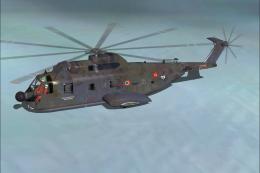
FS2004 Agusta HH-3F Pelican Two. This Agusta/Sikorsky HH-3F helicopter featur…
 FS2004 Utilities/Misc
S2004 VPN - Virtual Pilot Network 1.4us. Access weather radar, forecasts, MET…
 FSX Panels & Gauges
For use with PANEL2N.ZIP. This is what should have been included with the rea…
Be the first to leave a comment on this download.
Be the first to share your thoughts on this download.