


 Canada

 MSFS Scenery
Dubai, UAE City Building & Pack
A large freeware scenery add-on pack put together by the developer who goes b…
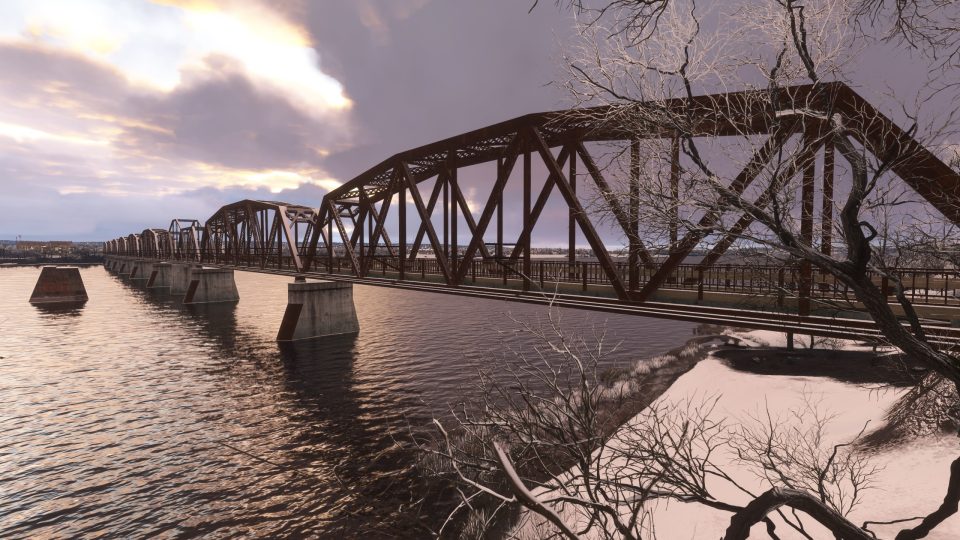
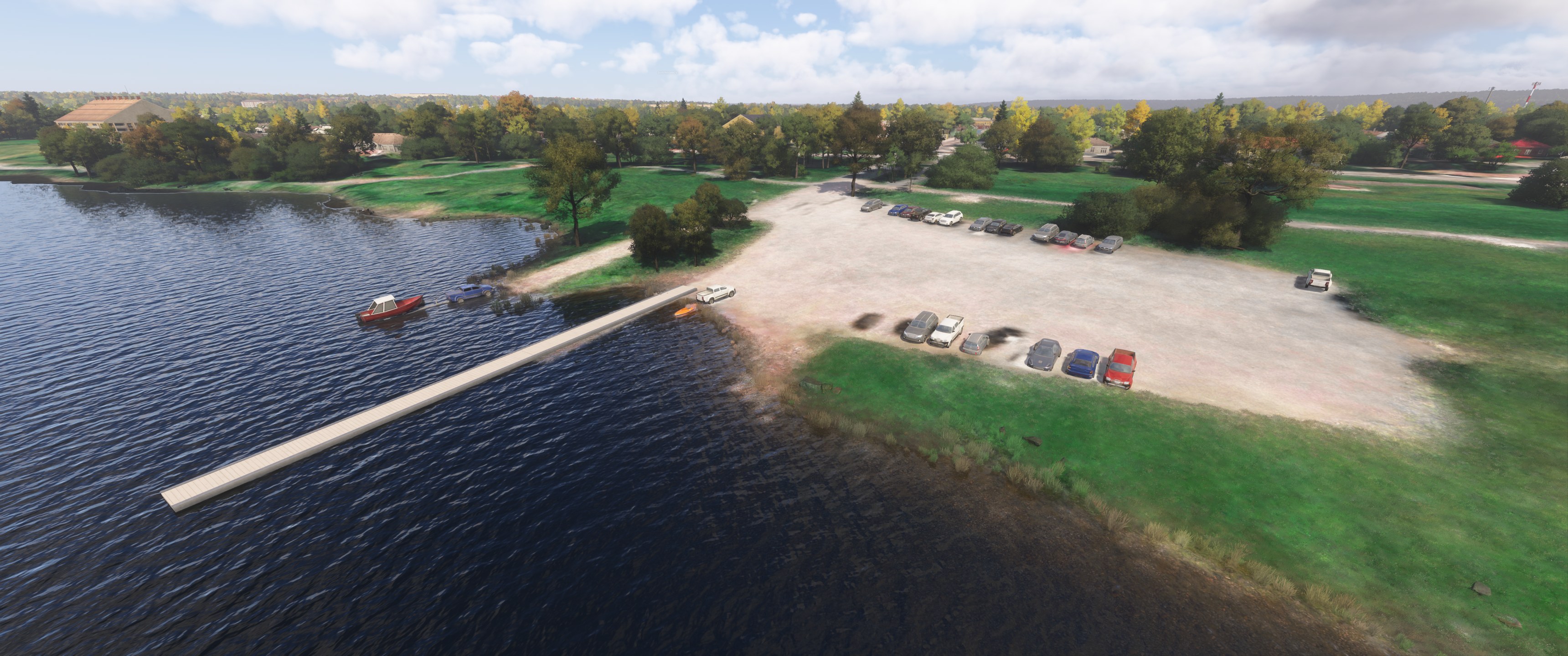
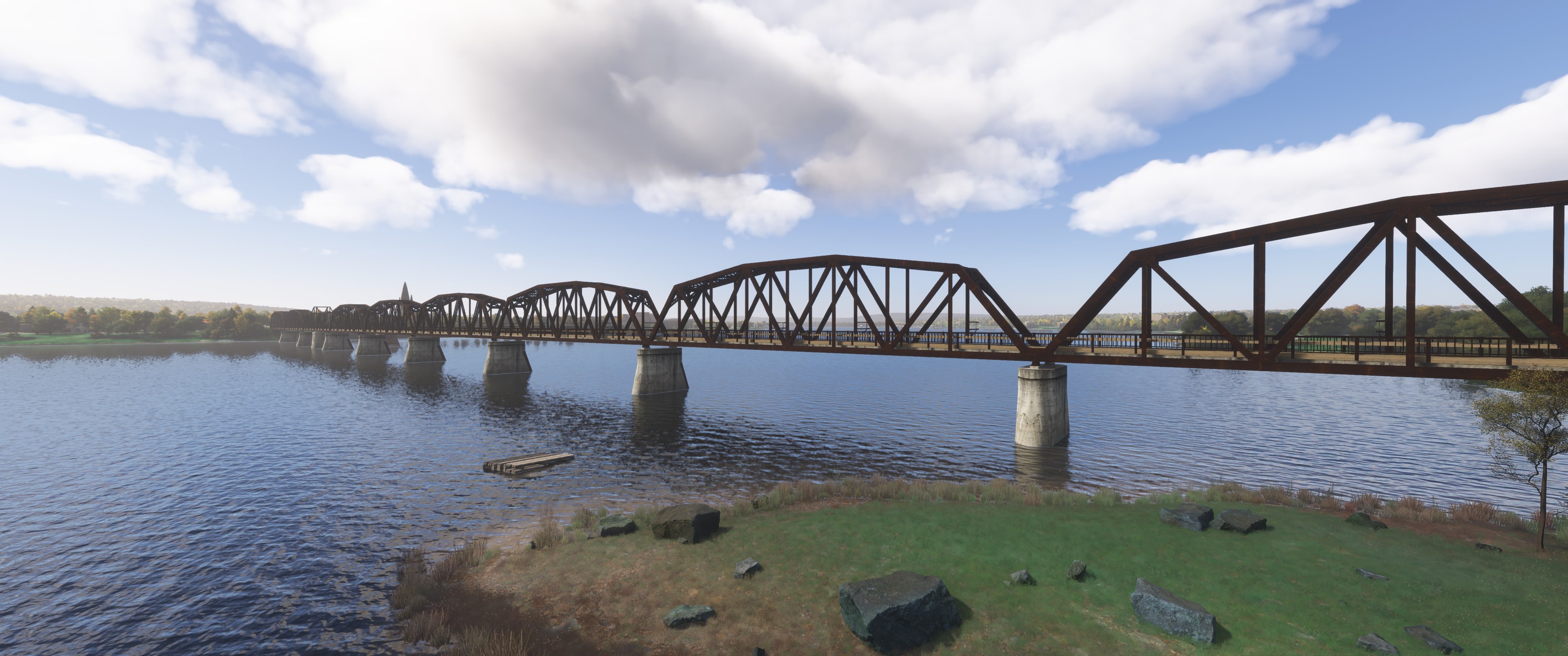
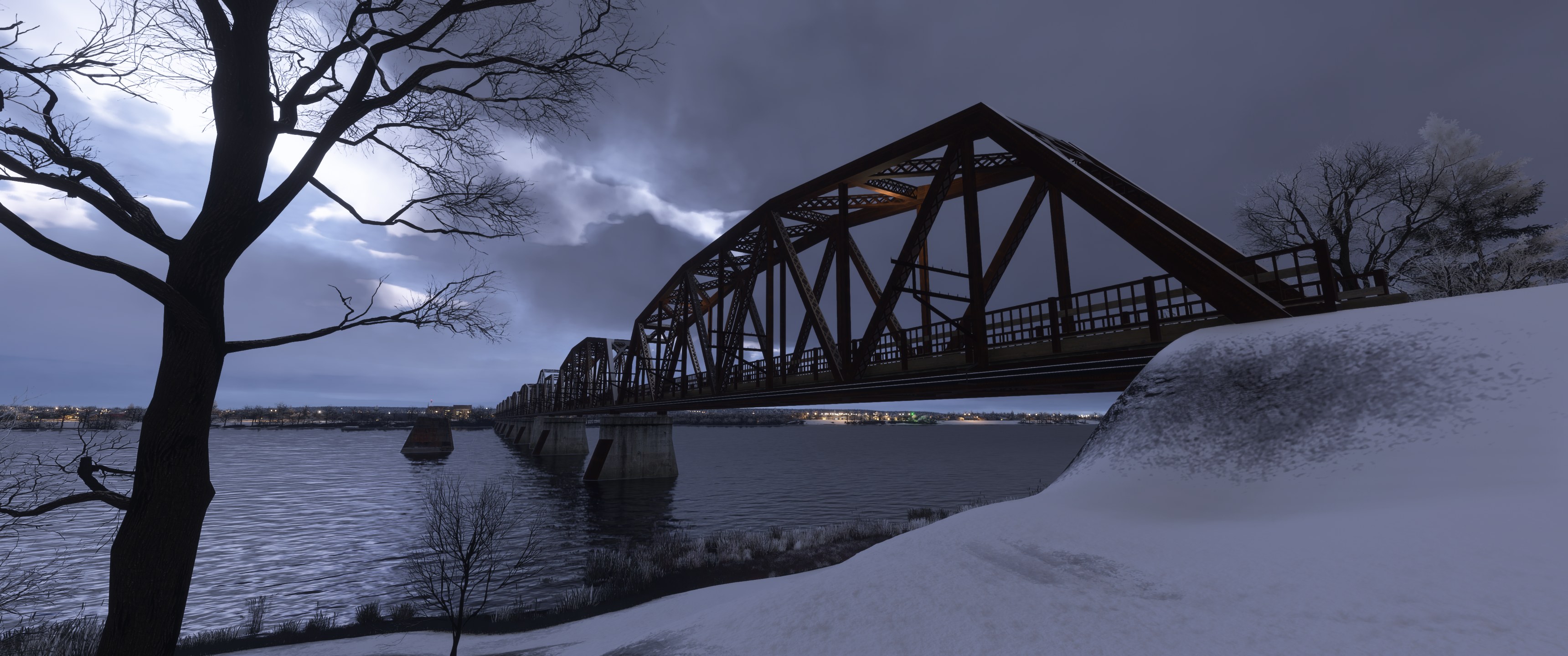
Fredericton’s Bill Thorpe Walking Bridge brings a detailed, walkable Saint John River crossing to Microsoft Flight Simulator 2024, with five levels of detail for efficient rendering. Surrounding scenery adds Carleton Park parking, a dock and boat, a nearby pedestrian bridge, landscaped terrain and a default church model at the Christ Church Cathedral site.
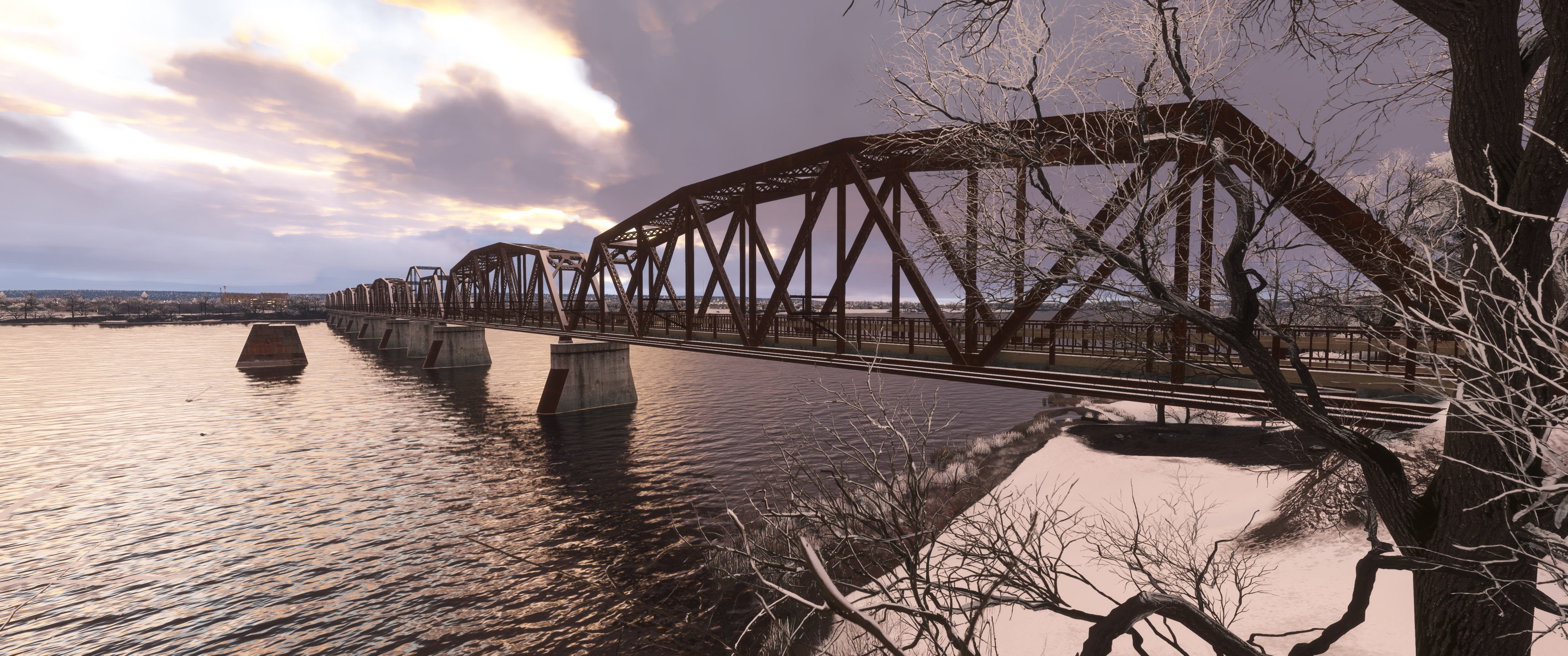
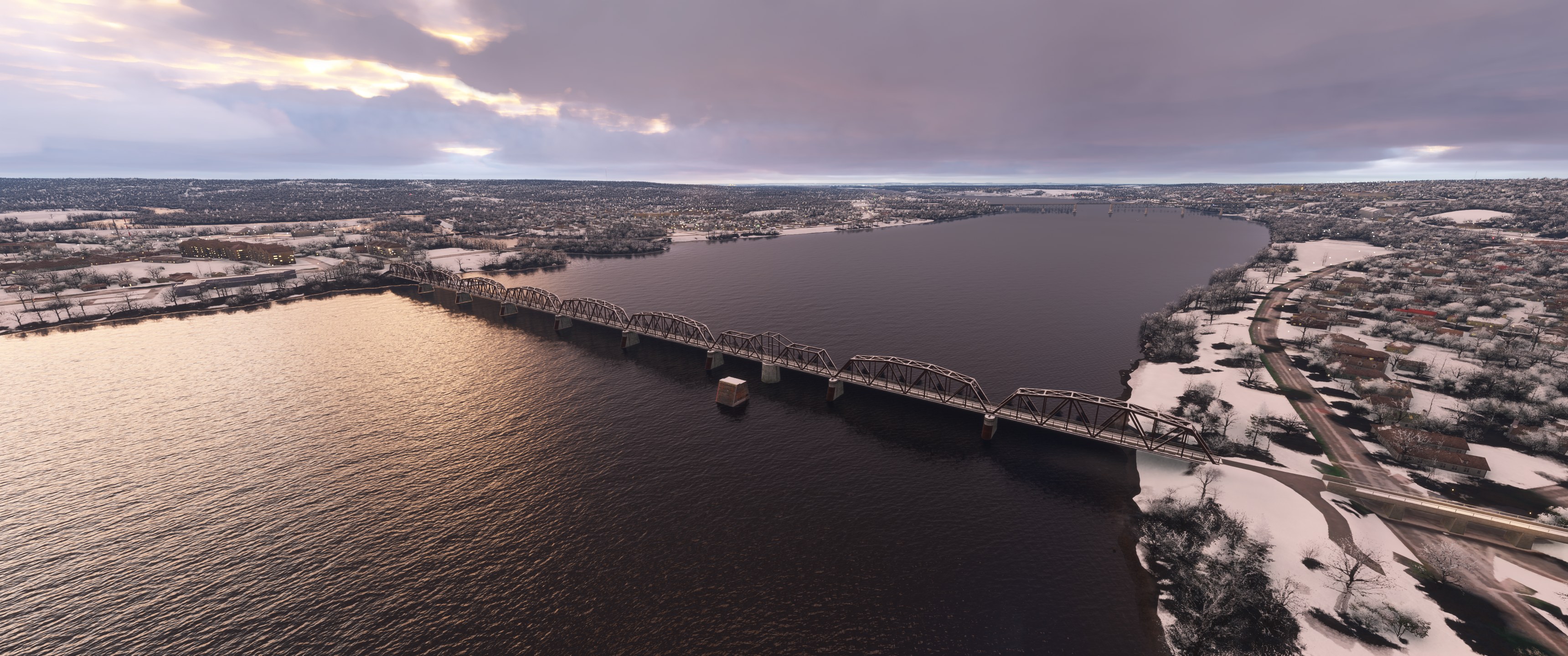
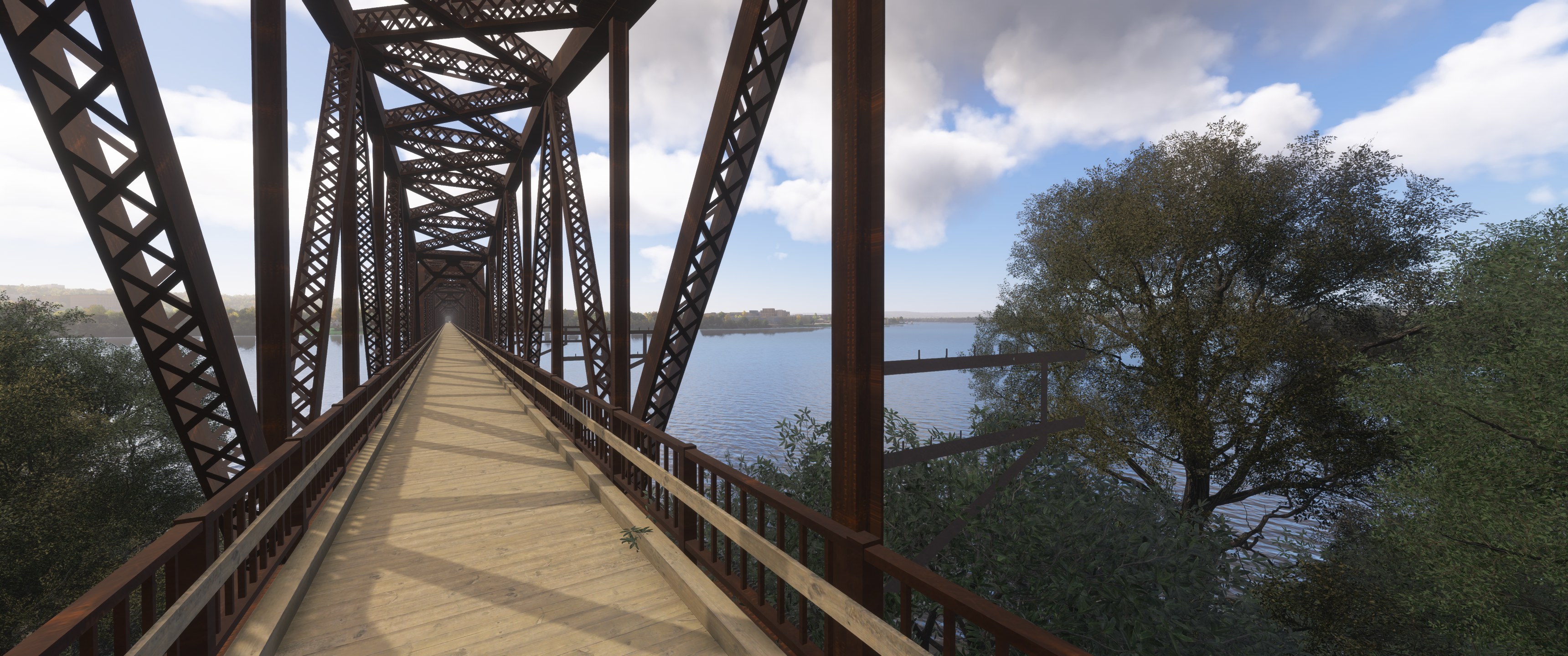
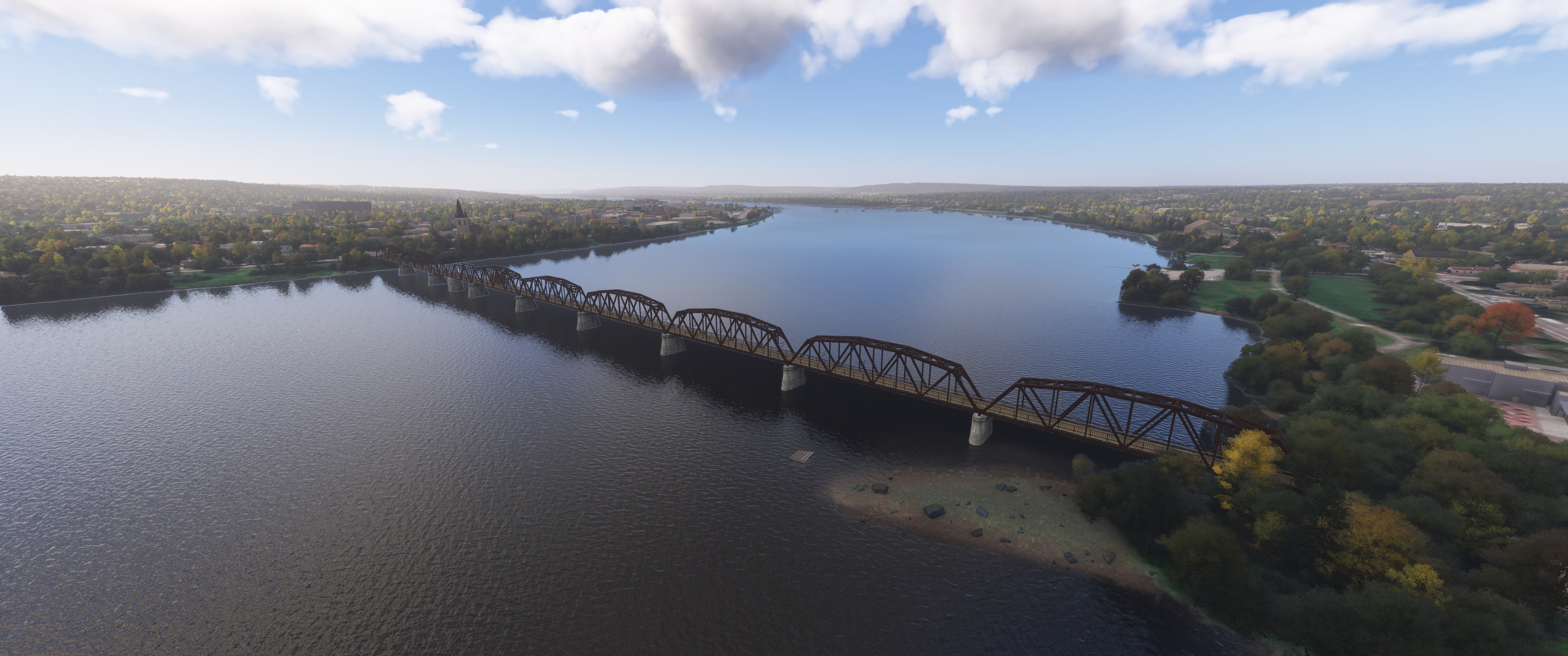
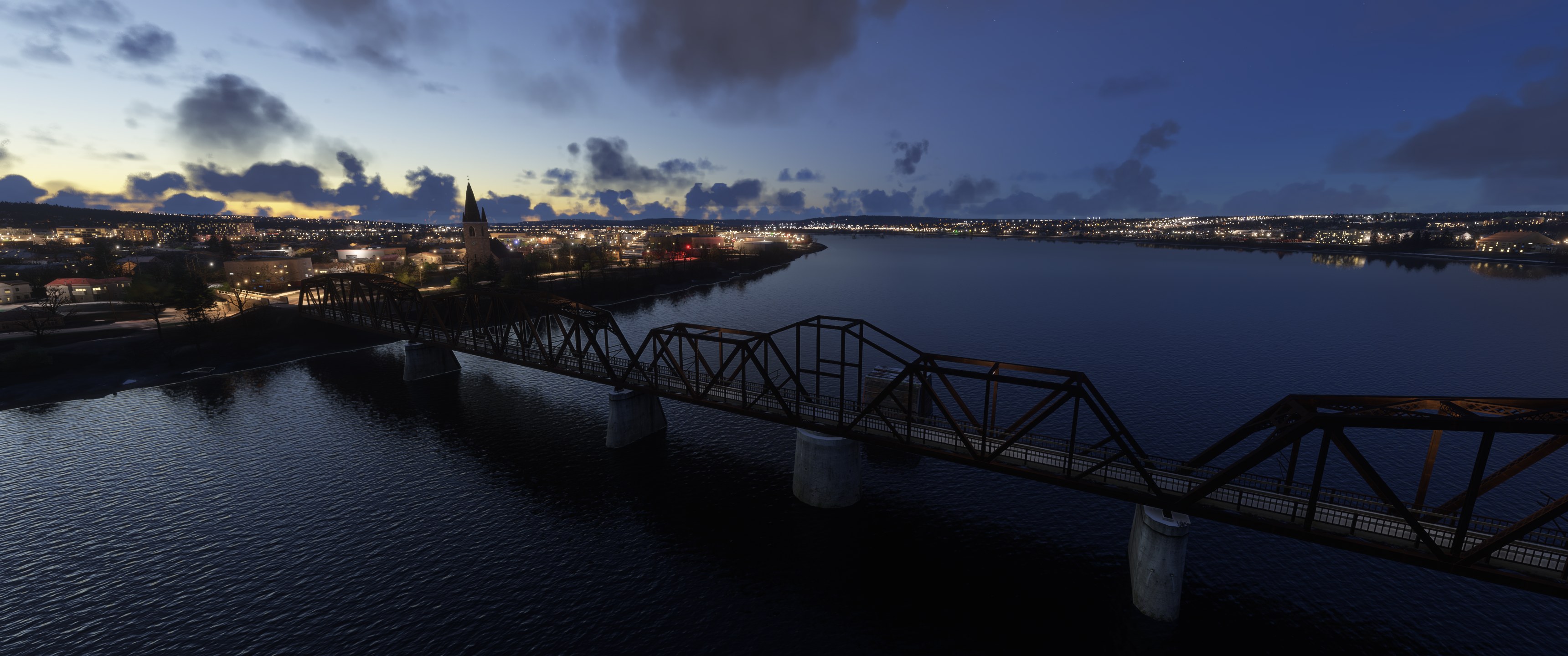
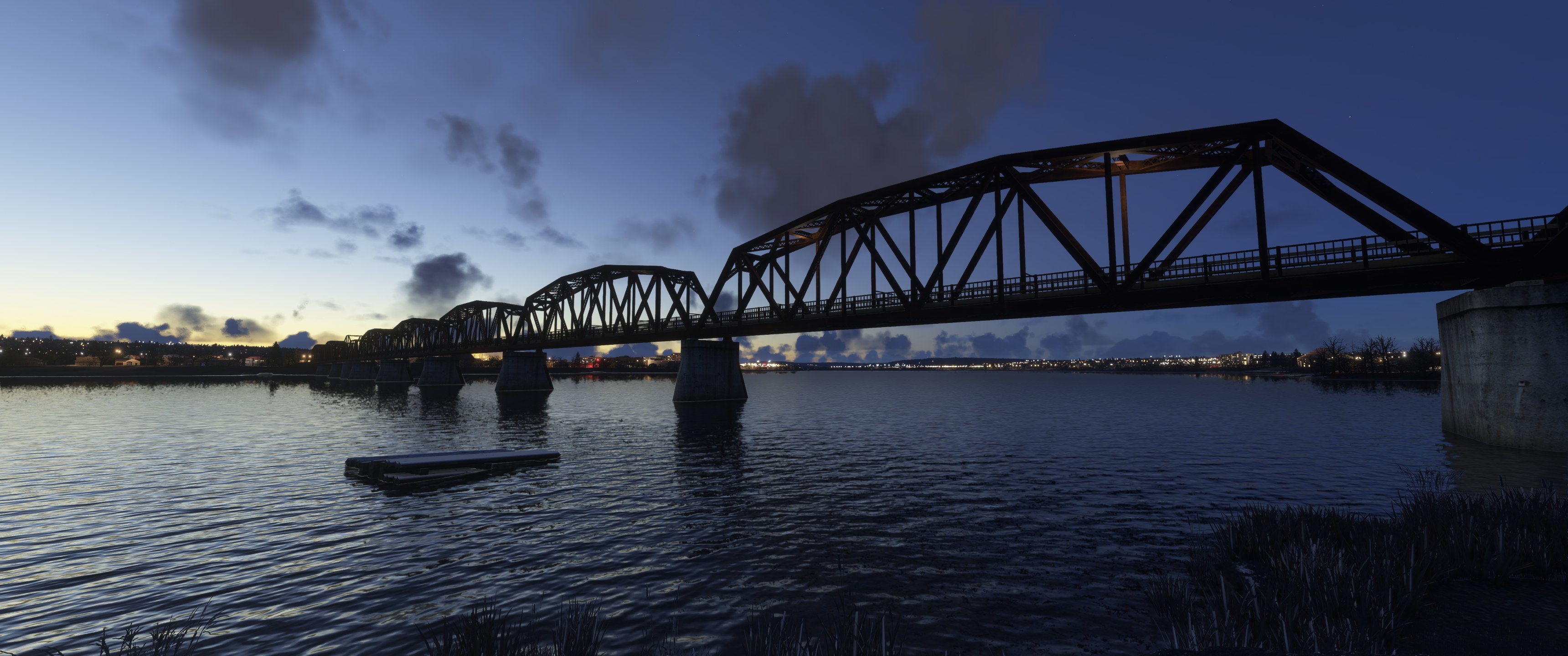
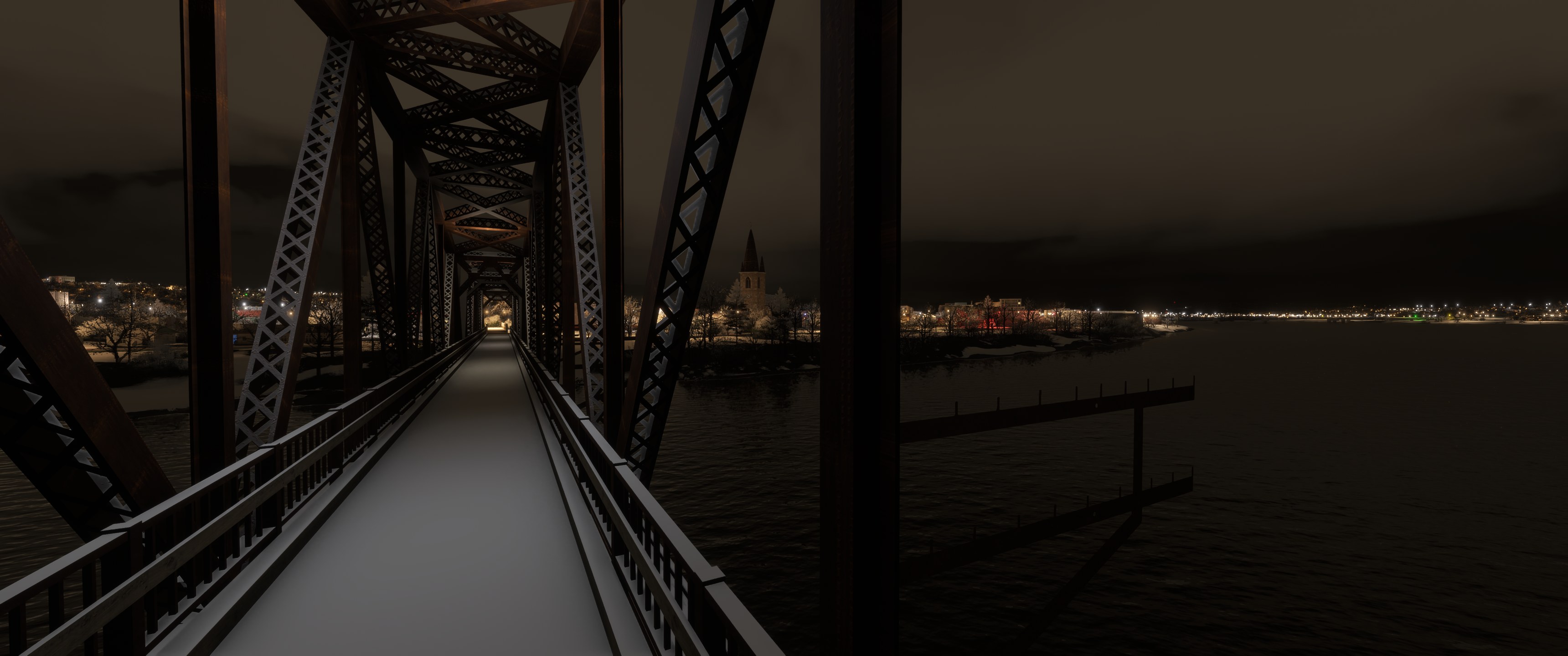

Walking along the deck, I stopped to look down the repeating trusses; the overhead latticework and diagonal shadows give the crossing a strong sense of depth. That’s where the rebuilt model earned its keep for me. The finer close-range detail has a purpose here, because you can spend time inside the structure rather than just pass over it.
I appreciate the attention to the riverbanks, too. Extending the work into Carleton Park makes this feel like a local scenery project rather than an isolated bridge replacement. The cathedral substitution is the compromise I’d most like to see revisited: a default church fills an empty site, but it can’t give that landmark its own identity. A custom Christ Church Cathedral would be a worthwhile next step.
NonSmallJohn models Fredericton’s Bill Thorpe Walking Bridge for Microsoft Flight Simulator 2024, with additional scenery around Carleton Park and the nearby waterfront. The package extends beyond the bridge itself to address missing local landmarks and tidy the surrounding terrain. It’s compatible with MSFS 2024 only.
The real bridge is a former railway crossing over the Saint John River, now used by pedestrians and cyclists. Its long span makes a useful visual reference when flying over New Brunswick’s capital.
A completely rebuilt bridge model improves accuracy over the original release. It has finer detail at LOD0 and LOD1, with five levels of detail, LODs 0 to 4, to reduce the rendering load at a distance. Despite the added detail and textures, the developer reports a file size more than five times smaller than the original.
The surrounding work includes vehicle parking, a dock and a boat near the waterfront in Carleton Park, plus the pedestrian bridge over Queen/Waterloo road. Terraforming and landscaping are included. A default church model fills the gap left by the missing Christ Church Cathedral; it isn’t a custom model of the cathedral.
Extract the downloaded archive, then drag and drop the extracted scenery folder into your Community folder.
Collision material works only on the bridge deck. You can walk across the bridge, but collision does not work on the rest of the structure.
Free for all simmers · 13.9 MB · Scanned clean Nov 2026
Download speed: Free tier is capped at 2 Mbps. PRO members download at full line speed.
Initial release.
%LOCALAPPDATA%\Packages\Microsoft.FlightSimulator_8wekyb3d8bbwe\LocalCache\Packages\Community\. Steam version: %APPDATA%\Microsoft Flight Simulator\Packages\Community\. Tip: enable Developer Mode in MSFS to see your exact Community folder path.readme.txt or README file. It tells you exactly where files go, what dependencies are needed, and any quirks specific to this add-on.Use these coordinates to fly directly to this location once the mod is installed.
45.95700000,-66.62800000
Paste these coordinates into the Microsoft Flight Simulator search bar when planning a flight, or into the Developer Mode Teleport window, to fly directly to this location.
I am Michael, I primarily produce scenery mods for Microsoft Flight Simulator 2024 and 2020. I stive to improve the local scenery and keep it up to date with reality.
Are you NonSmallJohn? Sign in to Fly Away Creators for download stats, comment replies and updates. Make add-ons? Publish them here.
Only PRO members can place votes.
More MSFS add-ons hand-picked based on this download.
MSFS Scenery
A large freeware scenery add-on pack put together by the developer who goes b…
 MSFS Scenery
A quick rework of several Swiss cities and landmarks such as the Matterhorn u…
 MSFS Scenery
This pack by the developer who simply goes by the name of Chris brings the me…
 MSFS Scenery
Enhance your Microsoft Flight Simulator experience with the Downtown Los Ange…
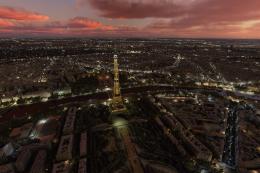 MSFS Scenery
A new, easy-to-install, and accurate replacement of the default Paris photore…
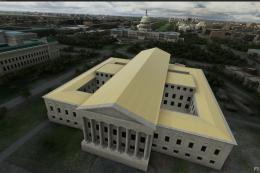 MSFS Scenery
A massive freeware pack created by the developer Srinivasman containing over …
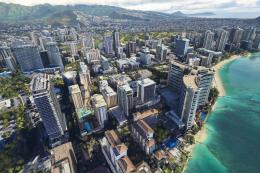 MSFS Scenery
This is a complete replacement scenery pack covering the entire city of Honol…
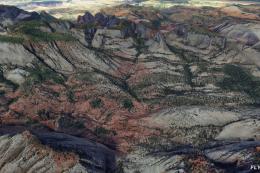 MSFS Scenery
A complete overhaul of Zion Canyon National Park in Utah, the USA for Microso…
Be the first to leave a comment on this download.
Be the first to share your thoughts on this download.