

 CFS3 Aircraft
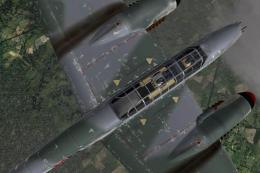
CFS3 BF 110 G-2/U7
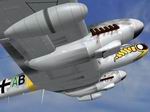
High Altitude Interceptor The U7 was developed as per a requirement of the RL…
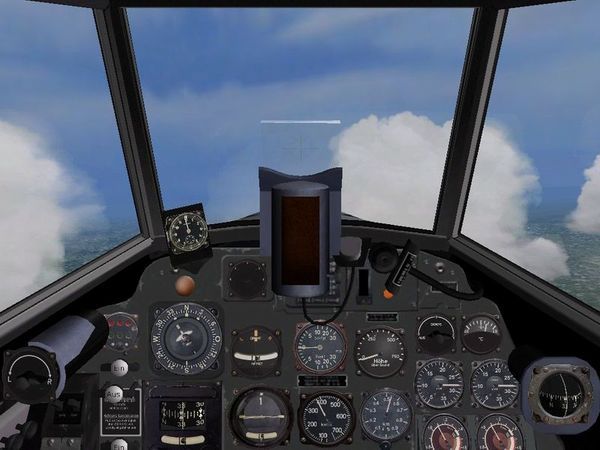
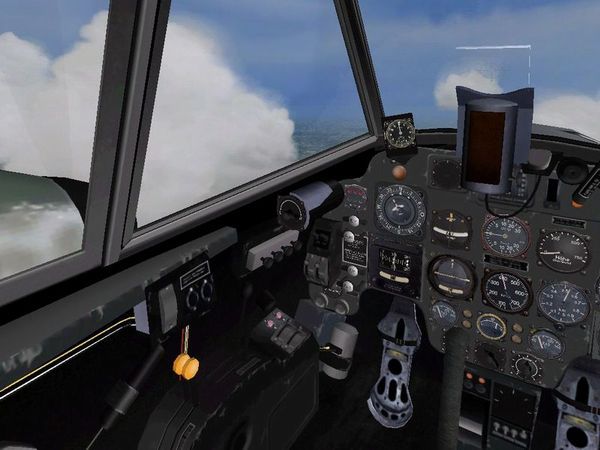
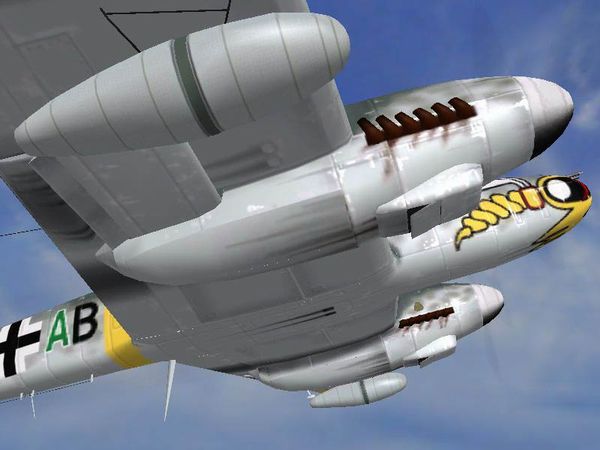
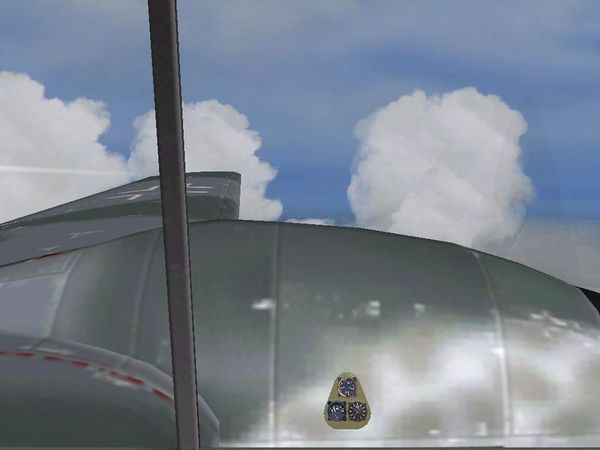
Groundcrew Design Group’s Messerschmitt Bf 110 G-2 Shared Components package for Microsoft Combat Flight Simulator 3 provides the common files that enable five sub-variants, varied liveries, an accurate flight model, a realistic virtual cockpit with reflective gauges, and a custom weapons set. Requires at least one BF 110 G-2 aircraft container; optional custom sound and engine-start, exhaust, and vapor effects.
 Rate
Rate

Free for all simmers · 3.35 MB · Scanned clean Oct 2026
Download speed: Free tier is capped at 0.5 Mbps. PRO members download at full line speed.
readme.txt or README file. It tells you exactly where files go, what dependencies are needed, and any quirks specific to this add-on.The archive gc110_01.zip has 11 files and directories contained within it.
This list displays the first 500 files in the package. If the package has more, you will need to download it to view them.
| Filename/Directory | File Date | File Size |
|---|---|---|
| gc110g2_shared.exe | 06.07.03 | 3.23 MB |
| read_first.htm | 05.25.03 | 2.57 kB |
| eng_gau.jpg | 05.25.03 | 23.45 kB |
| pit2.jpg | 05.25.03 | 43.86 kB |
| pit3.jpg | 05.25.03 | 42.96 kB |
| radoil.jpg | 05.25.03 | 34.37 kB |
| rear2.jpg | 05.25.03 | 30.74 kB |
| filelist_gc110_shared.txt | 05.26.03 | 6.86 kB |
| readme.txt | 05.25.03 | 10.87 kB |
| flyawaysimulation.txt | 10.29.13 | 959 B |
| Go to Fly Away Simulation.url | 01.22.16 | 52 B |
Only PRO members can place votes.
Hand-picked add-ons similar to this download.
CFS3 Aircraft
High Altitude Interceptor The U7 was developed as per a requirement of the RL…
 CFS3 Aircraft
A Bf110 equipped with Flak was a long called for requirement of the RLM that …
 CFS3 Aircraft
The R3 carried two Mk108 cannons in the upper nose in place of the weak 4xMg1…
 CFS3 Aircraft
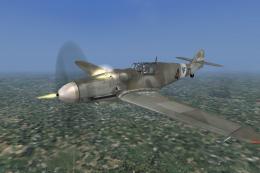
Operated by 70^ Squadriglia, 23° gruppo caccia,3° stormo Cerveteri ,Rome,augu…
 CFS3 Aircraft
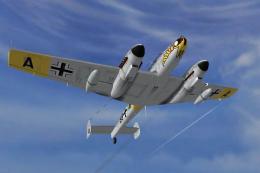
Aircraft for MS CFS3 featuring 5 sub variants, many available liveries, accur…
 CFS3 Aircraft
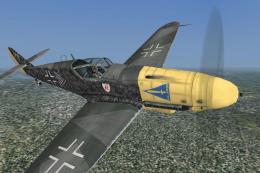
of Hauptmann Helmut Wick, Gruppenkommandeur of 1.JG/ 2 "Richthofen", Beaumont…
 CFS3 Aircraft
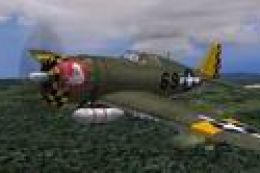
This program installs 16 new nose arts for you to use on your aircraft. Some …
 CFS3 Aircraft
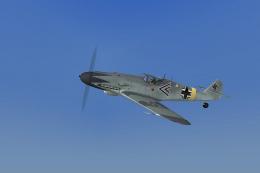
The distinctive heart on the port side is a trademark. Repaint/Standalone con…
Be the first to leave a comment on this download.
Be the first to share your thoughts on this download.