

 FSX Military Aircraft
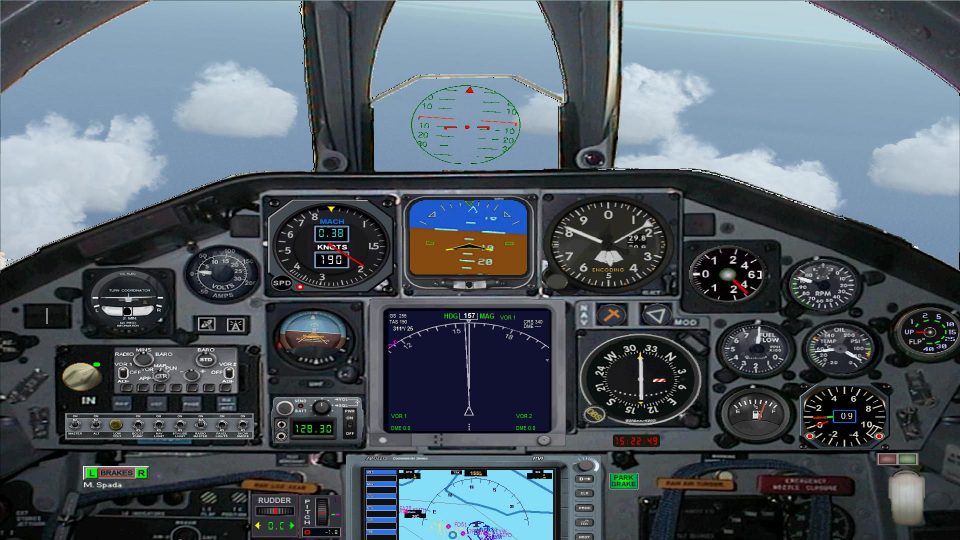
Lockheed Martin F-35 Lightning II
The F35 Lightning II is a fifth-generation, single-seat, single-engine stealt…
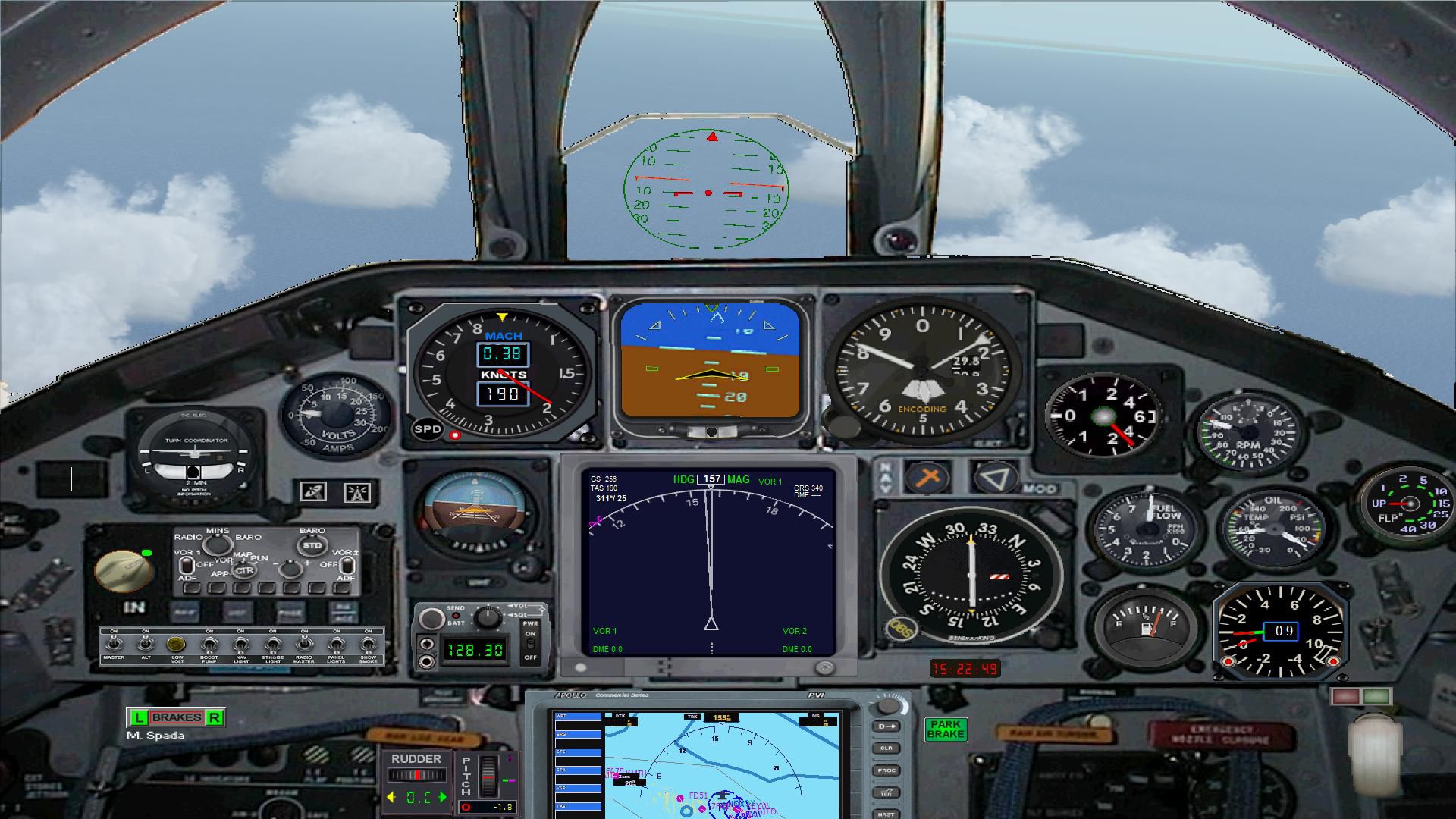
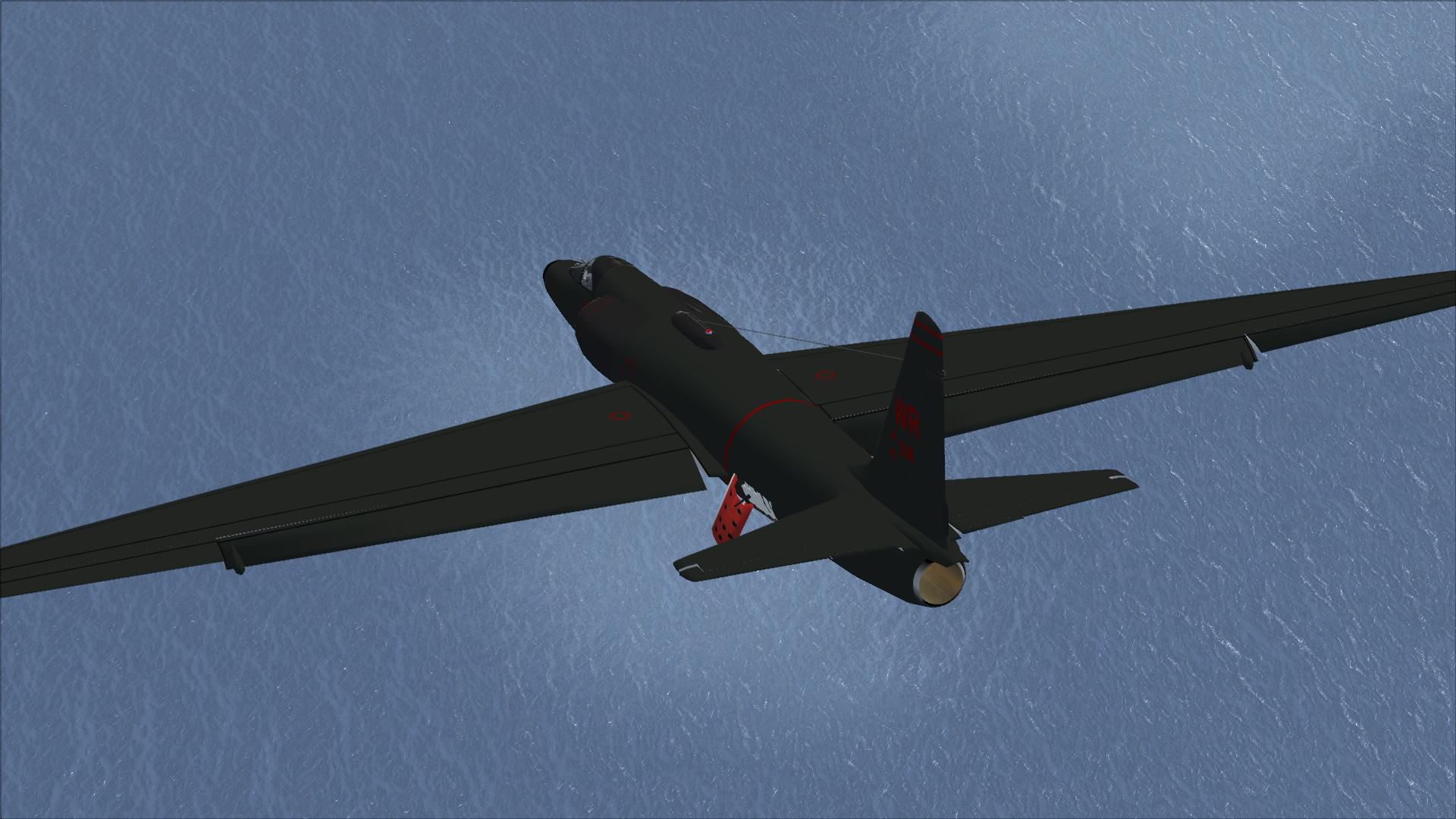
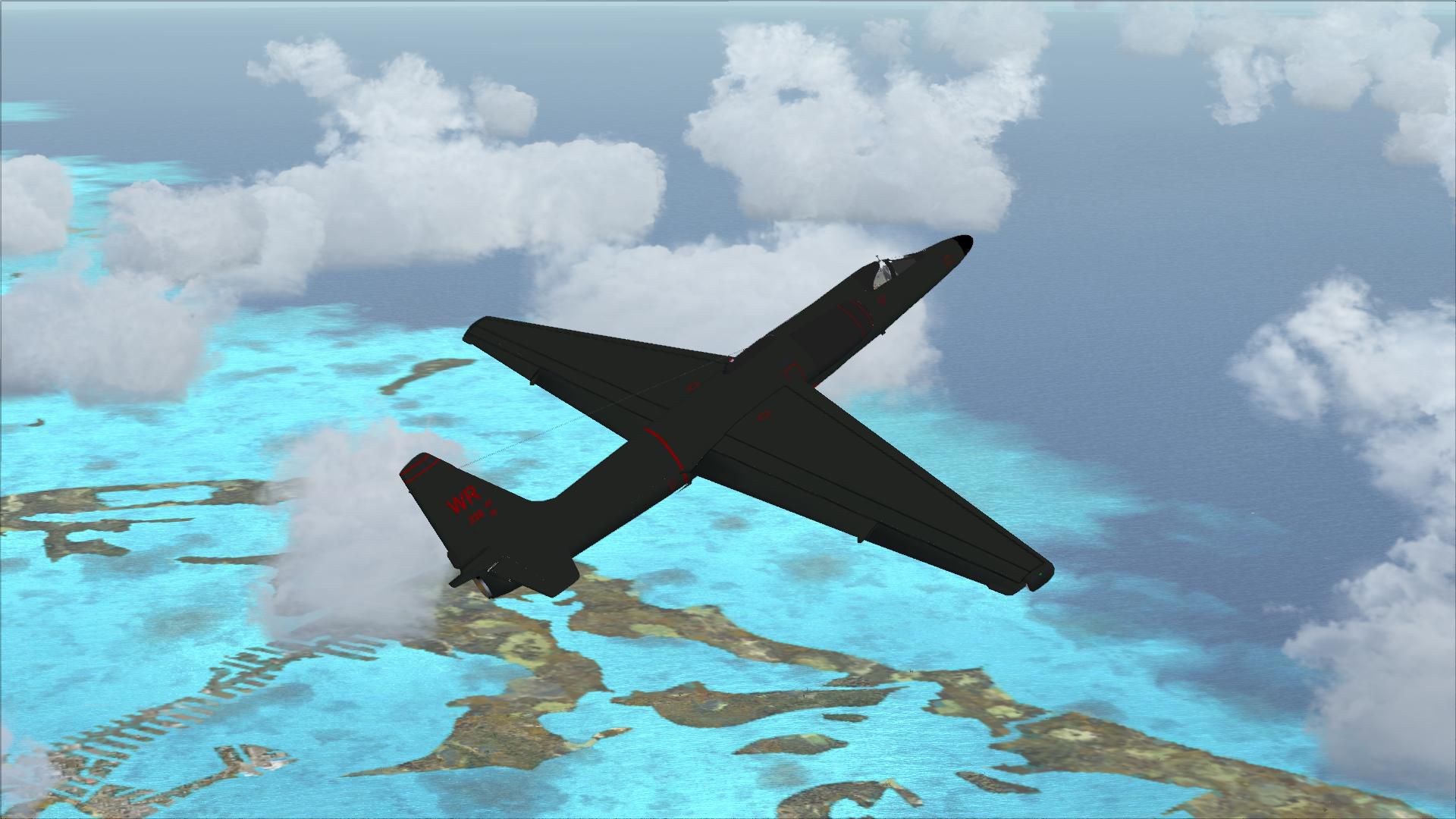
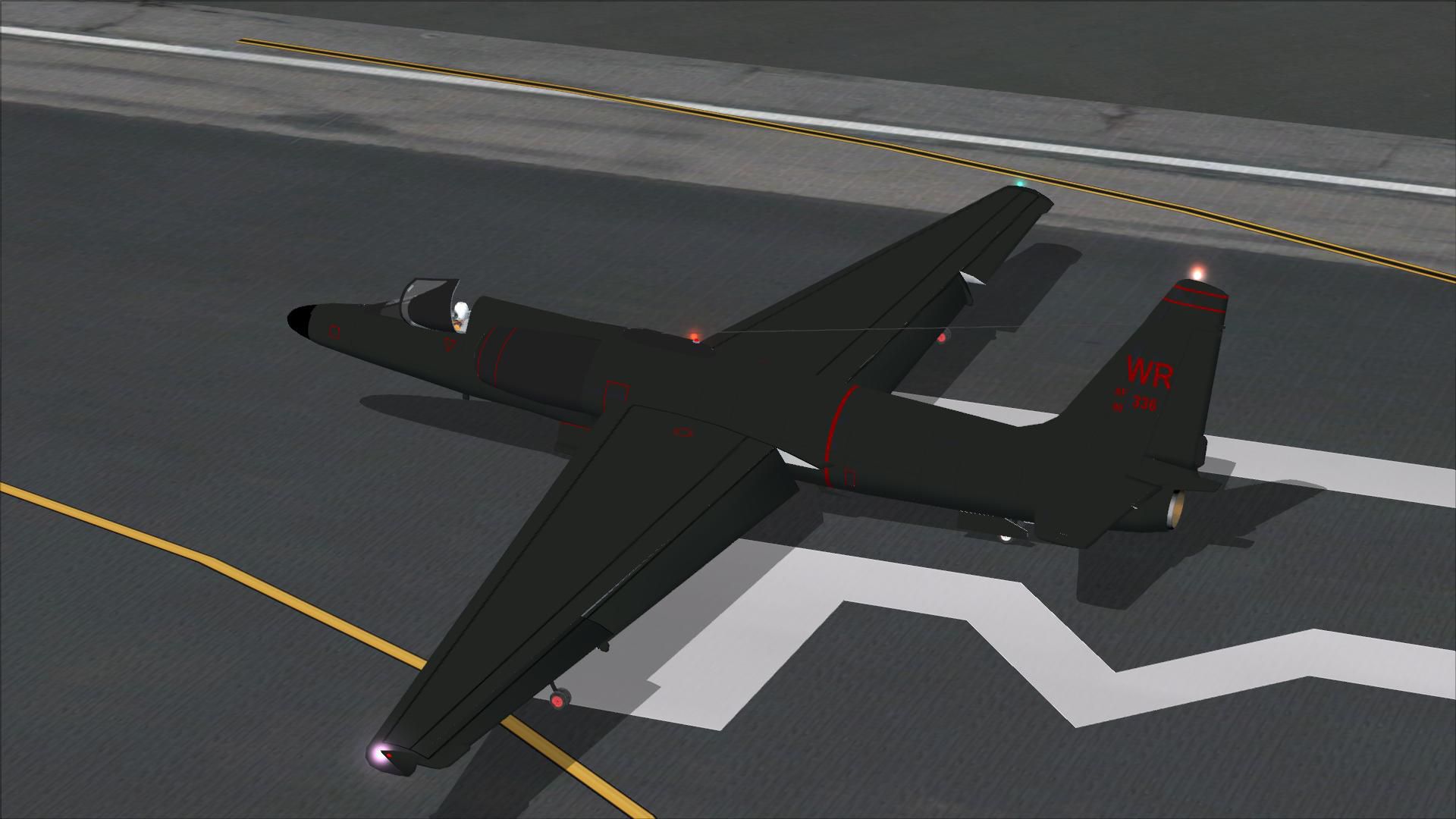
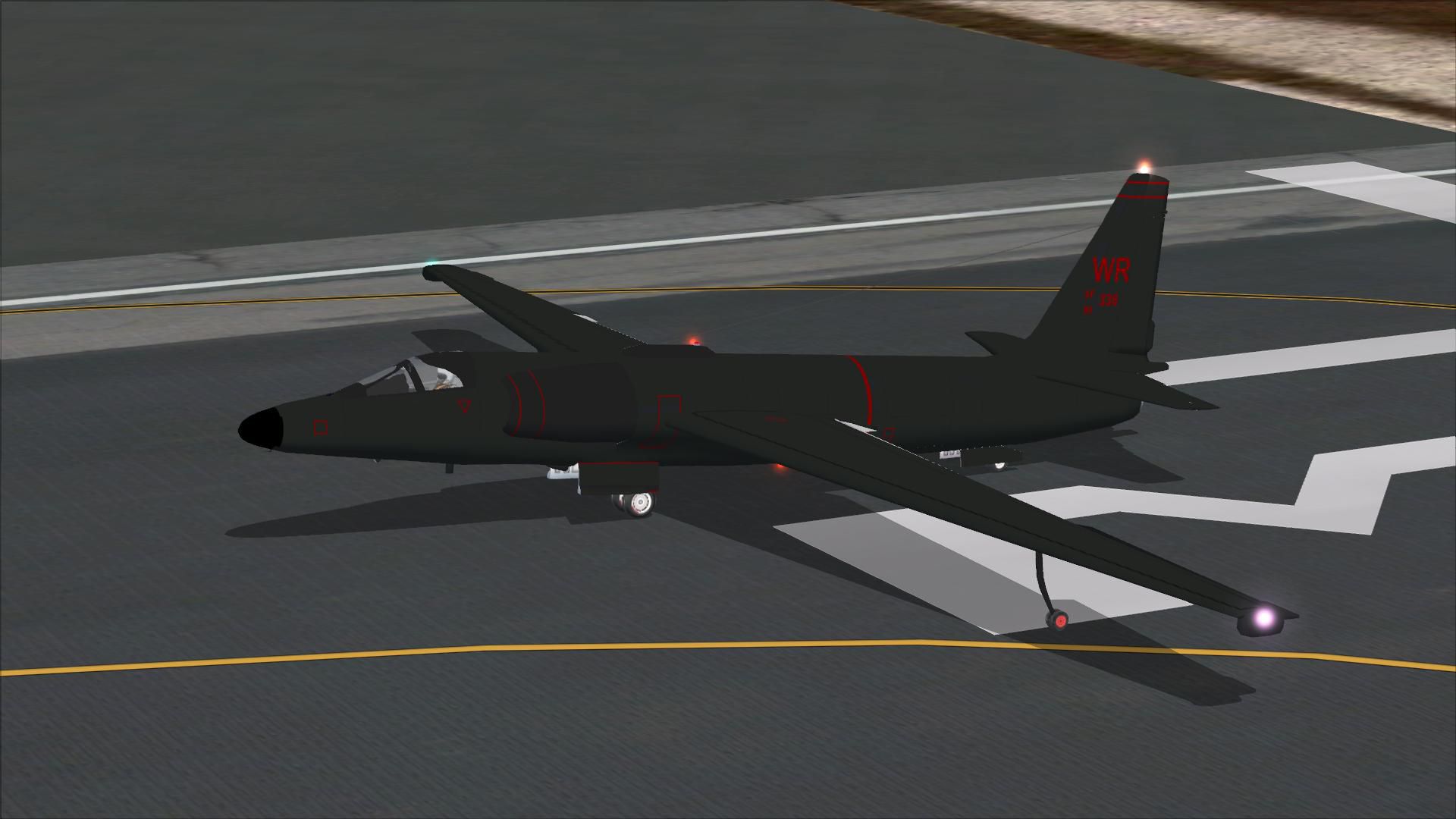
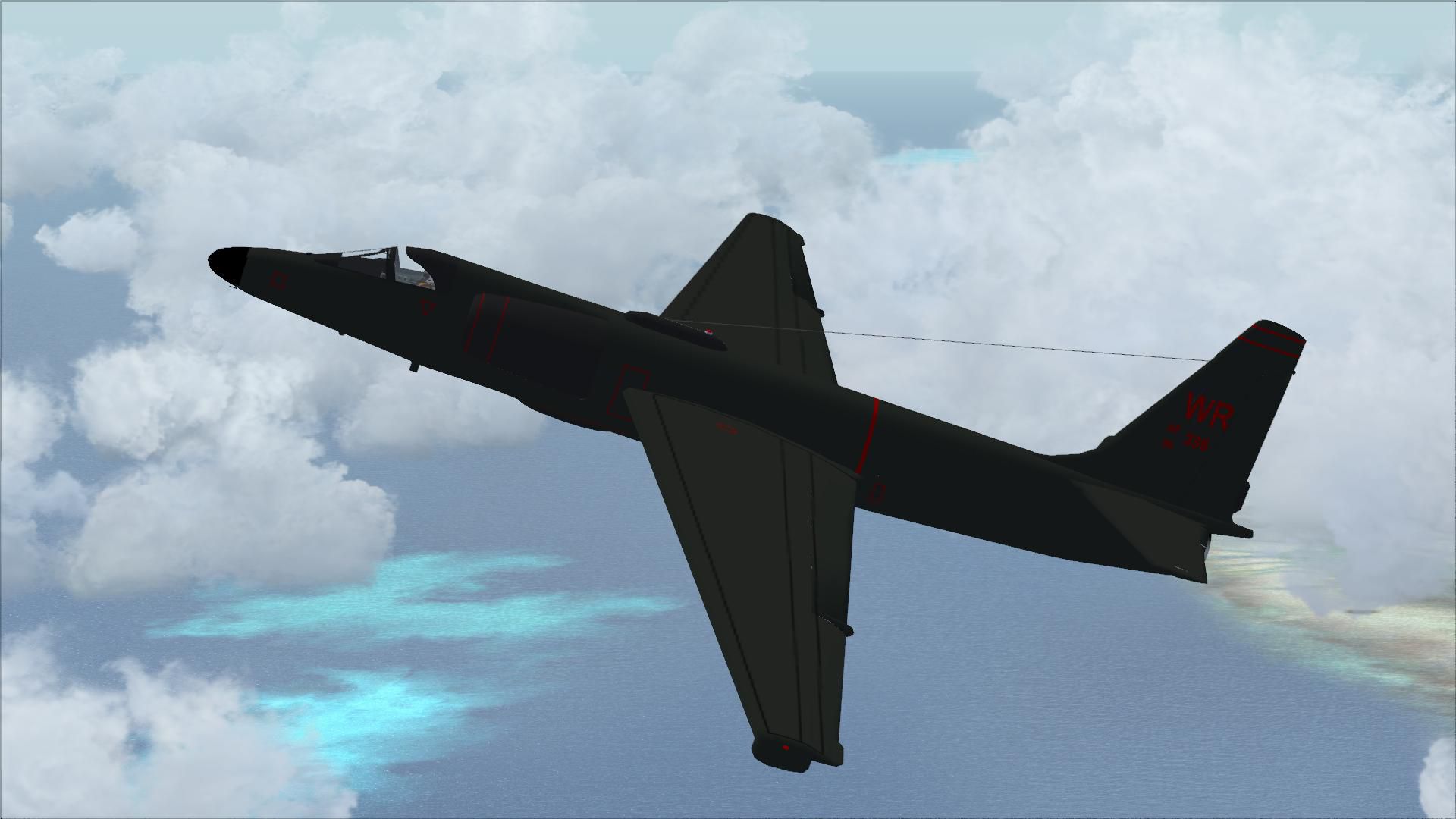
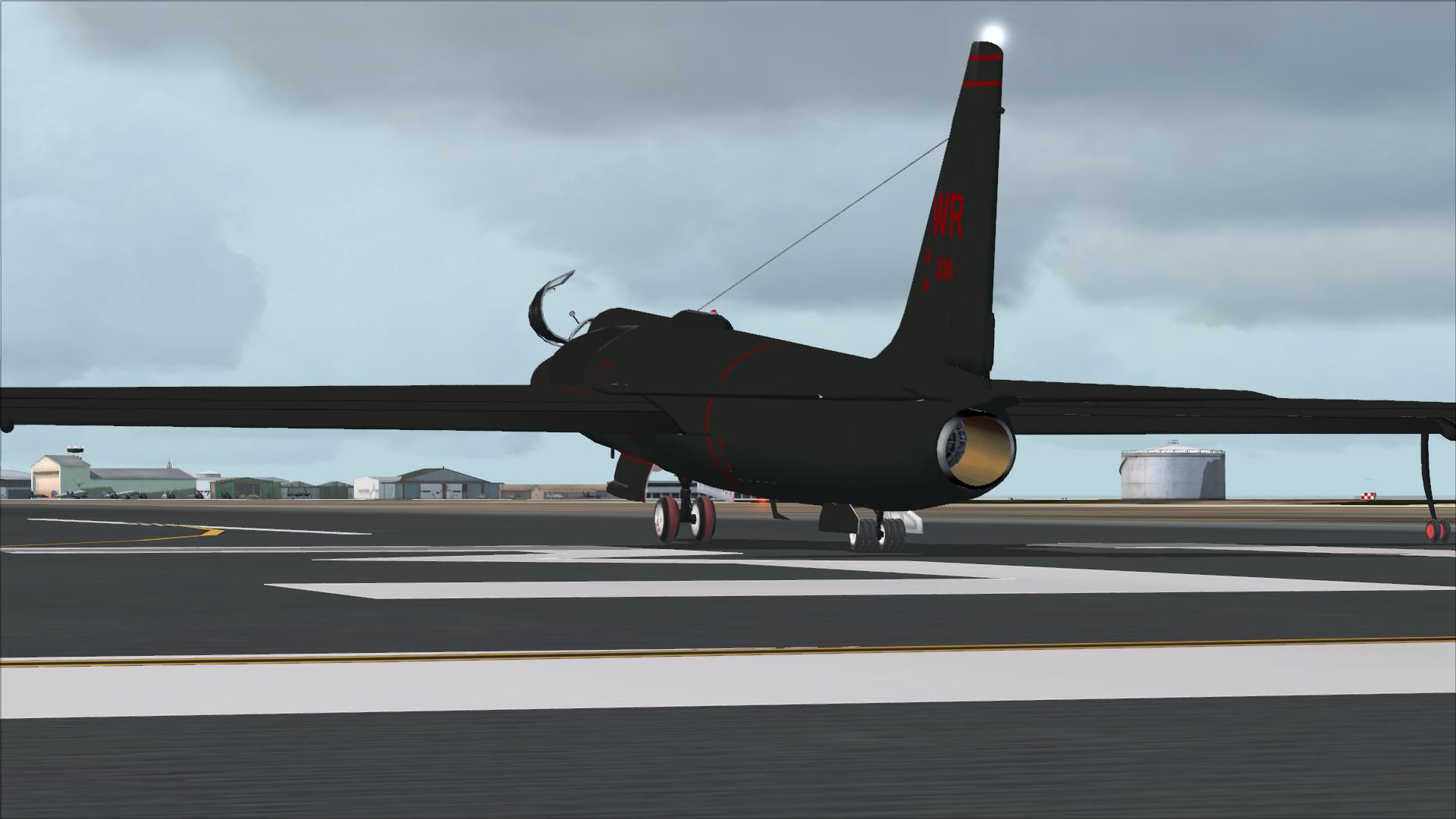
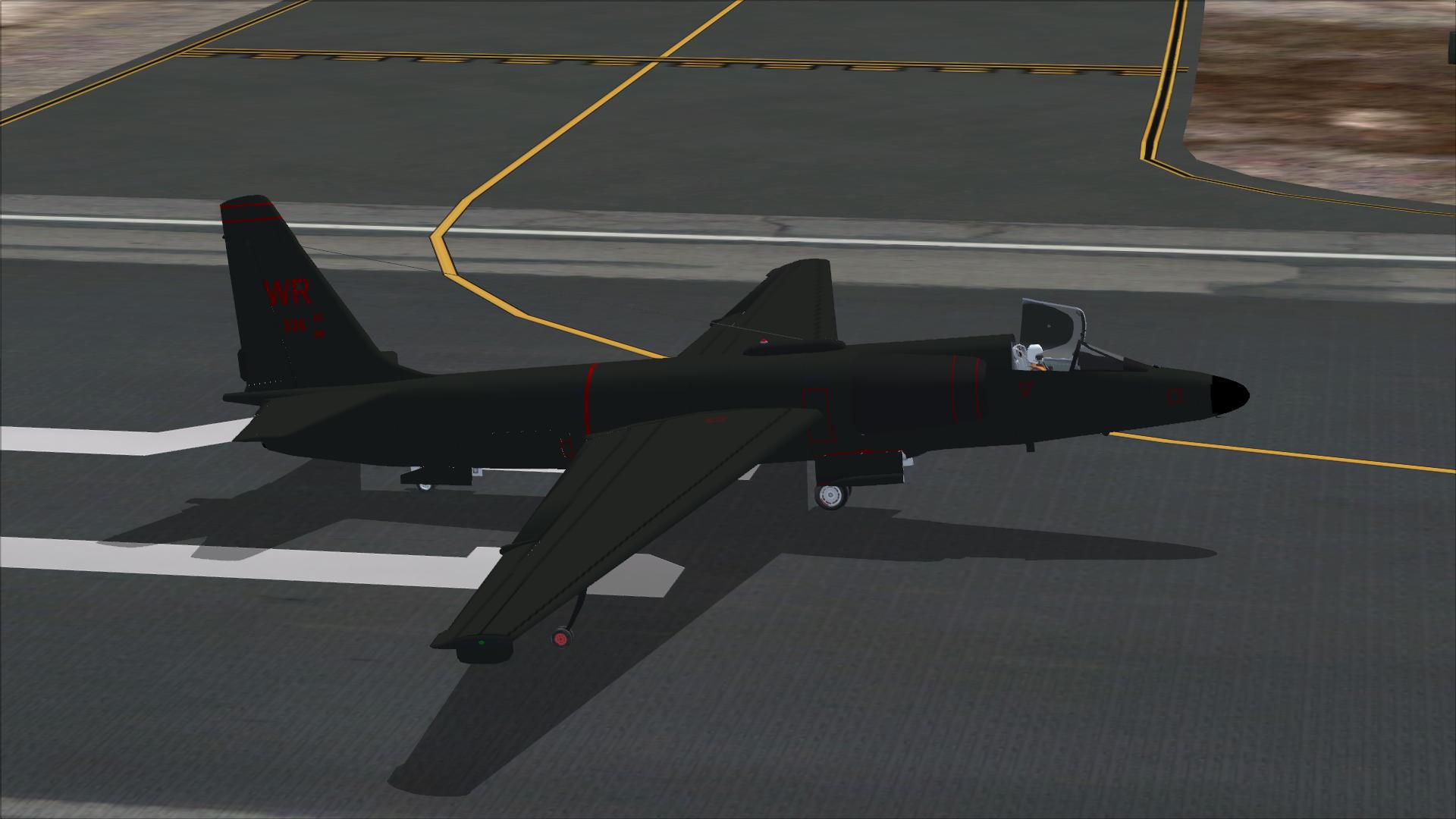
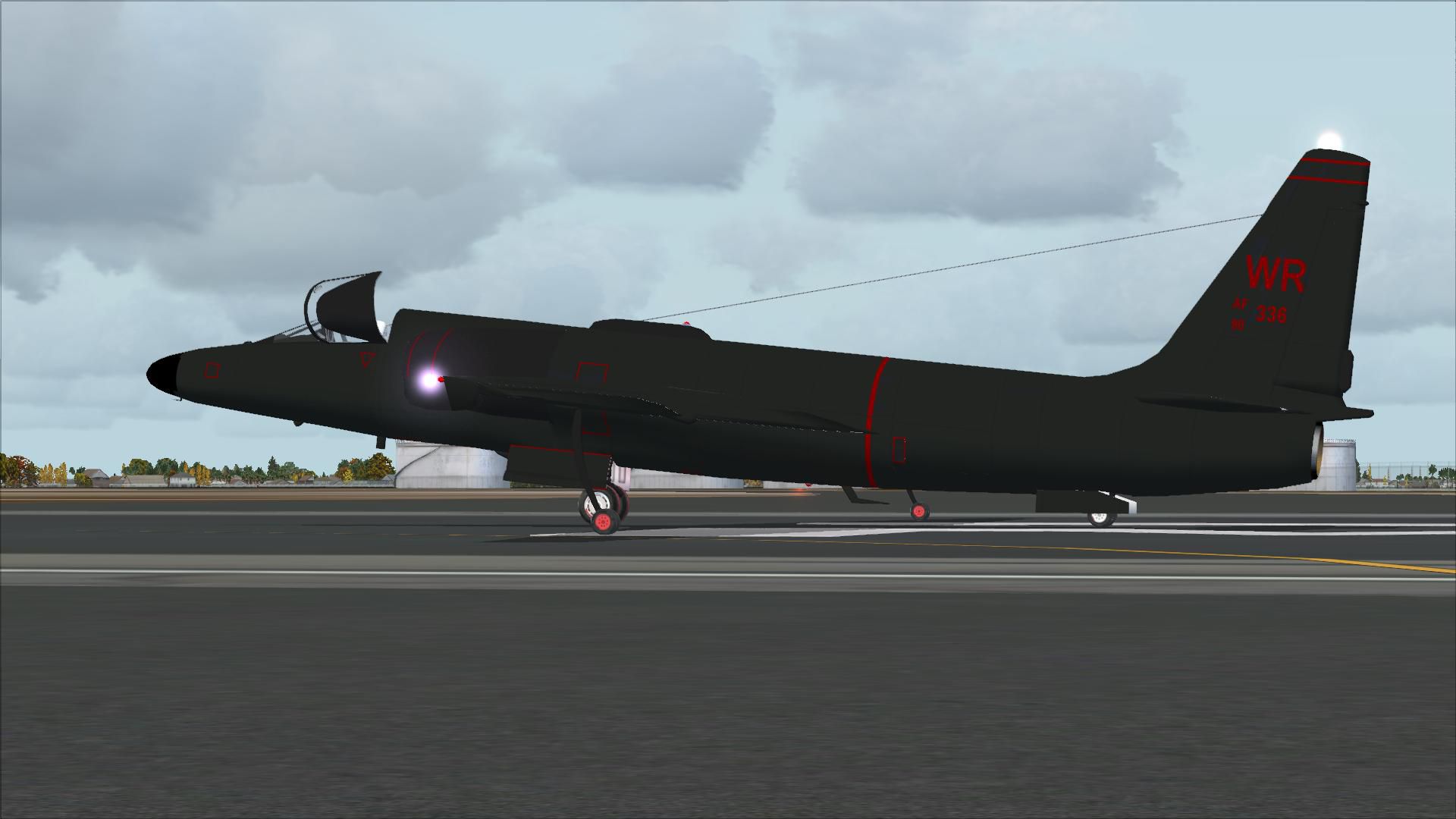
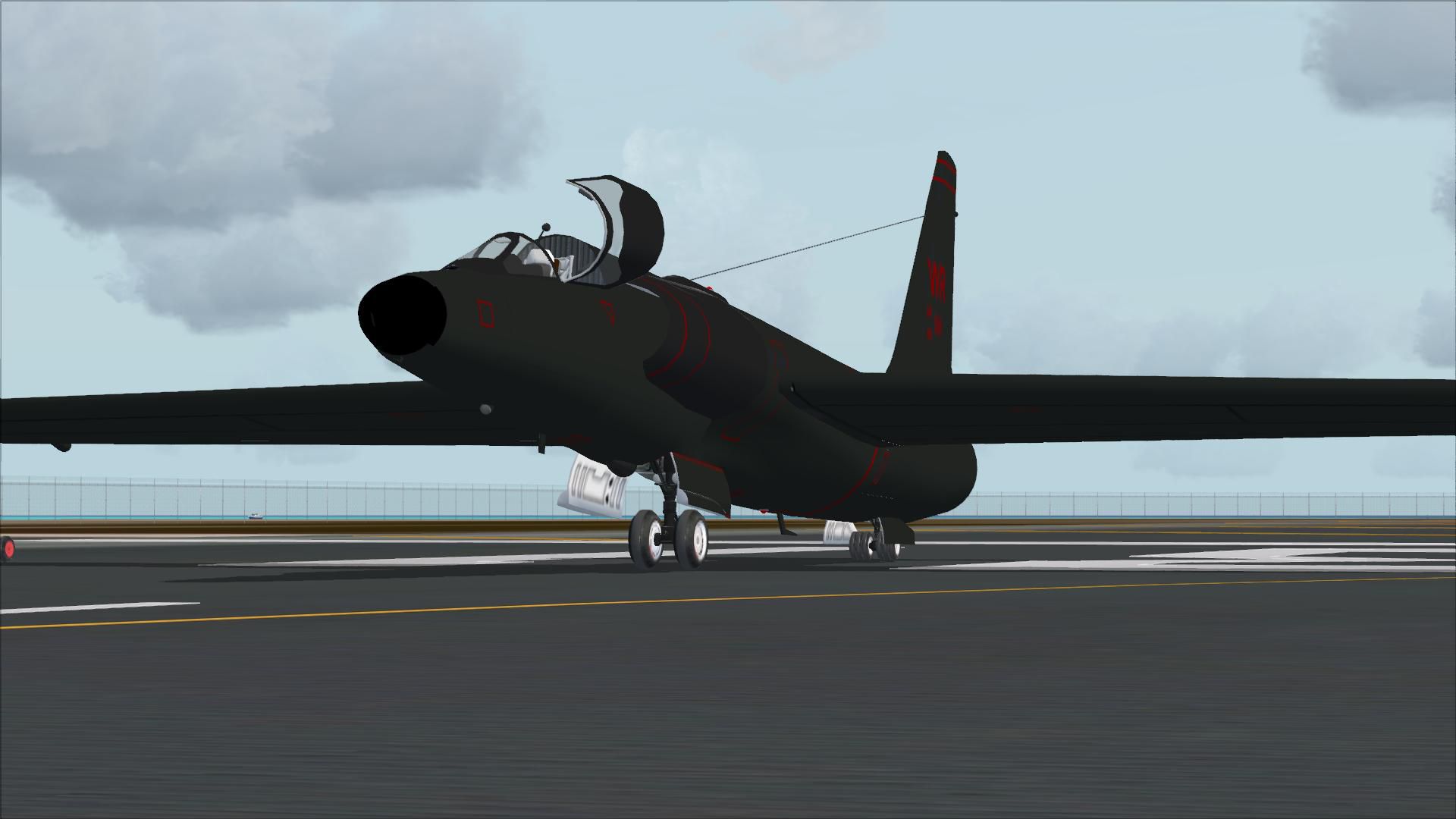
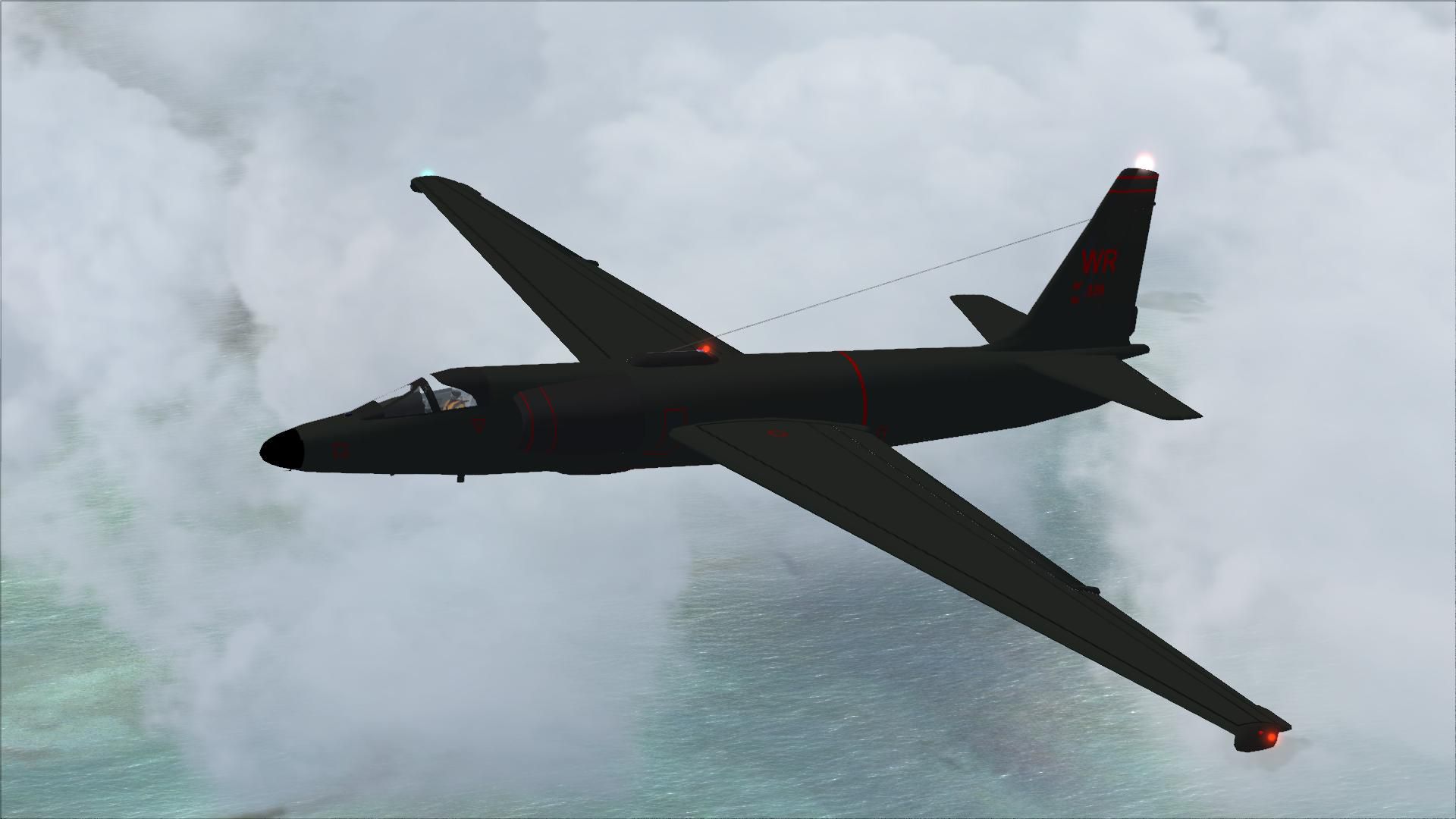
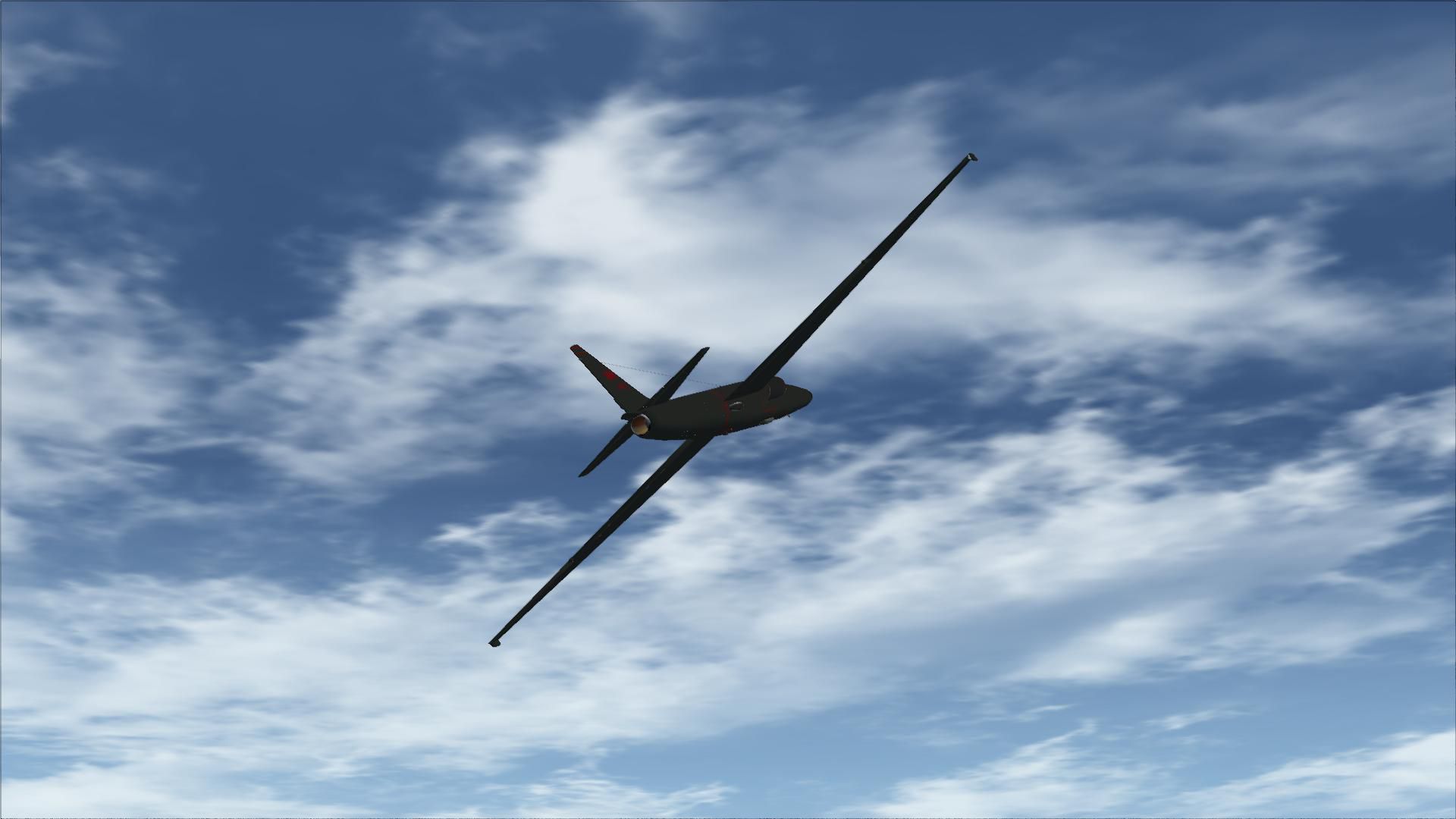
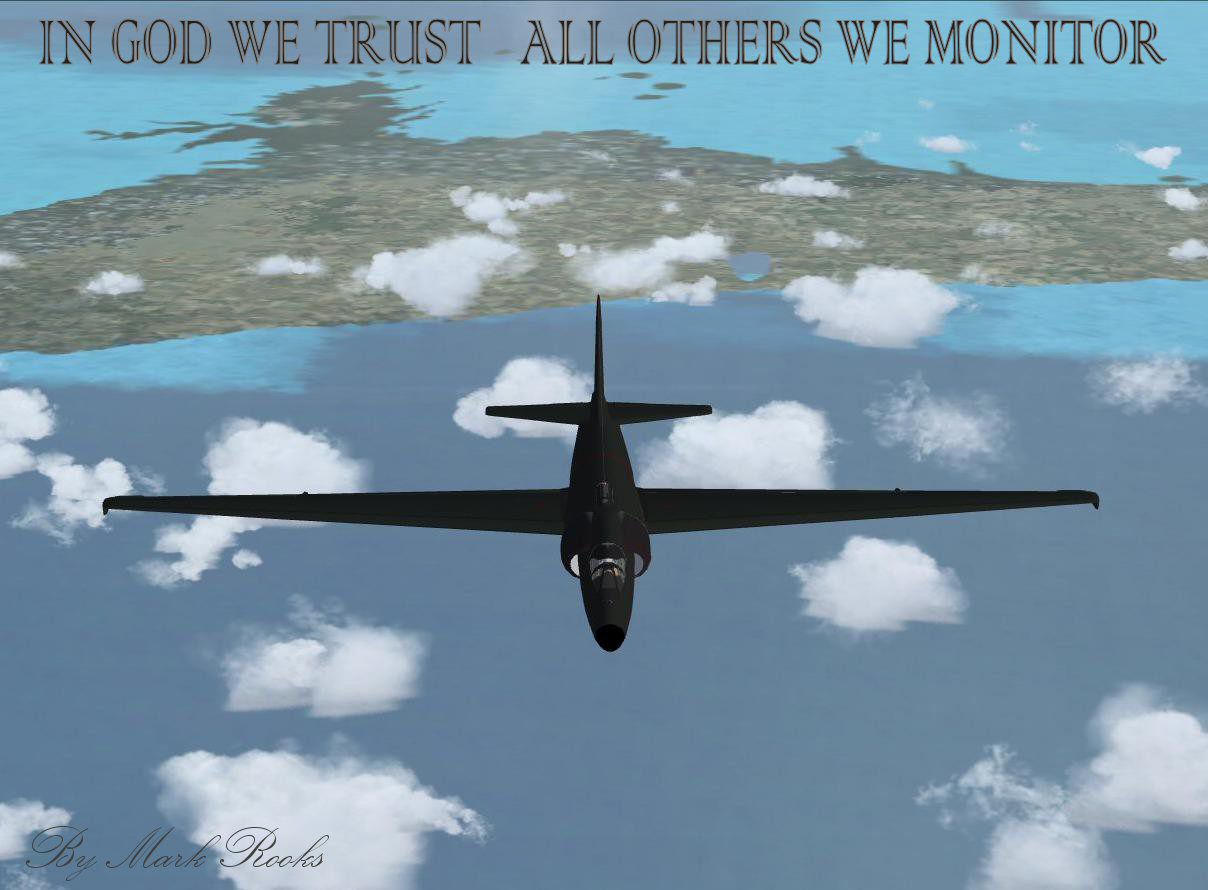
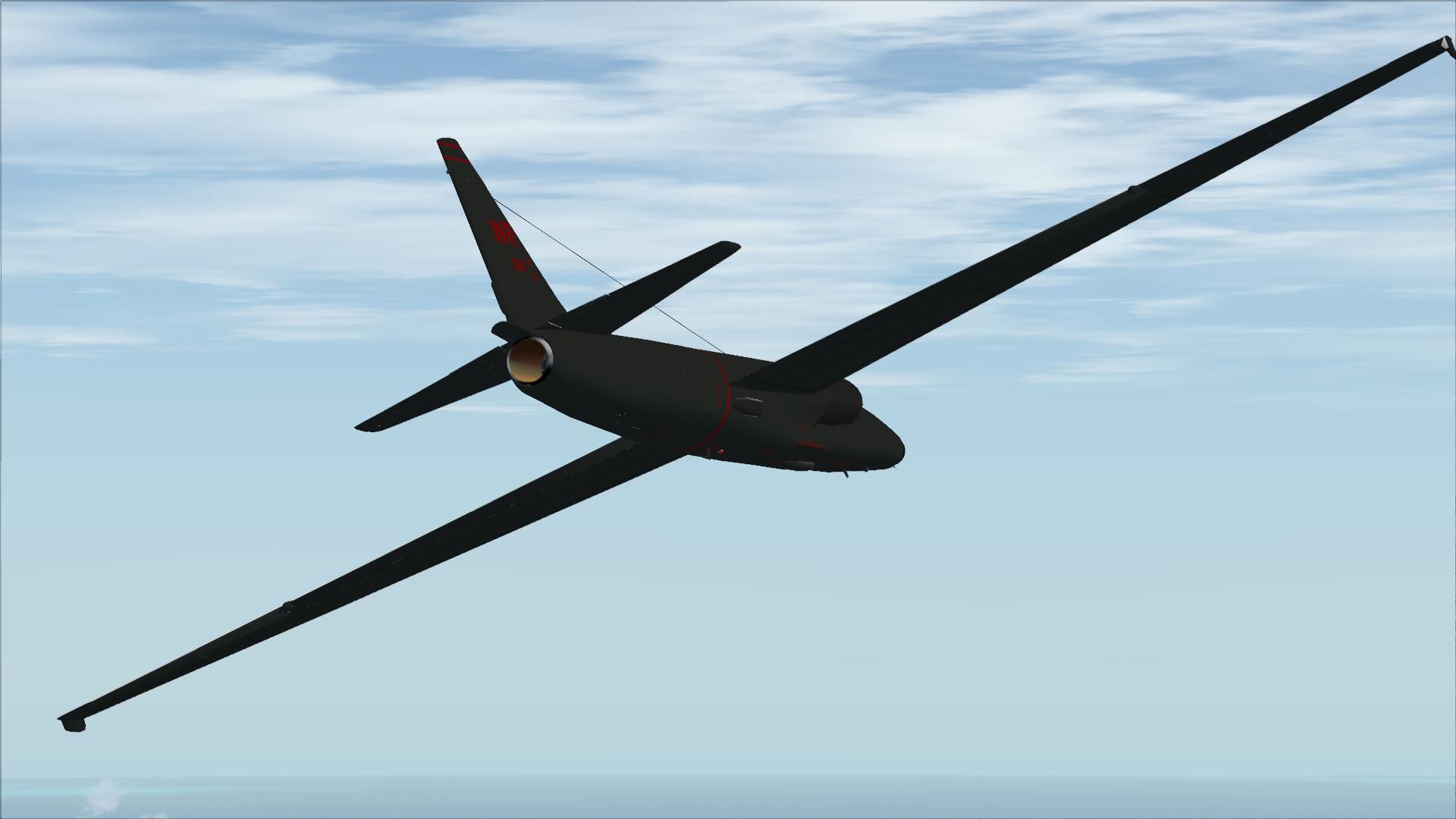
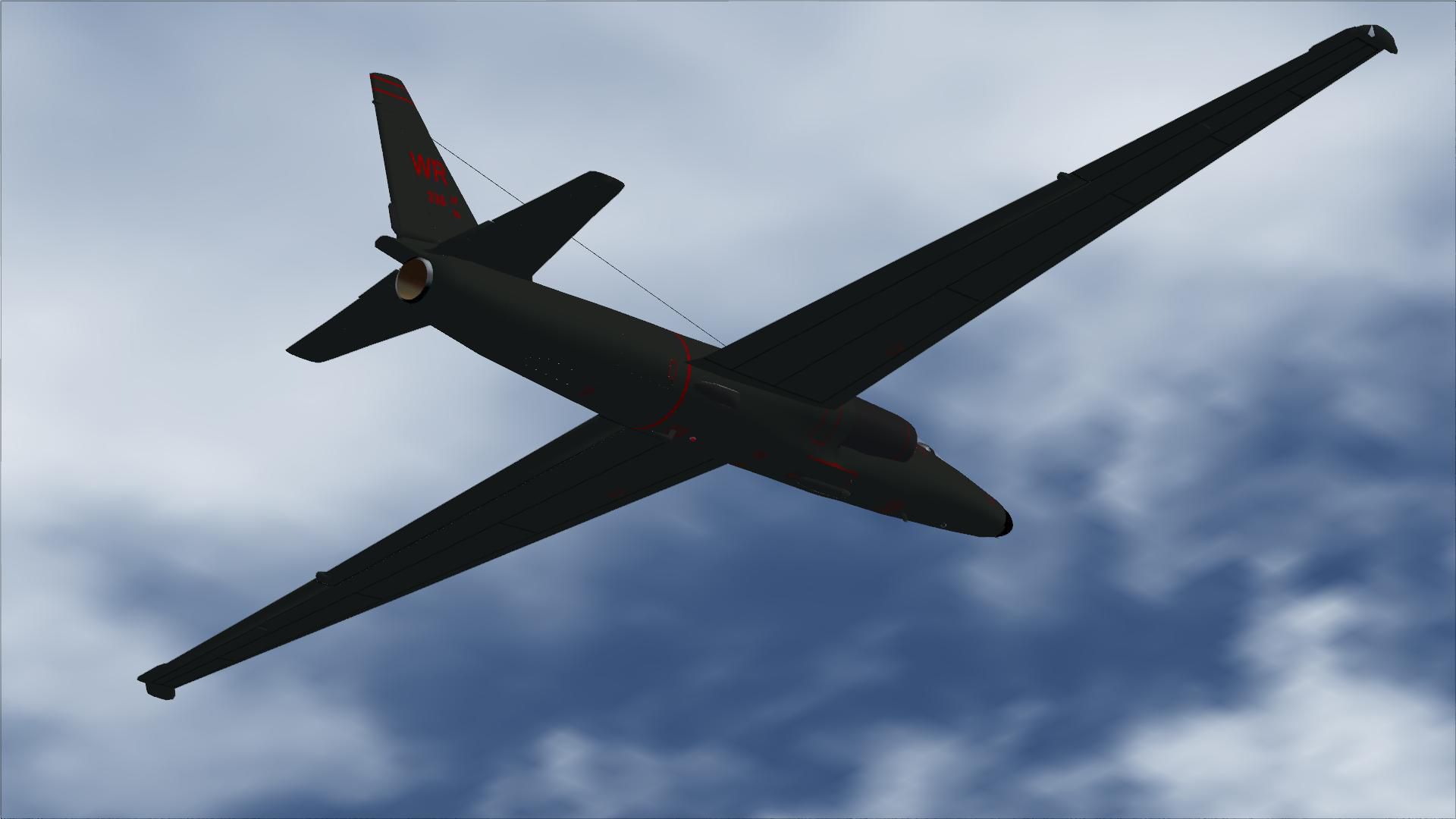
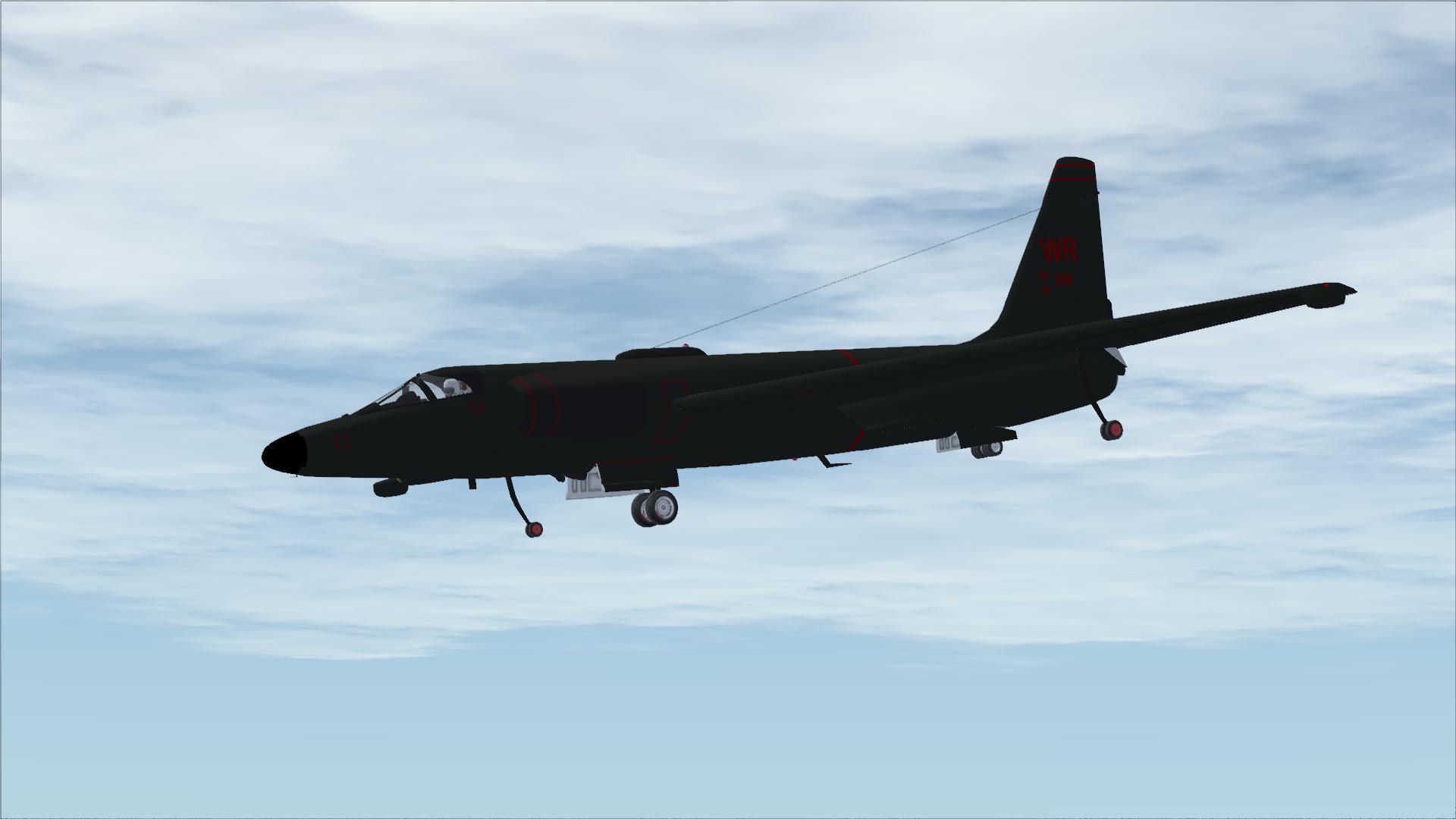
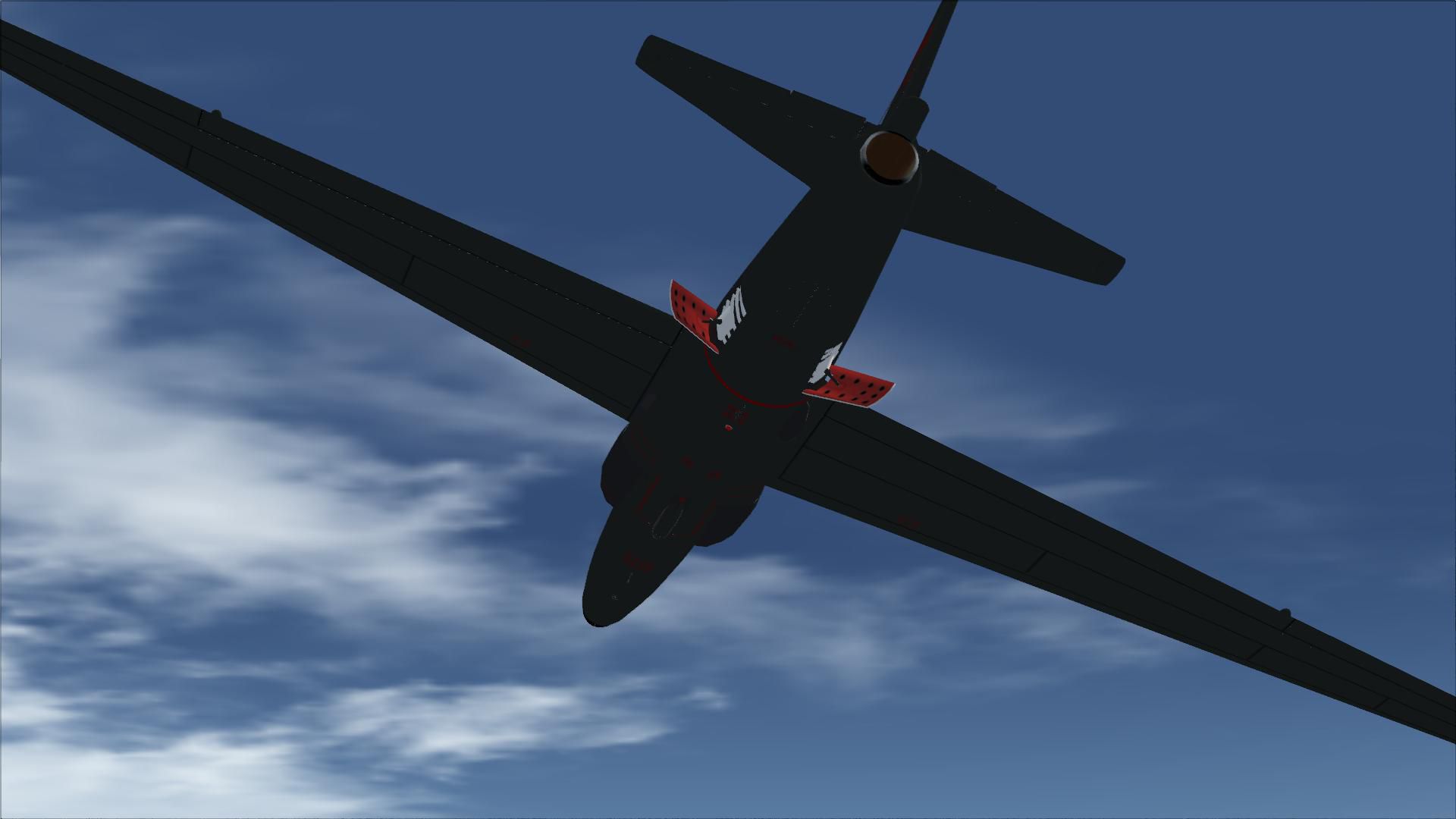
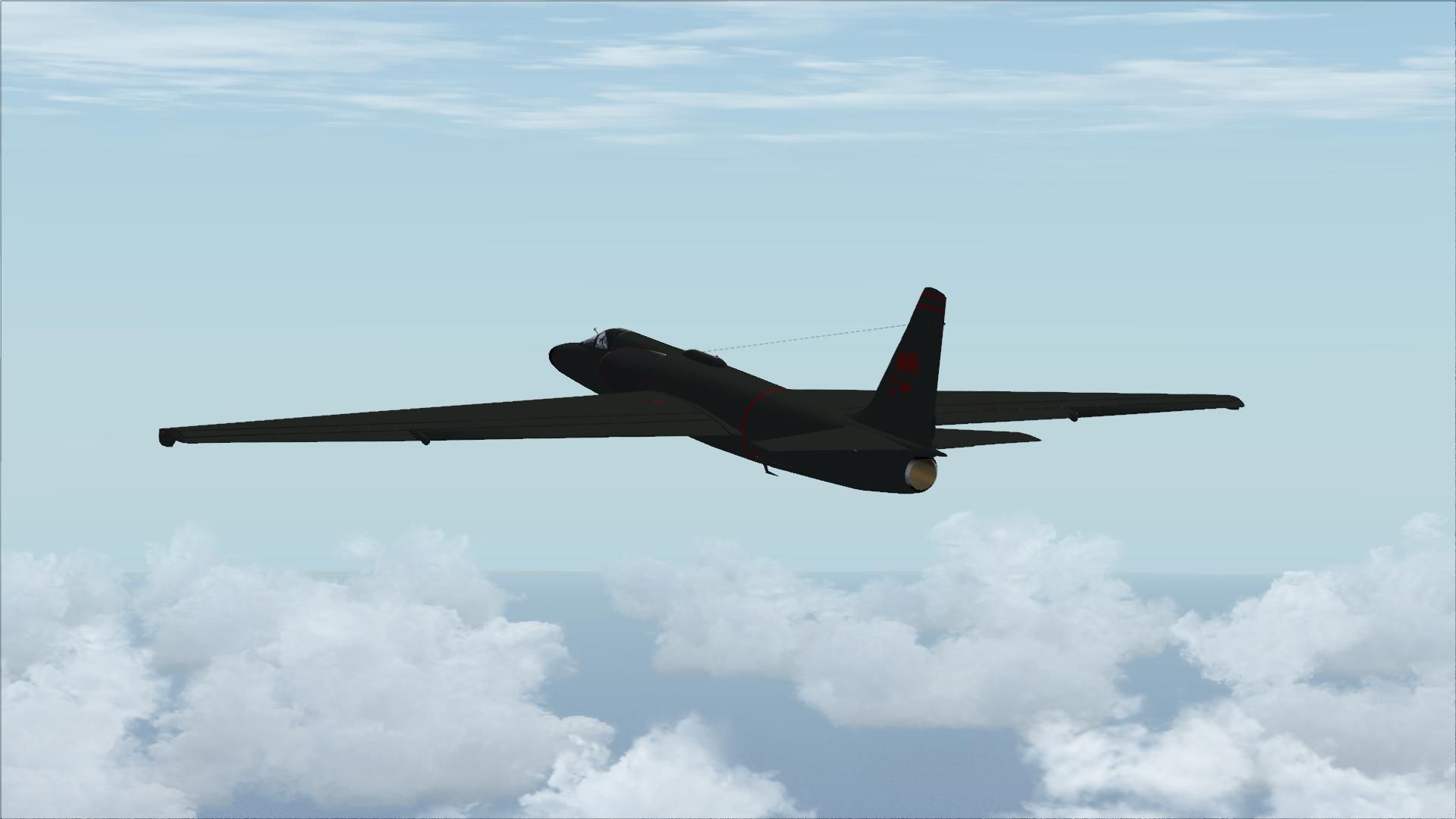
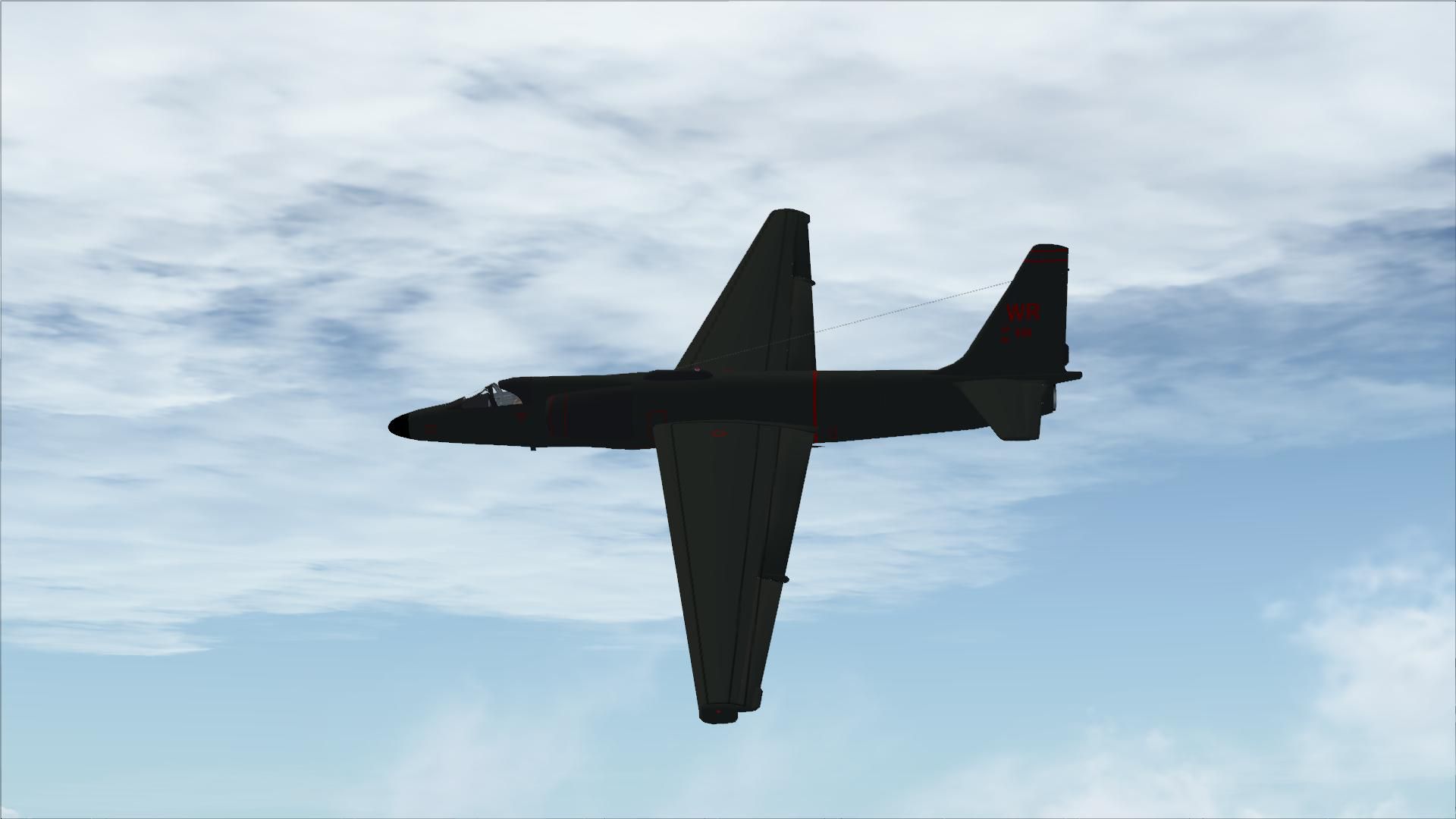
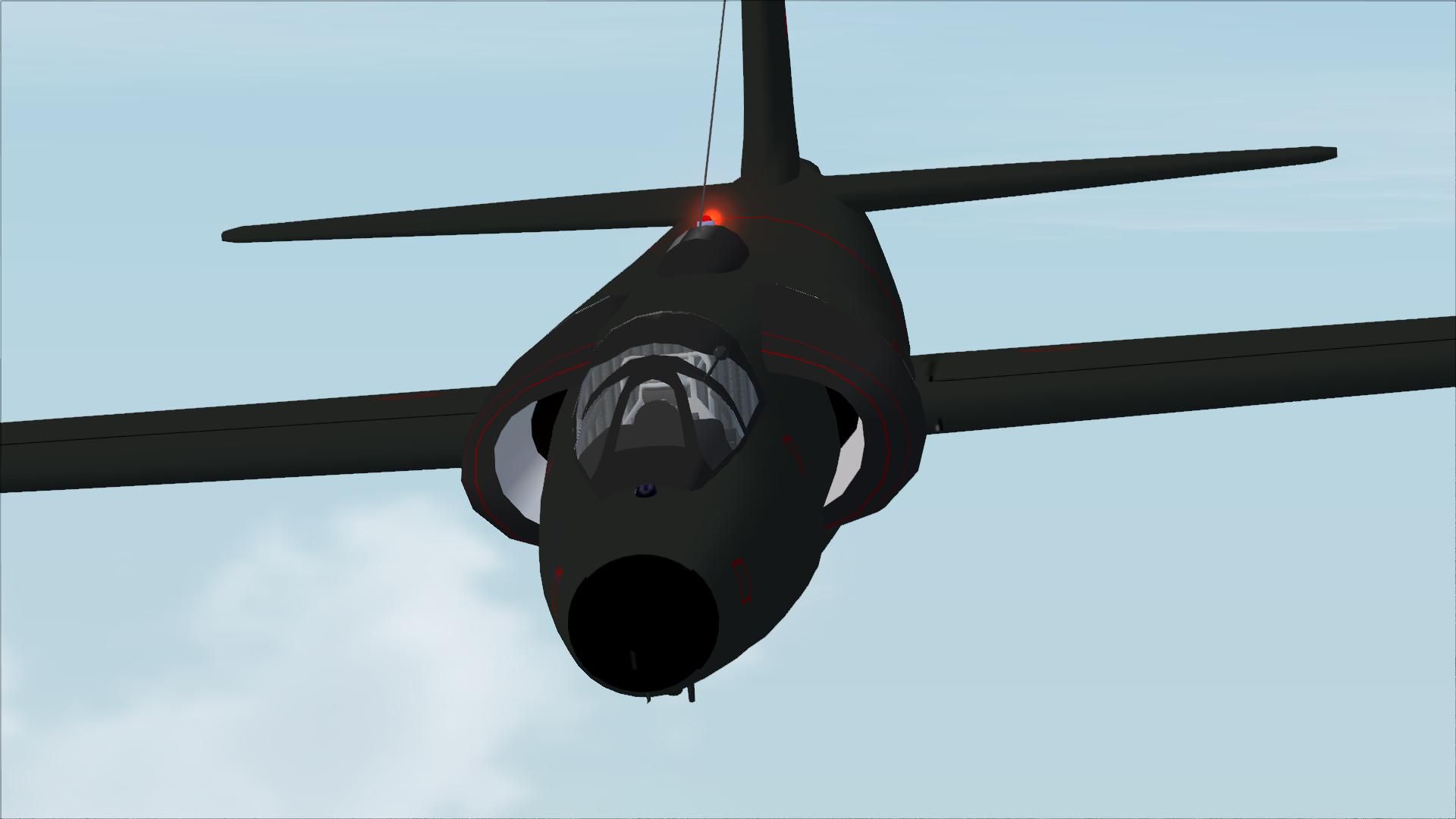
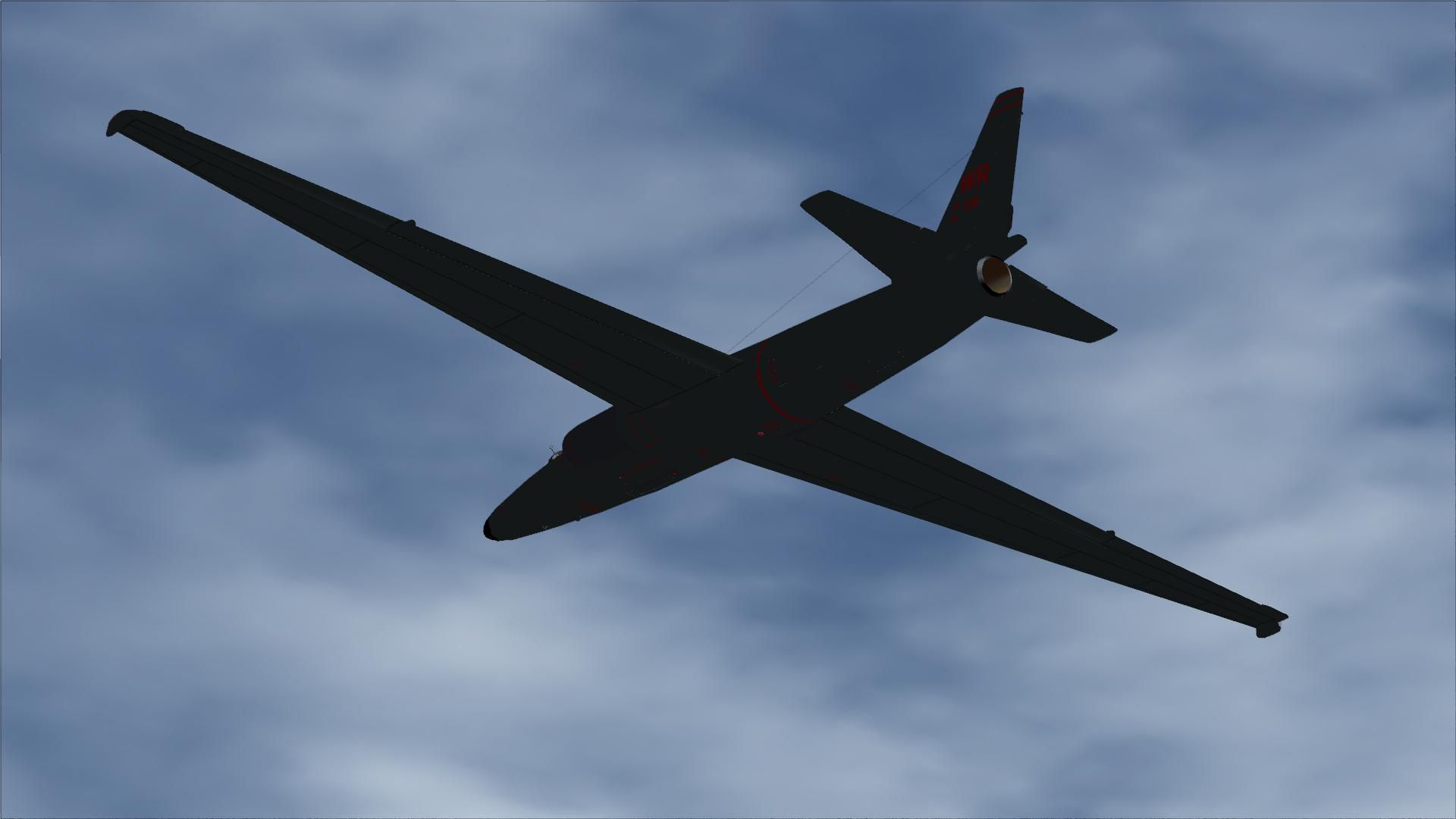
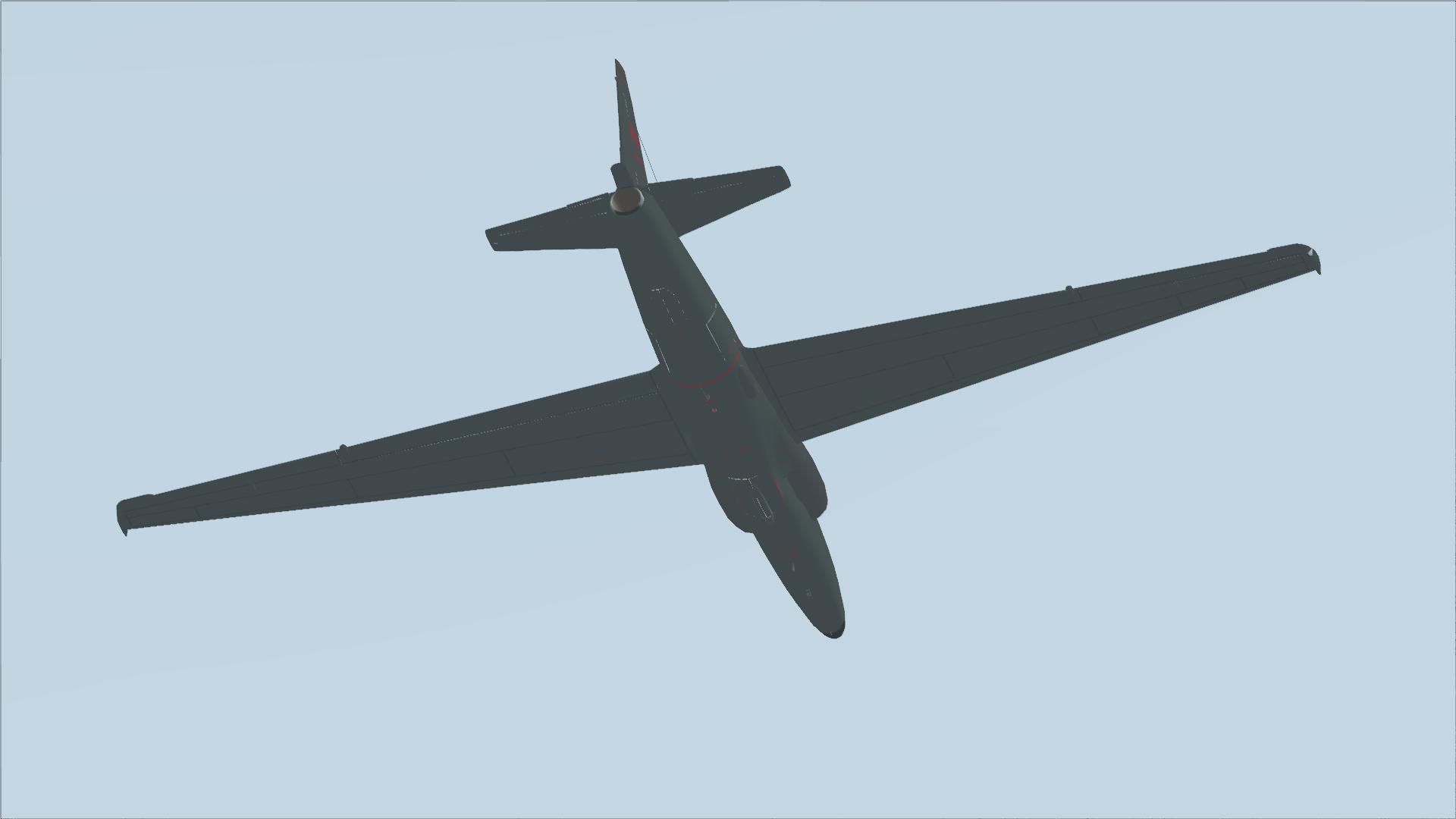
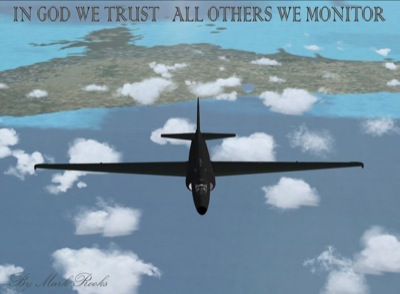
Lockheed’s U-2 Dragonlady brings high-altitude surveillance flying to Microsoft Flight Simulator X with a carefully updated classic by Kazunori Ito, complemented by revised flight dynamics and refreshed textures. The package captures the aircraft’s Skunk Works heritage and long-span handling while delivering a detailed virtual cockpit and authentic military presentation.
 Rate
Rate
Free for all simmers · 16.48 MB · Scanned clean Oct 2026
Download speed: Free tier is capped at 0.5 Mbps (this file takes approximately 5 mins at the cap). PRO members download at full line speed.
SimObjects\Airplanes\, Addon Scenery\, Effects\, or Gauges\.readme.txt or README file. It tells you exactly where files go, what dependencies are needed, and any quirks specific to this add-on.The archive kju2dl.zip has 31 files and directories contained within it.
This list displays the first 500 files in the package. If the package has more, you will need to download it to view them.
| Filename/Directory | File Date | File Size |
|---|---|---|
| Gauges.zip | 02.11.09 | 708.89 kB |
| Read Me First.txt | 02.11.09 | 3.40 kB |
| Reg. Text.txt | 02.11.09 | 671 B |
| Thumbs.db | 02.11.09 | 8.50 kB |
| U-2 Dragonlady Screen.JPG | 02.11.09 | 114.25 kB |
| U-2 Dragonlady.zip | 02.12.09 | 5.71 MB |
| U-2 Pictures and History.zip | 02.11.09 | 7.78 MB |
| flyawaysimulation.txt | 10.29.13 | 959 B |
| Go to Fly Away Simulation.url | 01.22.16 | 52 B |
| Screenshots | 10.17.19 | 0 B |
| screen-1.jpg | 10.02.19 | 81.68 kB |
| screen-10.jpg | 10.02.19 | 93.07 kB |
| screen-11.jpg | 10.02.19 | 58.46 kB |
| screen-12.jpg | 10.02.19 | 276.25 kB |
| screen-13.jpg | 10.02.19 | 82.37 kB |
| screen-14.jpg | 10.02.19 | 215.03 kB |
| screen-15.jpg | 10.02.19 | 83.72 kB |
| screen-16.jpg | 10.02.19 | 124.94 kB |
| screen-17.jpg | 10.02.19 | 118.55 kB |
| screen-18.jpg | 10.02.19 | 122.93 kB |
| screen-19.jpg | 10.02.19 | 125.89 kB |
| screen-2.jpg | 10.02.19 | 104.90 kB |
| screen-20.jpg | 10.02.19 | 139.43 kB |
| screen-21.jpg | 10.02.19 | 129.13 kB |
| screen-3.jpg | 10.02.19 | 190.17 kB |
| screen-4.jpg | 10.02.19 | 75.84 kB |
| screen-5.jpg | 10.02.19 | 112.04 kB |
| screen-6.jpg | 10.02.19 | 82.25 kB |
| screen-7.jpg | 10.02.19 | 75.30 kB |
| screen-8.jpg | 10.02.19 | 85.89 kB |
| screen-9.jpg | 10.02.19 | 128.55 kB |
Only PRO members can place votes.
More FSX & P3D add-ons hand-picked based on this download.
FSX Military Aircraft
The F35 Lightning II is a fifth-generation, single-seat, single-engine stealt…
 FSX Military Aircraft
A pack containing three different Lockheed SR-71 add-ons from three different…
 FSX Military Aircraft
Complete aircraft with panel including working radar shows vAI traffic, panel…
 FSX Military Aircraft
Lockheed Martin C-130J-30. The C-130J is the newest version of the Hercules a…
 FSX Military Aircraft
A modified version of Craig Richardson's F117 Nighthawk in a low luster stea…
 FSX Military Aircraft
FSX Lockheed Martin F-16 Fighting Falcon (Viper). This is Kirk Olsson's VIPER…
 FSX Military Aircraft
A fully-featured Lockheed P-3C Orion package for Microsoft Flight Simulator X…
 FSX Military Aircraft
The Kazunori Ito C5 package updated for FSX. Includes panel by Philippe Walla…
Read what other simmers think, or add your own.

Installed easily. Flies well. Apparently, it can't reach its ceiling and the autopilot is either broken or used in a way that isn't like any other FSX aircraft I have seen.

Good aircraft but it is supposed to climb until 70,000 ft but in FSX it was impossible.

Great aircraft would have loved to see a virtual cockpit besides that I see no issues with it at all.

For cam. view just go to exterior view then hit A a few times then you will get the straight down view with the + sign to take pictures ;)

I LIKE it! Easy to download, and easy to fly. For the camera view, I went from VC, with either the F10 for a naked outside view, or F12 for the cross hair down view with zoom (+/_). It satisfied me for now. Would like to see some real camera views though in the future.

What a great aircraft, smooth ride with a great view in high altitudes. Flight deck could use a bit more tweaking though.
