

 FSX Civil Aircraft
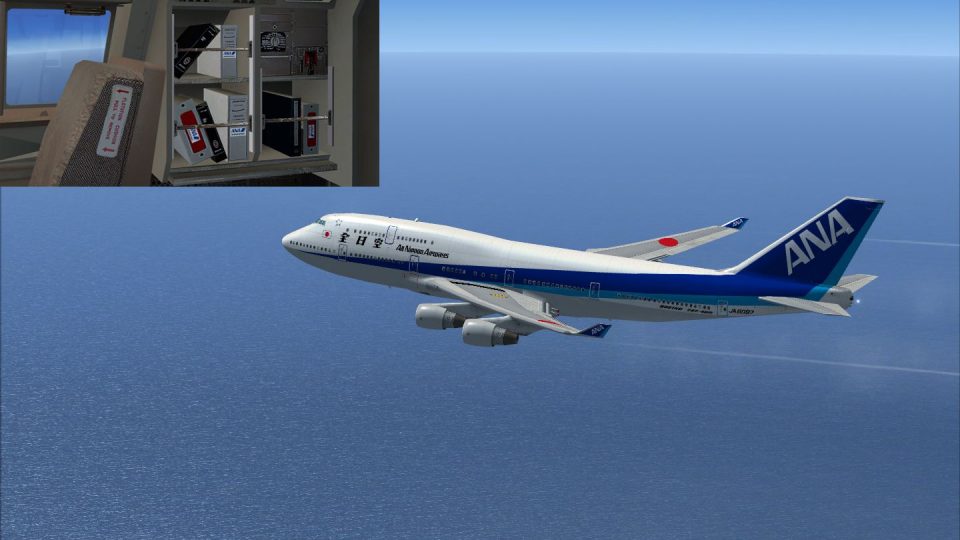
ANA Boeing 747-400 (new colors)
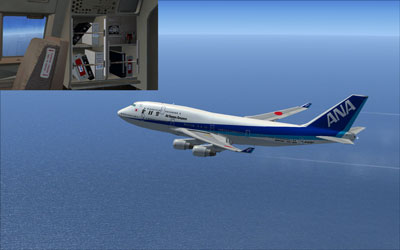
This repaint offers a carefully crafted All Nippon Airways livery for the def…
All Nippon Airways’ classic “old colors” returns on the Boeing 747-400 with crisp, period-correct titles and tail branding for Microsoft Flight Simulator X, ideal for retro long-haul and regional schedules. The repaint preserves default panel mapping and sharp surface detail, and requires the stock FSX 747-400 model.
 Rate
Rate
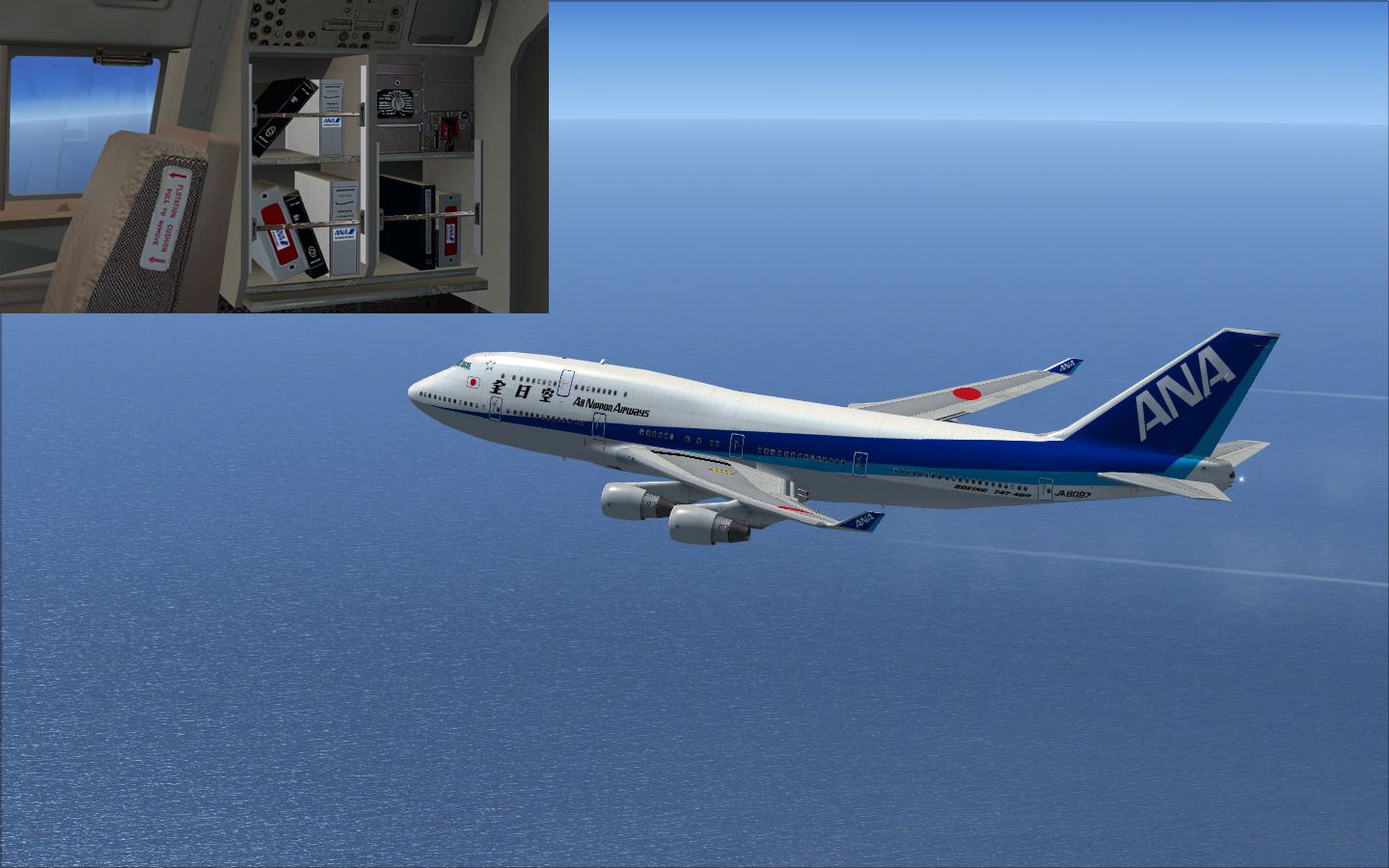
This repaint set offers an authentic old-color rendition of All Nippon Airways (ANA) for the Boeing 747-400 in Microsoft Flight Simulator X. It is designed by Yosuke as a free add-on and will appeal to enthusiasts seeking a nostalgic livery from one of the largest Japanese carriers. Please remember that this package modifies only textures and requires the standard 747-400 model included in the simulator’s default installation. Though the repaint has been tested carefully, it is supplied without responsibility for any unforeseen impact on hardware or software.
The classic ANA paint scheme featured here recalls an era when the Boeing 747—often referred to by pilots as the “Queen of the Skies”—served robust passenger operations across Asia and beyond. The old-style branding on the fuselage and tail reflects a distinctive palette once synonymous with Japanese commercial aviation. Because ANA operated various 747 variants over several decades, this throwback design offers both realism and immersion. Use it for virtual flights showcasing the airline’s earlier corporate identity.
This skin applies directly to the standard Boeing 747-400 that ships with FSX. By integrating revised markings and surface details, it captures historical authenticity. The repaint also retains high-resolution clarity while retaining the simulator’s default mapping, helping to ensure smooth alignment across panels and fuselage sections.
B747_400 directory.This add-on is entirely freeware. To complete the installation, you will need the base model, which is available in the Fly Away Simulation library under freeware offerings.
Yosuke has crafted this ANA 747-400 repaint to share a faithful representation of a classic era. Although diligent care was taken, neither the creator nor any hosting platform can assume responsibility for rare instances of instability or hardware conflicts. The file is provided “as is,” so always proceed with standard caution and back up essential simulator files before installing any external modifications.
Free for all simmers · 3.01 MB · Scanned clean Oct 2026
Download speed: Free tier is capped at 0.5 Mbps. PRO members download at full line speed.
texture.{airline}) inside FSX\SimObjects\Airplanes\{base-aircraft}\.aircraft.cfg in Notepad. Add a new [fltsim.X] section per the readme.readme.txt or README file. It tells you exactly where files go, what dependencies are needed, and any quirks specific to this add-on.The archive anaold.zip has 14 files and directories contained within it.
This list displays the first 500 files in the package. If the package has more, you will need to download it to view them.
| Filename/Directory | File Date | File Size |
|---|---|---|
| B747_1_T.dds | 12.22.08 | 1.00 MB |
| B747_1_T_Specular.dds | 07.07.08 | 1.33 MB |
| B747_2_T.dds | 12.22.08 | 1.00 MB |
| B747_400_4_C.dds | 12.22.08 | 1.00 MB |
| Fresnel_Ramp.dds | 07.07.08 | 640 B |
| Fresnel_Ramp_1.dds | 07.07.08 | 640 B |
| texture.cfg | 07.07.08 | 137 B |
| thumbnail.jpg | 12.14.08 | 27.34 kB |
| ìòæ╤é╚é╡ü@B747_2_T.dds | 12.22.08 | 1.00 MB |
| ANA old.jpg | 05.23.09 | 729.41 kB |
| Readme Japanese.txt | 05.23.09 | 2.74 kB |
| Readme English.txt | 05.23.09 | 3.05 kB |
| flyawaysimulation.txt | 10.29.13 | 959 B |
| Go to Fly Away Simulation.url | 01.22.16 | 52 B |
Only PRO members can place votes.
More FSX & P3D add-ons hand-picked based on this download.
FSX Civil Aircraft
This repaint offers a carefully crafted All Nippon Airways livery for the def…
 FSX Civil Aircraft
This repaint for the default Boeing 747-400 in FSX showcases United Airlines’…
 FSX Civil Aircraft
FSX Northwest Airlines Boeing 747-400 (old colors). Textures only for the def…
 FSX Civil Aircraft
This livery is only for the payware PMDG B747-400X. Repaint by Mohsen. Screen…
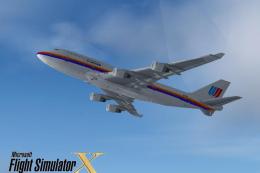 FSX Civil Aircraft
FSX United Airlines Boeing 747-400 (old colors). A repaint for the default B7…
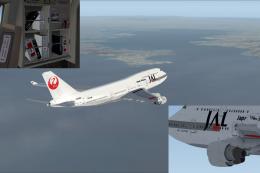 FSX Civil Aircraft
This repaint offers Japan Airlines’ classic livery for the default Boeing 747…
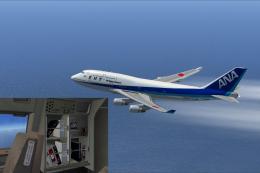 FSX Civil Aircraft
ANA Boeing 747-400 (Triton Blue first color). Textures only for the default B…
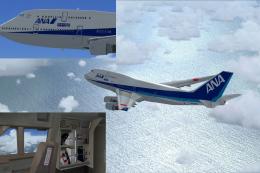 FSX Civil Aircraft
Experience a vibrant new look on the iconic Boeing 747-400 with this freshwat…
Be the first to leave a comment on this download.
Be the first to share your thoughts on this download.