
 FSX Civil Aircraft
JAL Boeing 747-400 (new colors)
This downloadable livery showcases the Japan Airlines “new color” scheme spec…
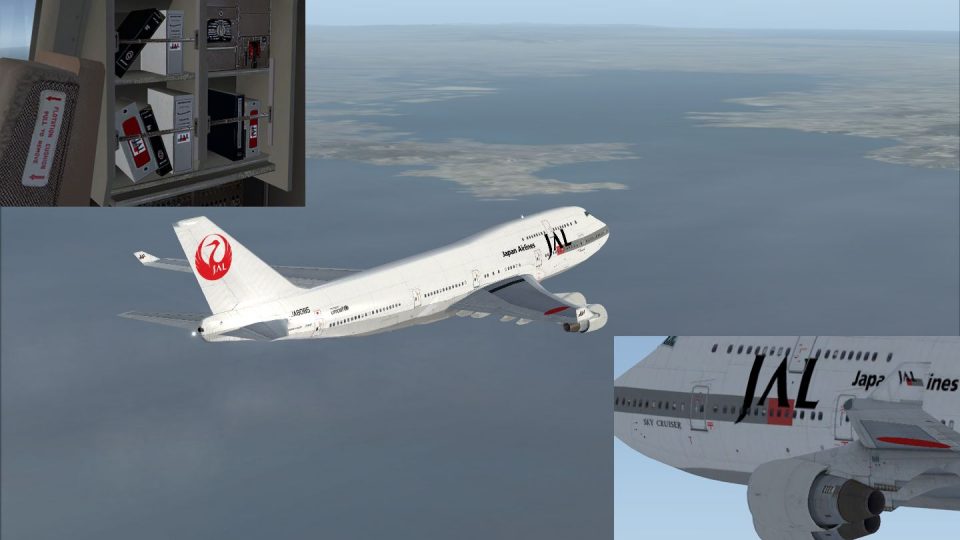
Japan Airlines’ classic “tsurumaru” crane livery returns on the default Boeing 747-400, recreating the airline’s understated stripes and bold titles from its earlier long-haul era. Built for Microsoft Flight Simulator X, the repaint matches period-accurate reds, grays, and markings and requires the freeware FSX stock 747-400 base aircraft.
 Rate
Rate
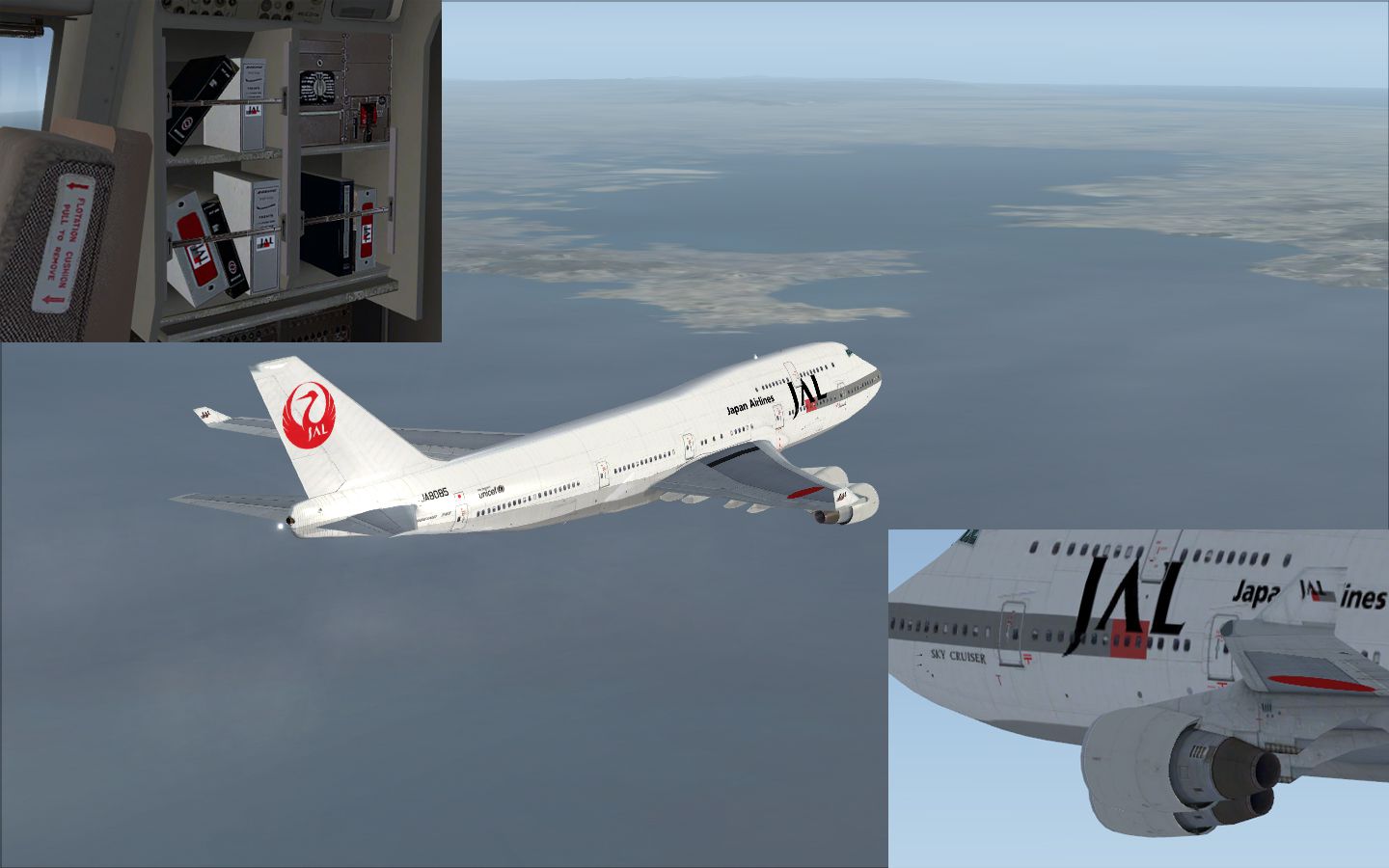
This repaint offers Japan Airlines’ classic livery for the default Boeing 747-400 in Microsoft Flight Simulator X. Created by Yosuke, it reflects the older paint scheme once prominently seen across JAL fleets. Users who wish to install and fly this repaint should own the freeware base model, which is the standard FSX 747-400 included with the simulator. The download is also freeware, preserving the spirit of community-driven modifications.
The Boeing 747-400 variant became an influential wide-body airliner that served numerous global routes for Japan Airlines. In earlier times, the JAL brand featured a stylized crane logo along the tail (the “tsurumaru”), which was a hallmark of the airline’s identity. Enthusiasts often refer to it as the “old color” because it differs from modern paint schemes primarily through understated fuselage stripes and bold text placements.
Download and extract the contents of this repaint package, then copy the texture folder to your default Boeing 747-400 directory in Microsoft Flight Simulator X. Update the “aircraft.cfg” file accordingly by adding the provided repaint entry. In case any adverse effects on hardware or simulator performance occur—though unlikely—be aware that all installations come with some degree of system variance. Proceed with caution and back up your files as standard practice.
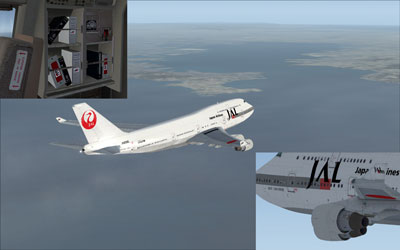
This repaint has been prepared by Yosuke, who dedicates it to flight simulator enthusiasts seeking nostalgic Japan Airlines liveries from an earlier era of aviation. Remember, this download only equips the textures. To ensure proper setup, locate the default 747-400 base files within your simulator installation or find the freeware model in the Fly Away Simulation library.
This mod remains entirely freeware and is intended for personal use. While every effort has been made to ensure stability, neither the creator nor associated parties can provide guarantees against potential impacts on computer performance or hardware configurations.
Free for all simmers · 2.85 MB · Scanned clean Nov 2026
Download speed: Free tier is capped at 0.5 Mbps. PRO members download at full line speed.
texture.{airline}) inside FSX\SimObjects\Airplanes\{base-aircraft}\.aircraft.cfg in Notepad. Add a new [fltsim.X] section per the readme.readme.txt or README file. It tells you exactly where files go, what dependencies are needed, and any quirks specific to this add-on.The archive jalold.zip has 14 files and directories contained within it.
This list displays the first 500 files in the package. If the package has more, you will need to download it to view them.
| Filename/Directory | File Date | File Size |
|---|---|---|
| B747_1_T.dds | 12.22.08 | 1.00 MB |
| B747_1_T_Specular.dds | 05.17.08 | 1.33 MB |
| B747_2_T.dds | 12.22.08 | 1.00 MB |
| B747_400_4_C.dds | 12.22.08 | 1.00 MB |
| Fresnel_Ramp.dds | 05.17.08 | 640 B |
| Fresnel_Ramp_1.dds | 05.17.08 | 640 B |
| texture.cfg | 05.17.08 | 137 B |
| thumbnail.jpg | 11.25.08 | 28.69 kB |
| ìòæ╤é╚é╡ B747_2_T.dds | 12.22.08 | 1.00 MB |
| Readme Japanese.txt | 02.06.09 | 2.69 kB |
| 2009-2-1_13-52-20-698.jpg | 02.01.09 | 522.98 kB |
| Readme English.txt | 05.07.09 | 3.04 kB |
| flyawaysimulation.txt | 10.29.13 | 959 B |
| Go to Fly Away Simulation.url | 01.22.16 | 52 B |
Only PRO members can place votes.
More FSX & P3D add-ons hand-picked based on this download.
FSX Civil Aircraft
This downloadable livery showcases the Japan Airlines “new color” scheme spec…
 FSX Civil Aircraft
This repaint for the default Boeing 747-400 in FSX showcases United Airlines’…
 FSX Civil Aircraft
FSX Northwest Airlines Boeing 747-400 (old colors). Textures only for the def…
 FSX Civil Aircraft
This livery is only for the payware PMDG B747-400X. Repaint by Mohsen. Screen…
 FSX Civil Aircraft
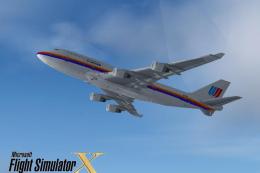
FSX United Airlines Boeing 747-400 (old colors). A repaint for the default B7…
 FSX Civil Aircraft
This repaint set offers an authentic old-color rendition of All Nippon Airway…
 FSX Civil Aircraft
This carefully crafted repaint for the default Boeing 747-400 in Microsoft Fl…
 FSX Civil Aircraft
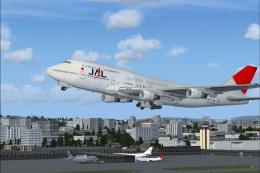
FSX JAL Boeing 747-400. A repaint of the default B747-400.
Be the first to leave a comment on this download.
Be the first to share your thoughts on this download.