

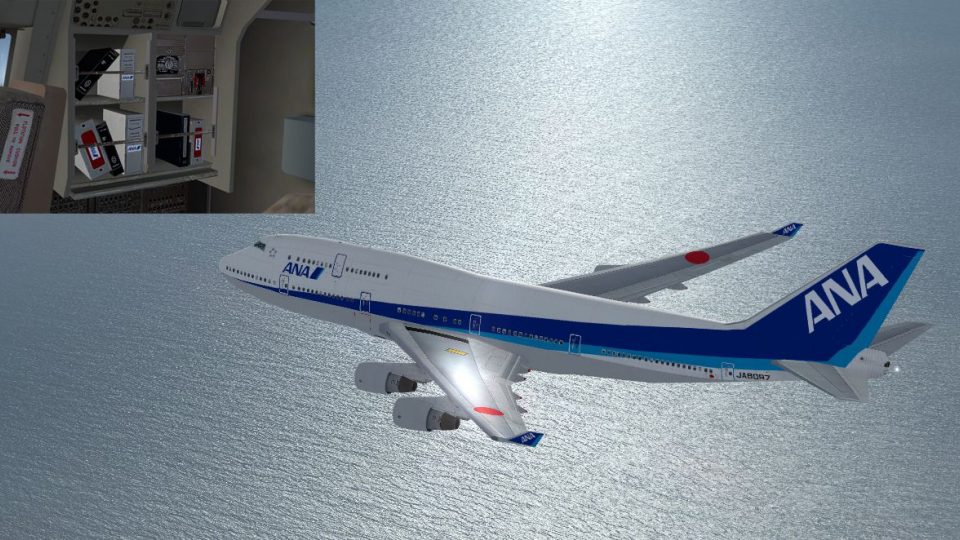
 FSX Civil Aircraft
ANA Boeing 747-400 (old colors)
This repaint set offers an authentic old-color rendition of All Nippon Airway…
All Nippon Airways’ new-color livery brings a crisp, modern look to the default Boeing 747-400 in Microsoft Flight Simulator X, with accurate logos, fuselage striping, and tail markings. Refined exterior texturing and subtle shading enhance the airframe from every angle; requires the stock 747-400 model.
 Rate
Rate
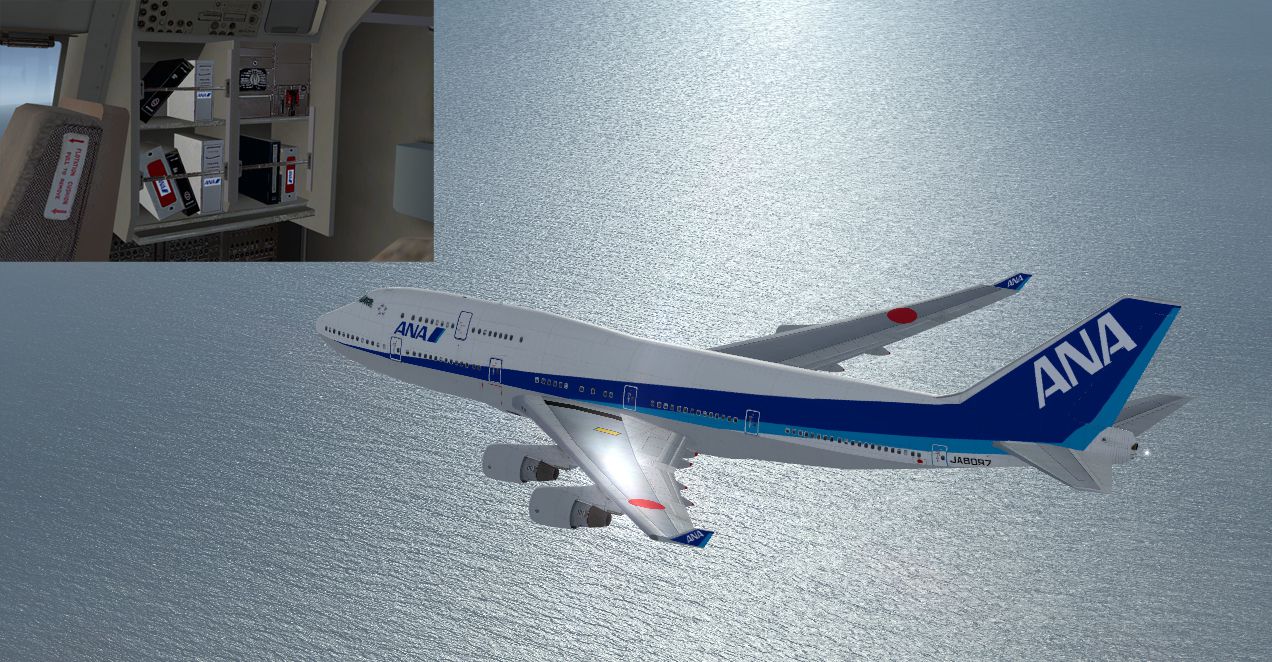

This repaint offers a carefully crafted All Nippon Airways livery for the default Boeing 747-400 in Microsoft Flight Simulator X, showcasing the airline’s newer color scheme with accurate markings and refined details. Users seeking a high-fidelity appearance on their long-haul virtual flights will appreciate the inclusion of both subtle texturing enhancements and an authentic representation of ANA’s latest branding. Created by Yosuke, this package is provided as freeware for enthusiasts who want to enliven their collection with a distinctively modern Japanese carrier repaint.
Within this release, the exterior textures have been updated to capture the nuanced palette of All Nippon Airways’ signature colors. The distinctive fuselage stripes and the standout tail ornamentation blend seamlessly into the Boeing 747-400’s airframe geometry, allowing simmers to appreciate the aircraft’s lines during flights. Special attention has been given to the transitions around the engine nacelles and wingtips, ensuring a cohesive look from any angle.
All Nippon Airways, frequently known as ANA, has historically operated the Boeing 747-400 on intercontinental routes, taking advantage of the aircraft’s spacious cabin and extensive range capabilities. The 747-400 variant offered improved aerodynamics and reduced operating costs compared to earlier 747 models. Its winglets notably contributed to fuel efficiency, extending the aircraft’s range and making it well-suited for connections between Asia, North America, and Europe.
This repaint is designed exclusively for the default Boeing 747-400 installed in Microsoft Flight Simulator X. Users must confirm their simulator setup is configured properly before proceeding with installation. The textures can be integrated into the existing FSX aircraft folder by following the included readme instructions. Keep in mind, this package does not include the base model, which remains available separately in the Fly Away Simulation mod library.
Although the repaint has been tested to ensure reliable performance, please be aware that installation issues can occasionally arise from unique hardware configurations or unforeseen software conflicts. Neither the author nor the hosting source can take responsibility for potential technical glitches that might occur on individual systems.
Furthermore, this ANA repaint is freeware and should not be distributed in any commercial setting without explicit permission. Yosuke, the developer of this modification, retains all rights to the paintwork, images, and any accompanying files in the package. Users are encouraged to enjoy this livery responsibly as part of their collection.
Free for all simmers · 3.14 MB · Scanned clean Oct 2026
Download speed: Free tier is capped at 0.5 Mbps. PRO members download at full line speed.
texture.{airline}) inside FSX\SimObjects\Airplanes\{base-aircraft}\.aircraft.cfg in Notepad. Add a new [fltsim.X] section per the readme.readme.txt or README file. It tells you exactly where files go, what dependencies are needed, and any quirks specific to this add-on.The archive ananew.zip has 15 files and directories contained within it.
This list displays the first 500 files in the package. If the package has more, you will need to download it to view them.
| Filename/Directory | File Date | File Size |
|---|---|---|
| B747_1_T.dds | 12.22.08 | 1.00 MB |
| B747_1_T_Specular.dds | 05.17.08 | 1.33 MB |
| B747_2_T.dds | 12.22.08 | 1.00 MB |
| B747_400_4_C.dds | 12.22.08 | 1.00 MB |
| Fresnel_Ramp.dds | 05.17.08 | 640 B |
| fresnel_ramp_1.dds | 05.17.08 | 640 B |
| texture.cfg | 05.17.08 | 137 B |
| thumbnail.jpg | 12.14.08 | 27.24 kB |
| Thumbs.db | 05.17.08 | 5.00 kB |
| ìòæ╤é╚é╡ü@B747_2_T.dds | 12.22.08 | 1.00 MB |
| ANA New.jpg | 03.01.09 | 843.17 kB |
| Readme Japanese.txt | 03.01.09 | 2.70 kB |
| Readme English.txt | 05.07.09 | 3.04 kB |
| flyawaysimulation.txt | 10.29.13 | 959 B |
| Go to Fly Away Simulation.url | 01.22.16 | 52 B |
Only PRO members can place votes.
More FSX & P3D add-ons hand-picked based on this download.
FSX Civil Aircraft
This repaint set offers an authentic old-color rendition of All Nippon Airway…
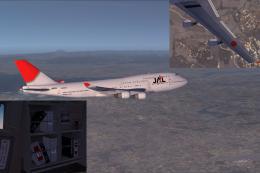 FSX Civil Aircraft
This downloadable livery showcases the Japan Airlines “new color” scheme spec…
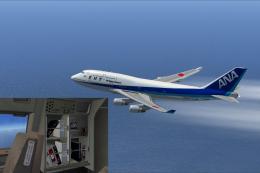 FSX Civil Aircraft
ANA Boeing 747-400 (Triton Blue first color). Textures only for the default B…
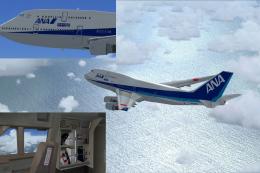 FSX Civil Aircraft
Experience a vibrant new look on the iconic Boeing 747-400 with this freshwat…
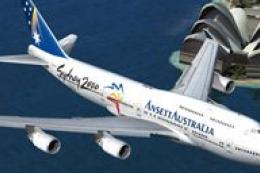 FSX Civil Aircraft
Textures only for the payware PMDG B747-400 model. Repaint by Johnny Lawrence…
 FSX Civil Aircraft
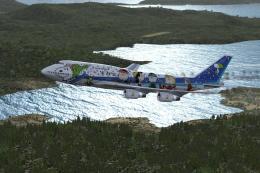
All Nippon Airways jumbo jet with a picture of Snoopy for the payware PMDG B7…
 FSX Civil Aircraft
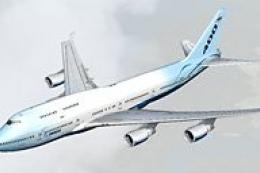
Sydney 2000 livery. Textures only for the payware PMDG B747-400 model. Repain…
 FSX Civil Aircraft
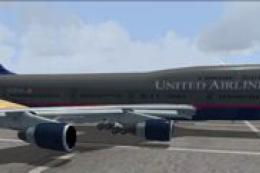
This repaint for the default Boeing 747-400 in FSX showcases United Airlines’…
Be the first to leave a comment on this download.
Be the first to share your thoughts on this download.