

 FSX Civil Aircraft
Airbus A330-200 In Airbus NEO Livery
Airbus NEO livery for the payware Blackbox Simulations A330 Prologue. This is…
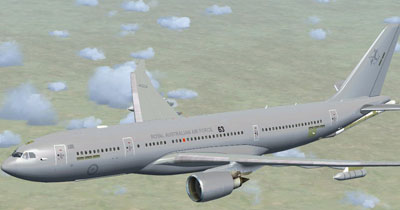
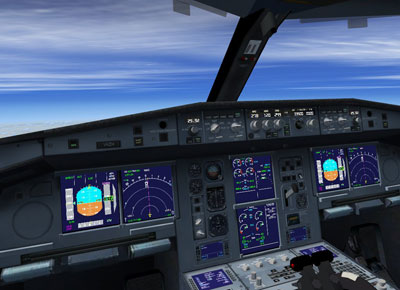
Airbus A330-200 MRTT brings the Royal Australian Air Force tanker/transport to FSX with detailed diffuse, bump, specular, and night lighting textures, plus a working virtual cockpit. It uses repainted default four-engine gauges and includes custom effects, and requires default Airbus A321 sound, panel, and texture files.
 Rate
Rate
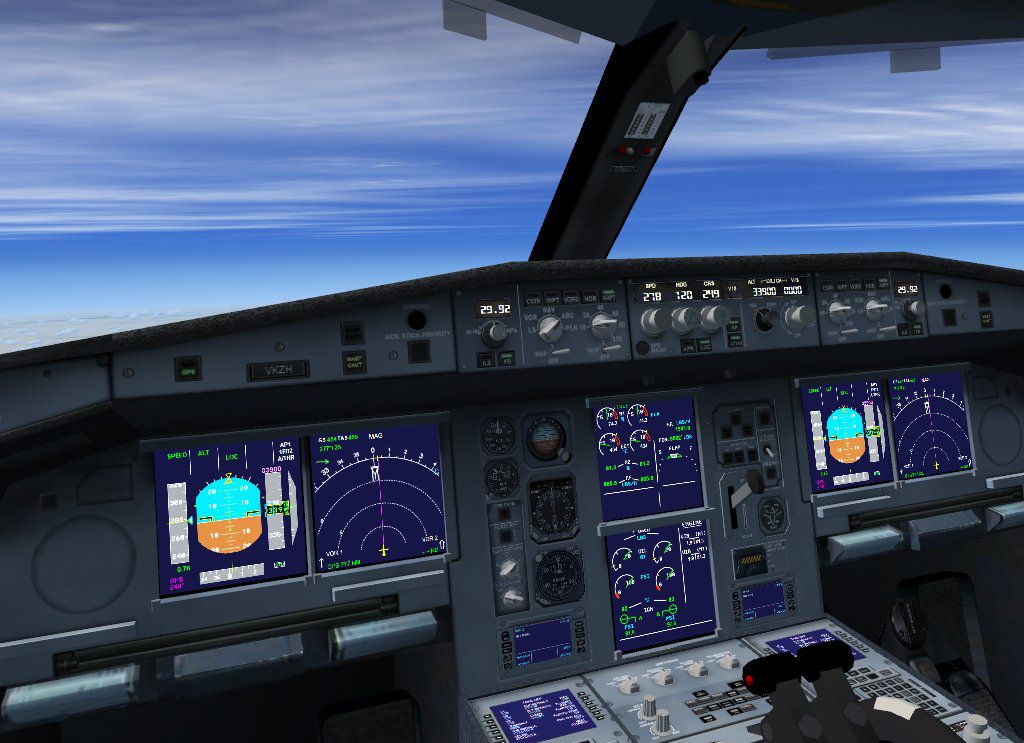

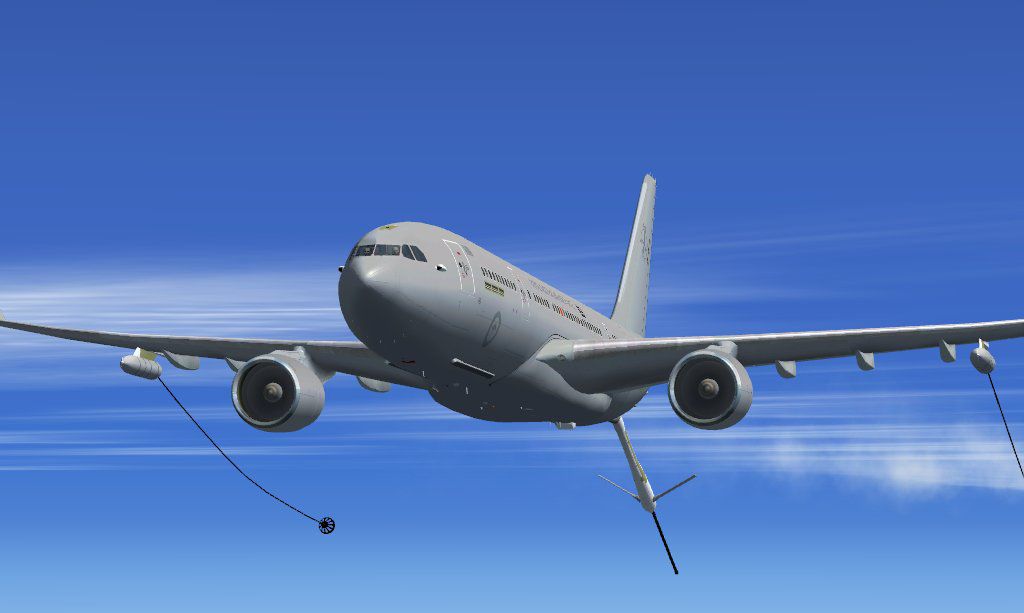
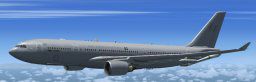
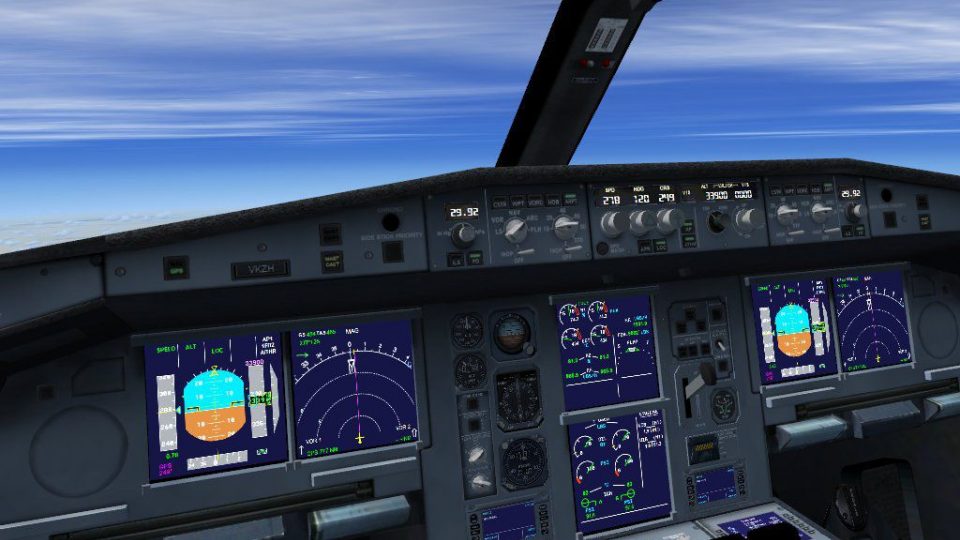
Airbus A330-200MRTT. Model with diffuse, bump spec and nightmap in RAAF livery. Comes with working virtual cockpit and repainted FSX default 4-engine gauges. Works with SP1 and SP2. Not tested with DX10. By Thomas Ruth.
1) unzip toma3mrt.zip folder to a suitable folder, your desktop for example.
2) copy the sound and sound.ai folders from your default FSX Airbus_A321 into the new Tom_330-mrtt folder.
3) copy the following files from your default FSX Airbus_A321/panel folder into the new Tom_330-mrtt/panel.330 folder:
airbus_a321_panel_background.bmp
airbus_a321_panel_background_night.bmp
Airbus_A321.cab
do not copy other files from this folder!
4) copy the following files from your default FSX Airbus_A321/texture folder into the new Tom_330-mrtt/texture.RAAF folder:
Airbus_A321_1_C.dds
Airbus_A321_2_C.dds
Airbus_A321_3_C.dds
Airbus_A321_4_C.dds
do not copy other files from this folder!
5) move the entire Tom_330-mrtt folder into your FSX aircraft folder.
6) Unzip all files from the lighteffects folder into your FSX/effects folder
THERES A STEP BY STEP INSTALATION MANUAL WITH PICTURES IN PDF FORMAT IN THE MANUAL SUBFOLDER. LOOK FOR MFP.PDF
Free for all simmers · 13.09 MB · Scanned clean Oct 2026
Download speed: Free tier is capped at 0.5 Mbps (this file takes approximately 4 mins at the cap). PRO members download at full line speed.
FSX\SimObjects\Airplanes\. The folder must contain an aircraft.cfg file. Effects go into FSX\Effects\; gauges go into FSX\Gauges\.readme.txt or README file. It tells you exactly where files go, what dependencies are needed, and any quirks specific to this add-on.The archive toma3mrt.zip has 58 files and directories contained within it.
This list displays the first 500 files in the package. If the package has more, you will need to download it to view them.
| Filename/Directory | File Date | File Size |
|---|---|---|
| aircraft.cfg | 05.19.09 | 22.76 kB |
| manual | 05.31.09 | 0 B |
| FCM.pdf | 05.15.09 | 2.77 MB |
| MFP.pdf | 05.22.09 | 1.51 MB |
| readme_multiplayer.txt | 05.21.09 | 365 B |
| model.MRTT | 05.31.09 | 0 B |
| model.cfg | 05.17.09 | 62 B |
| multiplayer | 05.31.09 | 0 B |
| TomA332_MRTT.mdl | 05.24.09 | 7.41 MB |
| TomA332_MRTT.mdl | 05.24.09 | 7.41 MB |
| TomA332MRTT_interior.MDL | 05.14.09 | 1.45 MB |
| panel.330 | 05.31.09 | 0 B |
| $A321_2.bmp | 02.20.09 | 768.05 kB |
| panel.cfg | 02.21.09 | 6.31 kB |
| texture.RAAF | 05.31.09 | 0 B |
| A321_1_L.dds | 02.21.09 | 1.00 MB |
| A321_2_L.dds | 02.21.09 | 256.12 kB |
| A330_VC01.dds | 05.14.09 | 1.00 MB |
| A330_VC01L.dds | 05.17.09 | 1.00 MB |
| Airbus_A321_1_L.dds | 02.19.09 | 1.00 MB |
| Airbus_A321_2_L.dds | 02.19.09 | 1.00 MB |
| Airbus_A321_3_L.dds | 02.19.09 | 4.12 kB |
| Airbus_A321_4_L.dds | 02.19.09 | 1.00 MB |
| glass.dds | 05.04.09 | 64.12 kB |
| glass_spec.dds | 11.24.08 | 4.12 kB |
| main.dds | 05.20.09 | 4.00 MB |
| main_bump.dds | 02.28.09 | 4.00 MB |
| main_light.dds | 05.14.09 | 1.00 MB |
| main_spec.dds | 05.04.09 | 64.12 kB |
| mrtt.dds | 05.12.09 | 256.12 kB |
| mrtt_bump.dds | 05.13.09 | 256.12 kB |
| mrtt_spec.dds | 05.13.09 | 4.12 kB |
| texture.cfg | 05.19.09 | 142 B |
| thumbnail.jpg | 05.12.09 | 4.99 kB |
| VCblend.dds | 02.09.09 | 1.12 kB |
| wing_bump.dds | 03.17.09 | 1.00 MB |
| wing_l.dds | 05.13.09 | 1.00 MB |
| wing_r.dds | 05.07.09 | 1.00 MB |
| wing_spec.dds | 05.05.09 | 64.12 kB |
| TomA332.air | 10.04.08 | 8.26 kB |
| copyright.txt | 03.25.09 | 732 B |
| install.txt | 05.19.09 | 966 B |
| mrtt01.jpg | 05.19.09 | 71.60 kB |
| mrtt02.jpg | 05.19.09 | 45.30 kB |
| readme_multiplayer.txt | 05.21.09 | 365 B |
| thanks.txt | 05.24.09 | 258 B |
| toma3mrt.gif | 05.19.09 | 9.04 kB |
| vc330.jpg | 05.19.09 | 125.76 kB |
| FILE_ID.DIZ | 05.31.09 | 235 B |
| fx_T332beacon.fx | 11.11.08 | 3.55 kB |
| fx_T332eng.fx | 11.17.08 | 1.21 kB |
| fx_T332land.fx | 11.11.08 | 1.22 kB |
| fx_T332land2.fx | 07.11.08 | 3.01 kB |
| fx_T332logo.fx | 11.11.08 | 1.21 kB |
| fx_T332wing.fx | 11.17.08 | 1.21 kB |
| install.txt | 04.01.09 | 57 B |
| flyawaysimulation.txt | 10.29.13 | 959 B |
| Go to Fly Away Simulation.url | 01.22.16 | 52 B |
Only PRO members can place votes.
More FSX & P3D add-ons hand-picked based on this download.
FSX Civil Aircraft
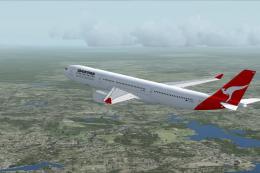
Airbus NEO livery for the payware Blackbox Simulations A330 Prologue. This is…
 FSX Civil Aircraft
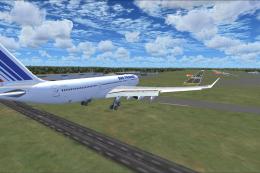
This freeware package introduces a faithful Airbus A330-300 simulation for Mi…
 FSX Civil Aircraft
This freeware Airbus A330-200 package offers an all-in-one solution for Micro…
 FSX Civil Aircraft
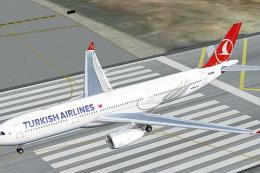
Turkish Airlines Airbus A330-200 GE (new colors). Model by CLS. Repaint by Se…
 FSX Civil Aircraft
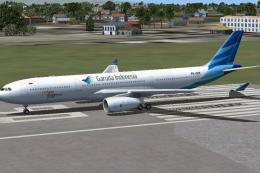
Garuda Indonesia Airbus A330-300. This is a repaint of Garuda Indonesia on th…
 FSX Civil Aircraft
FSX Thomas Cook Airbus A330. Model by Project Open Sky. By Mark Huges. Featur…
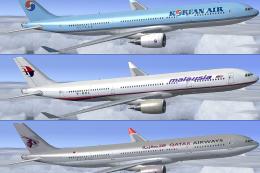 FSX Civil Aircraft
Lufthansa Airbus A330 demo version. The Airbus A330 is a twin-engined wide-bo…
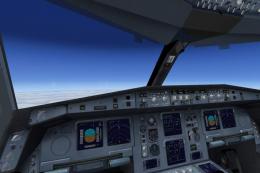 FSX Civil Aircraft
Includes RR, GE and PW engine versions for FSX only. FSX model with diffuse, …
Read what other simmers think, or add your own.

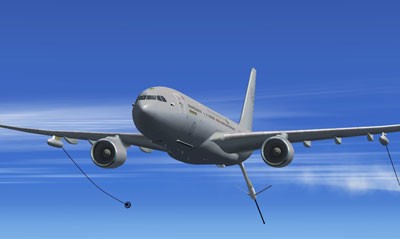
Nice tanker w/triple booms, but have to activate booms using the overhead panel in the virtual cockpit.
Anyone got any ideas to 'fix' this?
Never had any issues with the KC-135T that I did this with, but it only had one boom and it was deployed still while on the ground... The KC-46 has a tail boom that deploys as a tailhook and works in recording, but is only one boom :-