

 FSX Civil Aircraft
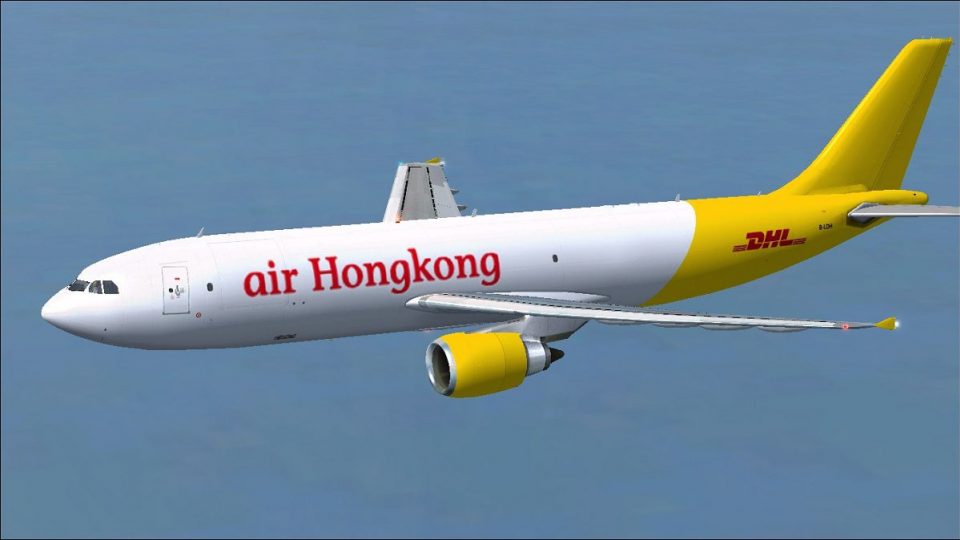
Air Hong Kong (DHL) Airbus A300F4-605R B-LDD
Textures only for the payware Overland A300 model. Repaint by Bonnie Belle Wi…
Air Hong Kong’s DHL-branded Airbus A300F4-605R cargo livery brings registration B-LDH to life with crisp yellow-and-white hybrid markings and authentic fleet character in Microsoft Flight Simulator X. Designed for Thomas Ruth’s freeware A300-600F, it refreshes the exterior textures for regional freight ops and requires TOM306F.ZIP.
 Rate
Rate
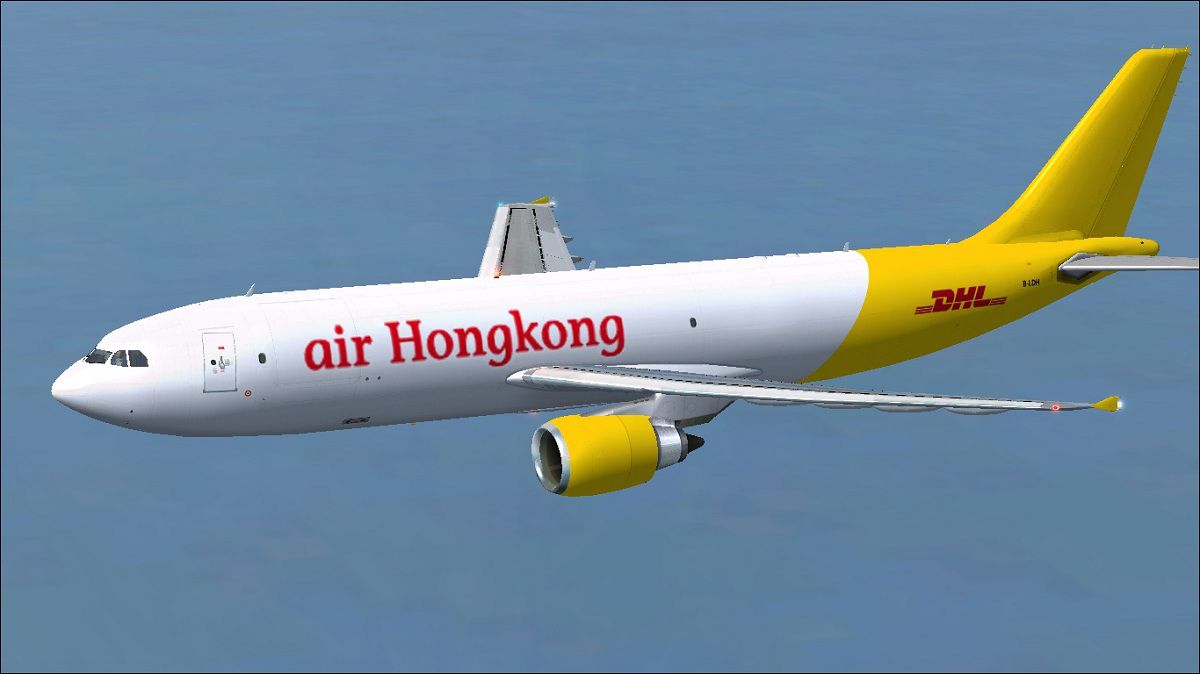
Presenting a detailed repaint of an Air Hong Kong (DHL) Airbus A300F4-605R for Microsoft Flight Simulator X, created by Paul Craig. These textures are designed for the freeware A300-600F model (TOM306F.ZIP) by Thomas Ruth and depict registration number B-LDH featuring construction number 871. This repaint highlights the distinctive yellow-and-white hybrid branding shared between Air Hong Kong and DHL. Please note that the base model is not included and is available separately in the Fly Away Simulation file library.
Air Hong Kong’s Fleet Heritage – Air Hong Kong operates as an all-cargo airline based in the Hong Kong Special Administrative Region. The carrier, in cooperation with DHL, focuses on regional freight routes throughout Asia, relying on the Airbus A300 platform for its robust cargo capacity.
A300F4-605R Architecture – The Airbus A300, known as one of the first twin-engine widebody aircraft, boasts impressive cargo volume and efficient wing aerodynamics. This specific variant (A300F4-605R) caters to dedicated freight operations with reinforced floor structure and upgraded avionics.
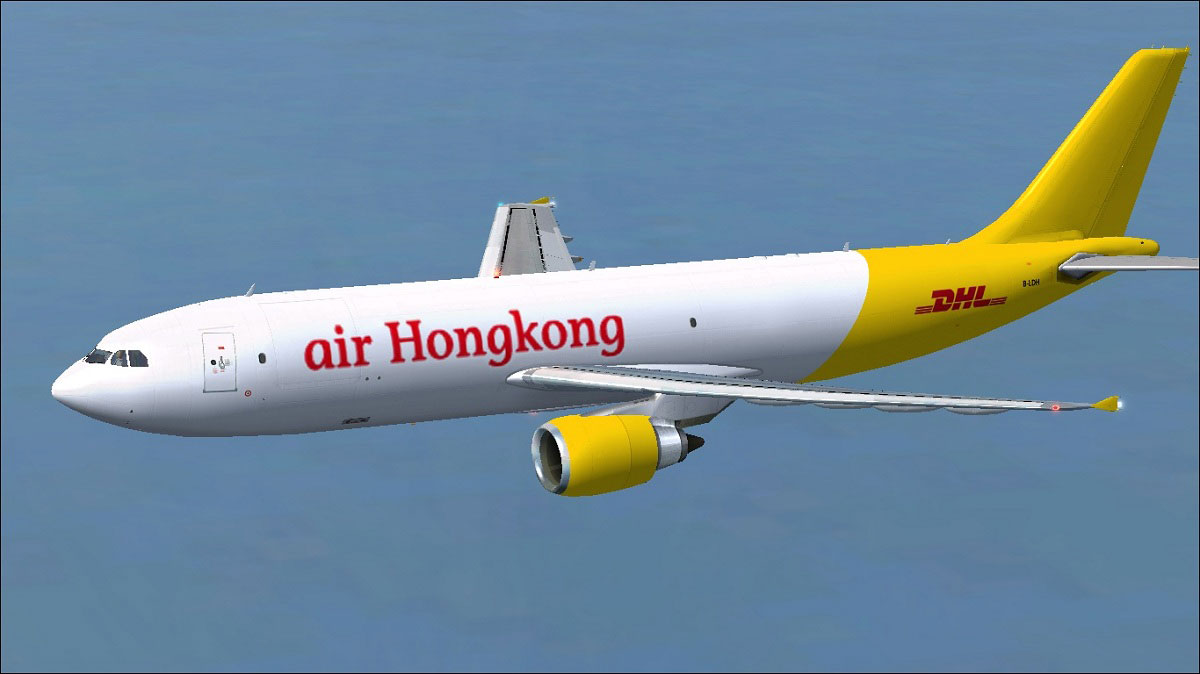
Above: Air Hong Kong (DHL) Airbus A300F4-605R showcasing the newly applied textures.
[fltsim.X]
title=Air HongKong(DHL) A300-600F
sim=TomA306
model=FGE
panel=306GE
sound=
texture=AHK
kb_checklists=
kb_reference=
atc_id=N692FE
atc_airline=Air HongKong
atc_flight_number=1124
atc_heavy=1
ui_manufacturer=Airbus
ui_typerole=Commercial Airliner
ui_createdby=Thomas Ruth
ui_type=A300-600F
ui_variation=Air HongKong(DHL)
If editing issues arise, consider moving the original aircraft.cfg file to another folder, performing the modifications there, and then placing it back into the aircraft folder. This approach often helps avoid file permission conflicts.
All textures and modifications were crafted by Paul Craig for the Thomas Ruth base model, which is essential for this repaint. Use these files at your own discretion; neither the developer nor related parties accept any liability for damages or errors arising from installation or use.
Note: This file solely distributes repaint textures. The base package (TOM306F.ZIP) by Thomas Ruth must be obtained separately from Fly Away Simulation.
Free for all simmers · 3.84 MB · Scanned clean Oct 2026
Download speed: Free tier is capped at 0.5 Mbps (this file takes approximately 1 min at the cap). PRO members download at full line speed.
This file is a repaint — the package below is the base model it paints onto. Install it first, or the textures will have nothing to load onto.
texture.{airline}) inside FSX\SimObjects\Airplanes\{base-aircraft}\.aircraft.cfg in Notepad. Add a new [fltsim.X] section per the readme.readme.txt or README file. It tells you exactly where files go, what dependencies are needed, and any quirks specific to this add-on.The archive ahk-dhl_a300f.zip has 36 files and directories contained within it.
This list displays the first 500 files in the package. If the package has more, you will need to download it to view them.
| Filename/Directory | File Date | File Size |
|---|---|---|
| Air Hong Kong (DHL) Airbus A300F4-605R.jpg | 02.27.11 | 120.28 kB |
| FILE_ID.DIZ | 02.27.11 | 204 B |
| Readme.txt | 02.27.11 | 1.52 kB |
| texture.AHK | 02.27.11 | 0 B |
| glass.dds | 11.14.09 | 64.12 kB |
| glass_spec.dds | 11.24.08 | 4.12 kB |
| main.dds | 02.27.11 | 4.00 MB |
| main_bump.dds | 02.25.10 | 4.00 MB |
| main_light.dds | 02.23.10 | 1.00 MB |
| main_spec.dds | 02.23.10 | 1.00 MB |
| texture.cfg | 10.17.09 | 137 B |
| thumbnail.jpg | 02.27.11 | 10.26 kB |
| vc_L.dds | 01.23.10 | 1.00 MB |
| vc01.dds | 01.17.10 | 1.00 MB |
| vc01_L.dds | 01.17.10 | 1.00 MB |
| vc02.dds | 01.11.10 | 1.00 MB |
| vc02_L.dds | 01.16.10 | 1.00 MB |
| vc03.dds | 02.13.10 | 1.00 MB |
| vc03_L.dds | 02.13.10 | 1.00 MB |
| vc04.dds | 01.11.10 | 1.00 MB |
| vc04_L.dds | 02.02.10 | 1.00 MB |
| vc05.dds | 01.13.10 | 1.00 MB |
| vc05_L.dds | 01.15.10 | 1.00 MB |
| vc2_L.dds | 01.23.10 | 256.12 kB |
| vc3_L.dds | 01.23.10 | 256.12 kB |
| VCblend.dds | 01.15.10 | 1.12 kB |
| vcreflect.dds | 01.13.10 | 384.12 kB |
| wing_l.dds | 11.12.09 | 1.00 MB |
| wing_r.dds | 02.27.11 | 1.00 MB |
| wingbump_l.dds | 11.11.09 | 1.00 MB |
| wingbump_r.dds | 11.11.09 | 1.00 MB |
| wingspec_l.dds | 11.11.09 | 256.12 kB |
| wingspec_r.dds | 11.11.09 | 256.12 kB |
| thumbnail.png | 02.27.11 | 23.40 kB |
| flyawaysimulation.txt | 10.29.13 | 959 B |
| Go to Fly Away Simulation.url | 01.22.16 | 52 B |
Only PRO members can place votes.
More FSX & P3D add-ons hand-picked based on this download.
FSX Civil Aircraft
Textures only for the payware Overland A300 model. Repaint by Bonnie Belle Wi…
 FSX Civil Aircraft
Airbus A300F4-605R (DHL), registration B-LDD. Textures only for the payware C…
 FSX Civil Aircraft
This repaint set brings the distinctive Hong Kong Airlines branding to the Ai…
 FSX Civil Aircraft
Enhance your virtual cargo operations with this free repaint for the trusty A…
 FSX Civil Aircraft
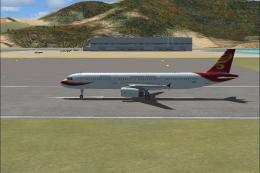
Hong Kong Airlines Airbus A321. A fictional version of a Hong Kong Airlines A…
 FSX Civil Aircraft
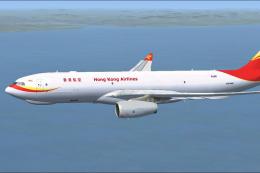
This repaint offers a dedicated cargo rendition of a Hong Kong Airlines Airbu…
 FSX Civil Aircraft
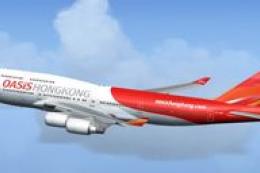
FSX Oasis Hong Kong Boeing 747-481 GE, registration B-LFD. Textures only for …
 FSX Civil Aircraft
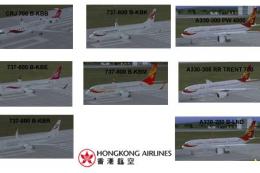
Hong Kong Airlines/Express Texture Set. A texture set for Hong Kong Airlines …
Be the first to leave a comment on this download.
Be the first to share your thoughts on this download.