

 FSX General Aviation Aircraft
Default Extra 300 Blurred Texture Fix
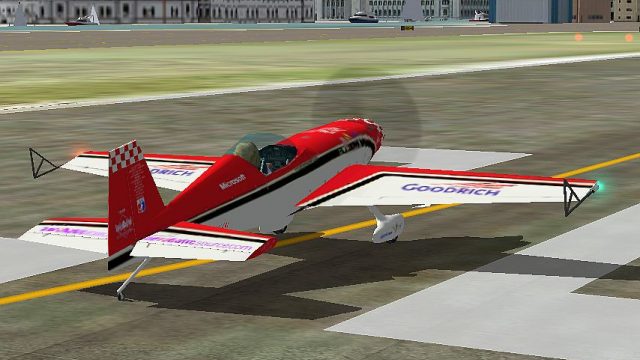
This package introduces refined graphics for the default Extra 300 in Microso…
Improved flight dynamics files refine the Extra 300 for smoother taxi, more predictable takeoff torque, and cleaner landings around 55 knots in Microsoft Flight Simulator X. Expect confident aerobatics with reliable loops, strong knife-edge control, added flaps for approach deceleration, and performance tuned for realistic speed and handling.
 Rate
Rate
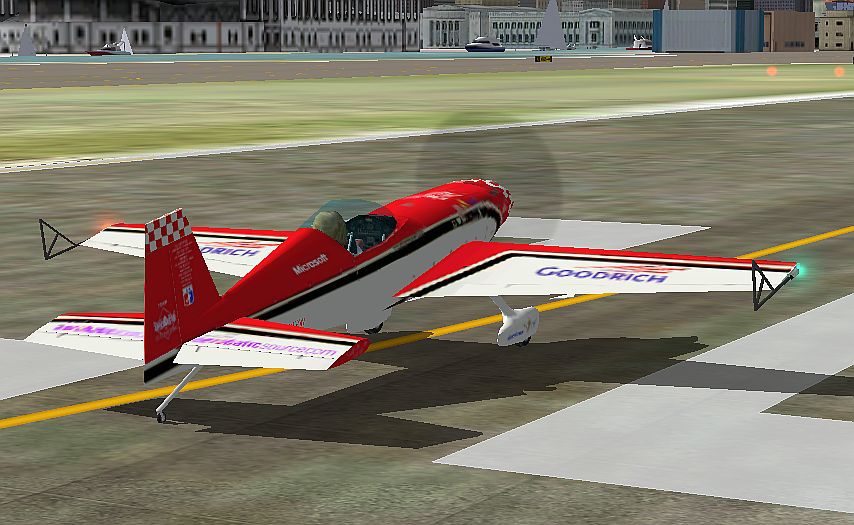
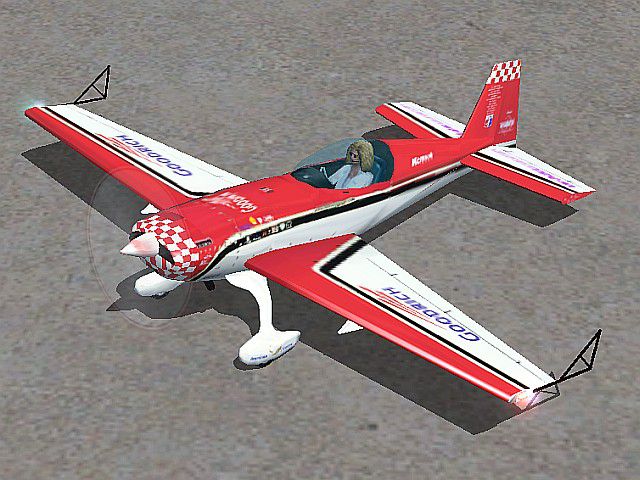
Improved Extra 300. New and Improved FDE's for the Extra 300. Maybe it's due to the author's system, but the 'default' was impossible to taxi, or land. These files will make it really perform (depending on the pilot). By Charles Backus.
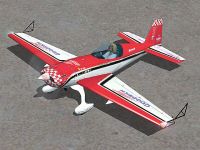
Improved Extra 300.
--- Extra 300 --- 'Better' cfg & air files -- Oct 28,2006
Need a break from the Big Iron? Here are new cfg and air files for
the Extra 300 (Patty Wagstaff's). Now it handles torque on TO, will
do loops, and lands 55 kts. It does 200 kts. Flys 'knife edge' good.
BETTER UN-CK AUTO COORDINATION or all bets are off. OK?
I added flaps, so as to allow faster deceleration on approach. So
you will have to give it a little throttle, and up pitch trim to land. Other
wise you will stall out at 50 kts and it 'plunks' down hard. Included is
a short 10 sec video of 'knife edge' (feeble). Someone put out files
for this AC, and you couldn't do loops, and just stalled out. (I don't
think so!) Fuel should be 33%, 'Center' tanks only, for aerobatics
with other tanks empty (just a suggestion). Have fun.
//------ Installation --------------------------------------------------------------------
You can make a different (name) folder, to keep default intact. Then
copy model and texture folder from FS9 E300. Put thumbnail jpg in
the texture folder. Borrow the sound and the panel folders from the
default FSX E300. Your'e done!
Now crank down sliders, so you can get 16 fps for smoother flying.
Chuck B
'napamule'
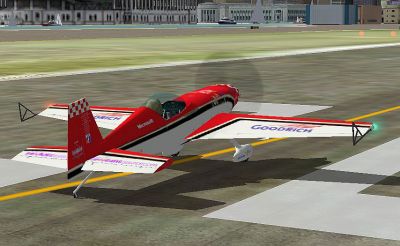
Improved Extra 300 on runway.
Free for all simmers · 441.49 KB · Scanned clean Oct 2026
Download speed: Free tier is capped at 0.5 Mbps. PRO members download at full line speed.
SimObjects\Airplanes\, Addon Scenery\, Effects\, or Gauges\.readme.txt or README file. It tells you exactly where files go, what dependencies are needed, and any quirks specific to this add-on.The archive e300fsx1.zip has 13 files and directories contained within it.
This list displays the first 500 files in the package. If the package has more, you will need to download it to view them.
| Filename/Directory | File Date | File Size |
|---|---|---|
| aircraft.cfg | 10.29.06 | 17.64 kB |
| DocsPics_Bckups | 10.29.06 | 0 B |
| E300cut1.wmv | 10.29.06 | 312.64 kB |
| Ex300cb2.jpg | 03.27.06 | 88.34 kB |
| File_ID.diz | 10.29.06 | 360 B |
| FSX_read.txt | 10.29.06 | 1.24 kB |
| thumbnail.jpg | 10.29.06 | 97.06 kB |
| Extra300S Mods.air | 10.29.06 | 9.33 kB |
| extra300s_check.htm | 05.21.03 | 37.39 kB |
| extra300s_ref.htm | 05.21.03 | 9.87 kB |
| Exra300 Mods | 10.29.06 | 0 B |
| flyawaysimulation.txt | 10.29.13 | 959 B |
| Go to Fly Away Simulation.url | 01.22.16 | 52 B |
Only PRO members can place votes.
More FSX & P3D add-ons hand-picked based on this download.
FSX General Aviation Aircraft
This package introduces refined graphics for the default Extra 300 in Microso…
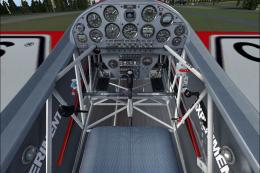 FSX General Aviation Aircraft
Extra 300 Texture Fix. These files will fix default FSX textures for this air…
 FSX General Aviation Aircraft
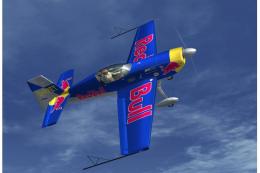
Extra 300 Prop. An alternative propeller texture for the default Extra 300S. …
 FSX General Aviation Aircraft
Saguenay Express Extra 300. Textures only for the default Extra 300 as fictiv…
 FSX General Aviation Aircraft
Extra 300s For FSX DTT. This is a repaint of the default Extra 300S for a new…
 FSX General Aviation Aircraft
Extra 300L D-EXIR, D-EWKL and D-EXUG, beta v1.1. Still a lot to do in the VC …
 FSX General Aviation Aircraft
Extra 300S - Blades Display Team 'Barclays' 2008 Livery Pack. Pack contains a…
 FSX General Aviation Aircraft
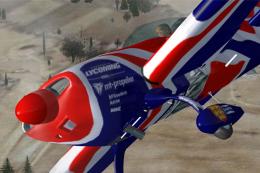
Union Jack Extra 300S Textures only for the default Extra 300. Repaint by Chr…
Read what other simmers think, or add your own.

Wait, why does it say it comes with the base model? It does not. All this mod includes is the modified aircraft.cfg and .air files. With those new files installed, none of the liveries work: they are all white or don't show up at all, even when I add them to the aircraft.cfg.
What's the point of flying the aircraft if there's no new base model with flaps or liveries?
Awesome mod for the Extra 300! Thank you so much for your work, I very much appreciate it. Now it's even more fun to fly than before. It's good to see that the old FSX Extra 300 get some love, it's such a fun airplane. I also like the FSX version better than the Alabeo Extra 300 because that model was made only for 4:3 monitors and not for widescreen mode.