

 FSX General Aviation Aircraft
Vans RV4 Silver Bullet
Designed to enhance the thrill of piloting a Van’s RV-4 in Microsoft Flight S…
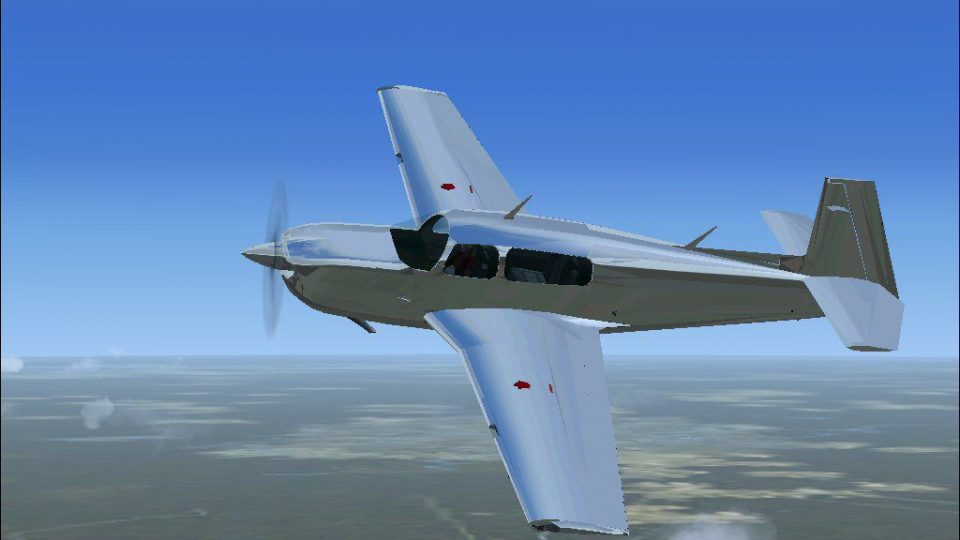
Silver Mooney delivers a high-luster, polished-metal repaint for the stock Mooney in FSX, using a refined alpha-channel approach that enhances light reflection for a convincing sheen in flight. The package includes updated textures and an air file, and requires the default panel and sound to complete the aircraft setup.
 Rate
Rate
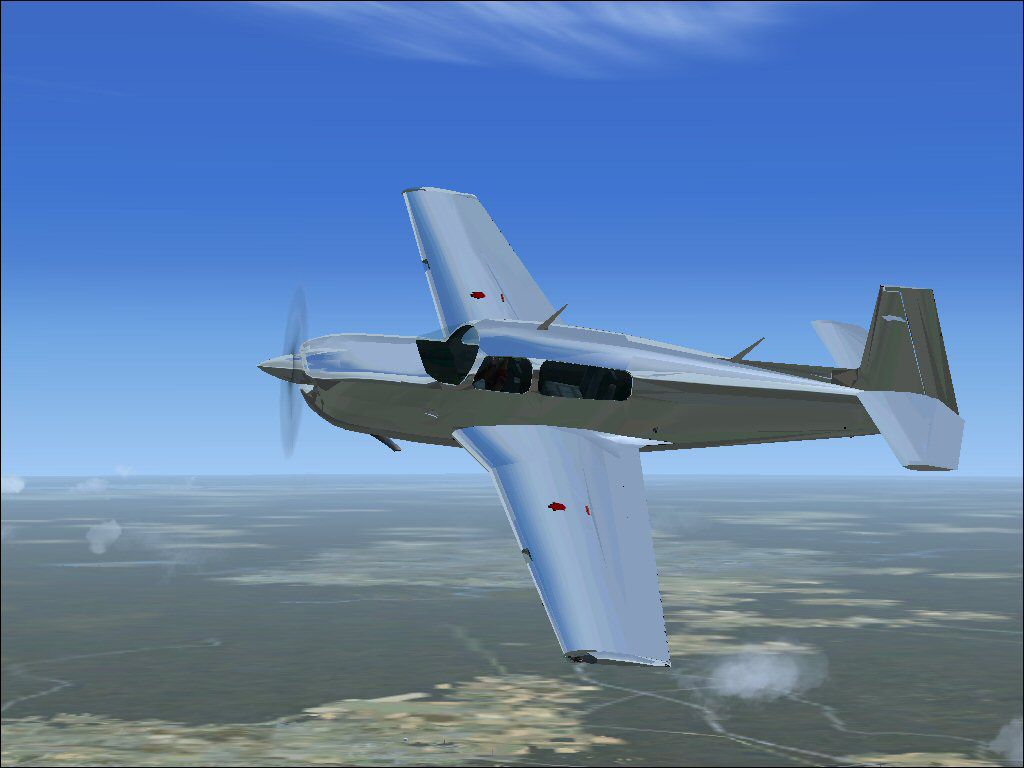
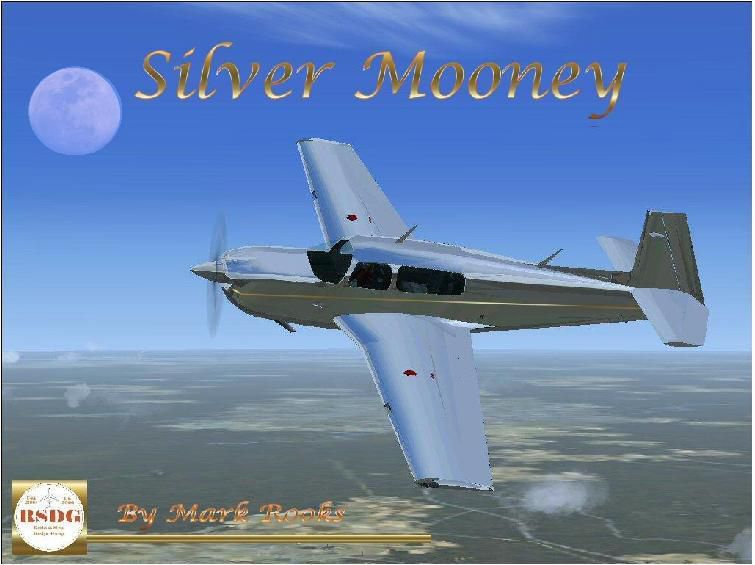
Silver Mooney. A repaint of the stock Mooney in a high luster shine. This effect is achieved with the use of a modified alpha channel and light bending process. This technique created and used by Rooks Silva Design Group (RSDG). Aircraft is entitled "Silver Mooney". Because of file size you must add default sound and panel. Textures by Mark Rooks.
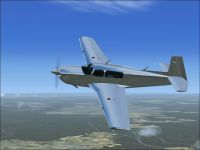
Silver Mooney in flight.
RSDG Silver Mooney
Warning do not open texture folder to look at how effect is created this will destroy effects process
leaving you with a very ugly aircraft you cannot fix
To install this aircraft: Must use default sound and panel
As always back up any original files.
1.Unzip downloaded folders to your desktop or temporary directory of your choice.
2.Copy the "Silver Mooney " folder and paste it in the main aircraft folder.
By default the main aircraft folder is located at:
"C:\Program Files\Microsoft Games\FSX\Sim Objects/Aircraft".
Support Angel Flight
Textures created by Mark "Fire Ball" Rooks.
Enjoy your new repaint and air file.
Thanks for downloading,
"Fire Ball"
Free for all simmers · 2.26 MB · Scanned clean Oct 2026
Download speed: Free tier is capped at 0.5 Mbps. PRO members download at full line speed.
SimObjects\Airplanes\, Addon Scenery\, Effects\, or Gauges\.readme.txt or README file. It tells you exactly where files go, what dependencies are needed, and any quirks specific to this add-on.The archive rsdgsm.zip has 29 files and directories contained within it.
This list displays the first 500 files in the package. If the package has more, you will need to download it to view them.
| Filename/Directory | File Date | File Size |
|---|---|---|
| Read Me First.txt | 10.31.06 | 841 B |
| Screen Shot.JPG | 10.31.06 | 51.86 kB |
| Silver Mooney | 10.31.06 | 0 B |
| aircraft.cfg | 10.30.06 | 22.00 kB |
| model | 10.31.06 | 0 B |
| model.cfg | 04.17.01 | 29 B |
| mooney_bravo.mdl | 05.30.03 | 1.88 MB |
| Mooney_Bravo.air | 09.04.06 | 6.40 kB |
| texture | 10.31.06 | 0 B |
| damage.bmp | 03.12.03 | 42.74 kB |
| fpilot64.bmp | 04.17.01 | 6.41 kB |
| fppilot_swtr.bmp | 04.17.01 | 6.39 kB |
| headband.bmp | 04.17.01 | 1.15 kB |
| headphones.bmp | 04.17.01 | 1.41 kB |
| Mooney_Bravo_C.bmp | 04.21.03 | 682.74 kB |
| mooney_bravo_d.bmp | 05.06.03 | 682.74 kB |
| mooney_bravo_t.bmp | 11.08.05 | 1.00 MB |
| mooney_t1.bmp | 04.17.01 | 170.75 kB |
| mooney_t2.bmp | 04.17.01 | 170.75 kB |
| mooney_t3.bmp | 04.17.01 | 170.75 kB |
| Prop_Mooney.bmp | 01.10.03 | 341.40 kB |
| prop_spinner_2.bmp | 04.17.01 | 21.38 kB |
| thumbnail.jpg | 10.30.06 | 78.38 kB |
| Thumbs.db | 10.31.06 | 34.50 kB |
| Thumbs.db | 01.27.06 | 6.00 kB |
| text1.txt | 10.31.06 | 321 B |
| Thumbs.db | 10.31.06 | 5.50 kB |
| flyawaysimulation.txt | 10.29.13 | 959 B |
| Go to Fly Away Simulation.url | 01.22.16 | 52 B |
Only PRO members can place votes.
More FSX & P3D add-ons hand-picked based on this download.
FSX General Aviation Aircraft
Designed to enhance the thrill of piloting a Van’s RV-4 in Microsoft Flight S…
 FSX General Aviation Aircraft
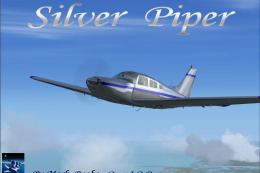
This fully self-contained Piper PA28-201 package offers a striking metallic l…
 FSX General Aviation Aircraft
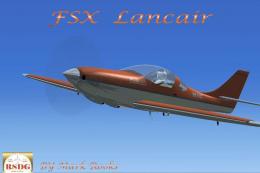
Lancair Silver Mist. A highly modified version of Robert Christopher's Lancai…
 FSX General Aviation Aircraft
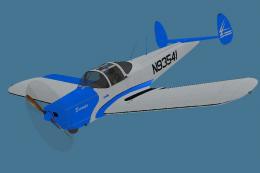
Repaint of the Classic Wings ERCO Ercoupe; a two-tone blue and silver scheme …
 FSX General Aviation Aircraft
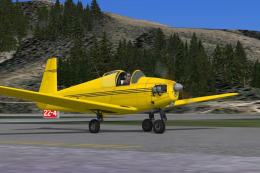
Mooney M-18C "Mite". The first of Al Mooney's designs to be produced, first f…
 FSX General Aviation Aircraft
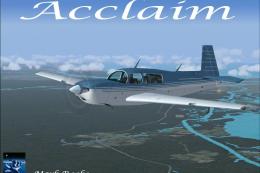
Experience a refined edition of the Mooney Acclaim built around the default M…
 FSX General Aviation Aircraft
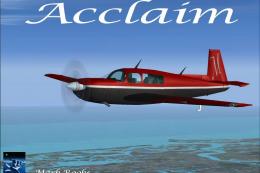
This enhanced package offers a newly repainted red-and-black Mooney Acclaim f…
 FSX General Aviation Aircraft
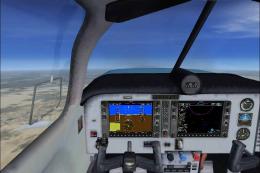
Mooney Acclaim. This changes the Bravo over to the Acclaim. Both planes are s…
Be the first to leave a comment on this download.
Be the first to share your thoughts on this download.