

 FSX General Aviation Aircraft
Default Cessna 172 Blurred Texture Fix
This freeware patch upgrades the default Cessna 172 in Microsoft Flight Simul…
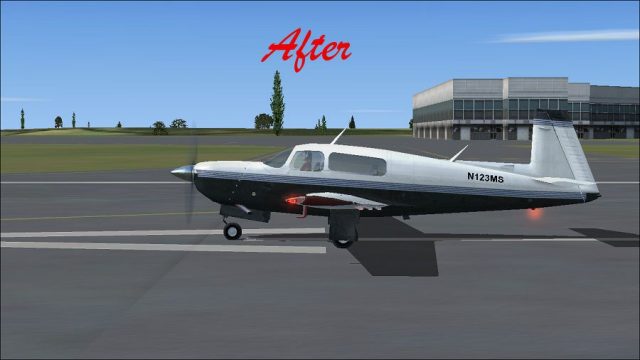
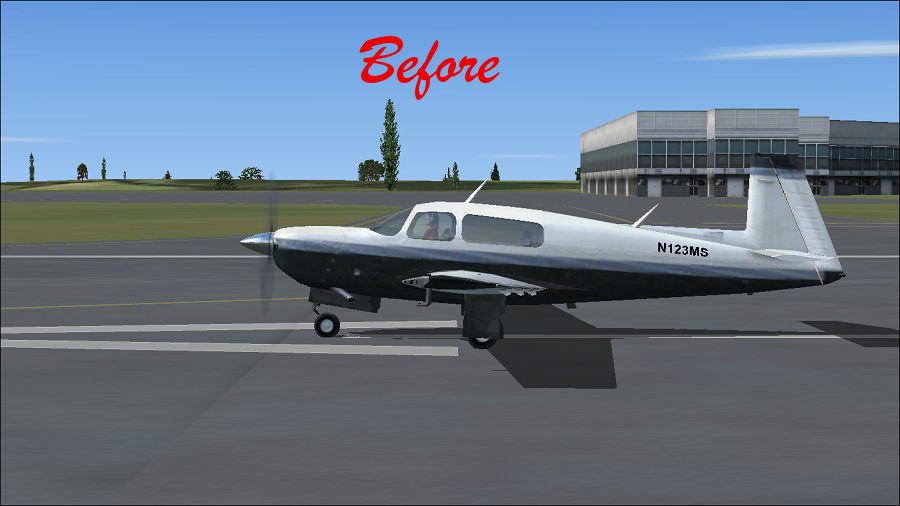
Sharper Mooney Bravo visuals come from replacement main texture files that eliminate the default blurred look on the fuselage and details, keeping the aircraft’s stock model intact. Designed for Microsoft Flight Simulator X, the update refreshes exterior clarity and helps the virtual cockpit feel more consistent with the improved aircraft finish.
 Rate
Rate

Default Mooney Bravo Blurred Texture Fix. Replacement main texture files for the default Mooney Bravo to fix the aircraft's blurred appearance. By Paul Craig.
(Before) Default Mooney Bravo on runway.
Installation
First make back up copies of your Mooney Bravo Texture files.
Mooney Bravolocated:
OS (C)/Program Files(x86)/Microsoft Games/Microsoft Flight Simulator X/SimObje cts/Airplanes/Mooney_Bravo
(1) Unzip downloaded files to a temporary folder.
(2) Open folder "Texture ".
(3) copy and paste the file "mooney_bravo_t.dds" into the "Texture" folder, say yes to overwrite existing file.
(4) copy contents of "Texture 1" into "Texture.1" folder.
Now enjoy the excellent Mooney Bravo without blur's!
DISCLAIMER:
USE ALL FILES AT YOUR OWN RISK!
I wil not be held responsible for any DAMAGES/PROBLEMS/ERRORS caused by the use of these files.They worked perfectly on my computer.
Paul Craig
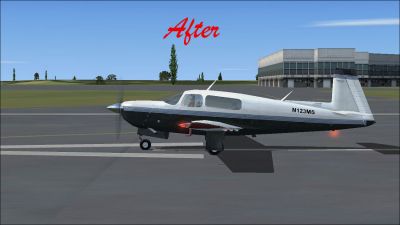
(After) Default Mooney Bravo on runway.
Free for all simmers · 1.28 MB · Scanned clean Oct 2026
Download speed: Free tier is capped at 0.5 Mbps. PRO members download at full line speed.
SimObjects\Airplanes\, Addon Scenery\, Effects\, or Gauges\.readme.txt or README file. It tells you exactly where files go, what dependencies are needed, and any quirks specific to this add-on.The archive no_blur_fsx_default_mooney.zip has 11 files and directories contained within it.
This list displays the first 500 files in the package. If the package has more, you will need to download it to view them.
| Filename/Directory | File Date | File Size |
|---|---|---|
| After- Mooney Bravo.jpg | 03.15.11 | 148.31 kB |
| Before- Mooney Bravo.jpg | 03.15.11 | 146.36 kB |
| FILE_ID.DIZ | 03.15.11 | 194 B |
| Readme.txt | 03.15.11 | 956 B |
| texture 1 | 03.15.11 | 0 B |
| mooney_bravo_t.dds | 03.15.11 | 1.00 MB |
| texture | 03.15.11 | 0 B |
| mooney_bravo_t.dds | 03.15.11 | 1.00 MB |
| thumbnail.jpg | 03.15.11 | 4.94 kB |
| flyawaysimulation.txt | 10.29.13 | 959 B |
| Go to Fly Away Simulation.url | 01.22.16 | 52 B |
Only PRO members can place votes.
More FSX & P3D add-ons hand-picked based on this download.
FSX General Aviation Aircraft
This freeware patch upgrades the default Cessna 172 in Microsoft Flight Simul…
 FSX General Aviation Aircraft
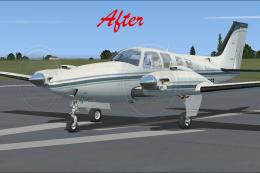
This modification offers a refined texture set that eliminates the fuzzy exte…
 FSX General Aviation Aircraft
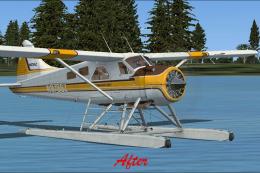
This update refines the default De Havilland Beaver DHC2 texture set for Micr…
 FSX General Aviation Aircraft
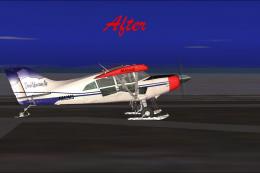
This patch resolves the blurred external textures on the default Maule M-7 26…
 FSX General Aviation Aircraft
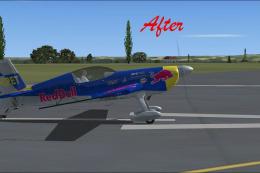
This package introduces refined graphics for the default Extra 300 in Microso…
 FSX General Aviation Aircraft
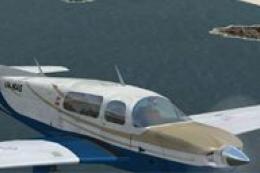
Mooney Bravo. A repaint of the default Mooney Bravo. Mooney Bravo in flight. …
 FSX General Aviation Aircraft
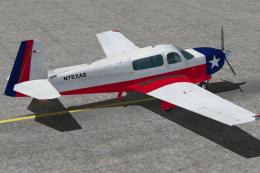
Mooney Bravo. A repaint of the default Mooney Bravo in the colors of the Texa…
 FSX General Aviation Aircraft
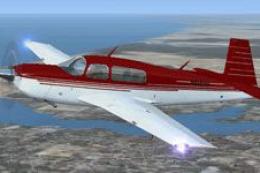
This freeware repaint offers a striking red finish for the stock Mooney M20 B…
Be the first to leave a comment on this download.
Be the first to share your thoughts on this download.