

 FSX Military Aircraft
German Luftwaffe A340-300
German Luftwaffe A340-300. Textures for the two new Airbus A340-300's from th…
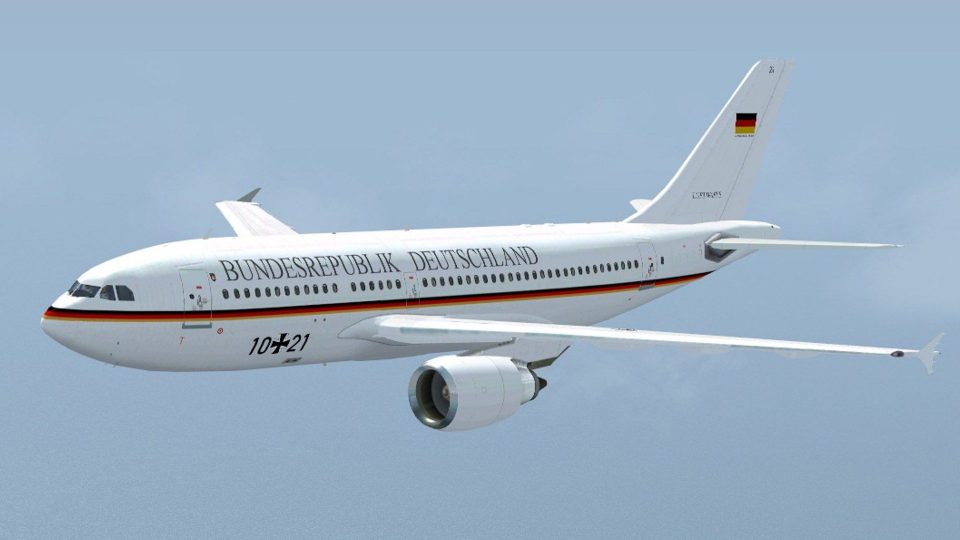
German Luftwaffe Airbus A310-300 livery recreates VIP aircraft 10+21 with authentic military markings and matching ATC identifiers for realistic fleet operations in FSX. Textures only, it integrates cleanly with the Thomas Ruth A310 base package and keeps the virtual cockpit experience consistent with the original model.
 Rate
Rate
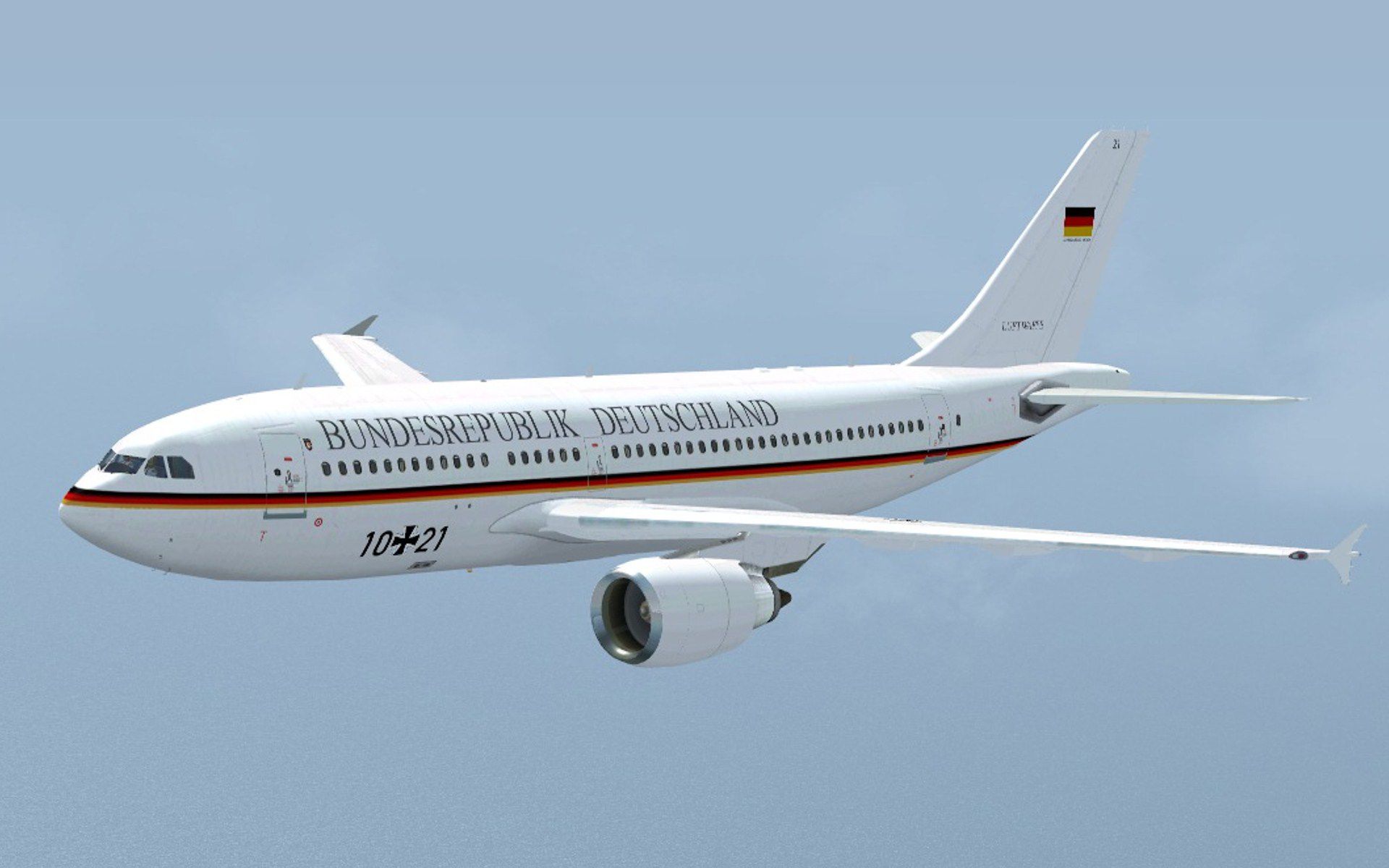
German Luftwaffe Airbus A310-300 10+21. Textures only, model is the A310 by Thomas Ruth (TOMA310.ZIP). By Thomas Siegmann.
German Luftwaffe Airbus A310-300 in flight.
[fltsim.X]

	title=Luftwaffe A310 10+21

	sim=TomA310

	model=GE

	panel=310GE

	sound=

	texture=germanaf1

	kb_checklists=

	kb_reference=

	atc_id=10+21

	atc_airline=Luftwaffe

	atc_flight_number=1124

	atc_heavy=1

	ui_manufacturer=Airbus

	ui_typerole=Commercial Airliner

	ui_createdby=Thomas Ruth

	ui_type=A310-300

	ui_variation=Luftwaffe VIP 10+21
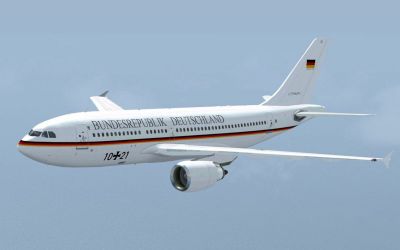
German Luftwaffe Airbus A310-300 in flight.
Free for all simmers · 1.44 MB · Scanned clean Sep 2026
Download speed: Free tier is capped at 0.5 Mbps. PRO members download at full line speed.
This add-on may require the following files to function properly. If this is a repaint, the dependency below is likely the base aircraft package.
FSX\SimObjects\Airplanes\. The folder must contain an aircraft.cfg file. Effects go into FSX\Effects\; gauges go into FSX\Gauges\.readme.txt or README file. It tells you exactly where files go, what dependencies are needed, and any quirks specific to this add-on.The archive luftwaffe_a310_10_21fsx.zip has 14 files and directories contained within it.
This list displays the first 500 files in the package. If the package has more, you will need to download it to view them.
| Filename/Directory | File Date | File Size |
|---|---|---|
| Aircraft.cfg.txt | 05.30.10 | 341 B |
| Luftwaffe 10+21.jpg | 05.30.10 | 185.48 kB |
| texture.germanaf1 | 05.30.10 | 0 B |
| glass.dds | 03.13.10 | 64.12 kB |
| main.dds | 05.30.10 | 4.00 MB |
| main_bump.dds | 03.12.10 | 4.00 MB |
| main_light.dds | 03.12.10 | 1.00 MB |
| main_spec.dds | 03.12.10 | 256.12 kB |
| texture.cfg | 03.12.10 | 143 B |
| thumbnail.jpg | 05.30.10 | 7.76 kB |
| wing_l.dds | 05.30.10 | 1.00 MB |
| wing_r.dds | 05.30.10 | 1.00 MB |
| flyawaysimulation.txt | 10.29.13 | 959 B |
| Go to Fly Away Simulation.url | 01.22.16 | 52 B |
Only PRO members can place votes.
More FSX & P3D add-ons hand-picked based on this download.
FSX Military Aircraft
German Luftwaffe A340-300. Textures for the two new Airbus A340-300's from th…
 FSX Military Aircraft
German Luftwaffe Airbus A330MRTT 11+28 "Hugo Junkers". Textures only, model i…
 FSX Military Aircraft
Luftwaffe Airbus A400. A repaint in the camouflage colors of the German Force…
 FSX Military Aircraft
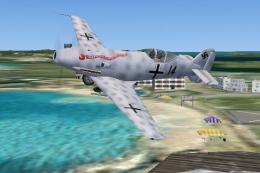
On April 26, 1936, the world was informed that a specialy modified version of…
 FSX Military Aircraft
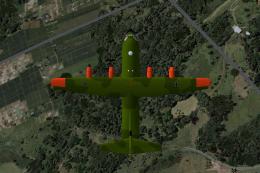
HiViz paint scheme. This is a fictional repaint of Premaircraft's C130 Super …
 FSX Military Aircraft
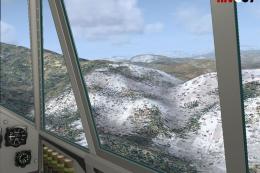
At 4:30 A.M. on May 10, 1940, three Junkers Ju 52's took off from the Cologne…
 FSX Military Aircraft
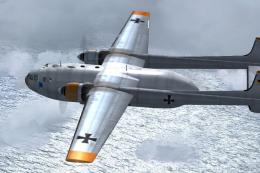
A repaint for Nordaviation Nord-2501 Noratlas from Jean-Francois Martin and G…
 FSX Military Aircraft
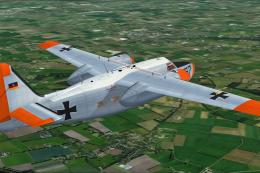
A repaint for Rob Richardson's Hunting Percival Pembroke C54 for Microsoft Fl…
Be the first to leave a comment on this download.
Be the first to share your thoughts on this download.