

 FSX Military Aircraft
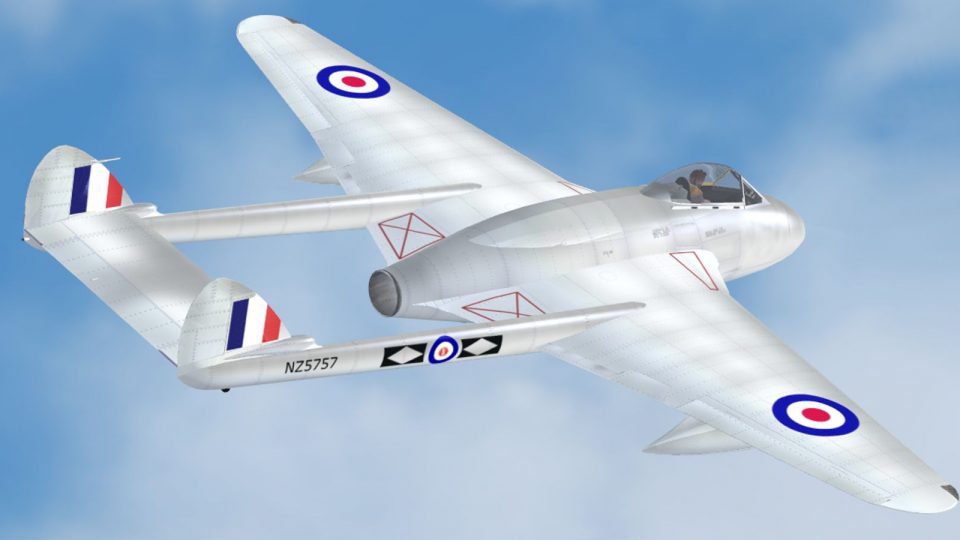
RNZAF DeHavilland Vampire NZ5757 Display
This repaint showcases the RNZAF's revered De Havilland Vampire NZ5757 in a d…
RNZAF DeHavilland Vampire NZ5757 brings an authentic early jet-age No.14 Squadron look to Microsoft Flight Simulator X, with carefully reproduced markings, stenciling, and subtle service wear for a period-correct finish. The repaint requires the Classic British Files de Havilland Vampire base aircraft and adds a historically grounded military flavour to your hangar.
 Rate
Rate
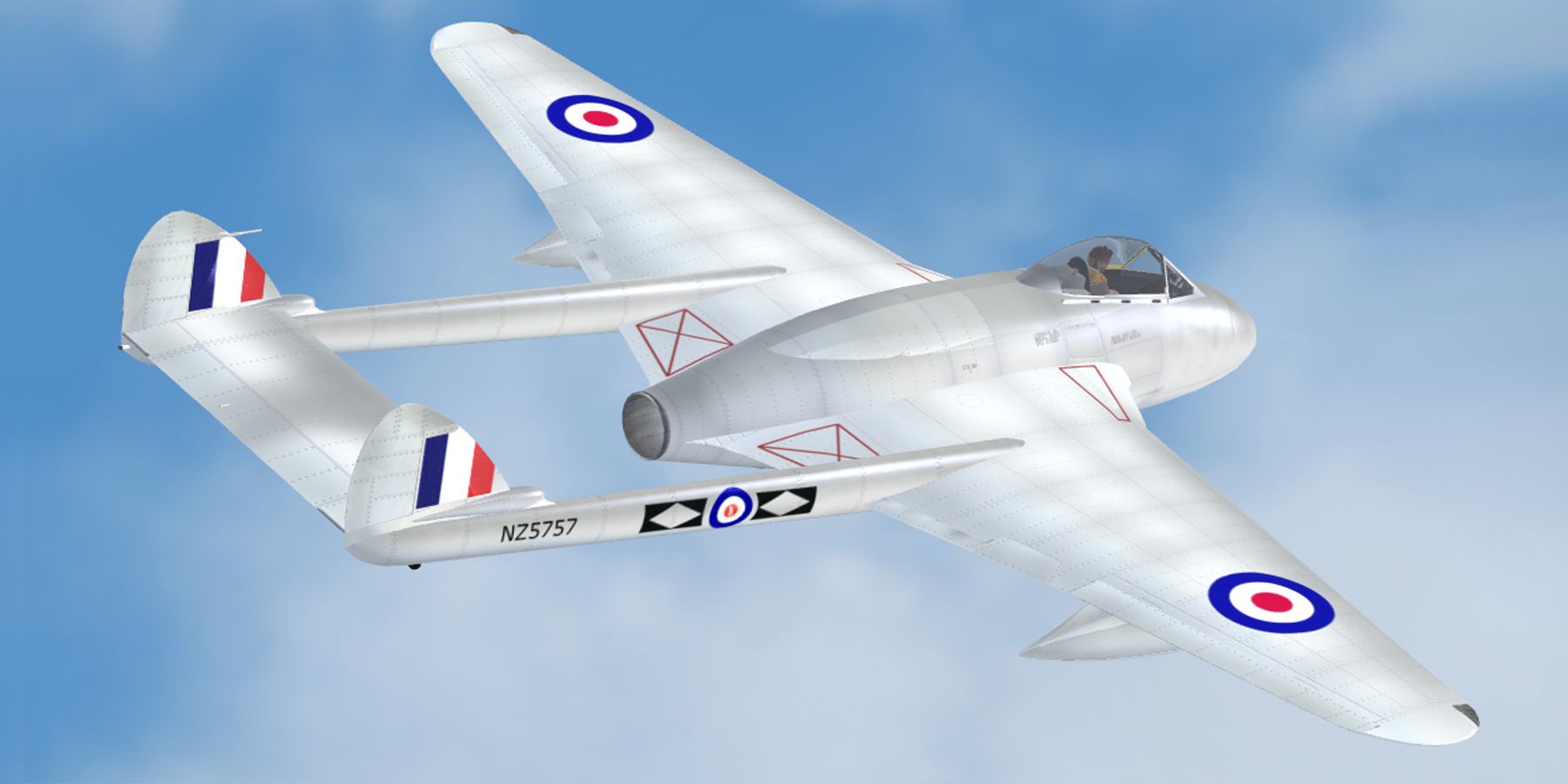
This freeware repaint brings the Royal New Zealand Air Force (RNZAF) DeHavilland Vampire NZ5757 into Microsoft Flight Simulator X. Created by Alex James, it requires the DeHavilland Vampire files from Classic British Files as its foundation. The add-on showcases the distinctive RNZAF markings worn by NZ5757 and offers a historically resonant experience for enthusiasts who appreciate early jet-age military aircraft.
The real-world Vampire, officially designated the de Havilland DH.100, was Britain’s second operational jet fighter. It made its RAF debut soon after the Gloster Meteor and was notable for its twin-boom tail configuration. In New Zealand service, it provided the RNZAF with a highly capable early jet platform that was utilized for both fighter duties and advanced pilot training. NZ5757 was among those airframes that served in No.14 Squadron, helping to transition aircrews into the jet era.
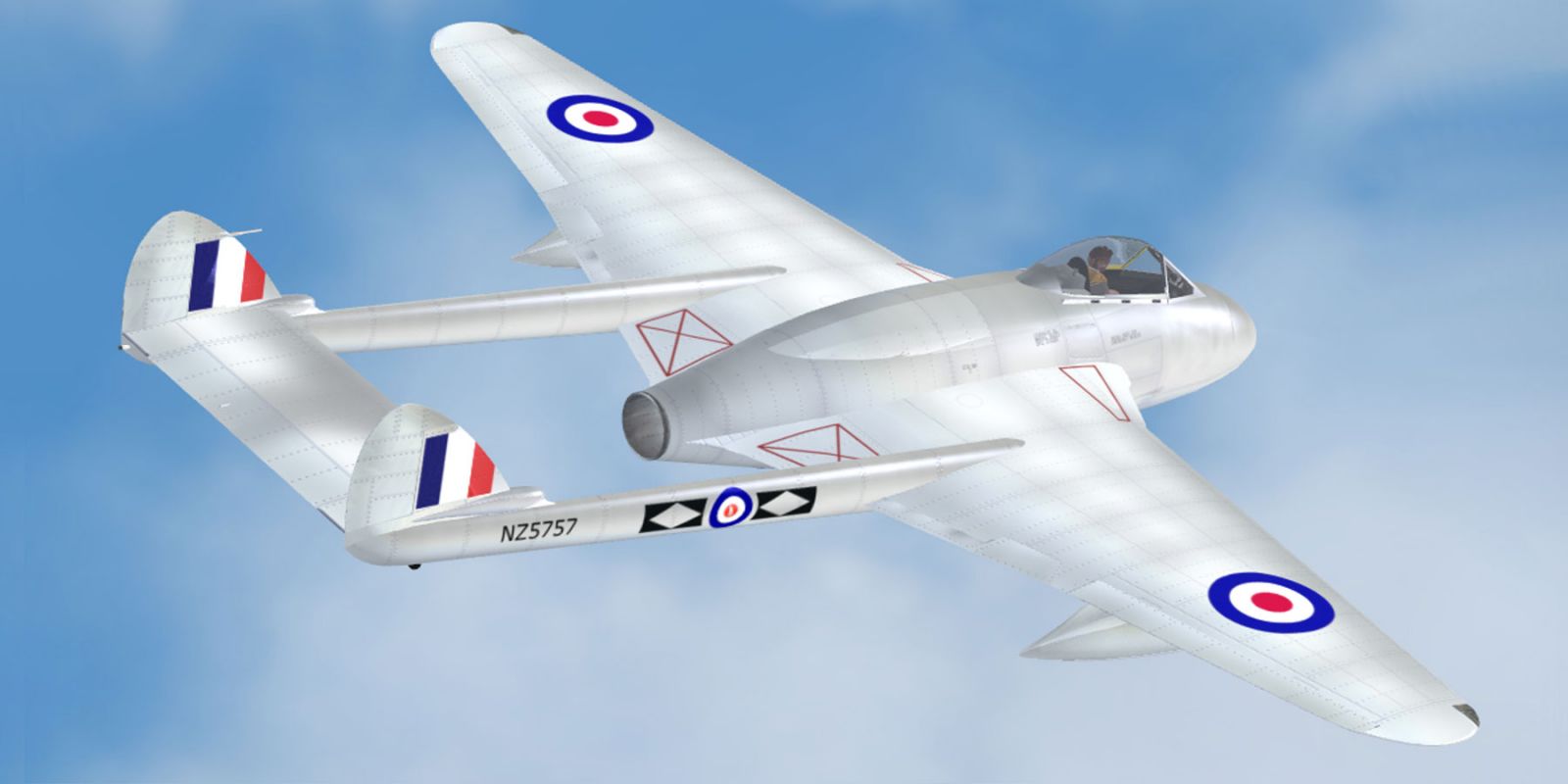
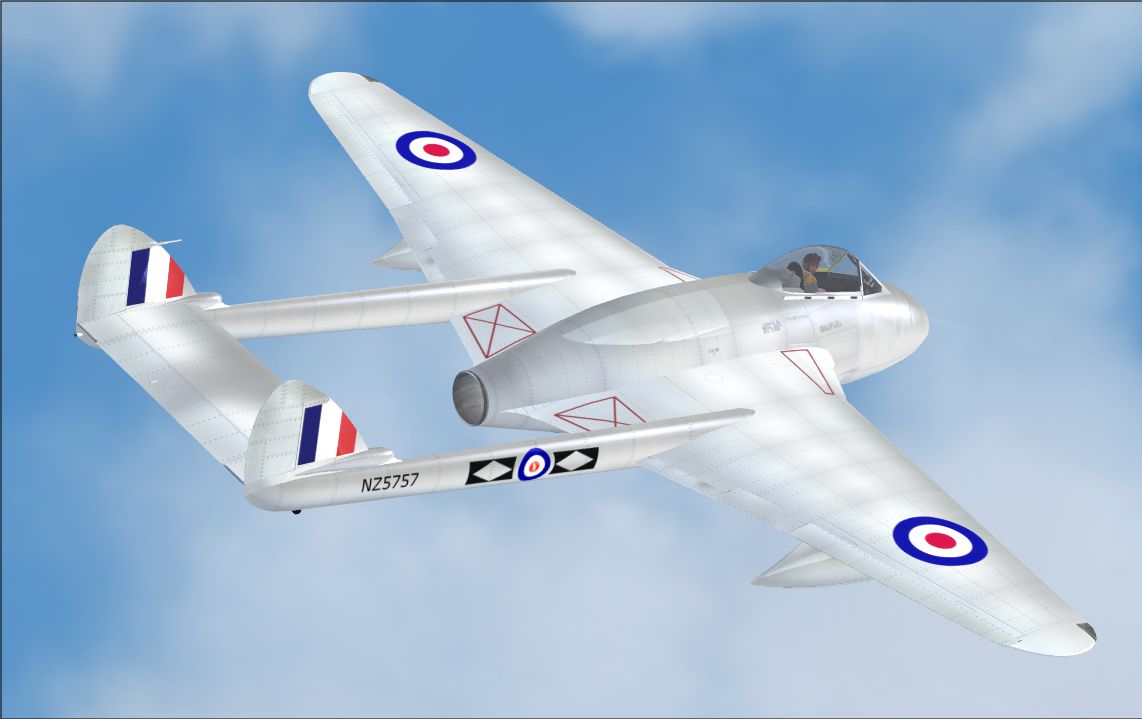
RNZAF DeHavilland Vampire NZ5757 in flight.
The included texture folder titled Texture.NZ5757 applies to the freeware DeHavilland Vampire model. Alex James meticulously recreated the markings, with authentic stenciling and squadron identifiers. Subtle weathering effects and careful adjustments ensure that the livery appearance resembles the aircraft’s actual service life.
SimObjects\Airplanes\DeHavilland_Vampire directory of your simulator installation.aircraft.cfg file found in the same aircraft folder.[fltsim.X] title=DeHavilland Vampire NZ5757 sim=DeHavilland Vampire model= panel= sound= texture=NZ5757 kb_checklists=Vampire_check kb_reference=Vampire_ref atc_id= NZ5757 ui_manufacturer=DeHavilland ui_type=Vampire ui_variation=No.14 Squadron RNZAF Category=airplane description=The de Havilland DH.100 Vampire was a British jet-engine fighter introduced by the Royal Air Force during WWII. It served in numerous air arms worldwide, including the RNZAF, and set altitude records during its early service.
This repaint is compatible with Microsoft Flight Simulator X and depends on the freeware DeHavilland Vampire from Classic British Files. You can find the required base package within the Fly Away Simulation library. Once the base aircraft is installed, simply follow the steps outlined above to complete the repaint setup.
This livery was crafted and compiled by Alex James. The original DeHavilland Vampire model was produced by Classic British Files. Their collaborative work ensures a faithfully reproduced RNZAF NZ5757 that captures an iconic piece of aviation history.
Free for all simmers · 3.49 MB · Scanned clean Oct 2026
Download speed: Free tier is capped at 0.5 Mbps. PRO members download at full line speed.
texture.{airline}) inside FSX\SimObjects\Airplanes\{base-aircraft}\.aircraft.cfg in Notepad. Add a new [fltsim.X] section per the readme.readme.txt or README file. It tells you exactly where files go, what dependencies are needed, and any quirks specific to this add-on.The archive nz5757.zip has 8 files and directories contained within it.
This list displays the first 500 files in the package. If the package has more, you will need to download it to view them.
| Filename/Directory | File Date | File Size |
|---|---|---|
| texture.cfg | 08.14.06 | 137 B |
| thumbnail.jpg | 05.30.10 | 665.64 kB |
| vampire_main.dds | 05.30.10 | 5.33 MB |
| vampire_two.dds | 05.30.10 | 5.33 MB |
| README _INSTALL.txt | 05.30.10 | 2.23 kB |
| NZ5757.png | 05.30.10 | 688.25 kB |
| flyawaysimulation.txt | 10.29.13 | 959 B |
| Go to Fly Away Simulation.url | 01.22.16 | 52 B |
Only PRO members can place votes.
More FSX & P3D add-ons hand-picked based on this download.
FSX Military Aircraft
This repaint showcases the RNZAF's revered De Havilland Vampire NZ5757 in a d…
 FSX Military Aircraft
A Royal New Zealand Air Force repaint for Rob Richardson's DeHavilland Vampir…
 FSX Military Aircraft
This freeware release brings a meticulously crafted De Havilland Vampire F3 f…
 FSX Military Aircraft
This high-fidelity repaint brings the classic Royal Australian Air Force (RAA…
 FSX Military Aircraft
DeHavilland DH-100 Vampire. Repaint of VAMPUPXA.ZIP of Langley Museum. Includ…
 FSX Military Aircraft
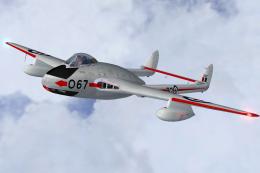
This is a repaint of the de Havilland Vampire F.3 by Robert Robinson, to repr…
 FSX Military Aircraft
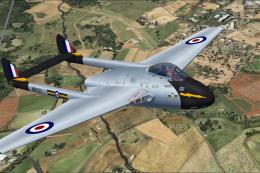
A Royal Air Force repaint for Rob Richardson's de Havilland Vampire FB5 for M…
 FSX Military Aircraft
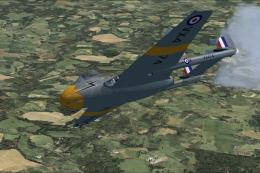
A Royal Air Force repaint for Rob Richardson's de Havilland Vampire FB5 for M…
Be the first to leave a comment on this download.
Be the first to share your thoughts on this download.