

 FSX Military Aircraft
Slovak MiG-21 7702 4th Flight
This freeware repaint offers a detailed Slovak Air Force MiG-21MF 7702 from t…
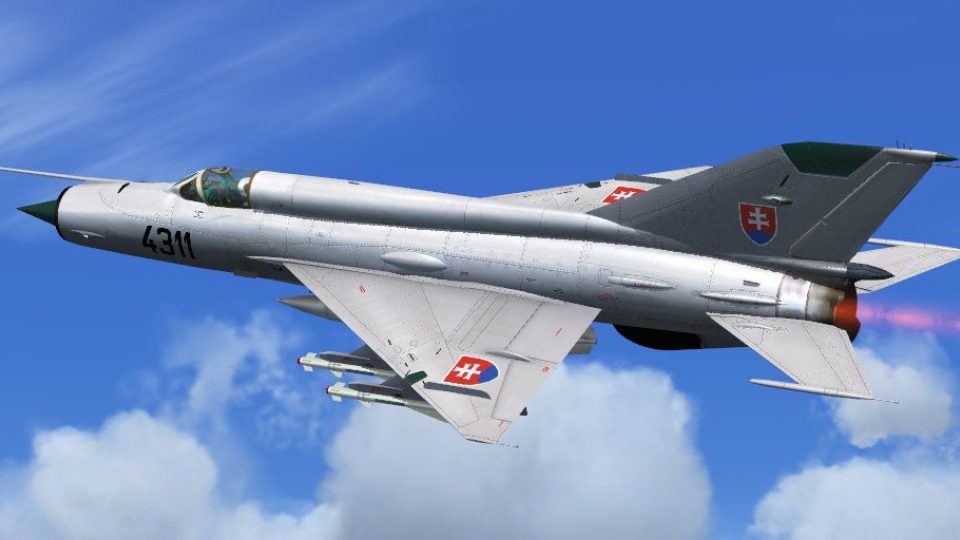
Slovak Air Force MiG-21MF livery 4311 recreates the 4th Flight, 3rd Aviation and Air Defence Corps jet based at Sliač Air Base, with faithful camouflage, numerals, stencils, and emblem placement plus clean texture mapping and shading. Built for Microsoft Flight Simulator X, it requires Ivan Jurcaga’s MiG-21MF model.
 Rate
Rate
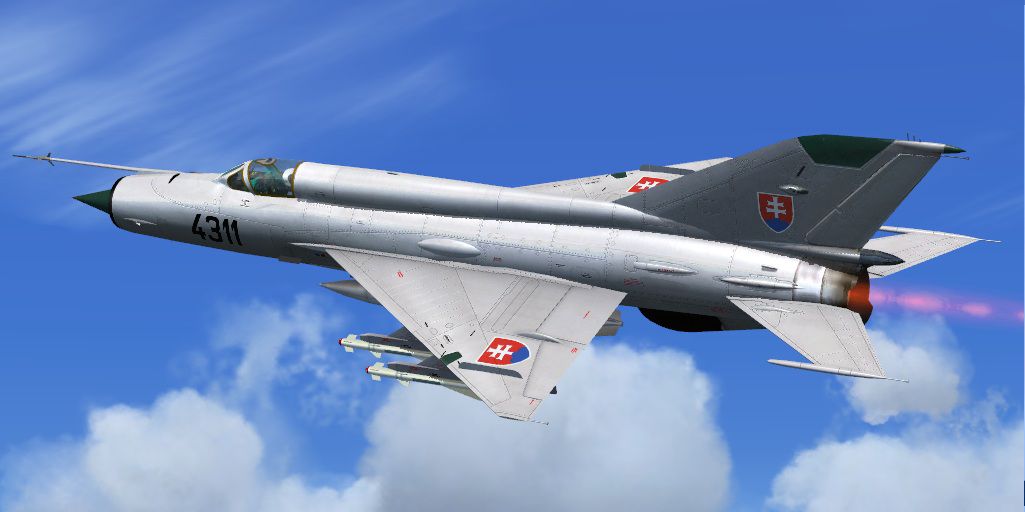
This freeware add-on offers a precise repaint for the MiG-21MF, depicting aircraft number 4311 from the 4th Flight, 3rd Aviation and Air Defence Corps stationed at Slia? Air Base in the Slovak Republic. Developed for Microsoft Flight Simulator X, this livery was meticulously prepared by Jindrich Barta to capture the distinctive Slovak Air Force colors. The underlying MiG-21MF model, created by Ivan Jurcaga, is not included in this package and must be acquired separately from the Fly Away Simulation file library.
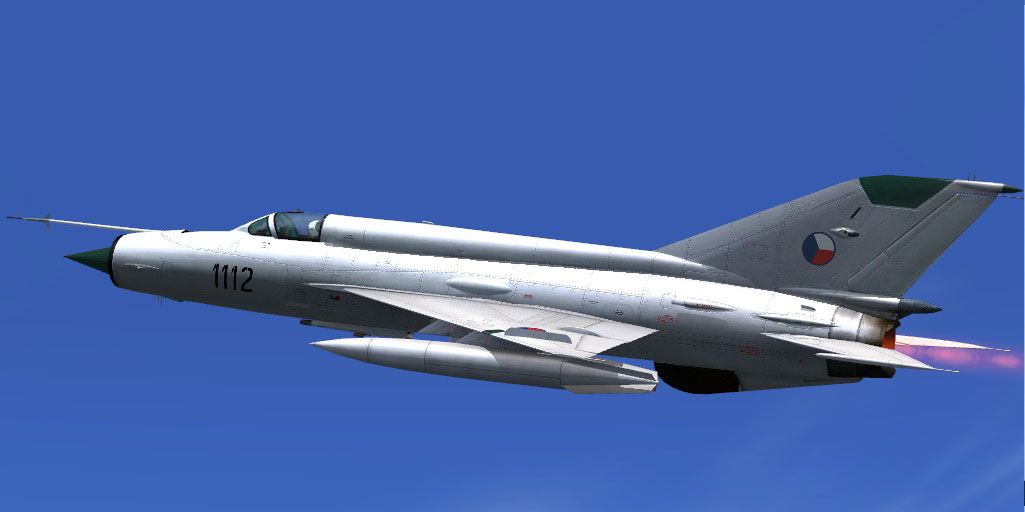
Slovak MiG-21 in flight.
The MiG-21 platform stemmed from the legendary Soviet-era design bureau and served in numerous Warsaw Pact nations. This specific paint scheme depicts an aircraft that operated under the Slovak Republic’s 3rd Aviation and Air Defence Corps, renowned for robust tactical proficiency. The 4th Flight typically engaged in both defensive intercept roles and advanced pilot training.
After obtaining the freeware MiG-21MF model by Ivan Jurcaga, place this repaint’s folder (texture=slovak4311) within the MiG-21MF directory in your “SimObjects/Aircraft” location. Then, include the entry below in the aircraft.cfg file, making sure to replace “X” with the subsequent fltsim number in your configuration file.
[fltsim.X]
title=MiG-21MF 4311
sim=mig
model=
panel=
sound=
texture=slovak4311
prop_anim_ratio=3.56
KB_checklists=
ui_manufacturer=Mikojan
ui_type=Mig-21MF
ui_variation=Slovak Air Force 4311
atc_id=R19
atc_airline=Air Force
atc_flight_number=
description=MiG-21MF 4311 4th Flight, 3rd Aviation and Air Defence Corps of the Slovak Republic Slia? Air Base
atc_heavy=0
visual_damage=1
This repaint is the culmination of efforts from dedicated contributors. The textures are by Jindrich Barta from the Czech Republic, and the base MiG-21MF model is courtesy of Ivan Jurcaga. Remember, the main MiG-21MF package must be obtained separately, which is available in the Fly Away Simulation library.

Slovak MiG-21 in motion, showcasing the custom camouflage scheme.
Free for all simmers · 6.82 MB · Scanned clean Oct 2026
Download speed: Free tier is capped at 0.5 Mbps (this file takes approximately 2 mins at the cap). PRO members download at full line speed.
texture.{airline}) inside FSX\SimObjects\Airplanes\{base-aircraft}\.aircraft.cfg in Notepad. Add a new [fltsim.X] section per the readme.readme.txt or README file. It tells you exactly where files go, what dependencies are needed, and any quirks specific to this add-on.The archive 21mf4311.zip has 37 files and directories contained within it.
This list displays the first 500 files in the package. If the package has more, you will need to download it to view them.
| Filename/Directory | File Date | File Size |
|---|---|---|
| 21MF4311 | 08.26.11 | 0 B |
| File_id_ iz.txt | 08.26.11 | 299 B |
| Readme.txt | 08.26.11 | 774 B |
| texture.slovak4311 | 08.26.11 | 0 B |
| fresnel_ramp.dds | 09.04.06 | 640 B |
| gazik.bmp | 01.19.10 | 1.00 MB |
| kukykuk.bmp | 08.16.10 | 1.00 MB |
| kukykuk_l.bmp | 08.16.10 | 1.00 MB |
| MiG-21MF_1_bump.bmp | 06.24.11 | 1.00 MB |
| MiG-21MF_1_T.bmp | 08.19.11 | 4.00 MB |
| MiG-21MF_2_bump.bmp | 06.24.11 | 1.00 MB |
| MiG-21MF_2_T.bmp | 08.19.11 | 4.00 MB |
| MiG-21MF_3_bump.bmp | 06.24.11 | 1.00 MB |
| MiG-21MF_3_T.bmp | 08.25.11 | 4.00 MB |
| MiG-21MF_budiky.bmp | 01.22.11 | 1.00 MB |
| MiG-21MF_budiky_lm.bmp | 11.07.10 | 1.00 MB |
| MiG-21MF_forsaz.bmp | 01.27.11 | 1.00 MB |
| MiG-21MF_forsaz_noc.bmp | 01.27.11 | 1.00 MB |
| MiG-21MF_FR.bmp | 04.02.10 | 1.07 kB |
| MiG-21MF_glass_spec.bmp | 10.17.09 | 256.07 kB |
| MiG-21MF_glass_T.bmp | 07.22.10 | 256.07 kB |
| MiG-21MF_VC1_lm.bmp | 01.22.11 | 1.00 MB |
| MiG-21MF_VC1_T.bmp | 08.29.10 | 1.00 MB |
| MiG-21MF_VC2_lm.bmp | 01.22.11 | 1.00 MB |
| MiG-21MF_VC2_T.bmp | 08.23.10 | 1.00 MB |
| MiG-21MF_VC3_lm.bmp | 01.22.11 | 1.00 MB |
| MiG-21MF_VC3_T.bmp | 09.12.10 | 1.33 MB |
| MiG-21MF_VC4_lm.bmp | 01.22.11 | 1.00 MB |
| MiG-21MF_VC4_T.bmp | 01.22.11 | 1.00 MB |
| texture.cfg | 08.22.06 | 137 B |
| thumbnail.jpg | 07.21.11 | 70.18 kB |
| Thumbs.db | 08.26.11 | 114.00 kB |
| V3S.bmp | 08.26.11 | 512.07 kB |
| thumbnail.jpg | 08.26.11 | 101.38 kB |
| Thumbs.db | 08.26.11 | 60.00 kB |
| flyawaysimulation.txt | 10.29.13 | 959 B |
| Go to Fly Away Simulation.url | 01.22.16 | 52 B |
Only PRO members can place votes.
More FSX & P3D add-ons hand-picked based on this download.
FSX Military Aircraft
This freeware repaint offers a detailed Slovak Air Force MiG-21MF 7702 from t…
 FSX Military Aircraft
This freeware repaint package introduces an accurate rendition of a Slovak Ai…
 FSX Military Aircraft
Repaint for the freeware MiG-21 MF by Ivan Jurcaga. Repaint only by Stefano Z…
 FSX Military Aircraft
Four repaints of Slovak MiG-29 jets, 3911, 6425, 0921, 6829. Textures only fo…
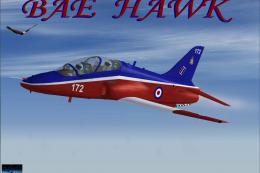 FSX Military Aircraft
FSX Hawk T1 RAF 4th FTS A repaint of David Brice and David Friswell's T45 Gos…
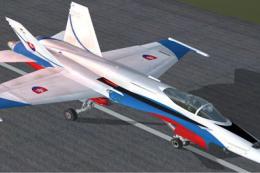 FSX Military Aircraft
FA-18 Fiction Display Scheme, Slovak Airforce 'Beile Hornety'. Repaint by Vla…
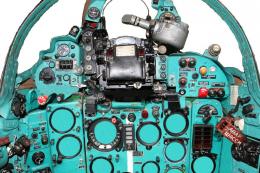 FSX Military Aircraft
FSX MiG-21 Fishbed. Features 2D panel and static VC, full animations. By Bruc…
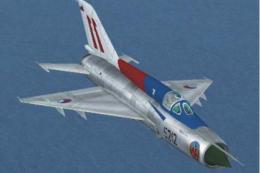 FSX Military Aircraft
MiG-21 Update. This is an update of the MiG-21 MF by Ivan Jurcaga. The author…
Be the first to leave a comment on this download.
Be the first to share your thoughts on this download.