

 FSX Military Aircraft
MiG-21 Update
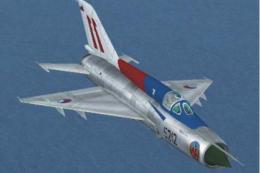
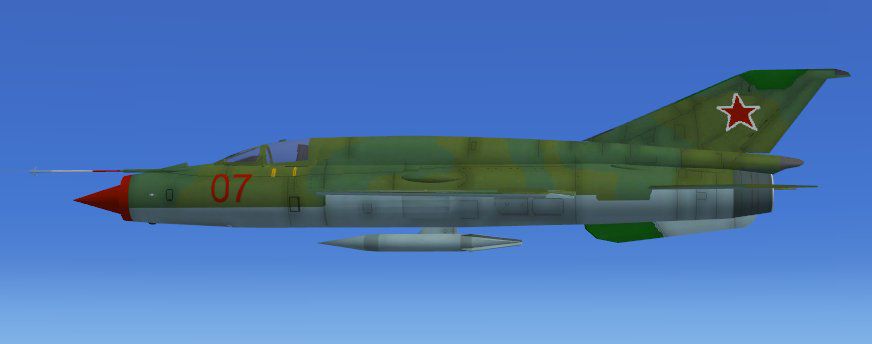
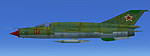
MiG-21 Update. This is an update of the MiG-21 MF by Ivan Jurcaga. The author…
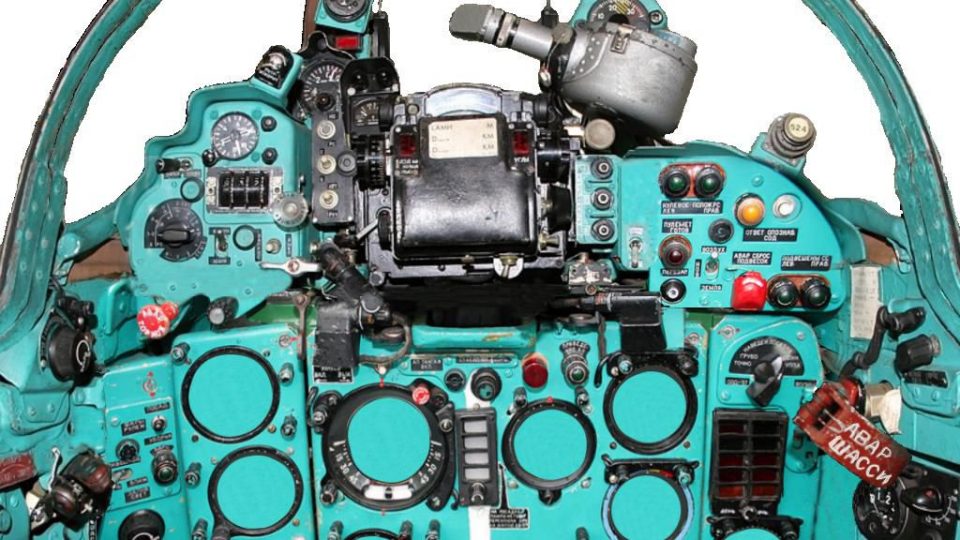
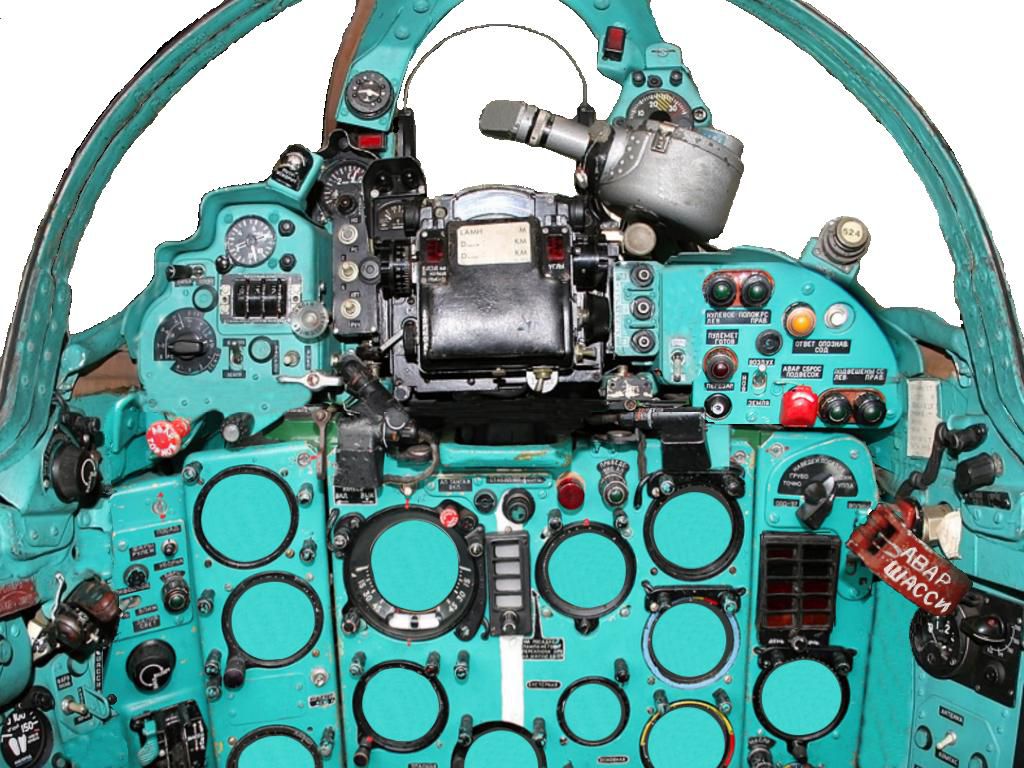
The MiG-21 Fishbed brings the iconic Soviet interceptor into FSX with a crisp 2D panel, a static virtual cockpit, and smooth full-airframe animations that highlight canopy, gear, and control-surface movement. Designed for fast jet sightseeing and classic Cold War flavor, it offers a straightforward, visually engaging flight experience.
 Rate
Rate
Free for all simmers · 1.84 MB · Scanned clean Oct 2026
Download speed: Free tier is capped at 0.5 Mbps. PRO members download at full line speed.
SimObjects\Airplanes\, Addon Scenery\, Effects\, or Gauges\.readme.txt or README file. It tells you exactly where files go, what dependencies are needed, and any quirks specific to this add-on.The archive mig21fb.zip has 34 files and directories contained within it.
This list displays the first 500 files in the package. If the package has more, you will need to download it to view them.
| Filename/Directory | File Date | File Size |
|---|---|---|
| Aircraft.cfg | 06.30.07 | 6.93 kB |
| effects | 06.30.07 | 0 B |
| fx_apdreheat.fx | 07.28.03 | 12.34 kB |
| texture | 06.30.07 | 0 B |
| fx_apdreheat.bmp | 05.16.07 | 170.74 kB |
| Fishbed.air | 06.30.07 | 10.54 kB |
| model | 06.30.07 | 0 B |
| fishbed.mdl | 06.30.07 | 690.43 kB |
| Model.cfg | 06.17.07 | 26 B |
| panel | 06.30.07 | 0 B |
| burnab.CAB | 04.13.07 | 11.62 kB |
| dfa18_fx.cab | 03.29.04 | 1.33 kB |
| forward_1024.bmp | 04.26.07 | 2.25 MB |
| panel.cfg | 04.15.07 | 5.38 kB |
| panel_decal.bmp | 02.28.04 | 3.00 MB |
| panel_decal_2.bmp | 02.28.04 | 768.05 kB |
| panel_decal_3.bmp | 01.28.04 | 1.00 MB |
| panel_decal_4.bmp | 01.28.04 | 1.00 MB |
| radar.cab | 09.04.06 | 25.54 kB |
| radio.bmp | 03.22.04 | 769.05 kB |
| right_mfd.bmp | 03.22.04 | 769.05 kB |
| superh.cab | 03.29.04 | 226.02 kB |
| Thumbs.db | 04.25.07 | 7.00 kB |
| zipshow.jpg | 06.28.07 | 154.14 kB |
| readme.txt | 06.30.07 | 882 B |
| sound | 06.30.07 | 0 B |
| Sound.cfg | 06.30.07 | 32 B |
| texture | 06.30.07 | 0 B |
| glass.bmp | 05.30.07 | 257.05 kB |
| mig21.bmp | 06.21.07 | 1.00 MB |
| thumbnail.jpg | 06.23.07 | 20.58 kB |
| FILE_ID.DIZ | 07.06.07 | 94 B |
| flyawaysimulation.txt | 10.29.13 | 959 B |
| Go to Fly Away Simulation.url | 01.22.16 | 52 B |
Only PRO members can place votes.
More FSX & P3D add-ons hand-picked based on this download.
FSX Military Aircraft
MiG-21 Update. This is an update of the MiG-21 MF by Ivan Jurcaga. The author…
 FSX Military Aircraft
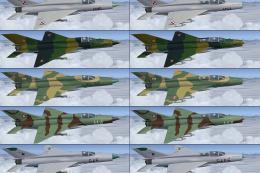
German Democratic Republic MiG-21 demo version. The Mikoyan-Gurevich MiG-21 (…
 FSX Military Aircraft
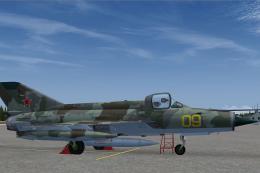
Glorious Soviet camo repaint for Ivan Jurcaga's MiG-21. Repaint only by Stefa…
 FSX Military Aircraft
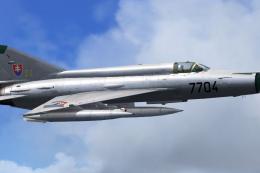
This freeware repaint package introduces an accurate rendition of a Slovak Ai…
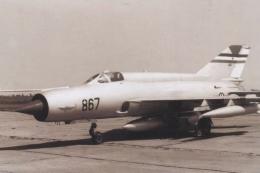 FSX Military Aircraft
SFRJ Air Force MiG-21 MF 352 Sqn - Bihac. Repaint of experimental reconnaissa…
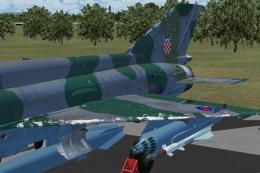 FSX Military Aircraft
Croatian Air Force MiG-21 #122 v2.0. This package doesn't require the previus…
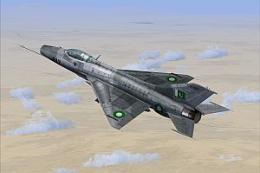 FSX Military Aircraft
Pakistan Air Force MiG-21 F-13. Repaint by Zsolt Beleznay. Pakistan Air Force…
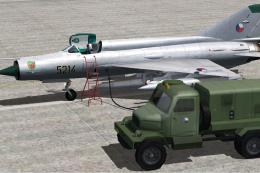 FSX Military Aircraft
Czech Air Force MiG-21. Repaint of MiG-21MF Czech Air Force 1. Sqn. 47. Pzlp …
Read what other simmers think, or add your own.

Had the same problem with the VC, that I did with his Seamaster. Some grey texture, most likely to create artificial glass possibly, blocked my view making the VC un-usable. The 2d cockpit was at least original (to me), but lack of VC made me not want to keep it. Otherwise, it would've been a great plane, really fast and good afterburner effects


its a great plane. I couldnt get the afterburners though. i will rate a 10. its very hard to control heh

One of the best damn planes i have ever downloaded. Thank you finally. The only this that doesnt work is the after burner other wise it is sweet. Good Job.
Joe:)