

 FSX Helicopters
"Italy Air Force" Bell 212
"Italy Air Force" Bell 212 The repaints are for 212 in service from Italian A…
US Air Force livery textures bring historically faithful markings and a clean, high-resolution finish to the Bell 212, adding authentic military character for utility, transport, and rescue-style flying in Microsoft Flight Simulator X. Requires the payware Cera Bell 212-FSX/SP2 model, and integrates seamlessly with the helicopter’s existing virtual cockpit and systems.
 Rate
Rate
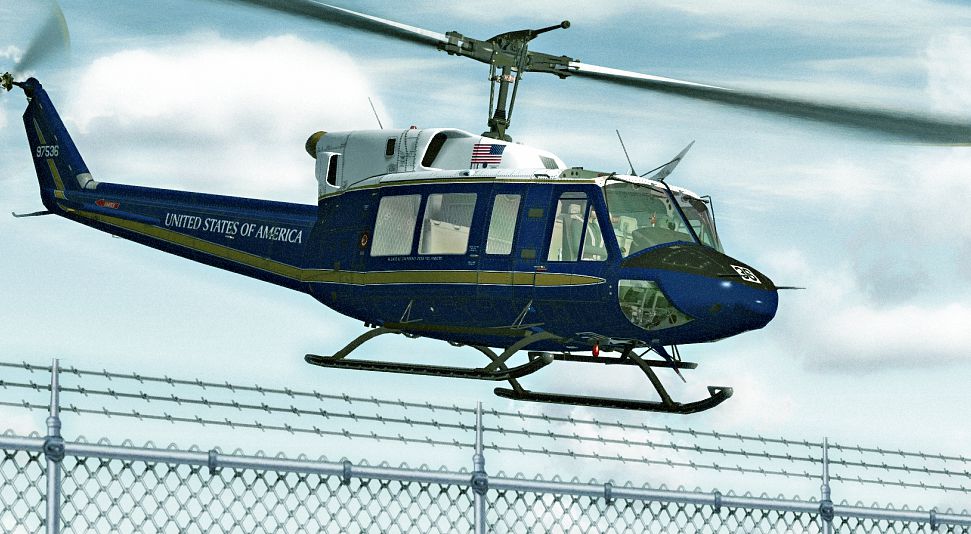
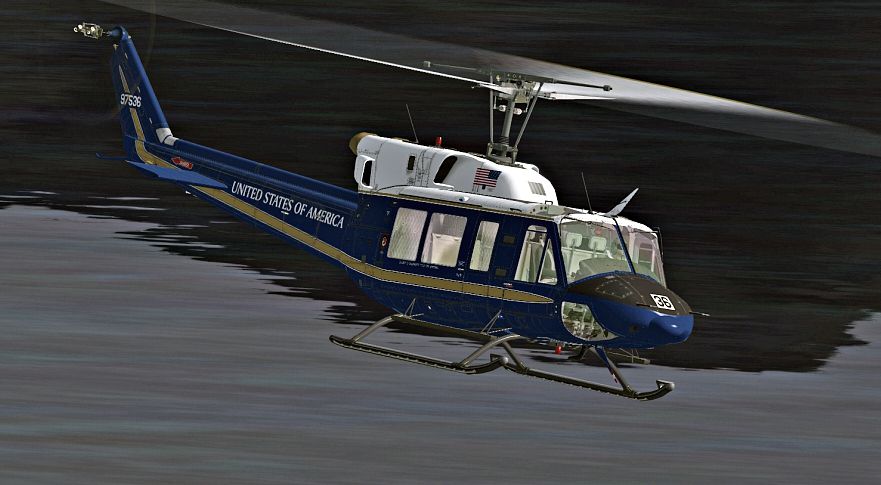
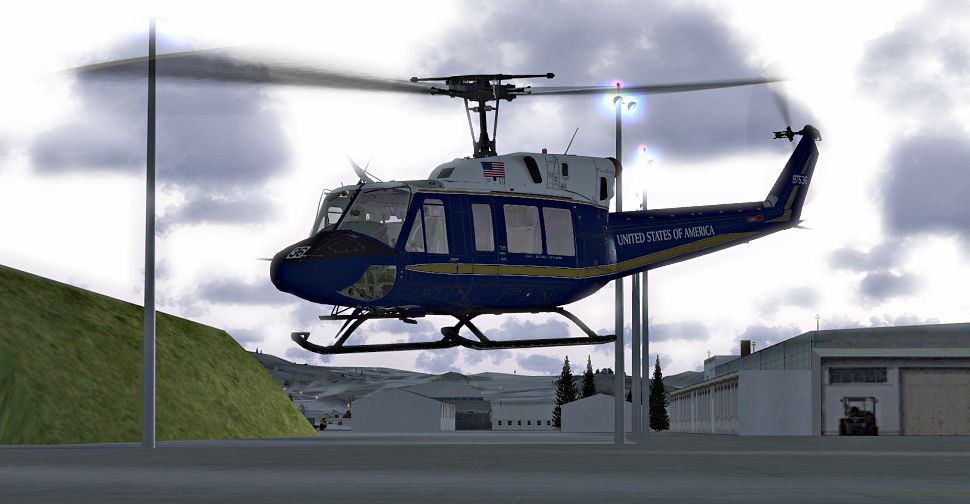

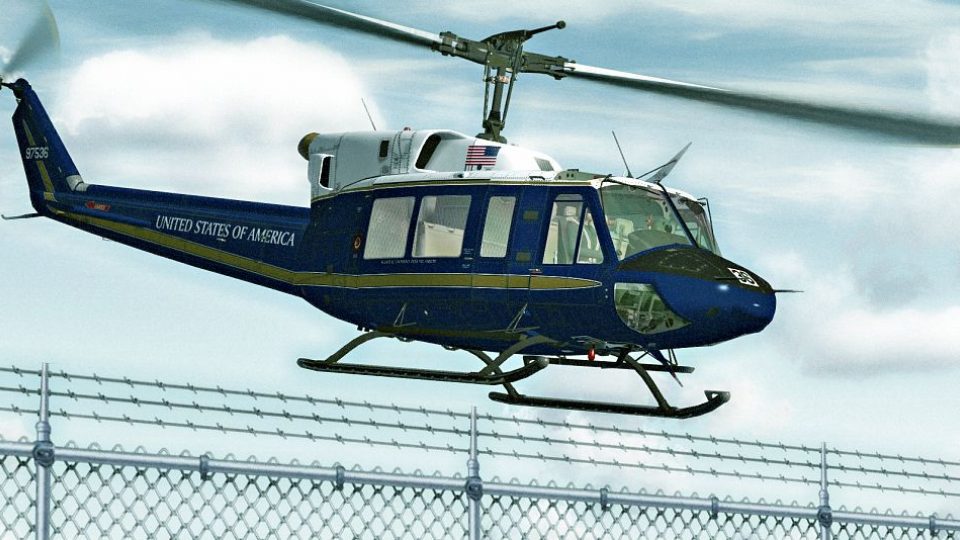
This freeware repaint features a special U.S. Air Force-themed livery for the payware Cera Bell 212-FSX/SP2 model, created by Bernhard Lechner. It showcases a uniquely detailed design that prioritizes historical authenticity while integrating smoothly into Microsoft Flight Simulator X. Although this package provides only textures, it delivers an accurate portrayal of USAF markings. Please note that the original Cera Bell 212 payware product must be installed beforehand and can be acquired from online stores, such as SimShack.
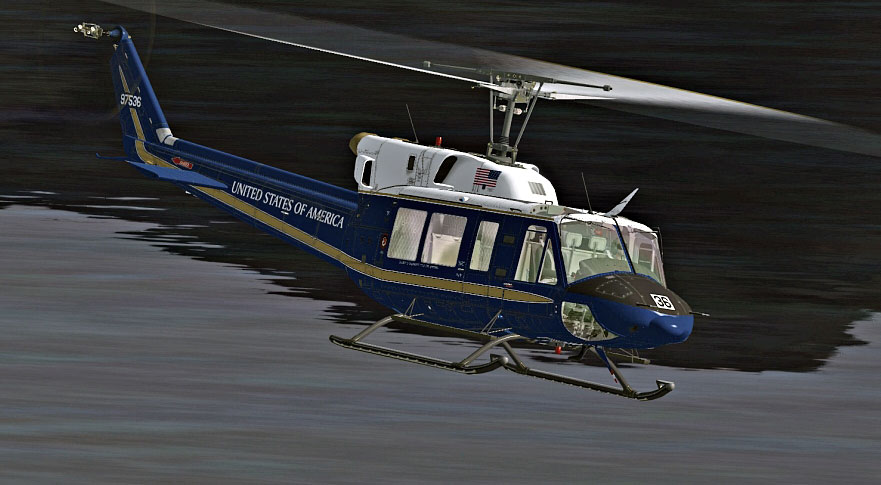
US Air Force Bell 212 in flight.
The Bell 212, sometimes known as the “Twin Two-Twelve,” has served as a versatile platform in both military and civilian configurations. In USAF operations, it has been used for troop transport, search and rescue, and utility missions. This dual-engine helicopter benefits from dependable powerplants and high operational agility that suit numerous operational requirements.
[FLTSIM.XX] with the next sequential number:
[FLTSIM.XX]
Title = Bell 212 U.S. AIR FORCE 36
sim = Bell_212
model =
panel =
sound =
texture = USAIRFORCE
kb_checklists = Bell_212_check
kb_reference =
atc_id =
ui_manufacturer = BELL
ui_type = 212
ui_variation = U.S. AIR FORCE
ui_typerole = Rotorcraft
ui_createdby = Cera Simaircraft
description =

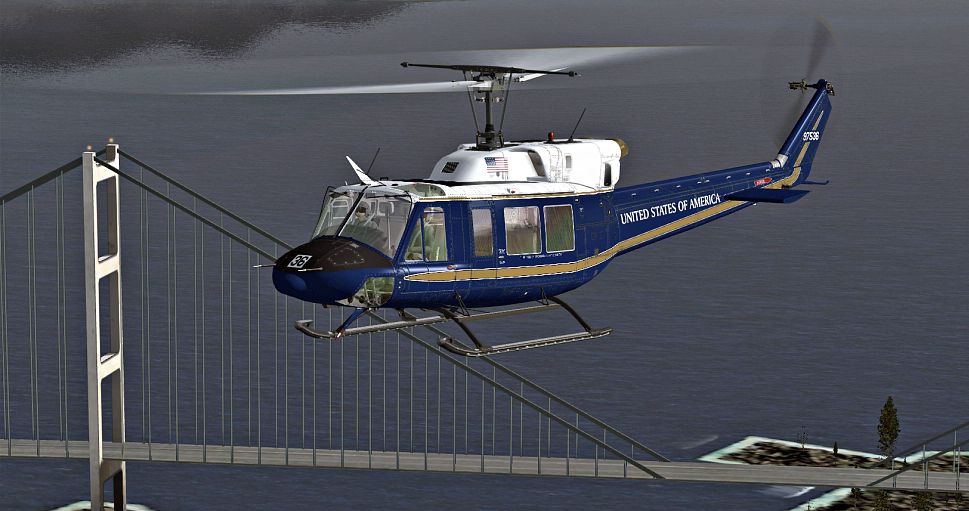
US Air Force Bell 212 in flight.
Note: Because this repaint is built exclusively for the Cera Bell 212-FSX/SP2 model, you must already have the payware helicopter installed in your simulator. This package does not include the payware model itself and simply augments its appearance with U.S. Air Force markings that simulate real-world deployment scenarios.
Thank you for downloading and exploring this upgraded Bell 212 experience by Bernhard Lechner. Fly safely and enjoy the new livery in your virtual skies.
Free for all simmers · 4.06 MB · Scanned clean Oct 2026
Download speed: Free tier is capped at 0.5 Mbps (this file takes approximately 1 min at the cap). PRO members download at full line speed.
texture.{airline}) inside FSX\SimObjects\Airplanes\{base-aircraft}\.aircraft.cfg in Notepad. Add a new [fltsim.X] section per the readme.readme.txt or README file. It tells you exactly where files go, what dependencies are needed, and any quirks specific to this add-on.The archive bell212_us_airforce.zip has 25 files and directories contained within it.
This list displays the first 500 files in the package. If the package has more, you will need to download it to view them.
| Filename/Directory | File Date | File Size |
|---|---|---|
| readme_212_us_airforce.txt | 02.07.10 | 1.15 kB |
| SCREENS | 02.07.10 | 0 B |
| 212_01.jpg | 02.07.10 | 553.62 kB |
| 212_02.jpg | 02.07.10 | 358.47 kB |
| 212_03.jpg | 02.07.10 | 424.96 kB |
| 212_04.jpg | 02.07.10 | 328.08 kB |
| Texture.USAIRFORCE | 02.07.10 | 0 B |
| BELL_EXT_1_T.dds | 02.07.10 | 4.00 MB |
| BELL_EXT_1_T_SPEC.dds | 01.29.10 | 1.00 MB |
| BELL_EXT_2_T.dds | 02.07.10 | 1.00 MB |
| BELL_EXT_2_T_SPEC.dds | 01.29.10 | 1.00 MB |
| BELL_EXT_3_T.dds | 02.07.10 | 1.00 MB |
| BELL_EXT_3_T_SPEC.dds | 01.29.10 | 1.00 MB |
| BELL_EXT_4_T.dds | 02.06.10 | 1.00 MB |
| BELL_EXT_4_T_SPEC.dds | 01.29.10 | 1.00 MB |
| BELL_INTER_9_C.dds | 02.04.10 | 1.00 MB |
| BELL_INTER_9_C_NIGHT.dds | 02.04.10 | 1.00 MB |
| main_rotor.dds | 11.07.09 | 1.00 MB |
| pilot.dds | 01.22.10 | 1.00 MB |
| pilot_night.dds | 01.22.10 | 1.00 MB |
| TAIL_ROTOR.dds | 02.04.10 | 64.12 kB |
| texture.cfg | 08.21.06 | 137 B |
| THUMBNAIL.jpg | 02.06.10 | 35.44 kB |
| flyawaysimulation.txt | 10.29.13 | 959 B |
| Go to Fly Away Simulation.url | 01.22.16 | 52 B |
Only PRO members can place votes.
More FSX & P3D add-ons hand-picked based on this download.
FSX Helicopters
"Italy Air Force" Bell 212 The repaints are for 212 in service from Italian A…
 FSX Helicopters
Crafted by Bernhard Lechner, this free repaint set introduces a faithfully re…
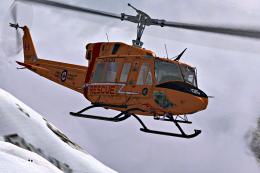 FSX Helicopters
This customized Bell 212 repaint showcases the distinctive markings of the Ro…
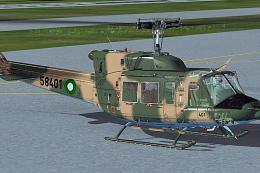 FSX Helicopters
This repaint for the Bell 212 draws inspiration from a Pakistan Air Force var…
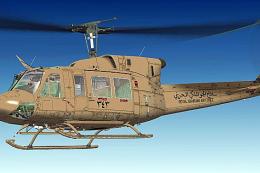 FSX Helicopters
This repaint adds the Royal Bahraini Air Force markings to the sophisticated …
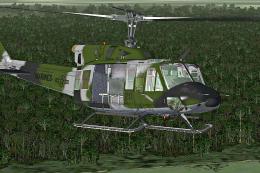 FSX Helicopters
US Marines Bell 212. The repaints are for 212's in service with the US Marine…
 FSX Helicopters
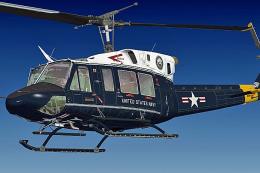
US Navy Bell 212. Repaints (imaginary) for a 212 in service from U. S. Navy. …
 FSX Helicopters
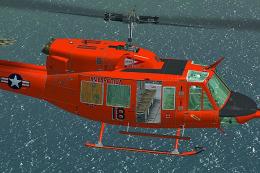
US Navy Antarctica Bell 212. Repaint for a 212 in service from U.S. Navy. Tex…
Be the first to leave a comment on this download.
Be the first to share your thoughts on this download.