


 United States of America

 MSFS Scenery
Mexico City Intl. Airport Benito Juárez (MMMX)
Immerse yourself in the vibrant and dynamic environment of Mexico City Intern…
Española Airport (E14) scenery for Microsoft Flight Simulator 2024 replaces the default representation of this northern New Mexico airfield. Serving general aviation north of Santa Fe, the airport offers a convenient departure point for exploring the region’s high-desert terrain on local and regional flights.
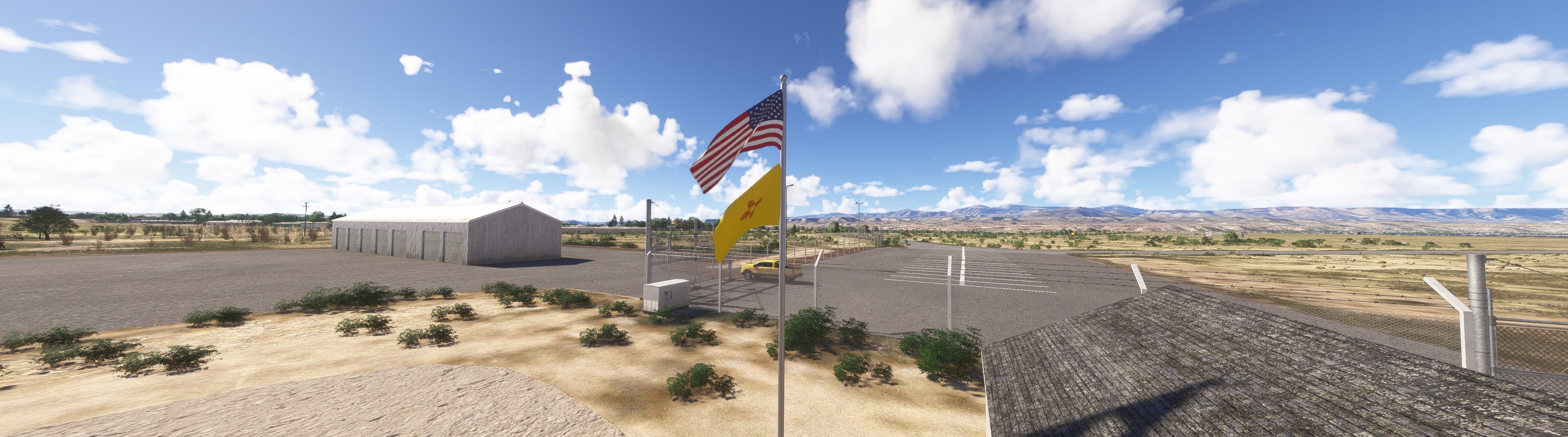
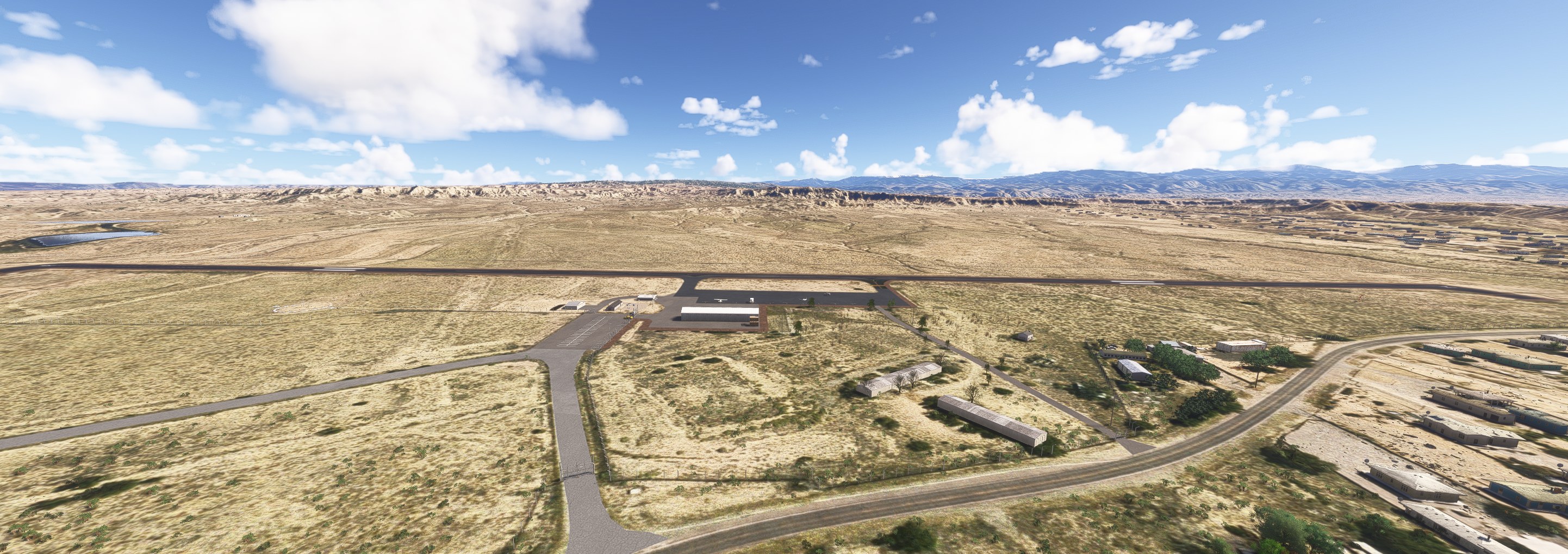
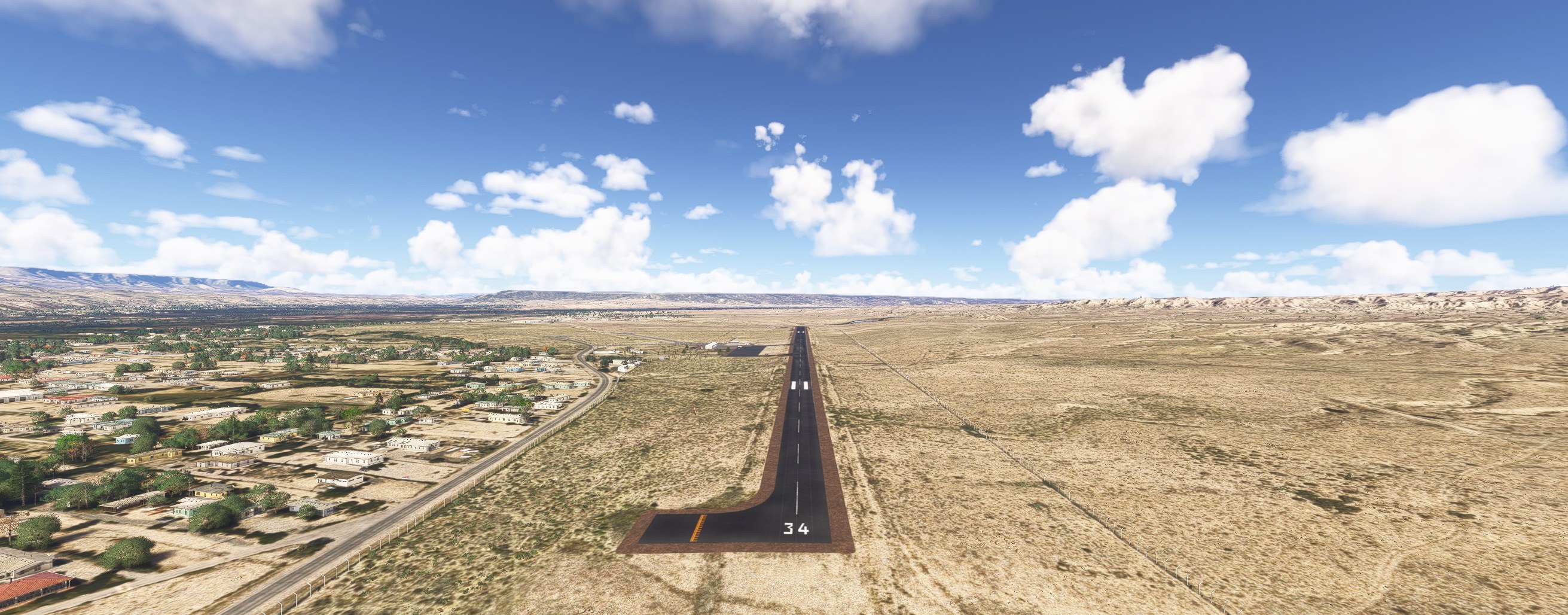
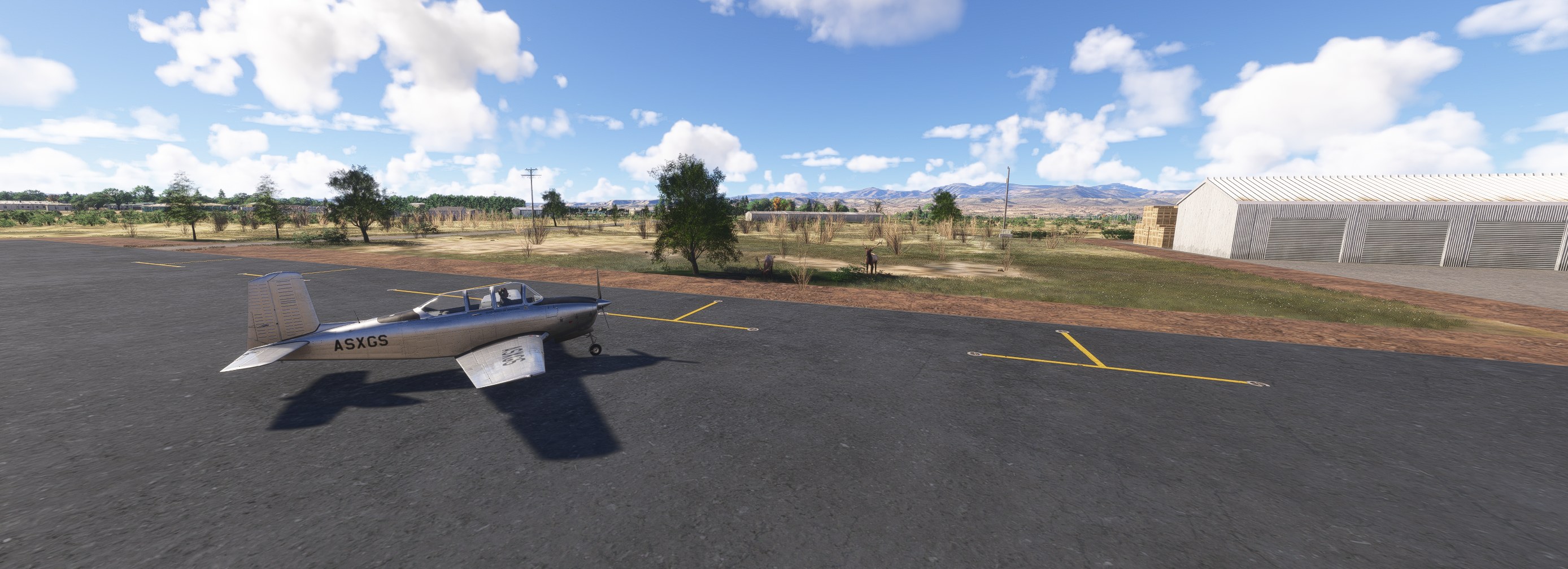

I’d give the hangars a less uniform finish, but the uncluttered apron carries the quiet-airfield feel well enough. E14 doesn’t need much decoration to suit my flying.
Taxiing toward the yellow parking marks, I liked having so little competing for my attention. I’d use this as a regular circuit stop rather than somewhere to visit once for the scenery.
Benny's Flight Sim Stuff replaces the default E14 airport in Microsoft Flight Simulator 2024 with this Espanola, New Mexico scenery. The real airport serves general aviation north of Santa Fe, a useful departure point for exploring northern New Mexico's high-desert terrain.
The developer has tested the package only in MSFS 2024. Compatibility with Microsoft Flight Simulator 2020 is unknown, so this listing is for MSFS 2024 only.
Unzip the download and place the bennysflightsimstuff package in your Community folder. If the scenery doesn't work, the developer's advice is to delete that package.
Free for all simmers · 30.73 KB · Scanned clean Nov 2026
Download speed: Free tier is capped at 2 Mbps. PRO members download at full line speed.
Initial release.
%LOCALAPPDATA%\Packages\Microsoft.FlightSimulator_8wekyb3d8bbwe\LocalCache\Packages\Community\. Steam version: %APPDATA%\Microsoft Flight Simulator\Packages\Community\. Tip: enable Developer Mode in MSFS to see your exact Community folder path.readme.txt or README file. It tells you exactly where files go, what dependencies are needed, and any quirks specific to this add-on.Use these coordinates to fly directly to this location once the mod is installed.
36.02610000,-106.04540000
Paste these coordinates into the Microsoft Flight Simulator search bar when planning a flight, or into the Developer Mode Teleport window, to fly directly to this location.
Private Pilot since 1987. Experimental Aircraft Builder. Lover of all things aviation. I recently taught myself to create sceneries and such on my sim and at my age it ain't easy!
Are you Benny's Flight Sim Stuff? Sign in to Fly Away Creators for download stats, comment replies and updates. Make add-ons? Publish them here.
Only PRO members can place votes.
More MSFS add-ons hand-picked based on this download.
MSFS Scenery
Immerse yourself in the vibrant and dynamic environment of Mexico City Intern…
 MSFS Scenery
A complete scenery mod featuring Simogu Airstrip (AYQM) in Papua New Guinea b…
 MSFS Scenery
A fun and exciting scenery mod bringing Owena Airstrip (AYWW) in Papua New Gu…
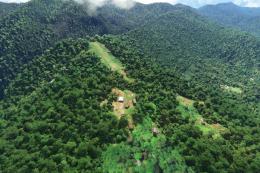 MSFS Scenery
Bambui (BCP) is an exciting dirt strip in Papua New Guinea that is perched ri…
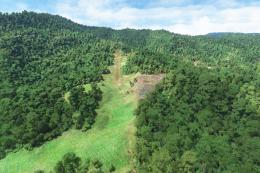 MSFS Scenery
Another obscure airstrip in Papua New Guinea, Gema Airstrip (AYGM) by develop…
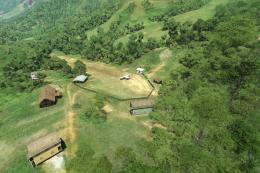 MSFS Scenery
A fun and exciting scenery pack for MSFS featuring Aziana Airstrip (AYLA) in …
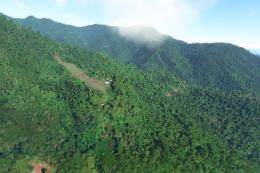 MSFS Scenery
Another fun and challenging strip in Papua New Guinea from Photosbykev - this…
 MSFS Scenery
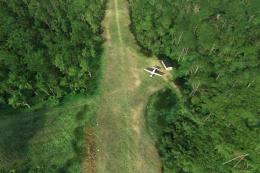
A stunning little scenery mod featuring the dirt strip Lele Airstrip (AYLE) i…
Be the first to leave a comment on this download.
Be the first to share your thoughts on this download.