
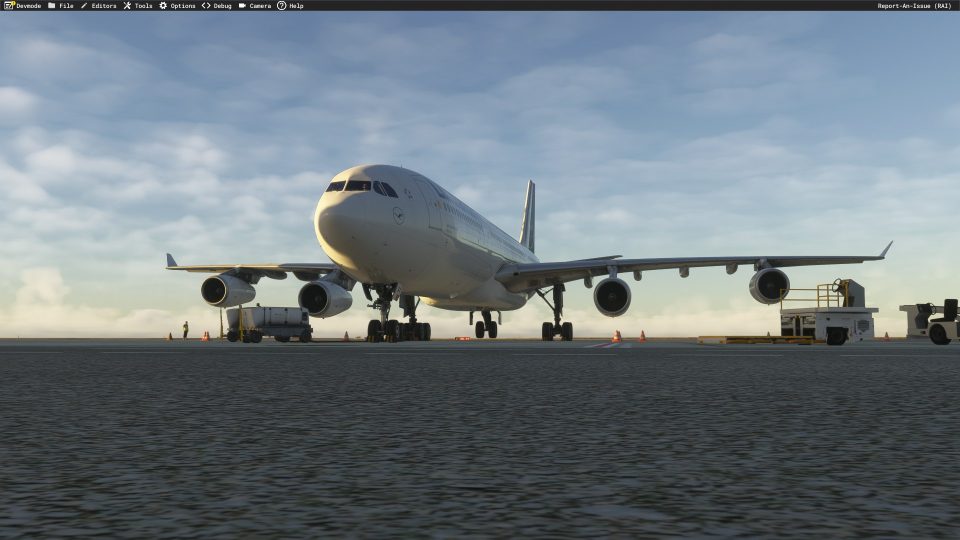

 MSFS Civil Jet Aircraft
iniBuilds Airbus A340-300 Lufthansa D-AIGT Livery (With Cabin)
dmeh_liveries painted Lufthansa’s D-AIGT for the iniBuilds Airbus A340-300 in…
Lufthansa’s D-AIFC, D-AIGX, and D-AIGW liveries bring three distinct registrations and cabin repaint work to Microsoft Flight Simulator 2024. The package requires the iniBuilds Airbus A340-300 and includes D-AIFC’s “Gander/Halifax” identity, commemorating the Canadian communities that welcomed stranded passengers and crews in September 2001.
 Rate
 By dmeh_liveries
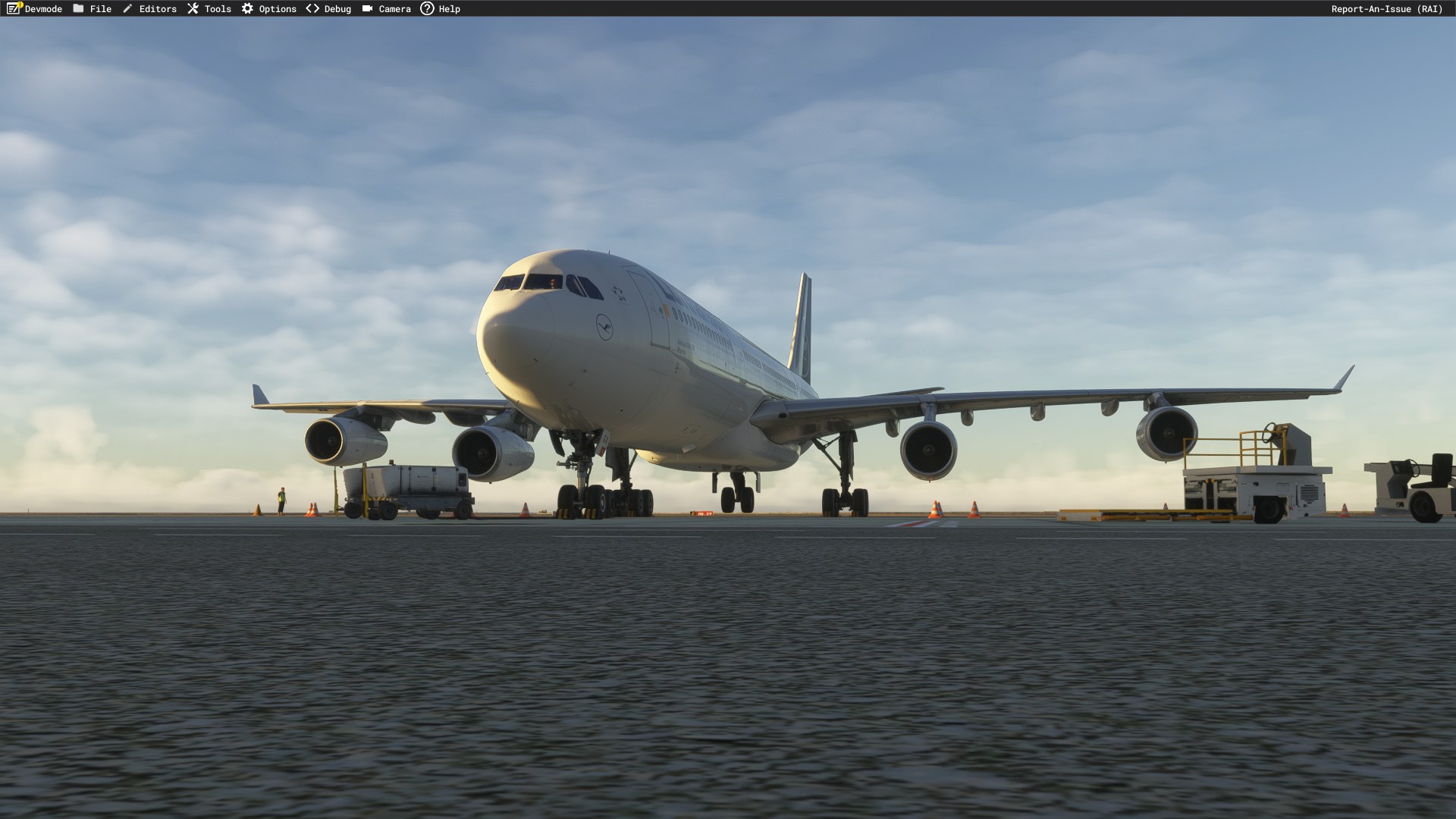
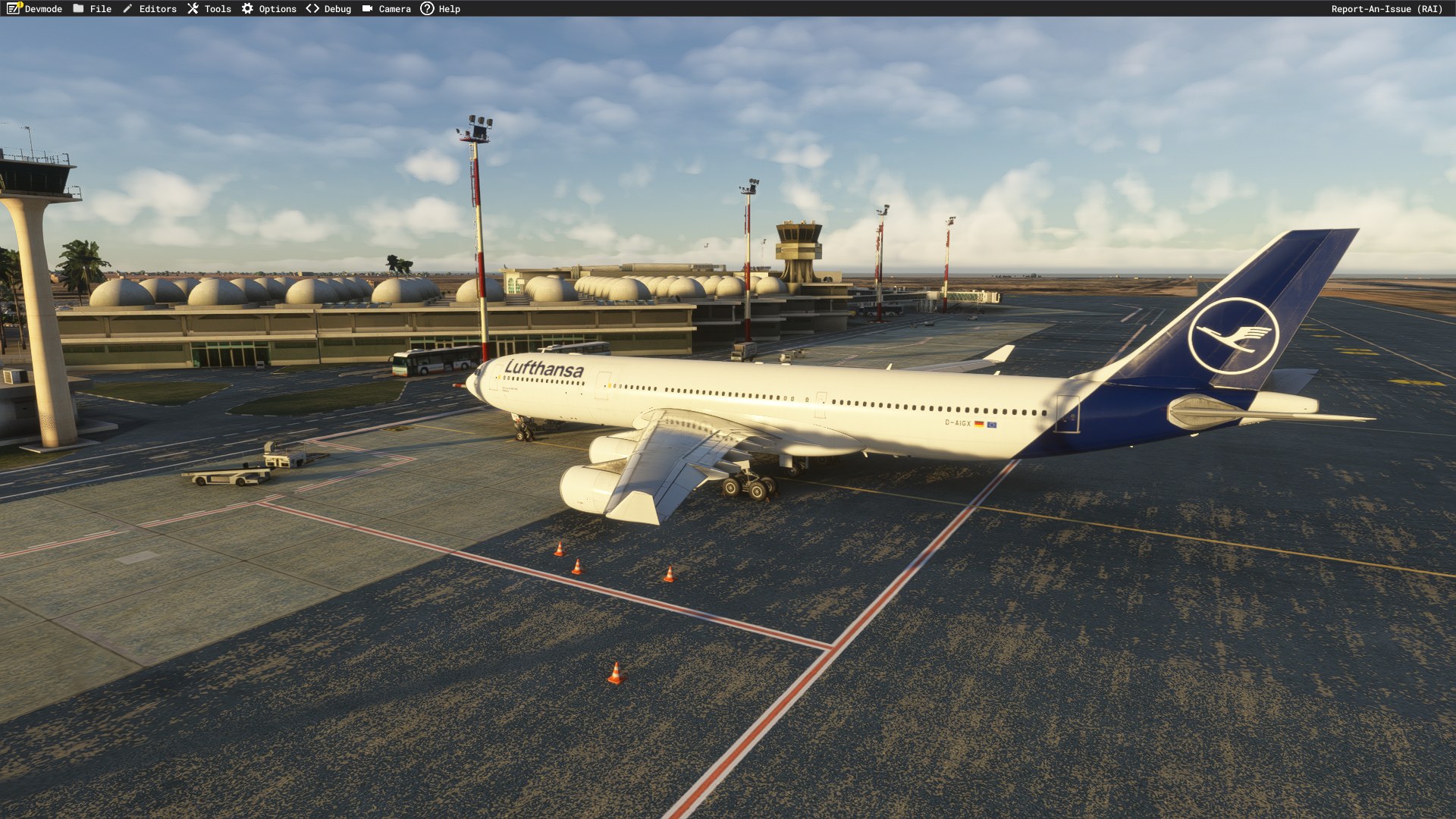
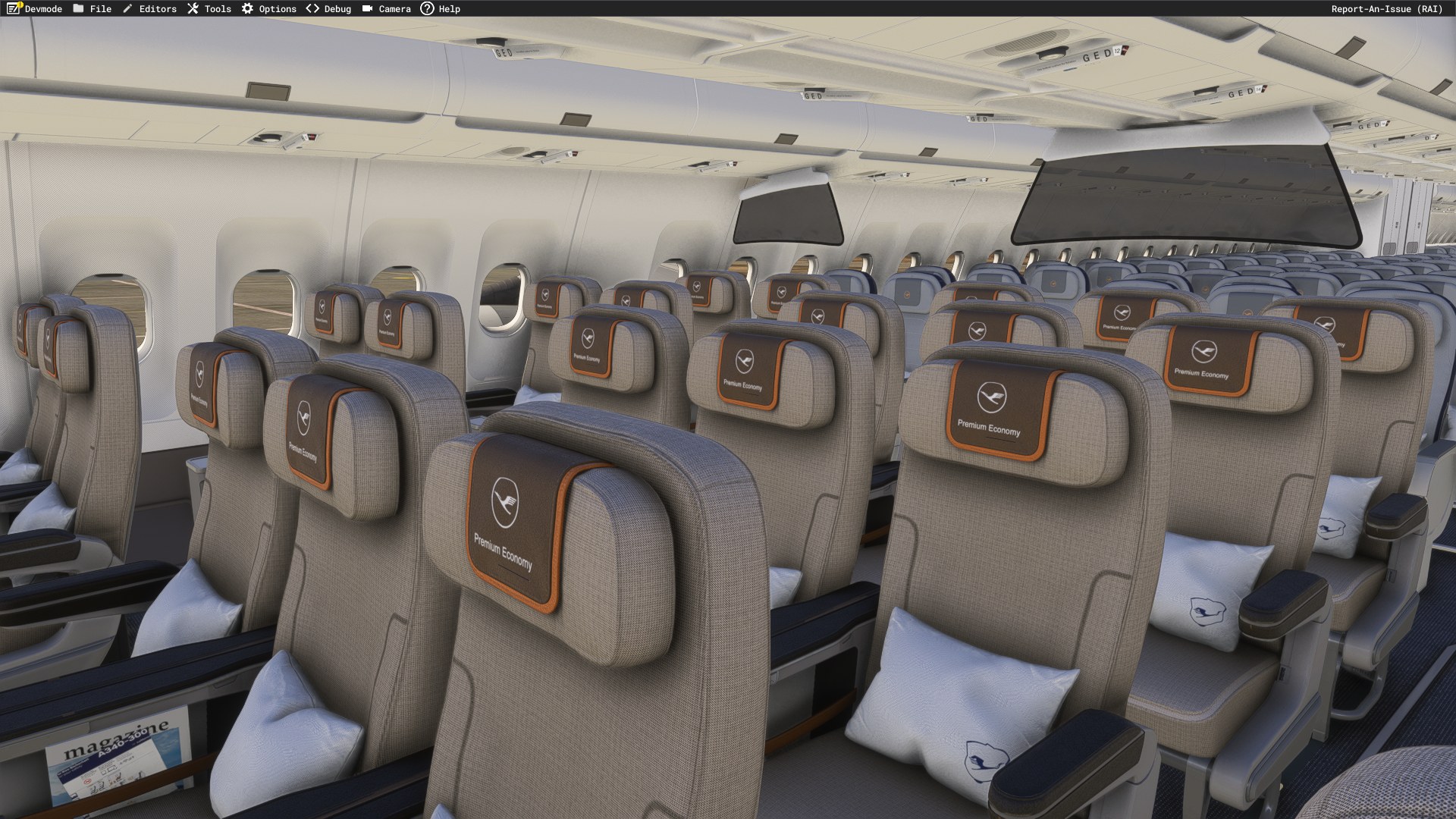
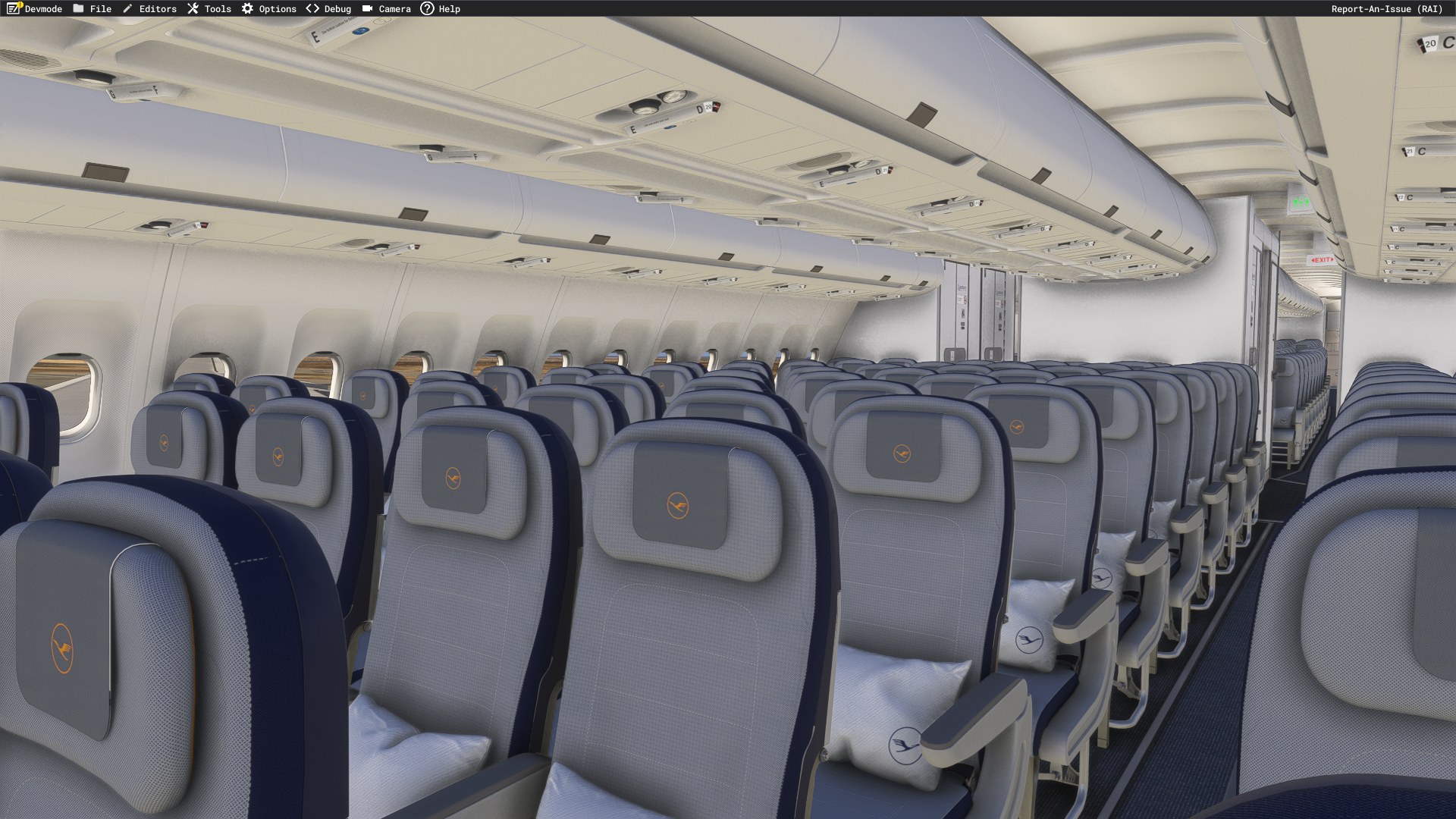
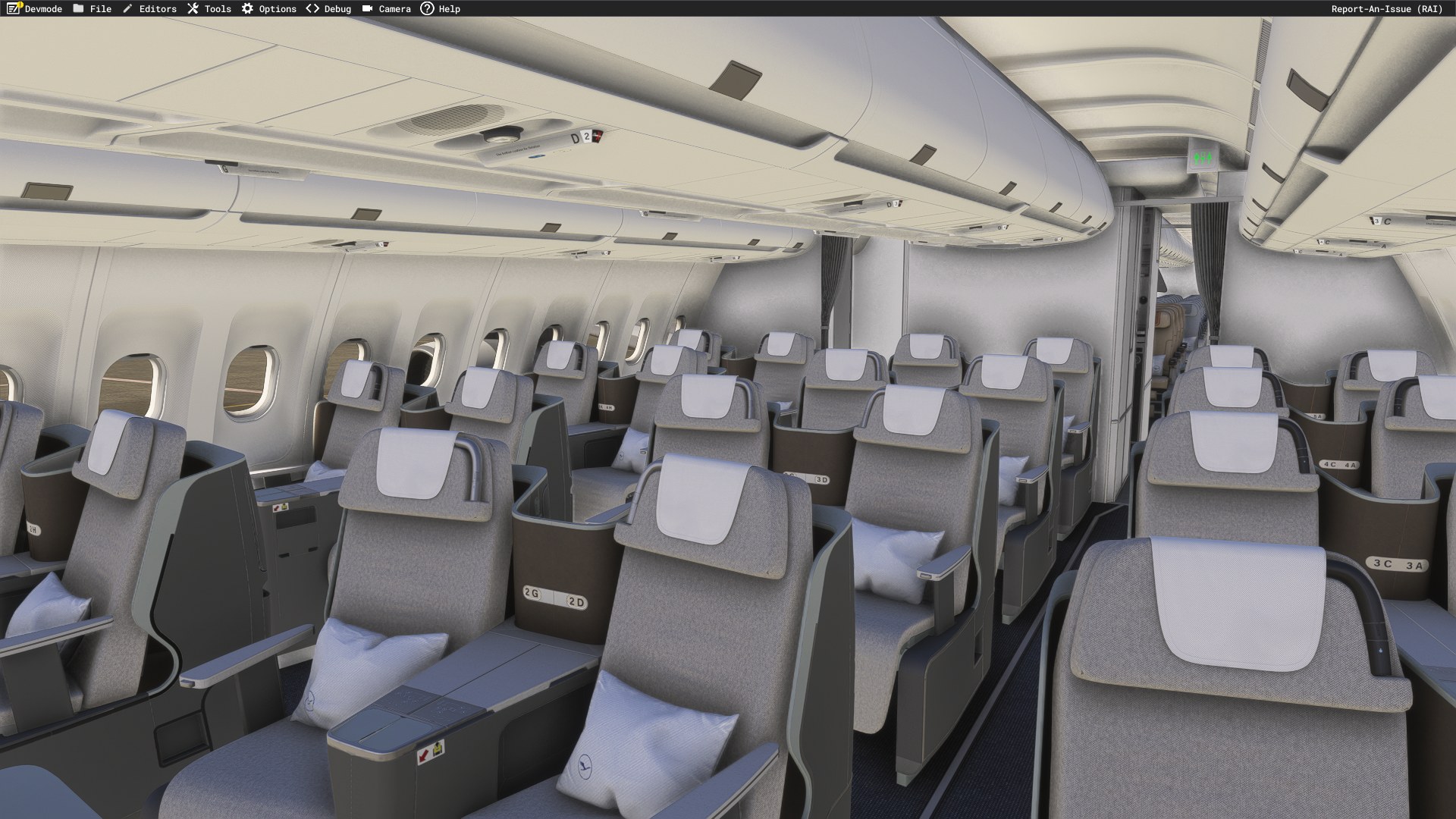
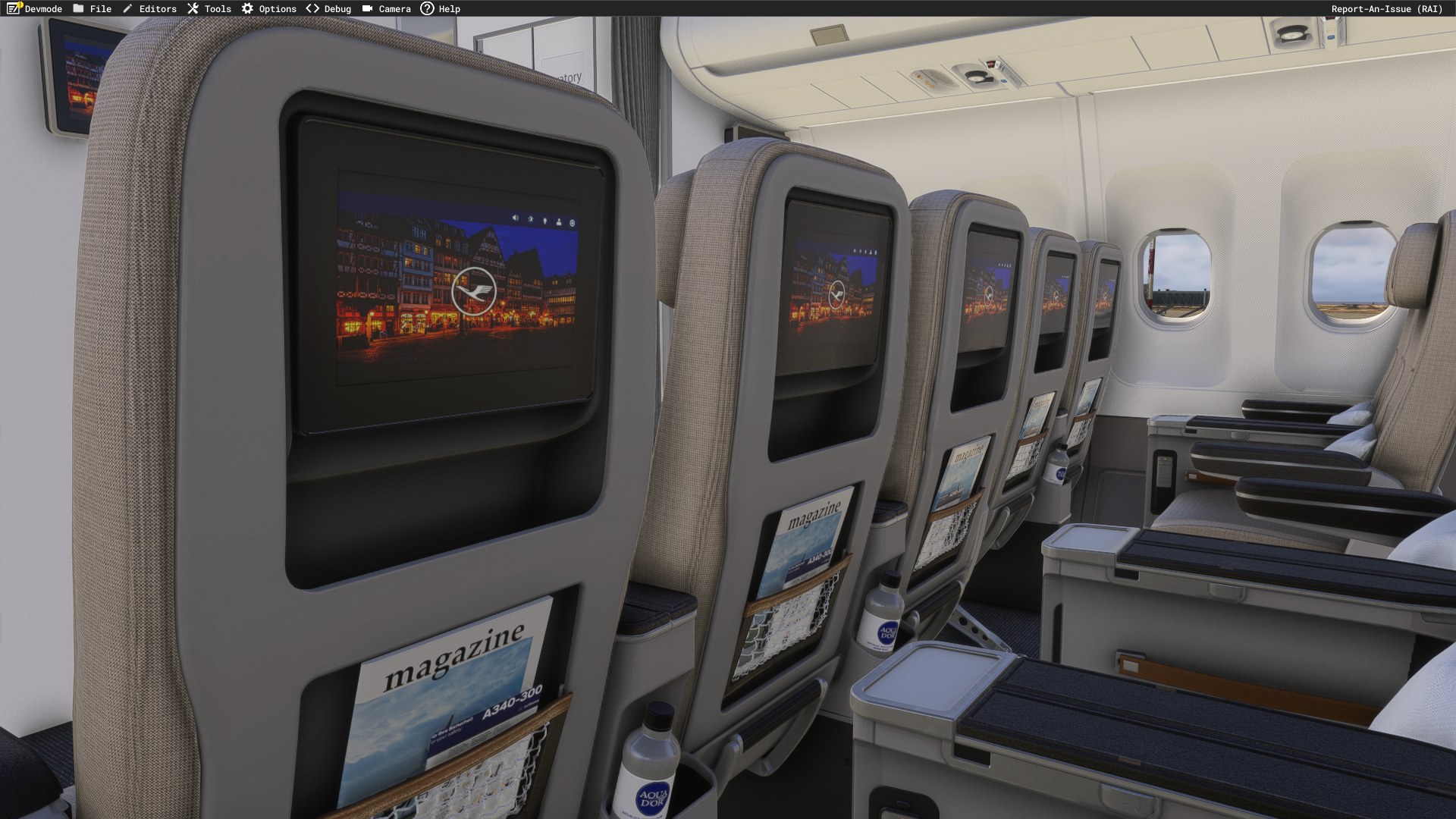
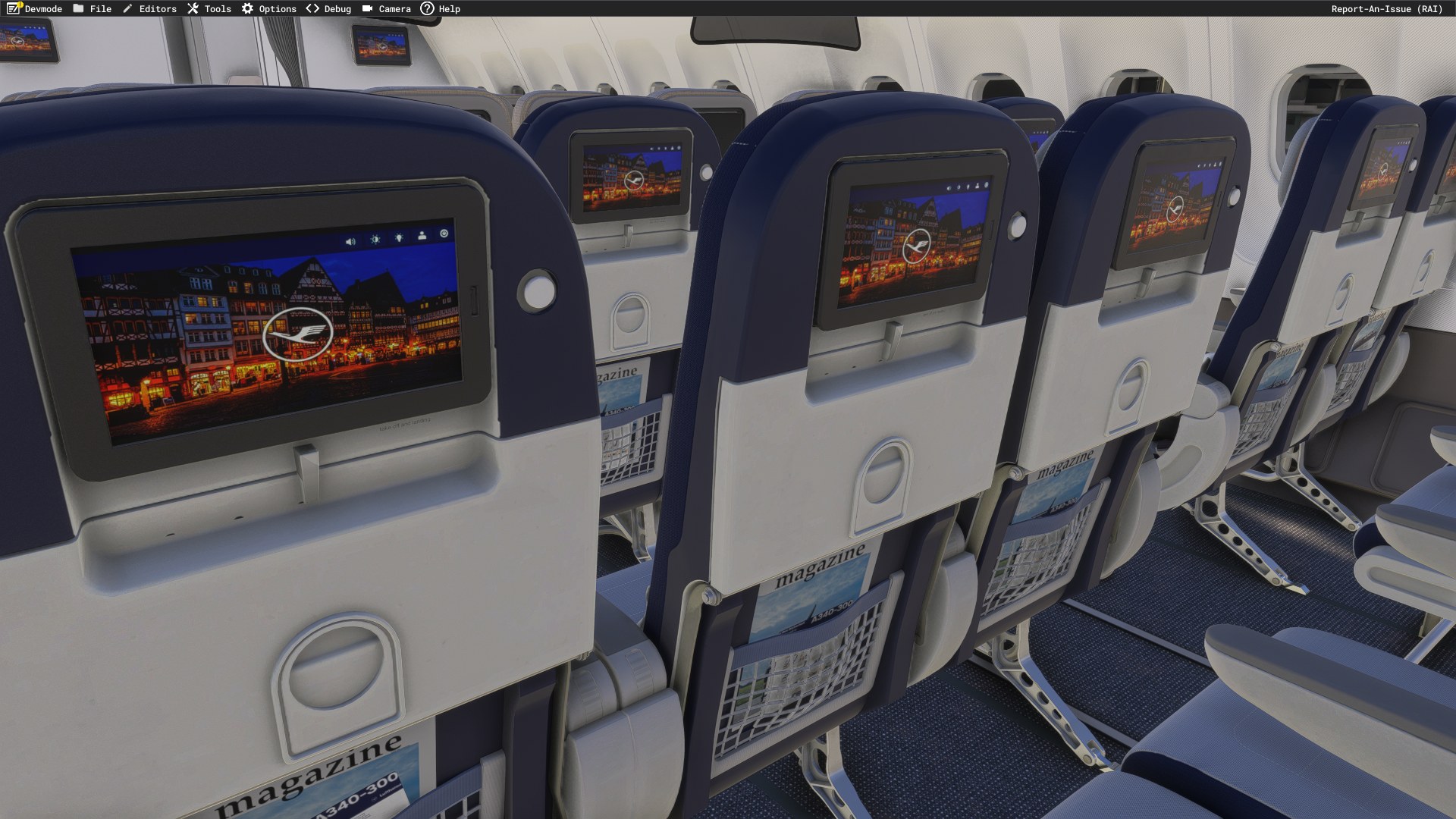
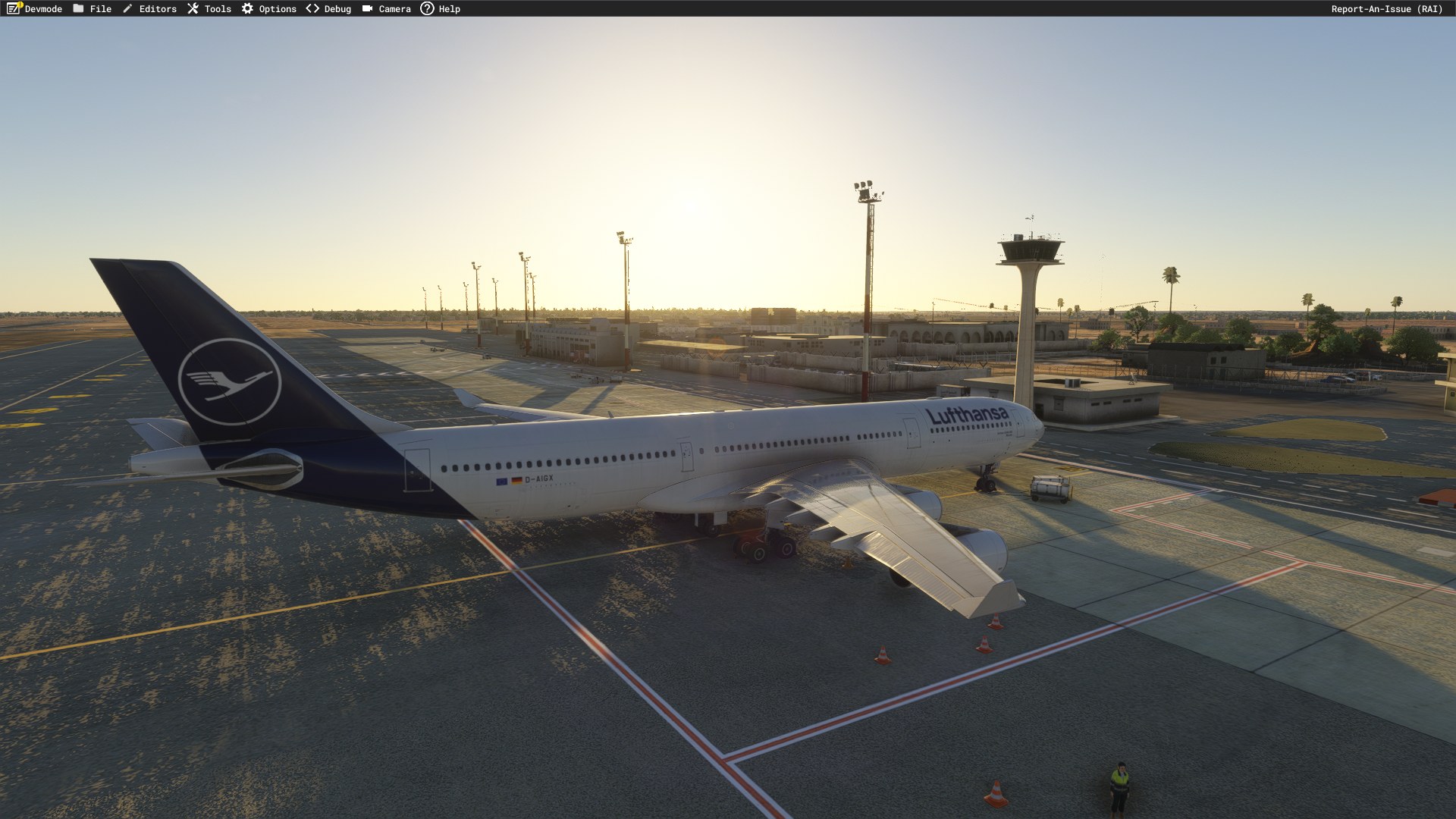
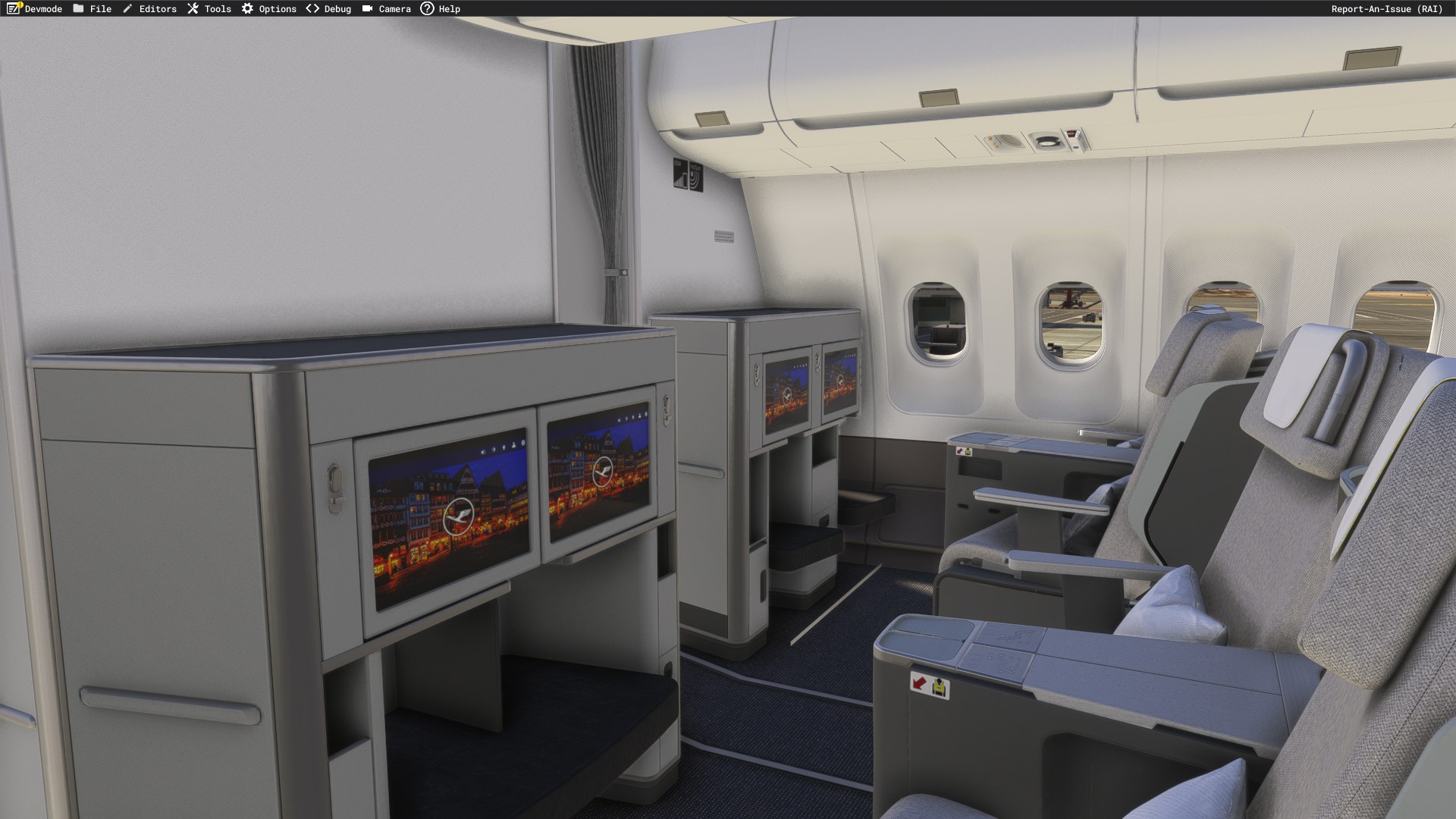
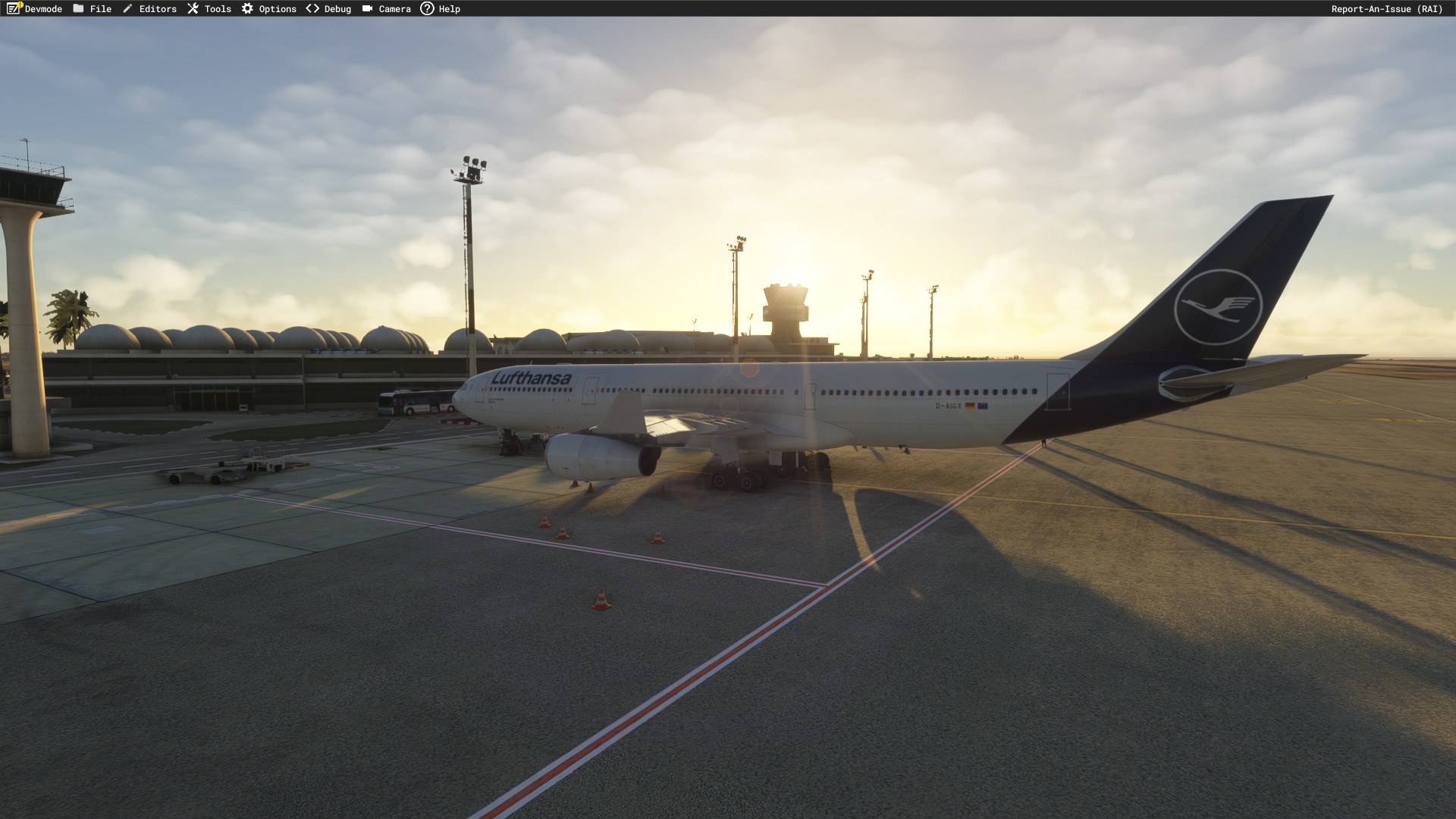

Would Lufthansa’s restrained scheme look too plain on the long A340 fuselage? Not to my eye; the dark tail gives it enough weight without needing more color along the sides. Moving through the cabin, I stopped at the orange-edged Premium Economy headrest covers. That small accent earns its place among all the gray upholstery. The cabin repaint is the part I value most here: on a long-haul aircraft, I like having a reason to leave the cockpit and spend a little time in a passenger seat. I wouldn’t claim an exact historical interior from the information supplied, but the airline branding gives it a convincing identity. D-AIFC would be my pick for a flight; its name carries a significance that matters more to me than a special exterior scheme.
dmeh_liveries has painted Lufthansa’s D-AIFC, D-AIGX, and D-AIGW for the iniBuilds Airbus A340-300 in Microsoft Flight Simulator 2024, with cabin repaint work included. This requested livery package covers three registrations and requires the payware iniBuilds aircraft, which must be purchased separately. The base model is not included.
Compatibility is limited to Microsoft Flight Simulator 2024. Check that you own the iniBuilds A340-300 before downloading; these paints are specific to that model.
The developer identifies D-AIFC as an Airbus A340-313, manufacturer serial number (MSN) 379, delivered to Lufthansa in January 2001. It carries the name Gander/Halifax. The accompanying aircraft histories record MSN 354, delivered in September 2000 and named Düren, and MSN 327, delivered in March 2000 and named Gladbeck.
Lufthansa named D-AIFC Gander/Halifax on 16 May 2002 to recognize the Canadian communities that helped stranded passengers and flight crews after the September 11, 2001 terrorist attacks.
Under Operation Yellow Ribbon, Canadian airports accepted numerous flights diverted from US airspace. Residents of Gander, Newfoundland and Labrador, and Halifax, Nova Scotia, provided accommodation, food, and assistance to people unable to reach their destinations. The aircraft’s name commemorates that hospitality and solidarity.
CC BY-NC-SA 4.0
Free for all simmers · 493.3 MB · Scanned clean Nov 2026
Download speed: Free tier is capped at 2 Mbps (this file takes approximately 34 mins at the cap). PRO members download at full line speed.
%LOCALAPPDATA%\Packages\Microsoft.FlightSimulator_8wekyb3d8bbwe\LocalCache\Packages\Community\. Steam version: %APPDATA%\Microsoft Flight Simulator\Packages\Community\. Tip: enable Developer Mode in MSFS to see your exact Community folder path.readme.txt or README file. It tells you exactly where files go, what dependencies are needed, and any quirks specific to this add-on.Currently an engineering student in France from Tunisia. / Started publishing liveries for FSX on the Aerosoft forum. Also publishing liveries for MSFS2024 on flightsim.to.Making liveries for MSFS2024 (NOT for MSFS2020)
Are you dmeh_liveries? Sign in to Fly Away Creators for download stats, comment replies and updates. Make add-ons? Publish them here.
Only PRO members can place votes.
More MSFS add-ons hand-picked based on this download.
MSFS Civil Jet Aircraft
dmeh_liveries painted Lufthansa’s D-AIGT for the iniBuilds Airbus A340-300 in…
MSFS Civil Jet Aircraft
dmeh_liveries has painted Tunisair’s TS-IMS for the Fenix Airbus A320-214 CFM…
MSFS Civil Jet Aircraft
dmeh_liveries has painted TUI Airways’ G-TUPD for the iFly Boeing 737 MAX 8 i…
MSFS Civil Jet Aircraft
dmeh_liveries has painted Tunisair’s TS-IMT for the Fenix A320 CFM in Microso…
MSFS Civil Jet Aircraft
dmeh_liveries painted Air Algérie’s 7T-VLR for the iFly Boeing 737 MAX 8 in M…
 MSFS Civil Jet Aircraft
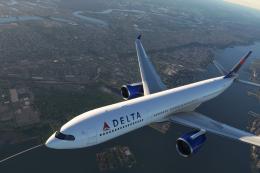
The MSFS Native Airbus A330-900neo Mega Pack by Headwind Simulations brings a…
 MSFS Civil Jet Aircraft
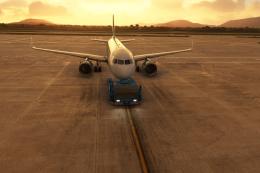
The FlyByWire Airbus A320 Neo A32NX is a complete freeware aircraft package f…
 MSFS Civil Jet Aircraft
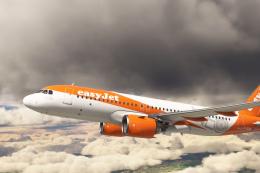
An add-on for MSFS 2020 brings the easyJet A320neo registration G-UZHA livery…
Be the first to leave a comment on this download.
Be the first to share your thoughts on this download.