

 FSX Scenery
USS Saratoga CV-3
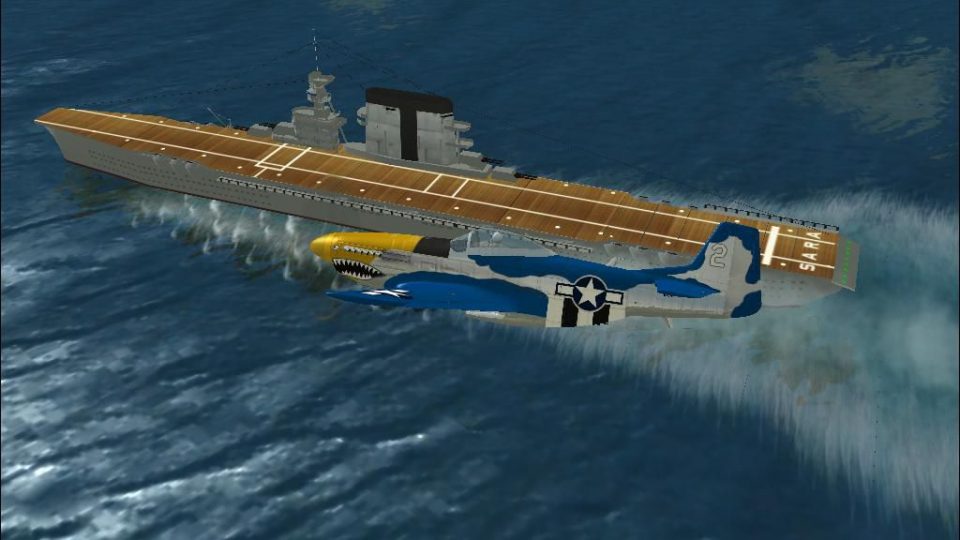
USS Saratoga CV-3. This is a true FSX scenery object compiled with Xtomdl. It…
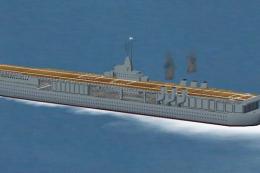
USS Saratoga (CV-3) brings a richly detailed World War II carrier into FSX as a movable AI ship, converted from a classic static model for more flexible placement and realistic deck-landing practice. It integrates with AICarriers and AIShips, and requires Arrcab 2.6 for quick deployment anywhere on the globe.
 Rate
Rate
 Global (World)
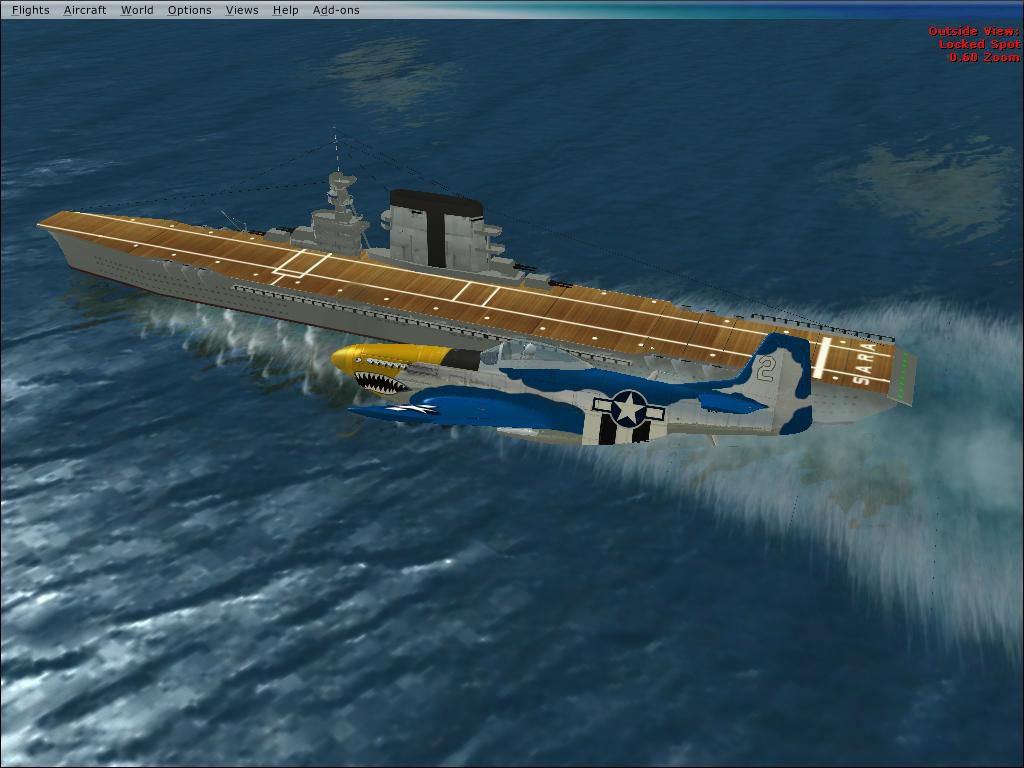
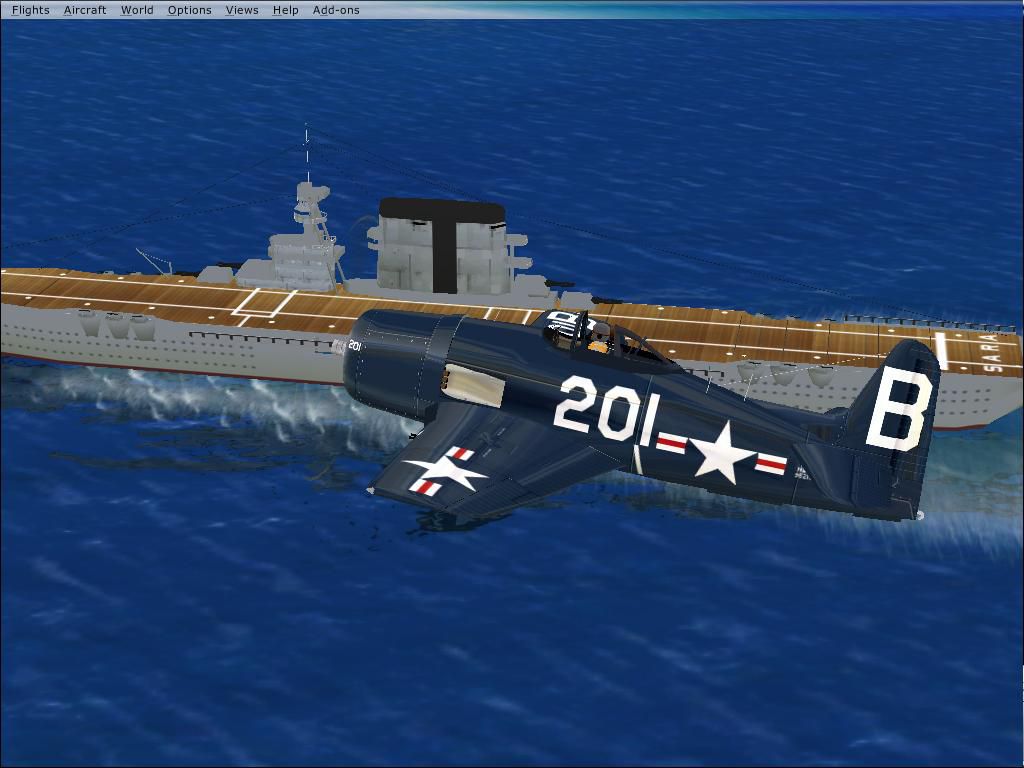
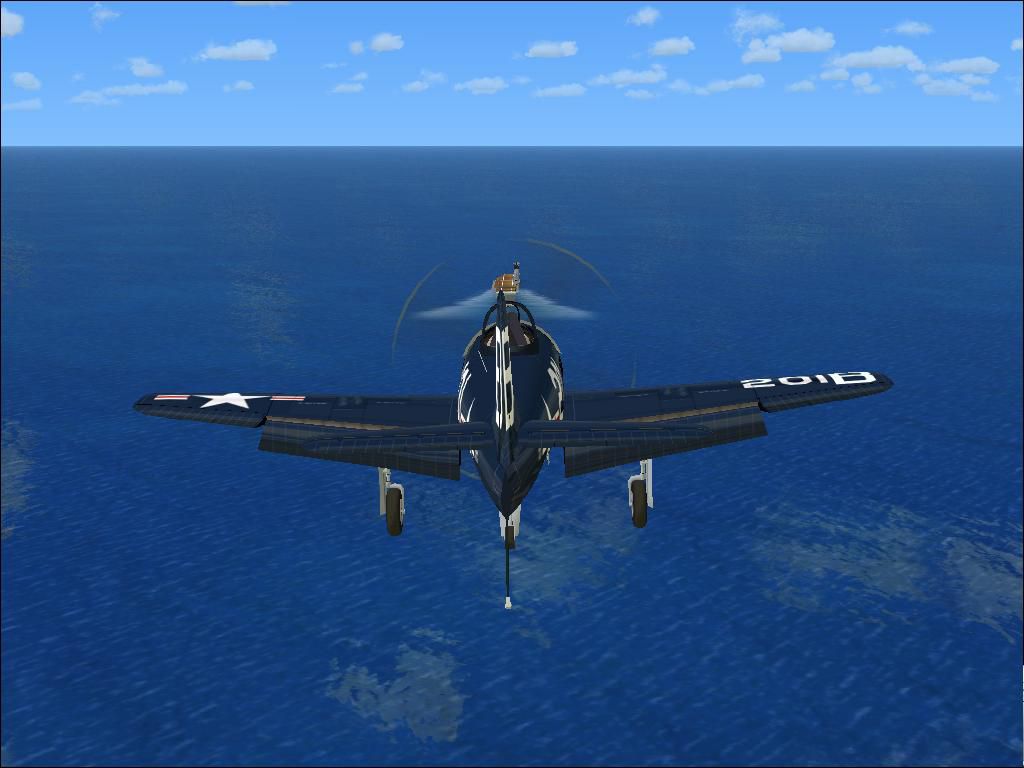
USS Saratoga. This is a tweak of Paul Clawson's Saratoga static scenery add-on (SARAVX.ZIP). It adds a movable AI ship out of the Saratoga model that he provided in the original package. Full integration with AIShips, and Arrcab 2.6.
USS Saratoga Scenery.
This is a nice little addon so you can have a World War II ship in your AI ships inventory. I borrowed the model made by By Paul Clawson, that he provided with his static Saratoga Available on simviation. I then took his model file he provided(to get more locations) and I made that into an AI object. The result was a highly detailed, movable WW2 ship in FSX!
Some stuff you need to get to utilize this package: Get the AI carriers addon, and Arrcab V2.6
With these programs you canyou can drop it anywhere in the world, and then you can trap on it.
It is easy to install:
1.Extract the "AI CV-3 Saratoga - FSX" file to the root of yoursim, and the ship is installed.
IF YOU HAVE AI SHIPS PROCEED TO STEP 2
2.Extract the "AICarriers INFO (extract to the root folder)" file to the root of your AI carriers folder, that is it! You can select it in the list with the other carriers that came with it!!!!
Thanks to Paul Clawson, the original author of this Saratoga, as once a static object, I tweaked it, and made it way, way more usable in FSX.
Enjoy!
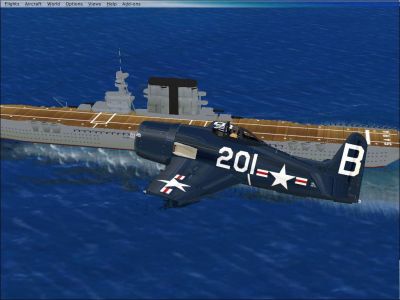
USS Saratoga Scenery.
Free for all simmers · 480.72 KB · Scanned clean Sep 2026
Download speed: Free tier is capped at 0.5 Mbps. PRO members download at full line speed.
This add-on may require the following files to function properly. If this is a repaint, the dependency below is likely the base aircraft package.
FSX\Addon Scenery\ containing scenery and texture sub-folders.readme.txt or README file. It tells you exactly where files go, what dependencies are needed, and any quirks specific to this add-on.The archive aisaratg.zip has 10 files and directories contained within it.
This list displays the first 500 files in the package. If the package has more, you will need to download it to view them.
| Filename/Directory | File Date | File Size |
|---|---|---|
| AI CV-3 Saratoga - FSX.zip | 11.19.07 | 210.03 kB |
| AICarriers INFO (extract to the root folder).zip | 11.19.07 | 579 B |
| AI USS SARATOGA.JPG | 11.19.07 | 82.81 kB |
| WW2 Approach2.JPG | 11.19.07 | 81.55 kB |
| WW2 Approach1.JPG | 11.19.07 | 68.22 kB |
| README.txt | 11.20.07 | 1.28 kB |
| PIC FOR POST.JPG | 11.20.07 | 42.65 kB |
| File id for webmaster.txt | 11.20.07 | 415 B |
| flyawaysimulation.txt | 10.29.13 | 959 B |
| Go to Fly Away Simulation.url | 01.22.16 | 52 B |
Only PRO members can place votes.
More FSX & P3D add-ons hand-picked based on this download.
FSX Scenery
USS Saratoga CV-3. This is a true FSX scenery object compiled with Xtomdl. It…
 FSX Scenery
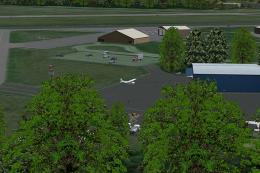
Saratoga County Airport, New York (5B2) v2.0 for FSX Acceleration. Located in…
 FSX Scenery
Saratoga County Airport, New York (NY) v2.0 ADE fix. Reworked ADE file to fix…
 FSX Scenery
Saratoga County Airport (5B2), Saratoga Springs, New York (NY). Features corr…
 FSX Scenery
Scenery USS Patoka AV-6. USS Patoka AV6 was a support ship for the famous USN…
 FSX Scenery
USS Ranger CV-4. A static scenery model of the USS Ranger, CV-4. The Ranger w…
 FSX Scenery
Skara Scenery Bonaire X. Flamingo International Airport or Bonaire Internatio…
 FSX Scenery
Iwo Jima Scenery 1945 Update. This is a complete scenery with added effects a…
Be the first to leave a comment on this download.
Be the first to share your thoughts on this download.