


 Austria
  FSX Scenery
Schwechat Airport
Scenery Schwechat Airport (LOWW), Vienna, Austria. These are the original bgl…
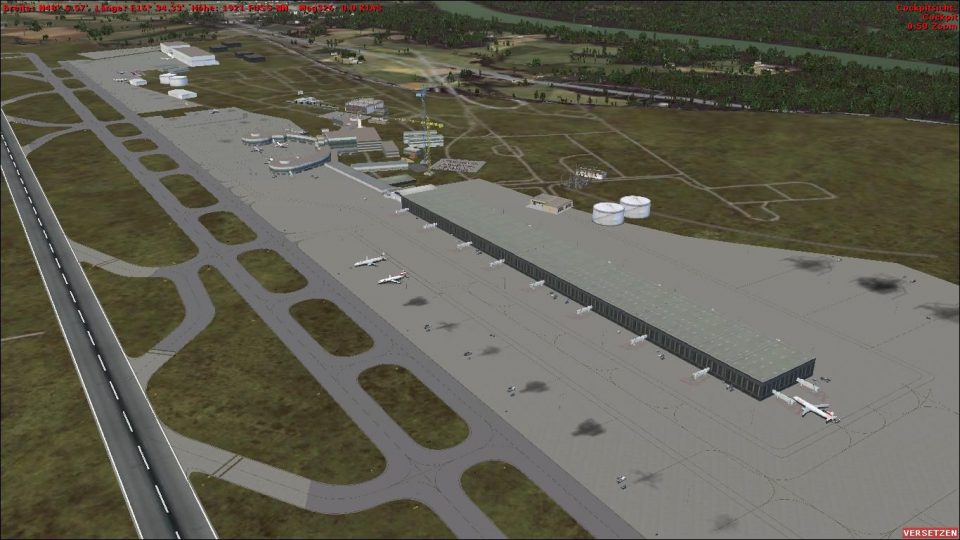
Vienna Schwechat International Airport (LOWW) comes to life with an updated Skylink terminal, detailed ramp activity, and realistic airside clutter, including fire brigade vehicles, anti-ice trucks, cranes, and work crews. Concrete runways, asphalt taxiways, plus parking houses and lots refine ground operations in Microsoft Flight Simulator X.
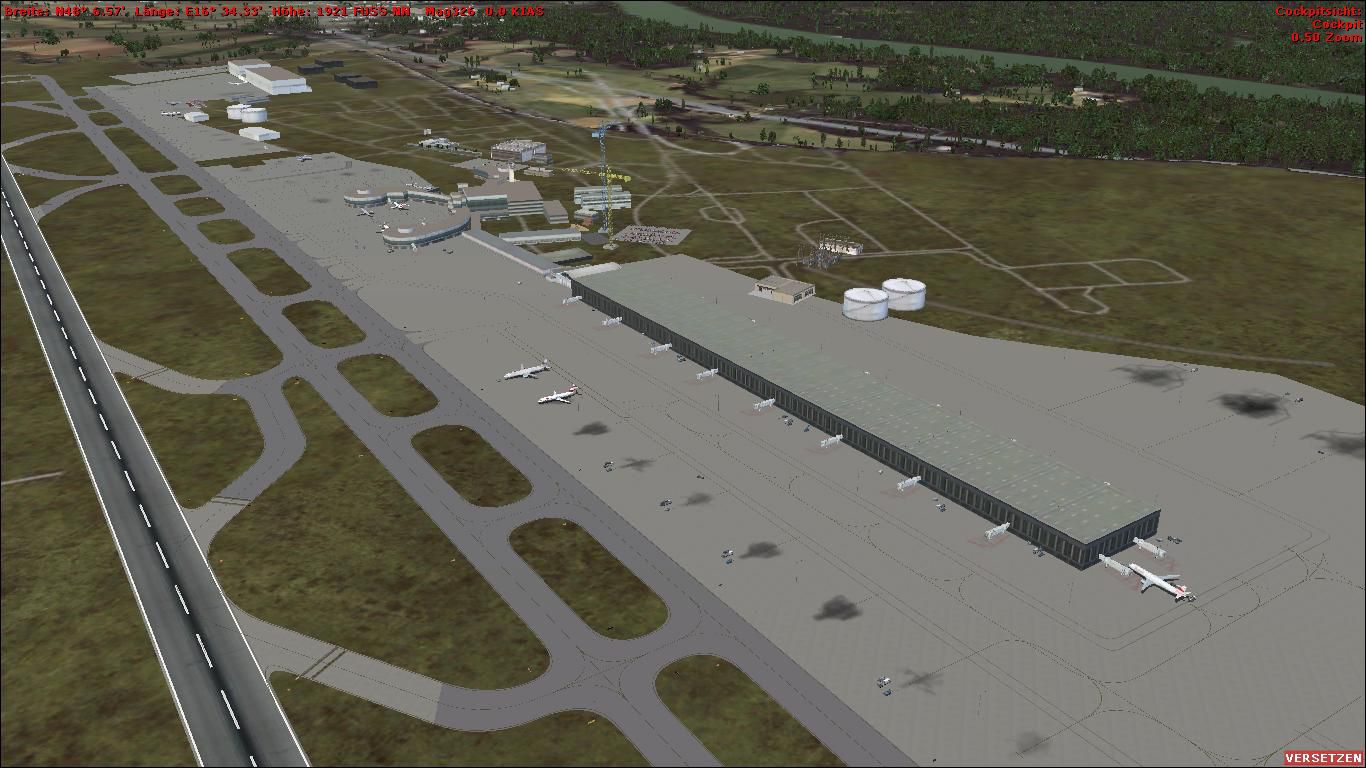
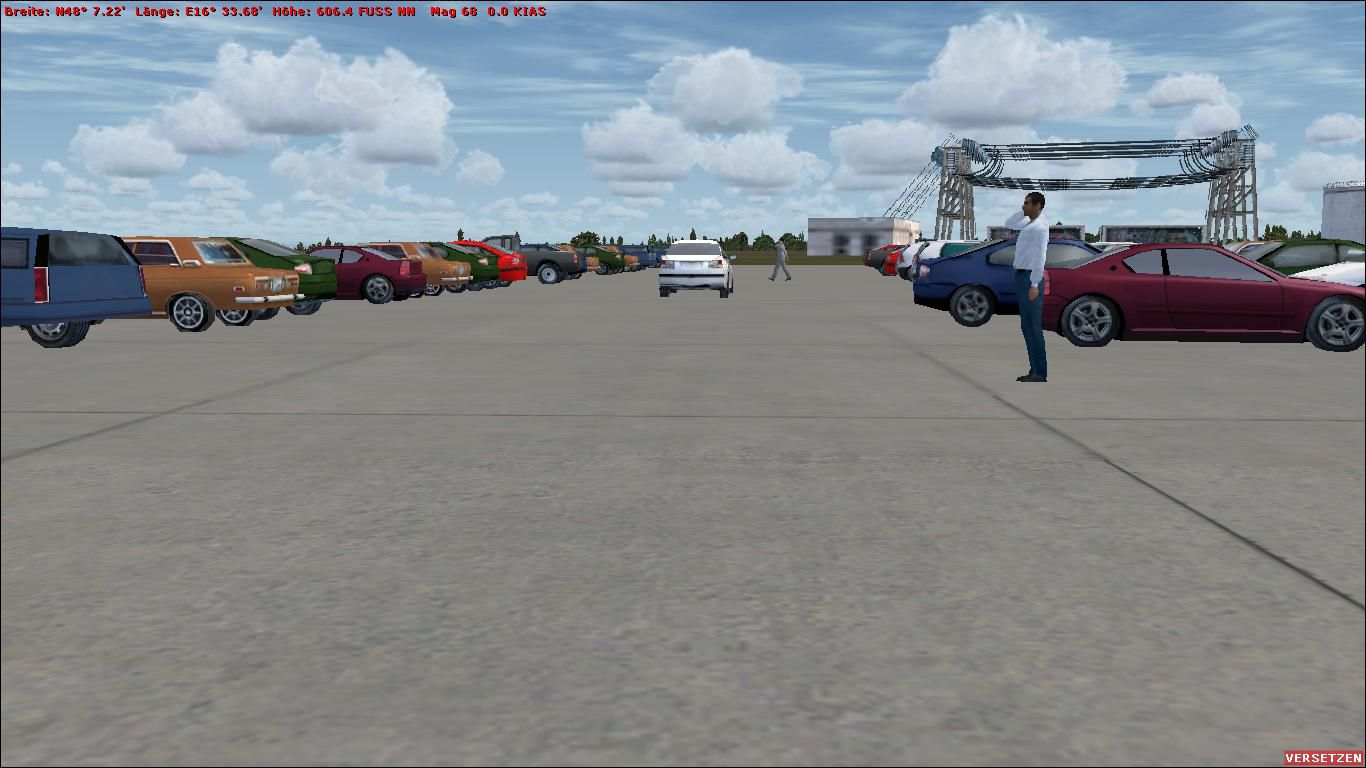

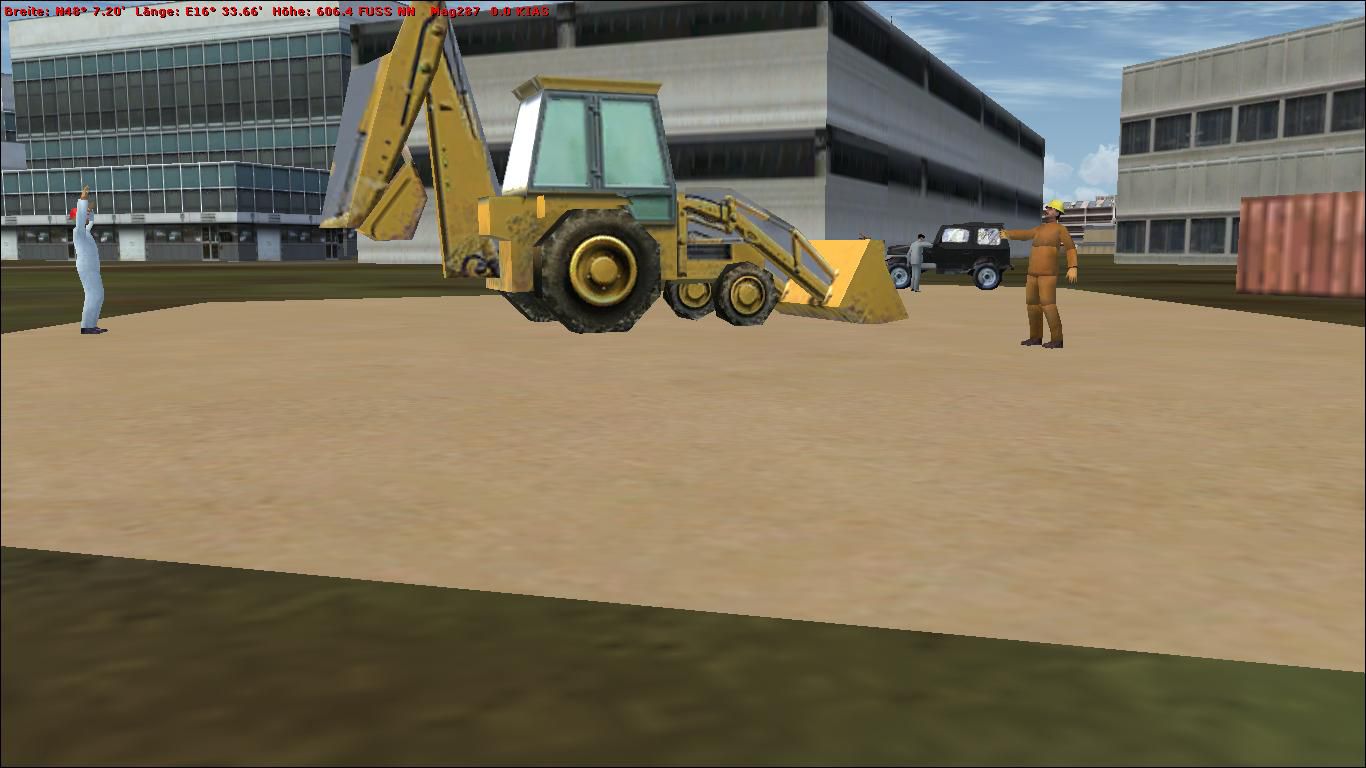
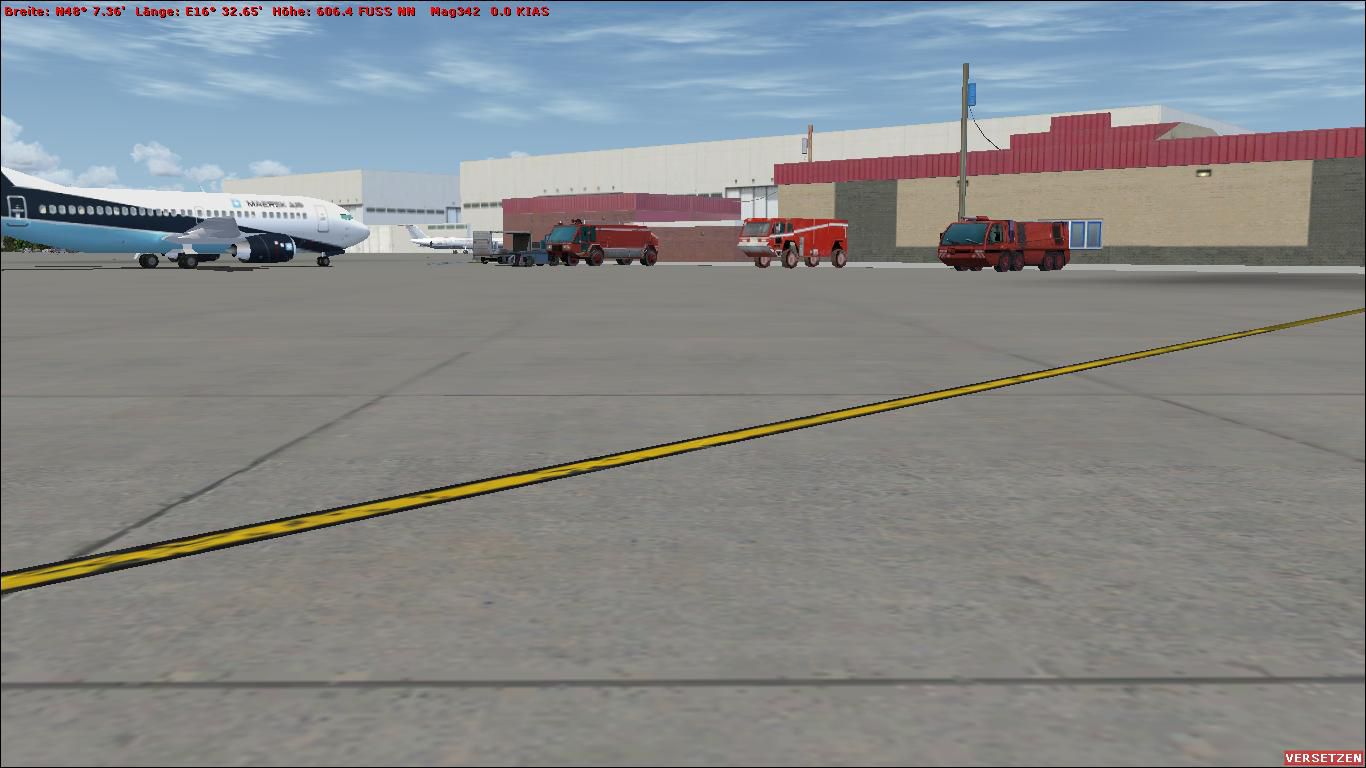
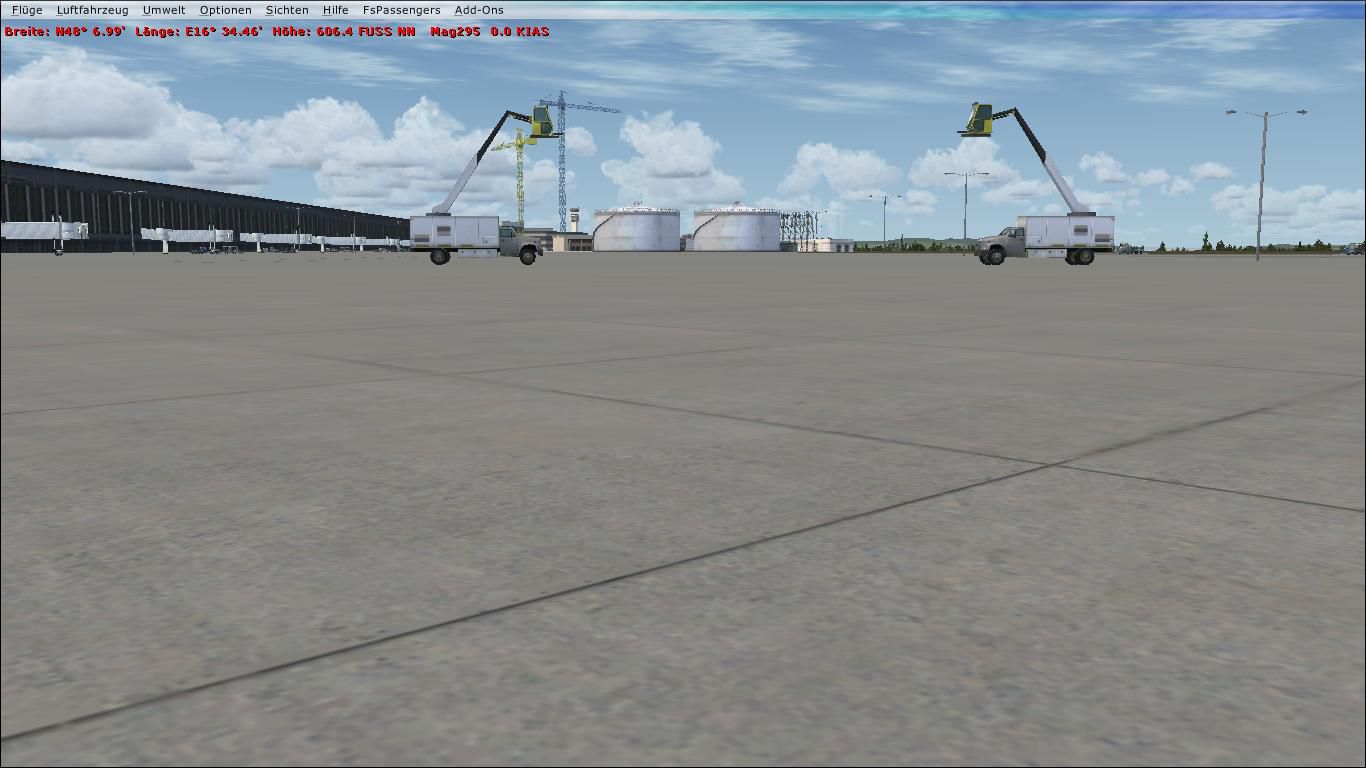
Vienna Schwechat Int'l Airport (LOWW), Austria. Features Skylink terminal, fire brigade, anti-ice trucks, asphalt taxiways, two construction cranes, digger and workers, parking houses and parking lots, concrete runnways instead of asphalt. By Thomas Mittermair.
Vienna Schwechat Int'l Airport Scenery.
-Installation: *zip the Zip. folder
*copy "LOWW_ADE_THOMAS.BGL" from the unzipped folder into C:\Program Files\Microsoft Games\Microsoft Flight Simulator X\Addon Scenery\scenery
*restart FSX
*Have Fun
-New Things: *Skylink Terminal
*Firebrigade
*Anti-Ice Trucks
*Asphalt Taxiways
*2 Consrtuction Cranes
*Digger and Workers
*Parking Houses and Parking Lots
*concrete Runnways instead of asphalt RW.
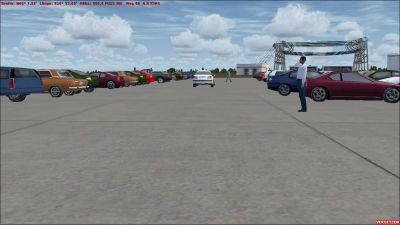
Vienna Schwechat Int'l Airport Scenery.
Free for all simmers · 657.08 KB · Scanned clean Oct 2026
Download speed: Free tier is capped at 0.5 Mbps. PRO members download at full line speed.
FSX\Addon Scenery\ containing scenery and texture sub-folders.readme.txt or README file. It tells you exactly where files go, what dependencies are needed, and any quirks specific to this add-on.Use these coordinates to fly directly to this location once the mod is installed.
48.11030000,16.56970000
Launch FSX or Prepar3D and use Flights → Load to open the downloaded .pln file. Your aircraft will be positioned at this location.
The archive vienna-schwechat_addon.zip has 12 files and directories contained within it.
This list displays the first 500 files in the package. If the package has more, you will need to download it to view them.
| Filename/Directory | File Date | File Size |
|---|---|---|
| Install info.txt | 07.28.09 | 1.41 kB |
| Installation-Deutsch.txt | 07.28.09 | 1.23 kB |
| LOWW_ADE_THOMAS.BGL | 07.28.09 | 55.20 kB |
| Pictures | 07.28.09 | 0 B |
| Anti-Ice.jpg | 07.28.09 | 96.68 kB |
| Digger.jpg | 07.28.09 | 98.95 kB |
| Firebrigade.jpg | 07.28.09 | 99.30 kB |
| Parkings.jpg | 07.28.09 | 107.67 kB |
| Skylink.jpg | 07.28.09 | 101.52 kB |
| VIE_1.jpg | 07.28.09 | 144.72 kB |
| flyawaysimulation.txt | 10.29.13 | 959 B |
| Go to Fly Away Simulation.url | 01.22.16 | 52 B |
Only PRO members can place votes.
More FSX & P3D add-ons hand-picked based on this download.
FSX Scenery
Scenery Schwechat Airport (LOWW), Vienna, Austria. These are the original bgl…
 FSX Scenery
FSX Atlanta Int'l Airport. Scenery for Hartsfield - Jackson Atlanta Internati…
 FSX Scenery
Denver Int'l Airport (KDEN), Colorado (CO). Features added jetways, expanded …
FSX Scenery
Tocumen Int'l Airport (MPTO), Panama. This is an AFCAD-type scenery (plus a l…
 FSX Scenery
Venice Tessera Int'l Airport "Marco Polo" (LIPZ), Italy. Based on the latest …
 FSX Scenery
Kingsford Smith Int'l Airport (YSSY), Sydney, Australia. Includes two version…
 FSX Scenery
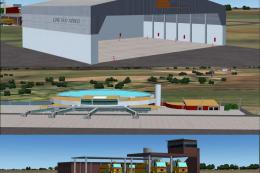
Maceio Int'l Airport (SBMO), Brazil. Functional, with taxiway signs. By Gusta…
 FSX Scenery
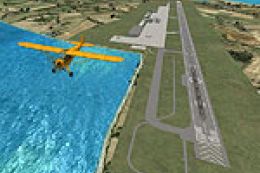
Ngurah Rai Int'l Airport (Bali). Replacement for the stock Ngurah Rai Int'l A…
Be the first to leave a comment on this download.
Be the first to share your thoughts on this download.