

 FSX Scenery
St-Barthelemy Island Sloped Runway
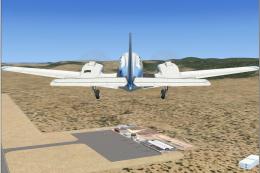
St Barthelemy island (TFFJ) is situated in the Caribbean Sea. It's small slop…
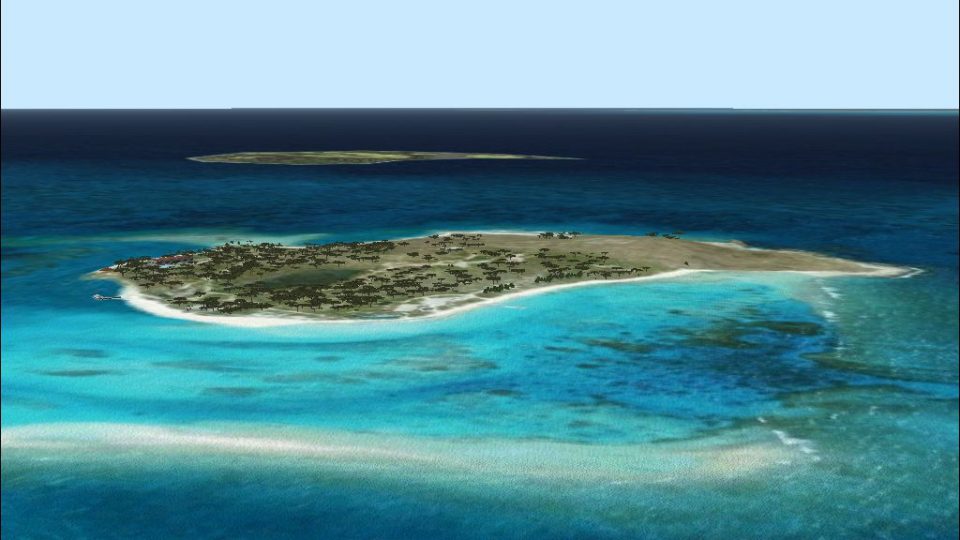
Necker Island scenery brings Sir Richard Branson’s private retreat in the British Virgin Islands to life with photoreal ground textures and accurately placed default objects, ideal for low-and-slow island hopping from nearby Tortola. Designed for Microsoft Flight Simulator X, it requires the default object library for a clean, authentic tropical backdrop.
 Rate
Rate
 Virgin Islands (British)
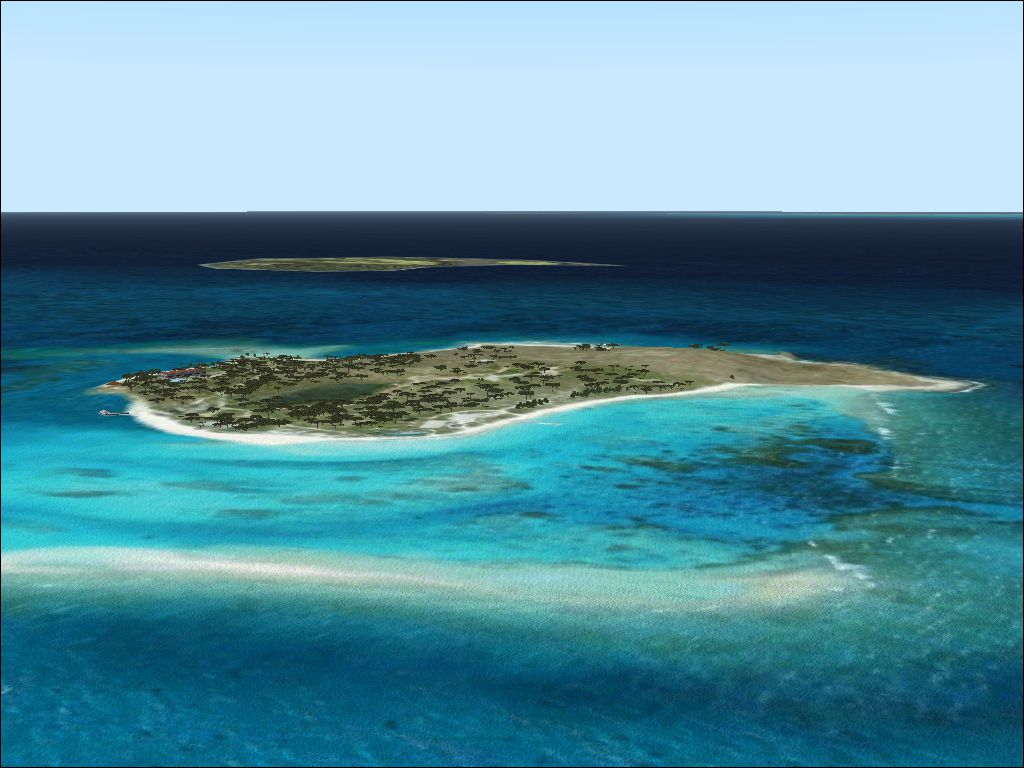
Scenery Necker Island, British Virgin Islands. This island is owned by Sir Richard Branson, the nearest Airport is Tortola Airport. By Pips Perez.
Aerial view of Necker Island.
This Island is owned by Richard Branson,the nearest Airport is Tortola Airport.
To install just copy the necker folder in to your add on scenery folder and activate via the scenery library.The scenery has been tested in FSX only,and uses defualt object library.The scenery is also photo real.
Free for all simmers · 1.56 MB · Scanned clean Oct 2026
Download speed: Free tier is capped at 0.5 Mbps. PRO members download at full line speed.
FSX\Addon Scenery\ containing scenery and texture sub-folders.readme.txt or README file. It tells you exactly where files go, what dependencies are needed, and any quirks specific to this add-on.Use these coordinates to fly directly to this location once the mod is installed.
18.54620000,-64.35850000
Launch FSX or Prepar3D and use Flights → Load to open the downloaded .pln file. Your aircraft will be positioned at this location.
The archive necker.zip has 8 files and directories contained within it.
This list displays the first 500 files in the package. If the package has more, you will need to download it to view them.
| Filename/Directory | File Date | File Size |
|---|---|---|
| Scenery | 09.29.10 | 0 B |
| necker.bgl | 09.29.10 | 965.16 kB |
| necks.bgl | 09.29.10 | 6.37 kB |
| texture | 09.28.10 | 0 B |
| Necker.jpg | 09.29.10 | 747.61 kB |
| readme.txt | 09.29.10 | 389 B |
| flyawaysimulation.txt | 10.29.13 | 959 B |
| Go to Fly Away Simulation.url | 01.22.16 | 52 B |
Only PRO members can place votes.
More FSX & P3D add-ons hand-picked based on this download.
FSX Scenery
St Barthelemy island (TFFJ) is situated in the Caribbean Sea. It's small slop…
 FSX Scenery
Island Of Saba. Includes redesign of all coasts and land class; SABA airport;…
 FSX Scenery
(Caraibes). Saint Lucia Island scenery including the correct redefinition of …
 FSX Scenery
Saba Island (TNCS). Saba island in FSX is much improved over the flat island …
 FSX Scenery
Grande Case Island, St Marteen (TFFG). This scenery is fully compatible with …
 FSX Scenery
NAS North Island (KNZY), v1.01. After a hard day of trapping it's nice to hav…
 FSX Scenery
FSX Corse Island Scenery version I. Know as Corse to the French, Corsica to t…
 FSX Scenery
Scenery Mahon/Menorca Island, Islas Baleares (Balearic Islands), Spain (LEMH)…
Be the first to leave a comment on this download.
Be the first to share your thoughts on this download.