Skip to content

MSFS · Payware aircraft · Liveries

iniBuilds T-33 Liveries for MSFS

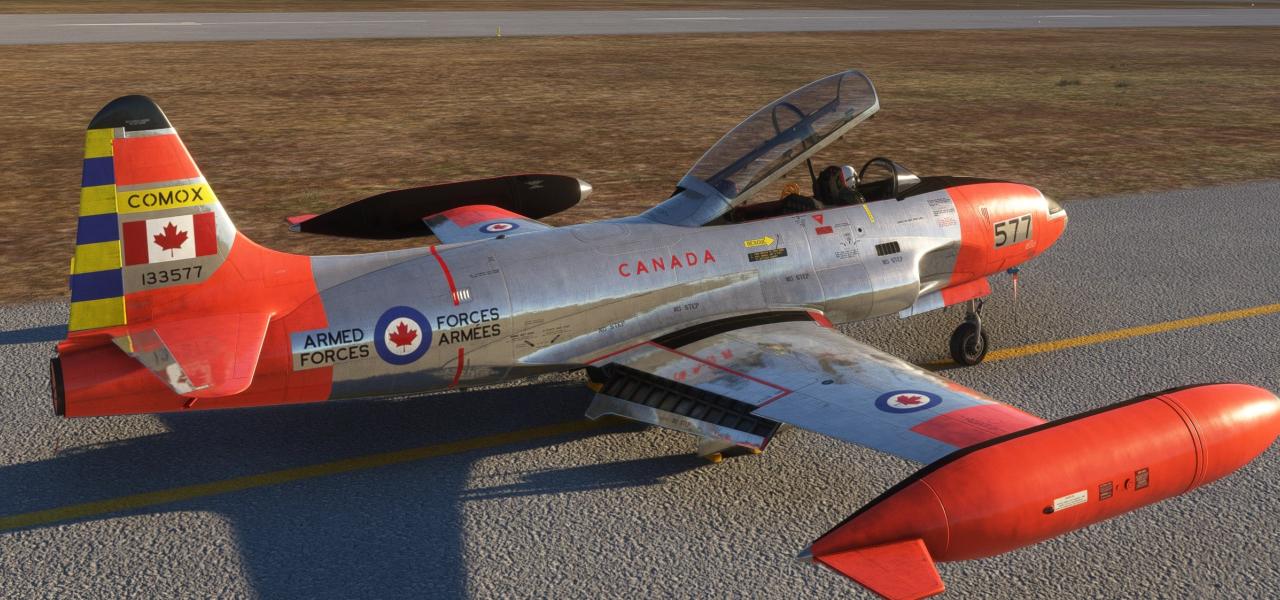
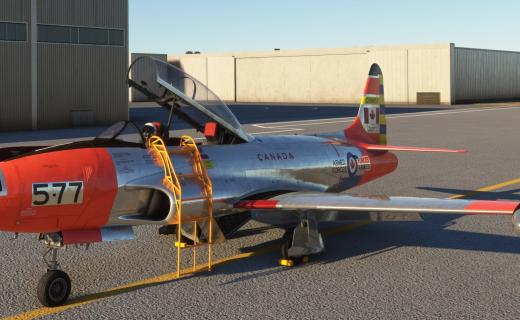
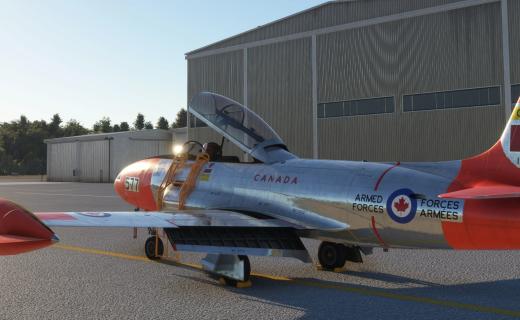
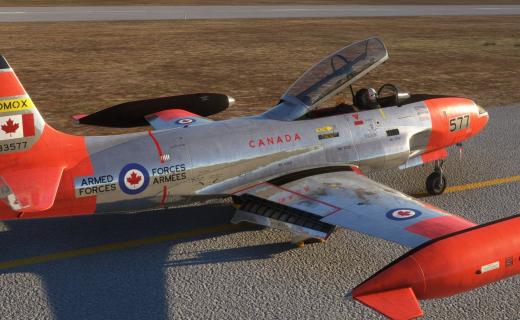
Canadian military aviation is represented here by the VU 33 scheme for Silver Star 133577. This livery gives the iniBuilds T-33 the identity of a Canadair-built member of the Shooting Star family.

1livery
1downloads
26 Nov 2026latest livery
Payware aircraftThe iniBuilds T-33 is a payware aircraft sold separately. These are free liveries for it: textures only, so the aircraft itself has to be installed first.

The iniBuilds T-33 livery

About the iniBuilds T-33

The Lockheed T-33 Shooting Star is a two-seat jet trainer developed from the single-seat P-80 fighter, retaining its straight-wing layout while adding a second cockpit for instruction. It served air forces around the world in jet training and support roles. Canadair built the Canadian Silver Star with a Rolls-Royce Nene engine rather than the Allison engine used in Lockheed-built T-33s.

The iniBuilds T-33 is a payware aircraft sold separately by its maker and must be installed before adding a livery in Microsoft Flight Simulator 2020 or 2024. The free VU 33 livery depicts Canadair T-33 Mk.3 Silver Star 133577, offering a Canadian service identity for simmers who want to fly the Shooting Star in something other than American markings.

More MSFS aircraft with liveries

Browse all 33 MSFS aircraft with liveries

iniBuilds T-33 liveries: questions and answers

Do I need to own the iniBuilds T-33 to use these liveries?

Yes. The iniBuilds T-33 is a payware aircraft that is sold separately. The liveries on this page are free, but they are textures for that aircraft and do nothing without it.

How do I install liveries for the iniBuilds T-33 in MSFS?

In most cases you unzip the download and copy the folder inside it into your Community folder, then restart the simulator; the livery then appears in the aircraft's livery list. Every listing carries the developer's own install notes, and those take priority. Our MSFS install guides cover finding the Community folder.

Do these liveries work in both MSFS 2020 and MSFS 2024?

It depends on the livery. Each listing states the simulator versions it supports, so check that line before you download.

Are the iniBuilds T-33 liveries here free?

Yes. Every livery on Fly Away Simulation is a free download and you do not need an account. More are added as developers publish them.

Can I publish my own livery for the iniBuilds T-33 here?

Yes. Developers publish through the Fly Away Simulation creator portal. Upload the livery with a few screenshots and it is listed on this page once our editors have checked it.

Fly Away Creators

Painted a livery for the iniBuilds T-33?

Publish it here. Every release is reviewed by our editors before it goes live, and you get your own dashboard to track downloads.

  • Human-reviewed, never auto-published
  • Screenshots, listing & hosting handled for you
  • Live download stats on your dashboard
Open the Creators portal

Free for freeware developers · every release reviewed by our editors