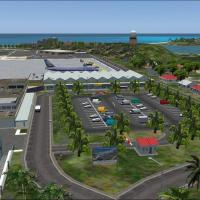

AFCAD Files
755 filesAFCAD files are the skeleton of the airport or scenery, for example parking gates and taxiways and holding point information are stored in AFCAD files. These files do …
The classic that won't die — lightweight, charming, and still actively modded.
Searches the whole library — filter by sim & category on the results page
Most-downloaded FS2004 mods over the last 7 days.
Microsoft Flight Simulator 2004 (also known as "A Century of Flight" or FS9) launched in 2003 to mark the centennial of the Wright brothers' first flight. Twenty years later, a surprising number of pilots still fire it up regularly — partly because it runs on practically anything, partly because the mod library is enormous, and partly because some users simply prefer its simpler approach over the photoreal heaviness of modern sims.
FS2004 mods are typically much smaller than their FSX or MSFS equivalents. A complete payware-quality aircraft might be 20MB instead of 2GB. That's a feature, not a bug — it means FS2004 runs smoothly even on low-end hardware or older laptops where modern sims wouldn't boot.
Pick a category to browse the full library, or jump straight to what's popular and what's new.
AFCAD files are the skeleton of the airport or scenery, for example parking gates and taxiways and holding point information are stored in AFCAD files. These files do …
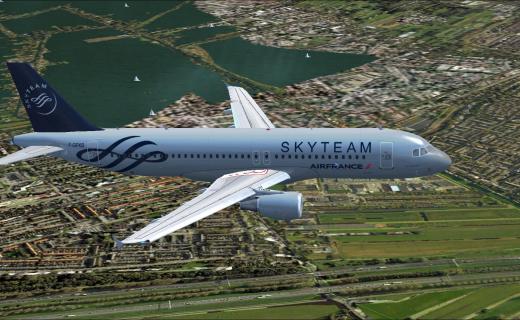
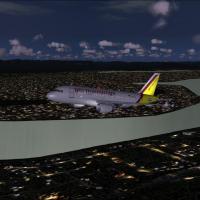
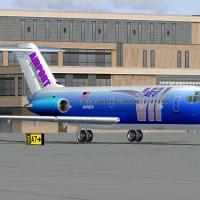
Civil Jets for Microsoft Flight Simulator 2004: A Century of Flight
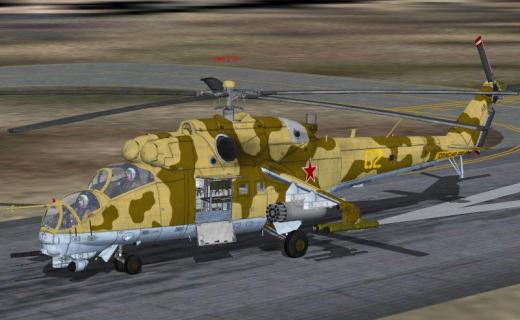
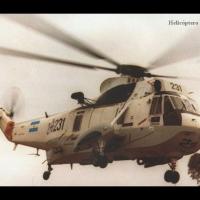
Helicopters for Microsoft Flight Simulator 2004: A Century of Flight.
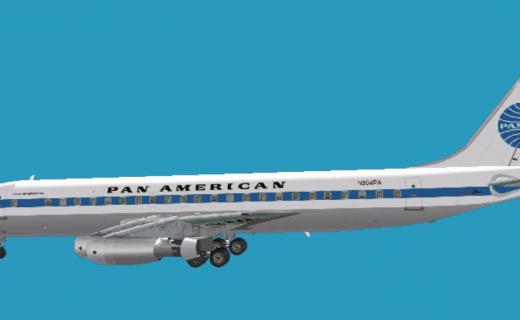
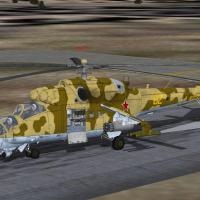
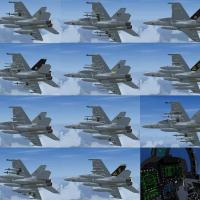
Military aircraft for Microsoft Flight Simulator 2004: A Century of Flight
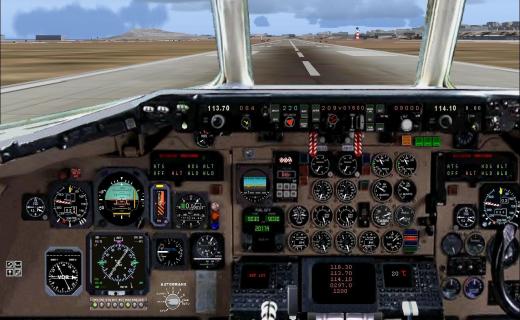
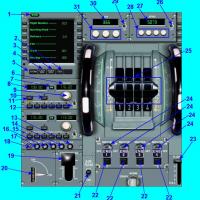
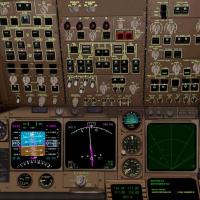
Aircraft Panels for Microsoft Flight Simulator 2004: A Century of Flight
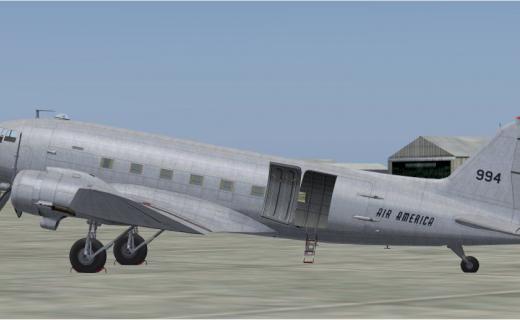
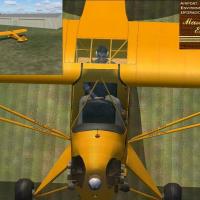
Propeller aircraft for Microsoft Flight Simulator 2004: A Century of Flight.

Scenery Addons for Microsoft Flight Simulator 2004: A Century of Flight
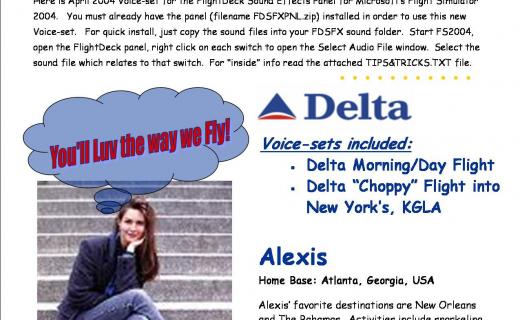
Sound files for engines, aircraft, cockpits and all other sounds for Microsoft Flight Simulator 2004.
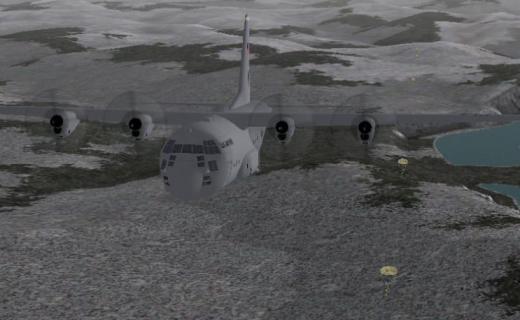
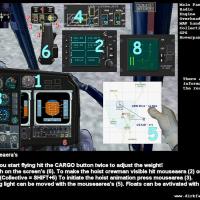
Utilities and Misc files for Microsoft Flight Simulator 2004: A century of Flight

Vintage Aircraft for Microsoft Flight Simulator 2004: A Century of Flight.
FS2004 is the flight simulator equivalent of an old reliable car — the kind your grandfather bought new, that still starts every morning. It launched in 2003. It runs on a Pentium III. And the community that grew around it is still here, still releasing files, still flying.
The big draw is AI traffic. FS2004 has the most refined AI traffic system of any Microsoft sim ever released. WoAI, MyTraffic, and a dozen other AI traffic packs turn the empty skies of vanilla FS2004 into a humming, realistic global airline network. To this day, many enthusiasts who own MSFS 2024 still maintain an FS2004 install solely for the AI traffic experience.
The other draw is accessibility. If you're new to flight simming, FS2004 is forgiving in a way modern sims aren't. The default aircraft are easy to fly. The tutorials are good. The framerate is rock solid. You can land at any airport in the world without your computer crying. It's a soft on-ramp to the hobby.
What you'll find in this section: vintage and modern aircraft (both freeware and repaints), regional scenery packs, AI traffic, weather utilities, panel updates for the default aircraft, missions, and AFCAD files for nearly every airport on earth. If you're new to FS2004 modding, start with a few aircraft and a scenery pack for your local airport — you'll be amazed how much the experience improves.
Browse mods for our other supported flight simulators.
FS2004 freeware is still being released regularly. If you're a developer, submit yours below. All files are reviewed for quality before being added to the library — we curate for our visitors.