

 FSX Turboprops
Securite Civile Beechcraft King Air 200
Securite Civile Beechcraft King Air 200, registration F-ZBFK and F-ZBFJ. Mode…
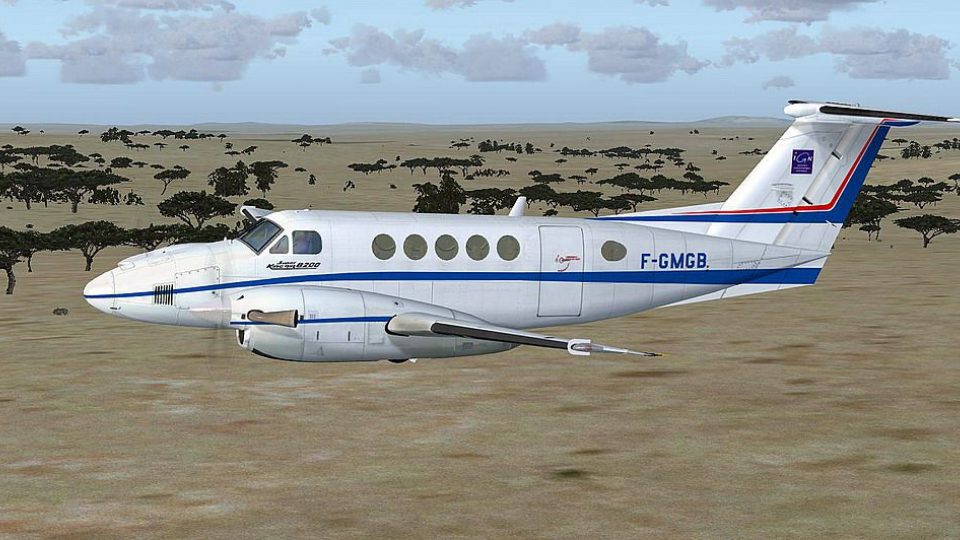
National Geographic Institut Beechcraft King Air 200 livery for FSX depicts French-registered F-GMGB with crisp markings tailored to the ISDT B200 model. It refreshes the exterior look while keeping the aircraft’s familiar handling, and optionally supports a Carenado C90 virtual cockpit setup for a more immersive cabin view.
 Rate
Rate
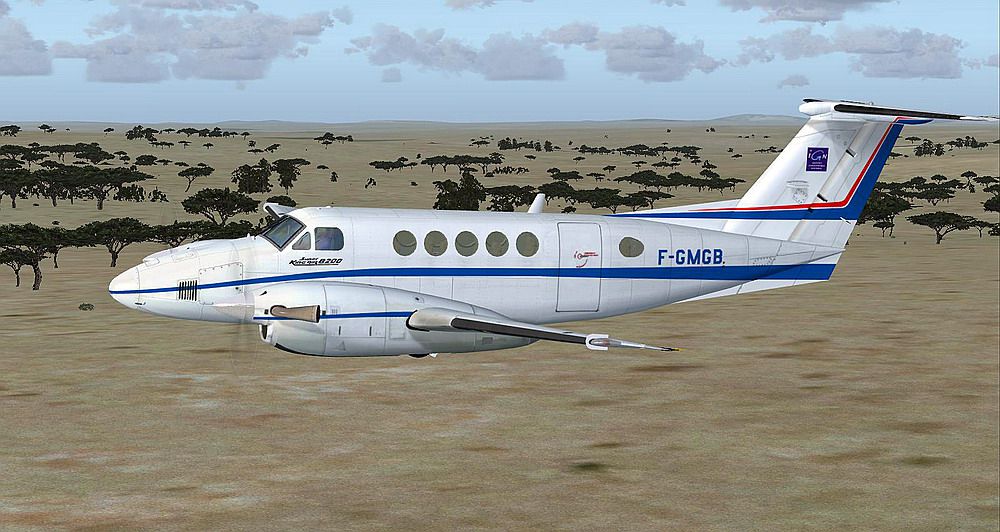
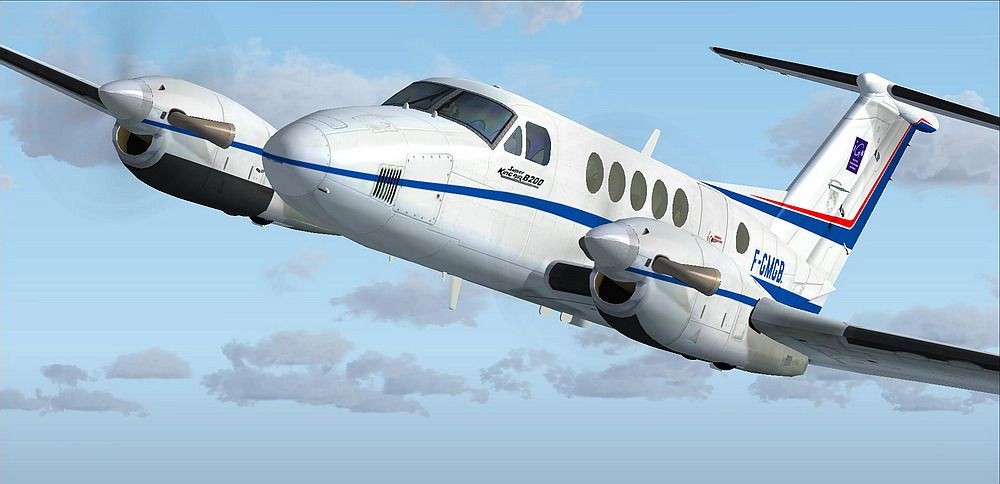
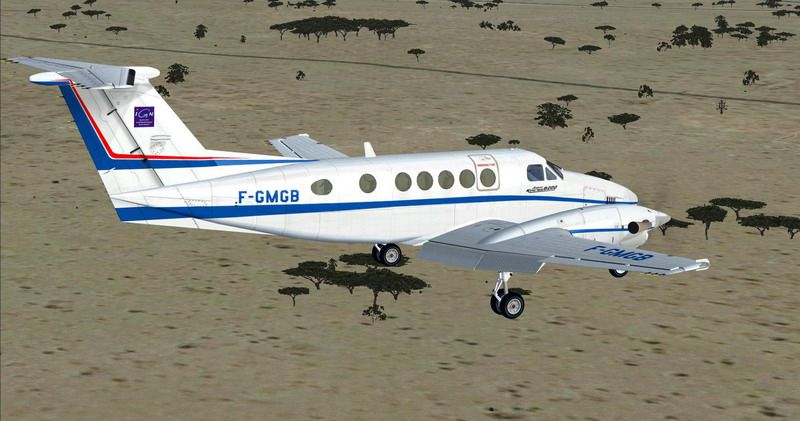
National Geographic Institut Beechcraft King Air 200, registration F-GMGB. Model by ISDT. Repaint by Martial Feron.
Screenshot of National Geographic Institut Beechcraft King Air 200 in flight.
[fltsim.XX]

	title=King Air B200 Intitut Geographique Nationale

	sim=ISDT_B200LW

	model=

	panel=

	sound=

	texture=IGN

	kb_checklists=

	kb_reference=

	atc_id_color=0xffffffffff

	atc_id=F-GMGB

	ui_manufacturer="Raytheon"

	ui_type="King Air B200"

	ui_variation="Intitut Geographique Nationale"

	ui_typerole="Light turboprop aircraft"

	ui_createdby="ISDT Design Team"

	description=ISDT Model of King Air B200 model for FSX.
There is in texture folder a file texture.cfg it is only useful if you use the 3D panel of C90 Carenado.
Optional:
1) Copy the file C90_interior.mdl and paste it into the back of the Beech Model 200.
2) Copy line: "interior=C90_interior" File model.cfg of C90 in the file model.cfg the Beech 200, save.
Example:
[models]

	normal=ISDT_B200LW

	interior=C90_interior
3) Copy the folder panel of the C90 in B200.
4) Copy the folder texture.common of C90 in B200.
5) Replace the line View eyepoint of the aircraft.cfg by:
[Views]

	eyepoint = 0.5, -1.00, 2.8
That's it, happy flying.
These texture is released as Freeware.
Martial.FERON
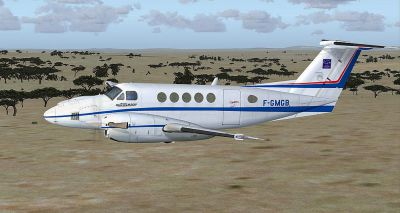
Screenshot of National Geographic Institut Beechcraft King Air 200 in flight.
Free for all simmers · 7.47 MB · Scanned clean Oct 2026
Download speed: Free tier is capped at 0.5 Mbps (this file takes approximately 2 mins at the cap). PRO members download at full line speed.
SimObjects\Airplanes\, Addon Scenery\, Effects\, or Gauges\.readme.txt or README file. It tells you exactly where files go, what dependencies are needed, and any quirks specific to this add-on.The archive isdtb2ign.zip has 26 files and directories contained within it.
This list displays the first 500 files in the package. If the package has more, you will need to download it to view them.
| Filename/Directory | File Date | File Size |
|---|---|---|
| Read me.cfg | 04.15.12 | 1.38 kB |
| screenshot2299.JPG | 09.16.09 | 97.12 kB |
| screenshot2304.JPG | 09.16.09 | 185.06 kB |
| screenshot2305.JPG | 09.16.09 | 102.50 kB |
| Texture.IGN | 04.15.12 | 0 B |
| Interior.dds | 06.18.09 | 4.00 MB |
| Left_Engine.dds | 09.16.09 | 5.33 MB |
| Left_fu.dds | 09.16.09 | 5.33 MB |
| Left_fu_LM.dds | 06.13.09 | 1.00 MB |
| Left_wing.dds | 09.16.09 | 5.33 MB |
| ns_parts.dds | 06.11.09 | 1.00 MB |
| prop_0.dds | 04.28.09 | 256.12 kB |
| prop_1.dds | 04.28.09 | 64.12 kB |
| Right_Engine.dds | 09.16.09 | 5.33 MB |
| Right_fu.dds | 09.16.09 | 5.33 MB |
| Right_fu_LM.dds | 06.11.09 | 1.00 MB |
| Right_wing.dds | 09.16.09 | 5.33 MB |
| spinner.dds | 08.01.09 | 16.12 kB |
| spinner_spec.dds | 08.01.09 | 16.12 kB |
| texture.cfg | 04.12.11 | 48 B |
| thumbnail.JPG | 09.16.09 | 102.50 kB |
| topdn_fu.dds | 09.16.09 | 5.33 MB |
| windows.dds | 06.13.09 | 256.12 kB |
| ISDTB2IGN | 04.15.12 | 0 B |
| flyawaysimulation.txt | 10.29.13 | 959 B |
| Go to Fly Away Simulation.url | 01.22.16 | 52 B |
Only PRO members can place votes.
More FSX & P3D add-ons hand-picked based on this download.
FSX Turboprops
Securite Civile Beechcraft King Air 200, registration F-ZBFK and F-ZBFJ. Mode…
 FSX Turboprops
Textures only for the default Beech King Air. By Cordero Kelly. Screenshot of…
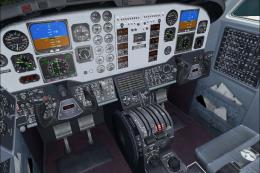 FSX Turboprops
This texture revision for the Beechcraft King Air 350 provides a direct solut…
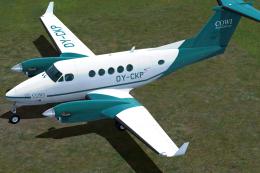 FSX Turboprops
A complete pack of over 50 freeware repaints for the payware Beechcraft King …
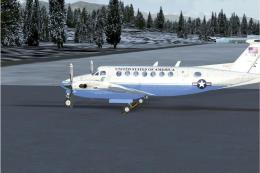 FSX Turboprops
Textures only for the default Beech King Air. A Beech 350 in State Department…
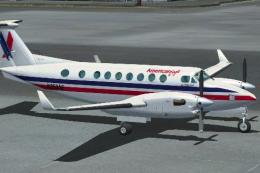 FSX Turboprops
This is fictional as American Eagle does not operate this type. By Roberto Ay…
 FSX Turboprops
This repaint is from the tribute for Microsoft Flight Simulator X. By Victor …
 FSX Turboprops
Textures only for the default Beech King Air. Repaint by Mike Lanza. Screensh…
Be the first to leave a comment on this download.
Be the first to share your thoughts on this download.