

 FS2004 Civil Jet Aircraft
Emirates Airlines Airbus A330-200
Emirates Airlines Airbus A330-200 RR, registration A6-EKZ. Model by Project O…
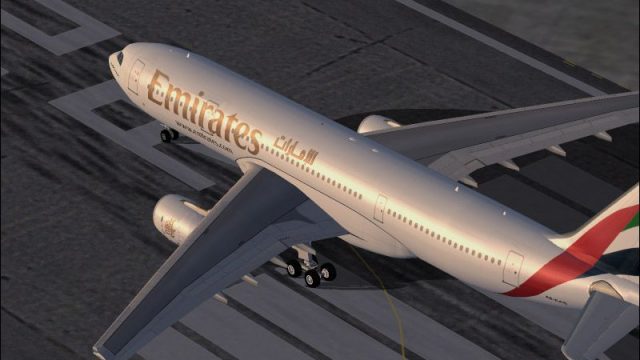
Emirates Airbus A330-200 E6-EAS brings long-range twinjet operations to FS2004 with a detailed exterior model, dynamic wing flex, articulated gear and control surfaces, thrust reversers, and refined lighting and reflective textures. A fully equipped virtual cockpit, animated doors and vents, park-mode surface droop, and tuned flight dynamics round out an authentic widebody experience.
 Rate
Rate
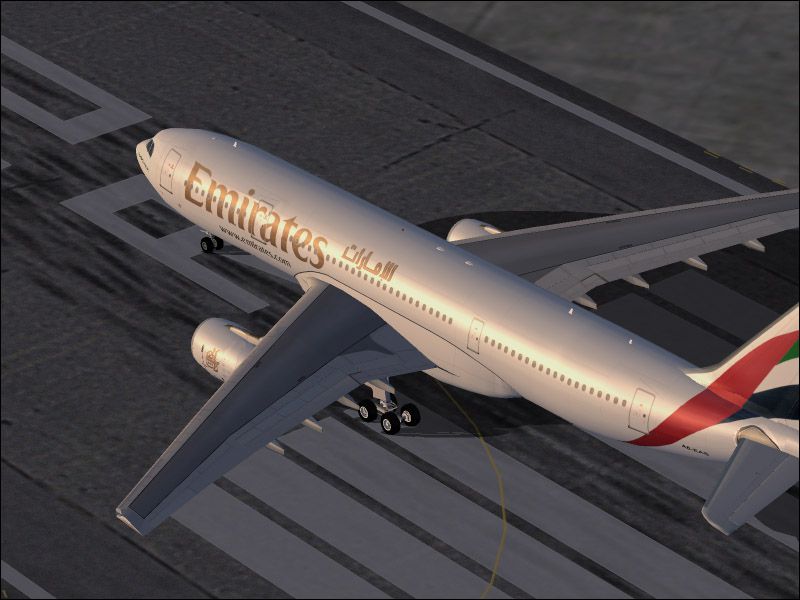
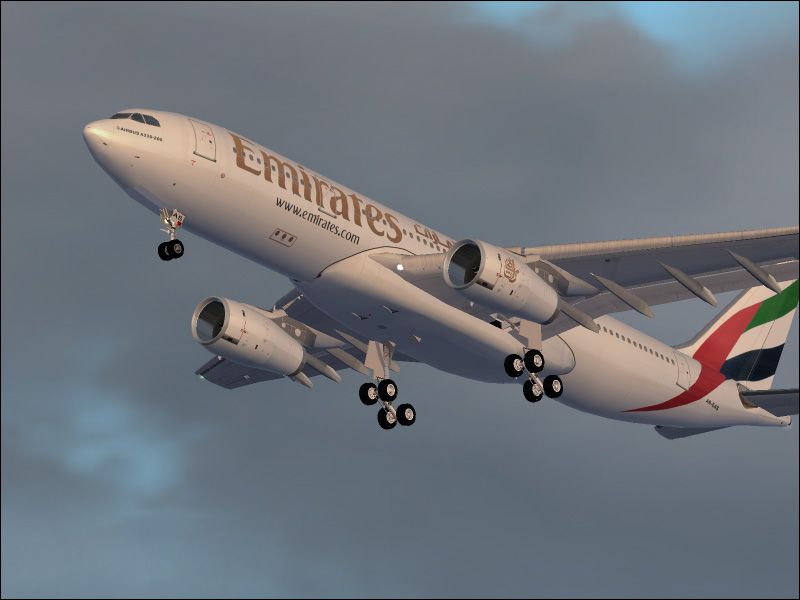
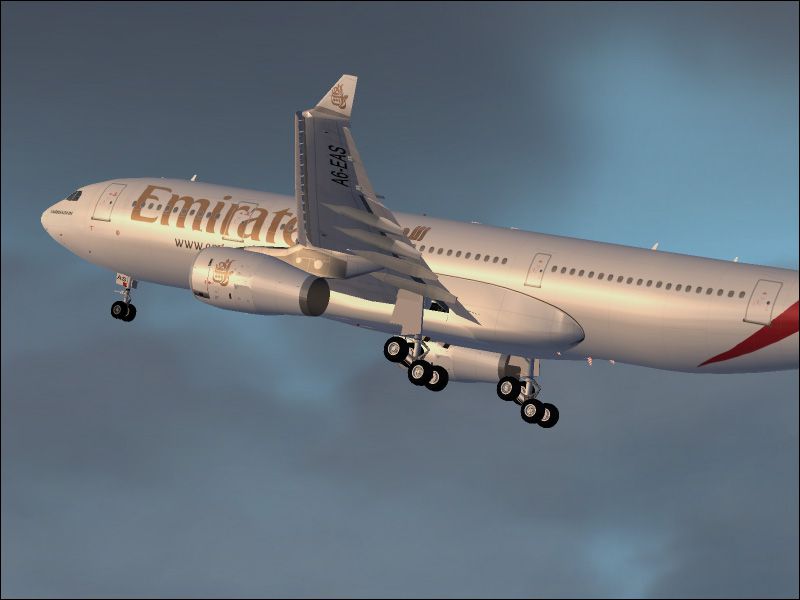
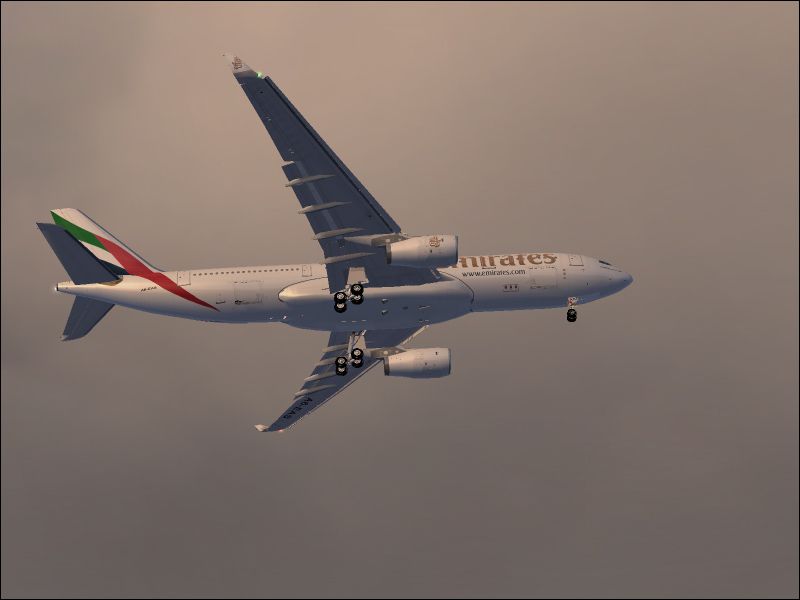
This comprehensive freeware package brings the Emirates Airbus A330-200, registration E6-EAS, straight into your virtual hangar. Developed by Project Open Sky and meticulously repainted by Dario Carbone, this release provides an immersive twin-engine configuration renowned for its efficient long-range operations. Emirates, based in Dubai, is well-known for deploying the A330-200 on regional and intercontinental routes, and this add-on captures that experience in FS2004 with high-fidelity details and sophisticated behavior.

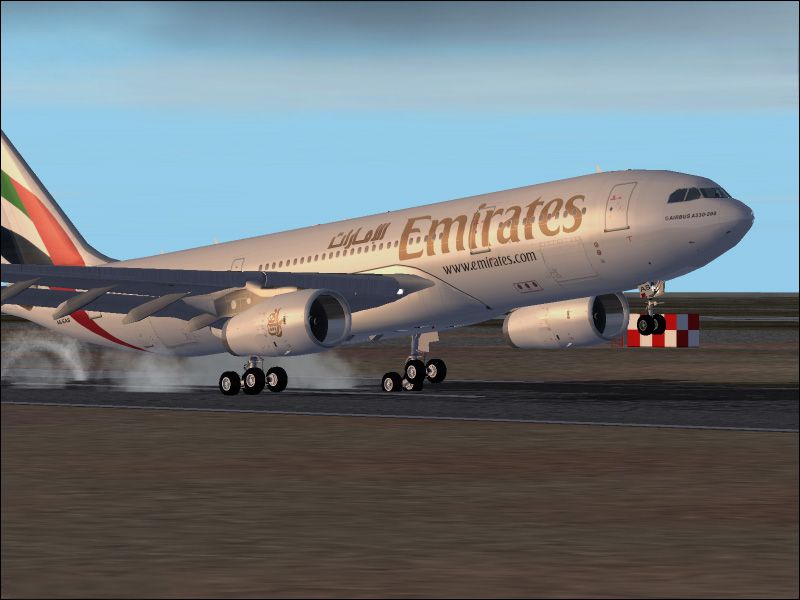
Screenshot of Emirates Airbus A330-200 landing on runway.
The Airbus A330-200 is a variant of the A330 family, featuring twin turbofan engines and extended range capabilities to cover medium to long distances. Emirates, recognized for its global network, often utilizes such wide-body aircraft for diverse routes. The distinct livery and aerodynamic enhancements in this mod replicate the airline’s configuration, delivering an authentic experience during departures, cruise, and approach phases.
To install, extract the contents of the package and place the resulting aircraft folder into the main FS2002 or FS2004 ‘Aircraft’ directory. Once installed, it will appear in your aircraft selection menu, ready for your next simulated flight to destinations reflecting Emirates’ real-world schedules.
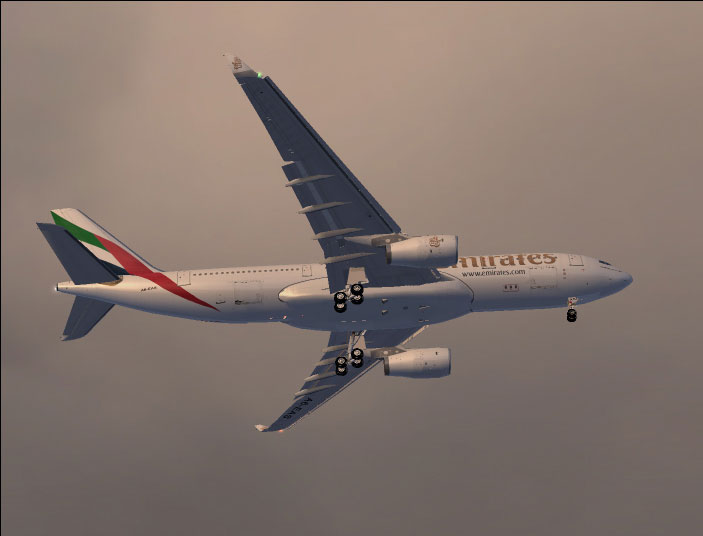
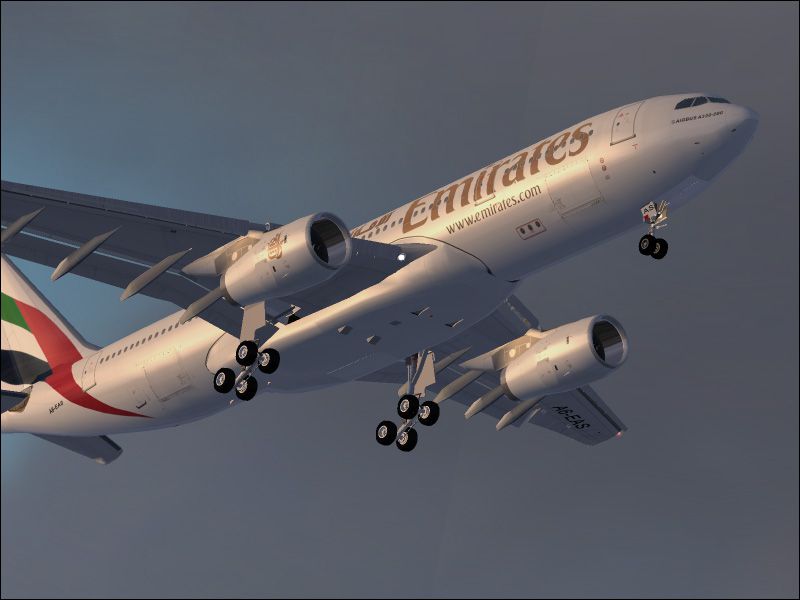
Screenshot of Emirates Airbus A330-200 in flight.
Free for all simmers · 7.68 MB · Scanned clean Oct 2026
Download speed: Free tier is capped at 0.5 Mbps (this file takes approximately 2 mins at the cap). PRO members download at full line speed.
FS9\Aircraft\, FS9\Addon Scenery\, FS9\Gauges\, or FS9\Effects\.readme.txt or README file. It tells you exactly where files go, what dependencies are needed, and any quirks specific to this add-on.The archive os332emi.zip has 60 files and directories contained within it.
This list displays the first 500 files in the package. If the package has more, you will need to download it to view them.
| Filename/Directory | File Date | File Size |
|---|---|---|
| Model.rrNOsat | 10.25.03 | 0 B |
| a332rrnosat.mdl | 10.01.03 | 1.54 MB |
| model.cfg | 09.26.03 | 145 B |
| Panel | 10.25.03 | 0 B |
| Panel.cfg | 06.03.02 | 5.54 kB |
| upper_640.bmp | 07.24.02 | 18.99 kB |
| $mfd.bmp | 06.04.02 | 3.00 MB |
| $mfdzwo.bmp | 06.07.02 | 768.05 kB |
| 737_compass.BMP | 07.24.02 | 95.51 kB |
| A_320_main.bmp | 06.01.02 | 501.05 kB |
| main_640.bmp | 07.24.02 | 196.68 kB |
| main_1024.bmp | 07.24.02 | 502.05 kB |
| main_sup.bmp | 06.01.02 | 501.05 kB |
| panel2.bmp | 06.01.02 | 601.05 kB |
| pedestal.bmp | 06.02.02 | 399.07 kB |
| upper.bmp | 06.01.02 | 768.19 kB |
| Thumbs.db | 10.25.03 | 40.50 kB |
| panelvirtual_c.bmp | 07.24.02 | 4.00 MB |
| Sound | 10.25.03 | 0 B |
| Sound.cfg | 03.18.02 | 30 B |
| A330-200-RR-Trent-772B.air | 08.23.02 | 9.77 kB |
| aircraft.cfg | 10.25.03 | 14.51 kB |
| Texture | 10.25.03 | 0 B |
| rwing_L.bmp | 10.03.03 | 256.07 kB |
| a332fuse1and2_L.bmp | 10.10.03 | 4.00 MB |
| a332fuse3and4_L.bmp | 10.09.03 | 4.00 MB |
| a332midfusev2_L.bmp | 10.09.03 | 4.00 MB |
| a332tailv2_L.bmp | 10.04.03 | 1.00 MB |
| a333v2_L.bmp | 10.03.03 | 256.07 kB |
| a333v2door_L.bmp | 10.03.03 | 256.07 kB |
| a333v2door_t.bmp | 10.03.03 | 1.00 MB |
| antenna.bmp | 06.05.03 | 256.07 kB |
| fan_t.bmp | 10.03.03 | 256.07 kB |
| gearmiscRR_L.bmp | 10.03.03 | 256.07 kB |
| lwingmain_L.bmp | 10.03.03 | 256.07 kB |
| lwingRR_L.bmp | 10.03.03 | 256.07 kB |
| misc_L.bmp | 10.03.03 | 256.07 kB |
| Thumbs.db | 10.25.03 | 89.50 kB |
| a332tailv2_t.bmp | 10.25.03 | 1.33 MB |
| gearmiscRR_t.bmp | 10.25.03 | 5.33 MB |
| lwingRR_t.bmp | 10.25.03 | 5.33 MB |
| a332fuse1and2_t.bmp | 10.25.03 | 5.33 MB |
| a332midfusev2_t.bmp | 10.25.03 | 5.33 MB |
| rwing_t.bmp | 09.11.03 | 4.00 MB |
| a333v2_t.bmp | 10.25.03 | 1.00 MB |
| lwingmain_t.bmp | 10.25.03 | 4.00 MB |
| misc_t.bmp | 10.25.03 | 4.00 MB |
| a332fuse3and4_t.bmp | 10.25.03 | 5.33 MB |
| Thumbs.db | 10.25.03 | 46.00 kB |
| Emirates 1.jpg | 10.25.03 | 123.73 kB |
| Emirates 2.jpg | 10.25.03 | 112.31 kB |
| Emirates 3.jpg | 10.25.03 | 97.39 kB |
| Emirates 4.jpg | 10.25.03 | 93.47 kB |
| Emirates 6.jpg | 10.25.03 | 111.45 kB |
| Emirates 5.jpg | 10.25.03 | 88.71 kB |
| readme_posky.txt | 09.30.03 | 2.89 kB |
| Readme.txt | 10.25.03 | 802 B |
| Opensky A330-200 Emirates | 10.25.03 | 0 B |
| flyawaysimulation.txt | 10.29.13 | 959 B |
| Go to Fly Away Simulation.url | 01.22.16 | 52 B |
Only PRO members can place votes.
More FS2004 add-ons hand-picked based on this download.
FS2004 Civil Jet Aircraft
Emirates Airlines Airbus A330-200 RR, registration A6-EKZ. Model by Project O…
 FS2004 Civil Jet Aircraft
FS2004/FSX Emirates Airbus A380-800. Emirates First A380-800 registration A6-…
 FS2004 Civil Jet Aircraft
FS2004 Emirates Airlines Airbus A380-800. Included are default panel and soun…
 FS2004 Civil Jet Aircraft
This freeware expansion offers a meticulously crafted Airbus A340-300 in Emir…
 FS2004 Civil Jet Aircraft
This freeware Emirates Airbus A380 package for Microsoft Flight Simulator 200…
 FS2004 Civil Jet Aircraft
Immerse yourself in a carefully designed Emirates Airlines Airbus A340-313X (…
 FS2004 Civil Jet Aircraft
Emirates Airbus A380-100 with dirty textures. AI traffic friendly. Textures o…
 FS2004 Civil Jet Aircraft
This freeware package brings a meticulously rendered Emirates Airlines Airbus…
Be the first to leave a comment on this download.
Be the first to share your thoughts on this download.