

 FSX Military Aircraft
German Navy Dornier Do 228
FSX German Navy Dornier Do 228. The rugged Dornier 228 can operate virtually …
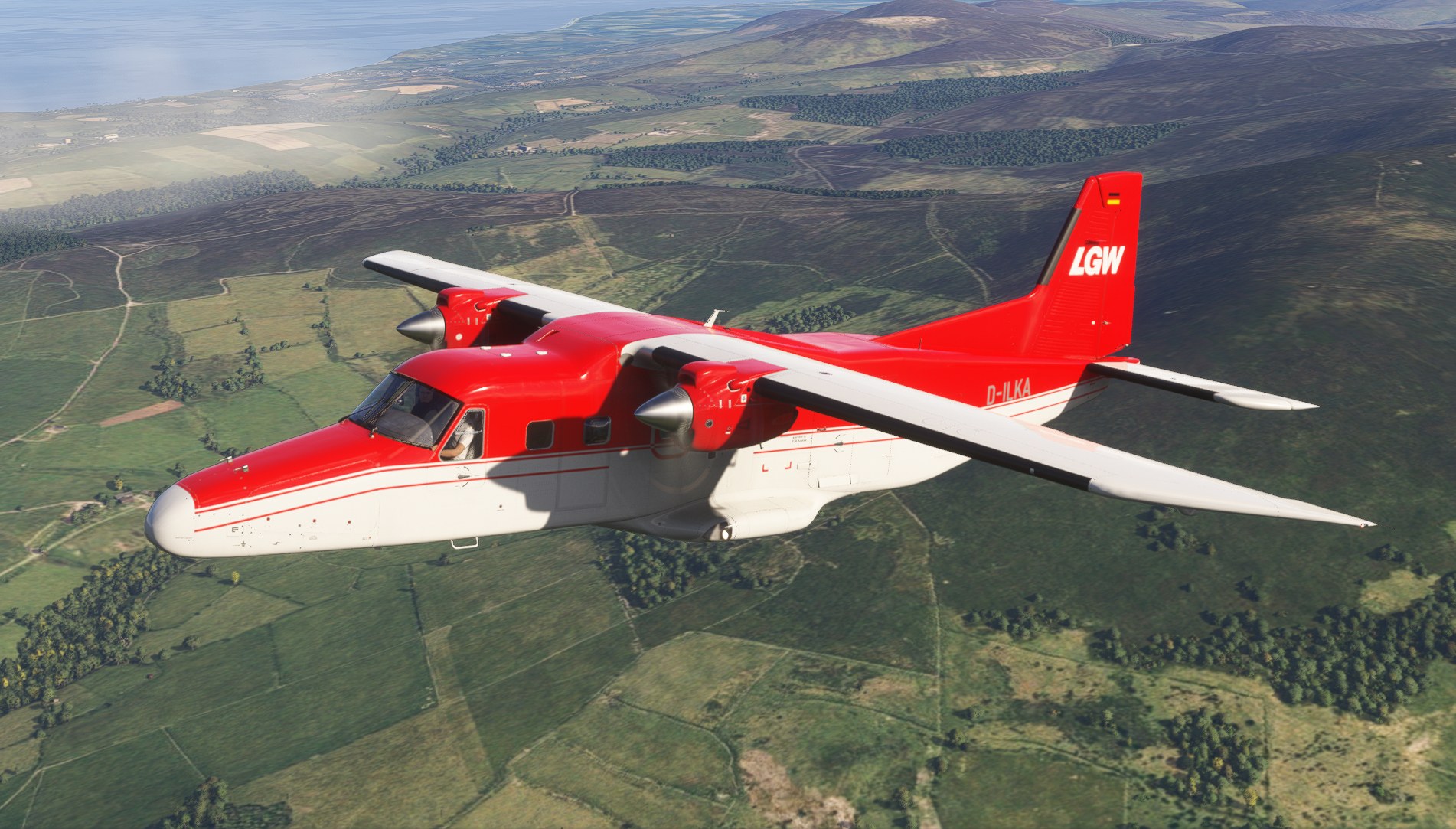
D-ILKA’s three 4K repaints recreate Manx2.com markings, their Celton Manx variation and LGW colours, with matching interiors based on the real aircraft. The repaint pack includes dedicated versions for Microsoft Flight Simulator 2020 and 2024 and requires Carenado’s Dornier Do228 charter variant, pairing each exterior scheme with an aircraft-specific cabin palette.
 Rate
 By Crispy136
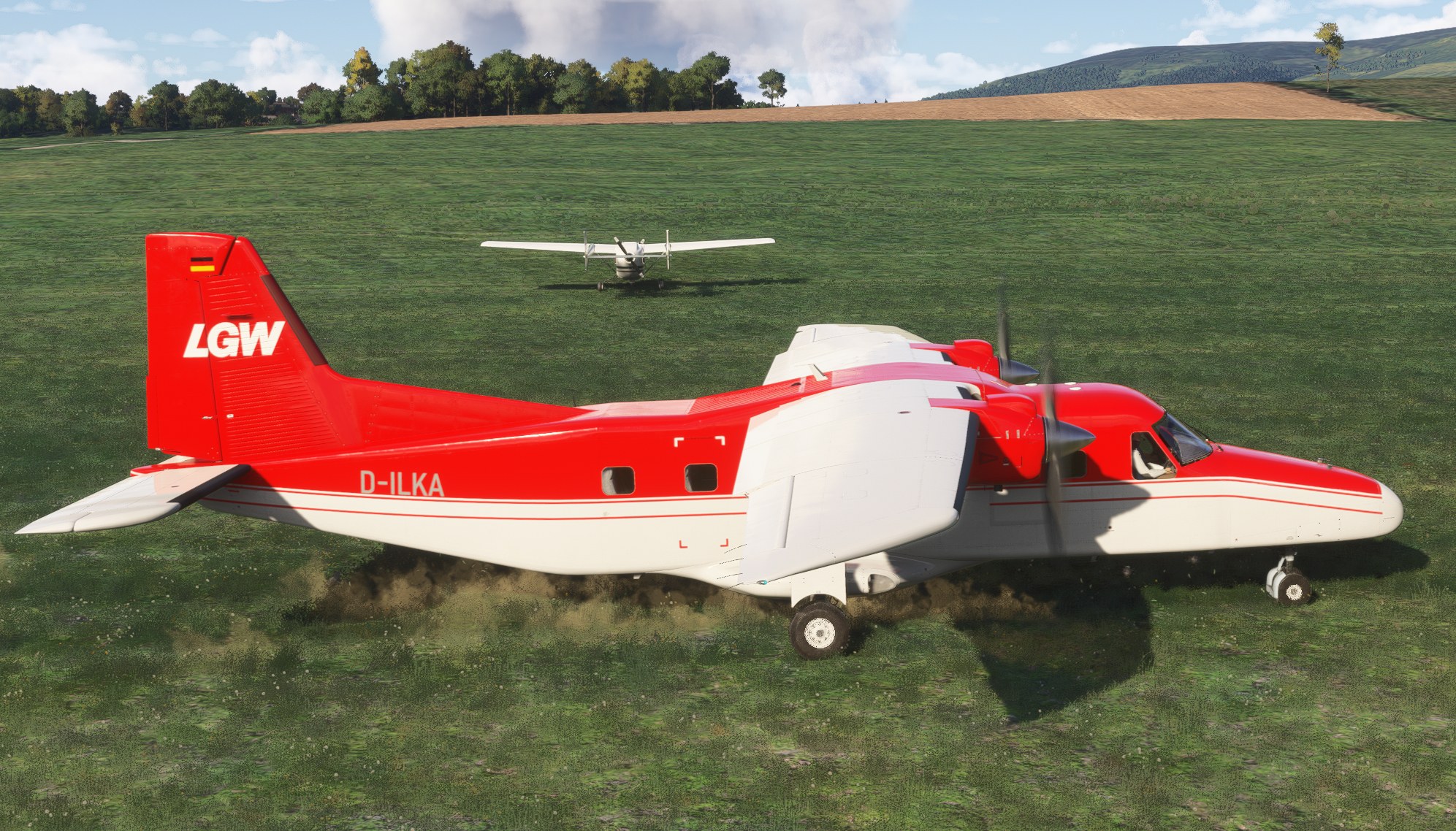
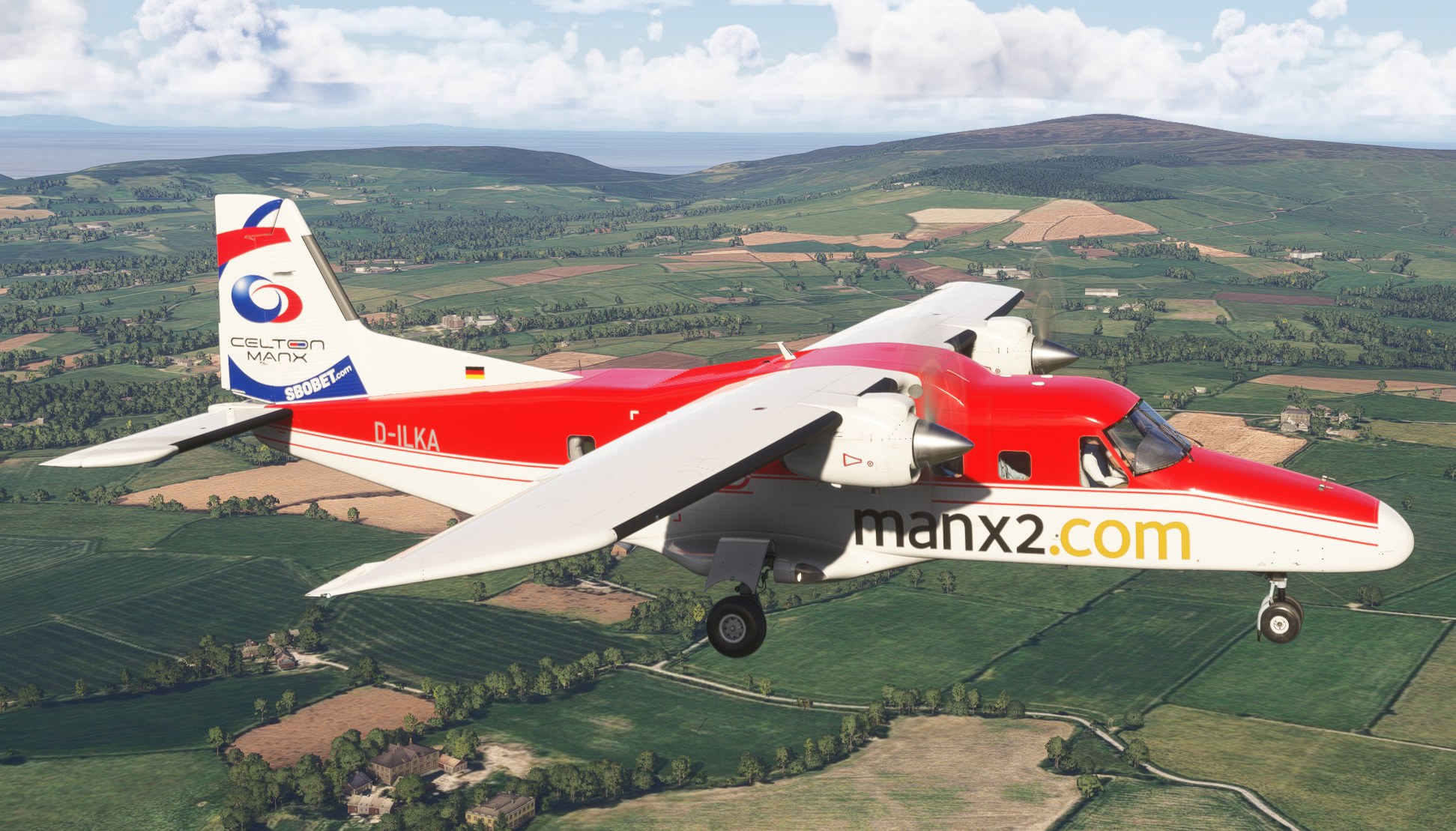
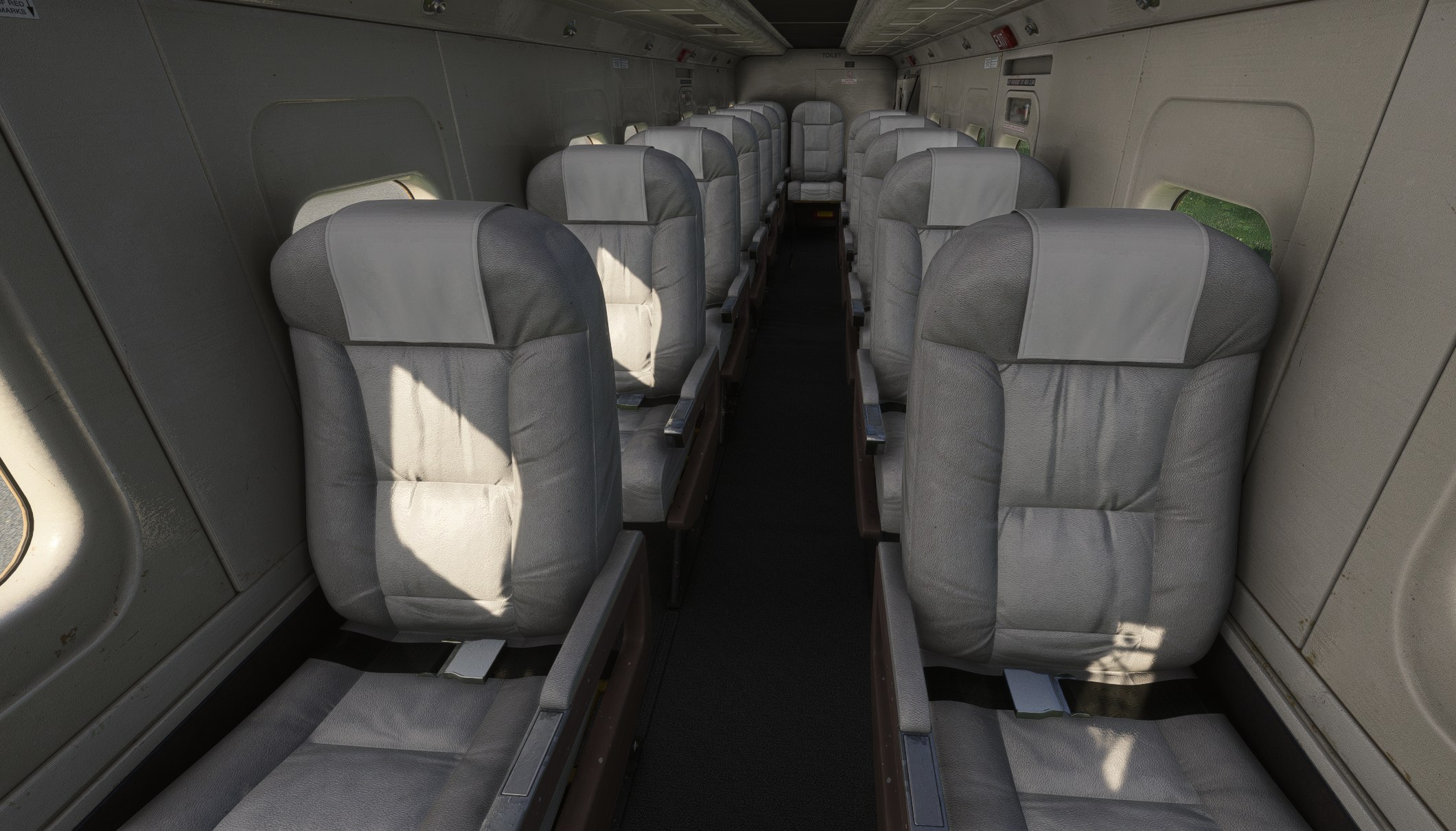
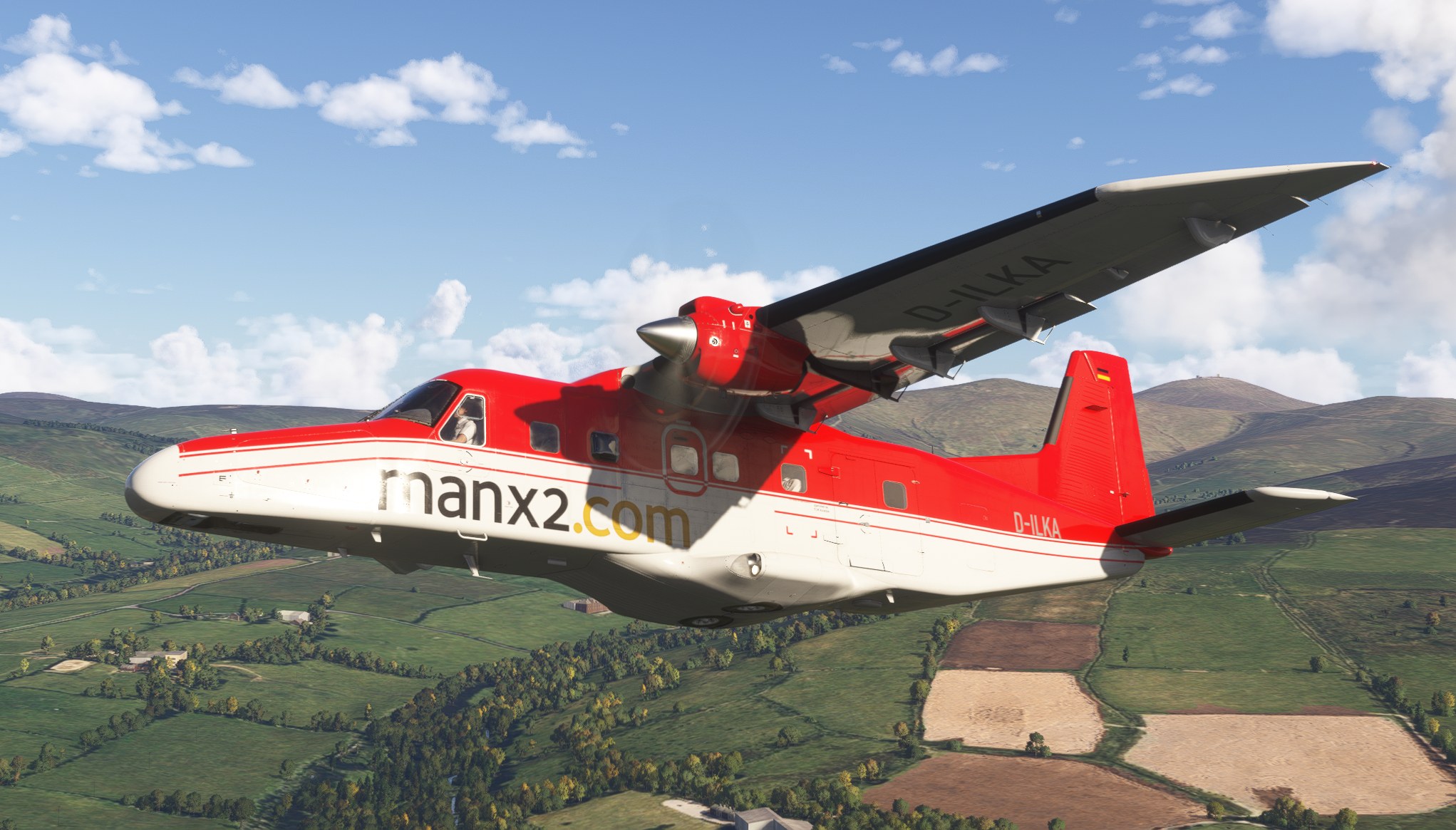

I installed the D-ILKA pack in Microsoft Flight Simulator 2024 and flew Carenado’s Do228 charter variant with the Manx2.com repaint selected. The 4K markings looked crisp in exterior views, while the aircraft-specific interior colours gave the cabin a welcome connection to the exterior. I appreciated that the work extends beyond the fuselage paint rather than leaving the interior untouched.
The selection also covers Manx2.com Celton Manx and LGW, keeping the focus on three representations of the same registered aircraft. These are cosmetic additions, not a replacement aircraft: the paid Carenado charter model remains essential. Separate 2020 and 2024 packages are supplied, and they are not interchangeable—a compatibility detail worth keeping in mind.
This freeware D-ILKA repaint pack adds three 4K liveries and matching interior colours to Carenado’s Dornier Do228 charter variant for Microsoft Flight Simulator 2020 and Microsoft Flight Simulator 2024. Created in response to a community request, it covers Manx2.com, Manx2.com Celton Manx and LGW markings. The download contains repaints only; you must purchase the Carenado aircraft separately.
The Dornier 228’s high-wing, twin-turboprop layout suits its regional transport role. Here, the repaint creator focuses on the real aircraft registered D-ILKA, offering three realistic exterior schemes for Carenado’s charter configuration:
Each option uses 4K textures, while custom interior colours match the real aircraft rather than leaving the cabin in an unrelated colour scheme. Carenado supplies the underlying aircraft model; the supplied description does not identify the community repaint author by name.
The package provides separate files for the two simulator releases. The 2020 and 2024 versions are not interchangeable, so select the folder that matches your installation:
2020 into that simulator’s Community folder.2024 into that simulator’s Community folder.The creator specifically states that you must own and install Carenado’s Do228 for MSFS 2024 to use the livery. Although the description also lists a 2020 package, it does not separately clarify that version’s aircraft requirement. Check the included Readme_Me_1st.pdf for further notes and troubleshooting guidance.
For help, send the repaint creator a private message through the site where you downloaded the package.
The creator provides these repaints free of charge. You must obtain their permission before including them in any commercial package or uploading them to another site. You use the downloaded files at your own discretion and risk, and you accept sole responsibility for any resulting damage to your computer system or loss of data.
Free for all simmers · 310.12 MB · Scanned clean Nov 2026
Download speed: Free tier is capped at 2 Mbps (this file takes approximately 22 mins at the cap). PRO members download at full line speed.
Initial release.
%LOCALAPPDATA%\Packages\Microsoft.FlightSimulator_8wekyb3d8bbwe\LocalCache\Packages\Community\. Steam version: %APPDATA%\Microsoft Flight Simulator\Packages\Community\. Tip: enable Developer Mode in MSFS to see your exact Community folder path.readme.txt or README file. It tells you exactly where files go, what dependencies are needed, and any quirks specific to this add-on.I have been creating liveries for MSFS since MSFS 2020 was first released. I cover a wide range of aircraft rather than just the big jets.
Are you Crispy136? Sign in to Fly Away Creators for download stats, comment replies and updates. Make add-ons? Publish them here.
Only PRO members can place votes.
More MSFS add-ons hand-picked based on this download.
FSX Military Aircraft
FSX German Navy Dornier Do 228. The rugged Dornier 228 can operate virtually …
 FSX Turboprops
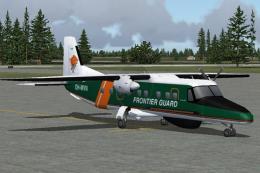
This is the AI Aardvark Dornier Do228 in the Air Marshall Islands paint made …
 FS2004 Propeller Aircraft
Models feature 6 level of details; dynamic shine; animated propellers, moving…
 FSX Historic & Vintage Aircraft
The Dornier Do X was the largest, heaviest and most powerful flying boat in t…
 FS2004 Vintage Aircraft
FS2004 Proyecto Eolo Gmax Dornier DO-X Base Package. Includes 2D panel, 3D pa…
 FSX Historic & Vintage Aircraft
Dornier Do 17 with accurate bombing from 12000 feet or 100 feet. Simulating t…
 X-Plane Civil Heavy Aircraft
The Dornier Do-28A is a two-engined four seater aircraft developed from the s…
 FSX Historic & Vintage Aircraft
This repaint is fictitious. Repaint for the Do 28 A from Craig Richardson - C…
Be the first to leave a comment on this download.
Be the first to share your thoughts on this download.