

 FSX Military Aircraft
Aero Vodochody L-39 Albatros N101PX
Aero Vodochody L-39 Albatros N101PX. The Lotussim L39 in N101PX scheme. By Ma…
The Marines-marked NX139TJ livery brings a distinctive civilian jet trainer scheme to the Aero Vodochody L-39 Albatros in Microsoft Flight Simulator 2024, with an 8K main texture for the exterior artwork. Created in response to a community request, the repaint includes the aircraft’s unusual registration lettering.
 Rate
 By Crispy136
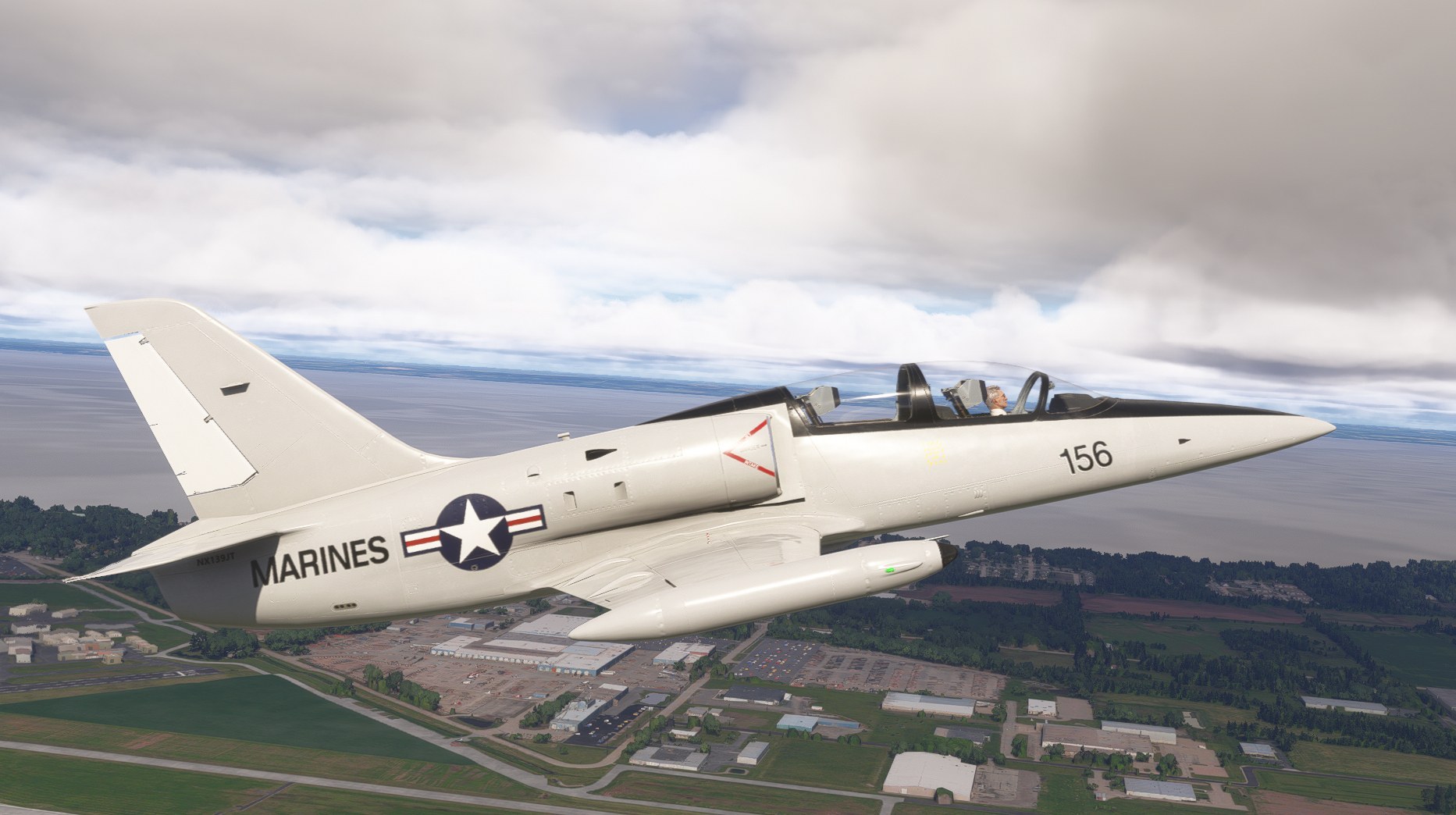
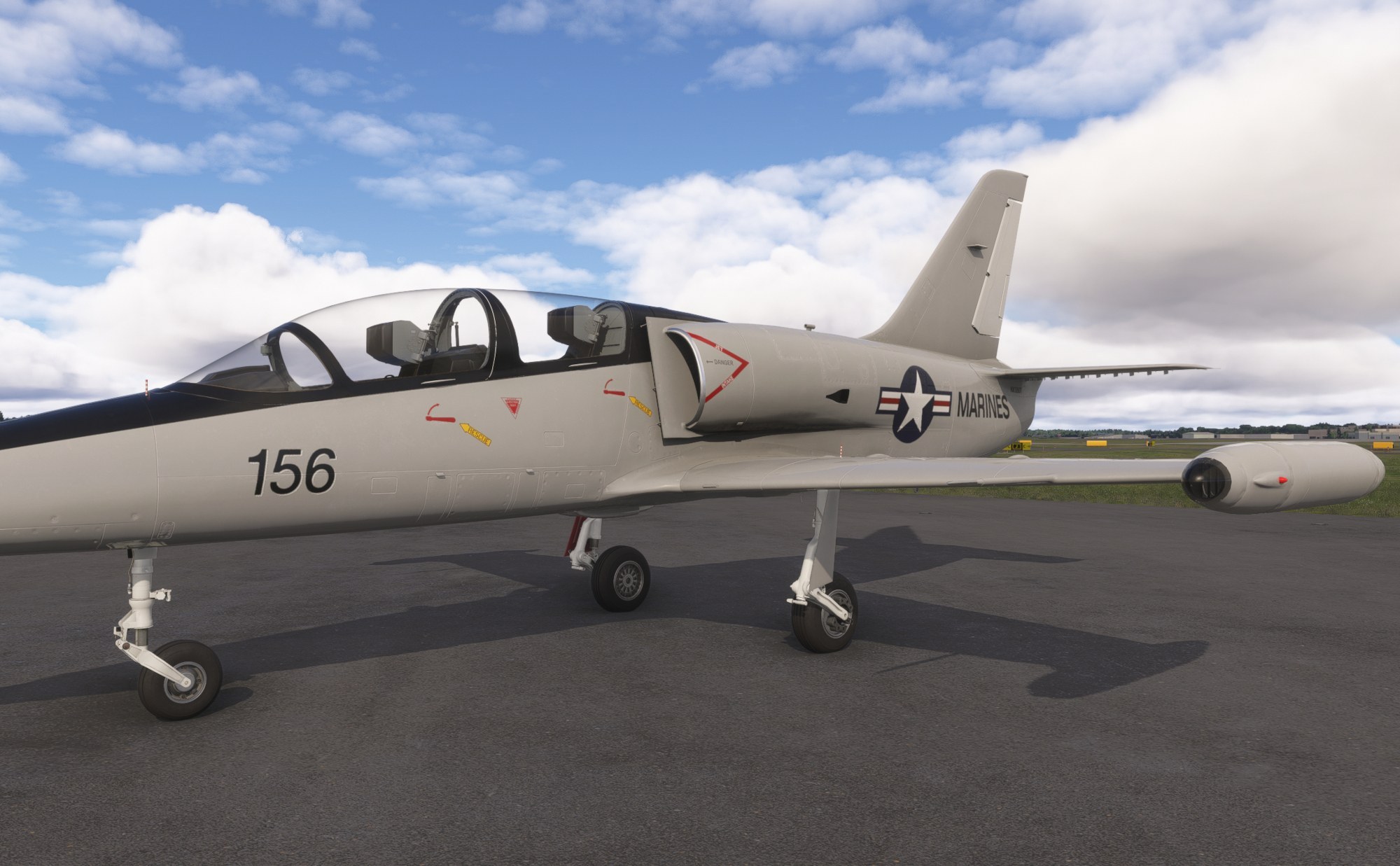
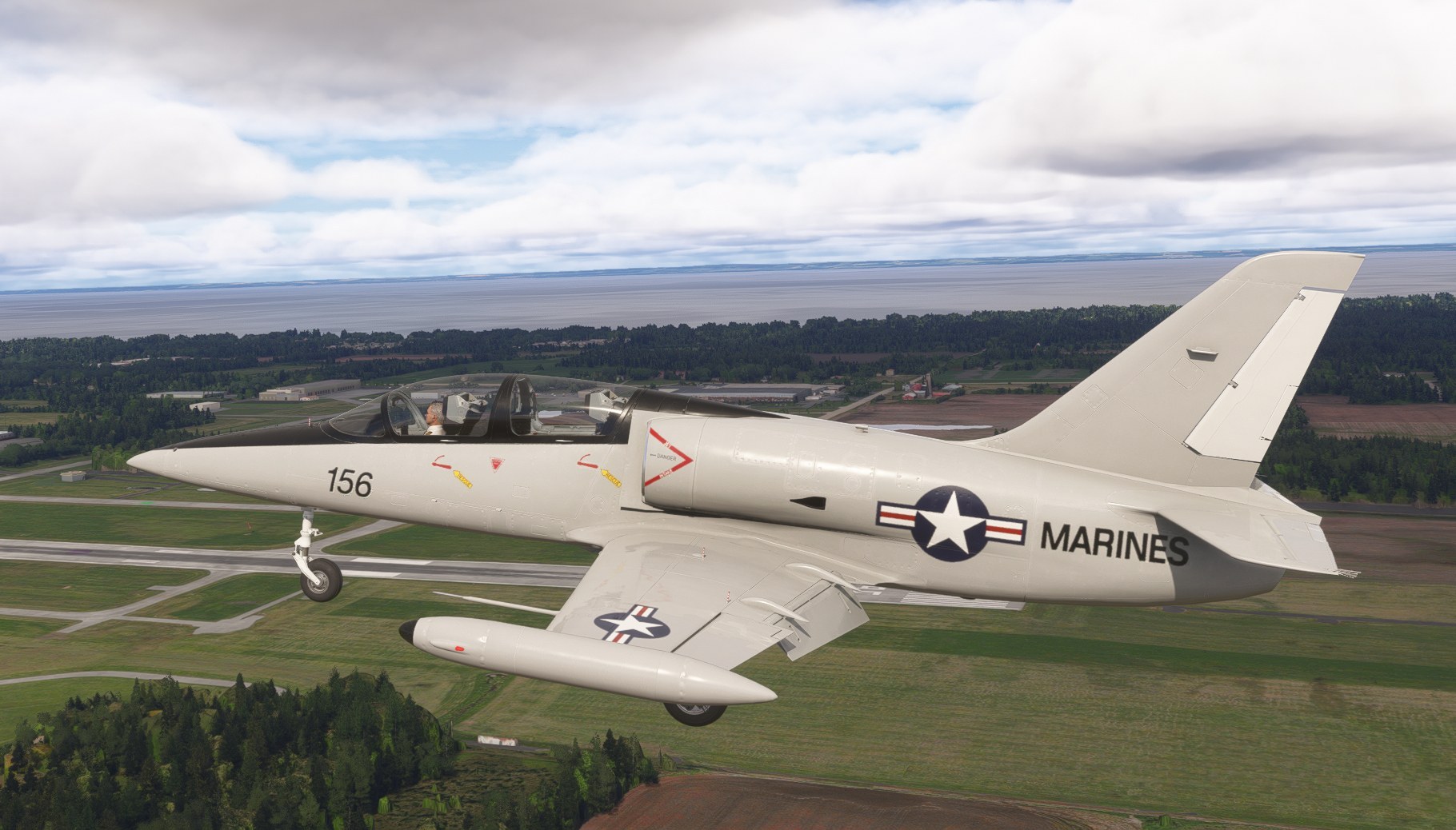

I flew the Aero Vodochody L-39 with the NX139TJ Marines repaint in Microsoft Flight Simulator 2024 and found the unusual registration a memorable part of its appearance. The 8K main texture gives the exterior artwork a crisp presentation in closer views. It depicts the NX-prefixed scheme specifically, rather than the N139TJ marking the aircraft has also carried.
I treated it as a visual alternative for the trainer, not a new aircraft package: the repaint requires the separate freeware L-39 base model. The creator acknowledges that the model’s geometry and texture mapping limit how faithfully some markings can be reproduced. That is a useful qualification for anyone comparing it with photographs; the aim is a close match within the existing model’s constraints.
This freeware Aero Vodochody L-39 repaint brings the Marines-marked NX139TJ scheme to Microsoft Flight Simulator 2024. Created in response to a community request, it supplies an 8K main texture.
Aero Vodochody developed the L-39 Albatros as a jet trainer, and examples also fly in civilian ownership. This repaint depicts NX139TJ, an aircraft that has also carried the marking N139TJ. The NX139TJ presentation includes an additional letter compared with the usual US registration format—a distinctive detail of this particular scheme.
The creator matches the aircraft’s livery as closely as the MSFS 2024 L-39’s 3D model allows. However, the model’s geometry and texture mapping constrain that match, so the repaint does not claim an exact reproduction of every marking.
The creator provides this repaint free of charge. You must obtain the creator’s permission before repurposing it for a commercial package or uploading it to any website. You use the downloaded files at your own discretion and risk, and you accept sole responsibility for any resulting damage to your computer system or loss of data.
Free for all simmers · 15.74 MB · Scanned clean Nov 2026
Download speed: Free tier is capped at 2 Mbps (this file takes approximately 1 min at the cap). PRO members download at full line speed.
%LOCALAPPDATA%\Packages\Microsoft.FlightSimulator_8wekyb3d8bbwe\LocalCache\Packages\Community\. Steam version: %APPDATA%\Microsoft Flight Simulator\Packages\Community\. Tip: enable Developer Mode in MSFS to see your exact Community folder path.readme.txt or README file. It tells you exactly where files go, what dependencies are needed, and any quirks specific to this add-on.I have been creating liveries for MSFS since MSFS 2020 was first released. I cover a wide range of aircraft rather than just the big jets.
Are you Crispy136? Sign in to Fly Away Creators for download stats, comment replies and updates. Make add-ons? Publish them here.
Only PRO members can place votes.
More MSFS add-ons hand-picked based on this download.
FSX Military Aircraft
Aero Vodochody L-39 Albatros N101PX. The Lotussim L39 in N101PX scheme. By Ma…
 FS2004 Military Aircraft
FS2004 Aero Vodochody L-159A. The L-159A ALCA is an Advanced Light Combat Air…
 FSX Military Aircraft
The L-159A is a single-seat light multi-role combat aircraft designed for a v…
 FSX Military Aircraft
This aircraft is a real world jet fighter and is owned and operated by Gareth…
 FSX Military Aircraft
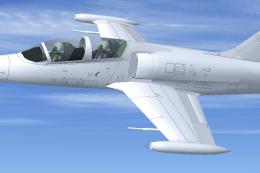
This freeware package supplies a clean white repaint of the Aero Vodochody L-…
 FSX Military Aircraft
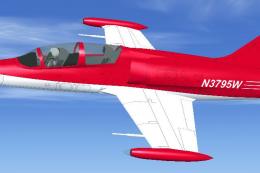
This unique repaint brings a crisp red-and-white exterior to a freeware Aero …
 FSX Military Aircraft
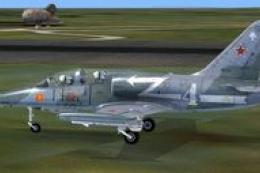
Fictitious texture files only for the Lotusim L39 Albatros in the commemorati…
 FSX Military Aircraft
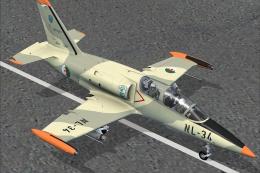
Algerian Aero L-39 Albatros. The Lotus Sim L39 Albatros - Algerian Air Force …
Be the first to leave a comment on this download.
Be the first to share your thoughts on this download.