

 MSFS Utilities & Tools
Controls/Keyboard Commands
These are the final keyboard commands for Microsoft's latest flight simulator…
Max Flight Deck Lite brings aircraft-native cockpit displays from Microsoft Flight Simulator 2024 to a tablet browser over home Wi-Fi, with touch controls for avionics and EFB maps. Automatic flight recording, landing scorecards and locally processed ATC transcripts complement account-free access without per-aircraft configuration; the utility requires Windows 10 or 11 and WebView2 Runtime.
 Rate
By Max Flight Deck
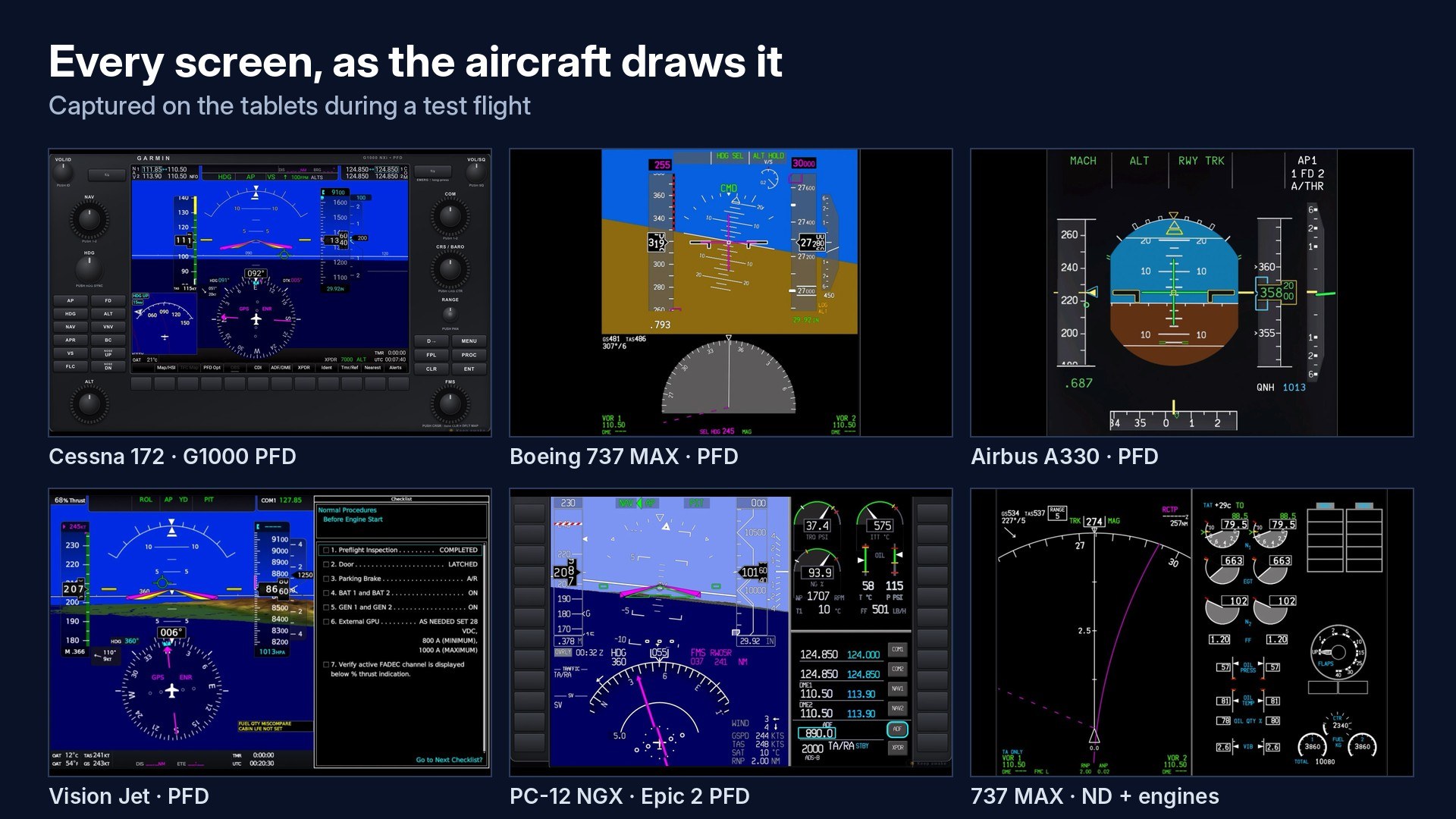
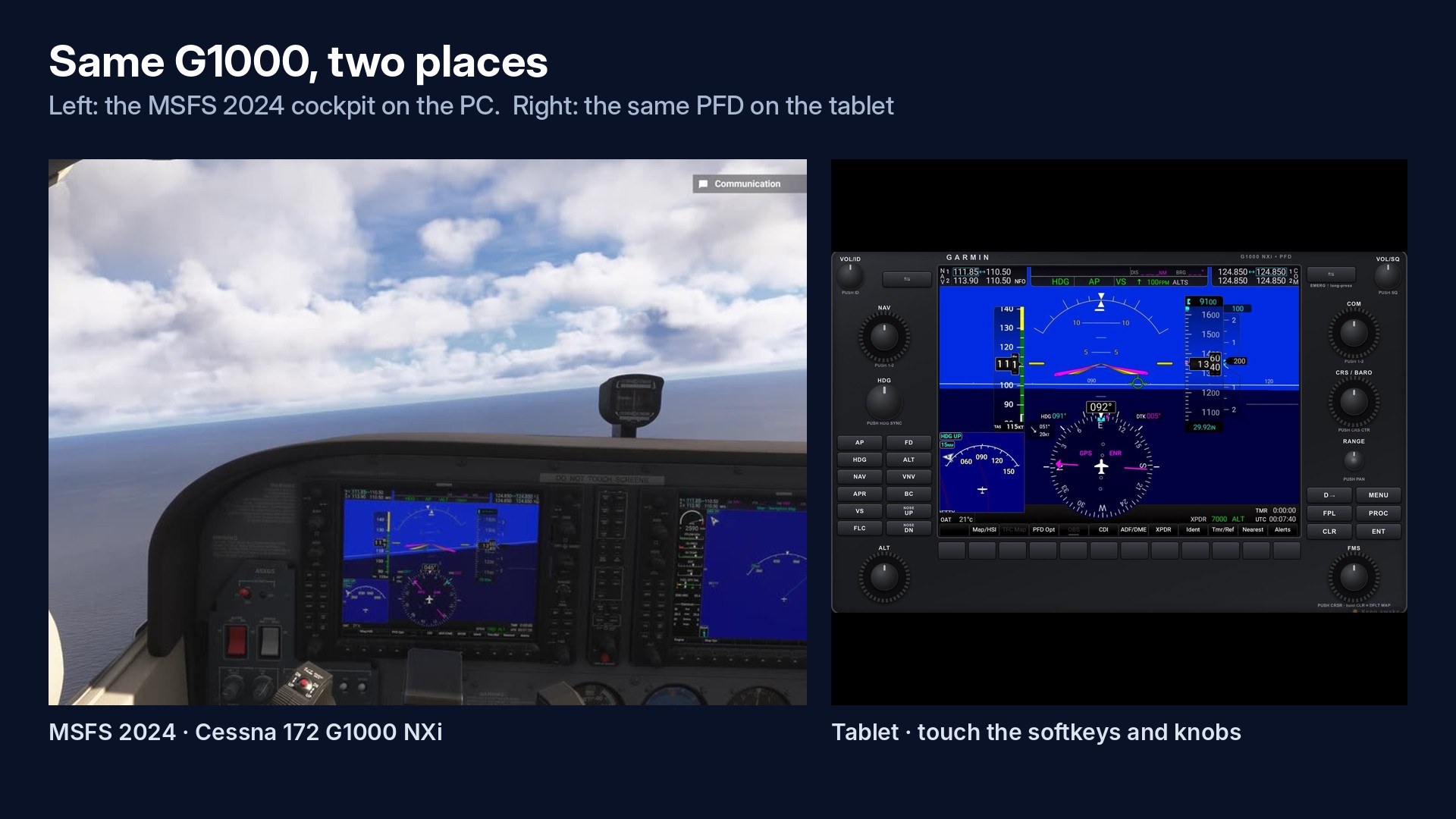
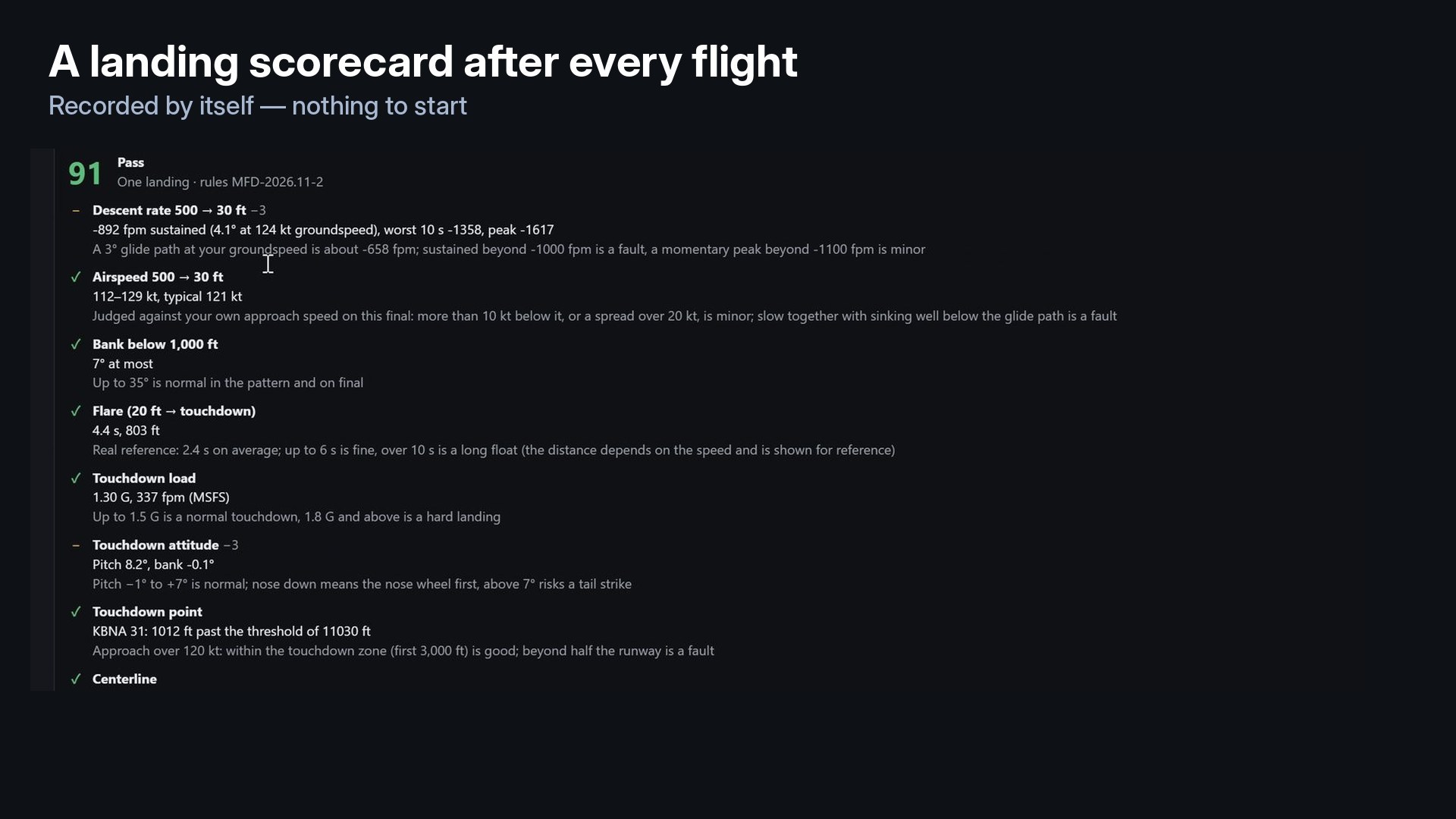

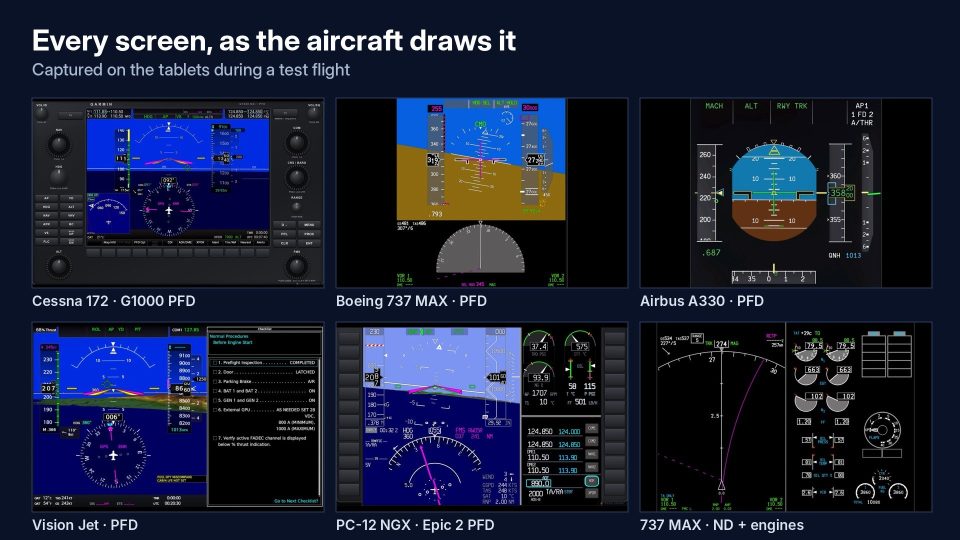
I tried Max Flight Deck Lite during a flight in Microsoft Flight Simulator 2024, and the familiar instrument presentation was its strongest point. It uses the aircraft’s actual displays rather than substitute panels, so I found the tablet view consistent with the cockpit. I also used touch gestures to pan and zoom the EFB map, a useful alternative to manipulating it with the mouse. Support extends to PFDs, MFDs, CDUs and Garmin touchscreen controllers.
Beyond the display controls, the utility automatically records flights and provides landing scorecards, while post-flight ATC transcription runs locally on the PC. The Lite edition allows only one connected tablet or browser, which limits multi-device arrangements. Compatibility outside the developer’s tested aircraft remains less certain, although using existing cockpit screens avoids separate panel configuration.
Max Flight Deck Lite is a freeware utility for Microsoft Flight Simulator 2024 that brings your aircraft’s own cockpit displays to an iPad, Android tablet or browser over home Wi-Fi. It combines touch-operated avionics with automatic flight recording, landing scorecards and a locally transcribed ATC log, without requiring an account or individual aircraft setup.
Rather than recreating instruments in a separate panel, Max Flight Deck Lite uses the screens from the aircraft you currently fly. As a result, their appearance and operation match the cockpit. Press “Pop out all” to pop out every cockpit screen and send it to your connected device.
The utility covers PFD and MFD displays (primary flight and multifunction displays), alongside the EFB (electronic flight bag), CDU (control display unit) and GTC (Garmin touchscreen controller). Touch input lets you tap buttons, hold controls, drag, and operate both inner and outer knobs. You can also pan and pinch-zoom the EFB map; your inputs control the corresponding functions in the simulator.
Max Flight Deck Lite records each flight automatically, so you do not need to remember a recording button. Afterwards, it presents a landing scorecard. Its ATC logging feature also transcribes your radio calls on your own PC after the flight.
Speech recognition runs locally. The included recognition model accounts for most of the download size.
tools folder beside the program.MaxFlightDeckLite.exe on the PC running MSFS 2024, then accept the terms at first launch.If the tablet cannot connect, select “Fix” beside Windows Firewall in the program. This step requests administrator rights once. Also check that Windows classifies your home network as “Private”.
The Max Flight Deck Lite developer tests screen output and touch controls with each release across the following aircraft:
The developer notes that other glass-cockpit aircraft usually work in the same way, though they fall outside this listed test coverage. Share the aircraft you use, ask questions or report bugs in the comments; the developer reads every comment.
The package includes whisper.cpp and the Whisper small.en model under the MIT License, together with SimConnect.dll from the Microsoft Flight Simulator 2024 SDK. Consult THIRD_PARTY_NOTICES.txt in the download for the component notices.
Free for all simmers · 181.57 MB · Scanned clean Nov 2026
Download speed: Free tier is capped at 2 Mbps (this file takes approximately 13 mins at the cap). PRO members download at full line speed.
Initial release.
%LOCALAPPDATA%\Packages\Microsoft.FlightSimulator_8wekyb3d8bbwe\LocalCache\Packages\Community\. Steam version: %APPDATA%\Microsoft Flight Simulator\Packages\Community\. Tip: enable Developer Mode in MSFS to see your exact Community folder path.readme.txt or README file. It tells you exactly where files go, what dependencies are needed, and any quirks specific to this add-on.Are you Max Flight Deck? Sign in to Fly Away Creators for download stats, comment replies and updates. Make add-ons? Publish them here.
Only PRO members can place votes.
More MSFS add-ons hand-picked based on this download.
MSFS Utilities & Tools
These are the final keyboard commands for Microsoft's latest flight simulator…
 MSFS Utilities & Tools
A stand-alone scenery library containing effects to be used in scenery creati…
 MSFS Utilities & Tools
Enhancing the realism and versatility of weather conditions in Microsoft Flig…
 FSX Misc
This four page tutorial is designed to optimize and accelerate any PC for all…
 FSX Misc
A patch to make the Abacus Flight Deck 3 carriers useable in Microsoft Flight…
 FSX Panels & Gauges
Enhance your Fokker 50 cockpit and passenger area with comprehensive texture …
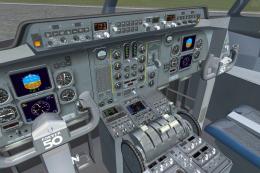 FSX Panels & Gauges
This freeware package refines both the Fokker 60 flight deck and passenger se…
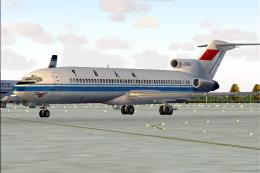 FS2004 Civil Jet Aircraft
Textures only for the Captain Sim Legendary B727 in Civil Aviation Administra…
Be the first to leave a comment on this download.
Be the first to share your thoughts on this download.