

 FS2004 Civil Jet Aircraft
Wardair Airbus A300-203 Update
Detailed and accurate model recreating the A300B4 in all its prestige. Full c…
Wardair Canada’s Boeing 747-211B C-GXRA brings an authentic 1980s charter-era widebody to Microsoft Flight Simulator 2004, pairing Project Open Sky’s detailed 747-200 V3 model with Michael Pearson’s crisp reflective textures. Expect smooth animations, realistic lighting, accurate control-surface behavior, and a convincing virtual cockpit view enhanced by reflective cockpit glazing.
 Rate
Rate
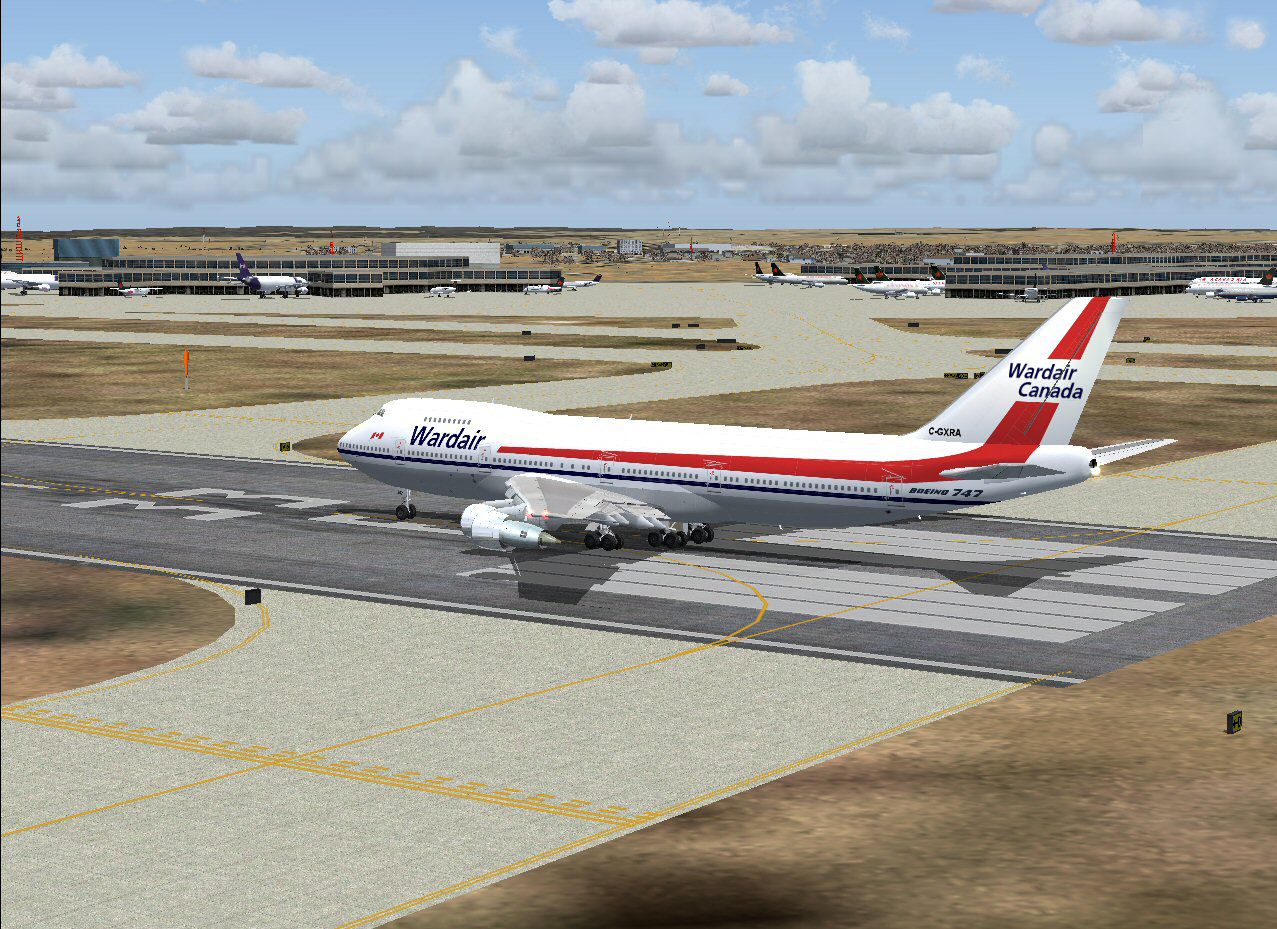
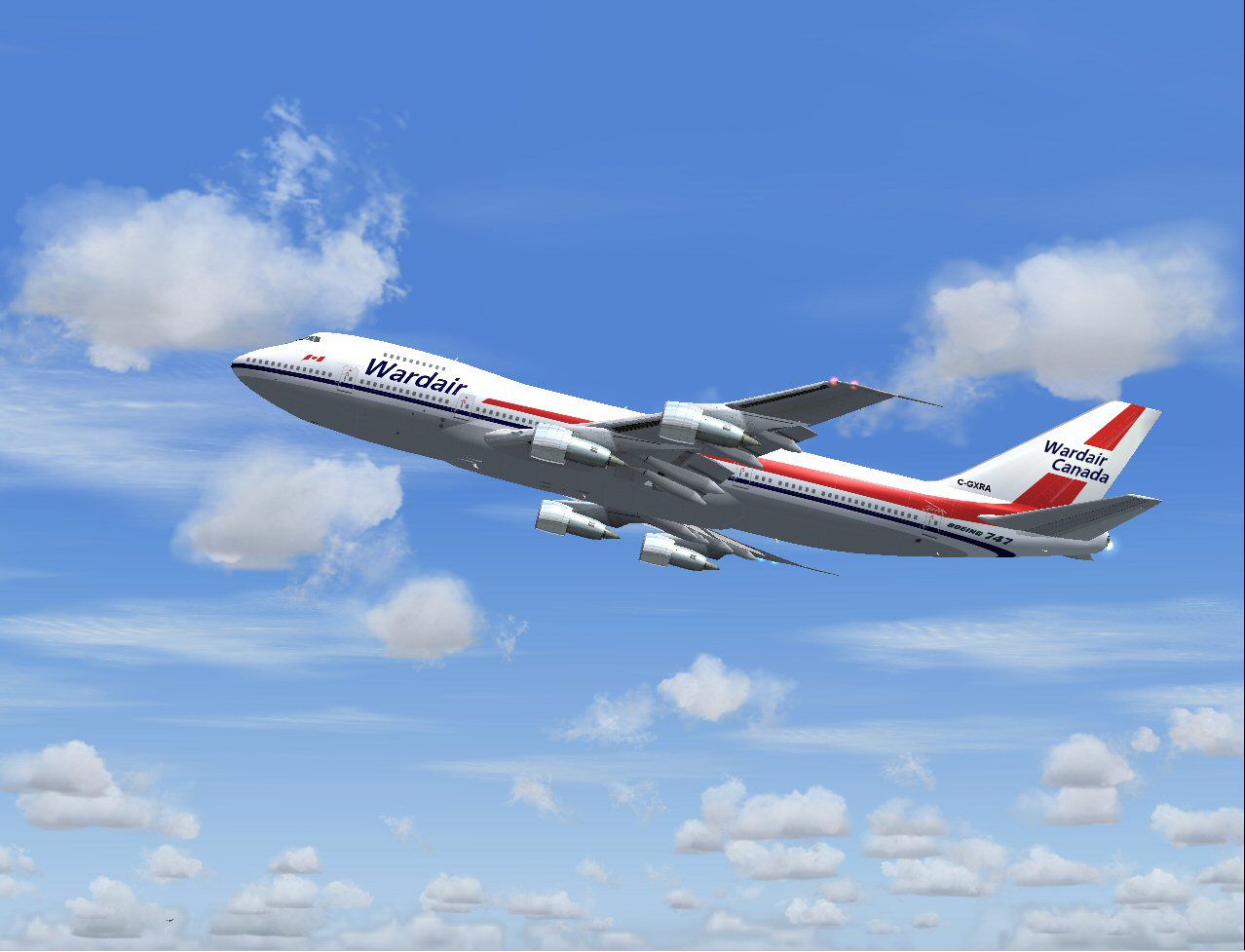
This enhanced Boeing 747-211B recreation, showcasing a Wardair Canada livery reminiscent of the 1980s Canadian charter market, offers a comprehensive package designed for Microsoft Flight Simulator 2004. It includes the fully realized base model from Project Open Sky and features textures by Michael Pearson, ensuring a refined and authentic simulation experience.
Wardair Canada maintained a notable presence in the long-haul charter scene, connecting travelers to distant locales with comfort. Their operation of the Boeing 747-211B signified a commitment to performance and reliability. This freeware creation carries that tradition forward by blending realistic visuals with historically accurate markings, allowing virtual pilots to appreciate the airline’s unique role in global travel.
Front view of the widebody jetliner displaying Wardair Canada’s distinctive scheme.
High-Detail Textures: Each component sports precisely rendered 32-bit reflective surfaces, ensuring a polished metal finish with no unwanted blur or artifacting. [Polished metal finish refers to a texture effect that simulates reflective and shiny metal surfaces.]
Advanced Animations:
Dynamic Flight Characteristics: Real pilots have tested the flight dynamics, which replicate the wing flex, spoiler function, and thrust output of a true 747-200 series aircraft. [Spoilers are wing devices deployed to reduce lift and increase drag for landing or descent.]
Lighting Innovations: Night illumination systems deliver distinct cabin, cockpit, and exterior brightness. Landing lights are clearly visible from the internal flight deck view, augmenting realism during nocturnal operations.
Cockpit Windows and Navigation Aids: Reflective cockpit glazing, transparent navigation light assemblies, and comprehensive collision modeling (crash effects) all integrate seamlessly.
Installation: Unzip the contents, then place the resulting aircraft folder into your Microsoft Flight Simulator 2004 “Aircraft” directory. This straightforward transfer ensures everything is immediately recognized by the sim.
Door and Cargo Interaction:
Shift + E to open the main door.Project Open Sky engineered this B747-200 V3 platform for maximum authenticity, while Michael Pearson meticulously applied the Wardair paintwork. Together, their efforts present a reliable, freeware widebody option that revives a historic charter icon for virtual aviation enthusiasts who seek fidelity in every detail.
Free for all simmers · 5.55 MB · Scanned clean Oct 2026
Download speed: Free tier is capped at 0.5 Mbps (this file takes approximately 2 mins at the cap). PRO members download at full line speed.
FS9\Aircraft\, FS9\Addon Scenery\, FS9\Gauges\, or FS9\Effects\.readme.txt or README file. It tells you exactly where files go, what dependencies are needed, and any quirks specific to this add-on.The archive po74ward.zip has 57 files and directories contained within it.
This list displays the first 500 files in the package. If the package has more, you will need to download it to view them.
| Filename/Directory | File Date | File Size |
|---|---|---|
| 747-100B-PW-JT9D-7R4G2.air | 02.02.04 | 9.09 kB |
| 747-200PW.air | 03.05.04 | 10.30 kB |
| Aircraft.cfg | 05.01.04 | 13.28 kB |
| effects | 05.01.04 | 0 B |
| Opensky_747_vclight.fx | 10.02.02 | 1.31 kB |
| Opensky_beacon.fx | 02.12.02 | 3.04 kB |
| Opensky_conden.fx | 10.03.02 | 3.15 kB |
| Opensky_condens.fx | 09.08.02 | 2.71 kB |
| Opensky_logo_light.fx | 10.03.02 | 1.31 kB |
| Opensky_nacelle_refl.fx | 09.29.02 | 1.29 kB |
| Opensky_nav_yellow.fx | 09.29.02 | 3.07 kB |
| Opensky_sparks.fx | 09.08.02 | 7.05 kB |
| Opensky_vortex.fx | 10.08.03 | 1.23 kB |
| Opensky_wing_light.fx | 09.29.02 | 1.31 kB |
| model.pw | 05.01.04 | 0 B |
| Model.cfg | 02.28.04 | 36 B |
| POSKY742PJT9A12B234.mdl | 03.13.04 | 1.91 MB |
| panel | 05.01.04 | 0 B |
| panel.cfg | 04.13.04 | 42 B |
| posky b742 wardair 1.jpg | 05.01.04 | 280.95 kB |
| posky b742 wardair 2.jpg | 05.01.04 | 111.74 kB |
| posky b742 wardair small.gif | 05.01.04 | 8.68 kB |
| posky b742v3 wardair readme.txt | 05.01.04 | 562 B |
| readme.txt | 03.20.04 | 3.00 kB |
| sound.pw | 05.01.04 | 0 B |
| Sound.cfg | 04.13.04 | 39 B |
| texture.wardair | 05.01.04 | 0 B |
| posky_tire1.bmp | 02.19.04 | 257.05 kB |
| posky_tire2.bmp | 02.19.04 | 257.05 kB |
| posky_tire3.bmp | 01.19.03 | 64.07 kB |
| posky742_bodyl_L.bmp | 03.20.04 | 5.33 MB |
| posky742_bodyl_t.bmp | 05.01.04 | 4.00 MB |
| posky742_bodyr_L.bmp | 03.20.04 | 5.33 MB |
| posky742_bodyr_t.bmp | 05.01.04 | 4.00 MB |
| posky742_doors_L.bmp | 01.01.03 | 1.00 MB |
| posky742_doors_t.bmp | 05.01.04 | 4.00 MB |
| posky742_eng_JT9D_L.bmp | 03.05.04 | 5.33 MB |
| posky742_eng_JT9D_t.bmp | 04.20.04 | 4.00 MB |
| posky742_gear_l.bmp | 10.14.02 | 64.07 kB |
| posky742_gear_t.bmp | 08.14.02 | 128.08 kB |
| posky742_misc_L.bmp | 01.01.03 | 1.00 MB |
| posky742_misc_t.bmp | 05.28.03 | 4.00 MB |
| posky742_pax_interior_t.bmp | 12.29.03 | 682.75 kB |
| posky742_vertical_L.bmp | 09.28.02 | 256.07 kB |
| posky742_vertical_t.bmp | 05.01.04 | 1.00 MB |
| posky742_window_L.bmp | 09.27.02 | 17.05 kB |
| posky742_window_t.bmp | 09.09.02 | 170.75 kB |
| posky742_wingbottom_L.bmp | 12.30.02 | 64.06 kB |
| posky742_wingbottom_t.bmp | 03.20.04 | 4.00 MB |
| posky742_wingtop_L.bmp | 12.31.02 | 1.00 MB |
| posky742_wingtop_t.bmp | 03.20.04 | 4.00 MB |
| posky742fan.bmp | 03.20.04 | 17.07 kB |
| posky742fanfast.bmp | 03.20.04 | 17.07 kB |
| posky747cabina1.bmp | 12.30.03 | 682.75 kB |
| Thumbs.db | 05.01.04 | 61.50 kB |
| flyawaysimulation.txt | 10.29.13 | 959 B |
| Go to Fly Away Simulation.url | 01.22.16 | 52 B |
Only PRO members can place votes.
More FS2004 add-ons hand-picked based on this download.
FS2004 Civil Jet Aircraft
Detailed and accurate model recreating the A300B4 in all its prestige. Full c…
 FS2004 Civil Jet Aircraft
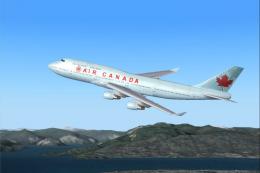
Boeing 747-400 in Air Canada's new livery, using AI Aardvark's 747-400 model,…
 FS2004 Civil Jet Aircraft
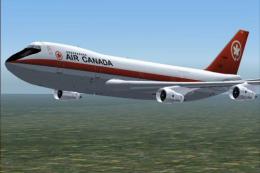
Project Opensky gmax 747-200PW Version 3 painted in 4 air canada liverys the …
 FS2004 Civil Jet Aircraft
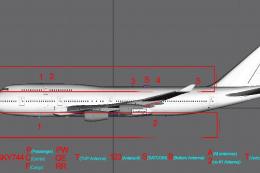
This freeware package presents an Air Canada Boeing 747-400 (C-FBLA) with a c…
 FS2004 Civil Jet Aircraft
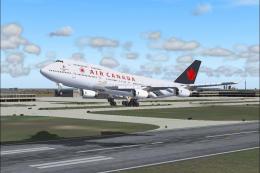
Air Canada Boeing 747-400 version III with Rolls Royce RB211-524H engines. Th…
 FS2004 Civil Jet Aircraft
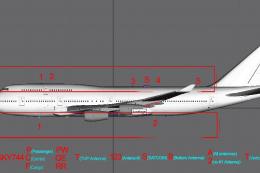
This freeware release brings you Air Canada’s Boeing 747-451, equipped with P…
 FS2004 Civil Jet Aircraft
Air Canada's classic livery, registration C-GAGB, circa 1981. This aircraft u…
 FS2004 Civil Jet Aircraft
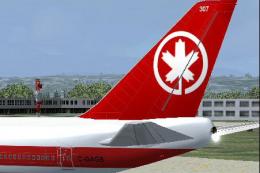
For use with PO74AC81.ZIP. This retro aircraft now has the retro maple leaf t…
Be the first to leave a comment on this download.
Be the first to share your thoughts on this download.